
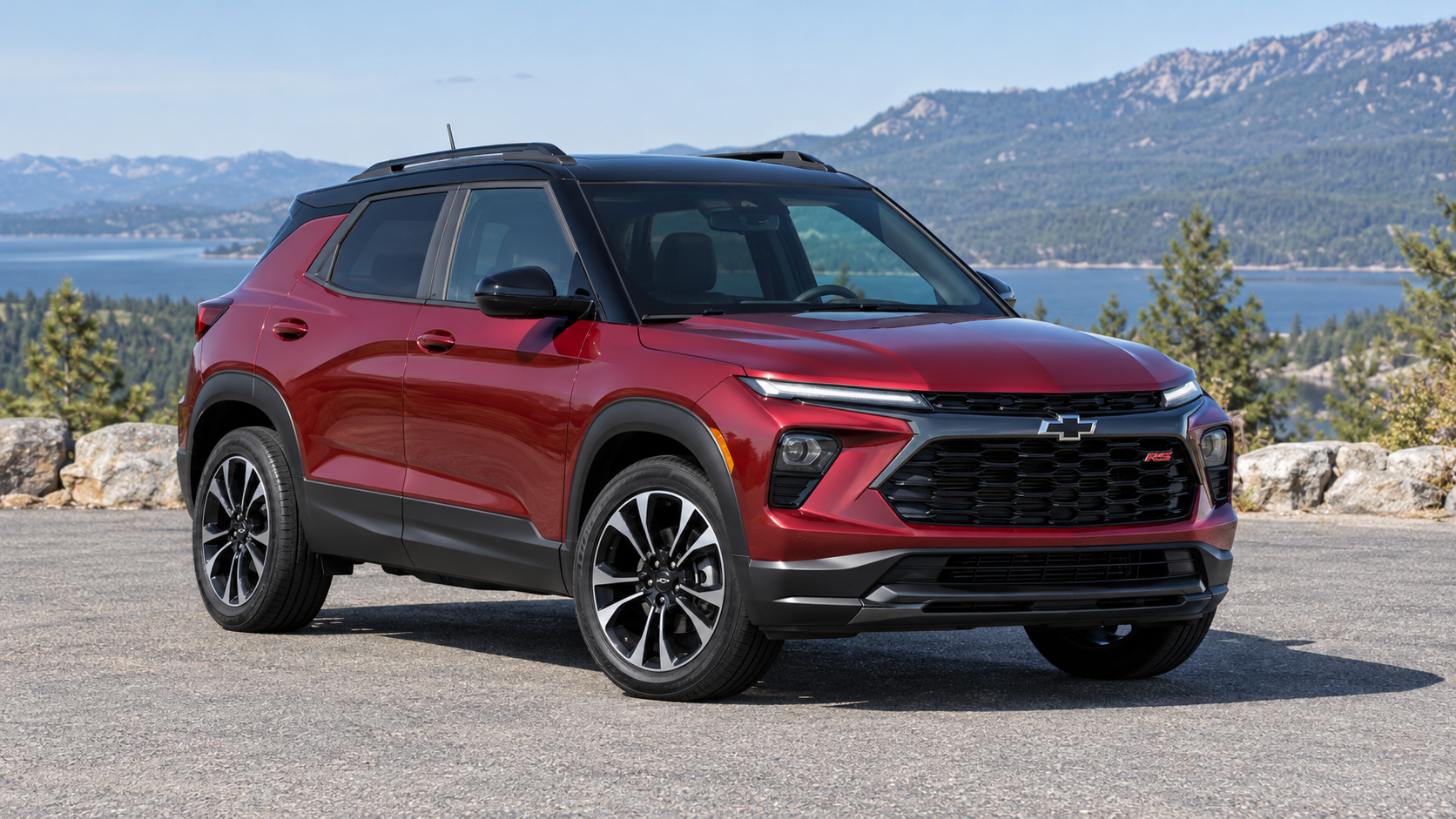
The checkered flag button on a Chevy Trailblazer activates Sport Mode. When selected, it changes the steering effort and transmission behavior to give the vehicle a sportier feel. A matching checkered flag indicator on the dashboard shows that Sport Mode is active.
This guide covers the modern U.S.-market Trailblazer crossover introduced for the 2021 model year, when equipped with Sport Mode. Equipment and available drive modes vary by model year, trim, and drivetrain.
What Does Sport Mode Change?
Chevrolet’s Trailblazer owner’s manuals describe Sport Mode as adjusting steering effort and transmission shifting. You may notice a different steering feel and a change in how the transmission responds during acceleration.
The button selects a different driving calibration; it is not a separate engine power upgrade. Chevrolet does not describe it as unlocking additional horsepower.
It also should not be confused with an adjustable suspension system. For example, the 2024 Trailblazer manual specifically identifies steering effort and transmission shifting as the changes made by Sport Mode.
How to Turn Sport Mode On and Off
- Find the checkered flag button. Look in the center-console button bank near the gear selector.
- Press the button to select Sport Mode. Check the instrument cluster for the Sport Mode indicator.
- Press it again to switch Sport Mode off. Confirm that the indicator goes out.
Chevrolet allows drive-mode changes while the vehicle is moving, so you do not need to shift into Park. Only operate the control when you can do so without taking your attention away from the road.
Is the Checkered Flag Light a Warning?
No. The checkered flag indicator simply means Sport Mode is selected. If you pressed the button intentionally, the light is expected. If you activated it accidentally, switch Sport Mode off.
A check-engine light, transmission warning, or service message is a separate issue and should be checked according to the owner’s manual.
When Should You Use Sport Mode?
Use it when you prefer a sportier steering and transmission response on suitable roads. Normal mode is the more sensible default for routine commuting, particularly when fuel economy and relaxed driving are your priorities.
Sport Mode is not the setting intended to improve traction on snow or ice. Trailblazers equipped with Snow/Ice Mode or selectable AWD have separate controls for those functions. Choose the setting appropriate for the conditions and your vehicle’s equipment.
Does Sport Mode Stay On After Restarting?
Do not assume it will. The 2022 Trailblazer owner’s manual states that modes other than Normal/FWD and AWD return to Normal/FWD when the vehicle restarts. On that model year, you need to select Sport Mode again after restarting.
For other model years, check the “Driver Mode Control” section of your own manual and confirm the selected mode using the dashboard indicator.
Does the Button Turn Off Traction Control or Auto Stop/Start?
The checkered flag button selects Sport Mode. The Trailblazer has separate controls for traction control/StabiliTrak and, when equipped, the automatic stop/start disable function. Use the control assigned to the feature you want to change.
If your only concern is an unfamiliar checkered flag on the dashboard, check whether Sport Mode has been switched on before assuming there is a fault.
Sources
- 2022 Chevrolet Trailblazer Owner’s Manual — Sport Mode Light and Driver Mode Control.
- Chevrolet: Driver Mode Control — selecting modes and changing modes while driving.
- Chevrolet: Dashboard Lights and Signals — Sport Mode indicator identification.
- Chevrolet Owner’s Manuals and Guides — find instructions for your specific model year.
Leave a Reply