

Modern Jeep Wranglers come equipped with advanced off-road technology that helps you tackle challenging terrain with confidence. The Trail Pages and Off-Road Screen provide real-time data about your vehicle’s performance and positioning when you’re away from paved roads.
These digital displays show everything from your current pitch and roll angles to transfer case status and GPS coordinates. Understanding how to access and use these features can make the difference between getting stuck and conquering that rocky trail you’ve been wanting to attempt.
What Are Trail Pages and Off-Road Screens?
The Trail Pages and Off-Road Screen are part of your Jeep Wrangler’s Uconnect infotainment system. These specialized displays give you critical information about your vehicle’s status when you’re driving off-road or navigating challenging terrain.
The system monitors various sensors throughout your Wrangler and presents the data in an easy-to-read format on your center touchscreen. You’ll see real-time updates about your vehicle’s angle, differential lock status, tire pressures, and current location coordinates.
Think of these screens as your digital co-pilot for off-road adventures. They provide the technical data you need to make informed decisions about which line to take on a trail or whether your approach angle will clear that rock obstacle ahead.
Accessing Trail Pages Through Your Uconnect Screen
Getting to your Trail Pages depends on which generation Uconnect system your Wrangler has, but the process is similar across most models. Start by turning on your vehicle and allowing the Uconnect system to fully boot up.
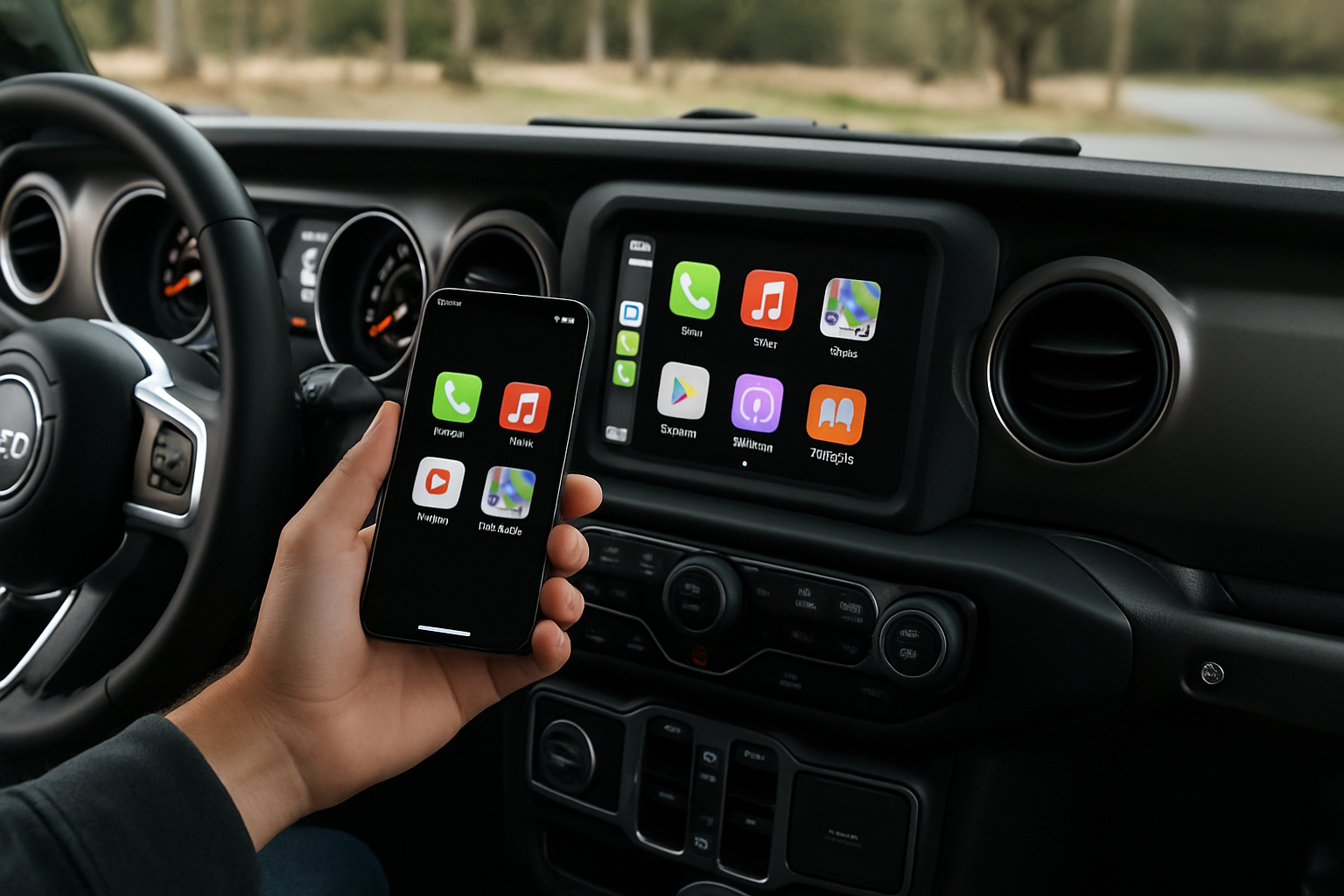
On the main Uconnect screen, look for the “Apps” icon, which typically appears as a grid of squares or dots. Tap this icon to open the applications menu. You should see various app options including Navigation, SiriusXM, and others.
Look for an icon labeled “Off-Road Pages” or “Trail Pages.” The icon usually resembles a mountain or trail symbol. Tap this icon to enter the off-road information screens.
Some newer Wrangler models include a dedicated “4×4” button or icon on the main Uconnect screen that provides direct access to these features without going through the Apps menu first.
Understanding Pitch and Roll Angle Displays
The pitch and roll displays are among the most useful features on your Trail Pages. These show your vehicle’s current angle in degrees, both front-to-back (pitch) and side-to-side (roll).
Pitch angle tells you how steep the incline or decline is that you’re currently on. Positive numbers indicate you’re going uphill, while negative numbers mean you’re heading downhill. Most Wranglers can handle pitch angles up to about 30 degrees safely.
Roll angle shows how much your vehicle is leaning to either side. This measurement is crucial when navigating side-hills or off-camber sections of trail. Keep an eye on this reading to avoid exceeding your Wrangler’s rollover threshold.
The display typically shows these angles as both numerical readouts and visual indicators. Some systems include colored zones that change from green to yellow to red as you approach more extreme angles.
Monitoring Transfer Case Information
Your Trail Pages provide real-time information about your transfer case status. This display shows which 4WD mode you’re currently in, whether you’re in 2H, 4H, or 4L.
The screen will indicate when the transfer case is actively engaged and may show a progress indicator if you’re in the process of shifting between modes. This helps confirm that your 4WD system has fully engaged before you tackle difficult terrain.
Some Wrangler models also display transfer case temperature information. If your transfer case starts running hot from extended low-speed crawling or high-stress situations, you’ll see a warning on this screen.
Pay attention to these readings during long off-road sessions. If temperatures get too high, you may need to stop and let the system cool down to prevent damage.
Checking Differential Lock Status
The differential lock display shows the status of your front and rear differentials. This screen indicates whether your diffs are open, limited slip is active, or if you have them locked (on models equipped with locking differentials).
When you engage your differential locks using the dashboard switches, you’ll see confirmation on this screen. The display typically uses icons or colored indicators to show which differentials are locked and which are open.
This information helps you understand exactly how power is being distributed to your wheels. Knowing your diff status is especially important when navigating technical obstacles where wheel placement and traction matter most.
Some models also show when the electronic limited-slip differential (eLSD) is actively working to manage traction, even if you don’t have manual diff locks.
Reading Tire Pressure Information
The tire pressure display on your Trail Pages shows individual pressure readings for all four tires. This feature uses your Wrangler’s Tire Pressure Monitoring System (TPMS) sensors to provide real-time data.
Monitoring tire pressures becomes especially important during off-road driving. You might air down your tires for better traction on sand or rocks, and this display lets you keep track of your current pressures without getting out to check manually.
The system will typically alert you if any tire pressure drops below safe levels. Different colored indicators help you quickly identify which tire might be losing air.
Remember that tire pressures will fluctuate based on temperature and driving conditions. What you see on the screen reflects the actual pressure at that moment, which may differ from your cold tire pressures.
Using GPS Coordinates and Location Data
Your Trail Pages include GPS coordinate displays that show your exact location. These coordinates appear in standard latitude and longitude format, typically displayed in degrees, minutes, and seconds.
Having access to your exact coordinates proves invaluable for several reasons. You can mark waypoints for favorite camping spots, share your location with other members of your group, or provide coordinates to emergency services if needed.
Some systems also include altitude information along with the coordinates. This data comes from your vehicle’s GPS receiver and provides another useful reference point for navigation and trip planning.
Consider writing down or photographing coordinates for key locations during your trips. You can use these coordinates later with mapping software to plan return visits or share trail information with other enthusiasts.
Additional Trail Page Features
Depending on your Wrangler’s model year and trim level, your Trail Pages may include additional features beyond the basic displays. Some models show engine and transmission temperatures, which help you monitor your powertrain during demanding off-road use.
Compass headings provide another navigation reference, especially useful when GPS signals are weak or unavailable. The digital compass typically shows both numerical heading and a traditional compass rose display.
Fuel economy information may also appear on some Trail Page configurations. While fuel economy isn’t usually a primary concern during technical off-roading, this data helps with trip planning for longer adventures.
Some systems include trip computer functions that track distance traveled, average speeds, and elapsed time since you started your off-road session.
Tips for Using Trail Pages Effectively
Position your Uconnect screen for easy viewing while driving, but don’t let it become a distraction from the trail ahead. Glance at the information during safe moments rather than constantly staring at the screen.
Take time to familiarize yourself with the Trail Pages before heading out on challenging trails. Practice accessing different screens and understanding what each display means while you’re parked in your driveway.
Use the pitch and roll information to help you understand your Wrangler’s capabilities. Over time, you’ll develop a feel for what different angles mean in terms of your vehicle’s stability and safety margins.
Consider taking photos of your Trail Pages during significant moments of your trips. These screenshots can help you remember specific locations or document challenging obstacles you’ve overcome.
Troubleshooting Common Issues
If your Trail Pages aren’t displaying properly, start by checking that your Uconnect system software is up to date. Outdated software can cause display issues or missing features.
Inaccurate tire pressure readings often indicate TPMS sensor problems. If one tire consistently shows different readings than what you measure manually, that sensor may need replacement or reprogramming.
GPS coordinate accuracy depends on satellite reception. If your coordinates seem incorrect, try moving to an area with better sky visibility or waiting for the system to acquire more satellite signals.
Some Trail Page features may not work properly if your vehicle’s computer systems haven’t fully initialized. Allow a few minutes after starting your Jeep before relying on all the displayed information.
Making the Most of Your Off-Road Technology
Your Jeep Wrangler’s Trail Pages and Off-Road Screen represent sophisticated technology designed to enhance your off-road capabilities. These tools provide valuable real-time data that can improve both your safety and success on challenging terrain.
Remember that while this technology is helpful, it doesn’t replace good judgment and proper off-road driving techniques. Use the Trail Pages as additional information to support your decision-making rather than relying on them exclusively.
Practice using these features regularly, even on mild trails or during casual off-road driving. The more comfortable you become with accessing and interpreting the information, the more useful these tools will be when you really need them on demanding trails.


Leave a Reply