
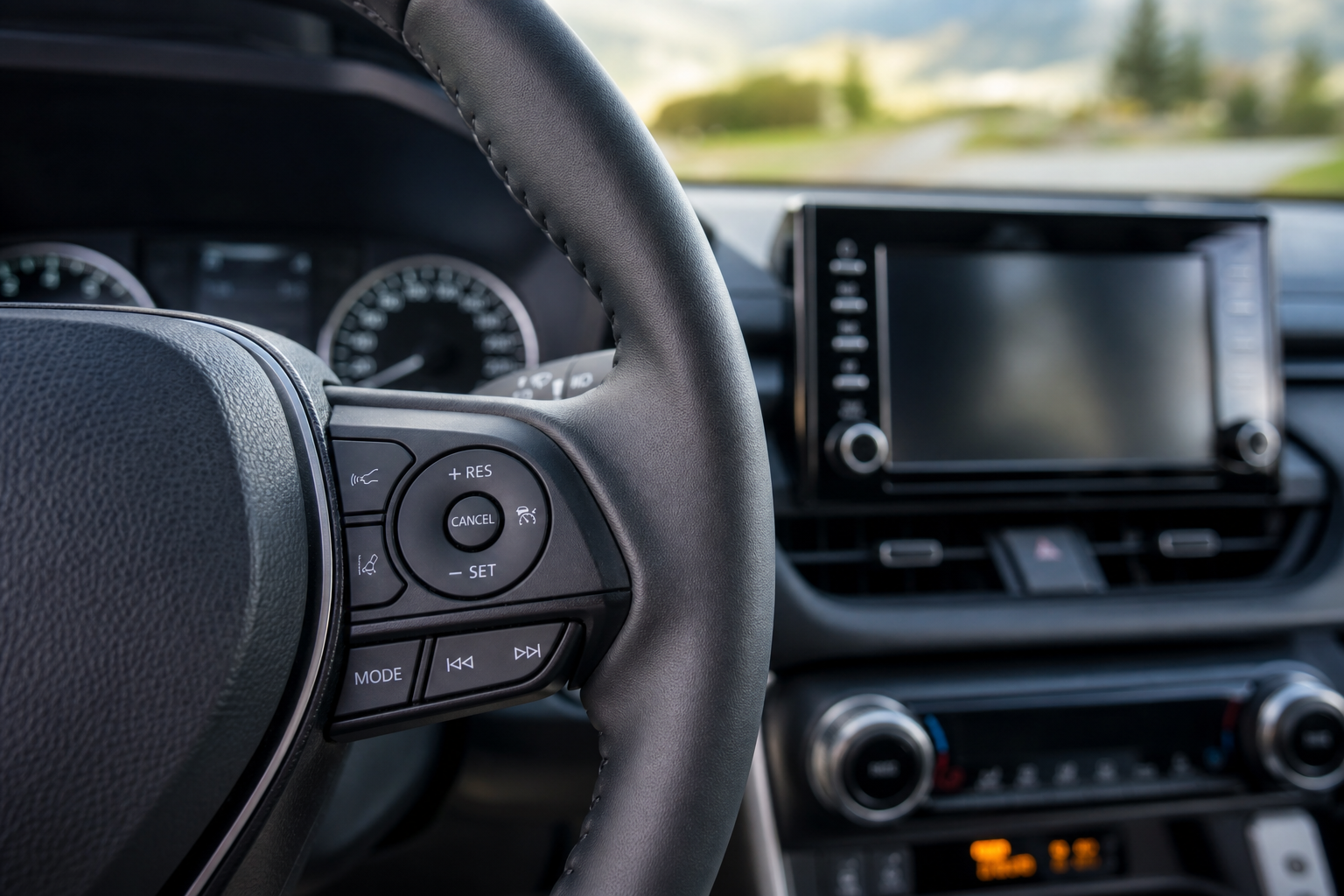
If you’ve been hunting through your RAV4’s steering wheel buttons trying to find a way to turn off the radar and just set a plain, fixed speed, you’re not imagining things. This is one of the most common questions RAV4 owners ask, and the answer isn’t the same for every model year. Some RAV4 owners can switch modes, and some are stuck with adaptive cruise whether they like it or not.
Before we get into the specifics, here’s a quick video walkthrough that shows how Toyota’s cruise control system behaves in real driving conditions.
Does the RAV4 Actually Offer Conventional Cruise Control?
It depends entirely on when your RAV4 was built. Toyota changed its approach to cruise control across generations, and the two eras behave very differently.
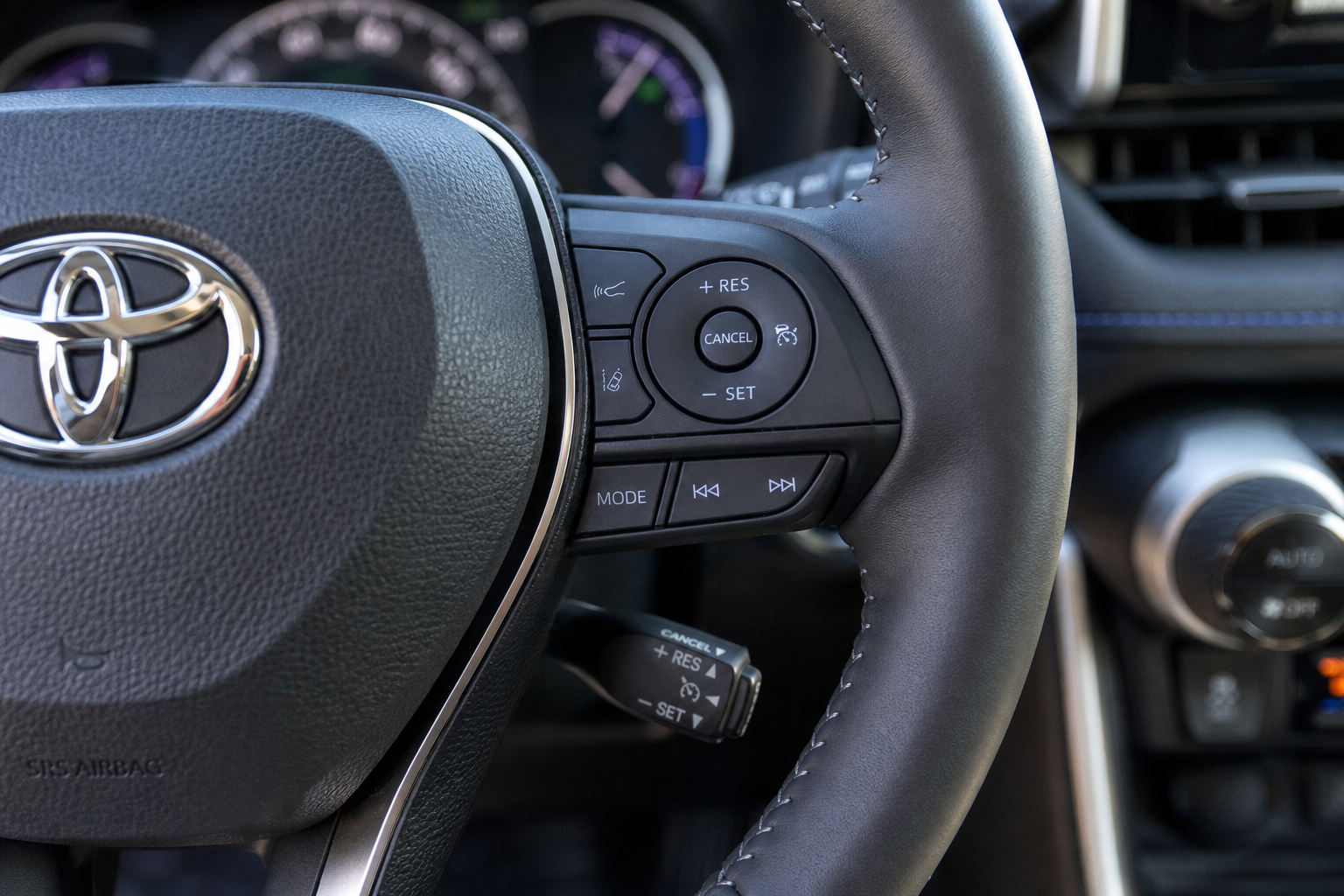
On the 5th-generation RAV4 (2019 through the current model), Toyota Safety Sense 2.0 or 2.5 comes standard, and Dynamic Radar Cruise Control (DRCC) is the only cruise system offered. There’s no hidden menu setting, no long-press trick, and no button combination that switches it back to a simple fixed-speed mode. If you own a 2019 or newer RAV4, the radar-based system is what you have, full stop. Toyota built it this way to keep the safety system active at all times, and there’s no factory workaround for it.
On the 4th-generation RAV4 (2013 to 2018), things flip the other way. Most trims came with conventional cruise control only, since DRCC wasn’t widely available until Toyota Safety Sense started rolling out on higher trims around 2016 to 2018. If your RAV4 is from this era and doesn’t have the radar sensor visible behind the front grille, you almost certainly have standard cruise control already, no adaptive system to switch away from.
How to Tell Which System Your RAV4 Has
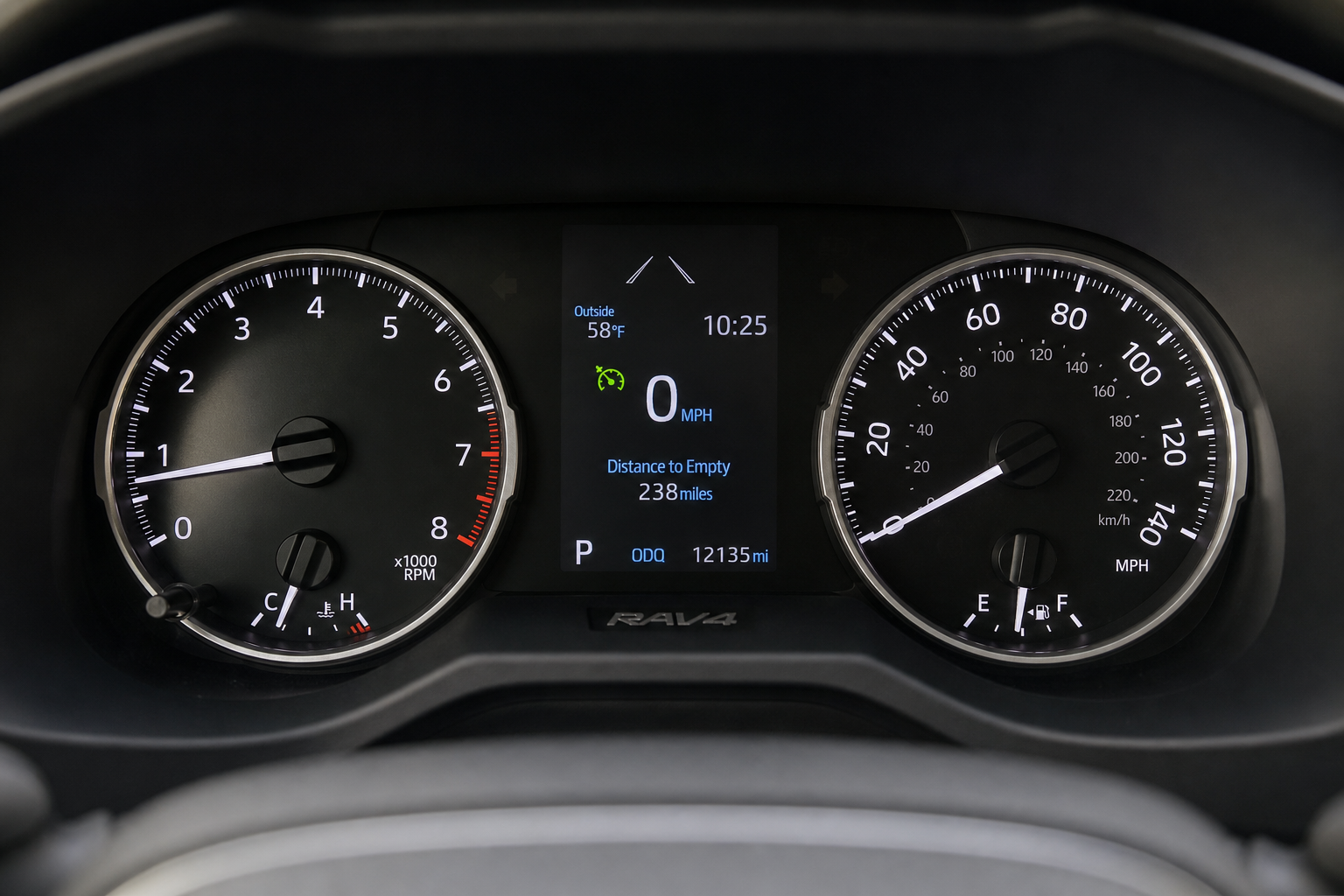
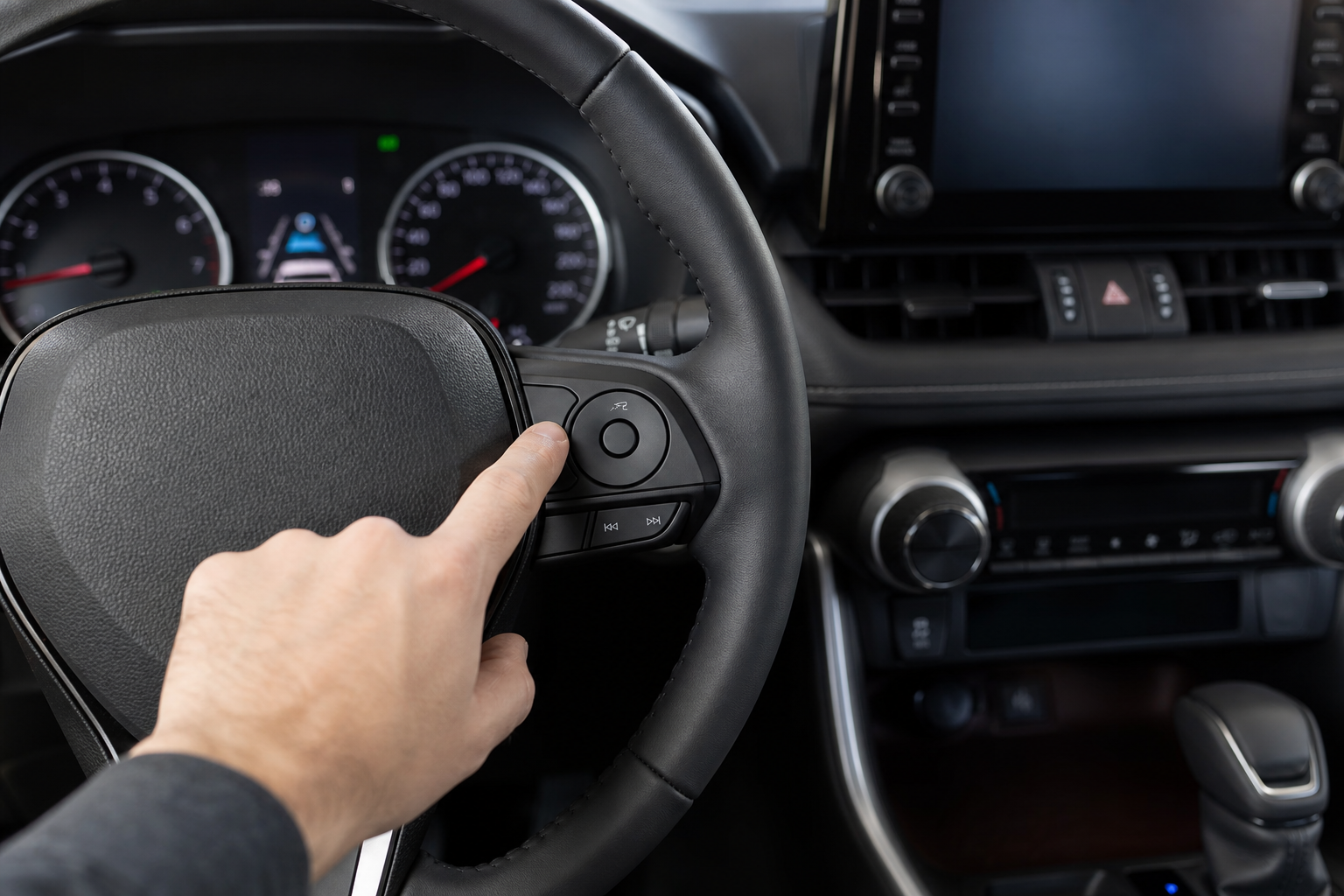
The easiest way to check is to look at your instrument cluster when cruise is active. A conventional system shows a simple speedometer-style cruise icon, usually just a small speedometer symbol lit up in green or white. An adaptive system shows that same icon along with a car icon in front of it, plus a row of small marks or bars that represent the following distance setting.
If you see the car-and-distance icon, you’re running DRCC, and there’s no built-in toggle to disable the radar function while keeping cruise active. You can turn off Toyota Safety Sense features individually in the settings menu on some trims, but doing so typically disables the entire cruise system rather than converting it to fixed-speed mode. This mirrors how Toyota’s other driver assist systems work, similar to what we covered in our guide to the Pre-Collision System with Pedestrian Detection on the Toyota Corolla, where the safety features are bundled together rather than offered as separate toggles.
If Your RAV4 Only Has DRCC
Owners who want a truly fixed speed regardless of traffic ahead sometimes try setting the following distance to the longest gap available, which reduces how often the system slows down for other cars. It’s not the same as conventional cruise, but it’s the closest you’ll get on a 2019 or newer RAV4.
Some drivers also find that combining DRCC with a light touch on the accelerator gives them more control in stop-and-go traffic, similar to how the Predictive Efficient Drive system on Toyota Hybrid models adjusts power delivery based on road conditions. If you drive a RAV4 Hybrid, that feature works alongside DRCC and is worth understanding since it affects how the car behaves during cruise operation.
Model Year Cheat Sheet
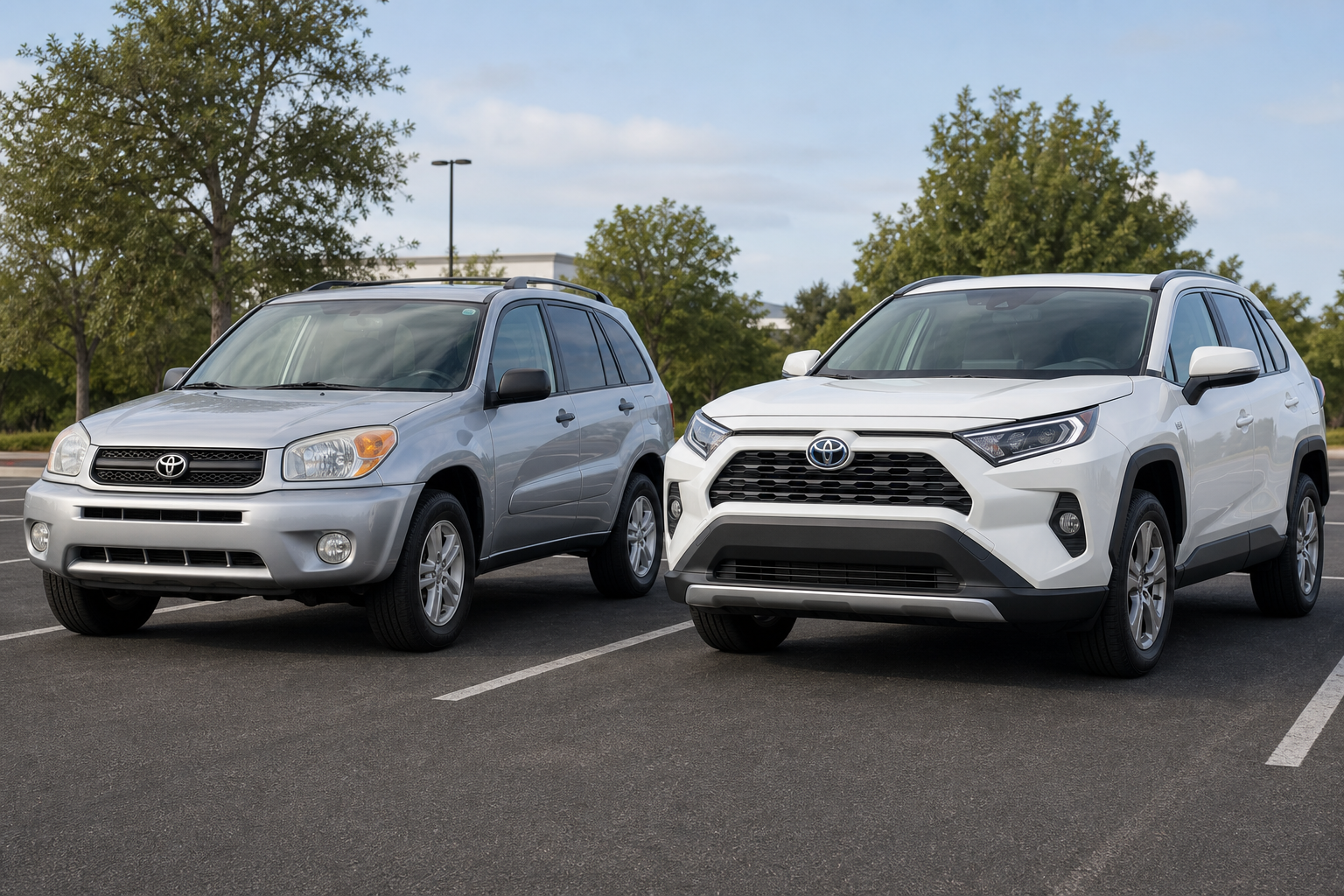
- 2013 to 2015 RAV4: Conventional cruise control only, no radar option available.
- 2016 to 2018 RAV4: Conventional cruise standard, DRCC optional on upper trims with Toyota Safety Sense-P.
- 2019 to present RAV4: DRCC standard across all trims, no conventional mode offered.
Frequently Asked Questions
Can I disable the radar sensor to force conventional cruise on a 2019 or newer RAV4?
No. Toyota doesn’t provide a software or hardware setting that converts DRCC into standard cruise control on these model years. Disabling the sensor or covering it will disable cruise control entirely rather than switching modes, and it can trigger warning lights on your dashboard.
Why does my RAV4 slow down on its own even in light traffic?
That’s DRCC responding to a vehicle it detects ahead, even if that car is farther away than you’d expect. Try increasing the following distance setting using the steering wheel controls, since a shorter gap setting makes the system react more aggressively to any car in your lane.
Leave a Reply