
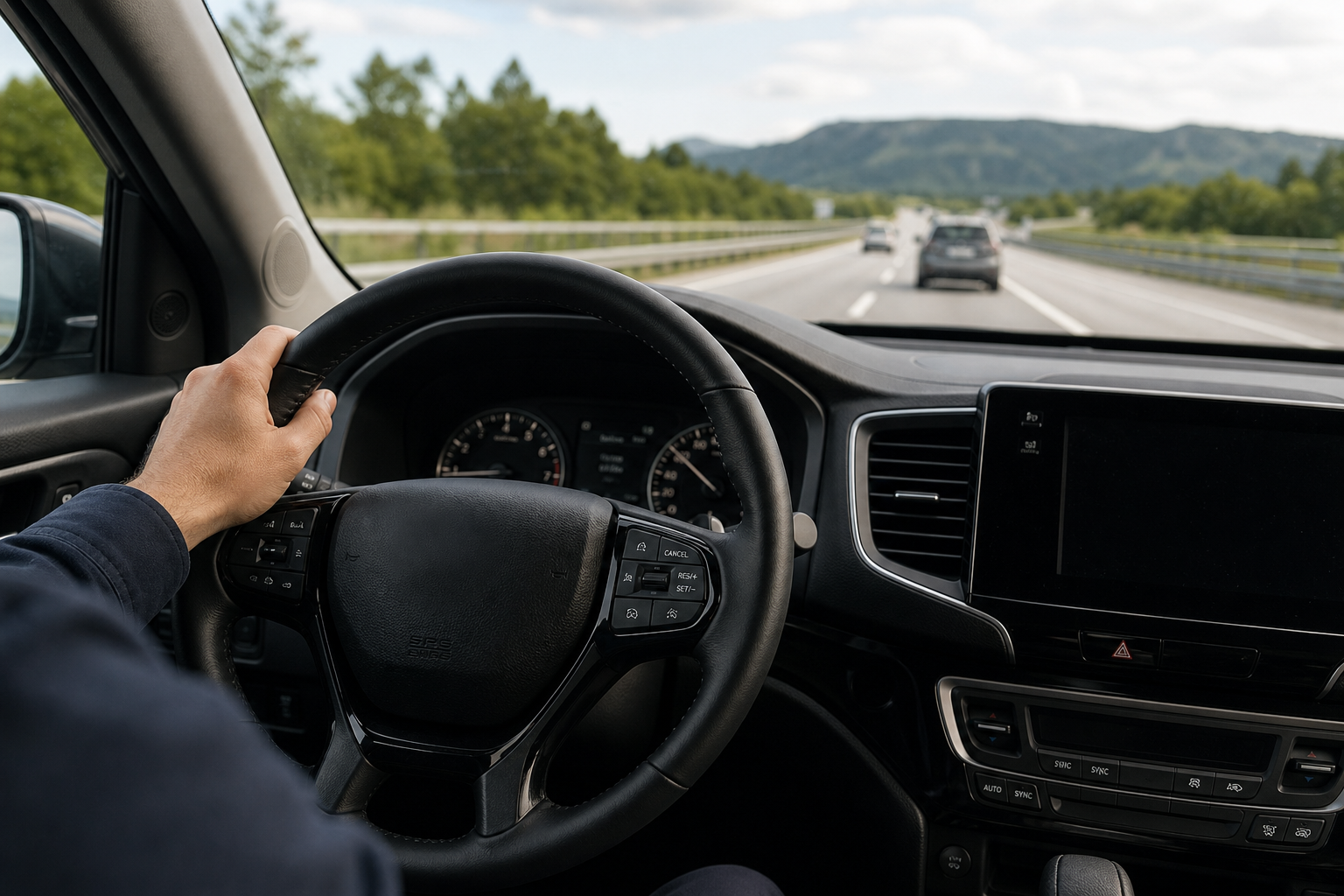
If you’ve hopped in a Honda Pilot expecting to set your speed and forget about it, only to watch it slow down every time a car merges in front of you, you’re not imagining things. That’s adaptive cruise control doing its job, and for a lot of drivers it feels like the system is fighting them instead of helping. Before you spend twenty minutes digging through owner’s manual PDFs looking for a hidden toggle, let’s clear up what the Pilot actually offers and when.
Does the Honda Pilot Have Regular Cruise Control?
It depends entirely on which model year and trim you’re driving. Honda didn’t build a single Pilot with a menu setting that lets you flip between adaptive and conventional cruise control. Instead, whether you get regular cruise or adaptive cruise comes down to whether your specific Pilot has the Honda Sensing suite installed.
On Pilots without Honda Sensing, the cruise control button on the steering wheel activates a traditional constant-speed system. Set it, and the vehicle holds that speed no matter what’s ahead of you, just like cruise control worked in cars from decades past.
On Pilots equipped with Honda Sensing, the cruise button only activates Adaptive Cruise Control (ACC) with Low-Speed Follow. There’s no button combination, hidden menu, or secret sequence that switches it back to a non-adaptive mode. If your Pilot has Honda Sensing, ACC is the only cruise system you’re getting.
Which Pilot Model Years Have Conventional Cruise Control
For the second-generation Pilot (2016 to 2022), Honda Sensing rolled out unevenly across the lineup in the early years:
- 2016 to 2018 Pilot LX and EX trims: These typically came with standard, non-adaptive cruise control since Honda Sensing wasn’t included or offered on the base trims.
- 2016 to 2018 Pilot EX-L, Touring, and Elite trims: Honda Sensing was standard or available, meaning these came with adaptive cruise control only.
- 2019 and later Pilot (all trims): Honda made Honda Sensing standard equipment across the entire lineup starting with the 2019 refresh. Every trim from LX on up got adaptive cruise control, and conventional cruise control was no longer offered.
The third-generation Pilot, which launched for the 2023 model year, comes standard with Honda Sensing on every single trim, from Sport all the way to TrailSport and Elite. If you’re shopping for a 2023 or newer Pilot, know now that adaptive cruise control is the only option. There is no workaround, and anyone telling you otherwise is guessing.
If you’re not sure which system your specific Pilot has, check your window sticker if you still have it, or look at the badge on the steering wheel controls. A car icon on the cruise control stalk or wheel is your first clue that you’re dealing with ACC.
How to Tell Which Cruise System You Have From the Dashboard
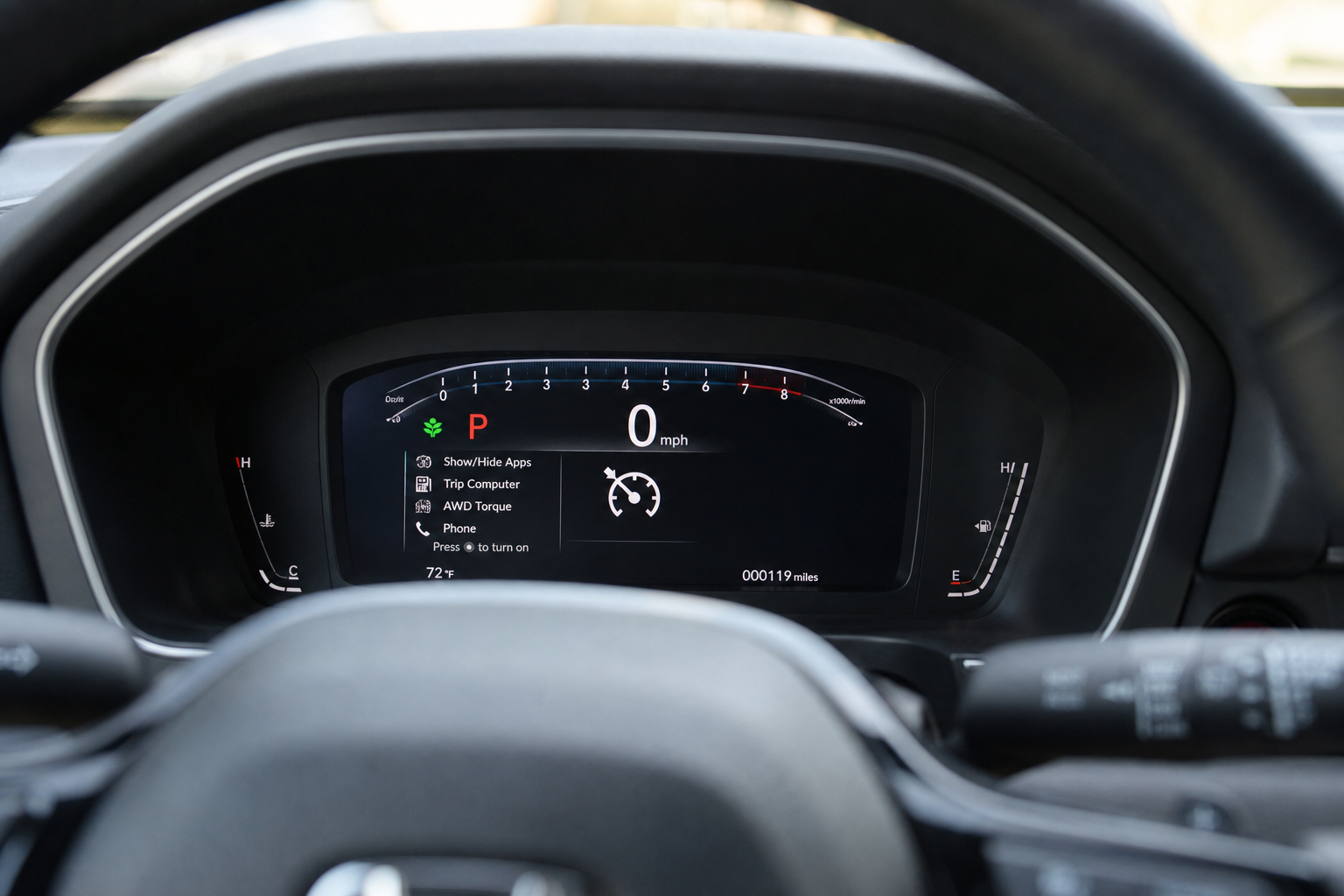
The instrument cluster gives you a clear answer the moment you turn cruise control on, and it’s the easiest way to confirm which system you’re working with without pulling up a manual.
With conventional cruise control, the cluster displays the word “CRUISE” along with your set speed. That’s it. No following distance icons, no car graphics, nothing indicating detection of vehicles ahead.
With adaptive cruise control, the cluster shows a small icon of a car (representing your Pilot) with a set of curved distance bars beneath it. When the system detects a vehicle ahead, a second car icon appears in front of yours, and the display will often show “ACC” text near the speed readout. If you see those distance bars and vehicle icons, you’re locked into adaptive mode, and no steering wheel sequence will remove them.
Steering Wheel Sequence for Conventional Cruise Control (Non-Sensing Pilots)
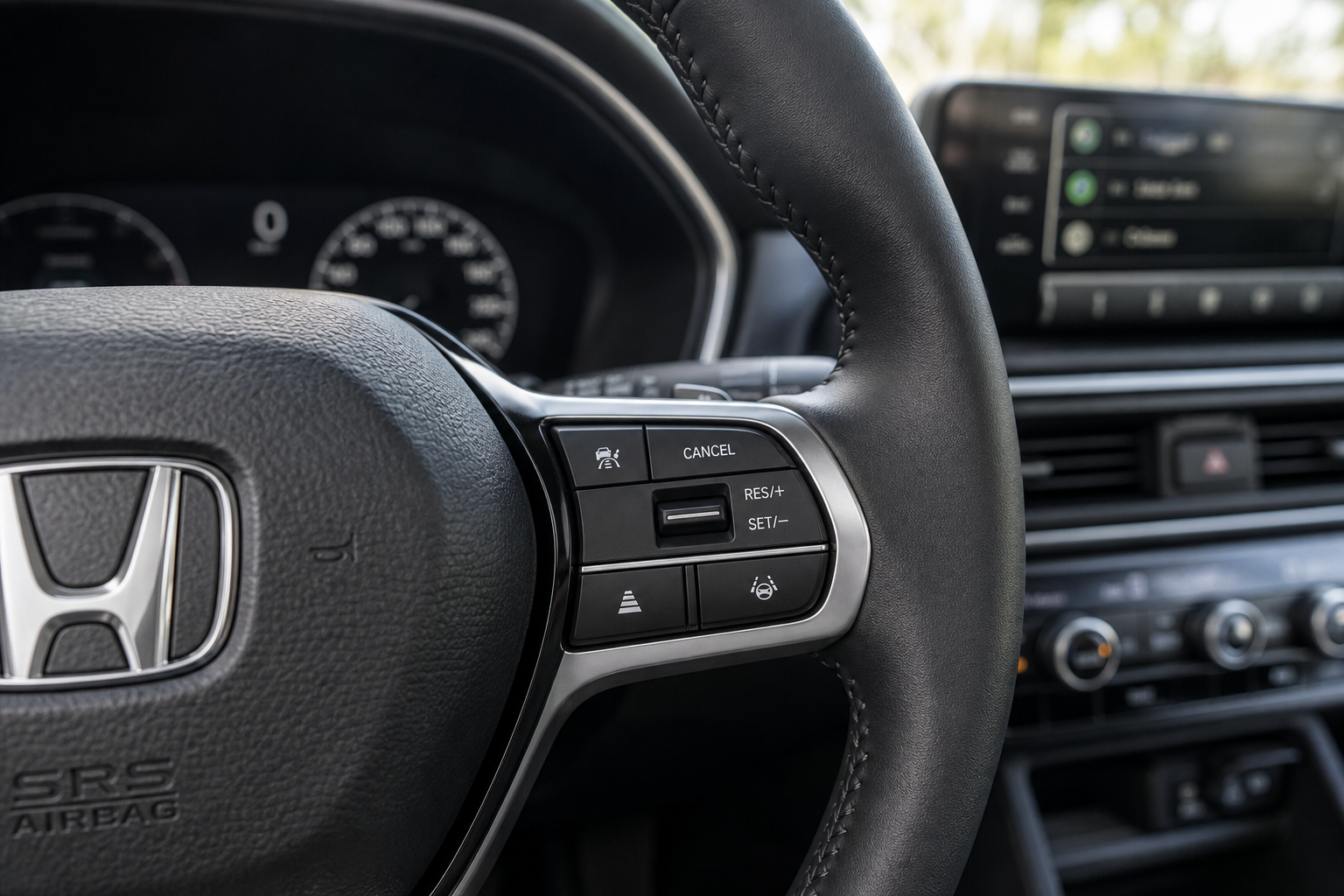
If your Pilot is one of the earlier LX or EX trims without Honda Sensing, here’s exactly how to use it:
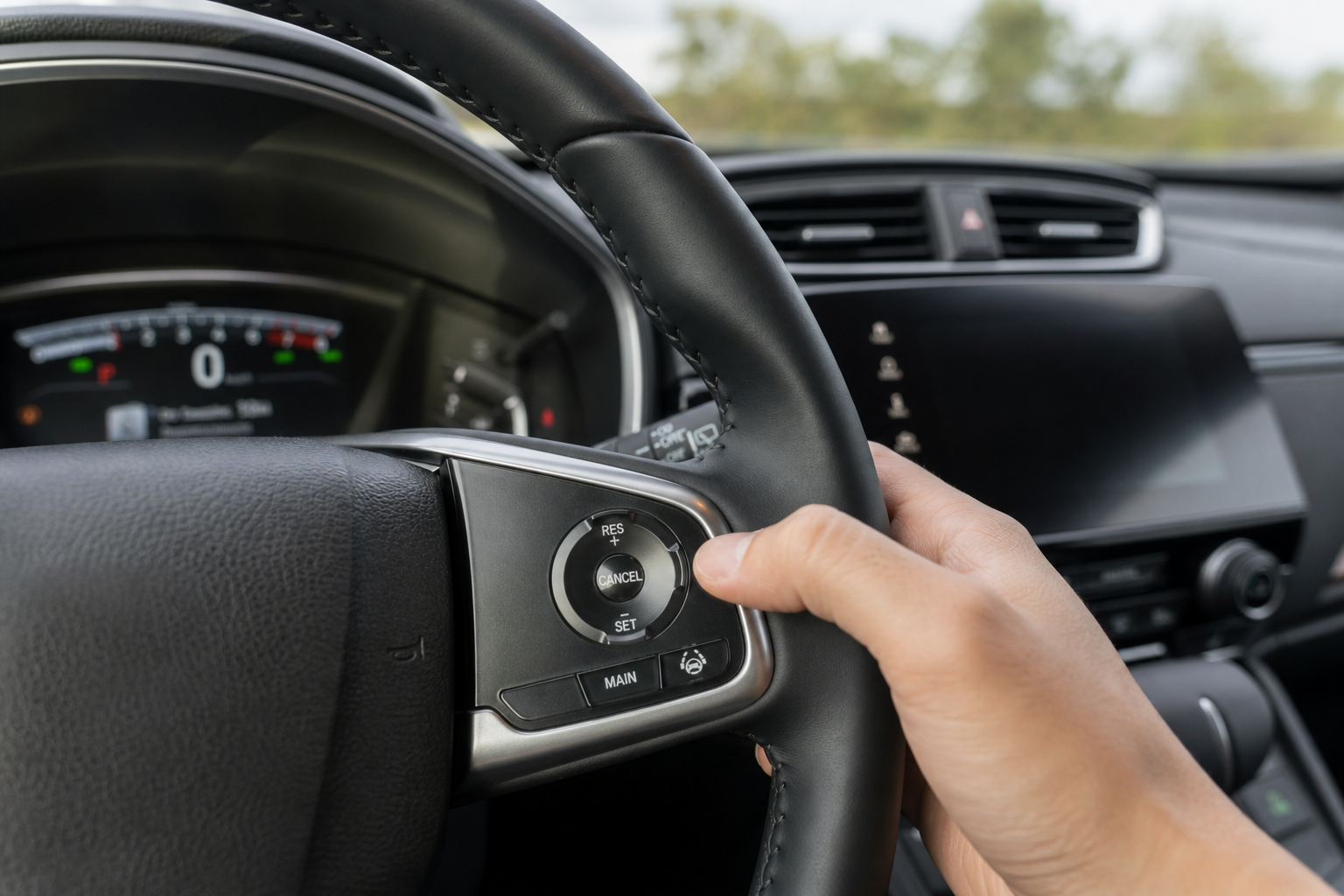
- Press the MAIN power button on the left spoke of the steering wheel. A cruise control indicator light will appear in the instrument cluster.
- Accelerate to your desired speed, then press the SET/- button and release it. The cruise indicator light will change color or illuminate solid, confirming the speed is locked in.
- Tap RES/+ or SET/- repeatedly to nudge your speed up or down in small increments without touching the accelerator.
- Tap the brake pedal or press CANCEL to disengage cruise temporarily. Pressing RES/+ afterward brings you back to your previous set speed.
This system won’t slow down for traffic ahead of you. You’re fully responsible for braking, which is exactly what makes it “regular” cruise control instead of adaptive.
Steering Wheel Sequence for Adaptive Cruise Control (Most Pilots)
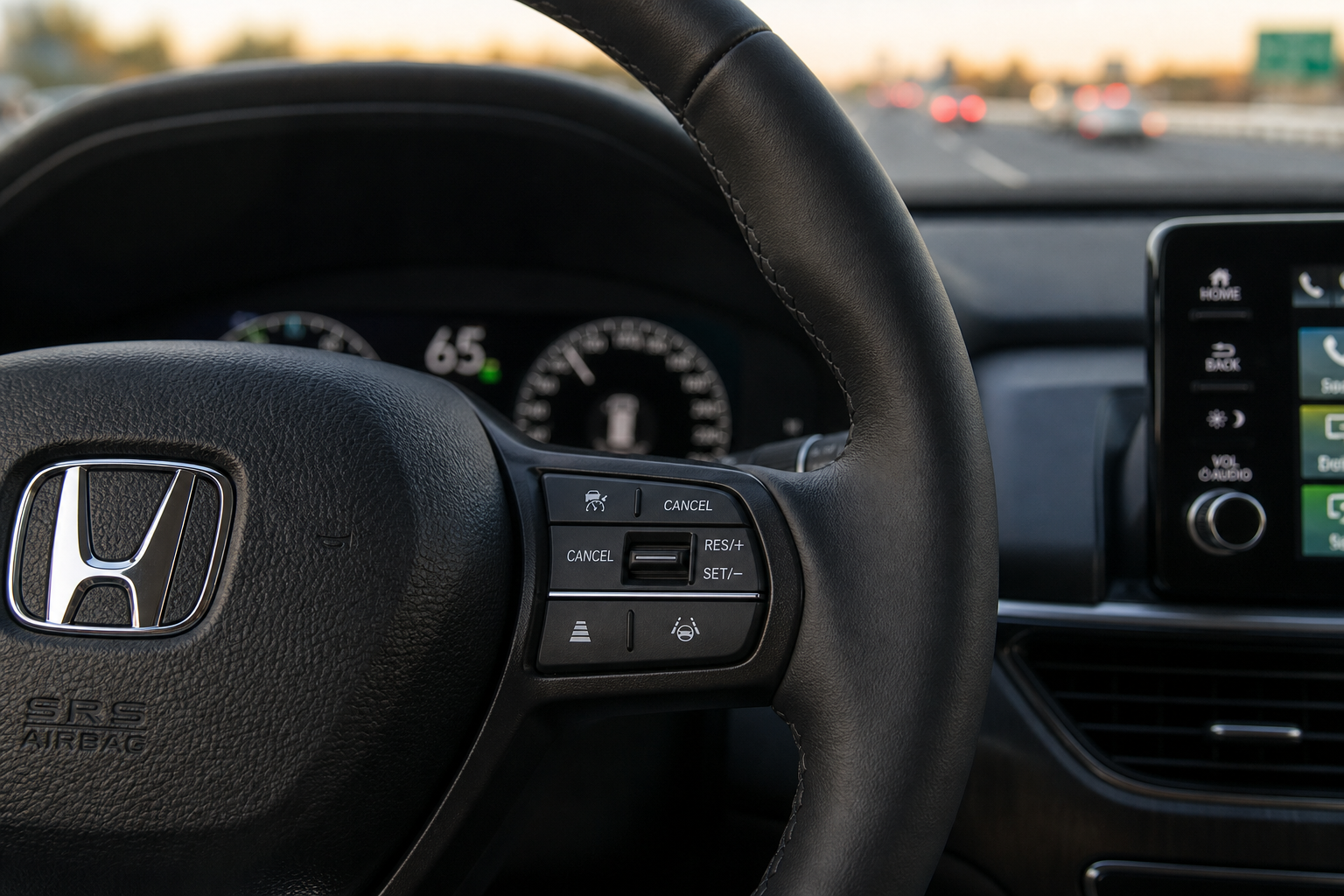
If your Pilot has Honda Sensing, which covers the vast majority of Pilots on the road today, this is the only cruise system available to you:
- Press the MAIN button to activate the system. You’ll see the cruise icon appear in the cluster, but without a set speed yet.
- Accelerate to your target speed and press SET/- to lock it in. The car icon and distance bars will appear, confirming ACC is active.
- Use the dedicated distance button, usually marked with a car icon and curved lines, to cycle through following distance settings. Most Pilots offer three or four distance levels.
- Press CANCEL or tap the brake to pause the system, and RES/+ to pick back up at your previous set speed.
Setting the following distance to its maximum setting is the closest you’ll get to a “regular cruise” feel on a Sensing-equipped Pilot. It won’t eliminate the radar-based braking entirely, but it does give you more room before the system reacts to slower traffic ahead.
Why Honda Doesn’t Offer a Toggle Between Modes
Some automakers, including a handful of Mazda and Toyota models, let drivers switch between adaptive and conventional cruise control through a menu setting. Honda made a different engineering decision. Once Honda Sensing is installed, the radar and camera systems are tied directly into the cruise control logic, and Honda doesn’t provide a software path to bypass that integration for safety and liability reasons.
This is similar to how Honda’s other driver assistance features work as an all-or-nothing package. If you’ve read about the Walk-Away Auto Lock feature on Honda vehicles, you already know Honda tends to build convenience and safety features that operate automatically rather than offering deep customization. Cruise control follows that same philosophy.
If your Pilot has Honda Sensing, don’t waste time searching for a hidden setting. There isn’t one, and no dealership technician can unlock a conventional mode that doesn’t exist in the software.
What to Do If You Only Have Adaptive Cruise Control
You’ve got a few practical options if the adaptive behavior bothers you on long highway drives.
Set your following distance to the longest available setting. This reduces how aggressively the Pilot brakes and accelerates in response to traffic, giving you a smoother, more predictable ride that feels closer to conventional cruise.
Stick to the left lane on the highway where traffic tends to move at a consistent pace. ACC systems react most noticeably when cars merge in and out of your lane, so staying out of high-traffic lanes minimizes the phantom braking that annoys people most.
If the system feels twitchy or overly sensitive compared to what you remember from a previous Pilot, get your radar sensor and camera checked. A dirty windshield, a cracked grille badge, or debris covering the front radar sensor can all cause ACC to behave erratically, braking harder or later than it should.
Frequently Asked Questions
Can I disable Honda Sensing to get regular cruise control back?
No. Turning off Honda Sensing through the settings menu disables features like lane keeping assist and forward collision warning, but it does not convert your cruise control into a conventional system. The cruise button will simply stop working at all until Honda Sensing is turned back on.
Why does my Pilot slow down on its own even with cruise control set?
That’s adaptive cruise control detecting a slower vehicle ahead in your lane and automatically reducing speed to maintain your set following distance. It’s normal behavior for Honda Sensing-equipped Pilots and isn’t a malfunction.
Is adaptive cruise control safer than regular cruise control?
Generally yes, since it automatically maintains distance from vehicles ahead and reduces the risk of rear-ending someone if you’re momentarily distracted. It’s part of the same radar and camera technology used in features covered in our guide to the pre-collision system with pedestrian detection on the Toyota Corolla, which uses similar sensor logic to prevent forward collisions.
My cruise control light is on but the car won’t hold speed. What’s wrong?
Check whether you actually pressed SET after activating the system, since pressing MAIN alone only arms cruise control without locking in a speed. If you’re certain you set a speed and it’s still not holding, a dirty or obstructed radar sensor is a common culprit on Sensing-equipped Pilots, and it’s worth having it inspected before assuming there’s a bigger electrical issue.

Leave a Reply