
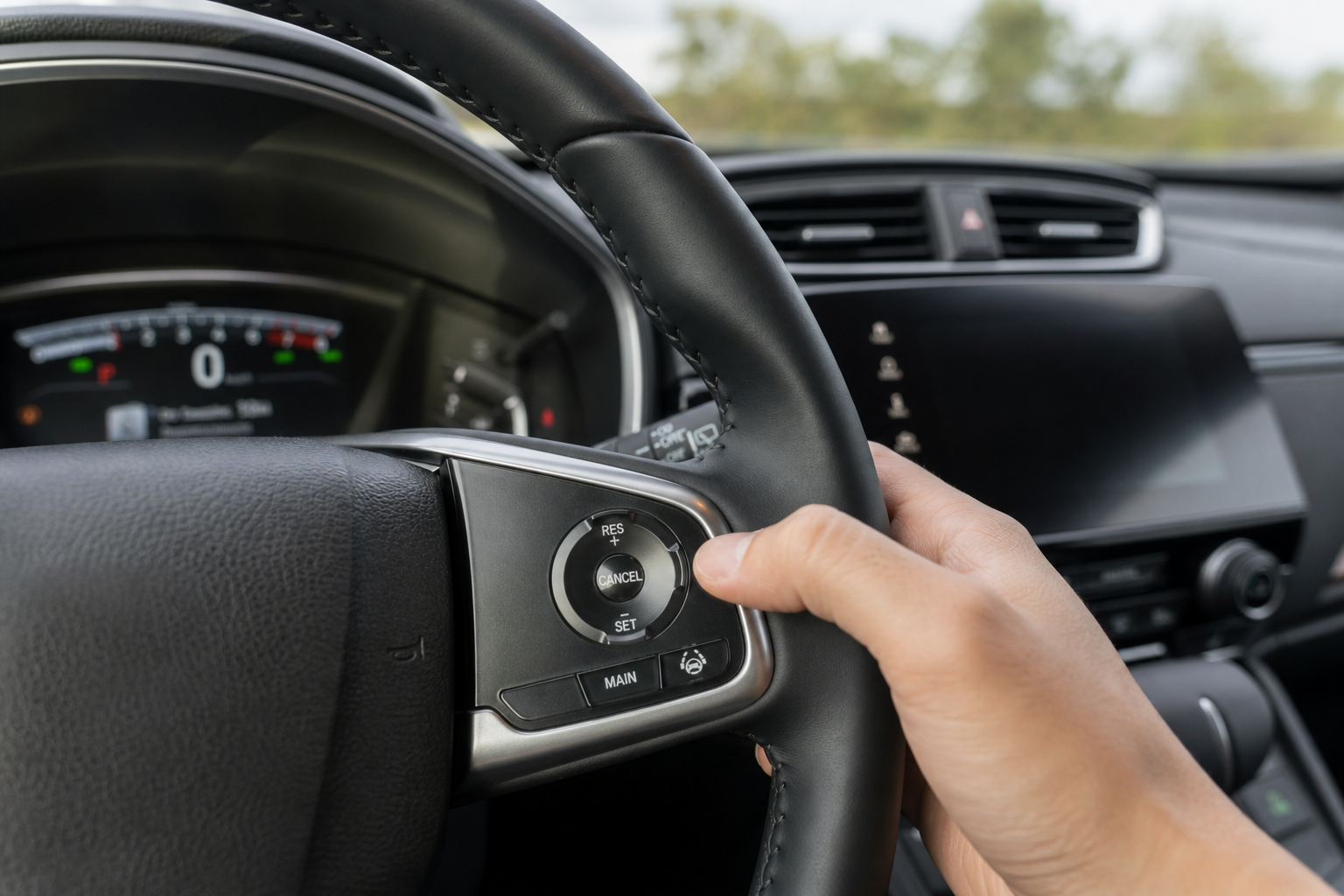
If you’ve ever set the cruise control on your CR-V and noticed it slowing down on its own when someone merges in front of you, you’re not imagining things. Honda’s cruise control setup has changed a lot over the years, and depending on your model year, you might not have the option to switch to old-school, fixed-speed cruise at all. Here’s what’s actually going on under that steering wheel.
Does the CR-V Even Offer Conventional Cruise Control?
The honest answer depends entirely on your model year, and it’s not the answer most people want to hear.
On 2017 and newer CR-Vs equipped with Honda Sensing, the only cruise control system available is Adaptive Cruise Control with Low-Speed Follow. There is no button, menu setting, or steering wheel combo that switches this over to a true fixed-speed conventional mode. Honda designed ACC to be the sole cruise system on these trims, and it stays active any time you engage cruise control from the steering wheel.
What confuses a lot of drivers is that ACC behaves like conventional cruise when there’s no vehicle in front of you. It holds your set speed with no adjustments. But the moment a car pulls into your lane or slows ahead of you, the radar and camera system kicks in and adjusts your speed automatically. You can’t turn off that radar detection layer and keep only the speed-holding part.
If your CR-V is a 2015 or 2016 model, you’re in the opposite situation. Those model years predate Honda Sensing as a standard feature, so many trims only came with conventional cruise control and never had adaptive cruise as an option in the first place. So depending on where your CR-V falls in the lineup, you either have adaptive-only or conventional-only, not a choice between the two.
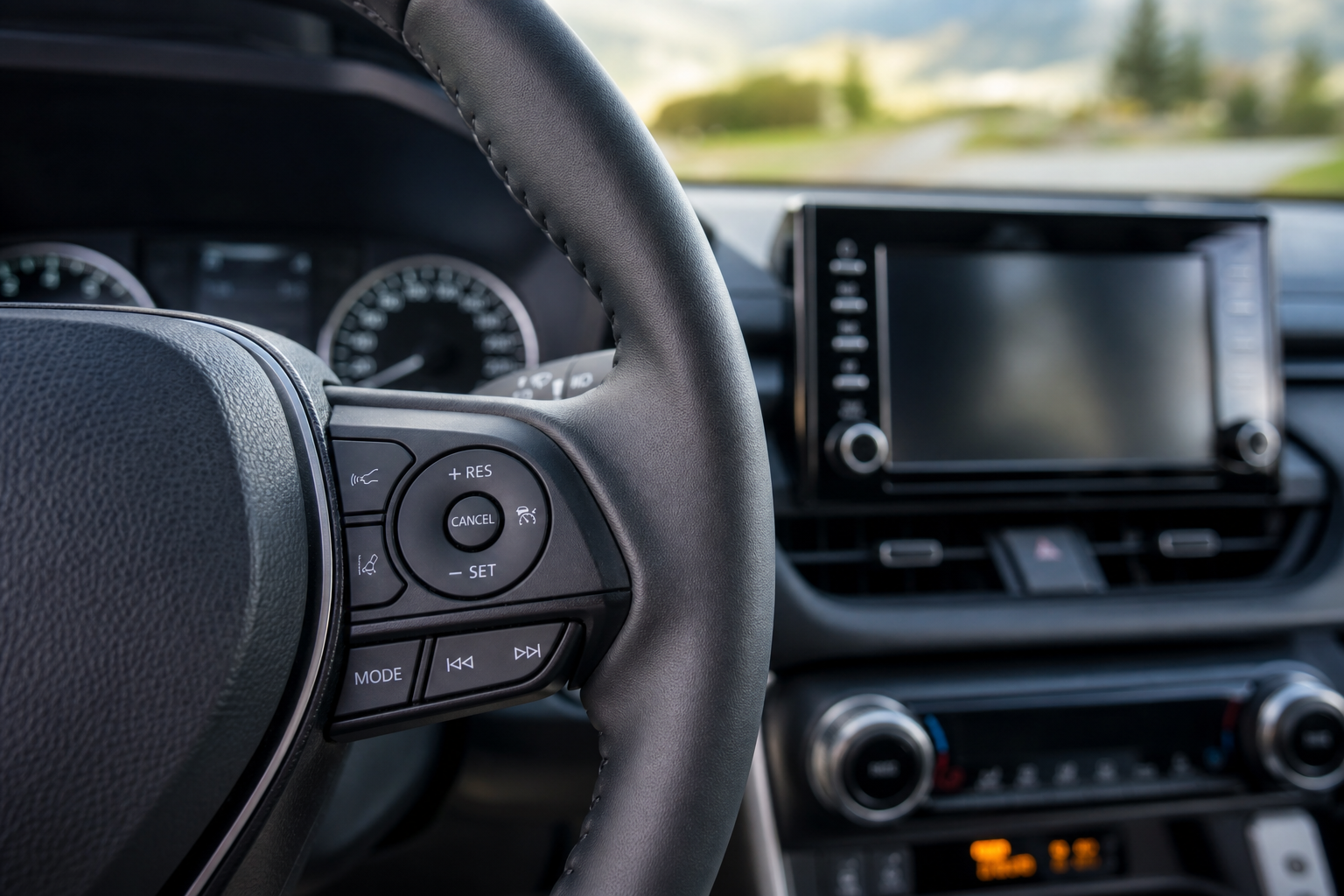
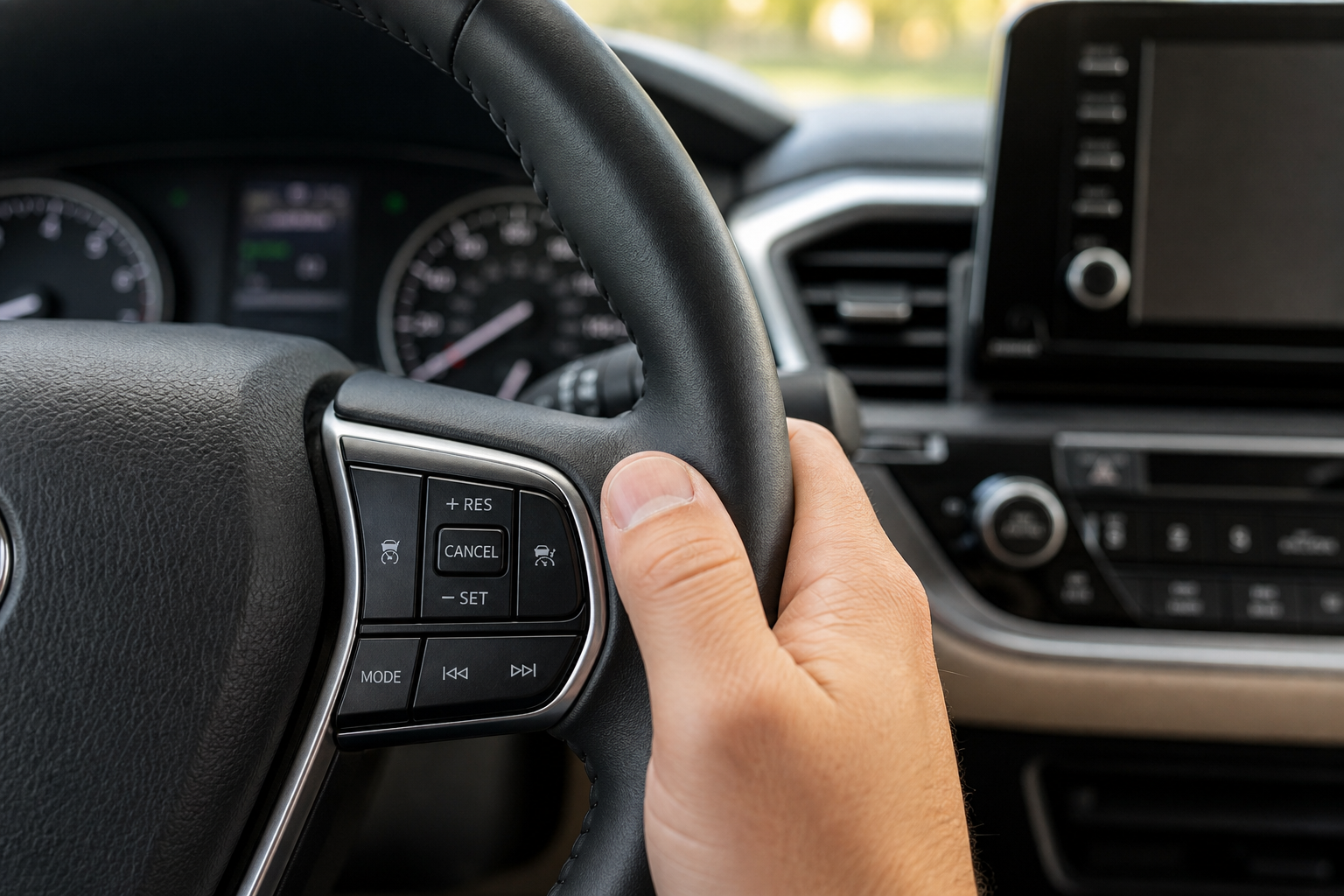
Steering Wheel Controls for Honda Sensing Adaptive Cruise (2017+)
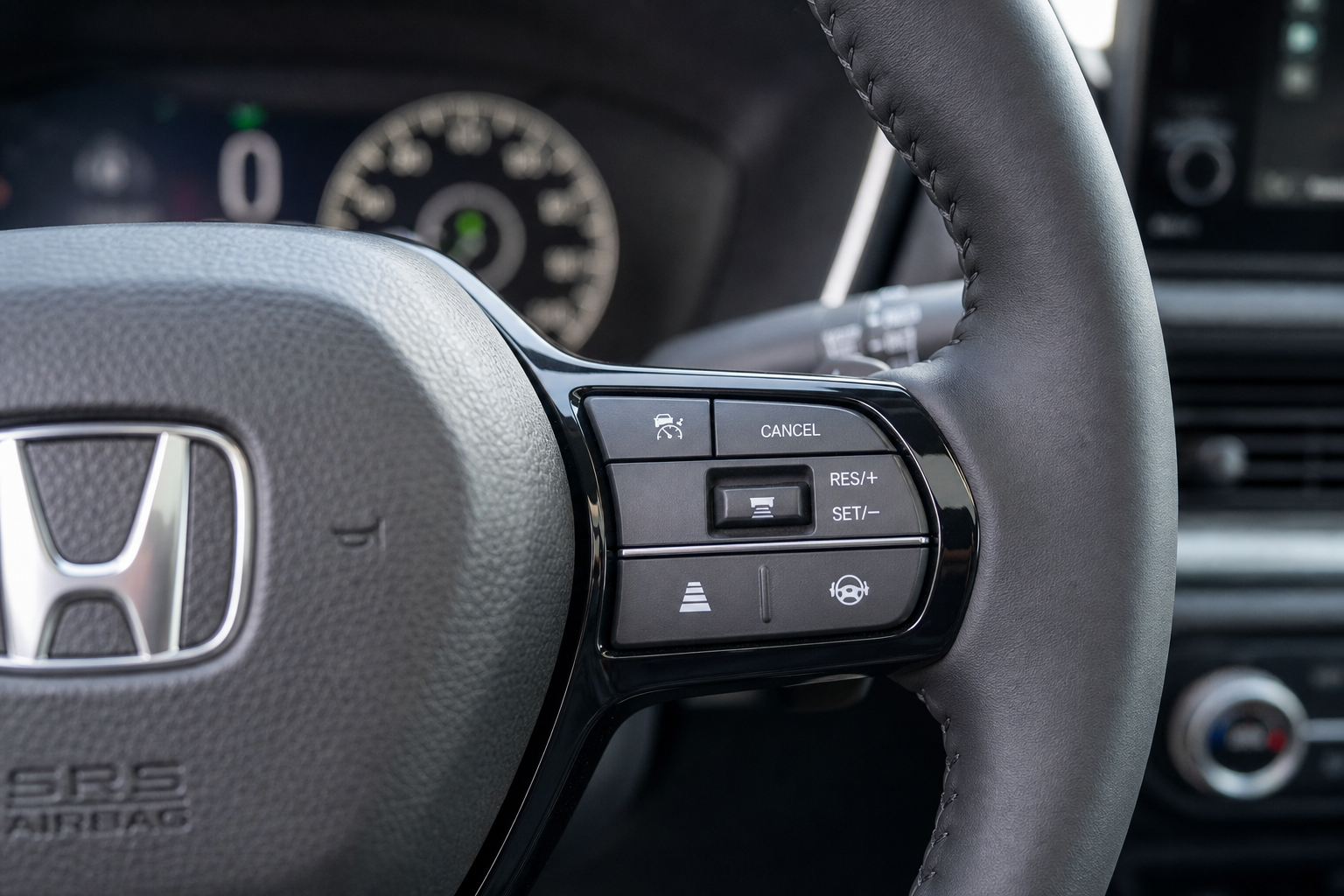
Since ACC is the only cruise mode on newer CR-Vs, here’s how to actually use it correctly:
- Press the MAIN button on the left side of the steering wheel to power on the cruise system.
- Bring your CR-V up to your desired speed, then press the SET- button to lock it in.
- Use the +RES and SET- buttons to increase or decrease your set speed in small increments.
- Press the button with distance bars (usually located near the SET button) to adjust the following distance between the closest and farthest gap settings.
Setting the following distance to its farthest setting is the closest thing you’ll get to a “conventional” feel, since it gives the car more room before the system reacts to traffic ahead. It’s not the same as disabling radar detection, but it does reduce how aggressively the CR-V brakes and accelerates in response to other cars.
How to Read the Dashboard Indicator
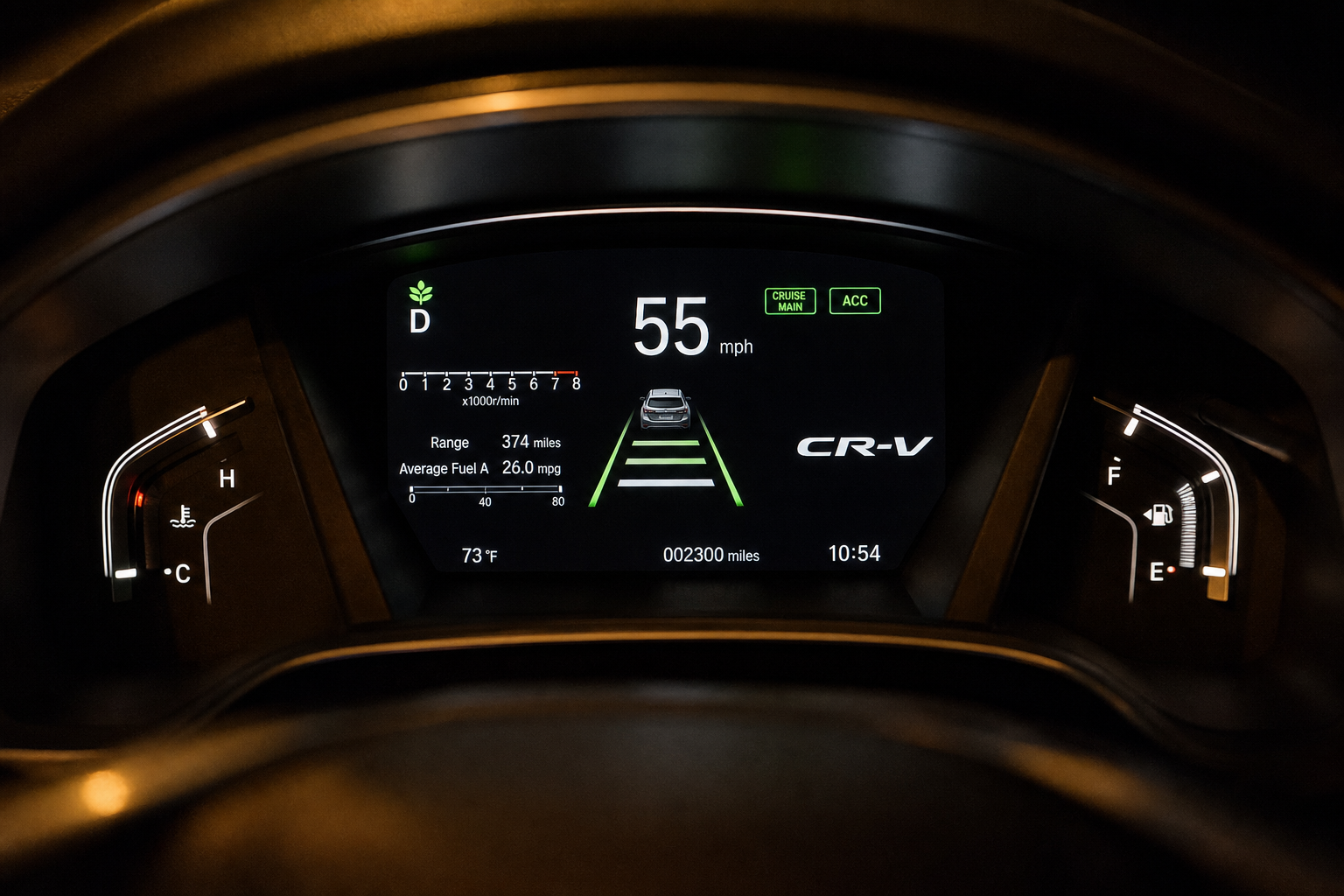
Your instrument cluster tells you exactly which mode is active, and it’s worth learning to read it at a glance. When ACC is engaged and no vehicle is detected ahead, you’ll see a small green speedometer icon with no car symbol above it. Once the system locks onto a vehicle ahead, a car icon appears above your set speed, along with distance bar indicators showing your selected following gap.
If you own a CR-V from the pre-Sensing era with only conventional cruise, the dashboard is much simpler. You’ll typically just see “CRUISE” light up in green with your set speed displayed, no car icon, no distance bars, because there’s no radar system to represent.
If you’re also dealing with dashboard warning lights unrelated to cruise control, like a tire pressure alert, check out our guide on resetting the TPMS light on your Honda CR-V so you’re not chasing two different issues at once.
What If You Really Want Fixed-Speed Cruise?
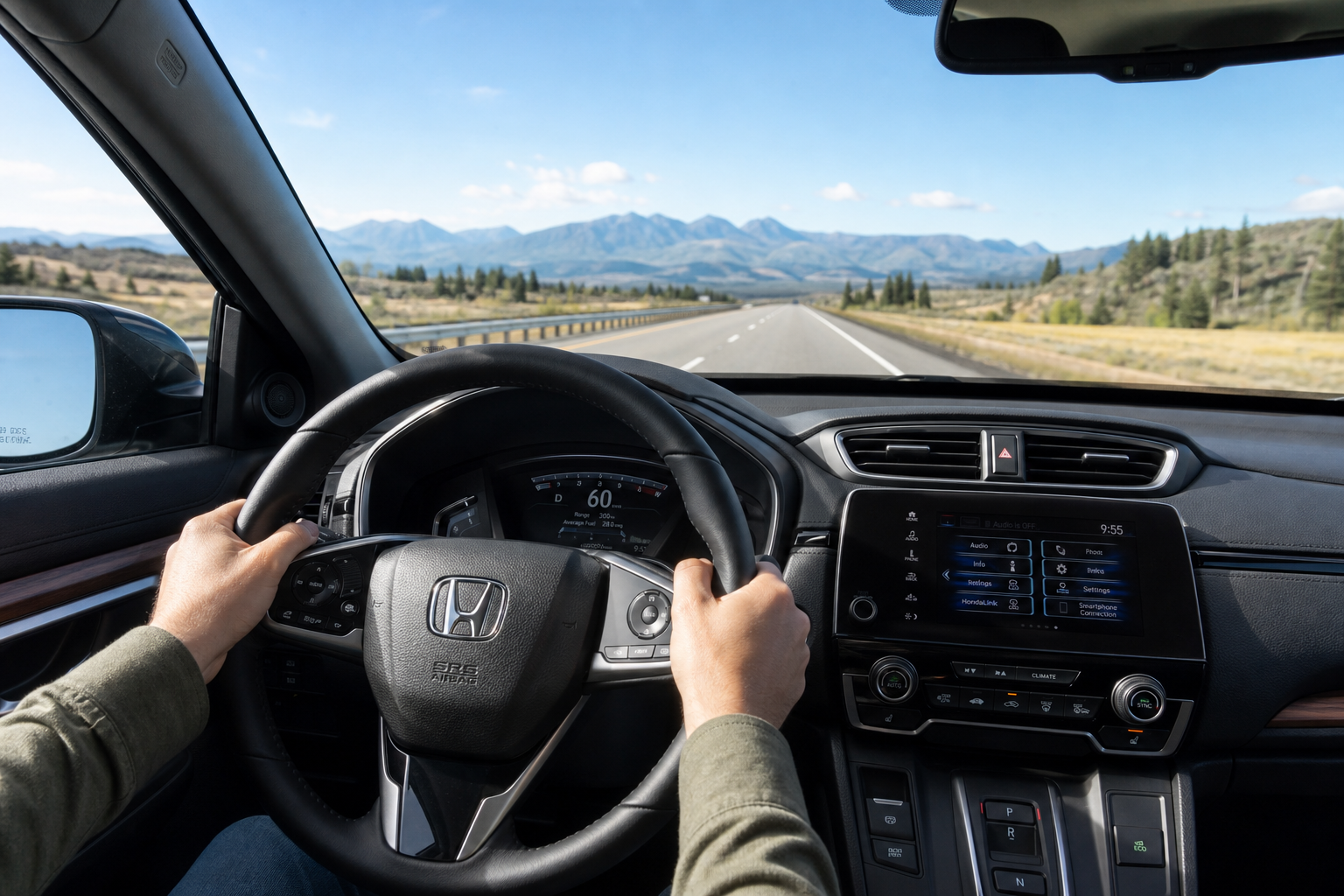
There’s no hidden menu, dealer setting, or software trick that converts Honda Sensing ACC into old-school cruise control. Honda built these systems to work together, and disabling the radar component isn’t something you can do through the infotainment screen or a steering wheel shortcut. Any tutorial claiming otherwise is either describing the maximum following distance setting or is simply incorrect.
Your best move on a Sensing-equipped CR-V is to get comfortable with the adaptive system as designed. Setting the following distance to maximum on open highways gives you the most conventional-like experience without fighting the technology built into your car.
While you’re getting familiar with your CR-V’s driver assist features, it’s also worth learning about the Walk-Away Auto Lock feature on Honda vehicles, since it’s another Honda-specific system that catches new owners off guard.
Frequently Asked Questions
Can I disable the radar/camera part of ACC and just use speed-holding cruise on my CR-V?
No. On 2017 and newer CR-Vs with Honda Sensing, ACC is the only cruise mode available. There’s no setting that separates the speed-holding function from the radar detection. Setting the following distance to its maximum reduces how often the system reacts to traffic, but it doesn’t turn off adaptive behavior entirely.
Why does my CR-V’s cruise control brake on its own even on an empty highway?
This usually means the radar has detected a vehicle in your lane or an adjacent lane that’s about to merge, even if it doesn’t look obvious to you. It can also happen on curves where the system misreads a car in a neighboring lane as being directly ahead. If this happens frequently and doesn’t seem tied to actual traffic, it’s worth having the front radar sensor checked, since dirt, snow, or a cracked sensor cover can cause false readings.
Leave a Reply