
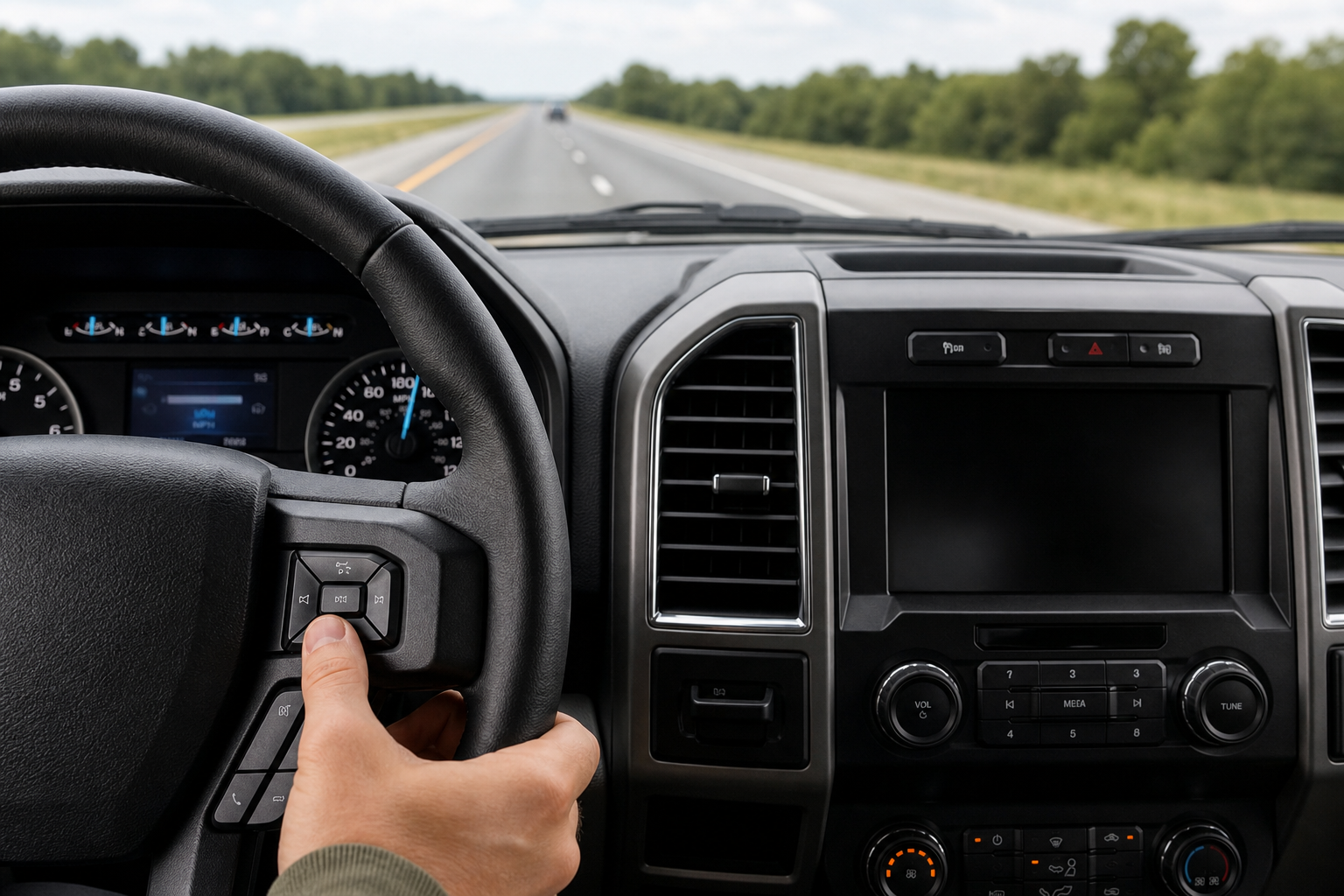
If your Ford F-150 has adaptive cruise control, you’ve probably noticed it constantly adjusts your speed based on the vehicle ahead of you, sometimes braking harder than you’d like or leaving more gap than you’re comfortable with in traffic. The good news is that most F-150 trims built with radar-based cruise control also let you switch back to a plain, constant-speed cruise mode. You just need to know where the toggle is hiding.
Does the F-150 Support Standard Cruise Control?
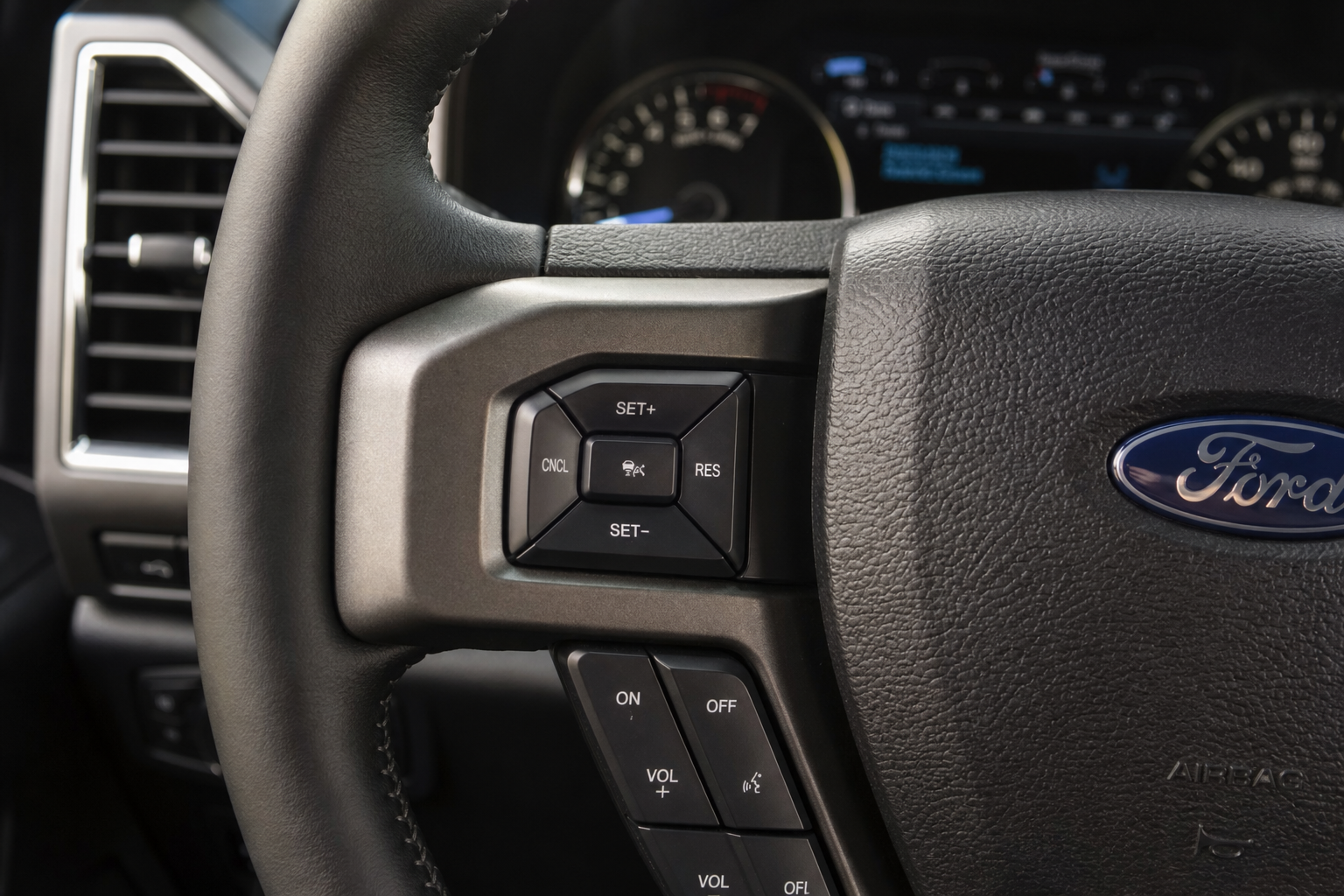
Yes, on trucks equipped with adaptive cruise control, Ford builds in a way to drop back to conventional cruise. Instead of the truck automatically slowing down for traffic ahead, it holds your exact set speed no matter what’s in front of you, just like an older-style cruise system.
This matters most on the highway when you want consistent speed through light traffic or when the adaptive system is being overly cautious with its following distance. It’s the same basic idea behind other driver-assist toggles Ford builds in, similar to how you can adjust settings on the surround view and transparent trailer feature on the F-150 depending on what you actually need for the situation.
How to Switch to Conventional Cruise Control
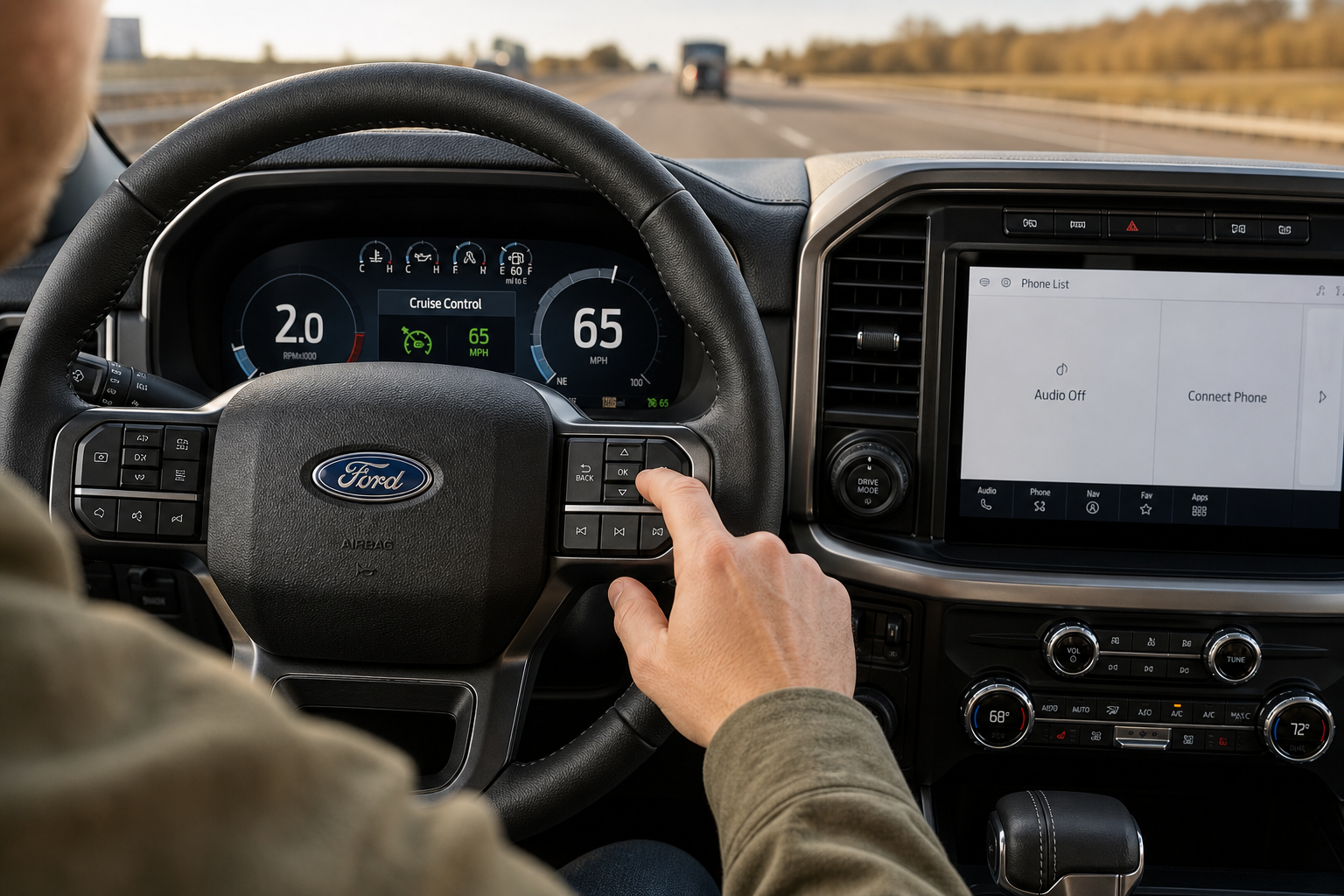
The toggle lives inside the same steering wheel controls you already use for adaptive cruise. Here’s the sequence on trucks equipped with the feature:
- Press the ON button for cruise control on the right side of the steering wheel.
- Get up to your desired speed and press SET to lock it in, just like you normally would.
- Find the follow-distance button, it’s the icon showing a small car with curved signal lines in front of it.
- Press that button repeatedly. Each press cycles through the four gap settings, from farthest to closest.
- Once you pass the shortest gap setting, one more press switches the system into standard cruise control.
Once you’re in standard mode, the truck stops watching traffic ahead entirely and just holds your set speed. If you want adaptive cruise back, press that same gap button again and it’ll cycle right back into radar-assisted mode.
Confirming the Mode on the Instrument Cluster
Don’t just guess which mode you’re in, check the cluster. When adaptive cruise is active, you’ll see a small car icon ahead of your truck with curved distance bars next to it, showing which gap setting you’ve selected. In standard cruise mode, that car icon and the gap bars disappear completely, leaving just the word “CRUISE” and your set speed displayed plainly.
That visual difference is your confirmation. If you still see the little car icon with signal arcs, you’re still in adaptive mode, no matter what speed is displayed. This is worth getting familiar with before a long road trip, especially if you’re also towing and relying on features covered in guides like the bed step usage on the F-150 and Super Duty.
Model Year Differences
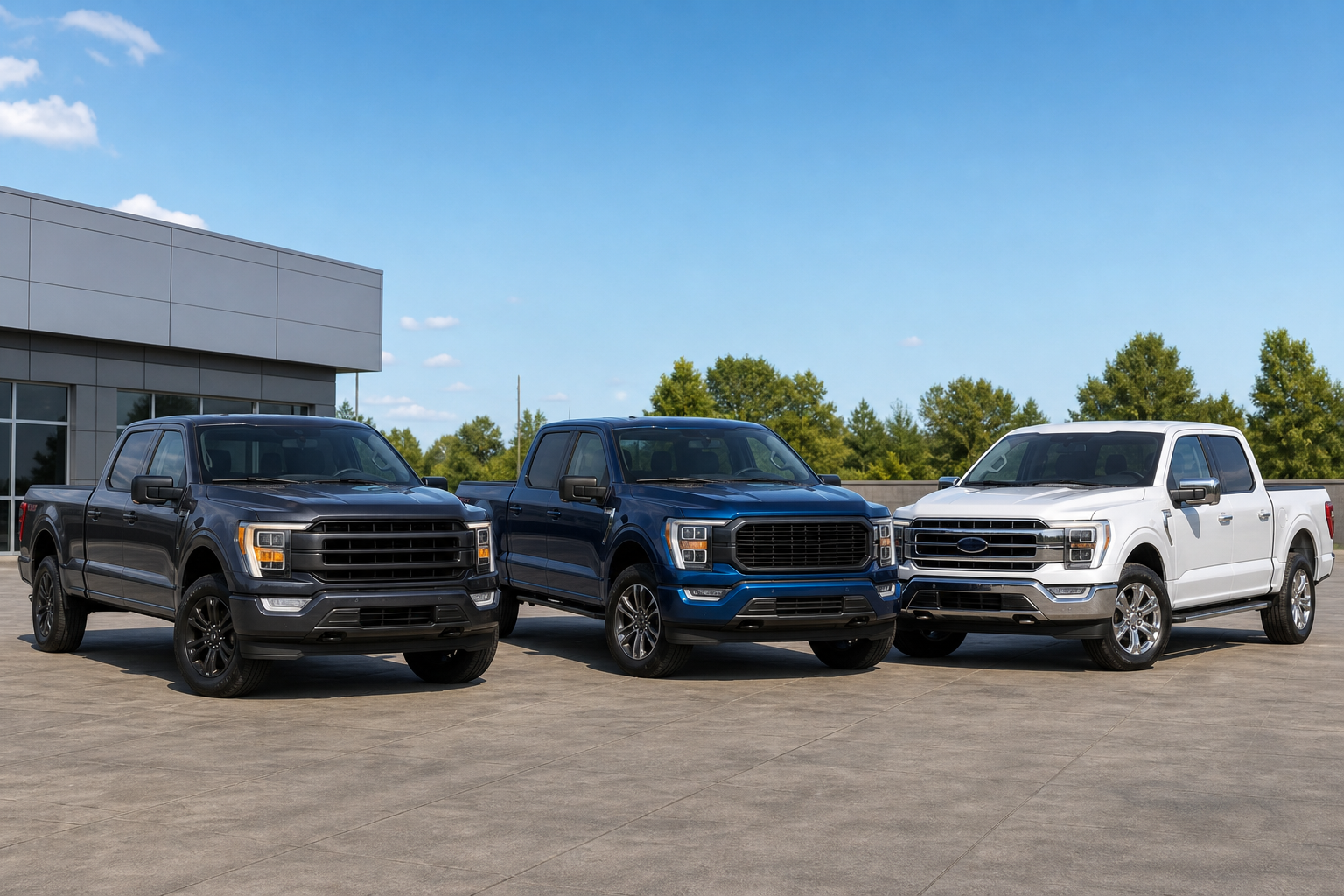
Adaptive cruise control became widely available on the F-150 starting around the 2015 redesign, offered as part of the Technology Package on Lariat, Platinum, and Limited trims. On those trucks, the same gap-button toggle described above generally applies, though it’s worth double-checking your specific owner’s manual since Ford revised the interface slightly across model years.
Starting with the 2021 redesign (14th generation), adaptive cruise control got bundled into Ford Co-Pilot360 and became standard equipment across most trims, not just an option on the higher-end packages. The toggle sequence stayed largely the same, but Ford has rolled out different versions of Co-Pilot360 (1.0, 1.2, 1.3, and 2.0) across 2021 through 2024, and a few of these versions handle the standard-versus-adaptive switch slightly differently in the menu structure.
If your truck only came with base cruise control and no radar module at all, which is common on older XL and XLT work trims, there’s nothing to toggle. You’re already running standard cruise control every time you use it. Given how often Ford issues updates and recalls tied to driver-assist software, it’s also worth keeping an eye on coverage like recent recalls affecting Ford vehicles in case a software update changes how these controls behave.
Frequently Asked Questions
Can I permanently disable adaptive cruise control on my F-150?
There’s no permanent shutoff for the radar hardware itself, but you don’t need one. Since the gap button lets you switch to standard cruise control every time you drive, you can just select that mode manually whenever you want constant-speed cruise instead of adaptive following.
Why does my F-150’s cruise control feel jerky even in standard mode?
If you’re seeing speed fluctuations or rough engagement even after switching to standard cruise, it’s usually unrelated to the mode itself. Check for issues like uneven tire pressure or alignment problems first, since something like a steering wheel shake at highway speed can sometimes get mistaken for a cruise control glitch when it’s actually a suspension or tire issue.
Related posts:
 How to Use Regular Cruise Control Instead of Adaptive Cruise on Toyota RAV4
  How to Use Regular Cruise Control Instead of Adaptive Cruise on Toyota Highlander
  How to Use Regular Cruise Control Instead of Adaptive Cruise on Honda CR-V
  How to Use Regular Cruise Control Instead of Adaptive Cruise on Subaru Forester
Leave a Reply