
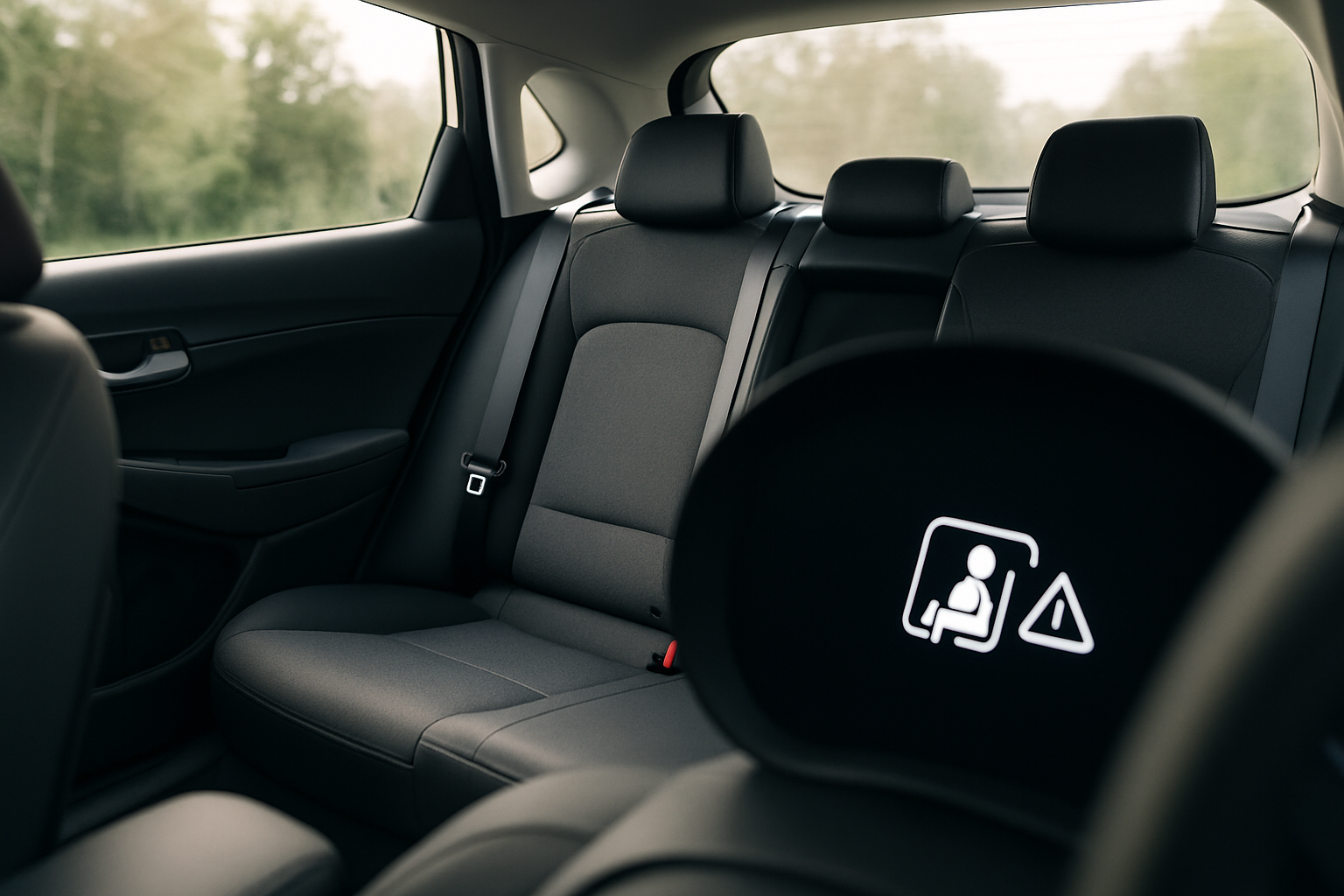
Protecting the most vulnerable passengers in your vehicle requires vigilance that technology can support. Hyundai’s advanced safety systems include rear seat reminder and rear occupant alert features that help prevent tragic accidents involving children or pets left in vehicles.
These systems work together to create multiple layers of protection, using both simple logic-based reminders and sophisticated sensor technology to alert you when someone might still be in the back seat.
Understanding Hyundai’s Rear Safety Technologies
Hyundai actually employs two distinct systems that work in tandem to protect rear passengers. The Rear Seat Reminder (RSR) uses door sensors and simple logic to remind you to check the back seat. The more advanced Rear Occupant Alert (ROA) goes further by using ultrasonic sensors to detect actual movement inside the vehicle.
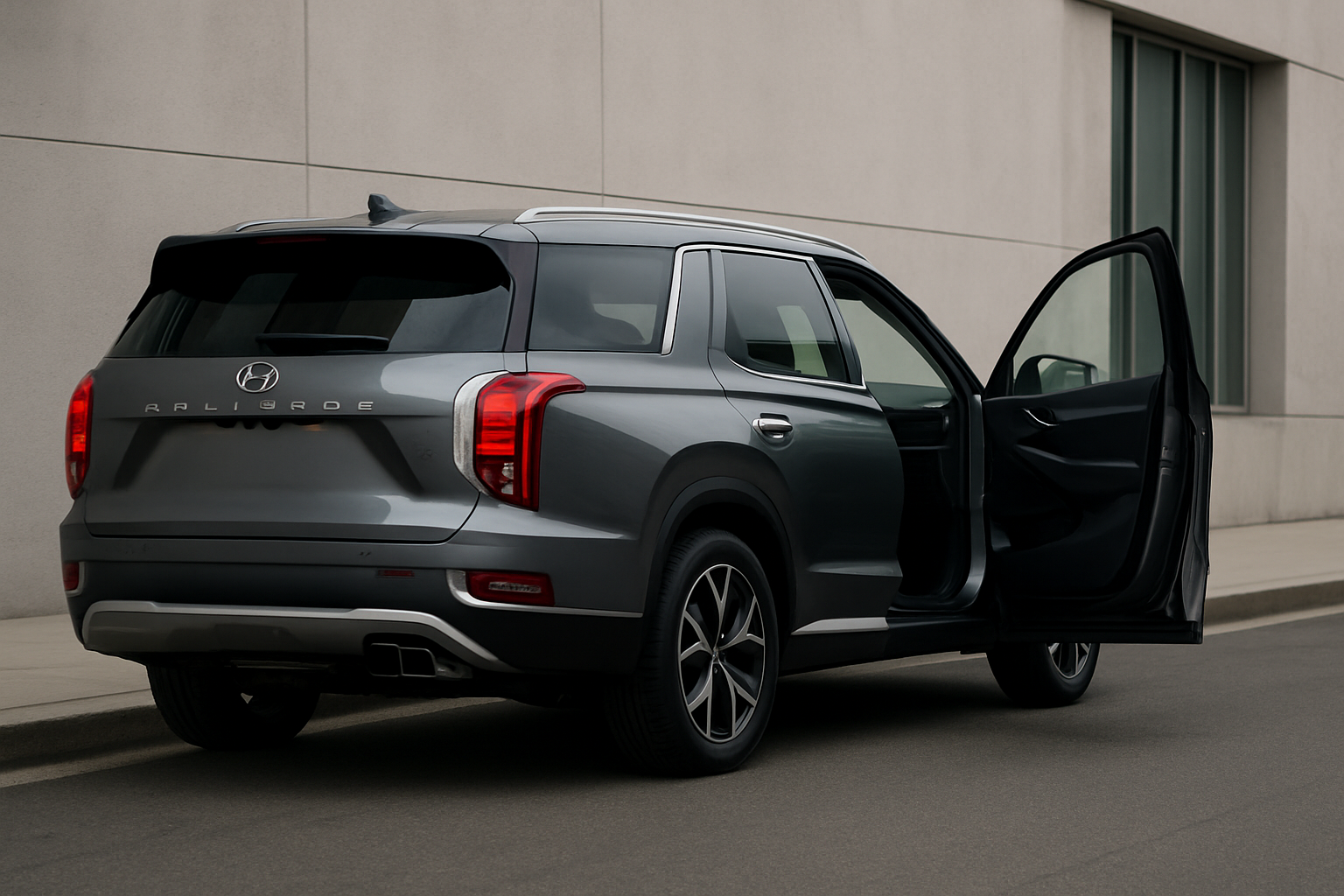
The Palisade, Tucson, and Santa Fe all feature these technologies, though the specific implementation may vary slightly between model years and trim levels. Both systems activate automatically and don’t require any setup from you.
When the systems detect potential rear occupants, they’ll escalate their alerts progressively. This starts with dashboard warnings and can advance to horn honking, flashing lights, and even Bluelink notifications sent directly to your smartphone.
How Rear Seat Reminder Works
The Rear Seat Reminder system operates on straightforward logic. When you open and close a rear door before starting your trip, the system assumes you’ve placed something or someone in the back seat that you’ll need to retrieve.
After you park and turn off the engine, you’ll see a message on your instrument cluster display that reads “Rear Seat Reminder” or similar wording. This serves as your cue to check the back seat before walking away from the vehicle.
The system resets each time you start a new trip. If you don’t open a rear door during your journey, the reminder won’t activate when you park. This prevents unnecessary alerts during solo trips or when you’re only carrying items in the front of the vehicle.
You can temporarily disable this feature through your vehicle’s settings menu, typically found under “Vehicle Settings” or “Convenience” in the infotainment display.
Advanced Rear Occupant Alert Technology
The Rear Occupant Alert system represents a significant technological advancement over simple door-based reminders. Ultrasonic sensors mounted in the cabin continuously monitor for movement in the rear seating area.
These sensors can detect even subtle movements like breathing or small shifts in position. The technology is sensitive enough to identify a sleeping child or restless pet that might otherwise go unnoticed.
The ROA system activates when you lock the vehicle and walk away. If sensors detect movement in the rear seats after you’ve locked the doors, the system initiates its alert sequence.
Alert Sequence and Escalation
When the Rear Occupant Alert detects movement, it follows a carefully designed escalation pattern to get your attention while avoiding false alarms that might disturb neighbors or passersby.
The first stage involves visual alerts. Your hazard lights will begin flashing to draw attention from anyone nearby. This subtle warning gives you or others a chance to return to the vehicle without creating a major disturbance.
If movement continues to be detected after the initial visual alert period, the system escalates to audible warnings. Your horn will begin honking in a distinctive pattern that’s different from your standard security alarm. This pattern helps distinguish ROA alerts from other vehicle notifications.
The most advanced feature comes through Bluelink connectivity. If your vehicle is equipped with Bluelink services and you have the smartphone app installed, you’ll receive push notifications alerting you to potential rear occupants. This works even when you’re inside a building or otherwise out of sight of your vehicle.
Activating and Configuring the Systems
Most Hyundai vehicles come with both systems activated by default, but you should verify their status in your vehicle settings. Navigate to your infotainment system’s main menu and look for “Vehicle Settings” or “Convenience Settings.”
Within these menus, you’ll find options for “Rear Seat Reminder” and “Rear Occupant Alert.” Both should show as “On” or “Enabled” for maximum protection.
The Bluelink notifications require additional setup through the Bluelink smartphone app. After downloading and registering your vehicle in the app, enable notifications in both the app settings and your phone’s notification settings.
Some vehicles allow you to adjust the sensitivity of the ultrasonic sensors, though the default settings work well for most situations. Higher sensitivity might trigger more false alarms from small items shifting in the back seat, while lower sensitivity might miss very subtle movements.
Real-World Performance and Limitations
Understanding what these systems can and cannot detect helps you use them effectively while maintaining appropriate vigilance. The ultrasonic sensors excel at detecting movement but cannot distinguish between a child, pet, or inanimate object.
Temperature extremes can affect sensor performance. Very hot or cold conditions might reduce sensitivity slightly, though the systems continue to function within their design parameters.
The sensors may occasionally trigger false alerts from items like balloons, loose papers, or shopping bags that shift due to wind or vehicle settling. While these false positives can be annoying, they demonstrate that the system is actively monitoring your vehicle.
Heavy rain, snow, or ice accumulation on the vehicle can sometimes interfere with external components of the alert system, particularly the hazard lights or horn mechanisms.
Maximizing System Effectiveness
Several practices can help you get the most benefit from these safety technologies. Always ensure your Bluelink subscription remains active and your smartphone app is updated to the latest version.
Keep your rear seating area relatively clear of loose items that might trigger false alarms. This doesn’t mean avoiding cargo altogether, but securing bags, packages, and other items reduces unnecessary alerts.
Test the systems periodically to ensure they’re functioning correctly. You can do this safely by placing a moving object like a battery-operated toy in the rear seat, locking the vehicle, and verifying that alerts activate properly.
Check your smartphone’s notification settings regularly. Software updates sometimes reset notification permissions, which could prevent you from receiving critical Bluelink alerts.
Troubleshooting Common Issues
If your Rear Seat Reminder stops working, the most common cause is a door sensor malfunction. This typically requires dealer diagnosis and repair, as the sensors are integrated into the door mechanisms.
Rear Occupant Alert problems often relate to sensor cleanliness or calibration. Excessive dust, debris, or moisture around sensor locations can interfere with operation. Your dealer can clean and recalibrate these components during regular service visits.
Bluelink notification failures usually stem from connectivity issues rather than hardware problems. Verify your vehicle’s cellular connection status in the infotainment system and confirm your smartphone has a strong cellular or WiFi signal when notifications should be received.
If you’re getting excessive false alarms, try adjusting sensor sensitivity through the vehicle settings menu. You can also temporarily disable the system for specific trips where you know you’ll be carrying items that might trigger alerts.
Integration with Other Safety Systems
These rear occupant protection systems work alongside other Hyundai safety technologies to create comprehensive vehicle security. The same sensors and connectivity features support functions like remote vehicle monitoring and security alerts.
Some newer Hyundai models integrate rear occupant detection with climate control systems. If movement is detected in a locked vehicle, the system may automatically activate climate control to maintain safer interior temperatures.
The Bluelink connectivity that enables smartphone notifications also supports remote vehicle starting, which can be crucial for climate control in emergency situations involving rear occupants.
Frequently Asked Questions
Can these systems work if my Bluelink subscription expires?
The basic Rear Seat Reminder and local alerts (horn, lights) from the Rear Occupant Alert will continue working without Bluelink. However, you’ll lose smartphone notifications, which are often the most effective way to receive alerts when you’re away from your vehicle.
Do the sensors detect pets as reliably as children?
The ultrasonic sensors detect movement regardless of its source, so they’re equally effective at detecting pets and children. However, very small or completely motionless pets might not trigger the system consistently.
Will these systems activate if I leave groceries in the back seat?
The Rear Seat Reminder will activate based on door opening logic, regardless of what you place in the back seat. The Rear Occupant Alert will only trigger if sensors detect actual movement, so stationary groceries typically won’t cause false alarms.
Can I customize how long the system waits before starting alerts?
Most Hyundai vehicles have preset timing that cannot be adjusted by owners. The delay is typically designed to allow reasonable time for you to return to retrieve items while activating quickly enough to be effective in emergency situations.
Leave a Reply