
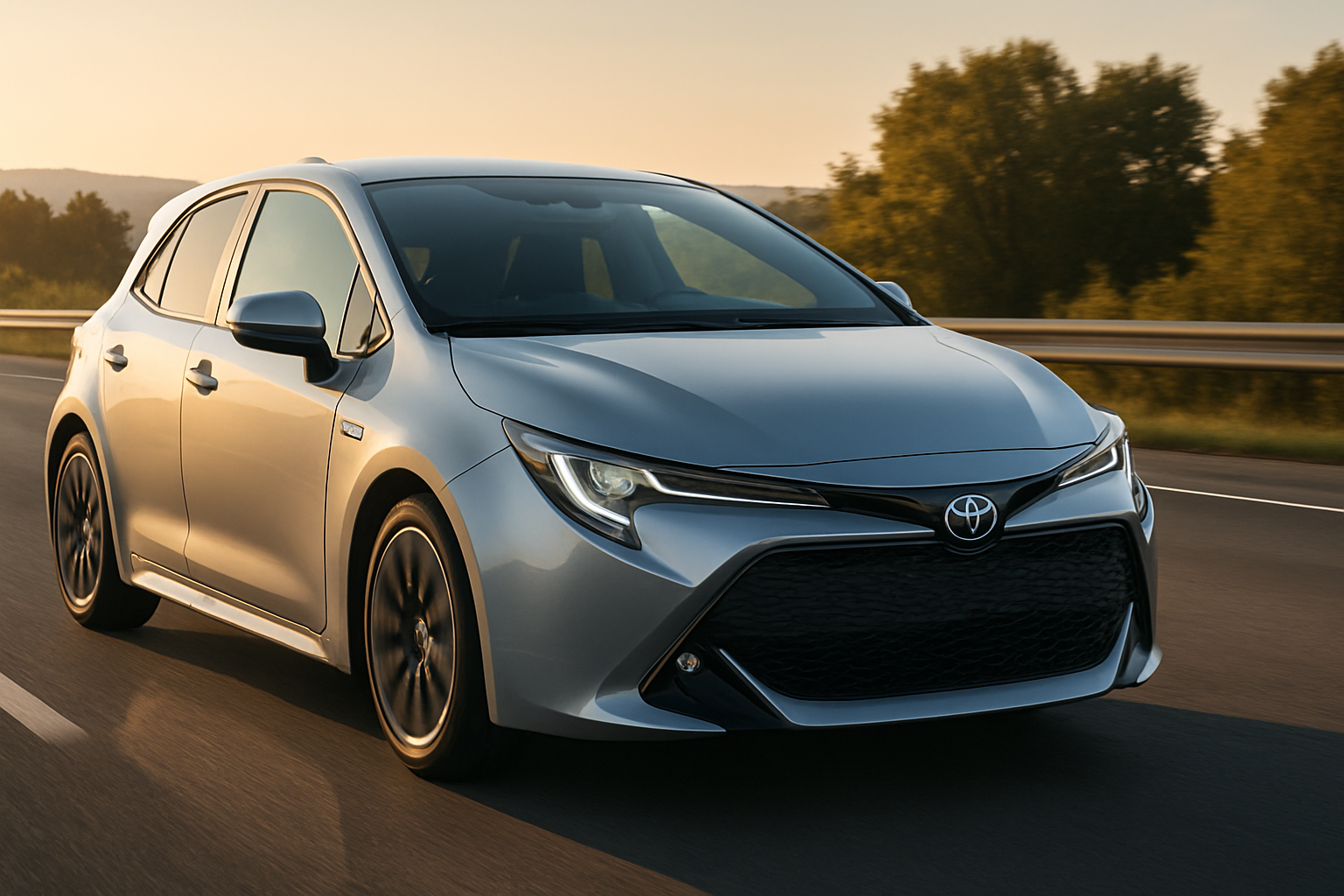
Toyota’s Predictive Efficient Drive represents one of the most sophisticated fuel-saving technologies in modern hybrid vehicles. This intelligent system uses real-time navigation data to optimize your hybrid’s battery performance, potentially improving fuel economy by up to 5% on longer trips.
Available on popular models like the RAV4 Hybrid, Highlander Hybrid, and Camry Hybrid, this feature works behind the scenes to make your daily commute more efficient. Understanding how to activate and maximize this technology can help you squeeze every mile out of your hybrid’s impressive fuel economy.
What is Predictive Efficient Drive?
Predictive Efficient Drive (PED) is Toyota’s forward-thinking approach to hybrid battery management. Unlike traditional hybrid systems that react to current driving conditions, PED looks ahead using your vehicle’s navigation system to anticipate what’s coming.
The system analyzes upcoming terrain, traffic patterns, speed limit changes, and known stopping points along your route. Using this information, it makes intelligent decisions about when to charge the hybrid battery, when to discharge it, and when to rely more heavily on the gasoline engine.
Think of it as having a co-pilot who’s driven your route thousands of times before. The system knows there’s a long downhill section in two miles where it can recharge the battery, so it might use more electric power now to save fuel. It also recognizes that you’ll be stopping at a traffic light ahead, so it can begin regenerative charging earlier.
Which Toyota Hybrid Models Feature Predictive Efficient Drive
Currently, Toyota offers Predictive Efficient Drive on three of their most popular hybrid models. Each implementation is slightly different based on the vehicle’s size and typical usage patterns.
RAV4 Hybrid
The RAV4 Hybrid’s PED system is tuned for mixed driving conditions, including suburban commuting and light off-road adventures. The system works particularly well on hilly terrain where the SUV’s higher seating position and navigation system can effectively predict elevation changes.
Highlander Hybrid
Given the Highlander’s role as a family hauler, its PED system focuses on highway efficiency and stop-and-go traffic optimization. The larger battery pack in the three-row SUV allows for more aggressive battery management strategies.
Camry Hybrid
The Camry Hybrid’s implementation emphasizes highway cruising efficiency and city driving optimization. The sedan’s aerodynamic profile works well with PED’s predictive battery management during longer commutes.
How to Activate Predictive Efficient Drive
Activating PED isn’t as simple as pushing a button. The system requires specific conditions to function properly, and you’ll need to understand both the setup process and operational requirements.
Initial Setup Requirements
First, you’ll need an active destination entered into your vehicle’s built-in navigation system. PED cannot function without navigation data, as it needs to know your intended route to make predictions about upcoming driving conditions.
Your Toyota’s GPS must have a clear signal and updated map data. Outdated maps can cause the system to make incorrect predictions about road conditions or speed limits. Check for map updates through your Toyota’s connected services or visit your local dealership.
Step-by-Step Activation Process
Start your vehicle and ensure the hybrid system is fully initialized. You’ll see the “READY” indicator on your dashboard when the system is active.
Access your vehicle’s navigation system through the infotainment display. Enter your destination using the address, point of interest, or recent destinations. The route must be at least several miles long for PED to provide meaningful benefits.
Once you’ve entered your destination, select “GO” to begin route guidance. The system will calculate your route and begin loading the necessary data for predictive optimization.
Look for the PED indicator on your Multi-Information Display (MID). This small icon, typically showing a road with an upward arrow, appears when the system is actively using predictive data. The icon may take a few minutes to appear as the system processes route information.
Understanding How the System Works
PED operates by combining multiple data sources to create a comprehensive picture of your upcoming drive. The more the system knows about your route, the better it can optimize your hybrid’s performance.
Navigation Data Integration
Your vehicle’s navigation system provides the foundation for PED’s operation. The system analyzes your planned route for elevation changes, speed limit variations, and typical traffic patterns. This data comes from both stored map information and real-time traffic updates when available.
The system pays particular attention to significant elevation changes. When approaching a long uphill section, PED might preserve more battery charge by relying more on the gasoline engine in the miles leading up to the climb. Conversely, before a long downhill section, it might use more battery power, knowing it can recharge during the descent.
Traffic Pattern Recognition
PED also considers typical traffic patterns for your route. If you’re driving during rush hour on a route known for heavy stop-and-go traffic, the system will adjust its battery management strategy accordingly. It might maintain a higher state of charge to provide more electric-only driving capability during low-speed conditions.
The system learns from aggregated data about traffic patterns, not your individual driving history. This protects your privacy while still providing the benefits of predictive optimization.
Maximizing Predictive Efficient Drive Benefits
Getting the most from PED requires understanding how to work with the system rather than against it. Small changes in your driving habits can significantly amplify the technology’s benefits.
Route Planning Strategies
Use your vehicle’s built-in navigation system even for familiar routes. While you might know the way to work, the navigation system provides PED with the data it needs to optimize your drive. Using smartphone navigation apps instead of the built-in system prevents PED from functioning.
When possible, choose routes with varied terrain and traffic conditions. PED provides the greatest benefits on drives that include hills, varying speed limits, and mixed traffic conditions. Highway cruising at constant speeds offers fewer optimization opportunities.
Driving Technique Adjustments
Pay attention to your vehicle’s power flow display when PED is active. You’ll notice the system makes different decisions about when to use electric power versus engine power compared to normal hybrid operation.
Avoid overriding the system with aggressive acceleration or excessive speeds. PED makes its calculations based on reasonable driving behavior. Heavy acceleration or high speeds can disrupt the system’s carefully planned battery management strategy.
Maintain steady speeds when possible, especially on highways. Frequent speed changes make it harder for the system to execute its planned optimization strategy effectively.
Monitoring System Performance
Toyota provides several ways to monitor PED’s performance and understand how it’s affecting your vehicle’s efficiency. Learning to read these indicators helps you maximize the system’s benefits.
Dashboard Indicators
The Multi-Information Display shows PED status through a small road icon with directional indicators. When this icon is illuminated, the system is actively using predictive data to manage your hybrid system.
Your vehicle’s energy monitor display will show different patterns when PED is active. You might notice the system uses electric power more aggressively in some situations while preserving battery charge in others, based on upcoming road conditions.
Fuel Economy Tracking
Compare your fuel economy on trips with and without PED active. The difference might be subtle on short trips but becomes more noticeable on longer drives with varied terrain.
Use your vehicle’s trip computer to track fuel economy over consistent routes. Reset the trip meter when you start using PED regularly to establish a new baseline for comparison.
Troubleshooting Common Issues
Like any sophisticated technology, PED occasionally encounters issues that can affect its performance. Understanding common problems and their solutions helps ensure consistent operation.
System Not Activating
If PED isn’t activating, first verify you’ve entered a destination in the built-in navigation system. The system requires an active route to function, and even familiar destinations must be entered each time.
Check your GPS signal strength. Poor satellite reception prevents the system from accurately determining your location and planned route. Underground parking garages, dense urban areas, and severe weather can affect GPS performance.
Ensure your map data is current. Outdated maps can cause the system to make incorrect assumptions about road conditions, speed limits, or traffic patterns.
Inconsistent Performance
PED performance can vary based on route characteristics and driving conditions. Very short trips provide limited optimization opportunities, while longer drives with varied terrain show more noticeable benefits.
Traffic conditions that differ significantly from typical patterns can affect system performance. Construction zones, accidents, or unusual traffic patterns might cause the system to make suboptimal decisions based on normal conditions.
Advanced Tips for Power Users
Experienced hybrid drivers can take additional steps to maximize PED’s effectiveness through careful attention to driving patterns and system behavior.
Route Selection Strategy
When multiple routes are available, consider choosing the option that provides the best conditions for PED optimization. Routes with moderate hills, varied speed limits, and mixed driving conditions typically offer the greatest benefits.
Avoid extremely flat routes when possible, as these provide fewer opportunities for the system to demonstrate its predictive capabilities. Similarly, routes with constant highway speeds offer limited optimization potential.
Seasonal Considerations
PED performance can vary with seasonal conditions. Cold weather affects battery performance and reduces the system’s ability to rely on electric power. The system adapts to these conditions, but benefits may be less noticeable in winter months.
Summer driving with air conditioning places additional demands on the electrical system. PED accounts for these loads when making battery management decisions, but overall efficiency gains might be reduced during periods of heavy climate control use.
Frequently Asked Questions
Does Predictive Efficient Drive work without an active navigation destination?
No, PED requires an active destination entered into your vehicle’s built-in navigation system. The system needs route data to make predictive decisions about upcoming driving conditions. Even if you know your route well, you must enter the destination each time to enable PED functionality.
Can I use smartphone navigation apps instead of the built-in system?
While you can use smartphone apps for directions, PED only works with your Toyota’s built-in navigation system. The predictive algorithms need direct access to route data, elevation information, and traffic patterns that aren’t available when using external navigation apps. For maximum efficiency benefits, use the vehicle’s native navigation system.
How much fuel economy improvement can I expect from Predictive Efficient Drive?
Toyota estimates PED can improve fuel economy by up to 5% on longer trips with varied terrain and traffic conditions. Your actual results depend on route characteristics, driving style, and traffic conditions. Short trips or routes with constant speeds typically show smaller improvements, while hilly terrain with mixed driving conditions provide the greatest benefits.
Will Predictive Efficient Drive work on routes I drive frequently?
Yes, PED works on familiar routes as long as you enter the destination into the navigation system. The system doesn’t learn your personal driving patterns but uses aggregated traffic data and map information to optimize any route. You’ll still need to enter your destination each time, even for your daily commute, to enable the predictive functionality.



Leave a Reply