
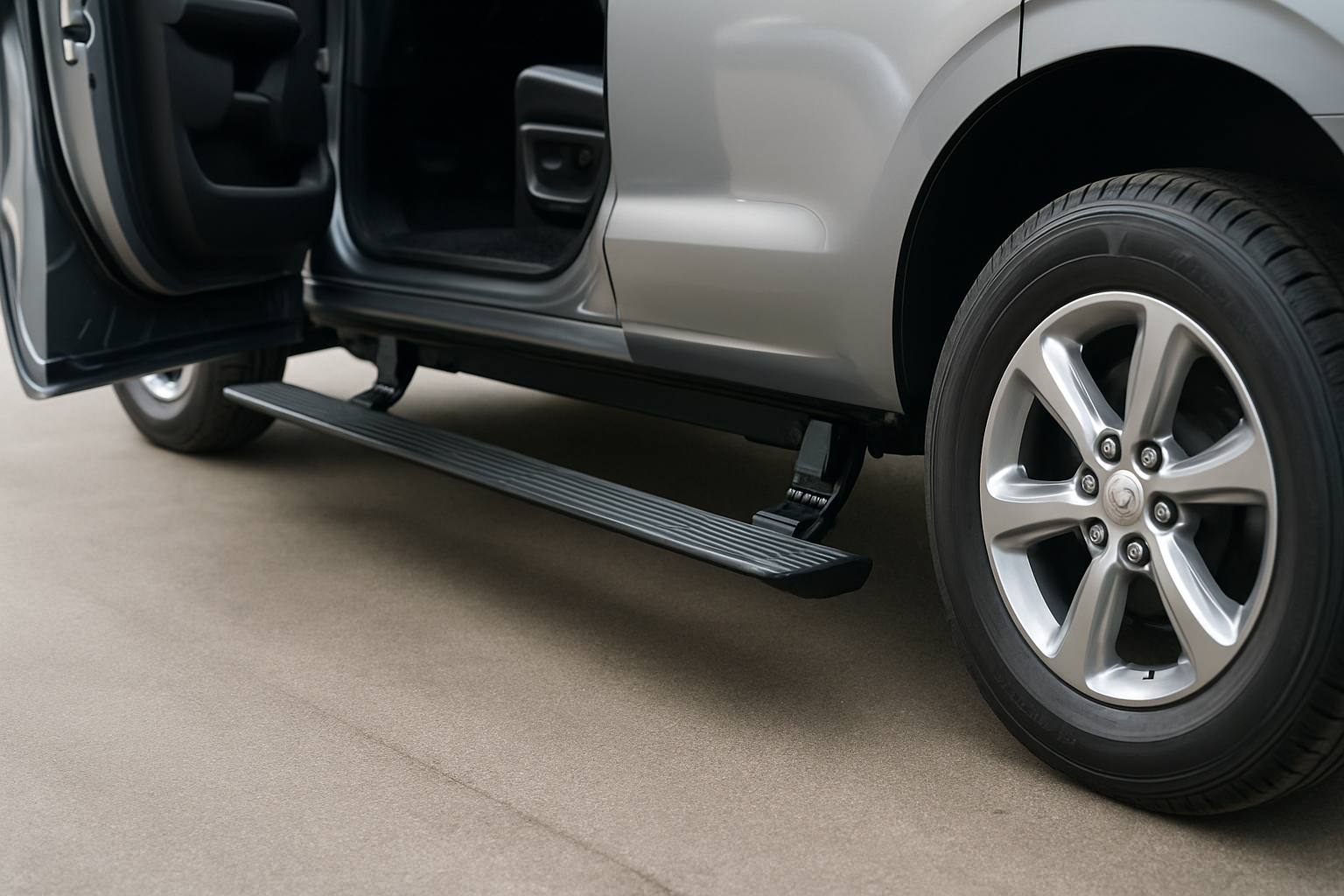
Ford’s power running boards transform how you enter and exit your F-150 or Expedition, automatically extending when you open a door and retracting when you close it. These motorized steps provide convenient access while maintaining ground clearance when you need it most.
You’ll find power running boards available on select Ford F-150 and Expedition models from 2015 onward, with the feature becoming more common on higher trim levels in recent years.
How Power Running Boards Work
Power running boards use electric motors and sensors to deploy automatically when you open any door on your Ford. The system detects door opening through the vehicle’s computer network and extends the running boards within seconds.
When you close all doors, the boards retract flush against the vehicle’s underside. This automatic operation happens every time without any input from you, making entry and exit smoother for passengers of all heights.
The running boards extend approximately 6-8 inches from the vehicle’s body when deployed. They support up to 400 pounds and feature a textured surface to prevent slipping in wet conditions.
Using the Automatic Deploy Feature
Your Ford’s power running boards deploy automatically whenever you open any door. You don’t need to press any buttons or activate any switches for normal operation.
The boards extend completely within 3-4 seconds of opening a door. Wait for full extension before stepping on them, especially when helping elderly passengers or children exit the vehicle.
After closing all doors, the boards retract automatically after a brief delay. This gives you time to walk away from the vehicle before the boards move back into their stored position.
Door-Specific Operation
Each door opening triggers both running boards to extend, not just the side where you opened the door. This allows passengers to exit from either side without waiting for additional deployment.
The system remains active as long as any door stays open. If you open the driver’s door, then open a rear door, the boards stay extended until you close both doors.
Override Button Location and Function
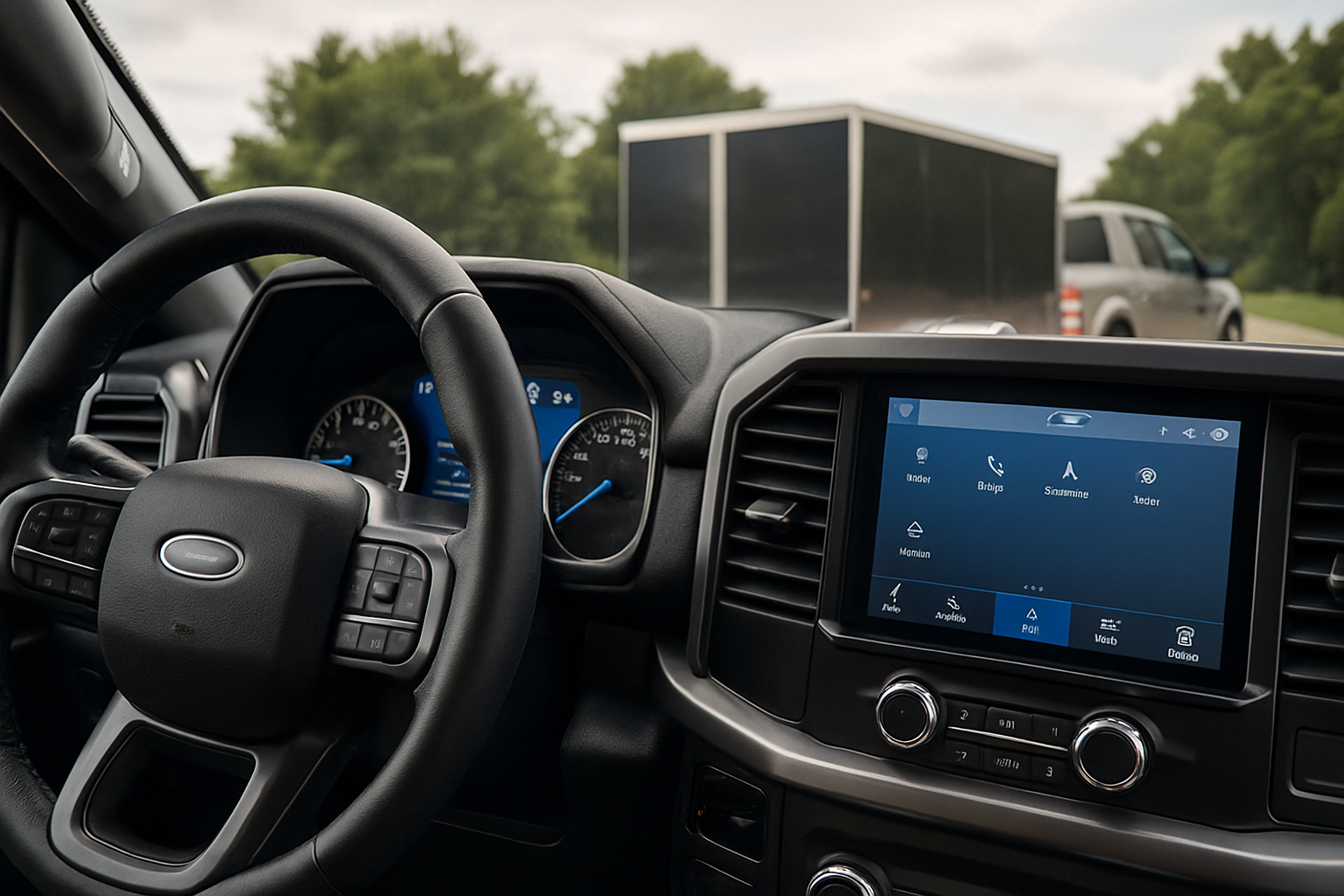
Your F-150 or Expedition includes an override button that disables the power running boards temporarily. You’ll find this button located in the center console area or on the dashboard, depending on your model year.
On most F-150 models, look for the override button near the trailer brake controller or tow/haul mode switches. The button typically shows an icon of running boards with a prohibition symbol.
Expedition models usually place the override button in the center stack area below the climate controls. The button may be integrated into a bank of other utility switches.
When to Use the Override
Press the override button when you need to keep the running boards retracted permanently. This proves useful when driving through deep mud, snow, or rocky terrain where extended boards might catch on obstacles.
The override also helps when loading or unloading items from the side of your vehicle. Keeping the boards retracted prevents them from cycling up and down repeatedly as you open and close doors during loading.
You can reactivate automatic operation by pressing the override button again. The button typically includes an LED indicator that shows whether the override is active.
Ground Clearance Benefits
Retracted power running boards provide significant ground clearance advantages over fixed running boards or side steps. When stored, the boards sit flush with the vehicle’s body panels, maintaining factory ground clearance specifications.
This extra clearance becomes crucial when traversing rocky trails, steep driveways, or construction sites. Fixed running boards often scrape or catch on obstacles that retracted power boards easily clear.
The F-150 maintains approximately 8.8 to 9.4 inches of ground clearance with power boards retracted, depending on your specific configuration. Fixed boards typically reduce this clearance by 2-3 inches.
Off-Road Considerations
Use the override button to keep boards retracted during off-road driving. Extended boards can catch on rocks, logs, or ruts, potentially damaging the motors or board assemblies.
The retracted position also prevents mud and debris from accumulating on the board surfaces or in the extension mechanisms. This reduces cleaning time after off-road adventures.
Cleaning and Maintenance Requirements
Regular cleaning keeps your power running boards functioning smoothly and extends their lifespan. Focus on removing dirt and debris from both the board surfaces and the pivot points where they attach to the vehicle.
Use a pressure washer or garden hose to remove mud and salt buildup from the board assemblies. Pay special attention to the areas where the boards slide against the mounting brackets.
Monthly Cleaning Routine
Clean the board surfaces with soap and water, scrubbing the textured areas to remove embedded dirt. The non-slip surface can trap debris that reduces traction if not cleaned regularly.
Rinse the pivot points and motor housings thoroughly, but avoid directing high-pressure water directly at electrical connections. Most connections are sealed, but excessive pressure can force water past the seals.
Wipe down the board surfaces with a clean towel to prevent water spots and check for any damage or loose hardware while cleaning.
Seasonal Maintenance
Apply a small amount of white lithium grease to the pivot points twice per year. This prevents corrosion and ensures smooth operation in all weather conditions.
Check the mounting bolts for tightness during seasonal maintenance. The constant extension and retraction cycles can gradually loosen hardware over time.
Remove any ice buildup during winter months before operating the boards. Ice can prevent proper extension or retraction and may damage the motor assemblies if you force operation.
Troubleshooting Common Issues
Power running boards may occasionally fail to extend or retract properly. Most issues stem from debris in the mechanism, low battery voltage, or sensor problems.
If one board extends but the other doesn’t, check for debris blocking the stuck board’s movement. Small rocks or sticks often wedge between the board and mounting bracket.
Slow Operation
Boards that extend or retract slowly often need cleaning and lubrication. Remove accumulated dirt from the pivot points and apply fresh grease to the moving parts.
Cold weather can also slow operation temporarily. Allow the vehicle to warm up before expecting normal board speed in freezing temperatures.
Complete System Failure
Check the override button first if neither board operates. The override may be engaged accidentally, preventing all automatic operation.
Verify that the fuse for the running board system hasn’t blown. You’ll find the specific fuse location in your owner’s manual, typically in the passenger compartment fuse box.
Low battery voltage can prevent proper operation. If your vehicle’s battery tests below 12 volts, charge it fully before testing the running board system again.
Safety Considerations
Never step on power running boards while they’re moving. Always wait for complete extension before putting your full weight on the board surface.
Keep children away from the boards during operation. The motors are powerful enough to cause injury if fingers or clothing get caught during extension or retraction.
Inspect boards visually before each use, especially after off-road driving. Damage to the board surface or mounting hardware can create safety hazards for passengers.
Weight Limits
Power running boards support up to 400 pounds when properly maintained and undamaged. Don’t use them as work platforms or place excessive weight on them when loading cargo.
Avoid bouncing or jumping on extended boards. This can damage the motor assemblies or bend the board structures beyond repair.
Frequently Asked Questions
Can I manually extend the boards if the motor fails?
Most power running board systems don’t include manual override capability. If the motors fail, the boards typically remain in their last position until you repair the system. Some aftermarket systems include manual release mechanisms, but factory Ford systems generally don’t offer this feature.
Will the power boards drain my battery when parked?
Power running boards draw minimal current when not operating and shouldn’t drain your battery during normal parking periods. The system only consumes significant power during actual extension and retraction cycles. If you notice battery drain issues, have the system checked for electrical faults.
Can I add power running boards to my F-150 or Expedition?
You can retrofit power running boards to most F-150 and Expedition models, but installation requires significant electrical work and programming. Several aftermarket manufacturers offer complete kits, but professional installation is recommended due to the complexity of integrating with your vehicle’s computer systems.
How much do replacement power running boards cost?
Replacement power running board assemblies typically cost $800-1500 per side for genuine Ford parts, plus installation labor. Aftermarket options are available for less, but may not integrate as seamlessly with your vehicle’s existing systems. Individual components like motors or boards can sometimes be replaced separately for lower cost repairs.
Leave a Reply