
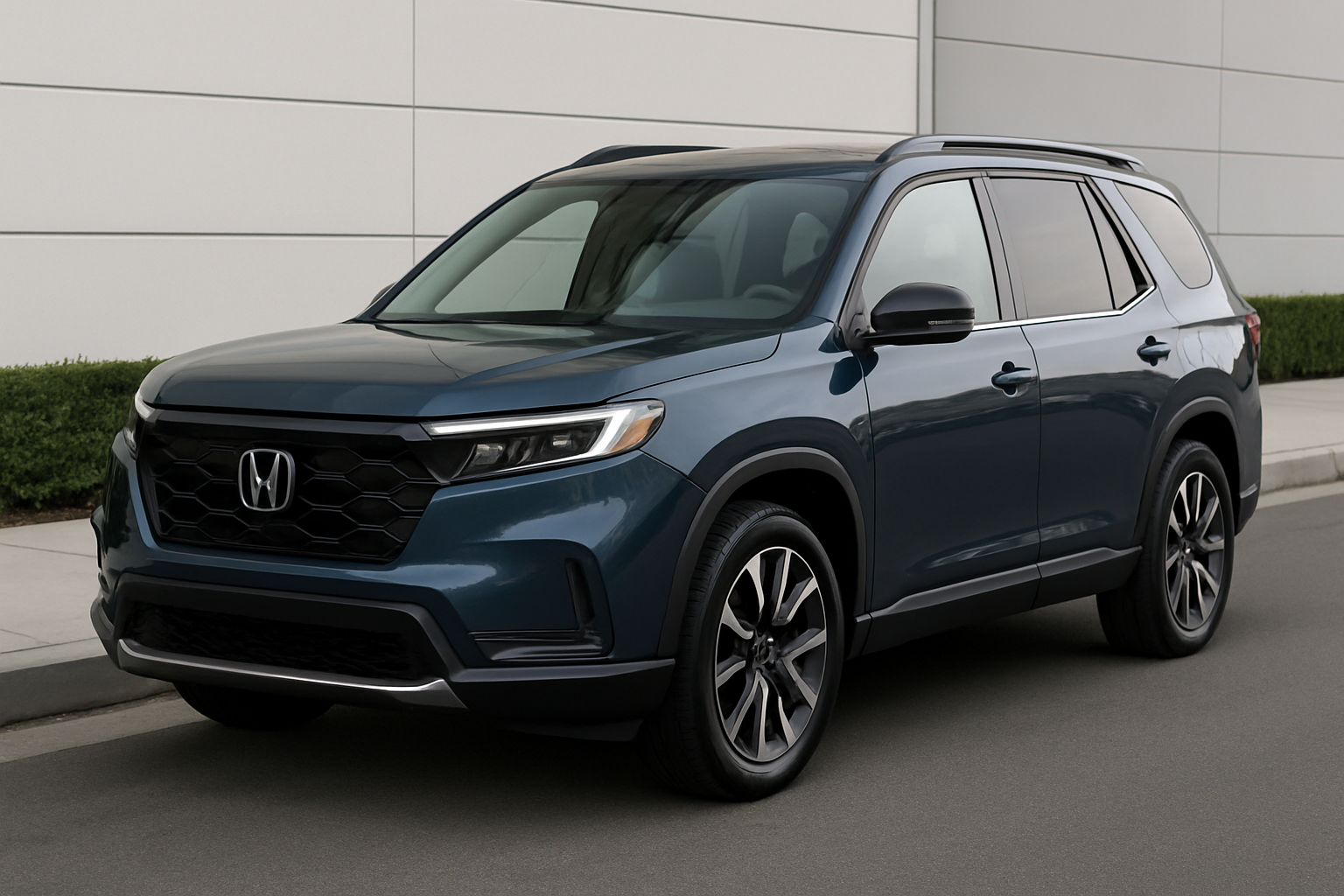
The Honda Pilot’s multi-view camera system transforms your driving experience by giving you multiple perspectives around your vehicle. This advanced safety and convenience feature replaces traditional blind spot monitoring with a more comprehensive visual solution that helps you park, navigate tight spaces, and change lanes with confidence.
Understanding the Honda Pilot’s Multi-View Camera System
Honda introduced this camera system across recent Pilot generations as part of their Honda Sensing suite. The system uses strategically placed cameras around your vehicle to provide real-time views of areas you normally can’t see from the driver’s seat.
The multi-view system includes cameras mounted on the front grille, passenger side mirror, and rear of the vehicle. Each camera feeds into your infotainment display, giving you a complete picture of your surroundings during various driving situations.
This technology specifically replaces Honda’s previous LaneWatch system, which only provided a view of the passenger side blind spot. The new multi-view approach offers much more comprehensive coverage and flexibility.
Available Camera Views and When to Use Them
Normal View
The normal view provides a standard perspective similar to what you’d see in a traditional backup camera or side mirror. This view works well for general driving situations where you need a clear, undistorted look at your surroundings.
You’ll find the normal view most useful during regular parking maneuvers or when checking for pedestrians and obstacles. The image appears natural and easy to interpret, making it perfect for drivers who prefer familiar perspectives.
Wide View
Wide view expands your field of vision by using a fisheye lens effect to capture more area around your vehicle. This perspective shows a broader range but creates some distortion around the edges of the image.
Use wide view when parallel parking in tight city spaces or navigating crowded parking lots. The expanded coverage helps you spot approaching vehicles, pedestrians, or obstacles that might not appear in the normal view.
Top-Down View
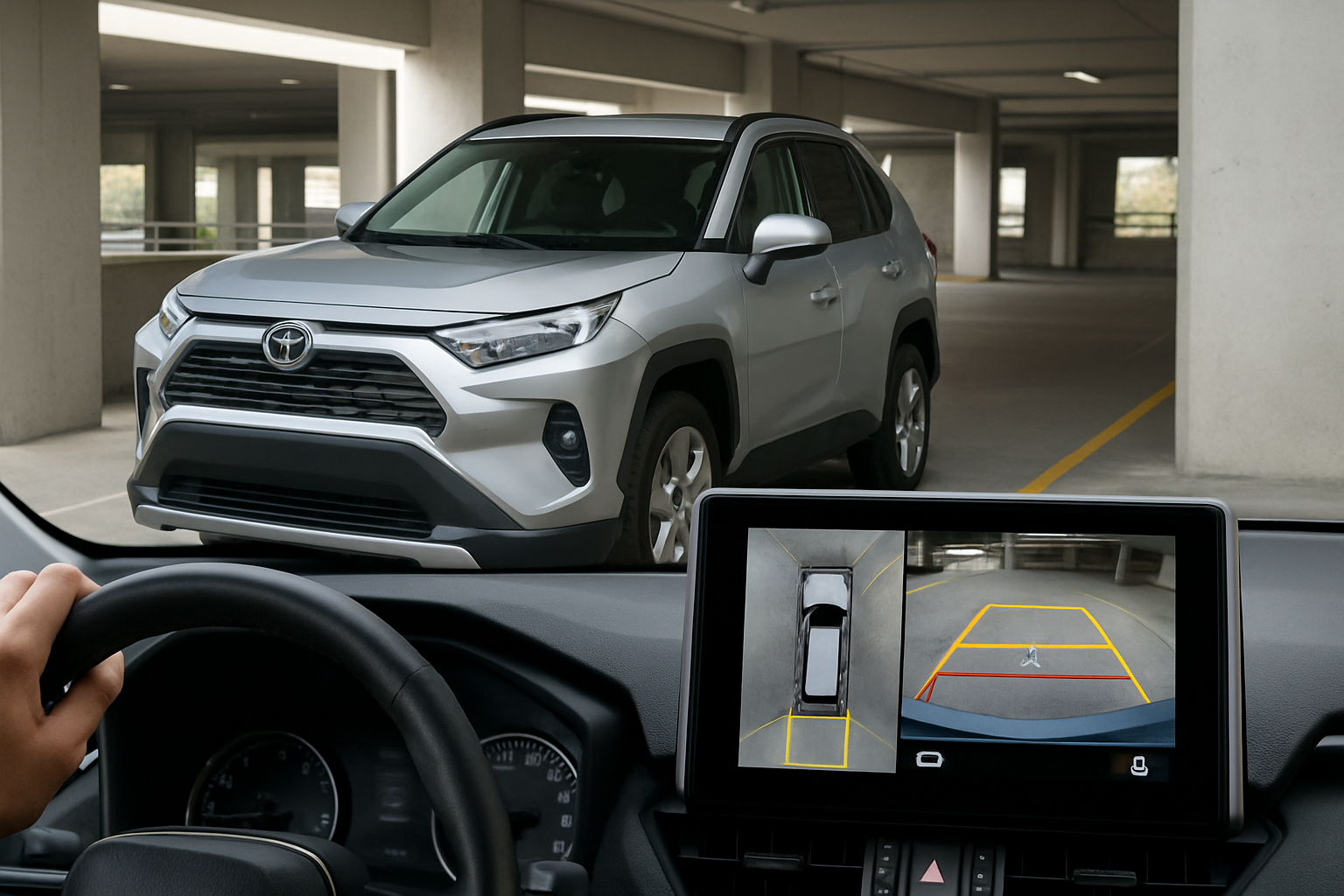
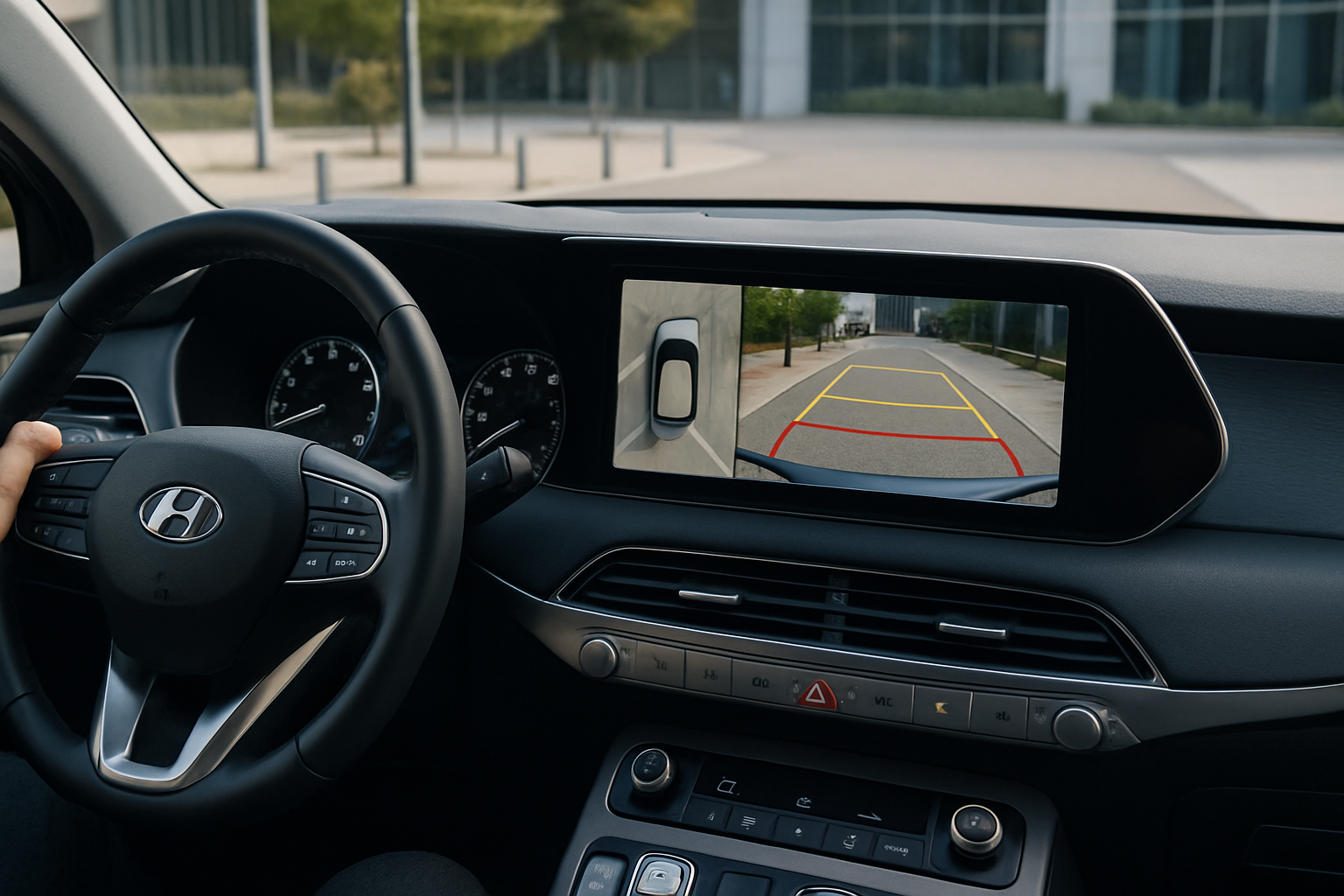
The top-down perspective creates a bird’s eye view of your Pilot by digitally combining feeds from multiple cameras. This synthetic view shows your vehicle from above, making it easier to judge distances and positioning.
Top-down view excels during precision parking maneuvers, especially when backing into tight spots or aligning with parking space lines. The overhead perspective helps you understand exactly where your vehicle sits relative to surrounding objects.
Accessing Camera Views Through Your Infotainment System
Your Honda Pilot’s camera system activates automatically in certain situations, but you can also manually control when and how it displays. The cameras integrate directly with your touchscreen infotainment system.
When you shift into reverse, the rear camera activates automatically and displays on your center screen. You’ll see view options appear along the bottom or side of the display, typically represented by small icons showing different perspective angles.
To switch between views, simply tap the corresponding icon on your touchscreen. The system responds immediately, switching between normal, wide, and top-down perspectives as you select them.
Using Dynamic Guidelines for Precise Maneuvering
Dynamic guidelines overlay colored lines on your camera display that move and adjust based on your steering wheel position. These lines predict your vehicle’s path, helping you understand where you’re headed before you get there.
Green guidelines typically indicate a safe path, while yellow and red lines warn of potential obstacles or tight clearances. The lines curve and adjust in real-time as you turn your steering wheel, providing immediate feedback about your intended path.
Pay attention to how the guidelines interact with parking space lines, curbs, and other vehicles. When the green guidelines align with your desired parking position, you know you’re steering in the right direction.
Special Features on the TrailSport Model
The Honda Pilot TrailSport includes an additional front camera that provides enhanced visibility during off-road adventures. This forward-facing camera helps you navigate obstacles, steep inclines, and rough terrain where your normal sight lines might be blocked.
You can activate the front camera manually through your infotainment system when driving at low speeds. This feature becomes invaluable when climbing over rocks, navigating through tight trails, or approaching the crest of a hill where you can’t see what’s ahead.
The front camera works in conjunction with the TrailSport’s other off-road features, giving you the visual information needed to tackle challenging terrain safely.
Tips for Getting the Most from Your Camera System
Keep Cameras Clean
Camera lenses collect dirt, water spots, and debris that can severely impact image quality. Regular cleaning ensures you get clear, useful images when you need them most.
Use a soft microfiber cloth and mild soap solution to clean camera lenses. Avoid harsh chemicals or abrasive materials that could scratch the lens surface. Check and clean cameras weekly, or more frequently in dusty or muddy conditions.
Adjust Display Settings
Your infotainment system includes brightness and contrast adjustments that can improve camera visibility in different lighting conditions. Experiment with these settings to find what works best for your eyes and typical driving environment.
You can usually access display settings through the main menu of your infotainment system. Look for camera or display options where you can fine-tune image quality.
Practice in Safe Environments
Spend time practicing with different camera views in empty parking lots or your driveway. Understanding how each view represents space around your vehicle takes practice, especially the top-down perspective.
Try parking between cones or other markers while relying primarily on camera views. This practice builds confidence and helps you understand the system’s capabilities and limitations.
Understanding System Limitations
Camera systems have blind spots and limitations you should understand. The cameras can’t see everything, particularly areas directly adjacent to your vehicle’s sides or objects that are very low or very high.
Weather conditions like heavy rain, snow, or fog can significantly reduce camera effectiveness. Ice, mud, or snow covering camera lenses will block your view entirely until cleaned.
Remember that camera displays can make objects appear farther away than they actually are. Always use cameras as a supplement to, not a replacement for, visual checks and mirrors.
Troubleshooting Common Issues
Camera Display Won’t Activate
If your camera system stops working, first check that cameras aren’t blocked by dirt or debris. Clean all camera lenses and try the system again.
Ensure your infotainment system is functioning properly by testing other features. Sometimes a system restart (turning the vehicle off and on) resolves temporary glitches.
Poor Image Quality
Blurry or distorted images usually indicate dirty camera lenses. Clean the affected cameras and check if image quality improves.
Extremely hot or cold weather can temporarily affect camera performance. Allow time for cameras to adjust to temperature changes.
Guidelines Appear Inaccurate
Dynamic guidelines depend on proper wheel alignment and calibration. If guidelines consistently seem off, your vehicle may need professional camera system calibration.
This calibration typically requires specialized equipment available at Honda dealerships or qualified automotive service centers.
Maximizing Safety with Multi-View Cameras
While camera systems greatly enhance safety, they work best when combined with traditional driving practices. Always perform visual checks and use mirrors along with camera assistance.
The multi-view system excels at showing you what’s happening in areas where traditional mirrors have blind spots. Use this advantage during lane changes, parking, and low-speed maneuvering.
Remember that cameras show a two-dimensional representation of three-dimensional space. Developing good judgment about distances and depths takes time and practice.
Frequently Asked Questions
Can I use the camera system while driving at highway speeds?
Most camera functions are designed for low-speed use and automatically disable at higher speeds for safety reasons. The system prioritizes normal driving visibility over camera displays during highway driving.
What should I do if a camera gets damaged?
Damaged cameras need professional replacement to maintain system functionality. Contact your Honda dealer for proper camera replacement and calibration. Aftermarket cameras typically won’t integrate properly with the factory system.
Do the cameras record video for later viewing?
The standard Honda multi-view system provides live feeds only and doesn’t include recording capability. The cameras are designed for real-time driving assistance rather than security recording.
Can I add cameras to a Pilot that doesn’t have the multi-view system?
Adding factory-style multi-view cameras to vehicles not originally equipped requires extensive modification and programming. Aftermarket backup cameras are more practical additions for vehicles lacking factory camera systems.
This article contains affiliate links. If you purchase through these links, we may earn a small commission at no extra cost to you.

Leave a Reply