
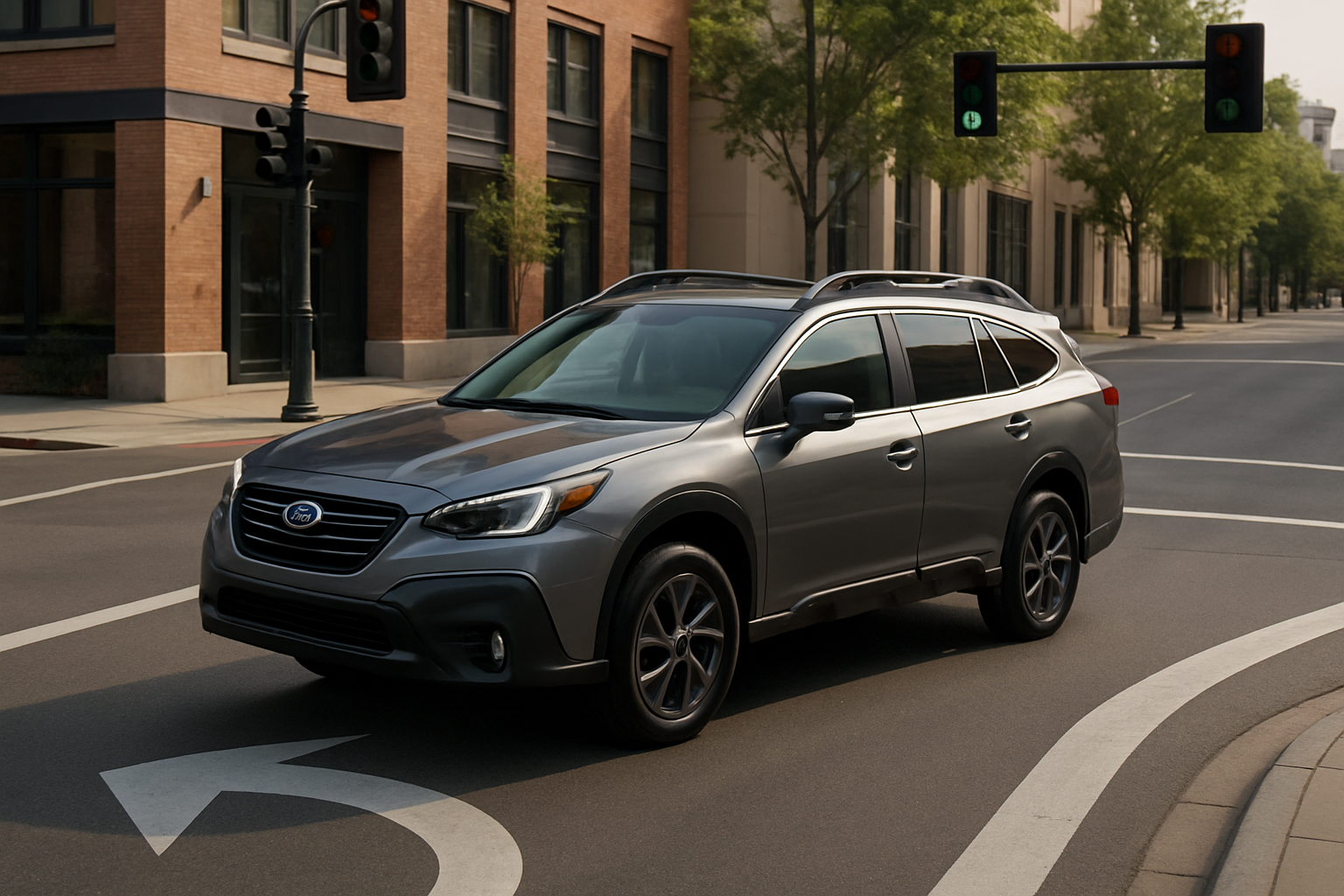
Modern vehicles come packed with safety features designed to prevent accidents, and the Subaru Outback’s Intersection Turning Assist is one of the most impressive examples. This advanced system actively monitors for oncoming traffic when you’re making left turns and can automatically apply the brakes if it detects a potential collision.
Understanding how to use this feature properly can help you drive more confidently through busy intersections while maximizing the safety benefits it provides.
What Is Intersection Turning Assist and How Does It Work
Intersection Turning Assist is part of Subaru’s EyeSight X driver assistance suite, available exclusively on Outback XT models. Unlike the standard EyeSight system found on other Outback trims, EyeSight X includes this more advanced intersection monitoring capability.
The system uses forward-facing cameras and radar sensors to detect oncoming vehicles when you’re positioned to make a left turn at an intersection. If the system determines that an oncoming vehicle is approaching too quickly for you to safely complete your turn, it will automatically apply the brakes to prevent or reduce the severity of a collision.
This technology differs significantly from standard EyeSight features like Pre-Collision Braking, which primarily focuses on rear-end collision prevention. Intersection Turning Assist specifically addresses one of the most dangerous driving scenarios: left turns across oncoming traffic.
When the System Activates
Intersection Turning Assist operates under specific conditions that you should understand before relying on it. The system activates when your vehicle is stationary or moving slowly (typically under 6 mph) with your left turn signal engaged.
The cameras and sensors continuously monitor the approach of oncoming vehicles, calculating their speed and distance. If you begin to accelerate into your turn while an oncoming vehicle is determined to be too close or moving too fast, the system will intervene.
You’ll notice the intervention as a firm brake application that brings your vehicle to a stop or significantly reduces your speed. The system typically provides an audible warning tone and may display a visual alert on your dashboard display.
Optimal Operating Conditions
Like all camera and radar-based systems, Intersection Turning Assist works best under certain environmental conditions. Clear weather with good visibility provides the most reliable operation, as the cameras need unobstructed views of oncoming traffic.
The system performs well during daylight hours and can function in low-light conditions, though its effectiveness may be reduced. Heavy rain, snow, or fog can limit the cameras’ ability to detect oncoming vehicles accurately.
Clean sensors are crucial for proper operation. Snow, ice, dirt, or debris covering the cameras mounted behind your windshield will compromise the system’s ability to function. Regular cleaning of your windshield, particularly in the area where the EyeSight cameras are located, helps maintain optimal performance.
How to Ensure the System Is Active
Intersection Turning Assist activates automatically when your Outback XT is running and the EyeSight system is enabled. You don’t need to press any specific buttons or navigate through menu options to turn it on.
Check your multi-function display to confirm that EyeSight is active. You’ll see EyeSight indicators on the display when the system is operational. If these indicators are absent or show warning messages, the Intersection Turning Assist feature won’t function properly.
The system can be temporarily disabled through your vehicle’s settings menu if needed, though most drivers find it beneficial to leave active. Access the EyeSight settings through your infotainment system’s vehicle settings menu to review or modify these preferences.
Understanding System Limitations
While Intersection Turning Assist provides valuable protection, you should understand its limitations to avoid over-relying on the technology. The system may not detect motorcycles, bicycles, or pedestrians as effectively as full-sized vehicles due to their smaller profiles.
Sharp curves or unusual intersection layouts can confuse the sensors, potentially leading to false activations or missed detections. Construction zones, temporary traffic patterns, or intersections with poor lane markings may also affect system performance.
The system works best at traditional four-way intersections with clear sight lines. Complex intersections, roundabouts, or areas with multiple turning lanes may present challenges for the sensors’ ability to accurately assess oncoming traffic.
Responding to System Interventions
When Intersection Turning Assist activates, you’ll feel the brakes engage automatically. Your first instinct should be to remain calm and assess the situation. The system has detected what it believes is a potential collision threat.
After the automatic braking stops, take a moment to look for oncoming traffic before proceeding. The system’s intervention gives you additional time to make a safer turning decision, but you still need to actively evaluate traffic conditions.
If you determine the turn is safe to complete, you can override the system by applying steady pressure to the accelerator pedal. The system won’t prevent you from proceeding if you deliberately choose to continue your turn.
Maintenance and Care
Keeping your EyeSight X system functioning properly requires minimal but important maintenance. The cameras located behind your windshield need clear, unobstructed views to operate effectively.
Clean your windshield regularly, paying special attention to the area directly in front of the cameras. Use appropriate glass cleaners and avoid applying tinting, stickers, or other materials that could block the cameras’ field of view.
Schedule regular service appointments where technicians can check the camera alignment and system calibration. Any windshield replacement or significant front-end collision repair may require professional recalibration of the EyeSight cameras.
Maximizing Safety Benefits
Intersection Turning Assist works best when combined with good driving habits and situational awareness. Continue to actively scan for oncoming traffic, pedestrians, and cyclists before making left turns, even with the system active.
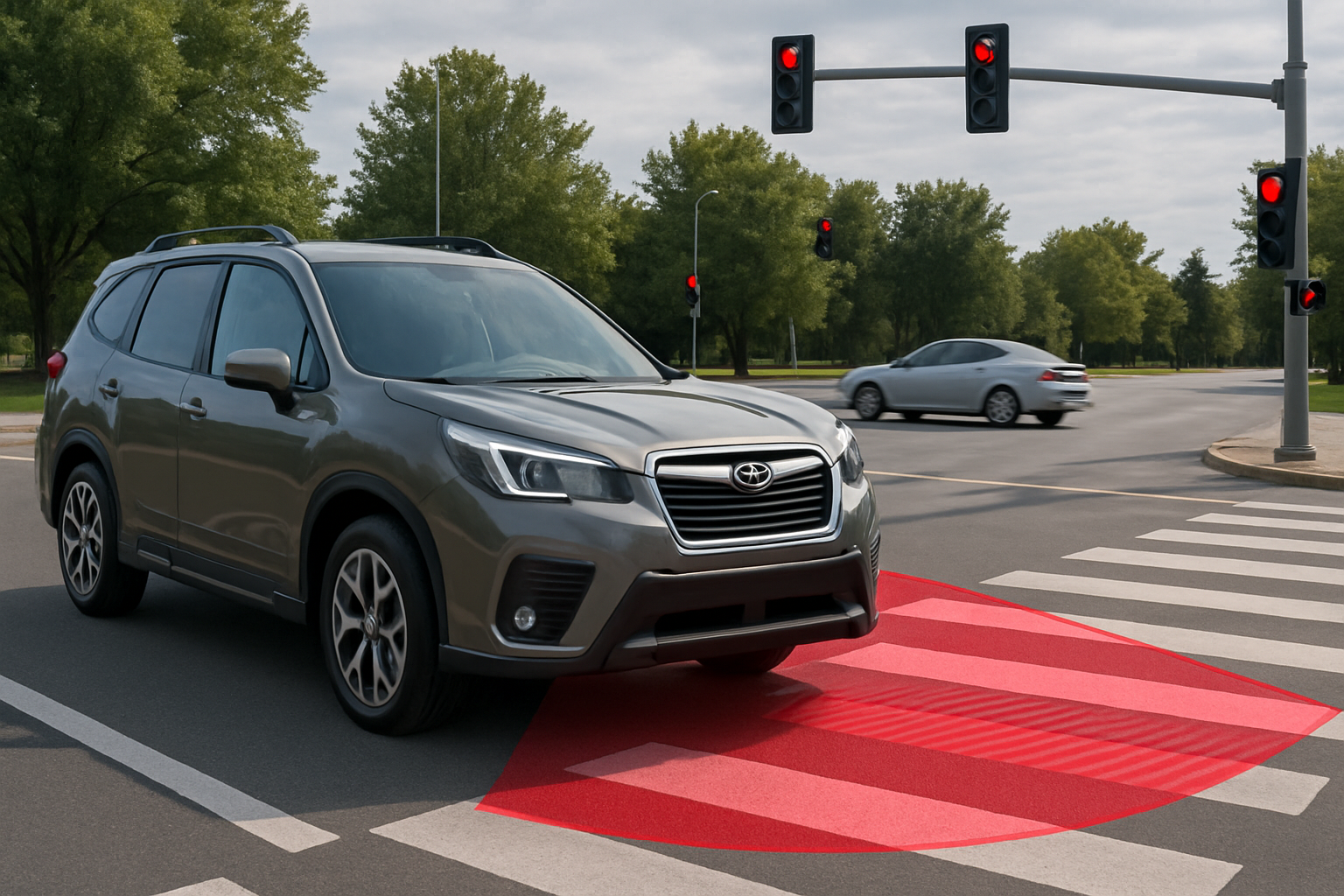
Position your vehicle properly at intersections by stopping behind crosswalk lines and avoiding creeping too far forward while waiting for gaps in traffic. Proper positioning helps the sensors accurately detect approaching vehicles.
Maintain safe following distances and avoid aggressive turning maneuvers that might overwhelm the system’s ability to provide effective assistance. The technology is designed to enhance your driving decisions, not replace good judgment.
Troubleshooting Common Issues
If you notice Intersection Turning Assist isn’t functioning properly, several factors could be responsible. Check for any warning messages related to EyeSight on your dashboard display, as these often indicate specific problems requiring attention.
Temporary system shutdowns can occur due to extreme temperatures, sensor contamination, or direct sunlight interfering with camera operation. These issues typically resolve themselves once conditions improve.
Persistent problems may indicate the need for professional diagnosis. Your Subaru dealer can run system diagnostics to identify issues with camera alignment, sensor connectivity, or software calibration that require technical service.
Frequently Asked Questions
Can I permanently disable Intersection Turning Assist if I don’t want it?
You can temporarily disable the feature through your vehicle’s EyeSight settings menu, but it will reactivate each time you start your Outback. There’s no permanent disable option through normal vehicle settings. Subaru designed the system this way to encourage drivers to benefit from the safety technology.
Will the system work in all weather conditions?
Intersection Turning Assist performs best in clear weather conditions with good visibility. Heavy rain, snow, fog, or bright sunlight can reduce the system’s effectiveness or cause temporary shutdowns. The system will notify you through dashboard warnings when environmental conditions limit its operation.
Does using Intersection Turning Assist affect my vehicle’s warranty?
Using the system as designed by Subaru won’t affect your warranty coverage. However, attempting to permanently disable or modify the EyeSight X system through unauthorized methods could potentially impact warranty coverage for related components.
How do I know if my specific Outback model has this feature?
Intersection Turning Assist is available exclusively on Outback XT models equipped with EyeSight X. Check your vehicle’s window sticker or owner’s manual to confirm EyeSight X availability. Standard EyeSight systems on non-XT Outback models don’t include this intersection assistance feature.

Leave a Reply