
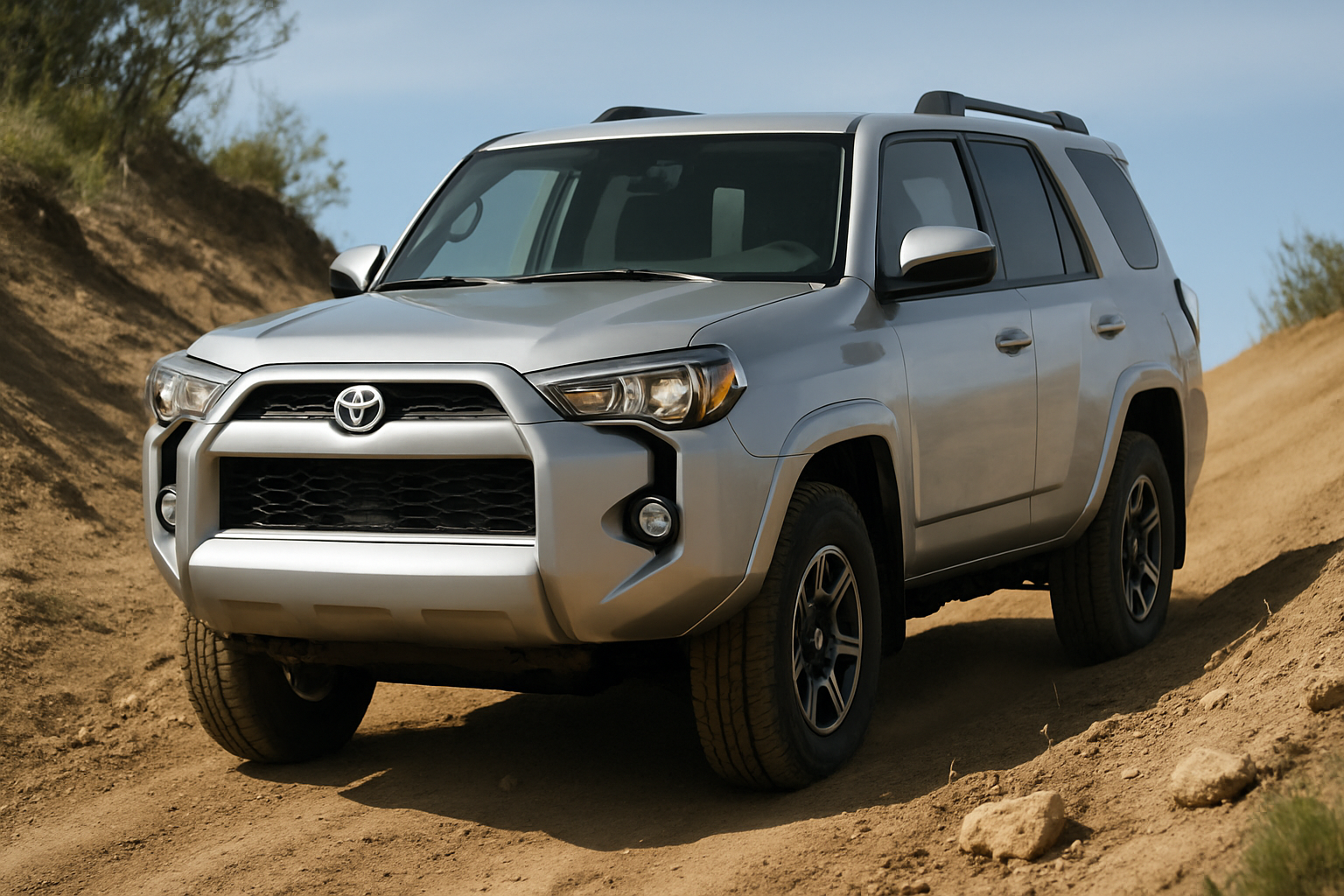
Toyota’s Hill Descent Control (HDC) system helps you maintain steady speeds when driving down steep slopes by automatically controlling the brakes. If you own a 4Runner or Tacoma and haven’t explored this feature yet, you’re missing out on a valuable tool for off-road adventures and challenging terrain.
This system takes the stress out of steep descents by letting the truck handle the braking while you focus on steering. Once you understand how to activate and use HDC properly, you’ll wonder how you managed without it on those nerve-wracking downhill sections.
What Hill Descent Control Does
Hill Descent Control automatically applies individual wheel brakes to maintain a slow, controlled speed when descending steep grades. The system works independently of your foot on the brake pedal, though you can still override it by pressing the accelerator or brake as needed.
When HDC is active, you’ll hear a distinctive pulsing sound from the brakes and feel vibrations through the steering wheel and pedals. This is completely normal and indicates the system is working properly. The truck maintains approximately the same speed you were traveling when HDC was activated, typically between 3-6 mph depending on conditions.
The system proves most valuable on loose surfaces like gravel, sand, or dirt where traditional braking might cause wheels to lock up or skid. HDC prevents this by modulating brake pressure individually at each wheel, similar to how ABS works during emergency stops.
4WD Requirements and Setup
Before you can use Hill Descent Control, your Toyota must be in 4WD Low range. This is a hard requirement built into the system for both 4Runner and Tacoma models. You can’t activate HDC in 2WD or 4WD High, regardless of how steep the terrain might be.
Shift into 4WD Low before you reach the steep descent. Make sure you’re on level ground or moving very slowly when making this shift. The transfer case needs time to engage properly, and forcing it while moving fast or under load can damage components.
Your transmission can be in any gear or drive mode when using HDC. Many drivers prefer manual mode or lower gears to give the engine braking additional assistance, but automatic mode works fine too.
Finding and Using the HDC Activation Button
The Hill Descent Control button varies slightly in location between model years, but it’s always positioned within easy reach of the driver. On most 4Runners from 2010 onward, you’ll find the HDC button on the center console near the 4WD controls. Tacoma models typically place it in a similar location or on the dashboard to the left of the steering wheel.
The button shows an icon of a vehicle going down a slope with curved brake lines beneath it. Some models include the text “HDC” alongside the graphic. When the system is active, this button illuminates with an amber or green light, depending on your model year.
To activate HDC, simply press this button once you’re in 4WD Low and approaching your descent. You don’t need to be moving to turn it on, but the system won’t engage until you start moving forward down a slope steep enough to trigger it.
Adjusting Speed with Cruise Control Buttons
Your cruise control buttons become HDC speed controls when Hill Descent Control is active. The SET/DECEL and RES/ACCEL buttons on your steering wheel allow you to fine-tune your descent speed within the system’s operating range.
Press the RES/ACCEL button to increase your HDC speed slightly, or tap SET/DECEL to reduce it. Each press changes the target speed by approximately 1 mph. The system typically operates between 2-12 mph, though the exact range depends on conditions and slope angle.
These adjustments only work while HDC is actively controlling your descent. On level ground or gentle slopes where the system isn’t engaged, the cruise buttons won’t affect anything until you encounter steep enough terrain for HDC to kick in.
When to Use HDC vs Regular Braking
Hill Descent Control works best on moderately steep to very steep descents where maintaining steady speed is more important than absolute control. Rocky trails, loose gravel roads, and sandy washes represent ideal HDC terrain where consistent speed prevents wheel lockup and maintains traction.
Regular braking remains the better choice for shorter descents, paved roads, or situations requiring frequent speed changes. HDC takes a moment to engage and disengage, making it less suitable for stop-and-go situations or when you need to brake quickly for obstacles.
Technical rock crawling often requires more precise speed control than HDC provides. Many experienced off-roaders prefer manual throttle and brake control when navigating complex obstacles where instant speed adjustments make the difference between success and body damage.
Snow and ice present mixed scenarios. HDC can help on snowy slopes by preventing brake lockup, but the system’s operation might feel unsettling on ice where any braking can cause slides. Use your judgment based on surface conditions and your comfort level.
Step-by-Step HDC Operation Process
Start your HDC setup well before reaching the steep section. Stop on level ground and shift into 4WD Low, allowing the transfer case to fully engage. You’ll see confirmation lights on your dashboard when the shift is complete.
Approach the descent slowly and press the HDC button. The button will illuminate, and you may see additional dashboard indicators showing the system is ready. Begin your descent at the speed you want to maintain, typically 3-6 mph for most situations.
As the slope steepens, you’ll hear the brake pulsing begin and feel the system take control. Keep your hands on the steering wheel and focus on your line choice while HDC handles speed control. Use the cruise control buttons to make small speed adjustments if needed.
The system will disengage automatically when the slope levels out or if you press the brake pedal firmly. You can also turn it off manually by pressing the HDC button again or shifting out of 4WD Low.
Understanding System Limitations
HDC has built-in limitations designed to prevent overheating and component damage. Extended use on very steep terrain can cause the system to temporarily shut down while brakes cool. When this happens, you’ll see warning lights and need to rely on traditional braking until the system resets.
The maximum operating speed varies by model but typically caps out around 15-20 mph. Beyond this speed, HDC automatically disengages since it’s designed for low-speed control situations. Attempting to use it at highway speeds won’t work and could be dangerous.
Steep uphill sections will also disengage HDC since the system only works for descents. If you’re climbing and the trail suddenly turns downward, you’ll need to reactivate the system manually.
Maintenance and Troubleshooting
Hill Descent Control uses your truck’s existing brake system, so regular brake maintenance becomes even more important if you frequently use HDC. Check brake fluid levels regularly and inspect pads and rotors for excessive wear after demanding off-road trips.
If HDC isn’t engaging when expected, verify you’re in 4WD Low and moving slowly enough for the system to operate. Check your owner’s manual for minimum slope angles required for activation, as gentle grades won’t trigger the system.
Dashboard warning lights related to ABS, traction control, or brake systems can disable HDC until the underlying issue is resolved. These systems share components and sensors, so problems with one often affect the others.
Advanced Tips for Different Terrain
Rocky terrain benefits from slightly higher HDC speeds to maintain momentum over obstacles. Set your speed around 4-6 mph and let the system work while you focus on wheel placement and line selection.
Loose surfaces like sand or gravel work well with slower HDC settings, typically 2-4 mph. The consistent speed prevents digging in while maintaining enough momentum to avoid getting stuck.
Muddy conditions require careful judgment. HDC can help maintain control on muddy slopes, but extremely slippery surfaces might overwhelm the system’s ability to provide traction. Consider tire chains or different routing in severe mud.
Frequently Asked Questions
Can I use Hill Descent Control on paved roads?
While HDC will function on paved steep grades, regular braking is more appropriate for road use. The system’s brake pulsing and slow speeds can confuse other drivers and aren’t necessary on surfaces with good traction.
Why won’t my HDC activate even in 4WD Low?
HDC requires sufficient slope angle to engage. Gentle grades that don’t challenge your braking won’t trigger the system. Additionally, speeds above the maximum threshold (usually 15-20 mph) prevent activation.
Is it normal to hear grinding or pulsing sounds during HDC operation?
Yes, the pulsing brake sound is completely normal and indicates proper system operation. However, grinding, squealing, or other unusual noises might indicate brake wear or system problems requiring inspection.
Can HDC damage my brakes with heavy use?
Extended HDC use generates significant brake heat, similar to riding your brakes down long grades. The system includes thermal protection, but extremely demanding use can accelerate brake wear. Allow cooling breaks during long descents.

Leave a Reply