
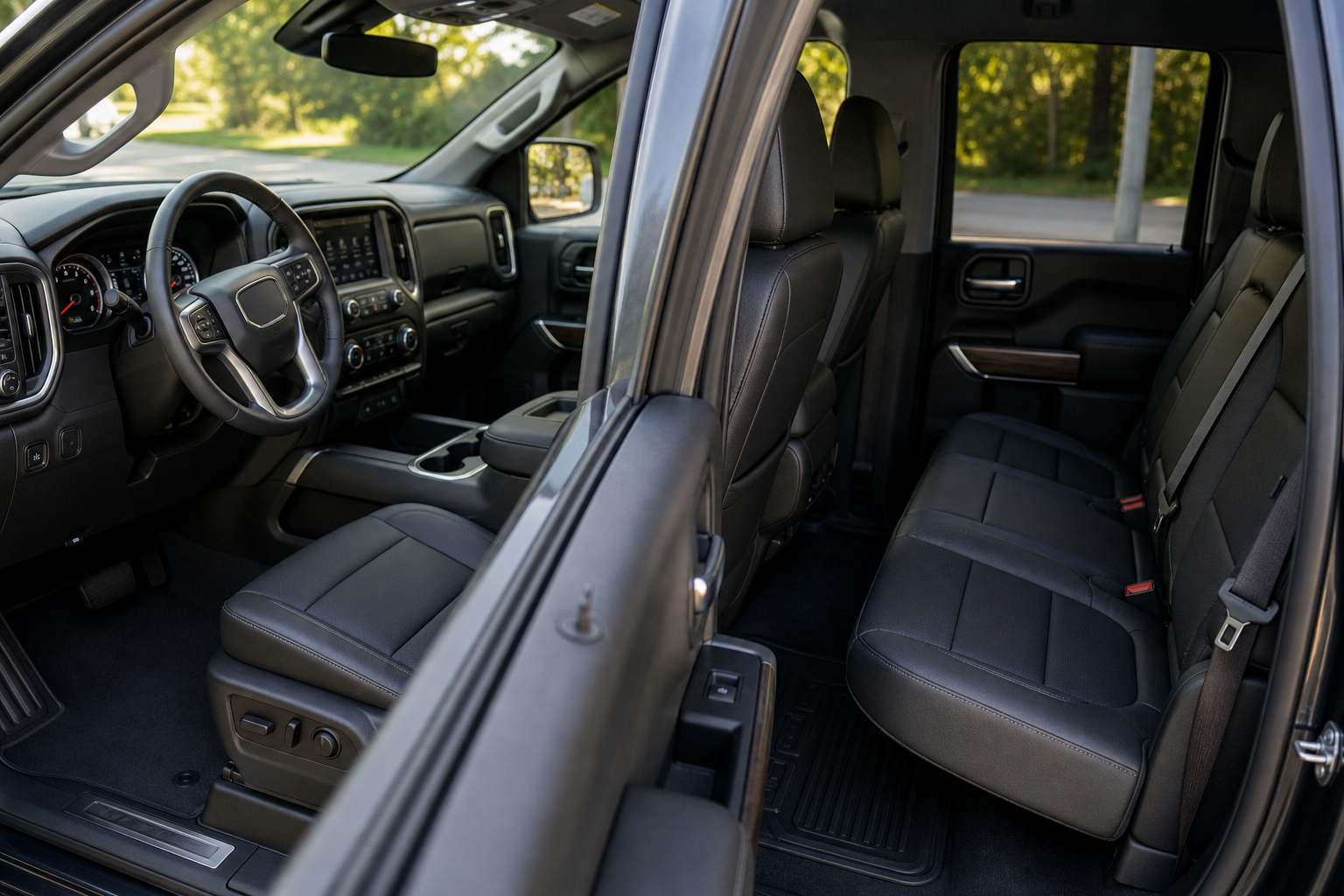
You open the rear door to grab a bag before you even start driving, and now every time you shut the truck off, the infotainment screen nags you to check the back seat. It’s a smart safety feature, but it can also feel like your Sierra 1500 thinks you forgot a kid or a pet every single time you park. If you’d rather manage how (or whether) that reminder pops up, you’ve got a few options depending on your model year.
This guide walks through exactly what triggers the Rear Seat Reminder, where GMC buried the setting, and why it sometimes fires off even when you know the back seat is empty.
What Actually Triggers the Rear Seat Reminder
GMC’s Rear Seat Reminder isn’t just a random pop-up. It’s tied to the door sensors, and it activates any time a rear door is opened and closed within a set window before you start the truck, or any time during the drive itself. The system logs that door event and assumes something (or someone) might have gone into the back seat.
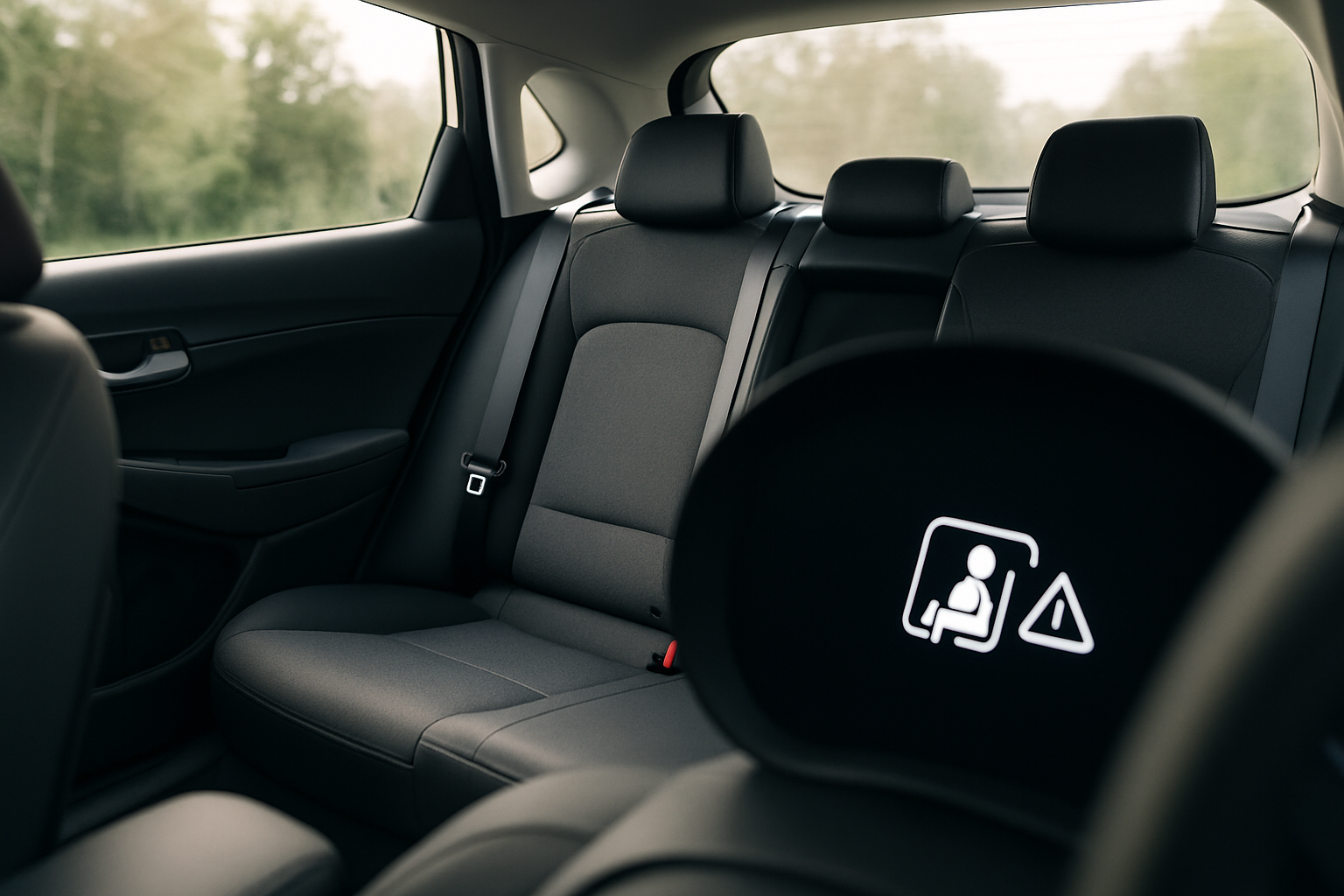
When you shut off the ignition after a drive where a rear door was opened, the Sierra 1500 displays a message reminding you to check the back seat before you walk away. On most model years this shows up as text on the driver information center between the gauges, paired with a chime.
It doesn’t matter whether you actually put anything back there. The truck can’t tell the difference between a diaper bag and a toolbox, so it treats every rear door cycle the same way. That’s intentional. GM designed the feature to err on the side of over-alerting rather than risk missing a situation where a child or pet gets left behind.
Where to Find the Setting in the Sierra 1500’s Menu
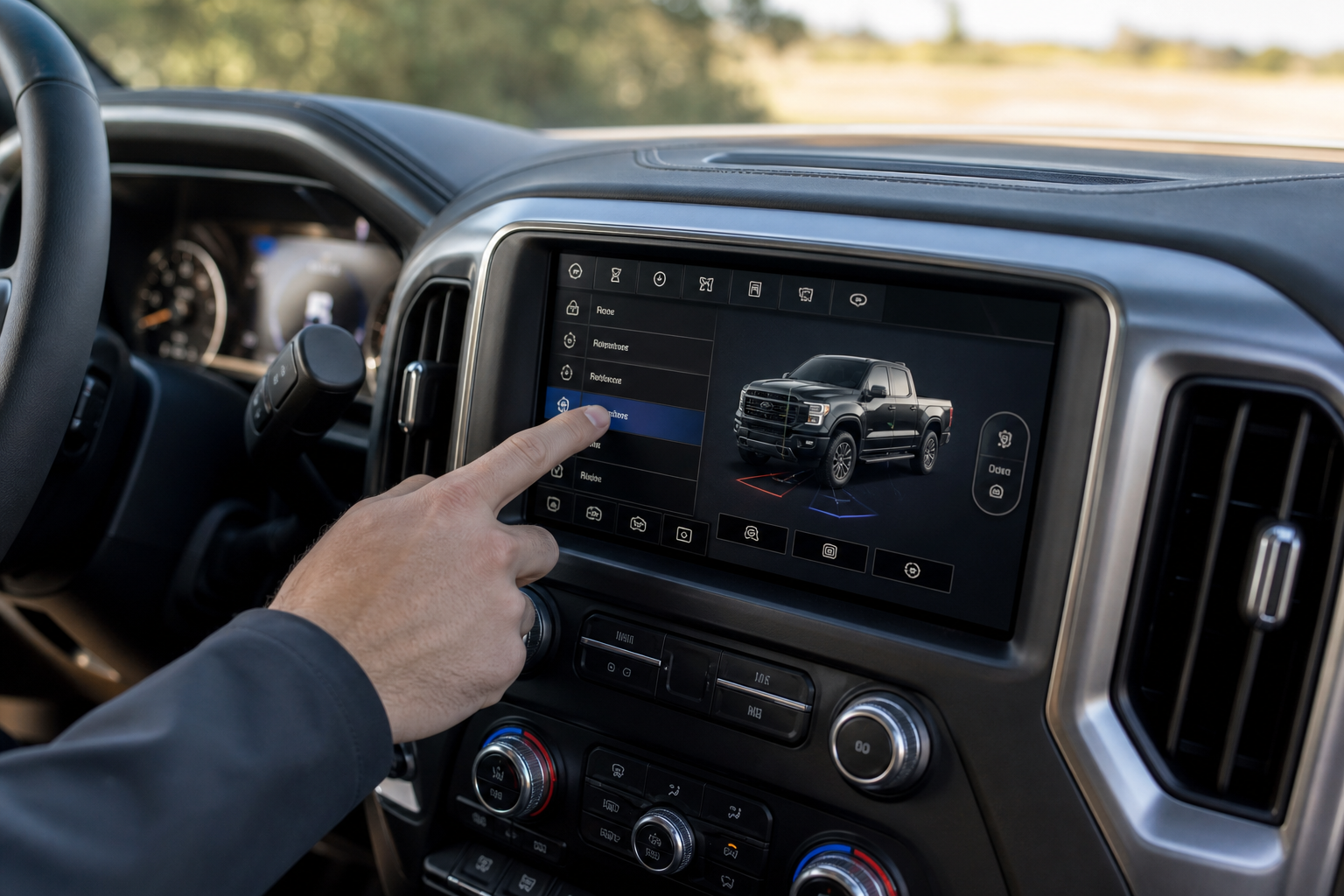
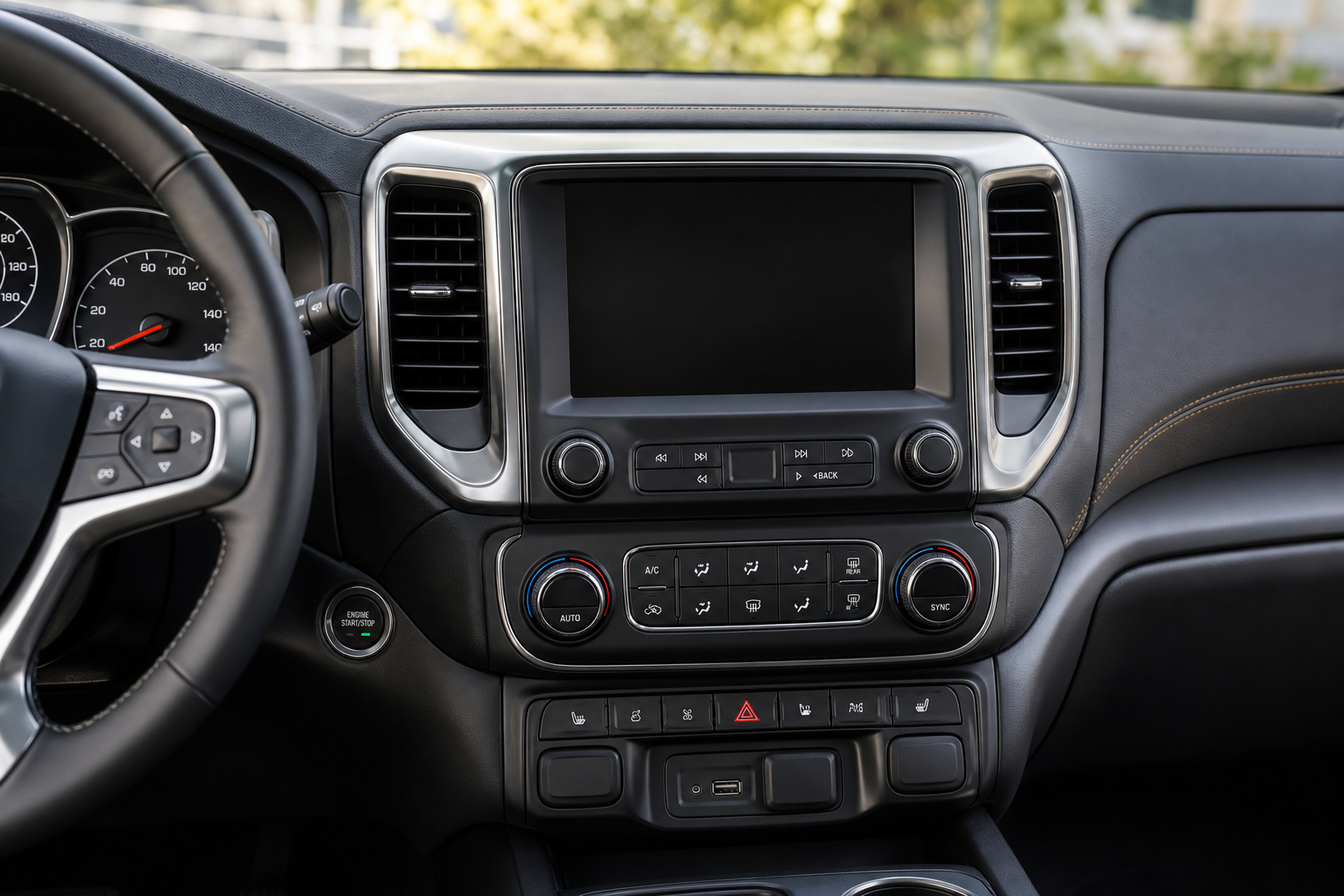
The toggle for this feature lives inside the vehicle settings menu, not a separate app or hidden submenu. Here’s how to get to it on most 2019 and newer Sierra 1500 trucks with the standard infotainment system:
- Press the settings gear icon on the touchscreen.
- Select “Vehicle” from the settings categories.
- Scroll to “Rear Seat Reminder” (sometimes labeled “Rear Seat Reminder Settings” depending on software version).
- Toggle the feature off, or adjust it to your preference if your trim offers multiple modes.
On trucks equipped with the driver information center controls on the steering wheel instead of a touchscreen menu path, you can sometimes access a simplified version of this setting through the DIC itself. Cycle through the menu using the arrow buttons on the left steering wheel spoke until you land on vehicle settings.
Menu wording has shifted slightly across model years. Earlier trucks (2019-2020) with the original Rear Seat Reminder rollout sometimes list it simply as “Rear Seat Reminder,” while 2021 and newer trucks with the updated GM infotainment software may separate it into distinct sub-toggles for the visual alert and the audible chime. If you don’t see the exact wording listed here, check under “Notifications” as a backup location, since GM has moved settings around between software updates.
Visual Alerts vs. Audible Chimes: Are They Separate?
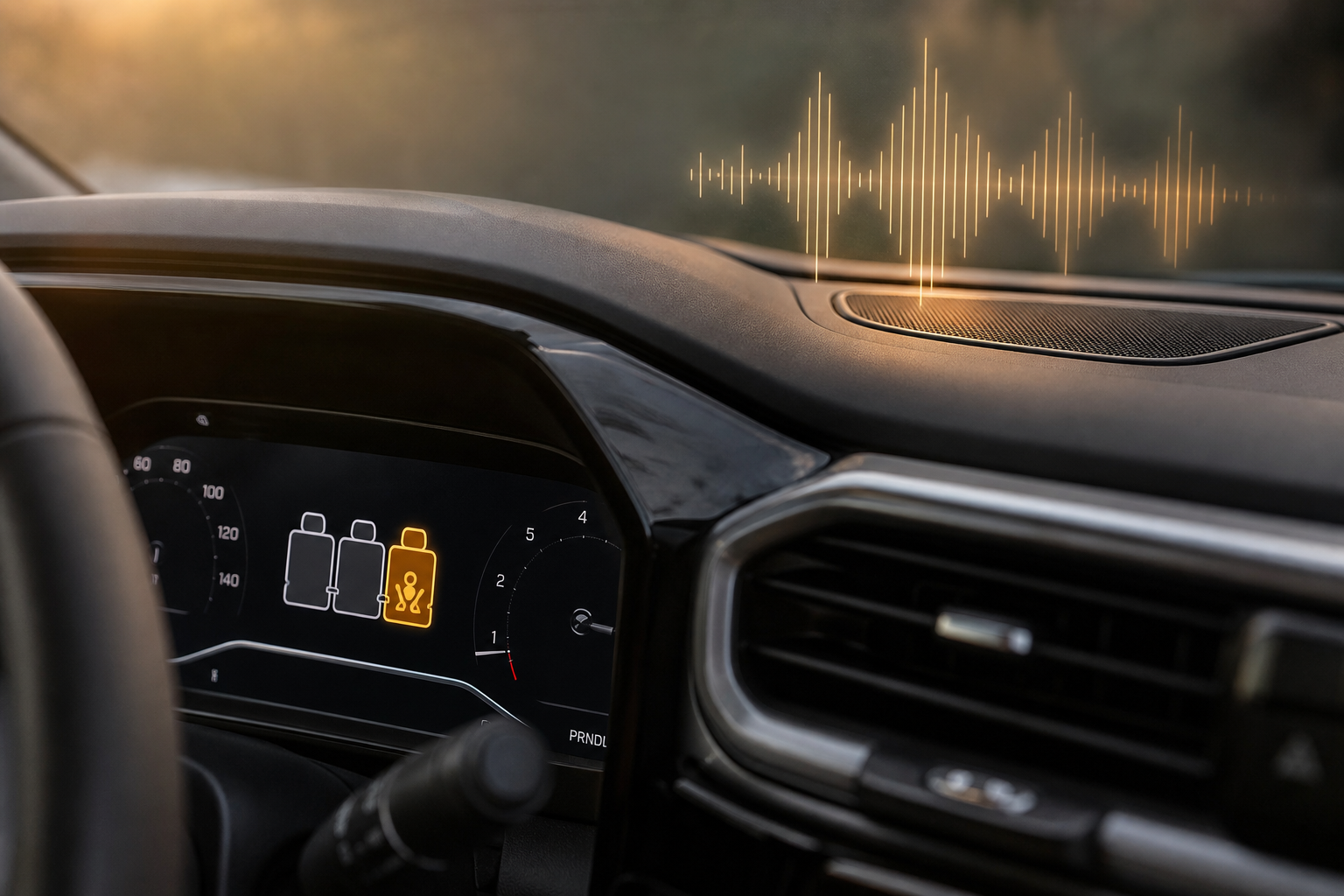
On newer Sierra 1500 trucks, yes, you can control these independently. The visual alert is the reminder message that shows up on the driver information center screen. The audible chime is a separate tone that plays alongside it.
Some model years let you turn off the chime while keeping the visual reminder active, which is a nice middle ground if you find the sound annoying but still want the on-screen prompt. Others treat the feature as an all-or-nothing toggle, so check your specific truck’s menu to see which options actually appear.
If your Sierra only gives you one on/off switch, there’s no way to separate the two without a dealer-level software change, and most owners won’t have access to that.
Does the Setting Stick After You Restart the Truck?
Yes. Once you turn off Rear Seat Reminder through the vehicle settings menu, that preference is saved to the vehicle profile and carries over every time you start the truck. You won’t need to disable it again after every drive.
The one exception is if you drive with a different key fob or under a different driver profile. GM’s Driver Profile system on the Sierra 1500 can store separate settings per profile, so if someone else in the household uses a different fob, they may need to disable the reminder separately under their own profile. It’s worth checking both profiles if you share the truck.
This is similar to how other manufacturers handle driver-specific settings. Hyundai, for example, ties its own version of this feature to Rear Seat Reminder and Rear Occupant Alert settings that can also vary by driver profile, so it’s a common quirk across brands, not something unique to GMC.
Why the Alert Might Still Show Up Even After You Turn It Off
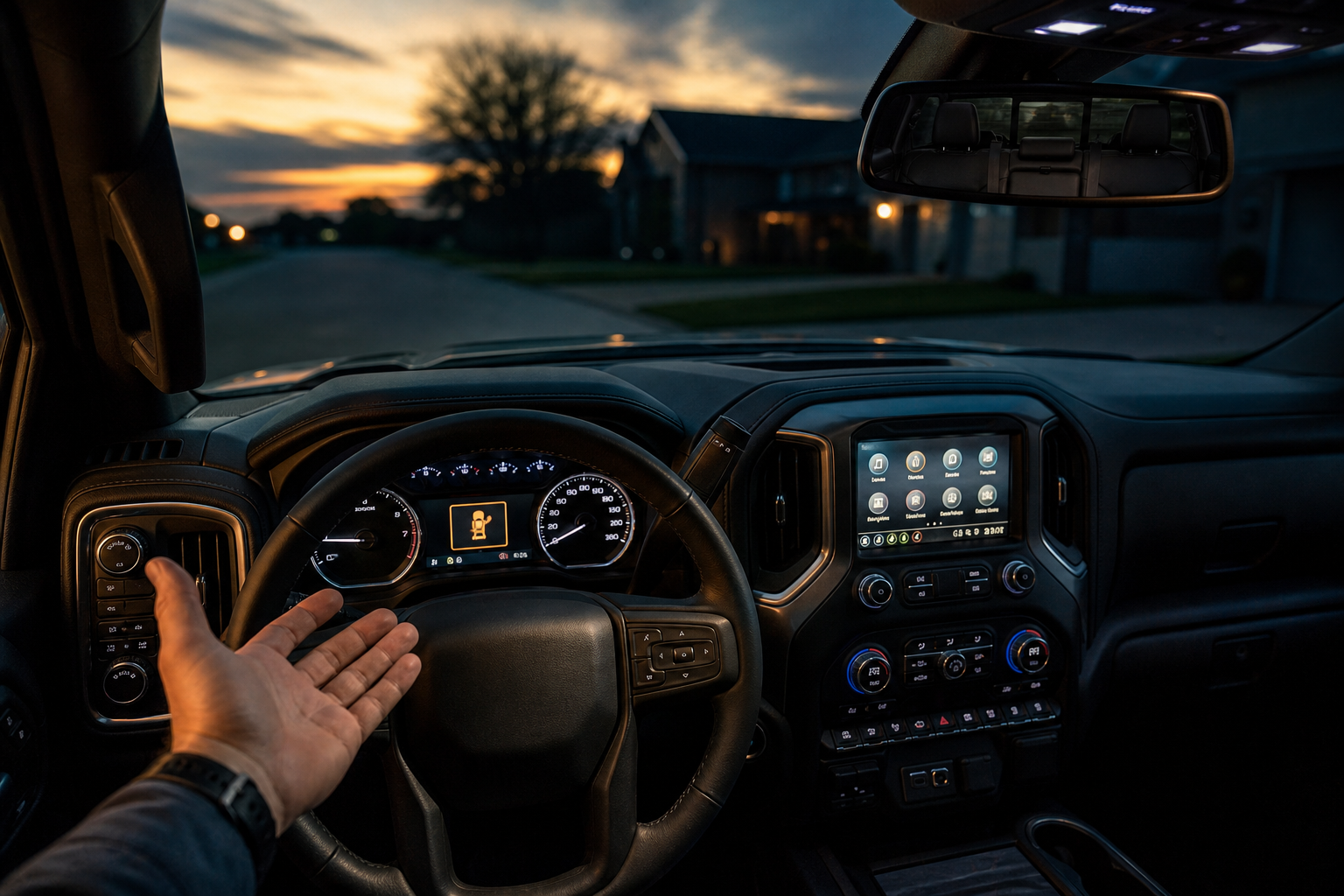
If you’ve disabled the reminder and it’s still popping up, the most likely explanation is timing. The system reads rear door activity from earlier in your drive, not just the moment right before you park. If a rear door opened at any point, even hours before you shut off the truck, that event can still be logged and trigger the alert.
Another possibility is that you turned off the setting on one driver profile but the truck started up under a different profile that still has it enabled. Check the driver profile indicator on the dash or infotainment screen to confirm which profile is active before assuming the setting didn’t save.
Software updates can also reset some preferences. If GMC pushed an update through OnStar or you had dealer service work done, it’s worth double checking the setting afterward, since some infotainment updates have been known to restore default values on features like this.
Frequently Asked Questions
Can I turn off the Rear Seat Reminder permanently on a GMC Sierra 1500?
Yes. Once you disable it through the vehicle settings menu, it stays off across ignition cycles for that driver profile. You won’t have to repeat the process every drive unless a software update resets your preferences or a different profile takes over.
Why does my Sierra 1500 show the reminder even though I never opened a rear door?
Double check that a rear door truly wasn’t opened. Even a brief opening to load groceries or a quick check on cargo counts as a trigger. It’s a common source of confusion because drivers forget these small door cycles that happened early in the trip.
Is the Rear Seat Reminder required by law on the Sierra 1500?
No, it’s not a federally mandated feature on current model years, though safety regulators have pushed for similar systems industry-wide. GMC includes it as a standard safety feature on most trims, but you’re free to disable it if you don’t find it useful for how you drive.
If you’re troubleshooting other electrical quirks in your Sierra, like a battery that seems to drain overnight, it’s worth reading through this guide on batteries dying overnight even when the alternator checks out, since infotainment and sensor systems can sometimes contribute to parasitic draw if left in unusual states.
Leave a Reply