
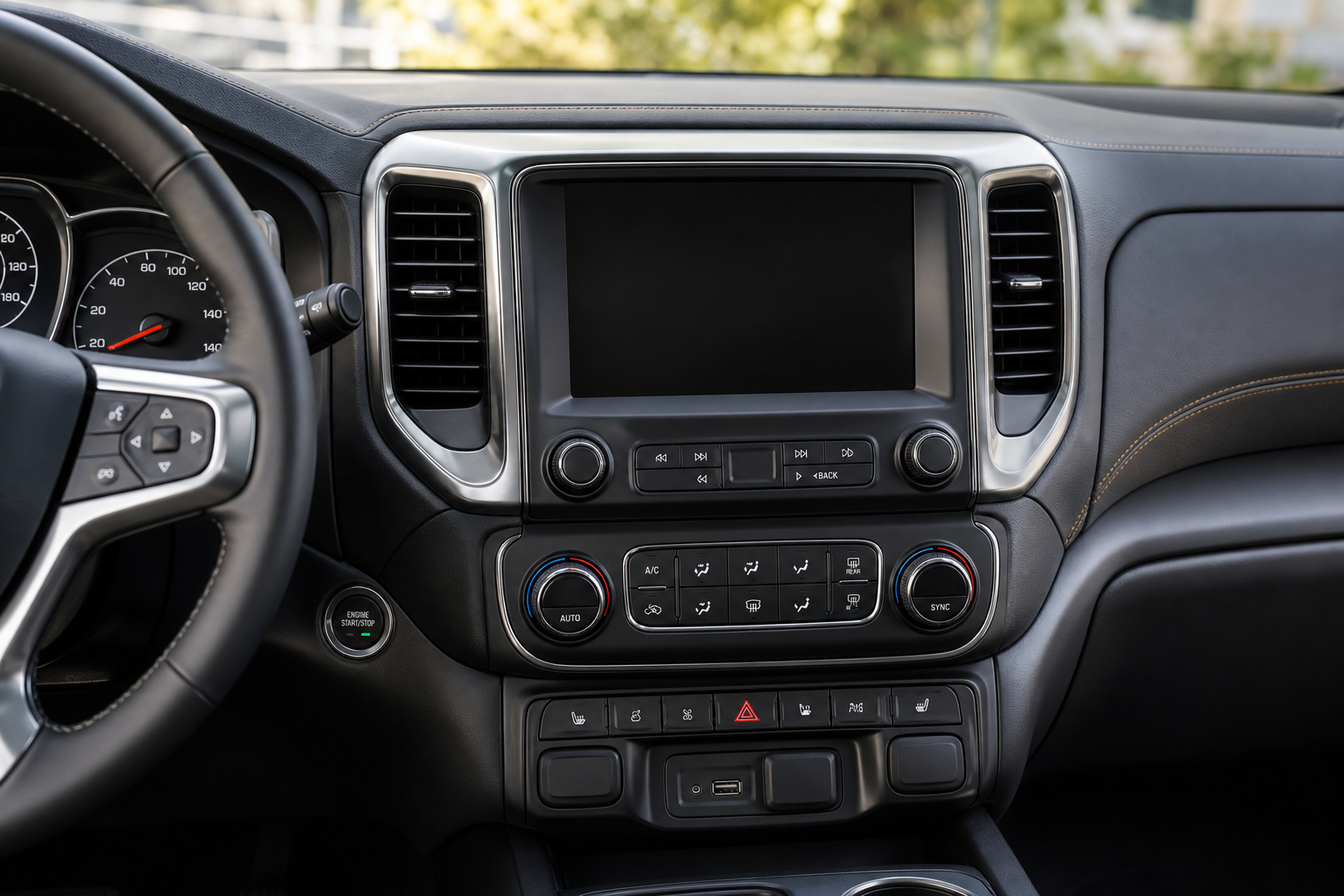
You open a rear door before you start driving, and now every time you shut the Tahoe off, a chime goes off and a message flashes on the dash telling you to check the back seat. It’s a smart safety feature, but if you don’t have kids or pets riding back there, it gets old fast. The good news is you can turn it off, though GM makes the process a little different depending on your model year and infotainment system.
This guide walks through exactly what triggers the Rear Seat Reminder, where to find the setting, and why it sometimes pops up even when you didn’t put anything in the back seat that day.
What Triggers the Rear Seat Reminder
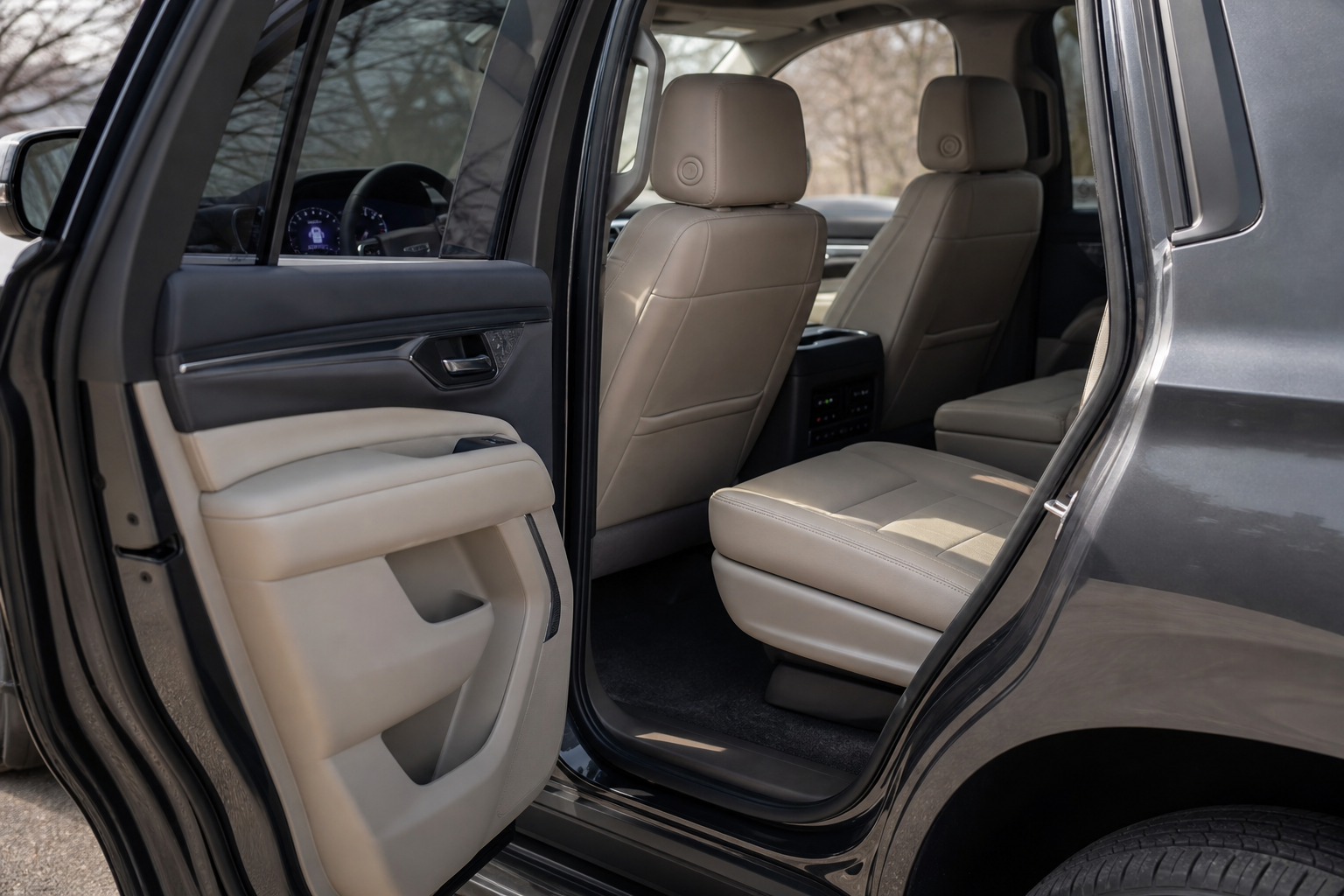
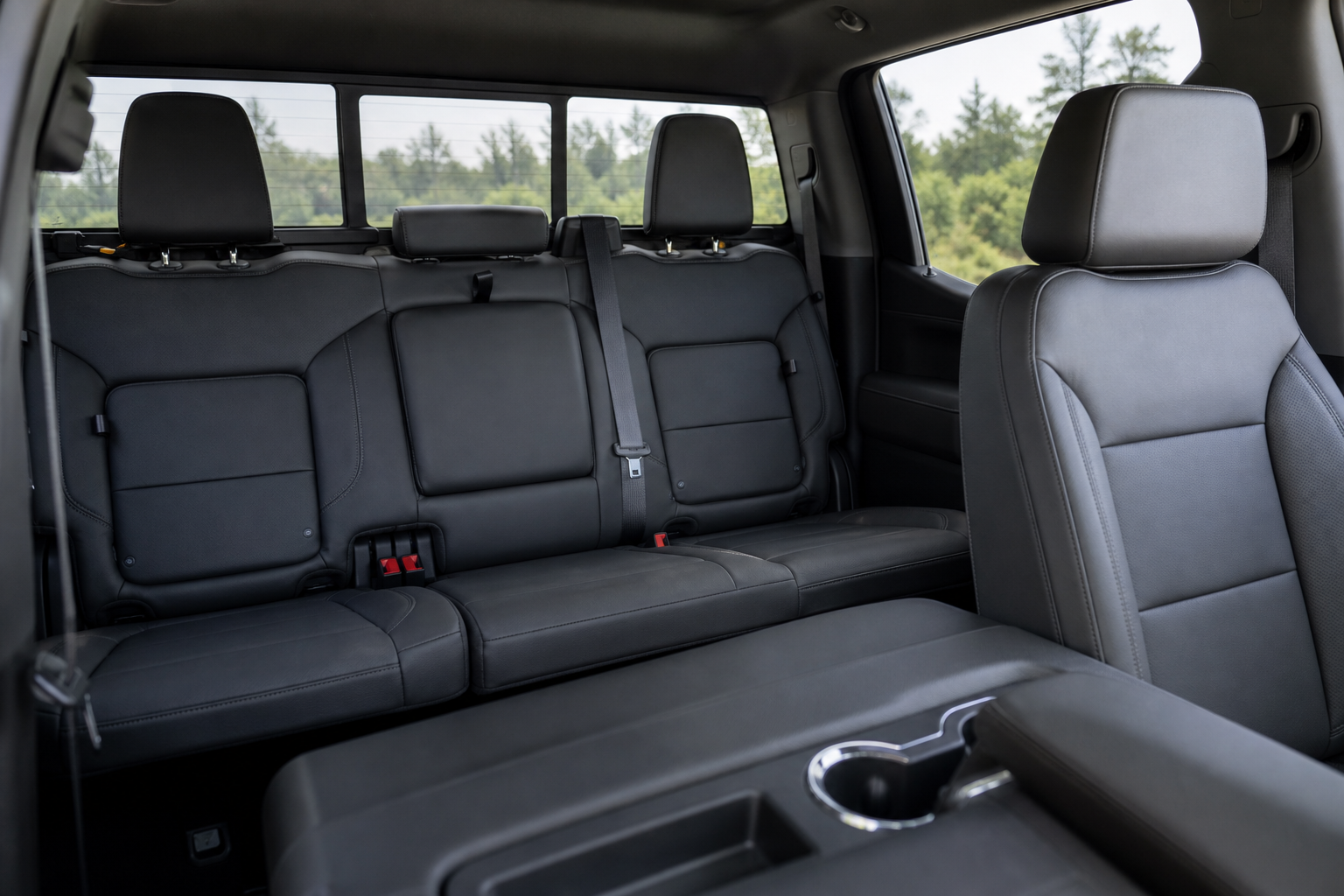
The Rear Seat Reminder isn’t tied to weight sensors or child seat detection like some other automakers use. On the Tahoe, it’s based on door activity. If you open and close a rear door at any point between when you start the vehicle and when you turn it off, the system assumes someone or something got placed back there.
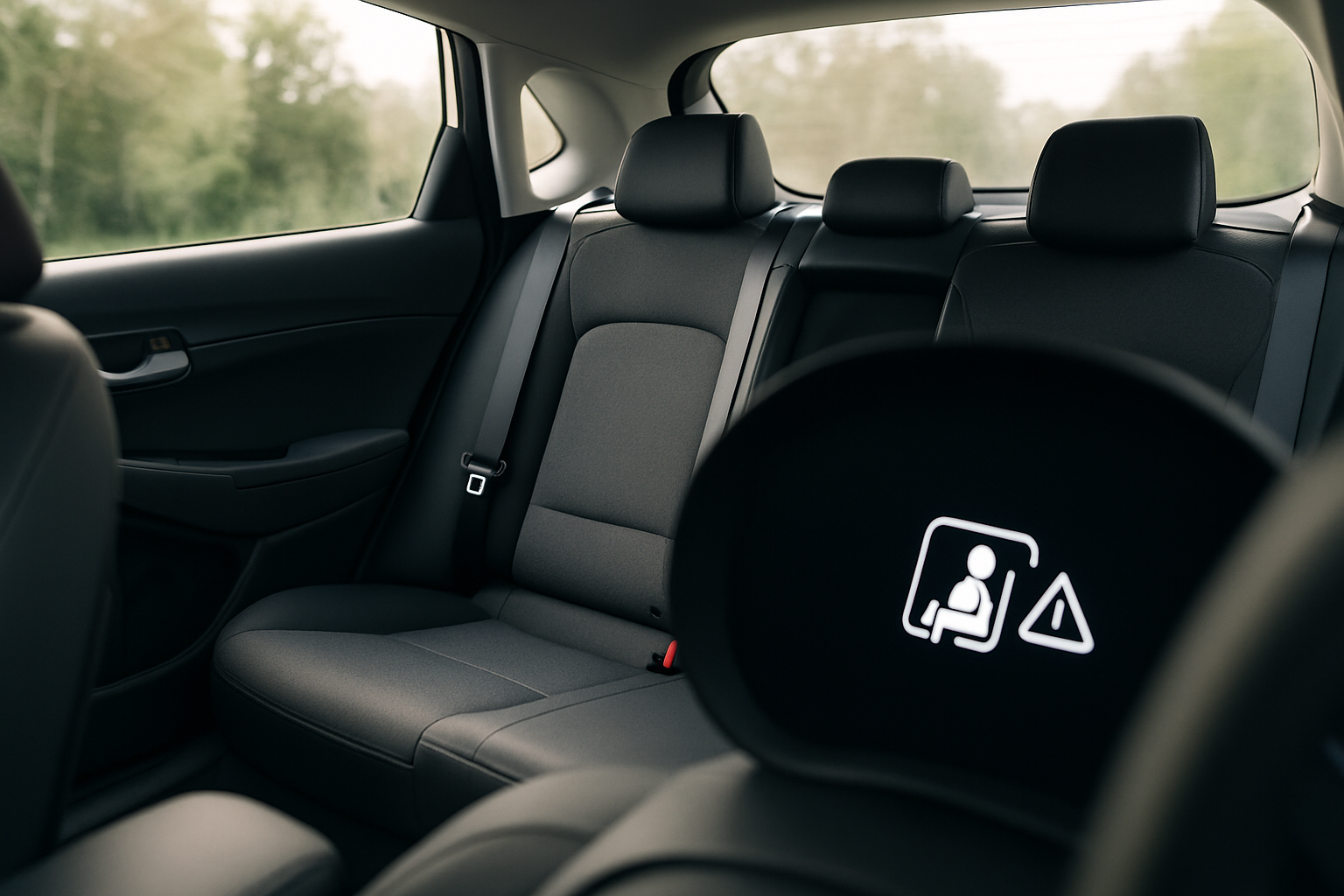
When you shut off the engine and open the driver’s door to get out, that rear door activity from earlier in the drive triggers the reminder. You’ll see a message on the driver information center that says something like “Rear Seat Reminder: Look Before You Leave,” paired with a chime.
It doesn’t matter if the rear door was opened for two seconds to toss in a grocery bag or if a passenger rode the whole trip. The logic is simple and a little blunt: rear door opened during the trip equals reminder at the end. That’s also why the alert sometimes catches people off guard when they only used the back seat to load cargo.
Where to Find the Setting
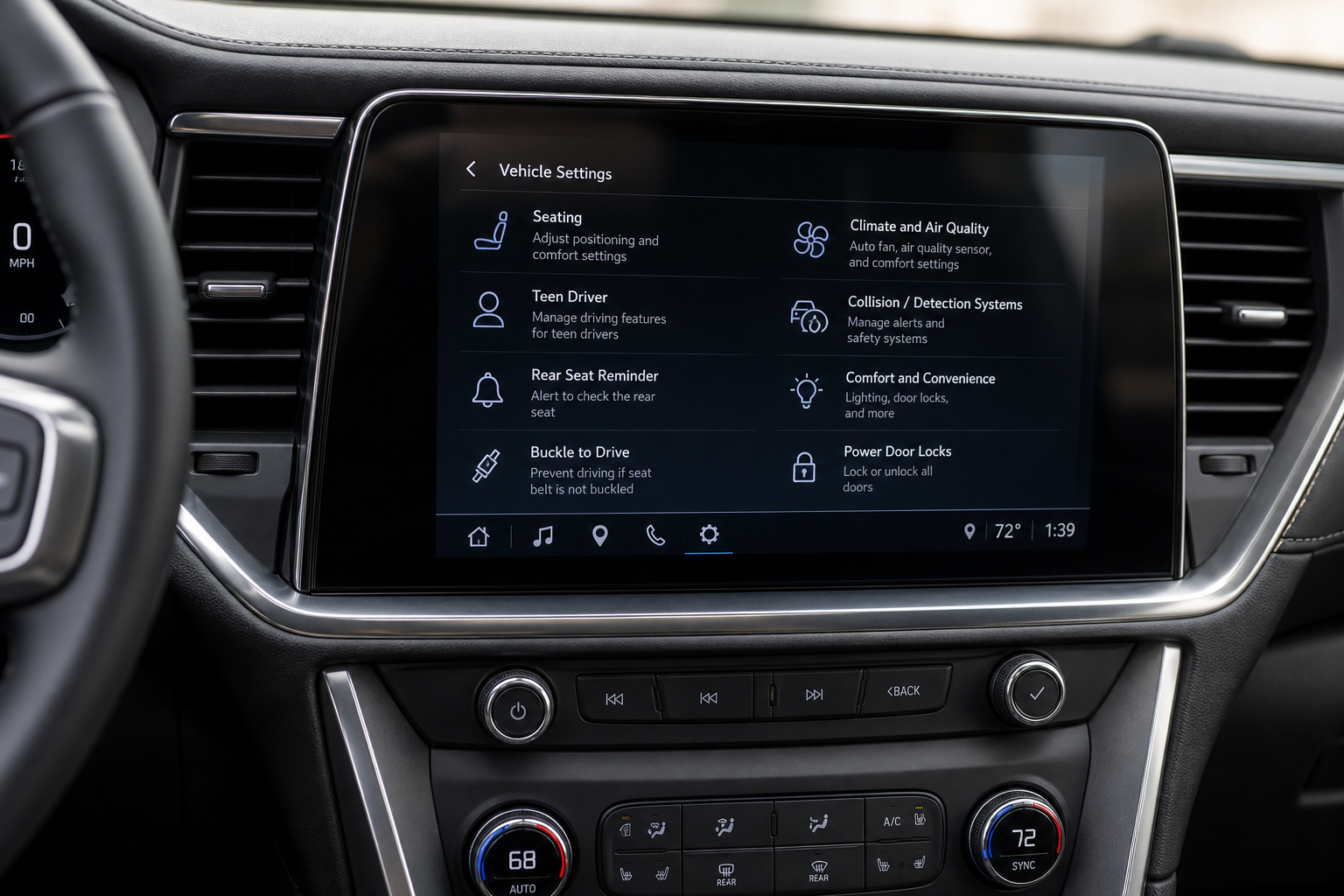
GM builds this feature into the vehicle settings menu, and the exact wording changes slightly depending on your Tahoe’s model year and infotainment system version.
On most 2021 and newer Tahoes running the newer 10.2-inch touchscreen, here’s the path:
- Tap the apps icon or swipe to the home screen
- Select Settings
- Choose Vehicle or Vehicle Settings
- Scroll to find Rear Seat Reminder
- Toggle it to Off
On earlier Tahoes (2020 and prior, before the redesign), the menu structure is a bit different since those trucks used the older infotainment layout shared with the Silverado. You’ll want to look under Settings > Vehicle and scroll through the list of driver alert preferences. The label may read simply as “Rear Seat Reminder” or occasionally “Rear Door Alert” depending on the software build installed.
If you’re not seeing the option at all, check for a software update first. GM has pushed infotainment updates over the years that reorganize menu items, and a Tahoe running outdated software might have the toggle buried somewhere else or missing from the visible menu until it’s updated.
Visual and Audible Warnings Are Separate
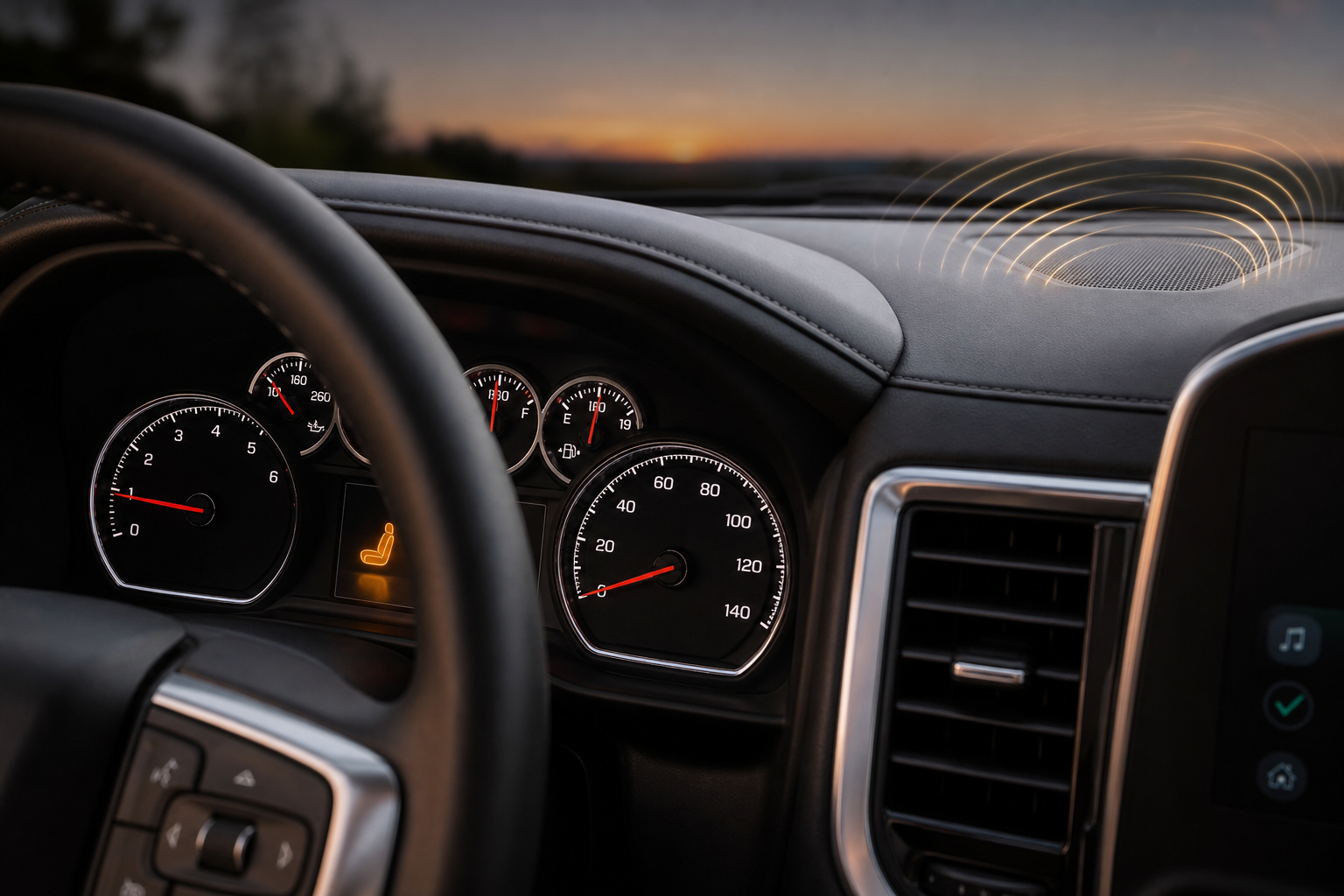
Here’s something a lot of owners don’t realize: the Rear Seat Reminder actually has two components, and depending on your settings menu, you may be able to control them somewhat independently, though on most Tahoe model years the toggle turns off both at once.
The visual alert is the message that appears on the driver information center screen between the gauges. It stays up for a set period after you shut the vehicle off, reminding you to check the back seat before walking away.
The audible alert is a series of chimes that plays alongside the visual message. It’s not subtle. GM designed it to be noticeable enough that you can’t casually ignore it while gathering your bags or unbuckling kids.
Some newer GM vehicles with more advanced driver alert menus let you separate these two, muting the chime while keeping the visual reminder, or vice versa. If your Tahoe’s settings menu shows only a single on/off toggle for Rear Seat Reminder, turning it off disables both the chime and the dashboard message together.
Does the Setting Stick After a Restart?
This is the part that trips people up. On most Tahoe model years, once you turn off the Rear Seat Reminder, the preference does persist through engine shutdowns and restarts. You shouldn’t have to re-disable it every time you start the truck.
That said, there are a few situations where the setting can reset on its own:
- A software update to the infotainment system sometimes resets vehicle settings to factory defaults
- Disconnecting the 12-volt battery (for service work, battery replacement, or a jump start that involves disconnecting cables) can clear stored preferences
- Switching between driver profiles, if your Tahoe has multiple profiles set up, may apply different settings per profile
If you find the reminder has come back after months of being off, check whether a recent dealership visit or update coincided with it. It’s a quick fix, but it’s worth knowing it’s not a permanent “set it and forget it” change in every circumstance.
Why It Still Alerts Even If You Only Opened the Door Once
This is the most common source of confusion with the Rear Seat Reminder, not just on the Tahoe but across most GM vehicles that use this system, including trucks and SUVs like the Silverado and Suburban.
The system doesn’t distinguish between “someone sat in the back seat the whole drive” and “I opened the rear door once at the start of my trip and never touched it again.” Both scenarios flip the same internal flag, and both result in the same reminder when you park and shut off the engine.
So if you tossed your gym bag in the back seat at the start of a two-hour drive, then drove the rest of the way without touching that door again, you’ll still get the alert when you arrive. It’s not a malfunction. It’s the system doing exactly what it’s designed to do, just without any way to tell the difference between cargo and a passenger.
If this bothers you regularly, and you’re someone who frequently uses the back seat for cargo rather than passengers, that’s usually the main reason people end up turning the whole feature off rather than living with a false alarm on every trip.
Frequently Asked Questions
Does turning off the Rear Seat Reminder affect other safety systems?
No. The Rear Seat Reminder is a standalone convenience alert and isn’t linked to airbags, seatbelt sensors, or any other safety system in the Tahoe. Turning it off only affects this specific chime and dashboard message.
Can I turn off just the chime but keep the visual reminder?
It depends on your model year and software version. Some newer infotainment builds separate the audible and visual alerts into individual toggles, while others combine them into a single on/off setting. Check under Settings > Vehicle Settings and see if Rear Seat Reminder expands into sub-options.
Will a dealership software update reset my Rear Seat Reminder preference?
It’s possible. Infotainment updates occasionally restore vehicle settings to factory defaults, which means Rear Seat Reminder could switch back on even if you’d previously turned it off. It’s a good habit to double check your settings after any dealership visit that included a software update.
If you’re the type of owner who likes to dig into every driver alert and convenience feature your vehicle offers, you might also want to check out how the heads-up display works on the Chevy Silverado, since GM shares a lot of the same infotainment architecture across its truck and SUV lineup. And if you’re chasing down other alerts on your dash, like a tire pressure warning, our guide to the TPMS Tire Fill Alert on GM vehicles covers a similarly handy feature that’s easy to overlook.
Leave a Reply