
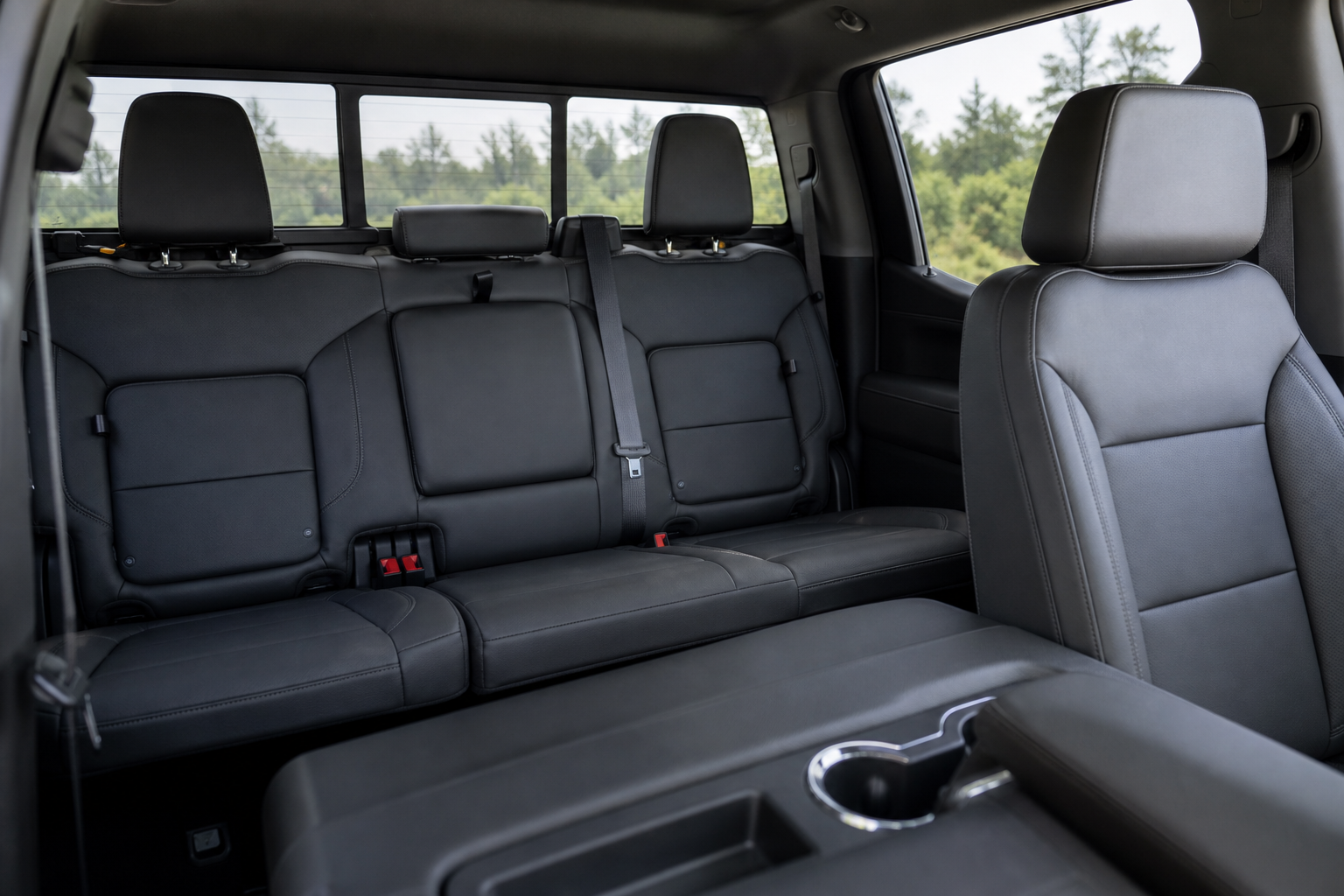
If you’ve ever opened a rear door on your Silverado 1500 before hopping in, only to get a “Rear Seat Reminder” pop up on the infotainment screen when you shut the truck off, you’re not imagining things. It’s a safety feature, not a glitch, and it’s designed to catch your attention every single time it thinks there might be something (or someone) in the back seat you forgot about. The problem is that it doesn’t always know the difference between a forgotten diaper bag and an empty seat, which means it can get annoying fast if you’re constantly loading gear through the rear doors.
The good news is that Chevy gives you some control over how this feature behaves, though it’s not a simple on/off switch in every case. Below is a full breakdown of what triggers the alert, where to find the setting, and why it sometimes fires even when you know the back seat is empty.
What Actually Triggers the Rear Seat Reminder
The Rear Seat Reminder doesn’t use a weight sensor or camera to check if someone is sitting back there. Instead, it tracks door activity. If you open and close either rear door at any point during the ten minutes before you start the truck, or any time while the engine is running, the system logs that as a potential rear seat occupant.
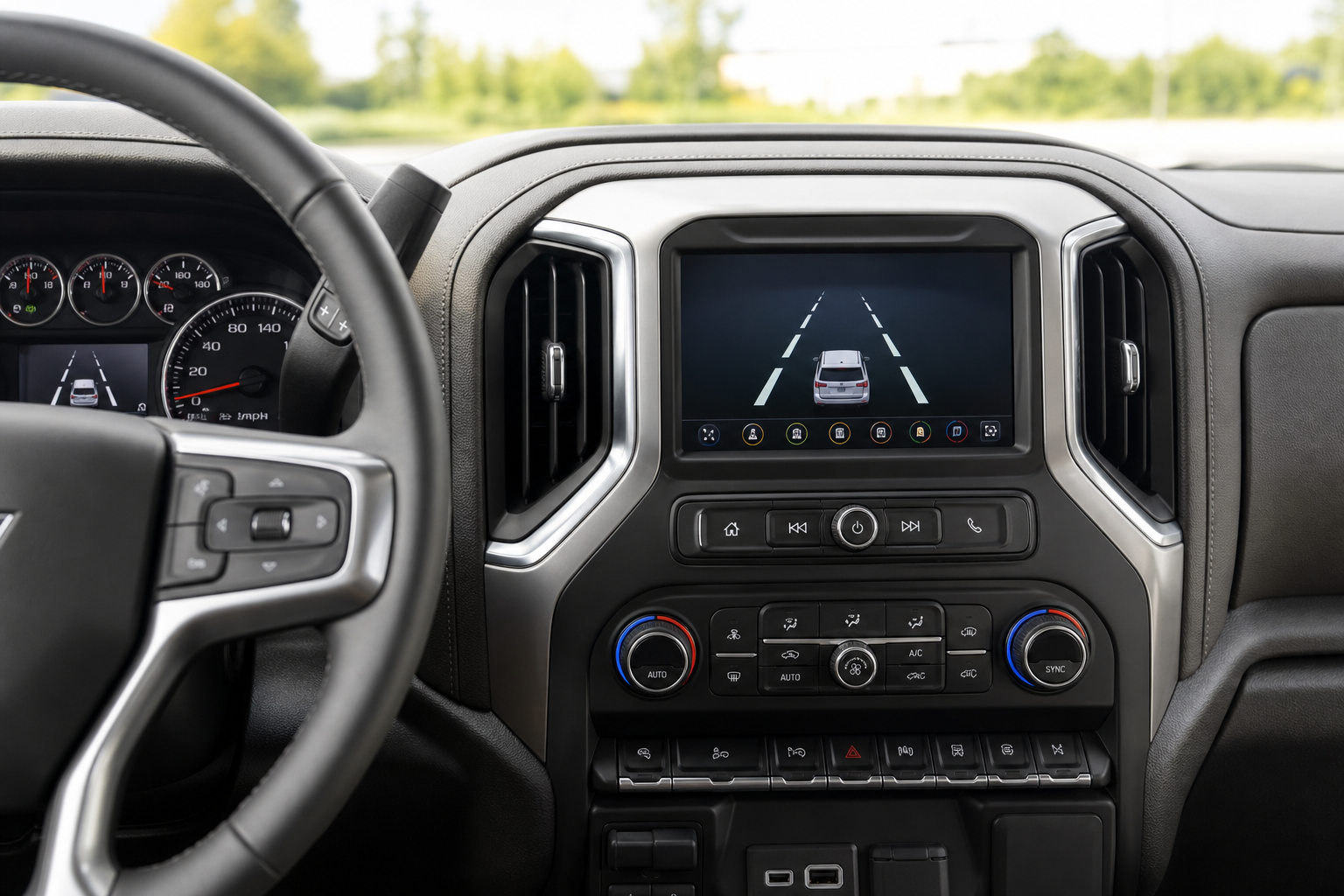
When you shut off the ignition and open the driver’s door to get out, the truck displays a message on the driver information center or infotainment screen reminding you to check the back seat. It’s the same basic logic GM uses across most of its lineup, and it’s meant to reduce the number of kids and pets left behind in hot vehicles, a problem that still causes dozens of preventable deaths every year in the US.
The key thing to understand is that the system has no idea whether you actually removed whatever triggered the door sensor. It just knows a rear door was used, so it defaults to reminding you. That’s why you’ll sometimes see the alert even after you’ve already grabbed your kid, your dog, or your groceries out of the back seat.
Where to Find the Setting in the Menu
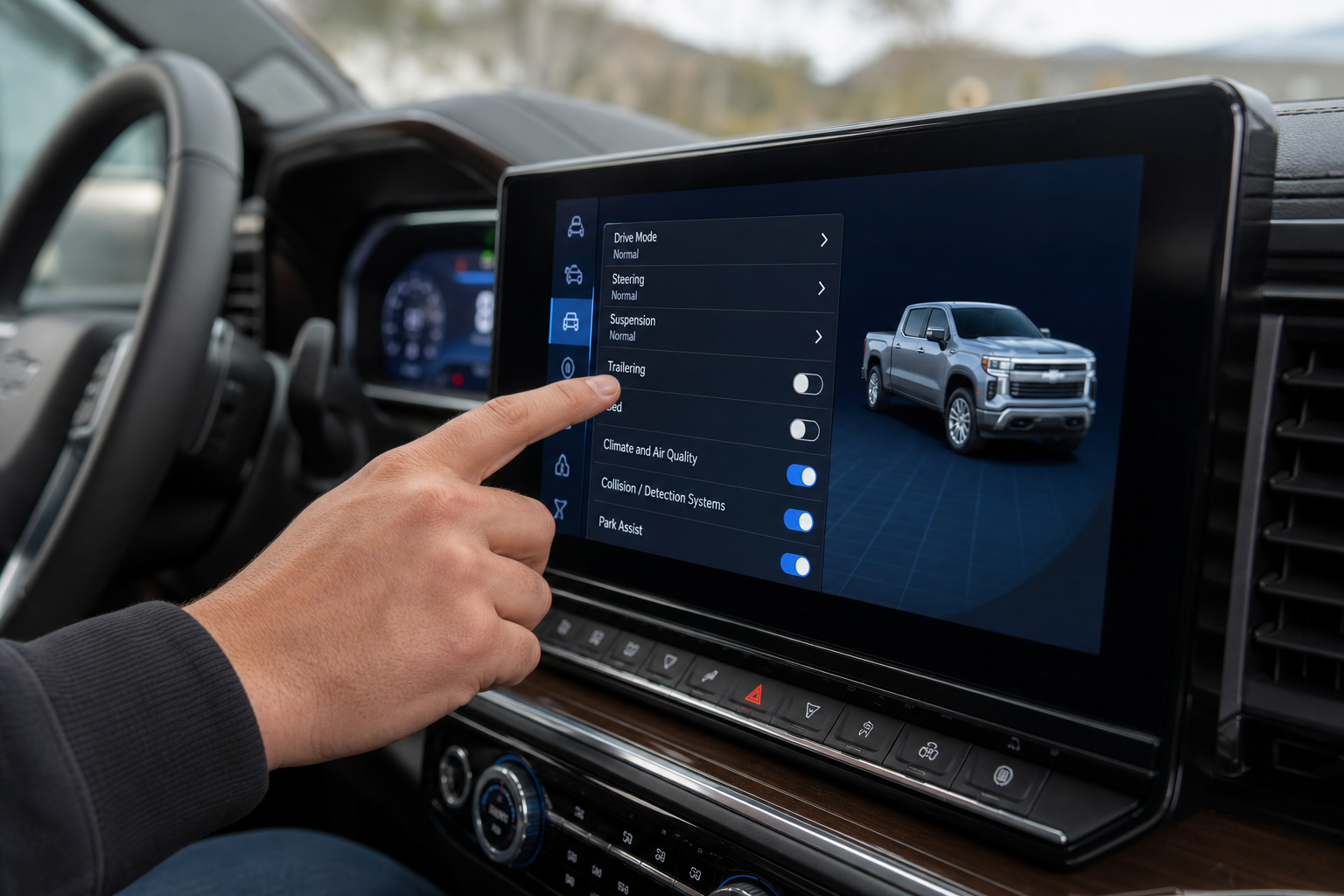
On most Silverado 1500 model years (2019 through 2024), the Rear Seat Reminder setting lives inside the vehicle settings menu on the infotainment touchscreen. The exact path is usually:
- Tap the Settings icon (gear symbol) on the home screen
- Select “Vehicle” from the settings list
- Scroll to “Rear Seat Reminder”
- Toggle it On or Off, or in some trims, choose between “Interior Rearview Mirror Indicator” style alerts and chime notifications
On 2019-2021 models with the older Chevrolet Infotainment 3 system, the wording is typically just “Rear Seat Reminder” with a simple toggle. On 2022 and newer trucks running the updated Google-integrated infotainment system, you may see it listed under “Driver Assistance” instead of “Vehicle,” and some trims label it “Rear Seat Reminder Settings” with a bit more detail about what the feature does.
Menu wording can shift slightly between trims and software updates, so if you don’t see it under Vehicle, check Driver Assistance next. GM has moved this setting around more than once in recent years, and dealership software updates can change the exact location even on a truck you’ve owned for a while.
Visual Alert vs. Audible Alert: Are They Separate?
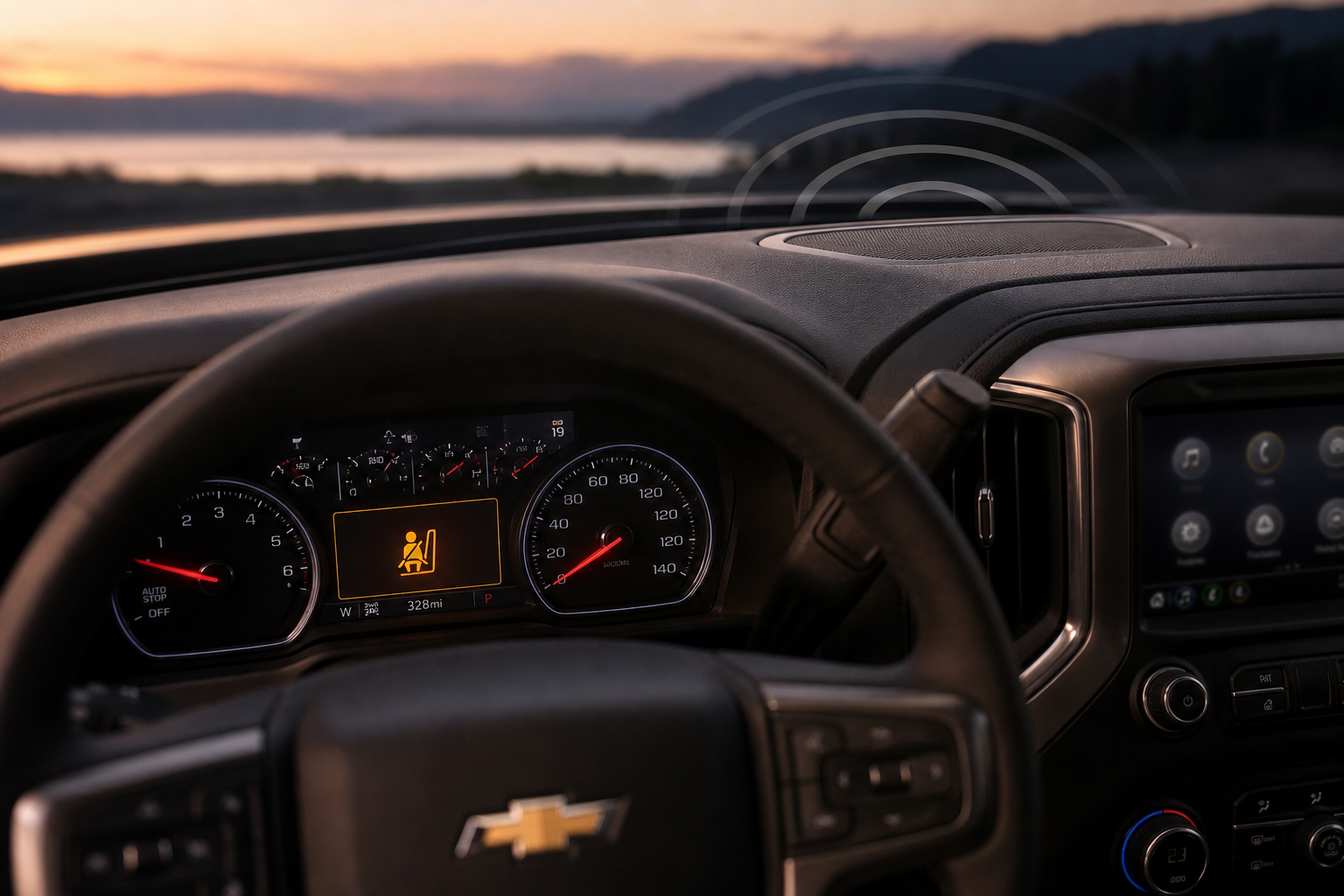
Yes, and this is where a lot of owners get confused. The Silverado 1500 actually has two distinct layers to this feature:
- Visual alert: A message on the driver information center (the small screen in the gauge cluster) and sometimes the infotainment screen, reminding you to check the back seat.
- Audible alert: A series of chimes that play alongside the visual message.
On most trims, you can’t turn off just the chime while keeping the visual reminder. The toggle in the settings menu controls the whole feature as a package. If you turn Rear Seat Reminder off, both the visual message and the audible chime stop appearing.
There’s no way to silence just the sound and keep the visual cue only, at least not through the standard menu on any Silverado 1500 model year currently on the road. If you want the reminder gone, you’re turning off the entire system, not just muting it.
Does the Setting Stay Off After You Restart the Truck?
This is the part that trips up a lot of Silverado owners. On most model years, yes, the setting does persist after you turn the truck off and restart it. Once you toggle Rear Seat Reminder off in the menu, it should stay off across drive cycles until you manually turn it back on.
However, some owners with 2022 and newer trucks have reported the setting resetting to “on” after a battery disconnect, a software update, or in rare cases, after the truck sits for an extended period without being driven. If you notice the reminder coming back after you’re sure you turned it off, check the settings menu again before assuming something’s broken. It’s usually just a reset triggered by a system update pushed through OnStar or a dealership visit.
If your Silverado has had any recent battery work done, that’s another common culprit. Similar to how a dead battery issue can reset infotainment preferences on other vehicles (something we cover in more detail in our guide on why a car battery dies overnight even when the alternator is good), a battery disconnect on the Silverado can quietly revert some driver-assistance settings back to factory defaults.
Why the Alert Still Fires Even If You Only Opened a Door Earlier
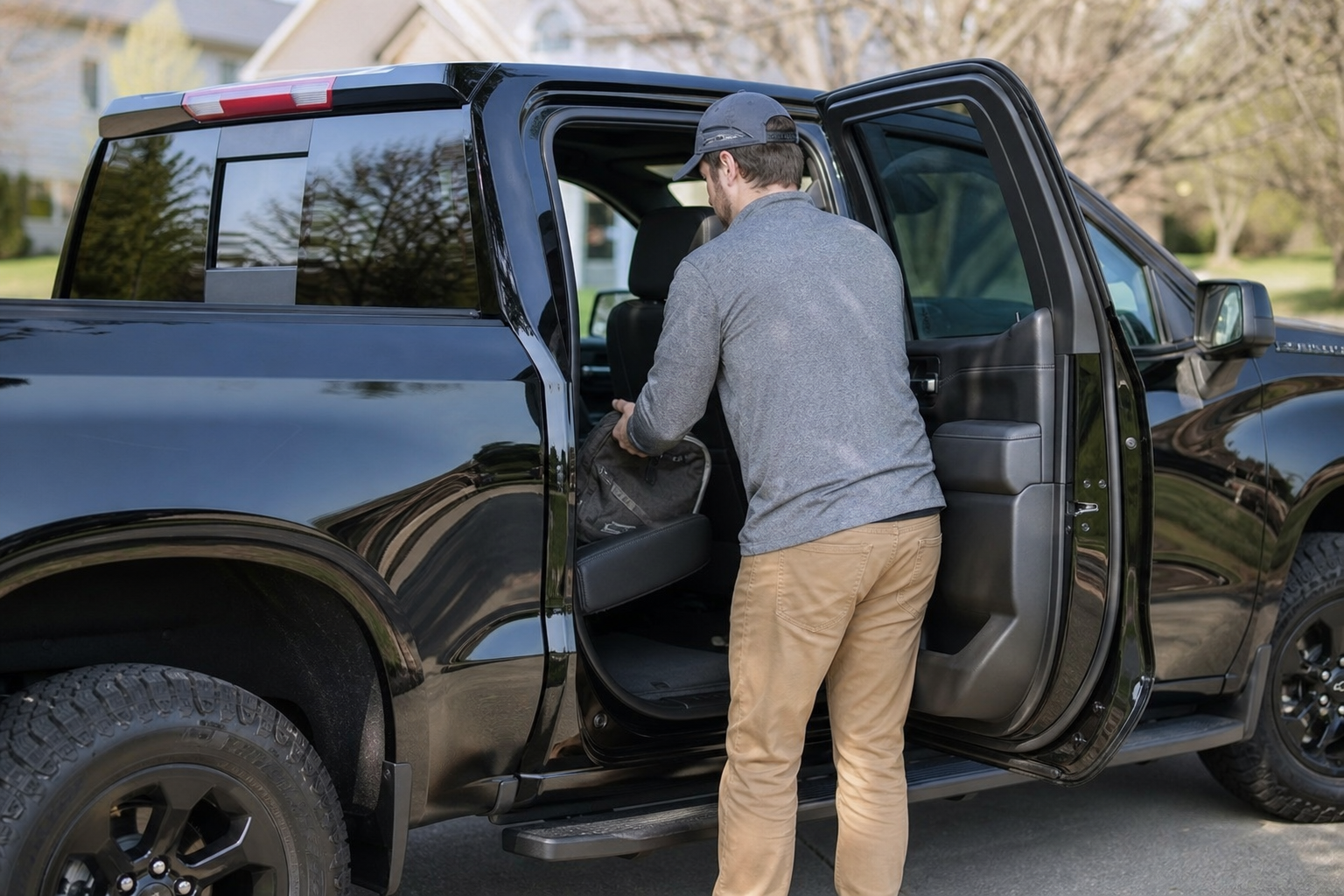
Here’s the scenario that catches most people off guard. You open the rear door in the morning to toss your gym bag in the back seat, shut the door, and drive to work with nothing else back there. Hours later, when you park and turn off the truck, the Rear Seat Reminder still pops up, even though nobody’s been in the back seat since that morning.
This happens because the system doesn’t track what’s in the back seat, only whether a rear door was opened during your drive cycle. GM’s logic is intentionally cautious. It would rather annoy you with an unnecessary reminder than risk skipping the alert on the one occasion it actually matters.
The system resets with each new “trip,” meaning once you turn the truck off and it goes through a full power-down cycle, the next drive starts fresh. But within a single drive, any rear door activity, no matter how brief or early, is enough to trigger the end-of-trip reminder.
Should You Turn It Off Entirely?
Turning off Rear Seat Reminder entirely is an option, and some Silverado owners do it if they never carry passengers in the back seat and find the constant pop-ups distracting. But if you have kids, transport pets, or regularly have anyone riding in the rear seats, we’d recommend leaving it on despite the occasional false alarm.
The whole point of the feature is to catch the one time your normal routine gets interrupted, like an unexpected phone call as you’re getting out of the truck, or a change in plans that means someone else picks up the kid instead of you. Those are exactly the moments this system is built to protect against.
If you’re weighing this decision alongside other driver-assistance features on your Silverado, it’s also worth getting familiar with the truck’s available Heads-Up Display, since a lot of these alerts and reminders show up there too depending on how you’ve configured your instrument cluster.
Frequently Asked Questions
Does the Rear Seat Reminder use a sensor to detect if someone is actually in the back seat?
No. The Silverado’s system relies entirely on rear door open/close activity, not weight sensors or cameras. It doesn’t know what’s actually sitting in the back seat, only that a door was used at some point during the drive.
Can I turn off just the audible chime and keep the visual reminder?
Not through the standard settings menu. The toggle controls both the visual message and the chime together as a single feature on current Silverado 1500 model years.
Is the Rear Seat Reminder the same as the systems on Hyundai or other brands?
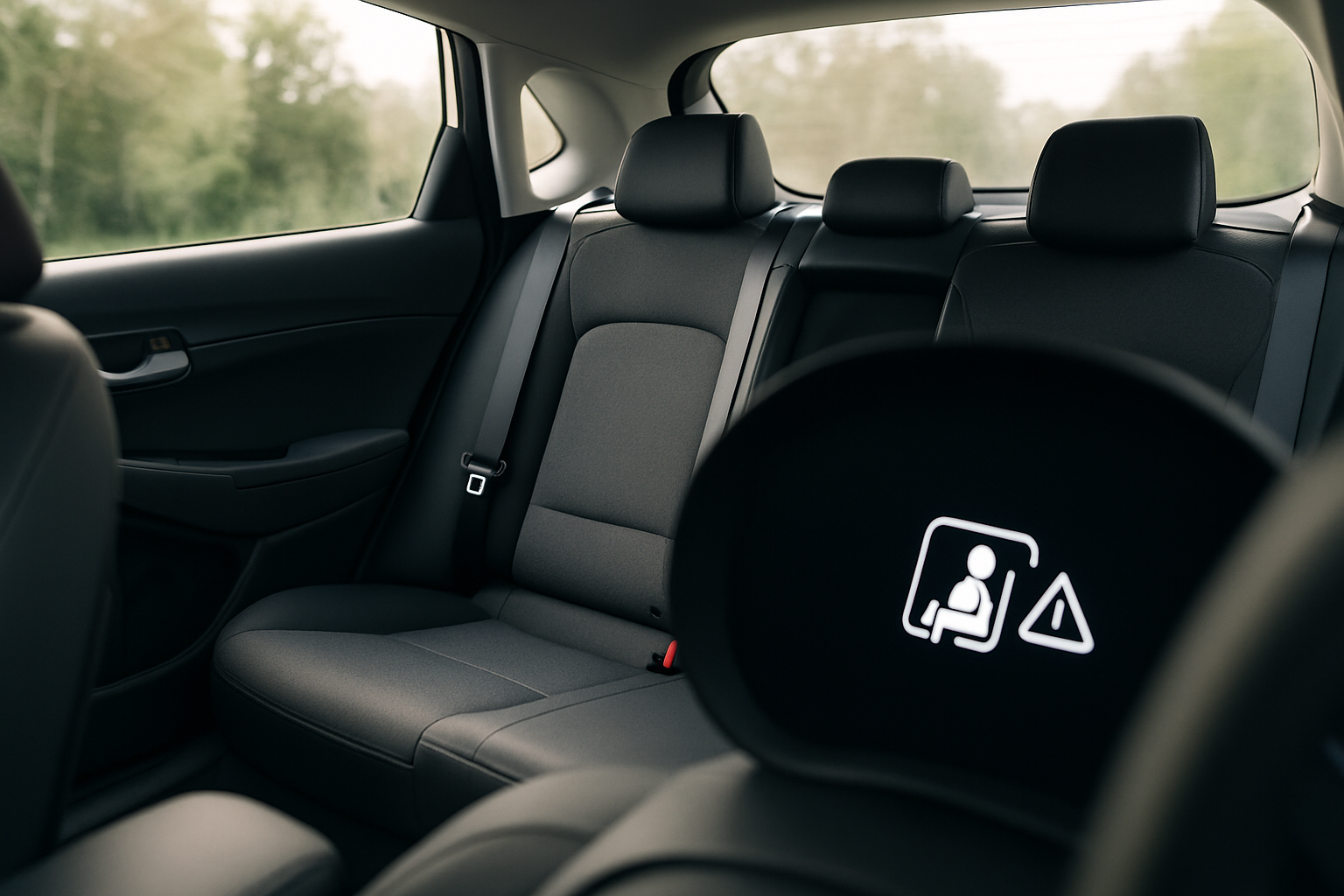
The core idea is similar across the industry. If you’re curious how another manufacturer handles it, our breakdown of the Rear Seat Reminder and Rear Occupant Alert on Hyundai vehicles shows how Hyundai’s version adds radar-based detection on some trims, which is a step beyond what GM currently offers on the Silverado.
Leave a Reply