
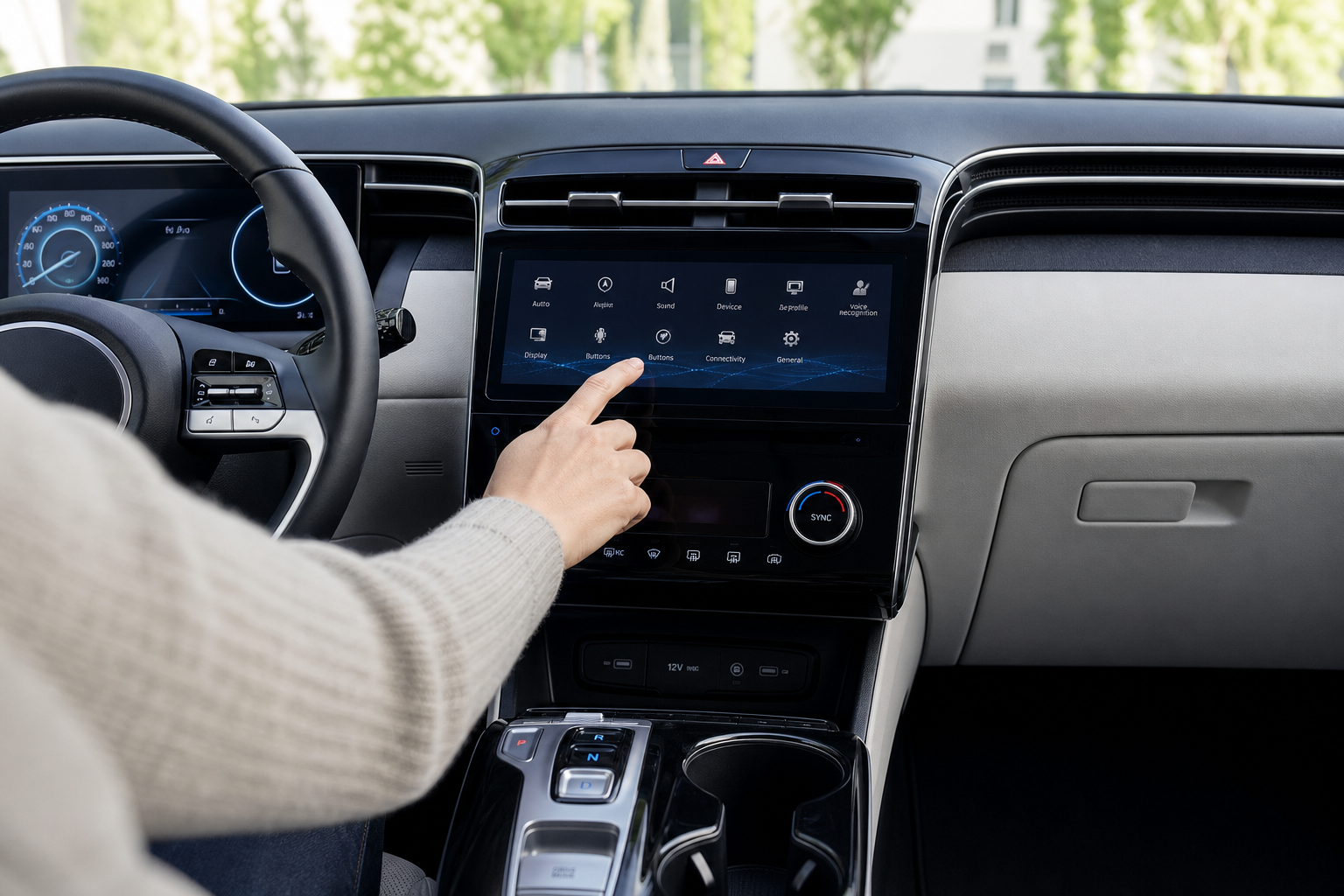
You buckle in, close the doors, and before you even hit the gas, your Hyundai Tucson’s screen lights up with a message asking you to check the back seat. If nobody’s back there and you know it, that alert gets old fast, especially if you’re running errands with multiple stops. The good news is you can turn it off, but it’s worth understanding how the system actually works before you disable it.
What Triggers the Rear Occupant Alert
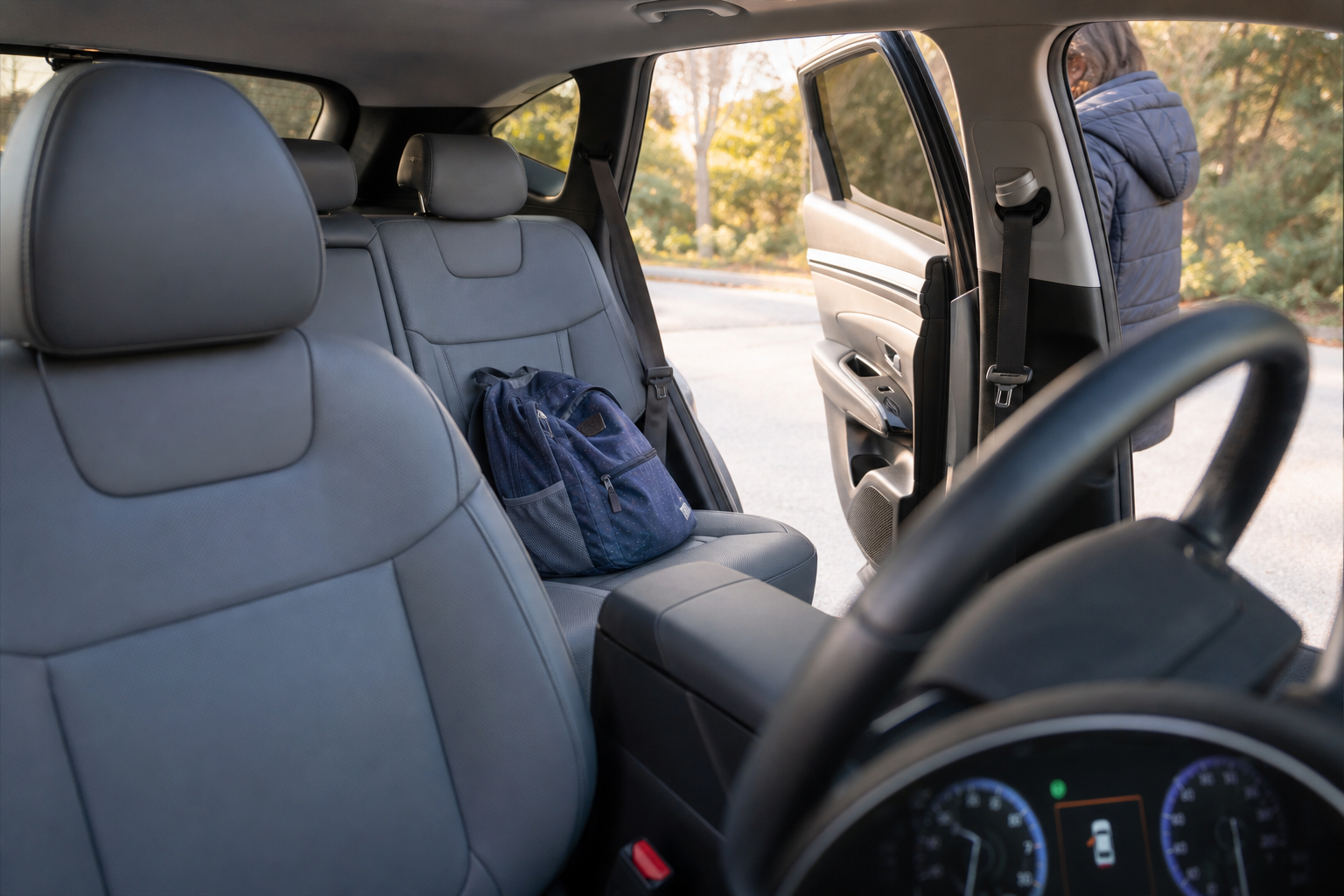
Hyundai’s Rear Occupant Alert (ROA) doesn’t use a camera or weight sensor to detect a child or pet in the back seat. Instead, it relies on a simpler trigger: whether one of the rear doors was opened at any point before or during your trip, typically within the ignition cycle or shortly before you started driving.
The logic is that if you opened a rear door, there’s a reasonable chance you put something (or someone) back there. So once you park and turn off the vehicle, the system reminds you to check before you walk away.
This is different from Hyundai’s more advanced Ultrasonic Rear Occupant Alert, offered on some trims, which uses radar sensors to detect motion in the back seat even after you’ve left the vehicle. If your Tucson has that upgraded system, it behaves a bit differently and can send a phone alert through the Bluelink app if it detects movement after you’ve walked away. If you haven’t set up remote monitoring yet, it’s worth reading through how to set up the myHyundai (Bluelink) app for remote access so you can take full advantage of those extra alerts.
Where to Find the Setting
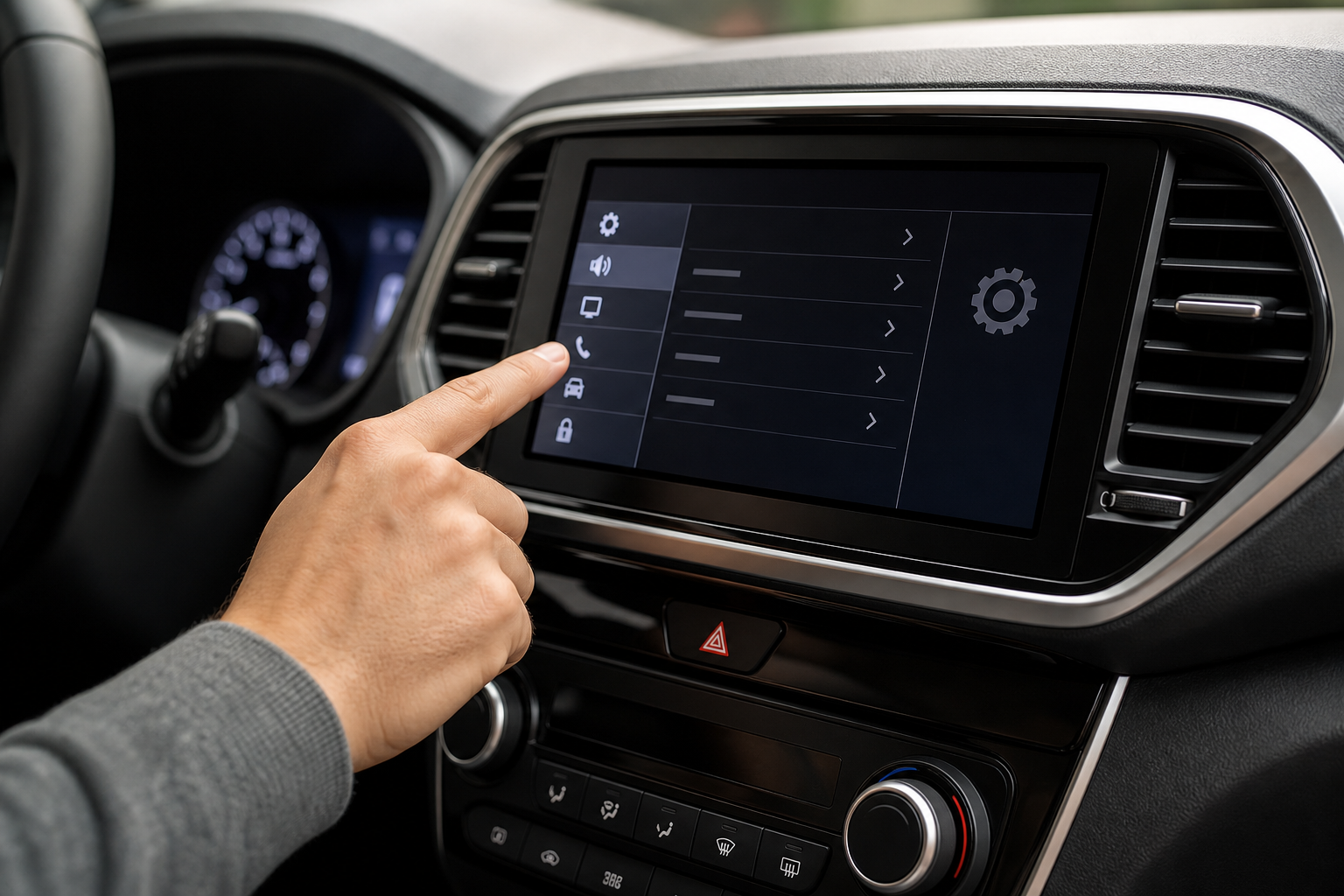
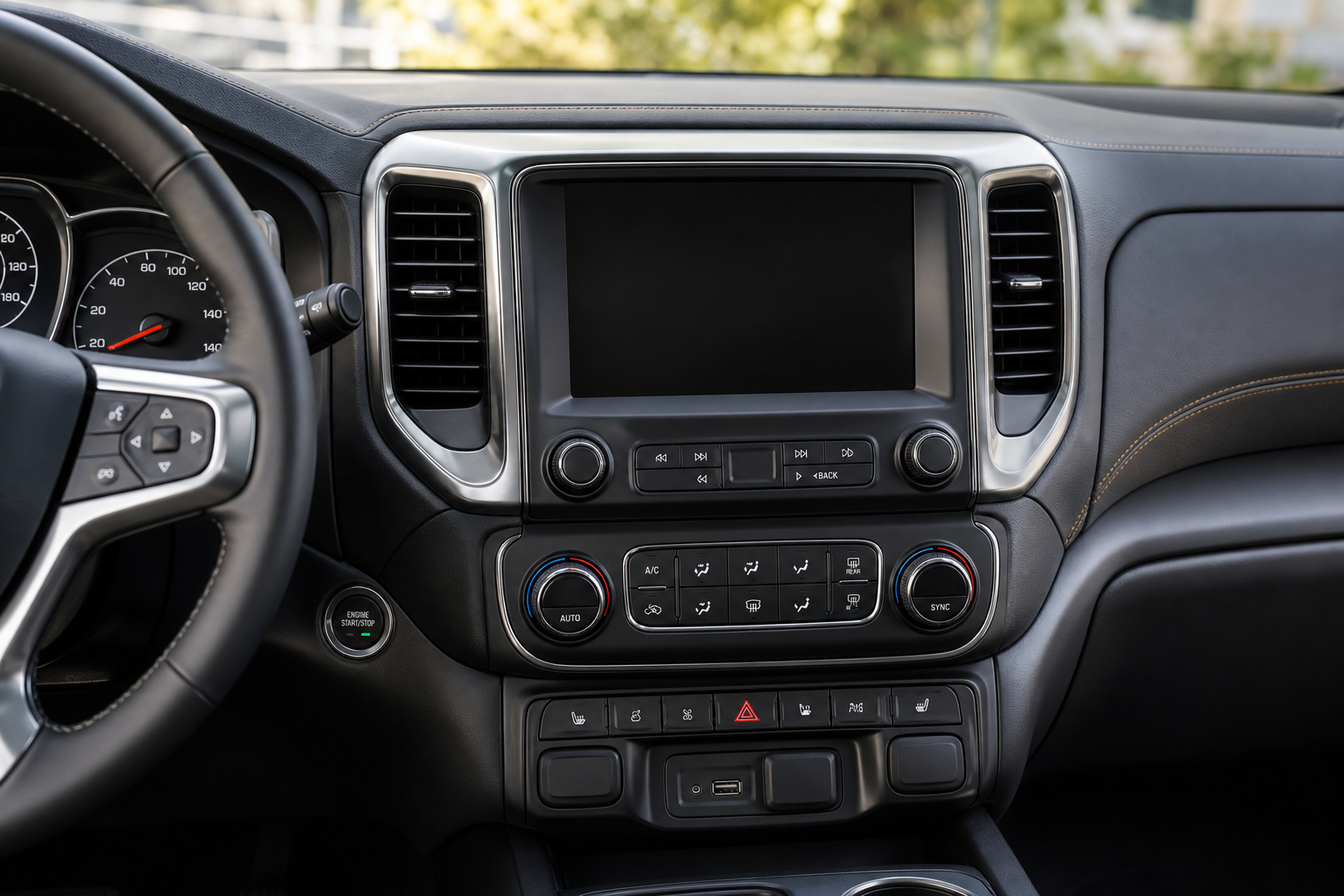
To turn off or adjust the Rear Occupant Alert on most Tucson model years (2022 and newer, since that’s when ROA became standard on the Tucson), head to the touchscreen and follow this path:
- Settings
- Vehicle
- Rear Occupant Alert (sometimes labeled “Alert” or “Notifications” depending on trim and model year)
From there, you’ll typically see a toggle to turn the feature on or off entirely. Some model years also include a sensitivity or reminder-type option, letting you choose between a simple notification and a more persistent alert.
Menu wording has shifted slightly between the 2022, 2023, and 2024 Tucson lineups, so don’t panic if your screen doesn’t say the exact wording listed above. On some trims it’s nested under “Convenience” instead of “Vehicle.” If you’re having trouble locating it, check your owner’s manual for your specific trim, since Hyundai has moved things around more than once during infotainment updates.
Visual vs. Audible Warnings
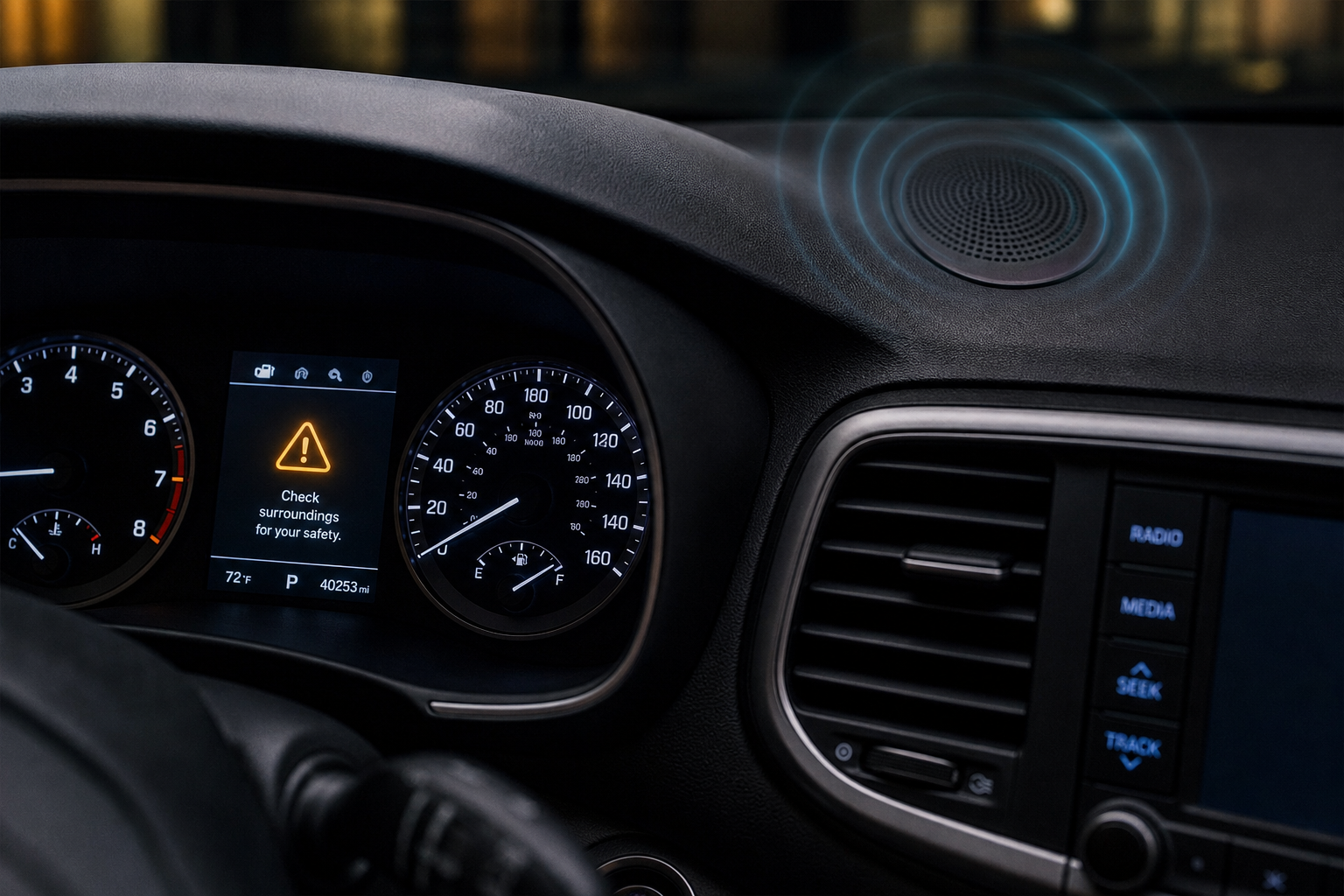
The Rear Occupant Alert actually has two separate components, and that matters when you’re trying to turn it off.
The visual alert is the message that pops up on your instrument cluster or center screen when you shut off the vehicle, telling you to check the rear seat. This is the part most drivers want gone if they never carry rear passengers.
The audible alert is a series of horn chirps that happen if the system detects the rear door was opened but you’ve already walked away from the vehicle without checking. This is the more aggressive layer, designed specifically to catch your attention if you’re out of earshot of a quiet dashboard chime.
On most Tucson trims, turning off ROA in the settings menu disables both the visual reminder and the horn chirps together. There isn’t a way to keep the visual message while killing the horn alert, at least not on standard ROA equipped models. If your Tucson has the upgraded ultrasonic system, though, you may see more granular controls since that version ties into the Bluelink notification system separately.
For a broader look at how this feature works across Hyundai’s lineup, including the difference between Rear Seat Reminder and Rear Occupant Alert terminology, the guide on using the Rear Seat Reminder and Rear Occupant Alert on Hyundai vehicles breaks down how it’s implemented on other models like the Palisade and Santa Fe.
Does the Setting Stay Off After You Restart?
Yes. Unlike some driver assistance features that reset to default every time you start the Tucson, the Rear Occupant Alert preference is saved. Once you turn it off through the settings menu, it stays off across ignition cycles, even after the battery has been disconnected in most cases.
That’s a relief if you’ve already gone through the trouble of finding the setting once and don’t want to repeat the process every time you drive.
One exception worth knowing about: if your Tucson goes through certain dealership service resets or a full infotainment system update, some owners have reported the setting reverting to its default (on) state. It’s not common, but if the alert mysteriously comes back after a service visit, just head back into the settings menu and flip it off again.
Why It Might Still Alert You Later in the Drive
Here’s where things get a little confusing for some Tucson owners. Even after turning off the visual reminder, you might still hear the horn chirp when you park, especially if you opened a rear door earlier in your trip, like when you loaded groceries or let a passenger out at an earlier stop.
That’s because the horn chirp component of the alert is tied to door-open detection during that specific ignition cycle, and on some model years it operates somewhat independently from the toggle in the settings menu. If a rear door was opened at any point since you started the car, the system may still flag it as a potential missed occupant, regardless of your preference setting.
If you’ve fully disabled ROA and you’re still getting chirped at, it’s not a malfunction. It’s the system doing exactly what it’s designed to do based on door sensor activity, just not fully overridden by the software toggle on certain trims. This quirk has been more common on 2022 and early 2023 Tucson models, and Hyundai has tightened up the logic somewhat in newer software updates.
If the chirping becomes a real annoyance and toggling the setting off doesn’t stop it completely, a dealership software update can sometimes resolve it. It’s a similar situation to other Hyundai driver-assist quirks where a firmware update changes behavior more than the actual physical hardware does.
Frequently Asked Questions
Does turning off Rear Occupant Alert affect any safety features?
No. ROA is purely a reminder system, not a safety feature tied to airbags, seatbelts, or collision avoidance. Turning it off has no effect on how your Tucson’s other driver assistance systems function.
Is Rear Occupant Alert standard on all Tucson trims?
Basic ROA became standard across most Tucson trims starting with the 2022 model year. The upgraded ultrasonic version that detects motion after you leave the vehicle is typically reserved for higher trims like the Limited or Calligraphy, so check your window sticker or owner’s manual to confirm which version your Tucson has.
Can I turn off just the horn chirp but keep the dashboard reminder?
Not on standard ROA equipped Tucsons. The settings menu treats the visual reminder and audible horn chirp as one combined feature. If you want more granular control, that level of customization generally isn’t available until Hyundai updates the software architecture on future model years.
If you’re dealing with other alert or warning lights on your Tucson and want to sort out which ones matter, it’s also worth bookmarking the guide on how to reset the TPMS light on the Hyundai Tucson, since tire pressure warnings tend to pop up around the same time owners start digging through settings menus for other alerts.
Leave a Reply