
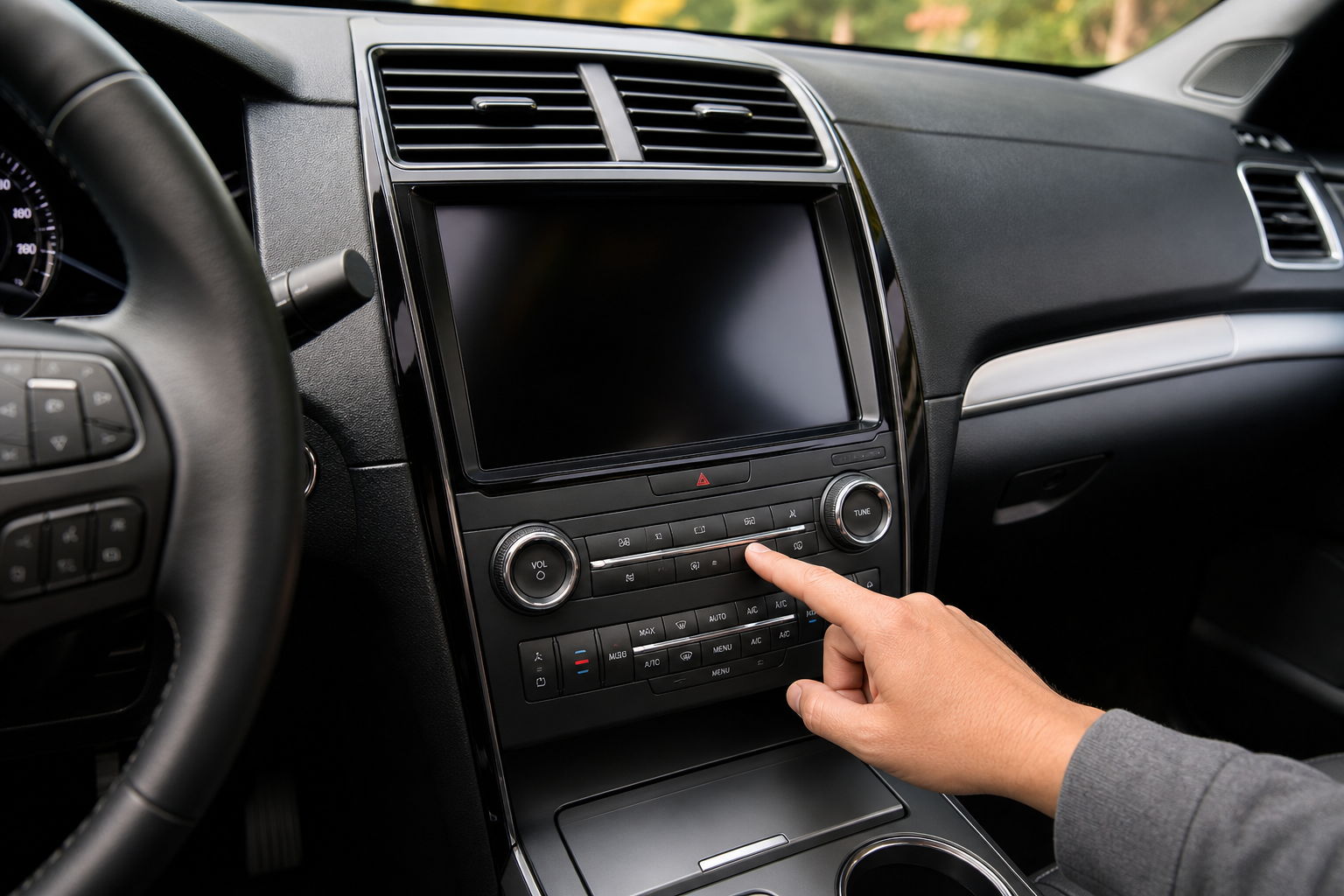
If you’ve ever parked your Explorer, grabbed your bags, and walked away only to have your phone buzz with a “check rear seat” notification, you already know how insistent this feature can be. Ford’s Rear Occupant Alert is designed to catch exactly the kind of moment that leads to tragic hot-car stories every summer, and while that’s a good thing, it can also feel like a nuisance if you’re hauling groceries, gym bags, or a dog crate in the back seat instead of a kid. This guide walks through exactly how the system works, where to adjust it, and why it sometimes fires off even when you know the back seat is empty.
What Actually Triggers the Rear Occupant Alert
Ford’s system doesn’t use a weight sensor or camera to detect a child in the back seat. Instead, it relies on door sequencing logic built into the SYNC system. If you open a rear door before or during your trip, whether to load a car seat, toss in a backpack, or let your dog jump in, the vehicle logs that action.
When you shift into Park and turn off the vehicle after that rear door was opened, the Explorer assumes there could still be someone or something back there. That’s when you get the chime and the message on the driver display telling you to check the rear seat before you walk away.
This is a passive reminder system, not an active occupant detector. It doesn’t know whether the back seat is actually occupied. It just knows a rear door was used at some point during that drive cycle, which is why the alert can feel like it’s firing for no reason on days when you only tossed in a jacket.
Where to Find the Setting on Your Explorer
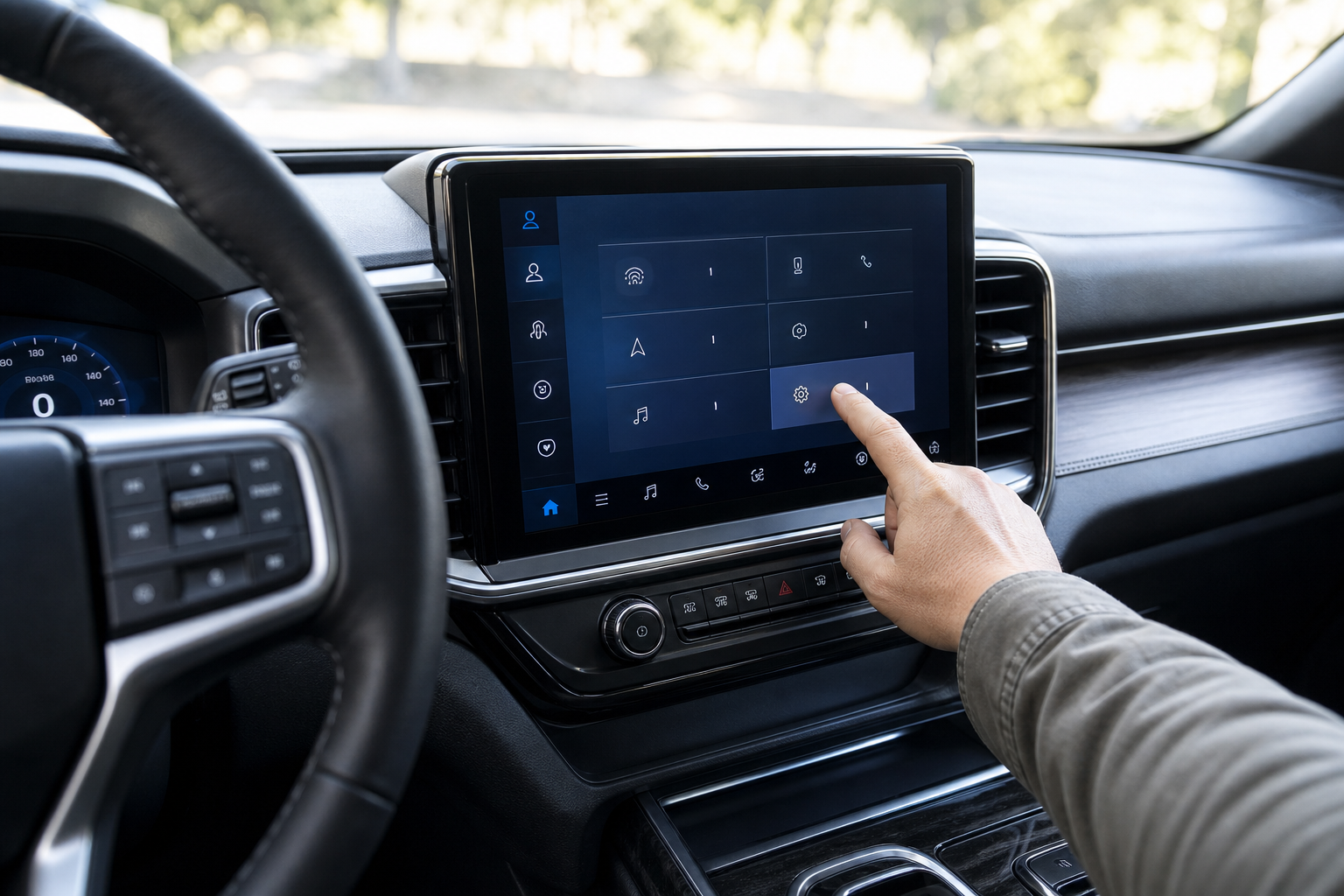
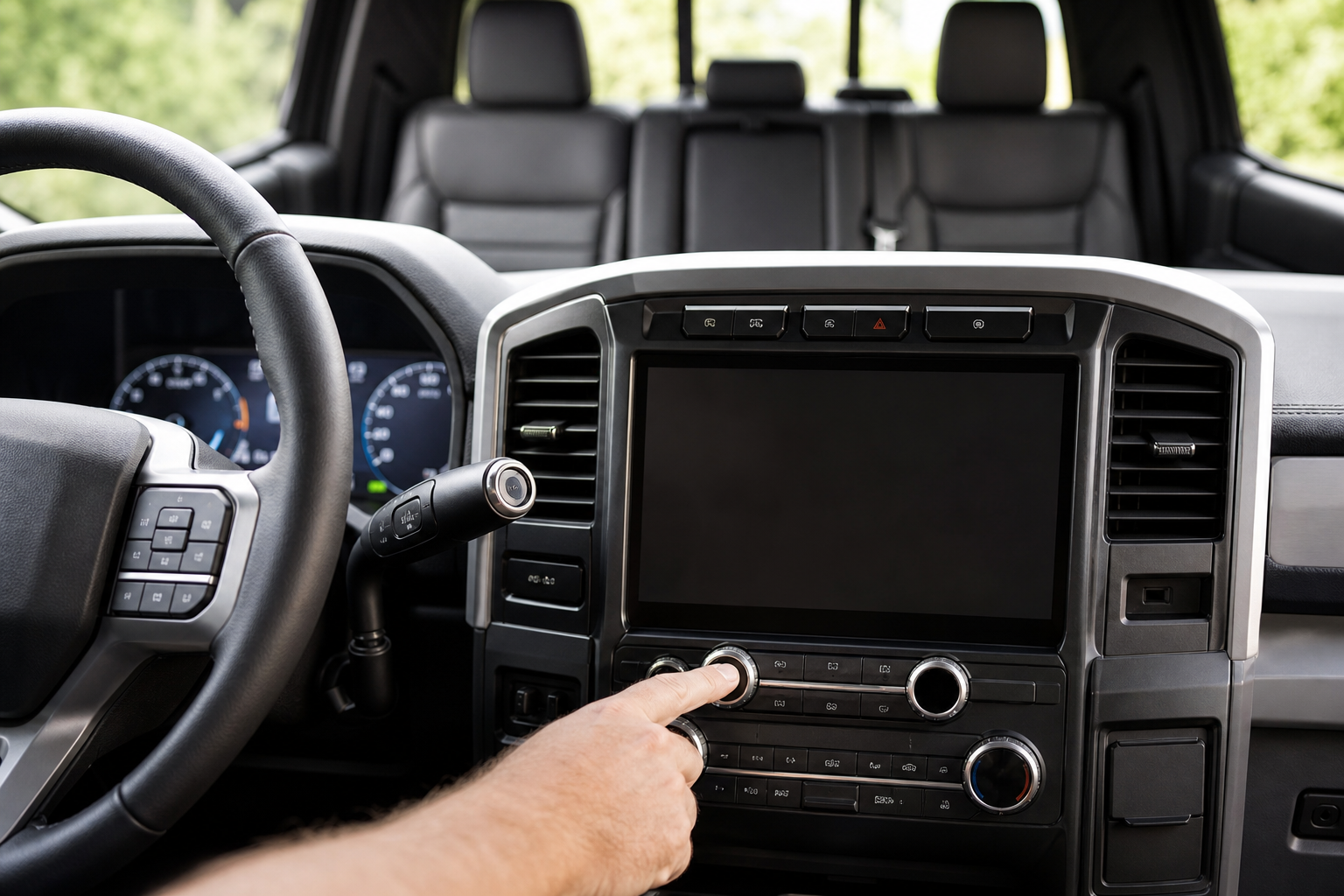
You can turn the alert on or off through the SYNC touchscreen, though the exact wording varies slightly by model year and SYNC version. Here’s the general path for most 2020 and newer Explorers running SYNC 3 or SYNC 4:
- Press the Settings icon on the home screen of your touchscreen.
- Select Vehicle.
- Look for Rear Occupant Alert (sometimes listed under a “Warnings” or “Driver Assist” submenu depending on trim and year).
- Toggle the feature On or Off.
On some 2020 to 2022 models, you’ll find it nested under Settings > Vehicle > Rear Door Alert instead. Ford has tweaked the labeling more than once as the feature rolled out across the lineup, so if you don’t see it under one heading, check the adjacent menus before assuming your Explorer doesn’t have it.
The feature became standard equipment on the Explorer starting with the 2020 redesign, and it’s tied to the SYNC infotainment system rather than a specific trim level. If your Explorer has a touchscreen with SYNC 3 or SYNC 4, you should have access to this toggle.
Visual and Audible Warnings Work Independently

One detail that trips people up is that the Rear Occupant Alert actually has two separate warning layers, and Ford treats them a bit differently.
The first is a visual message that appears on the driver information cluster or center screen right after you shift into Park, reminding you to check the back seat. The second is a chime sequence that plays through the horn if you walk away from the vehicle with the key fob and don’t return within a short window, typically under a minute.
Turning off Rear Occupant Alert through the settings menu disables both layers together. There isn’t a separate toggle for muting just the horn chime while keeping the dashboard message, or vice versa. If you want the reminder gone entirely, the single setting handles it.
This is a different approach from what you’ll find on some competing brands. If you’re curious how another automaker handles the same basic idea, Hyundai’s Rear Seat Reminder and Rear Occupant Alert system uses radar-based motion detection on higher trims, which is a more advanced (and more expensive) way to solve the same problem.
Does the Setting Stick After You Restart the Vehicle?
Yes, once you turn off Rear Occupant Alert in the SYNC settings, it stays off across ignition cycles. You won’t need to re-disable it every time you start the Explorer.
That’s worth knowing because some Ford driver-assist features, like certain lane-keeping aids, reset to their default “on” state every time you restart the vehicle. Rear Occupant Alert isn’t one of those. It behaves more like a permanent preference tied to your SYNC profile.
If you share the Explorer with another driver who has their own SYNC profile set up, keep in mind the toggle may be tied to that profile rather than the vehicle as a whole on newer model years. If someone else’s profile loads and the alert is back on, that’s likely why.
Why It Still Alerts Even After You Checked the Back Seat

This is the part that frustrates most owners. You open the rear door to grab something in the morning, close it, drive to work, and hours later when you park and shut the vehicle off, you get the alert anyway, even though nobody’s been in that seat since 7 a.m.
That’s expected behavior, not a glitch. The system tracks whether a rear door was opened at any point during the current drive cycle, from the moment you started the vehicle to the moment you turn it off. It has no way of knowing that the door was opened at the very beginning of your trip rather than right before you parked.
Ford designed it this way on purpose. A parent could load a child in a car seat, drive to a store, run an errand without touching the back door again, and still forget the child is back there when they arrive home. Making the alert trigger on “any rear door use this cycle” instead of “rear door use right before parking” closes that gap, even though it means more false alarms for people who aren’t hauling passengers.
If this happens constantly and it’s not useful for how you drive, that’s a good reason to just switch it off in the settings menu rather than living with a chime every single day. You can always turn it back on for road trips or whenever you know you’ll have kids in the car.
A Quick Comparison to Other Explorer Safety Features
Rear Occupant Alert is one of several driver-assist systems Ford bundles into the Explorer’s Co-Pilot360 suite, and it’s worth understanding how it fits alongside the others. Unlike the Intersection Assist and Evasive Steering features on the Explorer, which actively intervene to prevent a collision, Rear Occupant Alert is purely informational. It doesn’t brake, steer, or lock anything. It just reminds you.
That distinction matters if you’re trying to decide which features are safe to disable and which ones you should leave alone. Active safety systems like automatic emergency braking are worth keeping on at all times. A passive reminder like this one is far more reasonable to turn off if it’s not adding value for how you actually use the vehicle.
FAQ
Does Rear Occupant Alert use a camera or sensor to detect a person in the back seat?
No. The Explorer’s system is based entirely on door sequence logic, not weight sensors, cameras, or radar. It simply tracks whether a rear door was opened during your drive and reminds you to check when you park. Some competitors, including certain Hyundai and Genesis models, use radar-based detection that can actually sense movement in the back seat, but Ford’s Explorer does not currently offer that on this generation.
Can I turn off just the horn chime but keep the dashboard reminder?
Not with the current SYNC setup. The visual reminder and the audible horn chime are controlled by the same on/off toggle in the settings menu. You either get both warnings or neither.
Will disabling Rear Occupant Alert affect any other safety features on my Explorer?
No. It’s an isolated feature that only controls the rear seat reminder chime and message. Turning it off has no effect on automatic emergency braking, lane-keeping assist, blind spot monitoring, or any other Co-Pilot360 feature.
Leave a Reply