
If you’ve ever climbed out of your F-150, shut the door, and walked toward the house only to hear the horn chirp twice instead of once, you’re not imagining things. It’s one of the most commonly asked questions in Ford truck forums, and the answer involves a mix of factory alarm logic, lock confirmation settings, and in some cases, settings that Ford simply doesn’t expose to the driver through the touchscreen.
This guide walks through what actually causes the double honk, how to adjust it using the menus Ford gives you, and when you’d need a tool like FORScan to go further. We’ll also flag where dealer-level programming is the only real option, so you don’t waste time hunting for a setting that doesn’t exist on your particular model year.
What’s Actually Causing the Double Honk
The “double honk” most F-150 owners describe isn’t a malfunction. It’s usually two separate confirmation sounds stacking on top of each other in a short window: the door lock chirp and the perimeter alarm arming chirp.
Here’s the sequence. When you walk away with the key fob and the truck auto-locks, or you press the door handle sensor or fob button to lock manually, the BCM (body control module) sends a chirp to confirm the doors are locked. A moment later, the factory anti-theft system arms itself and fires a second chirp to confirm the alarm is now active. Because these two events happen almost back to back, it sounds like one honk followed immediately by another, rather than two unrelated actions.
Some owners also notice this specifically tied to remote start cancellation or to SecuriCode keypad locking, since both of those trigger their own confirmation tones on top of the standard lock chirp. The exact trigger can vary depending on whether you’re using the key fob, the door handle, or walking away with Ford’s phone-as-key setup.
Adjusting It Through the Factory Menu
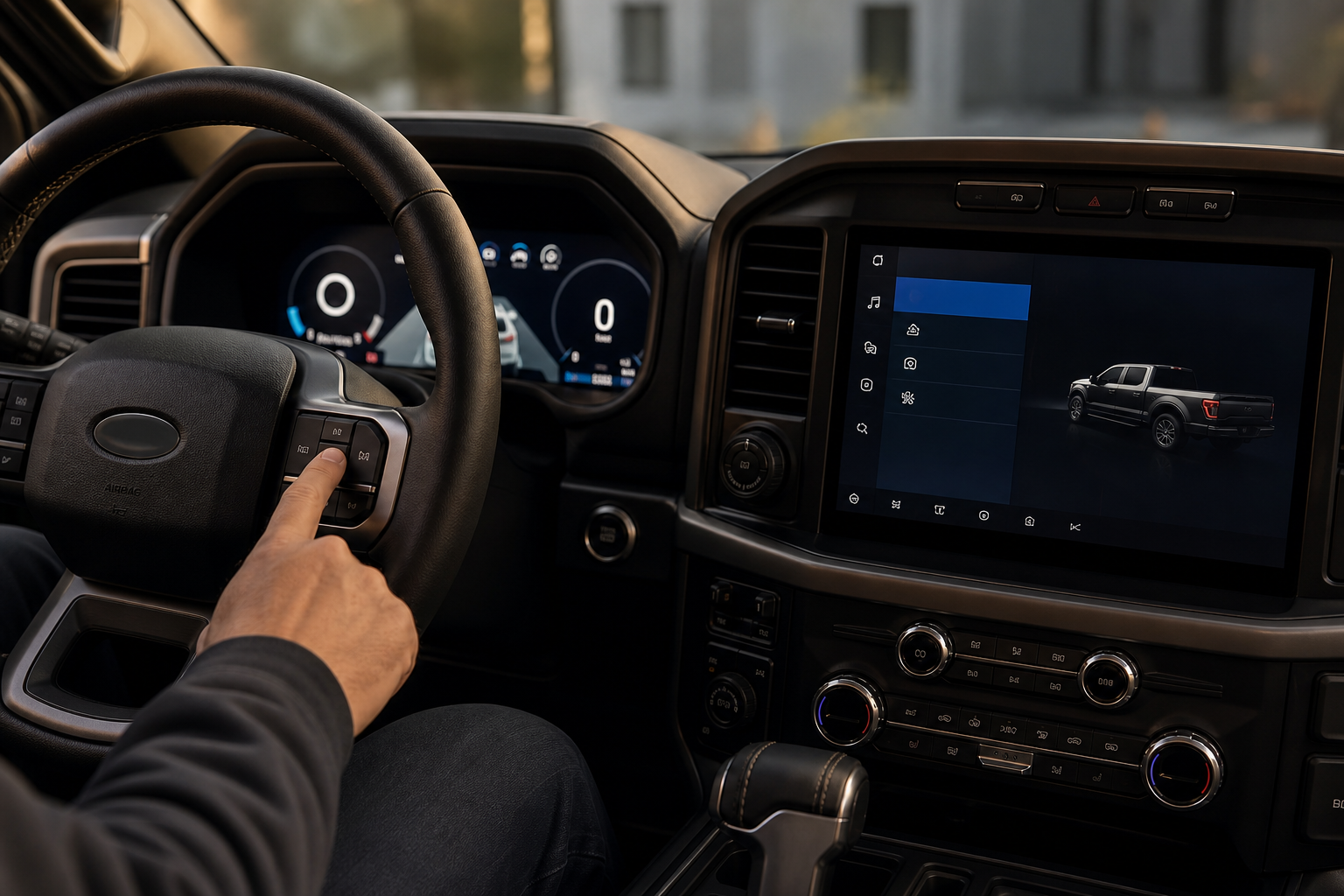
Ford does give owners some control here, but the depth of that control depends heavily on model year and which infotainment system your truck has (SYNC 3 versus SYNC 4).
On most 2018 and newer F-150s, you can find horn-related settings under Settings > Vehicle > Locks or Settings > Vehicle > Warnings & Reminders, depending on the screen version. Look for an option labeled something like “Horn Chirp” or “Lock Confirmation Honk.” Toggling this off typically silences the horn confirmation entirely, both for locking and for alarm arming, since they’re tied to the same output on many builds.
The catch is that this is usually an all-or-nothing switch. Ford’s owner-facing menu generally doesn’t separate “lock chirp” from “alarm arm chirp” as two independently controllable sounds. So turning off the double honk through the factory menu often means you lose the single confirmation chirp too, not just the second one.
Because menu wording and location shift between model years and trims, it’s worth confirming the exact path in your truck’s owner’s manual before assuming a setting doesn’t exist. Ford has reorganized these menus more than once across recent F-150 generations, and a setting that lives under “Locks” on a 2021 model might sit under a different heading on a 2023.
When FORScan Offers More Granular Control

For owners who want to keep the single lock confirmation but eliminate just the second alarm-arming chirp, the factory menu usually can’t get you there. This is where FORScan comes in for certain model years, since it can access BCM parameters that aren’t exposed through the truck’s own screen.
FORScan is a diagnostic and configuration tool that communicates with Ford’s onboard modules over an OBD2 connection. On F-150s where the relevant parameter exists in the BCM’s “As Built Data,” some owners have used FORScan to separately disable the alarm-arm chirp while leaving the standard lock chirp intact. Whether that specific parameter is present and editable depends on your model year and BCM part number, so this isn’t a universal fix across every F-150 built since 2015.
If you decide to go this route, only follow a procedure that’s been verified for your exact model year and confirmed against your truck’s actual BCM configuration. Changing the wrong bit in a configuration byte can affect unrelated systems, and Ford’s module coding isn’t something to guess your way through. Treat any FORScan adjustment the same way you’d treat a firmware update: back up your current configuration first, and don’t proceed if you can’t confirm the parameter matches what’s documented for your specific truck.
To make these changes, you’ll need a FORScan-compatible OBD2 adapter rather than a generic Bluetooth code reader, since not all adapters support the full read/write access FORScan requires.
Ford F-150 FORScan OBD2 Adapter
A properly supported adapter is required for FORScan to read and write BCM parameters correctly on Ford trucks.
Not every adapter on the market plays nicely with FORScan’s full feature set. Stick with one that’s explicitly listed as compatible with Ford’s MS-CAN and HS-CAN protocols, since cheaper generic adapters often only support basic OBD2 code reading and won’t give you the module-level access this kind of adjustment needs.
Does Turning It Off Change Other Confirmation Sounds?
This is where owners get tripped up. If you silence the horn chirp through the factory menu, you’re usually silencing every horn-based confirmation, including the one that tells you the truck locked successfully when you’re not looking at it. Some drivers rely on that single chirp to confirm the truck actually locked from across a parking lot, so losing it entirely is a real tradeoff, not just a bonus.
Turning off the horn chirp does not typically affect the separate light-flash confirmation, where your turn signals blink to confirm locking or unlocking. If you still want visual confirmation without the sound, most F-150s keep that light flash independent of the horn setting, so you’re not losing all feedback when you disable the chirp.
It also doesn’t touch unrelated alerts like seatbelt chimes, door-ajar warnings, or TPMS alerts. Those run through separate chime logic and aren’t bundled with the lock/alarm horn output, so you don’t need to worry about accidentally silencing something safety-related while trying to quiet the double honk.
If you’re also dealing with other driver-assist features that feel more intrusive than helpful, it’s worth checking out our guide on how to turn off Lane Assist on the Ford F-150, since that’s another setting that resets differently depending on model year.
A Few Practical Tips Before You Adjust Anything
Start with the factory menu first. It’s free, it’s reversible with a few taps, and for a lot of owners, simply losing both chirps is an acceptable trade for the quiet. Only move to FORScan if you specifically want to keep one chirp and lose the other, since that’s the one thing the factory menu can’t do on most trucks.
If you’re already comfortable poking around your truck’s electronics for other reasons, like relearning tire sensors after a rotation, the same OBD2 adapter used for FORScan work can often double as a general diagnostic tool. Our guide on the Ford F-150 TPMS relearn procedure covers a separate use case where an OBD2 connection comes in handy.
Also worth checking: whether your particular double honk is tied to remote start. Some owners trace the second chirp specifically to canceling a remote start session rather than the standard lock sequence, which changes which setting you’d actually need to adjust.
Ford OBD2 Diagnostic Scan Tool
A dedicated scan tool is a solid backup for reading codes even if you’re not doing FORScan configuration work.
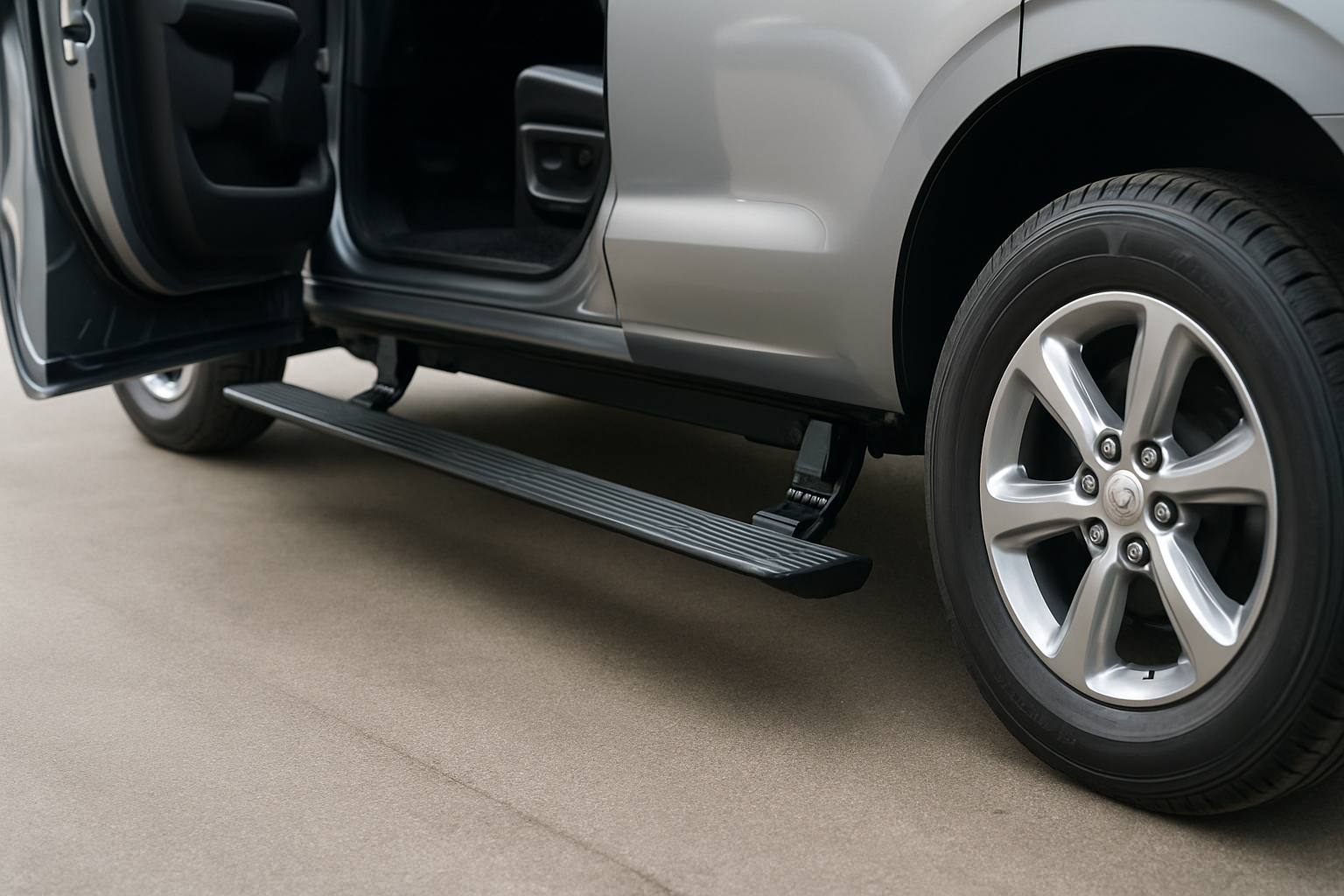
If your F-150 came with other convenience features you haven’t fully explored, it’s worth spending a few minutes with the manual. Features like the available bed step or the surround view and transparent trailer camera often go unused simply because owners never dug into the settings menu past the basics.
Frequently Asked Questions
Is the double honk a sign of a problem with my alarm system?
No. In the vast majority of cases, this is normal factory behavior where two separate confirmation chirps happen close together. It’s worth a quick check only if the honking becomes erratic, continues after you’ve walked away, or happens at random times without you locking or unlocking the truck.
Will disabling the horn chirp void my warranty?
Adjusting a setting through Ford’s own owner-accessible menu doesn’t affect your warranty, since it’s a feature Ford designed for drivers to change. Using FORScan to edit BCM parameters is more of a gray area, and if you’re not confident in the procedure, having a dealer make the change keeps you on safer ground.
Can I get a dealer to change just the alarm-arm chirp for me?
Yes, in many cases a Ford dealer can adjust module settings that aren’t available in the owner menu, including separating the lock chirp from the alarm chirp on supported model years. It’s reasonable to call ahead and ask if your specific truck’s BCM supports that change before scheduling an appointment.

Leave a Reply