
If you’ve ever climbed out of your Bronco, pressed the lock button on your key fob, and heard the horn chirp twice instead of once, you’re not imagining things. It’s one of the most common questions in Bronco owner forums and Facebook groups: why does my truck honk twice when I lock it, and can I make it stop? The short answer is yes, in most cases, but the exact steps and how much control you get depend on your model year and SYNC version.
What Actually Triggers the Double Honk
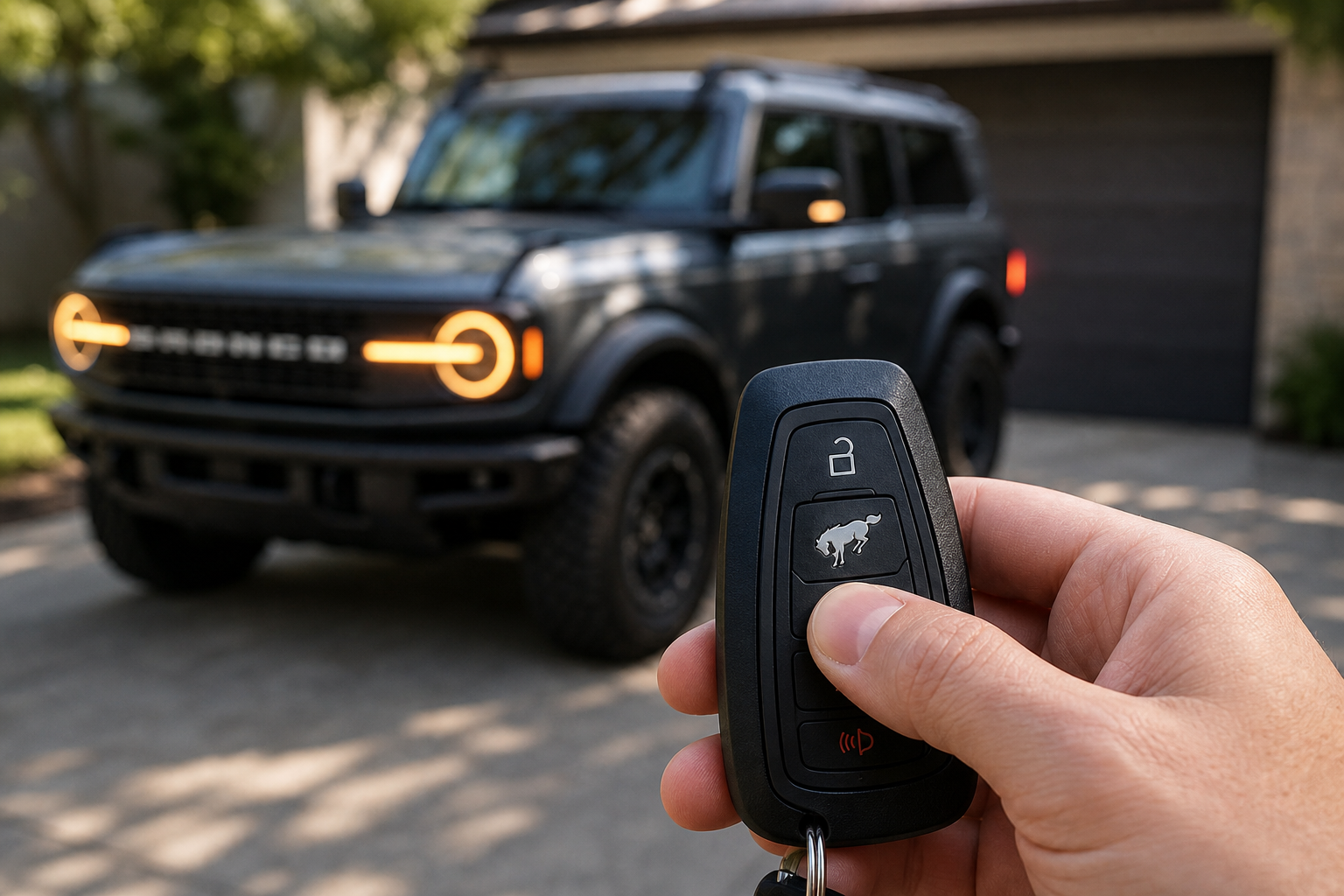
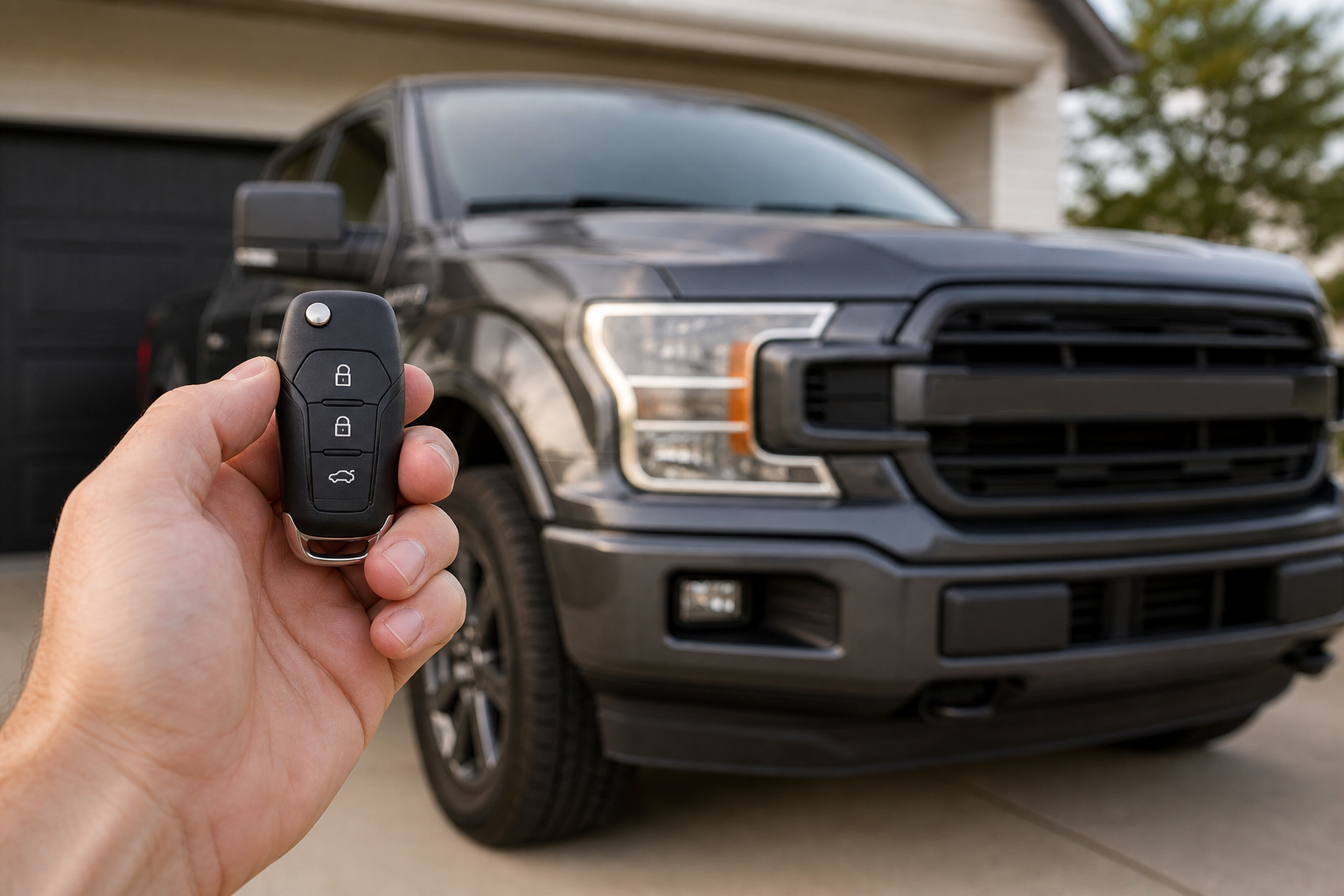
The “double honk” is Ford’s horn chirp confirmation, and it’s built into the locking system on purpose. When you lock the doors, whether by pressing the button on the fob, tapping the door handle sensor, or walking away with the key in your pocket while auto-lock is enabled, the horn sounds twice to confirm the doors are secured. Unlocking typically triggers a single chirp instead.
This isn’t unique to the Bronco. Ford has used this same lock/unlock chirp pattern across the F-150, Explorer, and other models for years as a quick audible cue so you don’t have to look back at the truck to know it locked. If you’ve dealt with similar confirmation tones on other Fords, the logic will look familiar, and it’s worth checking our guide on turning off lane assist on the Ford F-150 if you’re trying to quiet down other driver-assist chimes on a Ford product too.
Turning Off the Horn Chirp Through SYNC Settings
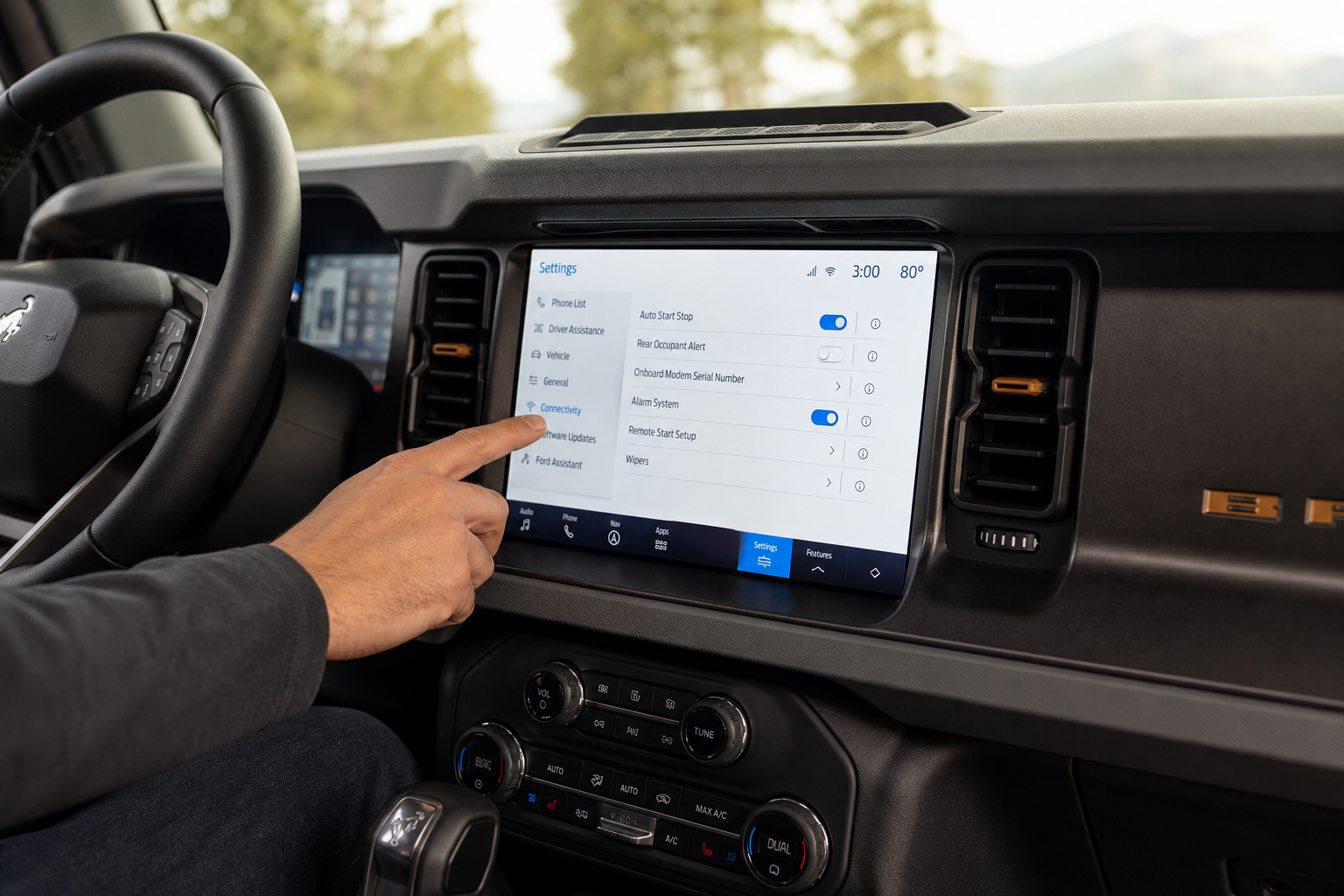
On Broncos equipped with SYNC 4 (this covers the vast majority of 2021 and newer Broncos), the horn chirp toggle lives in the touchscreen settings menu. Generally you’ll want to head to:
- Settings on the main touchscreen
- Vehicle
- Vehicle Locks (sometimes labeled Lock/Unlock Settings)
- Horn Confirmation or Horn Chirp, which you can toggle off
The exact wording and menu depth has shifted slightly across SYNC software updates, so if your screen doesn’t match exactly, check your owner’s manual for your specific model year or search the menu for “horn” using the on-screen search function if your infotainment version supports it. Ford has revised SYNC 4’s settings layout more than once since the Bronco launched, so a 2021 Bronco and a 2024 Bronco won’t necessarily show identical menu paths.
One important note: this toggle is usually an all-or-nothing switch. Turning it off silences both the lock chirp and the unlock chirp, not just the double honk on lock. There isn’t a factory owner setting on most model years that lets you keep a single unlock beep while killing only the second lock chirp. Turning off horn confirmation does not affect other vehicle sounds like seatbelt chimes, door-ajar warnings, or backup alerts. Those run on separate systems and stay active regardless of what you do with the horn chirp setting.
When FORScan Comes Into Play
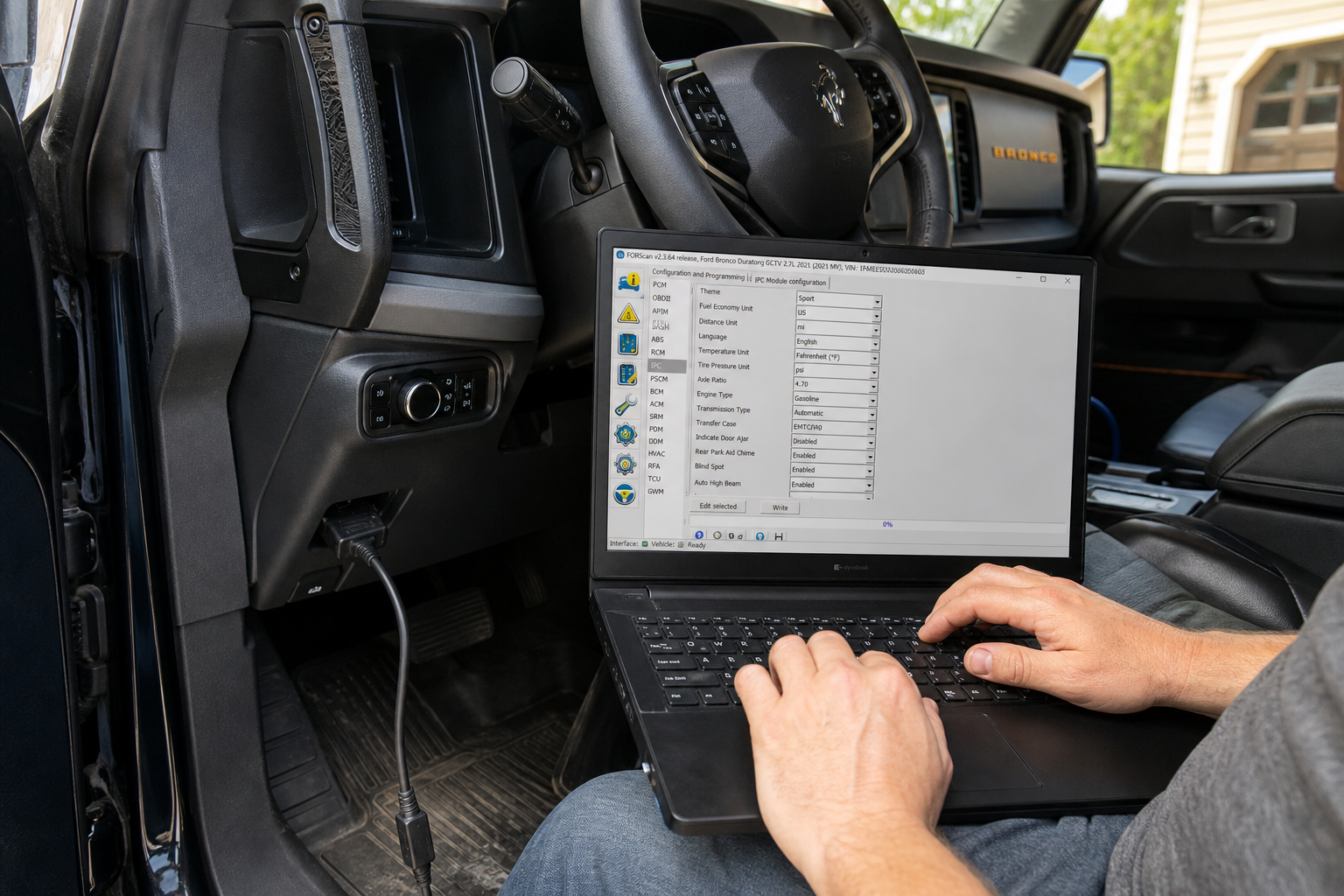
Some Bronco owners want more granular control than the touchscreen menu allows, like keeping the chirp on unlock but silencing it only on lock, or adjusting chirp behavior tied specifically to remote start. On certain model years, this level of customization is possible through the vehicle’s as-built configuration data using FORScan and a compatible OBD2 adapter plugged into the port under the dash.
FORScan can read and modify certain body control module settings that aren’t exposed in the standard touchscreen menu, and horn chirp behavior is one of the settings some Bronco owners have successfully adjusted this way. But availability and the specific parameter names differ by model year and even by build date within a year, so what works on one Bronco’s configuration file may not exist on another. Before touching any as-built values, confirm the exact procedure and parameter for your specific VIN and model year through a verified source like the Bronco6G forums, where owners document tested changes. Don’t guess at settings or copy a procedure meant for a different model year, since incorrect changes to body control module configuration can disable features you actually want.
FORScan-Compatible OBD2 Adapter
A dedicated FORScan-compatible adapter reads and writes Ford module data more reliably than generic bargain OBD2 dongles. |
If you’d rather stick with dealer support for anything beyond the touchscreen toggle, that’s a reasonable call too. A dealer can make the same as-built changes with factory tools, and unlike DIY FORScan edits, they carry accountability if something doesn’t take correctly. Neither approach is required just to quiet the basic double honk, though, since that’s handled by the standard settings menu on nearly every Bronco built since 2021.
Frequently Asked Questions
Does turning off the horn chirp affect my remote start confirmation?
On most model years, remote start uses a different confirmation method (parking lights flashing, not a horn chirp), so disabling horn confirmation for lock and unlock typically doesn’t touch remote start behavior. Always verify this on your specific Bronco since Ford has changed remote start confirmation logic across software updates.
Will disabling the horn chirp also stop the alarm from sounding if I set the perimeter alarm?
No. The horn chirp for lock and unlock is a separate function from the security alarm system. Turning off the confirmation chirp does not disable or weaken your Bronco’s actual anti-theft alarm, which will still sound at full volume if the alarm is triggered.
This article contains affiliate links. We may earn a small commission at no extra cost to you.

Leave a Reply