
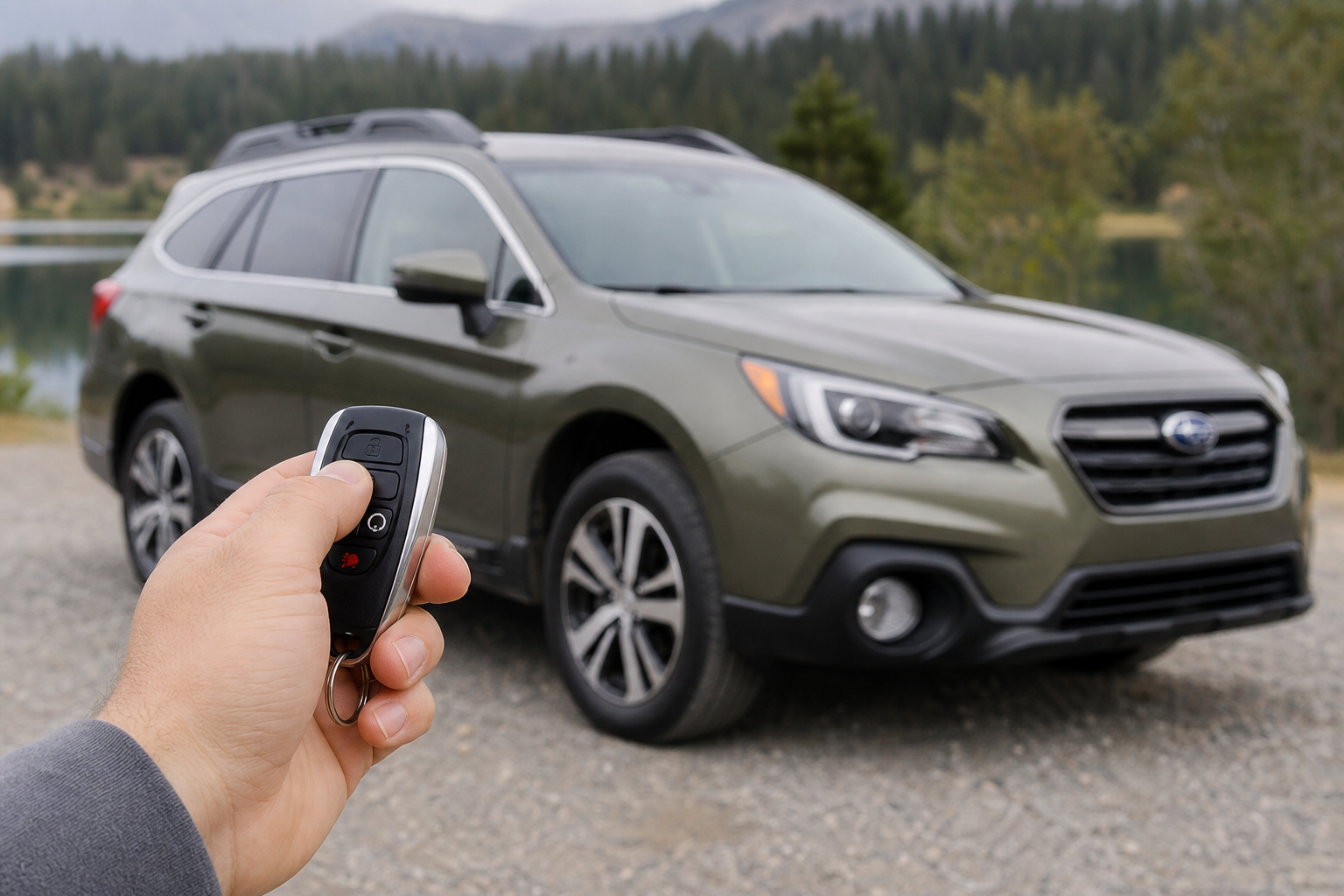
If you’ve ever pulled into a quiet parking garage late at night and had your Subaru Outback announce your arrival with a loud honk, you already know how startling that lock chirp can be. Some owners love it as an extra layer of confirmation that the doors are secure. Others just want it gone, especially if they’re leaving early for work or coming home after the neighbors have gone to bed.
The good news is that Subaru actually gives owners a way to deal with this, though exactly how you do it depends on your Outback’s model year and infotainment system. Let’s break down what’s causing the noise, how to change it yourself, and when you’re better off letting the dealer handle it.
What’s Actually Making That Sound
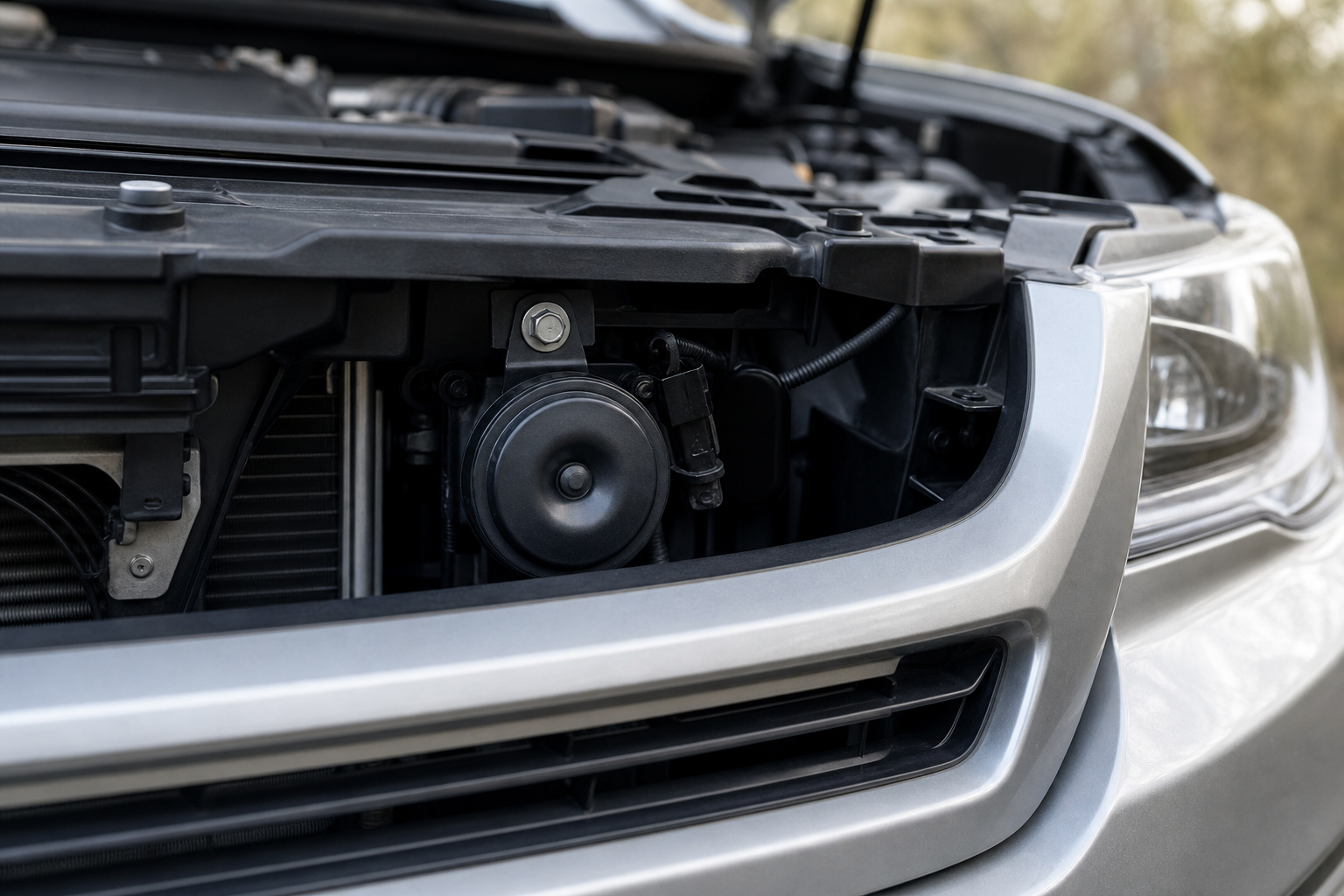
The noise you’re hearing is Subaru’s “answer back” feature. It’s a short horn chirp (sometimes paired with a flash of the parking lights) that fires when you lock or unlock the doors using the key fob. It’s meant to give you audible confirmation from a distance, which is genuinely useful in a crowded parking lot but less welcome in a quiet residential driveway at 6 a.m.
This is a separate system from the seatbelt chime, the door-ajar alert, or the beeps you hear from the reverse sensors. It’s tied specifically to the remote lock and unlock function, which is why Subaru lets you adjust it independently without touching your other warning tones.
Turning Off the Chirp on Newer Outbacks (Starlink Infotainment Models)
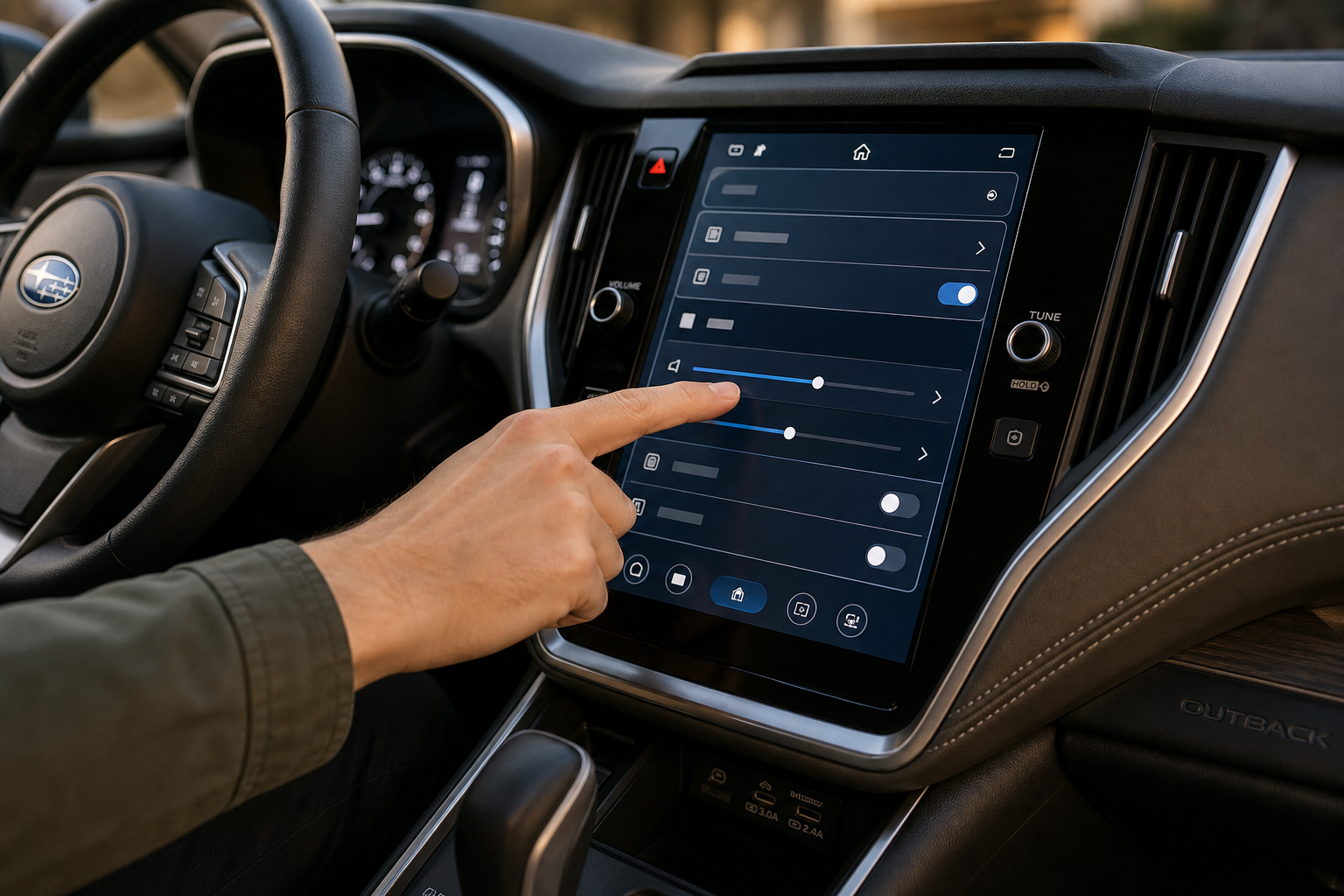
On Outbacks equipped with Subaru’s Starlink touchscreen system, which covers most 2020 and newer models, you can usually toggle the horn chirp through the settings menu without any special tools. The general path is:
- Tap the Settings icon on the infotainment screen
- Select “Vehicle” from the menu list
- Look for “Door Lock/Unlock Settings” or a similarly labeled section
- Find the option for “Answer Back Horn” or “Locking Confirmation” and switch it off or set it to lights-only
The exact wording and menu depth can shift a little between model years and trim levels, so don’t be surprised if it’s labeled slightly differently on your screen. If you can’t find it under Vehicle settings, check under a general “Sounds” or “Notification” tab instead. It’s worth spending five minutes scrolling through your menus, since Subaru has moved this setting around more than once across recent model years.
Turning Off the Chirp on Older Outbacks
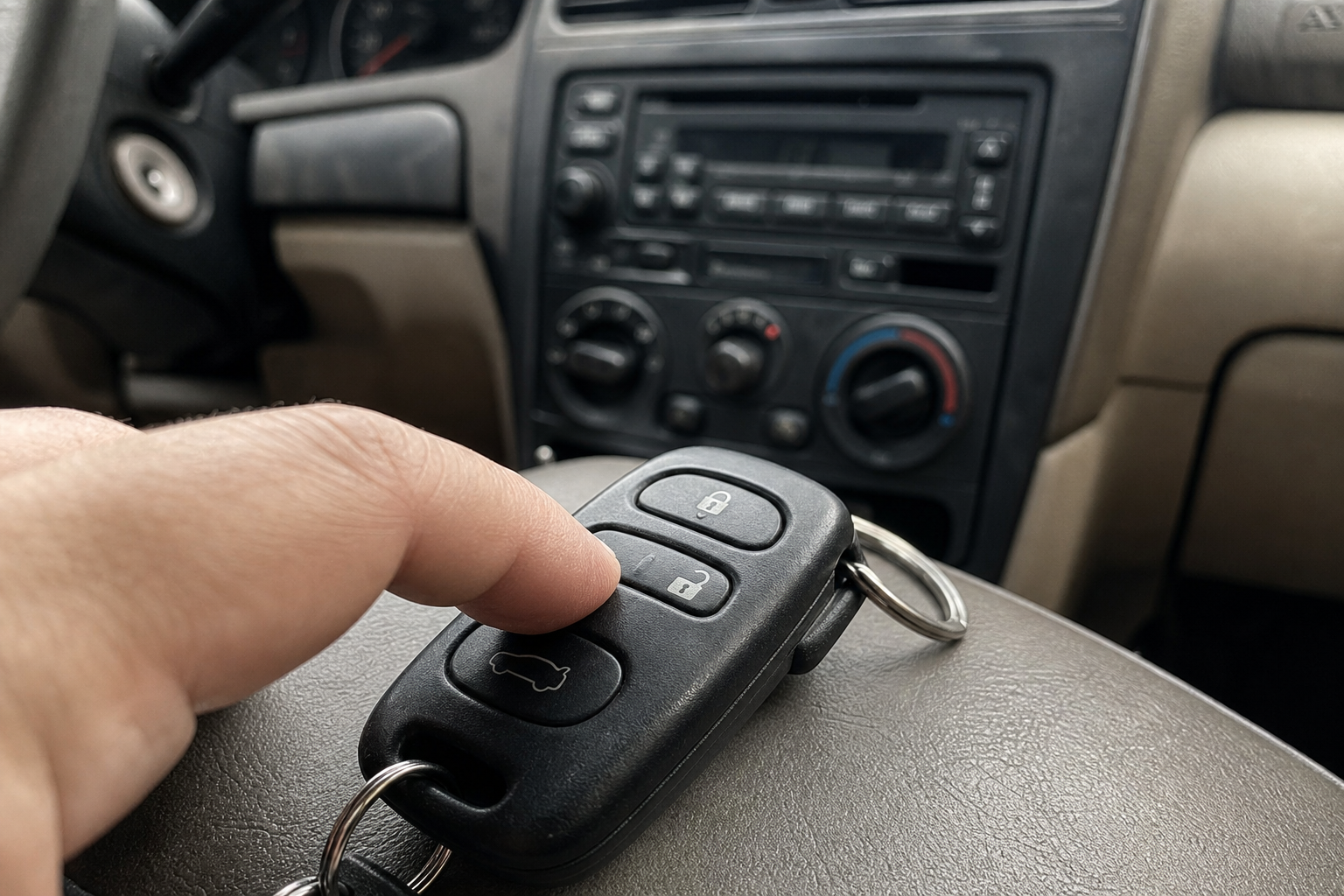
If your Outback predates the Starlink touchscreen system, or if it’s a base trim without one, you likely won’t find a menu option at all. On many of these older models, Subaru built in a manual toggle sequence using the key fob and the ignition, sometimes described in the owner’s manual as an “answer back cancel” procedure.
The steps typically involve inserting the key into the ignition, turning it partway without starting the engine, and pressing and holding the lock button on the fob for a set number of seconds while cycling the ignition a couple of times. The exact sequence and timing vary by model year, so check your printed owner’s manual or the manual for your specific trim rather than relying on a generic version you find online. Getting a step wrong won’t damage anything, but it may not toggle the setting either.
If you’ve tried the documented procedure and it’s not working, or if your owner’s manual doesn’t list one for your trim, that’s usually a sign the feature requires dealer-level access on that particular model.
When You Need the Dealer Instead
Some Outback trims and model years lock this setting behind Subaru’s diagnostic software, meaning it can only be changed with a factory scan tool at the dealership or an independent shop with the right Subaru-specific equipment. This is more common on older vehicles or lower trims that never got the touchscreen menu option.
If that’s the case for your Outback, ask your service advisor specifically about disabling the “answer back” horn function when you book an oil change or other routine maintenance. It’s a quick adjustment for a technician with the right tool and usually doesn’t cost much, if anything, as a standalone request.
Skip any third-party coding tools or aftermarket “hacks” that claim to unlock hidden settings through the OBD-II port. Those methods aren’t supported by Subaru, can interact unpredictably with other modules, and may cause more headaches than the honk ever did. If your Outback needs dealer programming, let the dealer do it.
Does This Change Any Other Confirmation Sounds?
No. Turning off the lock and unlock chirp only affects that specific horn confirmation. Your seatbelt reminder chime, low fuel warning, door-ajar alert, and any TPMS-related notifications all run on separate logic and won’t be touched by this adjustment. If you’re also dealing with a tire pressure light, that’s a completely unrelated system, and our guide on how to reset TPMS on your Subaru Outback walks through that process separately.
The parking light flash that often accompanies the chirp is usually tied to the same setting and gets disabled or kept alongside it, depending on which option you choose in the menu. If your Outback offers a “lights only” mode, that’s a nice middle ground if you want visual confirmation without waking the whole street.
While you’re poking around your Outback’s settings, it’s a good time to check out some of its other convenience features you might not be using yet, like the auto-dimming rearview mirror and compass display or the intersection turning assist system available on newer trims.
Frequently Asked Questions
Will disabling the lock chirp affect my Outback’s alarm system?
No. The horn chirp confirmation and the actual security alarm are handled by different parts of the system. Turning off the chirp doesn’t disable your alarm, and it won’t stop the horn from sounding if the alarm is actually triggered by a break-in attempt.
Why does my Outback chirp twice when I lock it but only once when I unlock it?
This is normal behavior on most Subaru models. A single chirp usually means all doors are locked and secure, while a double chirp can indicate one or more doors weren’t fully closed when you hit the lock button. If you’re consistently getting a double chirp with all doors closed, it might point to a door latch sensor issue worth having checked.
Can I set the chirp to only sound at certain times, like daytime only?
Subaru doesn’t currently offer a scheduled or time-based option for this feature. It’s an on/off (or lights-only) toggle rather than a conditional setting, so you’ll need to manually switch it if you want it active during the day and off at night.
Other brands handle these confirmation sounds a little differently. If you’re curious how similar lock-related features work elsewhere, Honda’s approach to automatic locking is covered in our guide to the walk-away auto lock feature, which shows a different take on the same basic idea of confirming your vehicle is secure without you having to double-check it yourself.


Leave a Reply