

If you’ve ever felt your RAV4 tug the steering wheel back toward the center of your lane on a curvy road, you already know Toyota’s lane-keeping tech can be a little aggressive. It’s meant to help, but plenty of drivers find it more distracting than useful, especially on narrow roads or in construction zones with faded lane markings. Here’s exactly how to shut it off, and what actually happens the next time you start the car.
What Toyota Actually Calls This System
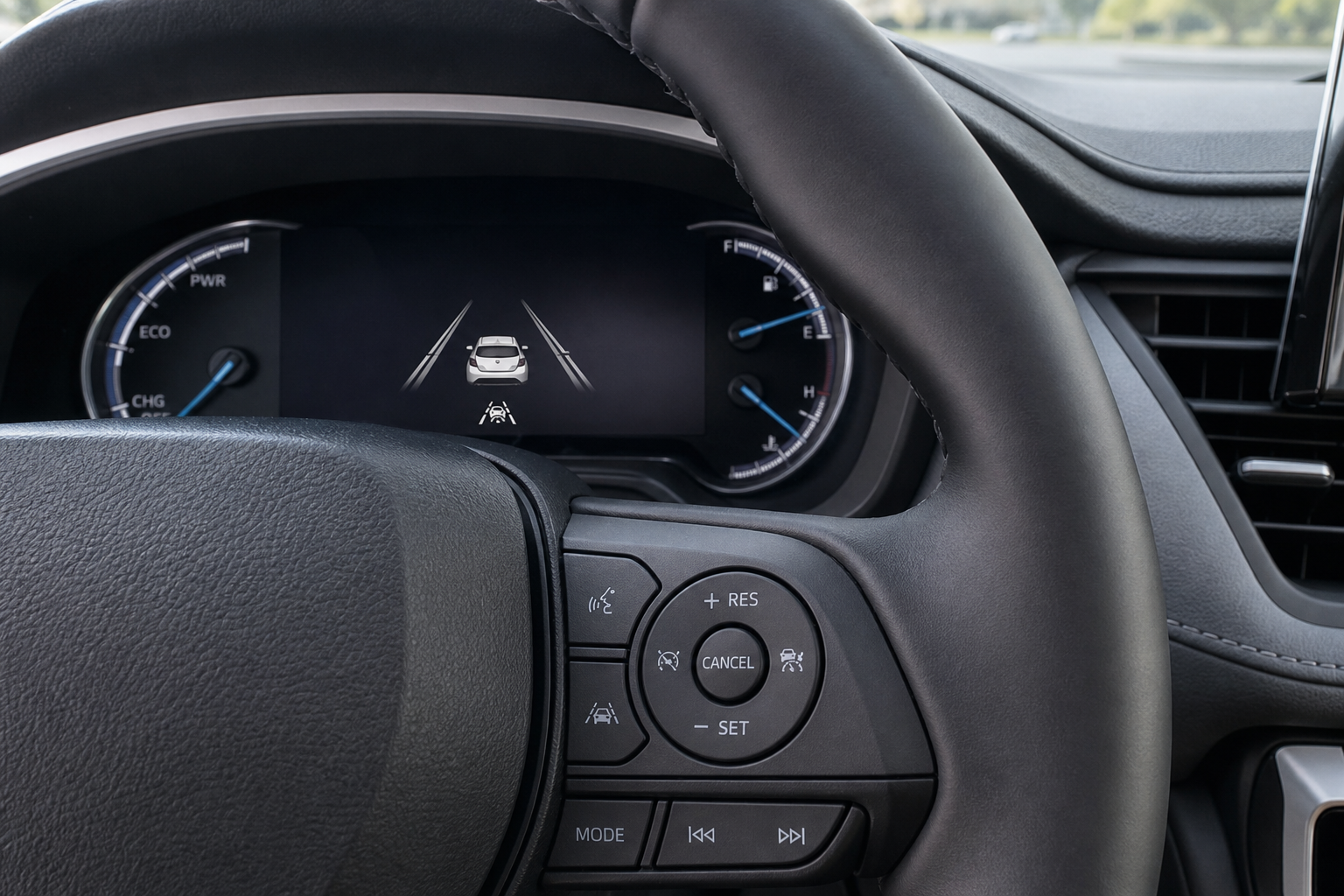
Toyota doesn’t use the generic term “lane assist.” On the RAV4, you’re dealing with two related but separate features bundled under Toyota Safety Sense (TSS):
- Lane Departure Alert (LDA): This just warns you with a chime and a visual alert if you drift out of your lane without signaling. It doesn’t touch the steering.
- Lane Tracing Assist (LTA): This is the one that actually turns the wheel for you, nudging the RAV4 back toward the center of the lane when it’s paired with Dynamic Radar Cruise Control.
Most RAV4 models built from 2019 onward use TSS 2.0 or later, and both LDA and LTA are usually controlled together through the same button, even though they’re technically separate systems. Knowing the difference matters because some drivers only want to kill the steering intervention (LTA) while keeping the warning chime (LDA) for safety.
How to Turn It Off

The RAV4 has a dedicated physical button for this, and it’s the fastest method by far.
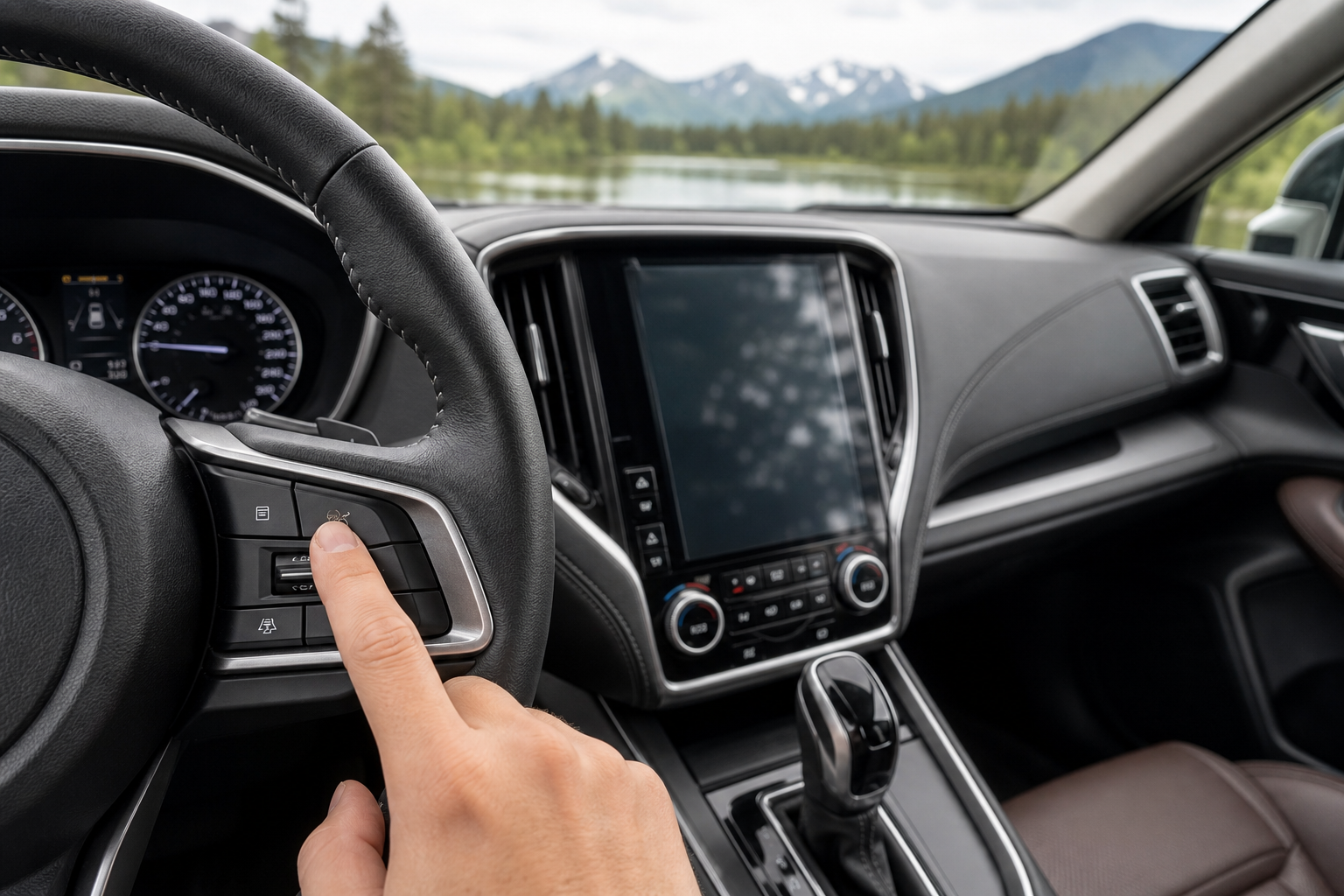
- Look at the lower left side of the steering wheel, near the headlight switch stalk, or on the dash to the left of the wheel depending on trim year.
- Find the button with the icon of a car between two lane lines. It’s usually labeled “LDA” directly on the switch.
- Press it once. You’ll see an indicator light or a message on the driver information display confirming the system is off.
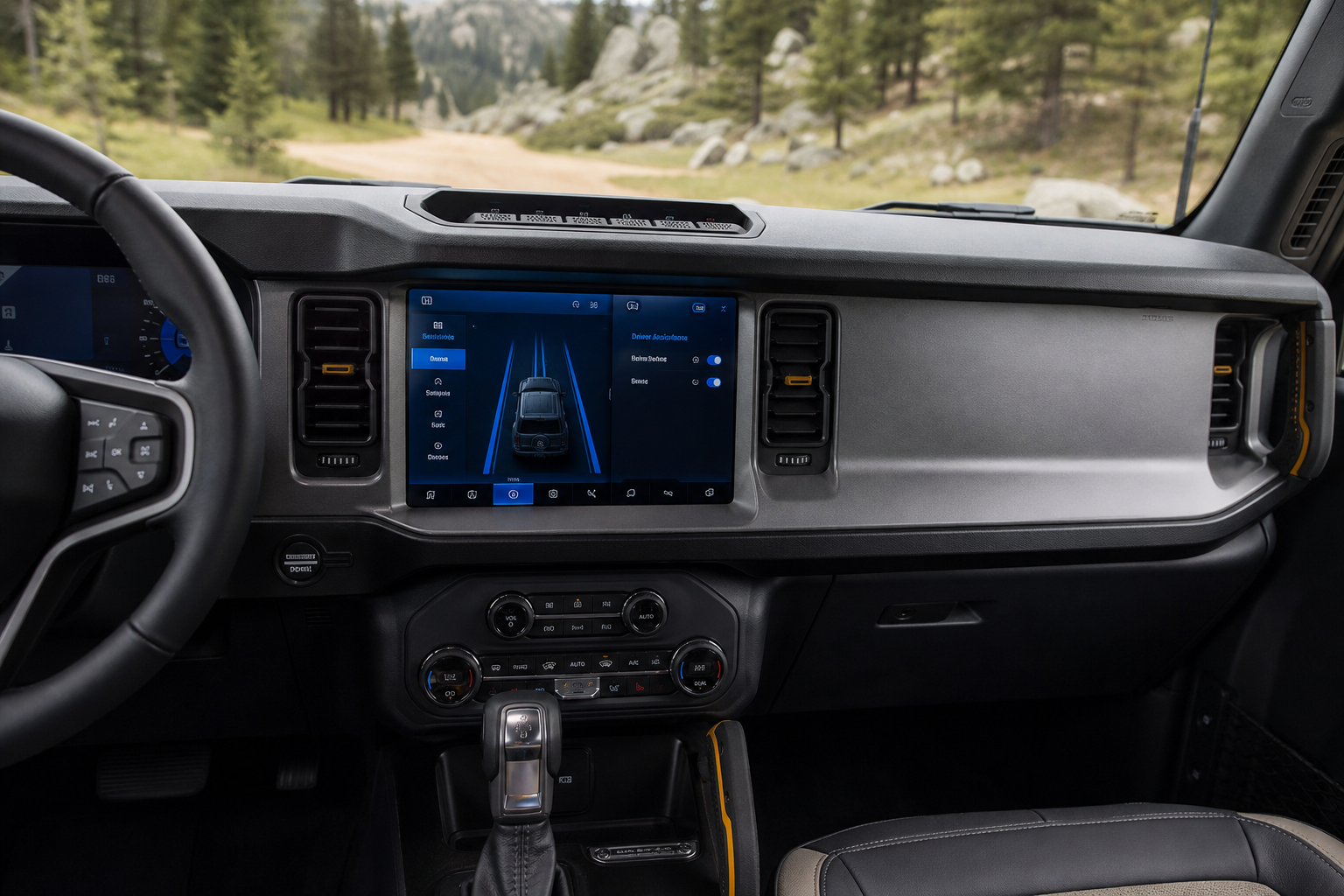
On 2021 and newer RAV4 models with the larger touchscreen, you can also dig into the system through the touchscreen settings menu under “Driving Support” or “Driver Assist,” where you’ll find toggles for Lane Departure Alert and Lane Tracing Assist separately. This gives you more granular control if you only want to disable the steering nudges but keep the warning tone.
If your RAV4 is a hybrid model, this process is identical since the safety tech is shared across the lineup. It’s a good idea to also get familiar with how Predictive Efficient Drive works on Toyota hybrid models since both systems interact with the same driver assist settings menu.
Does It Stay Off After You Restart the Car?

This is where RAV4 owners get frustrated. On the vast majority of RAV4 model years, including 2019 through at least 2023, Lane Departure Alert and Lane Tracing Assist reset to “on” every single time you start the vehicle. Toyota designs it this way on purpose so the safety systems default to active for the next driver, even if that’s just you the next morning.
There is no permanent, save-forever setting buried in the menus for these two features on most trims. You have to press the LDA button again each time you start the car if you want it disabled. This is different from something like the Pre-Collision System, which Toyota generally does not allow drivers to disable at all. If you’re curious how that pairs with the RAV4’s other safety tech, our guide on the Pre-Collision System with Pedestrian Detection on the Toyota Corolla covers a nearly identical setup shared across Toyota’s lineup.
Some newer RAV4 trims equipped with TSS 3.0 (found on later model years) have expanded the touchscreen settings menu, but even then, Toyota has not confirmed a persistent memory setting for LDA/LTA across the board. If you want to know for certain what your specific model year supports, check your owner’s manual under “Driving Support Systems” or contact your dealer’s service department, since Toyota has quietly changed software behavior between production runs.
Because you’ll likely be doing this every drive, memorize the button location so it becomes second nature. It takes less than two seconds once you know where to reach.
Frequently Asked Questions
Can I disable only the steering assist and keep the lane departure warning chime?
On RAV4 models with the larger touchscreen (2021 and newer), yes. Go into the touchscreen settings under Driving Support and you’ll find separate toggles for the warning alert and the active steering intervention. On older models with just the physical LDA button, pressing it typically turns off both features together, since they’re wired to the same control.
Why does my RAV4 turn lane assist back on every time I start the car?
Toyota programs nearly all RAV4 model years to default these safety systems back to active on every ignition cycle. This is intentional, not a glitch, and it applies whether you’re driving a gas RAV4 or a hybrid. There’s currently no widely confirmed setting that makes the “off” state stick permanently across restarts.


Leave a Reply