
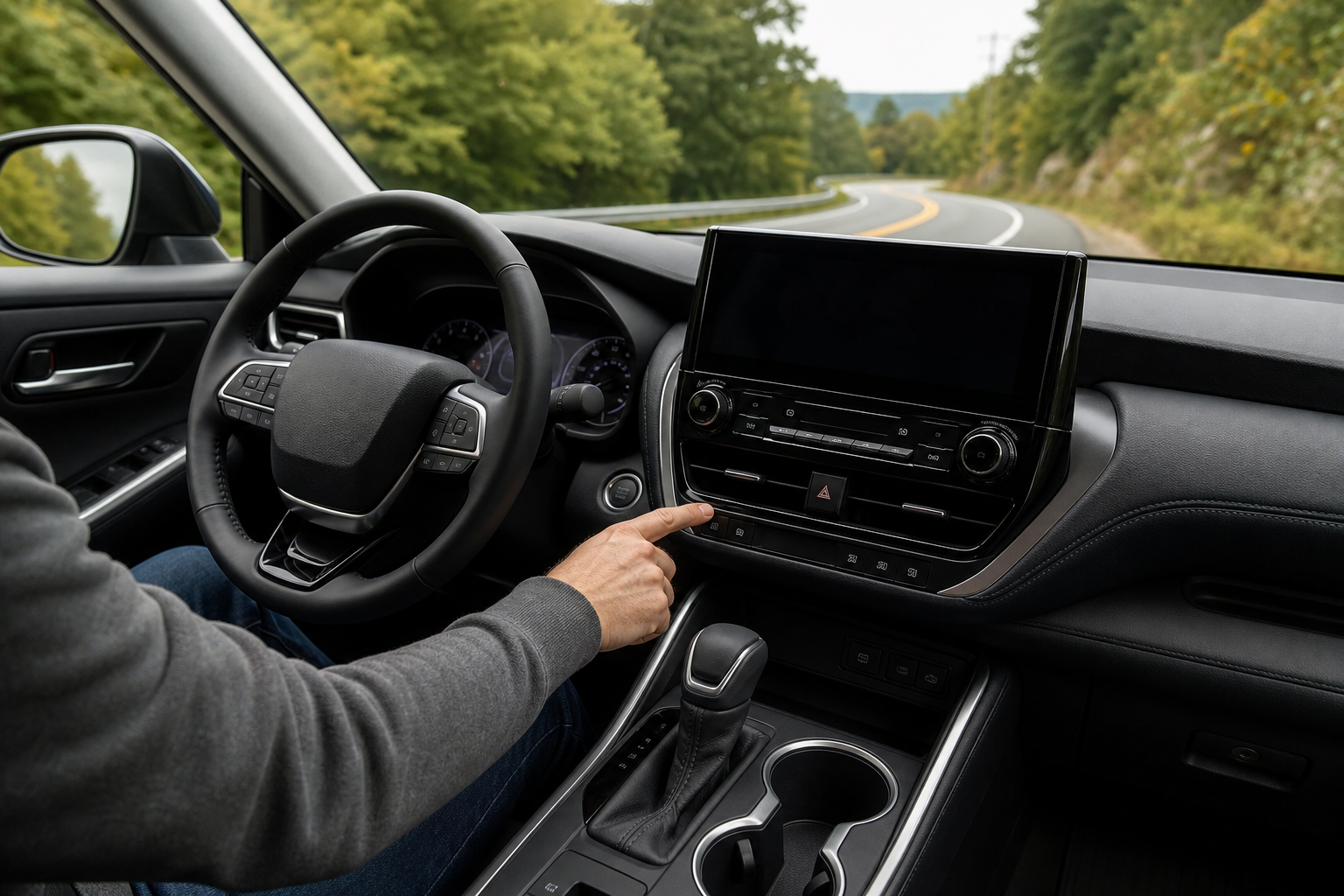
If your Highlander keeps chiming and nudging the steering wheel every time you drift toward a lane line, you’re not imagining things and you’re not alone. Toyota’s lane-keeping tech is helpful on long highway stretches, but it can feel intrusive on twisty backroads, in construction zones, or when you’re intentionally hugging a lane edge to avoid a pothole. The good part is that turning it off takes about two seconds once you know where to look.
What Toyota Actually Calls This System
Toyota doesn’t use a single generic name for lane-keeping on the Highlander. It’s split into two separate features that work together under the Toyota Safety Sense (TSS) umbrella:
- Lane Departure Alert (LDA) with Steering Assist, which warns you with a chime and visual alert when you drift out of your lane without signaling, and can apply light steering correction to nudge you back.
- Lane Tracing Assist (LTA), which is Toyota’s active lane-centering feature. It only works when Dynamic Radar Cruise Control is turned on, and it continuously makes small steering inputs to keep the Highlander centered in its lane.
Highlanders from 2020 through 2023 run Toyota Safety Sense 2.5, and 2024-and-newer models moved to TSS 3.0. The core lane-keeping tech works the same way across both, but the menu layout on the touchscreen has changed slightly, so double check your owner’s manual if your dash looks different from what’s described below.
Lane Departure Warning vs. Active Steering Assist: Know the Difference
This distinction matters because you can turn off one without disabling the other, and a lot of owners don’t realize that.
Lane Departure Alert is the passive warning system. It watches the lane markings with a forward camera and beeps or vibrates the steering wheel if you cross a line unintentionally. It doesn’t grab the wheel unless the “with Steering Assist” function kicks in, which adds a gentle corrective nudge.
Lane Tracing Assist is the more aggressive of the two. When cruise control is active, it takes continuous, small steering inputs to keep you centered, similar to a light version of hands-on autopilot. This is the feature most people find annoying on curvy roads, because it fights your steering input if you’re hugging a curve tighter than the system expects.
You can turn LTA off entirely while leaving the passive LDA warning chime active, or shut both off at once. The button most Highlander drivers use actually controls both, but the touchscreen settings let you separate them on newer model years.
How to Turn Off Lane Assist on the Highlander
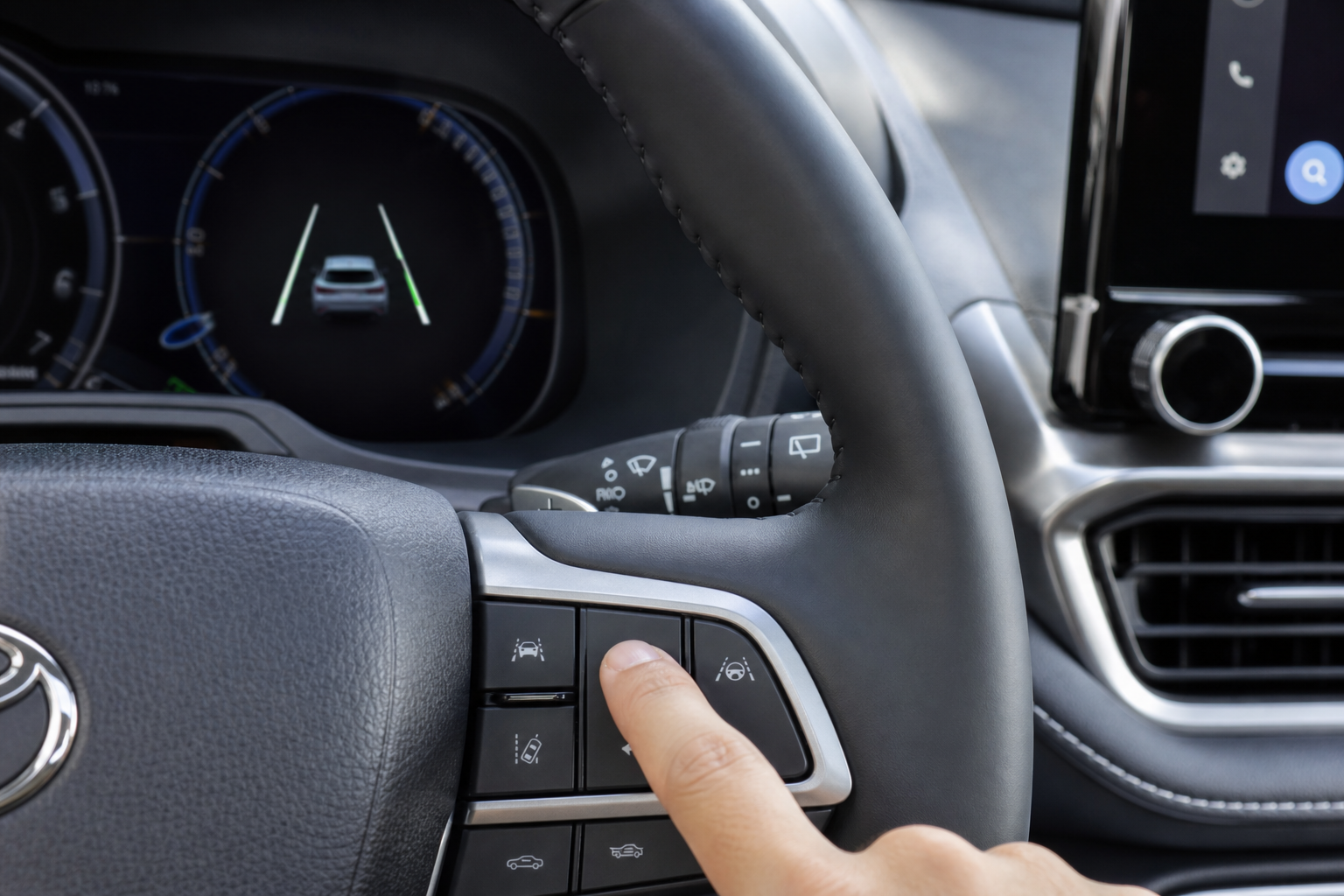
There are two ways to do this, and which one you’ll use depends mostly on your model year and trim.
The Physical Button Method
On most Highlander model years, look for a small button on the lower left side of the steering column or dash, near your knee. It’s marked with an icon of a car between two lane lines. A single press toggles Lane Departure Alert and Lane Tracing Assist off together, and you’ll see a message confirming this in the instrument cluster.
This button-based shutoff is the fastest method, and it works identically whether you’re in a base LE or a top-trim Platinum.
The Touchscreen Settings Method
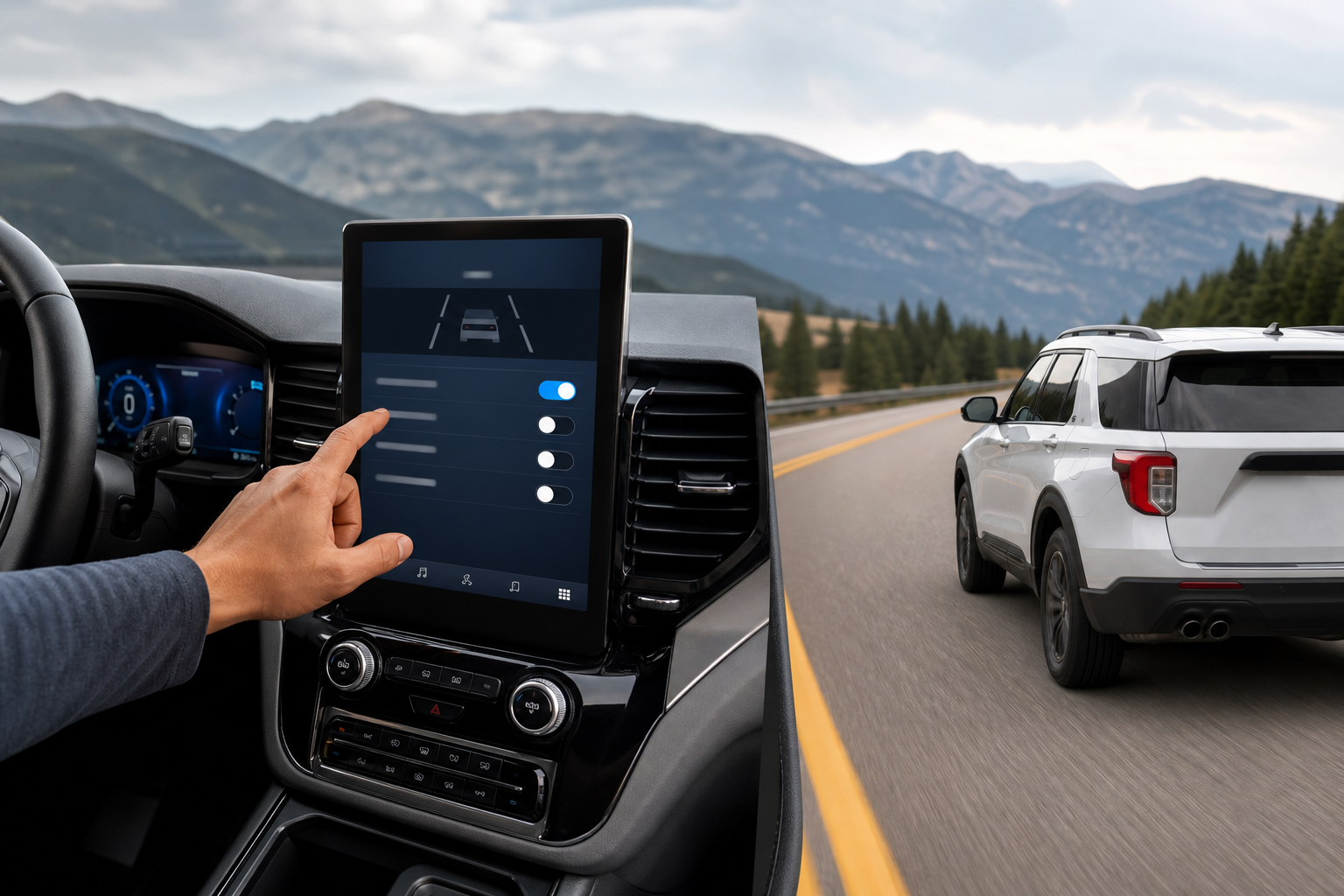
On 2023 and newer Highlanders with the 12.3-inch touchscreen, you can go deeper into the settings for more granular control:
- Tap the app menu icon on the touchscreen.
- Select “Settings,” then “Vehicle Settings.”
- Tap “Driving Assist” (sometimes labeled “Safety” depending on software version).
- Find “Lane Departure Alert” and “Lane Tracing Assist” and toggle each one independently.
This menu is useful if you only want to kill the active steering nudging from LTA but keep the passive lane departure chime as a safety backstop.
Does It Stay Off After You Restart the Highlander?
Here’s the part that catches people off guard: on the vast majority of Highlander model years, Lane Departure Alert and Lane Tracing Assist reset to “on” every single time you start the vehicle. Turning them off with the button or the touchscreen only lasts for that drive cycle.
This isn’t a Toyota-specific quirk either. Regulators in the U.S. and several other markets push manufacturers toward safety systems that default to active, which is why you’ll see the same behavior on plenty of other brands using comparable pedestrian and lane-detection tech, like the setup covered in our guide to the pre-collision system with pedestrian detection on the Toyota Corolla.
Some 2023 and newer Highlanders with the updated infotainment system do let you save a driver profile preference under the “Driving Assist” settings menu, and that preference can persist across restarts on certain software versions. But this isn’t universal, and Toyota has quietly changed this behavior with firmware updates before. Don’t assume your specific Highlander supports a permanent off setting until you’ve tested it yourself over a few ignition cycles.
If you’re unsure whether your Highlander remembers the setting, turn the feature off, shut the vehicle down completely for at least a minute, then restart it and check the instrument cluster. If the lane assist icon lights back up, it reset.
The Fastest Way to Turn It Off Every Drive
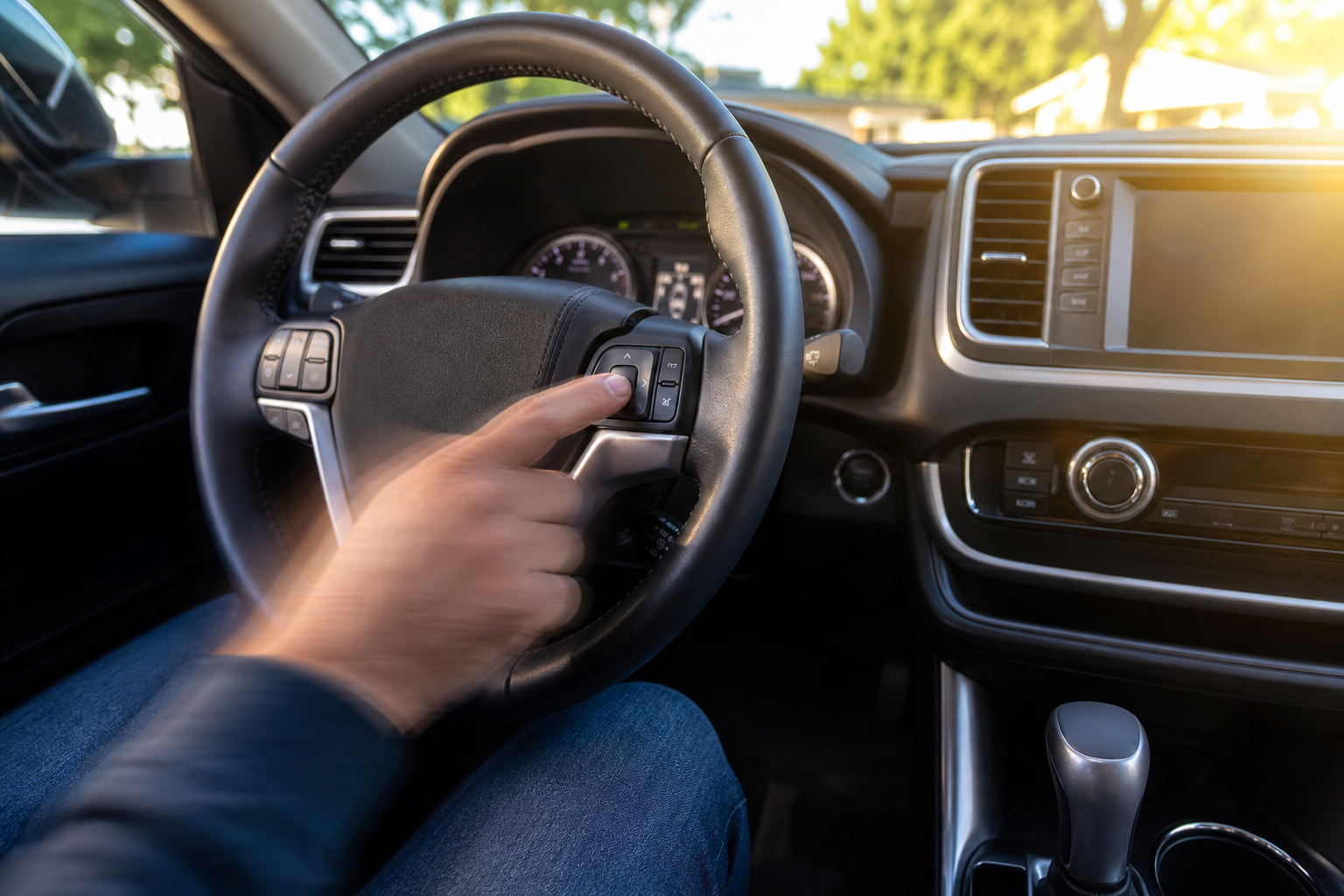
Since most Highlanders don’t hold this setting, your best move is to build the button press into your startup routine. Hit the lane assist button on the dash right after you start the engine, before you shift into drive. It takes less time than adjusting your mirrors.
If you use Dynamic Radar Cruise Control regularly on long trips, you may want to leave Lane Tracing Assist on for highway driving and only disable it for city streets or twisty roads where it tends to overcorrect. A lot of Highlander owners land on this same middle ground rather than shutting it off completely.
While you’re getting familiar with your dash controls, it’s also worth learning the Predictive Efficient Drive feature on Toyota Hybrid models if you have the Highlander Hybrid, since it interacts with cruise control settings in a similar way.
Frequently Asked Questions
Can I permanently disable Lane Tracing Assist on my Highlander?
On most model years, no. The system defaults back to on every time you start the vehicle, regardless of how it was left when you last parked. A handful of newer Highlanders with updated touchscreen software may retain a saved preference, but this isn’t guaranteed across all trims or model years, so test it yourself before relying on it.
Will turning off Lane Tracing Assist also disable my adaptive cruise control?
No. Dynamic Radar Cruise Control operates independently and will still maintain your speed and following distance. Turning off LTA just removes the automatic steering correction while cruise control is engaged, leaving you fully responsible for staying centered in the lane.
Why does my Highlander’s lane assist feel more aggressive on certain roads?
Faded lane markings, construction zone lines, or roads with unusually tight curves can confuse the forward camera that reads lane position. The system sometimes overcorrects when it misreads a lane edge, which is exactly the scenario where turning off LTA for that drive makes sense. If you’re also dealing with unrelated cluster warnings, it’s worth ruling out other sensor issues the same way you would when troubleshooting a TPMS light on a Toyota Camry, since dash alerts often point to a specific sensor rather than a general fault.

Leave a Reply