
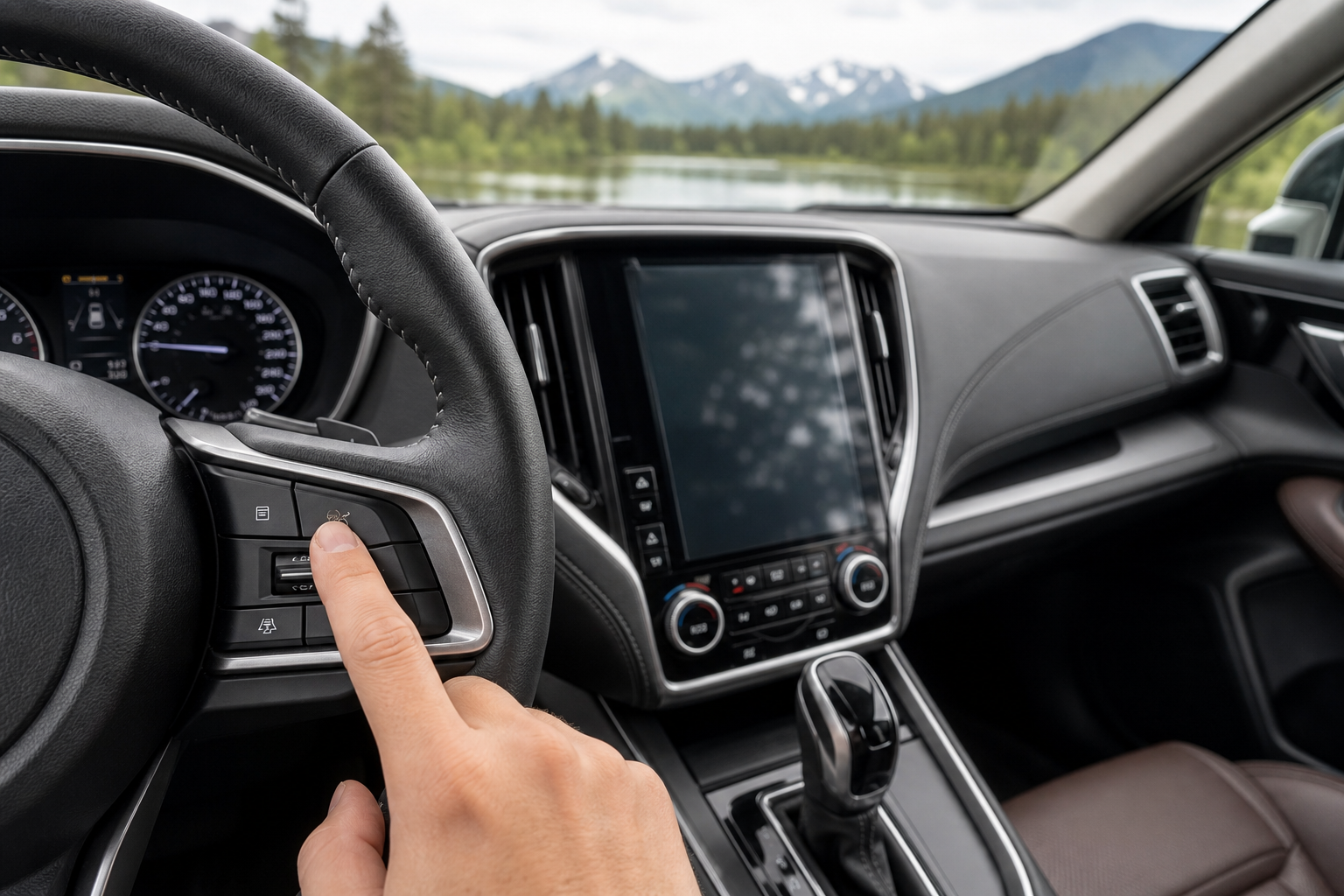
If you’ve ever felt your Outback tug the wheel back toward the center of the lane when you drift even slightly, you already know Subaru’s lane-keeping tech is one of the more aggressive systems on the market. Some drivers love the extra backup on long highway stretches. Others find it intrusive, especially on narrow back roads or in construction zones with faded lines. Either way, you can turn it off, but the process and whether it actually stays off depends a lot on your specific model year.
What Subaru Calls This System
Subaru doesn’t market this as a standalone feature. It’s bundled under EyeSight Driver Assist Technology, the camera-based safety suite that also handles adaptive cruise control, pre-collision braking, and automatic emergency steering. Inside EyeSight, the lane-related functions actually break down into two separate systems with different jobs.
You’ll see them listed in the settings menu as Lane Departure Warning (sometimes bundled with Lane Sway Warning) and Lane Keep Assist. Depending on your trim and model year, you may also have a Lane Centering Function that only activates alongside adaptive cruise control.
Lane Departure Warning vs. Lane Keep Assist
These two get lumped together constantly, but they do very different things behind the wheel.
Lane Departure Warning (LDW) is purely informational. It uses the forward-facing EyeSight cameras to watch the lane lines, and if you drift without signaling, it gives you an audible chime and a visual alert on the dash. It doesn’t touch the steering wheel at all.
Lane Keep Assist (LKA), sometimes called Lane Sway Warning with active steering depending on the model year, is the one that physically nudges the steering wheel to guide you back toward center. This is the system most owners are actually trying to disable when they complain about the car “fighting” them on curvy roads.
If your Outback also has adaptive cruise control active, a related feature called Lane Centering Function can hold the car in the middle of the lane continuously, similar to what you’d get on a Toyota with Toyota Safety Sense-equipped models or a Ford with Intersection Assist. On the Outback, this only runs while cruise control is set, so it’s a separate toggle from LDW and LKA.
How to Turn Off Lane Assist on the Subaru Outback
The exact menu path shifts slightly between generations, but the general process has stayed consistent since the 2015 model year, when EyeSight became widely available.
- Start the engine and let the multi-function display (the small screen above the center stack, or the digital cluster on newer Outbacks) fully boot up.
- Use the steering wheel controls on the left spoke to scroll through the display menu until you reach “Vehicle Settings” or “Driving Assist,” depending on your software version.
- Select “EyeSight” or “Driver Assist” from that list.
- Find “Lane Departure Warning” and toggle it off, then separately find “Lane Keep Assist” (sometimes labeled “Lane Sway Warning”) and toggle that off too.
- Confirm the change and back out of the menu with the steering wheel buttons.
On 2020 and newer Outbacks built on the Subaru Global Platform, you’ll also find these same toggles accessible through the 11.6-inch touchscreen infotainment system under Settings, which is faster if you’re already used to navigating that interface. Either method lands you in the same place.
If you’re already digging around in Outback menus for other adjustments, it’s worth checking out how to use the Intersection Turning Assist feature, since it lives in a similar settings area and gets disabled the same way.
Does It Stay Off After You Restart the Car?
This is the part that trips up most Outback owners, and the honest answer is: usually not.
Across the vast majority of Outback model years, from the 2015-2019 generation through the current 2020-2024 SGP-based cars, Lane Keep Assist and Lane Departure Warning reset to “on” every time you fully power off the vehicle and start it again. This isn’t a glitch.
Leave a Reply