
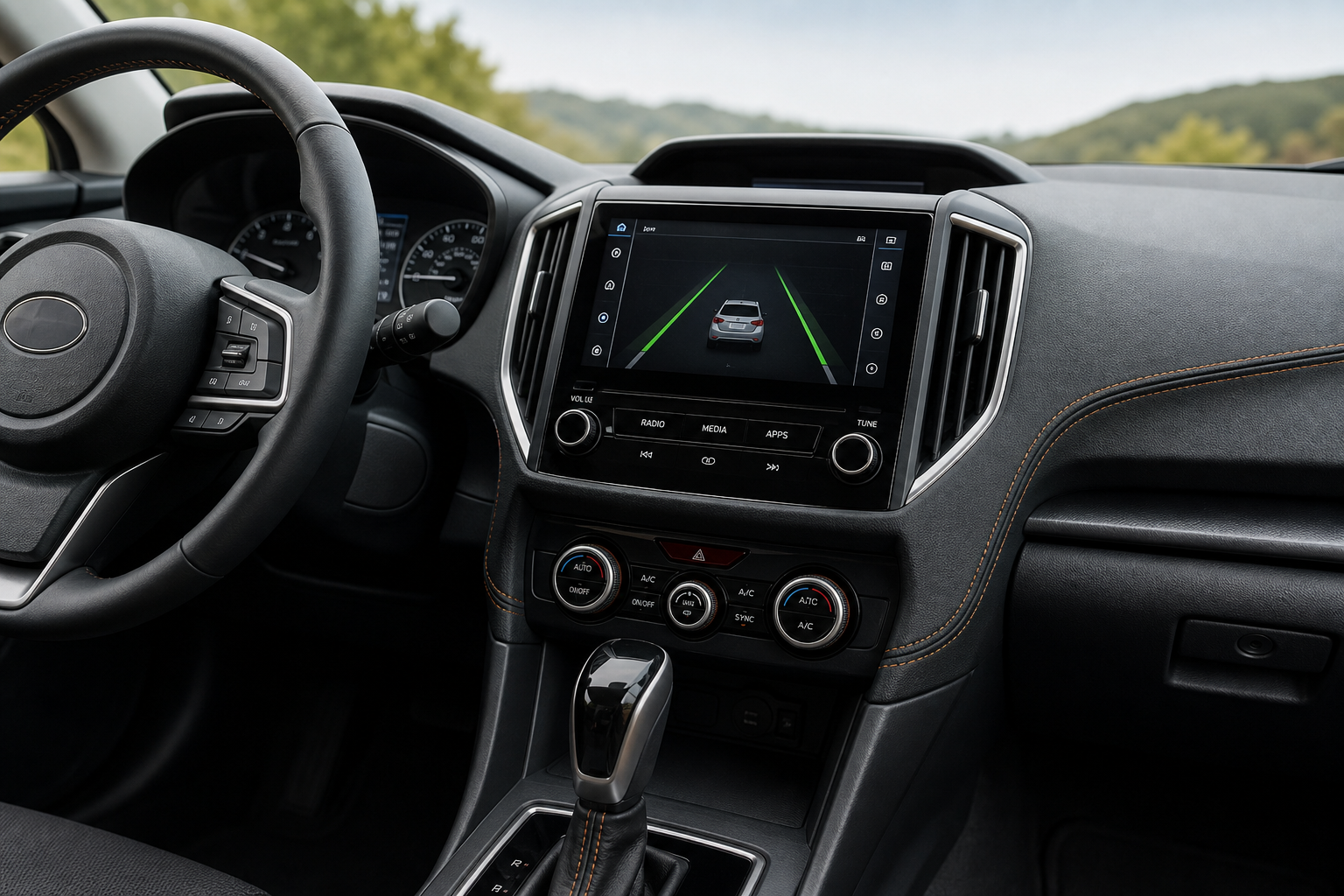
If you’ve ever felt your Crosstrek nudge the steering wheel on a curvy backroad or beep at you for drifting slightly while checking your mirror, you’re not imagining things. Subaru’s driver assist tech is tuned to be attentive, sometimes a little too attentive for drivers who prefer to handle steering corrections themselves. The good part is that Subaru gives you a way to dial it back, but the exact steps and whether it sticks around after you restart the car depend on your model year.
What Subaru Calls This System
Subaru bundles lane assistance features under its EyeSight Driver Assist Technology suite, standard or available on nearly every Crosstrek since the 2018 redesign. Inside EyeSight, there are two separate functions that people often lump together but are actually distinct.
Lane Departure Warning (LDW) is the passive one. It watches lane markings through the windshield-mounted stereo cameras and gives you an audible chime plus a dashboard icon if you cross a line without signaling. It does not touch the steering wheel at all.
Lane Keep Assist, sometimes shown as Lane Sway Warning or Active Lane Keep depending on trim, is the one that actually applies gentle steering torque to nudge you back toward center. This is the feature most drivers mean when they say the car is “fighting” them on a winding road.
Knowing which one is bothering you matters, because Subaru lets you disable them somewhat independently through the same control.
Where the Controls Are on the Crosstrek
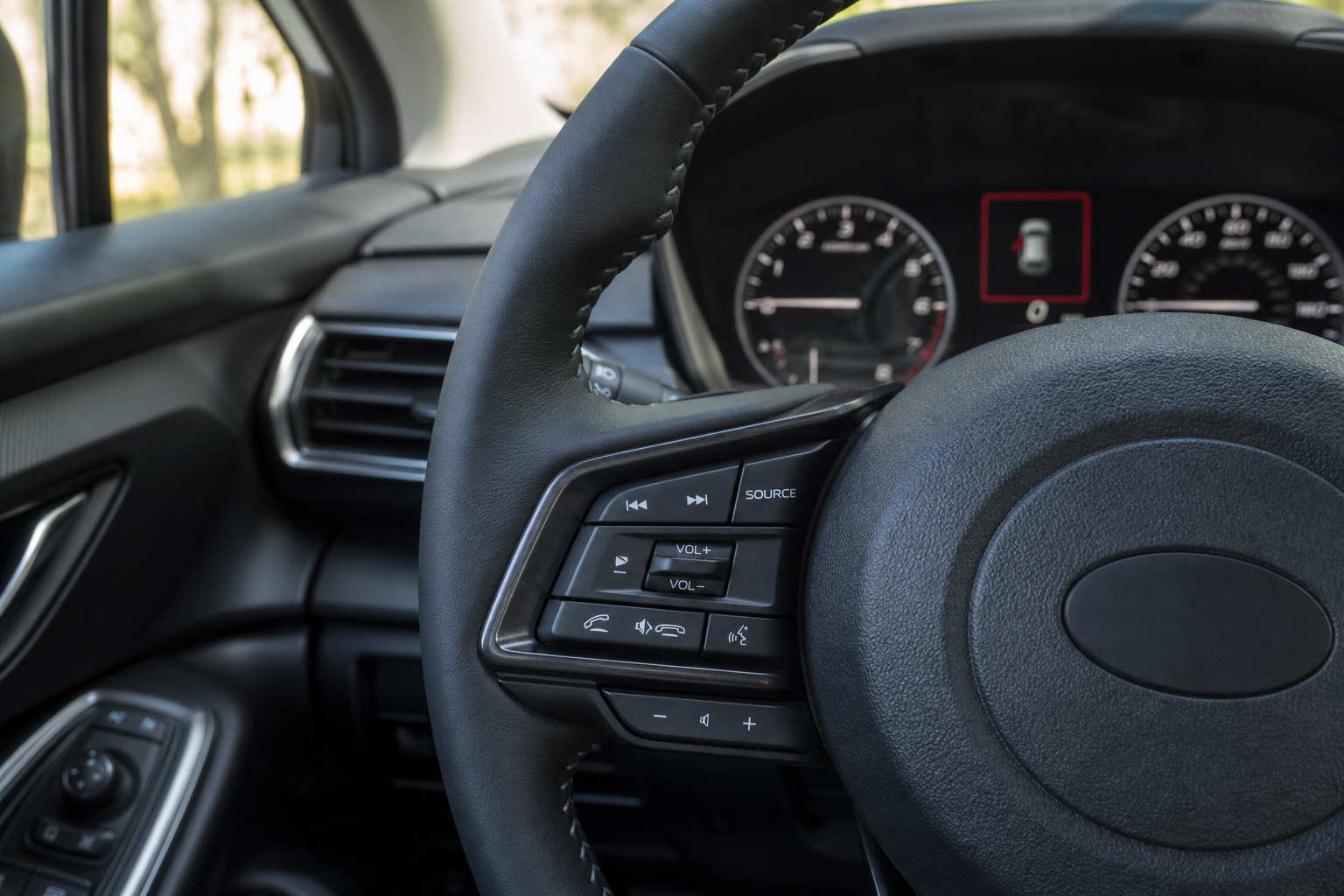
Unlike some brands that bury lane assist settings three menus deep, Subaru puts the main control right where you can reach it while driving.
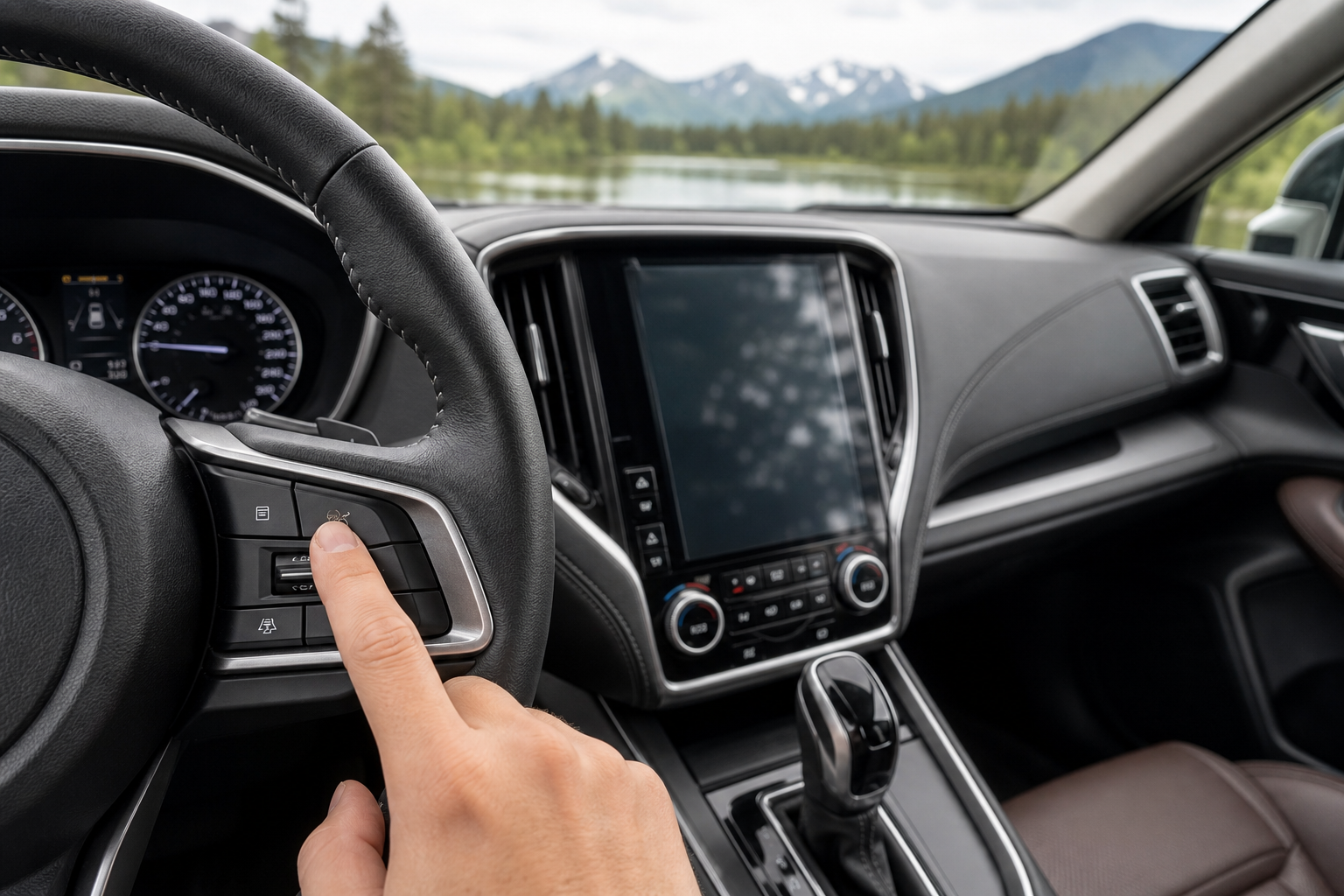
- Physical button: Look just to the left of the steering column, below the headlight switch, for a button showing a car between two curved lane lines. This is the direct toggle for Lane Departure Warning and the steering-assist function together on most Crosstrek years.
- Steering wheel controls: Use the arrow buttons on the left side of the steering wheel to scroll through the Driver Information Display until you reach the EyeSight or Driving Assist settings screen, then press “Select” to adjust warning sensitivity or turn functions off individually.
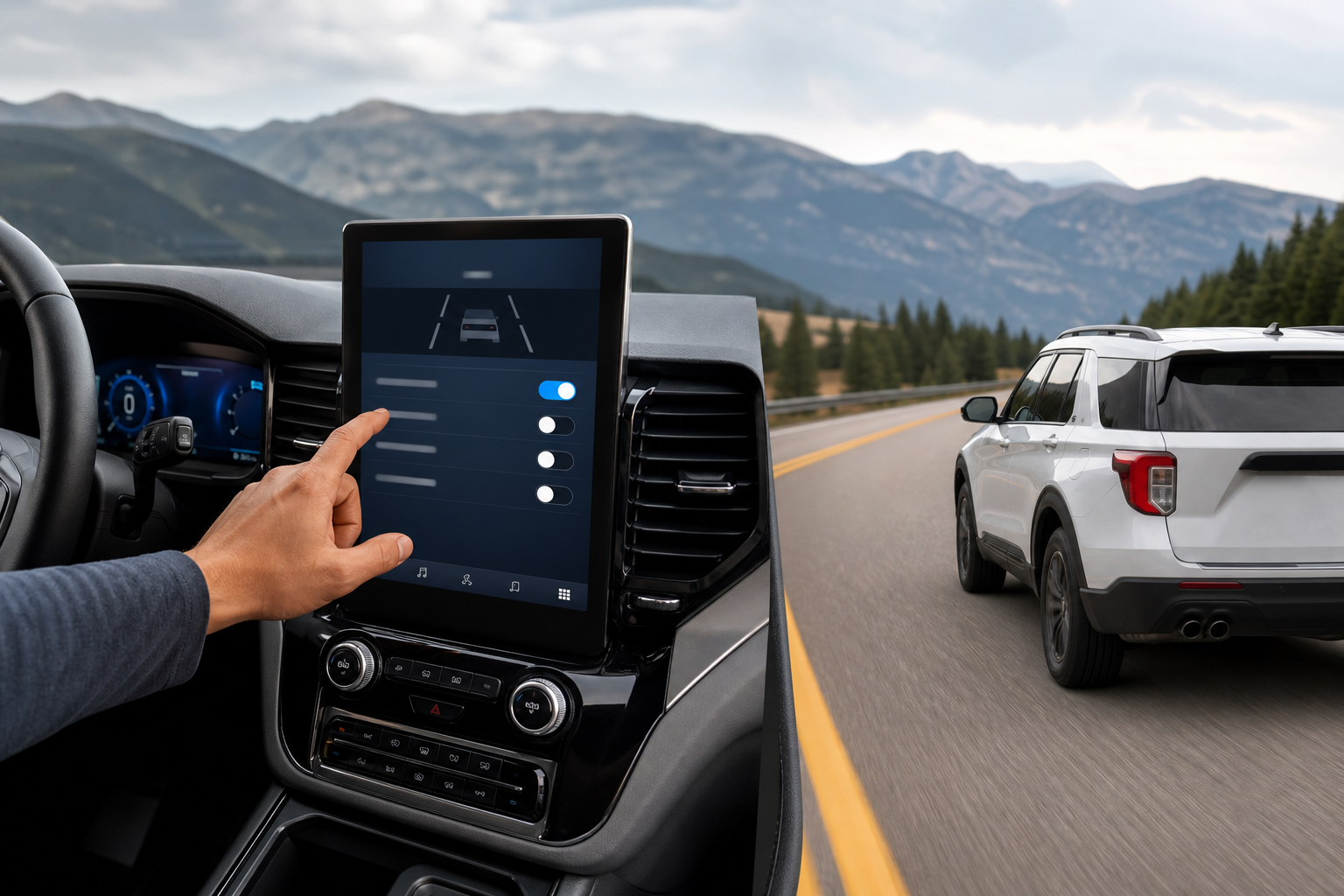
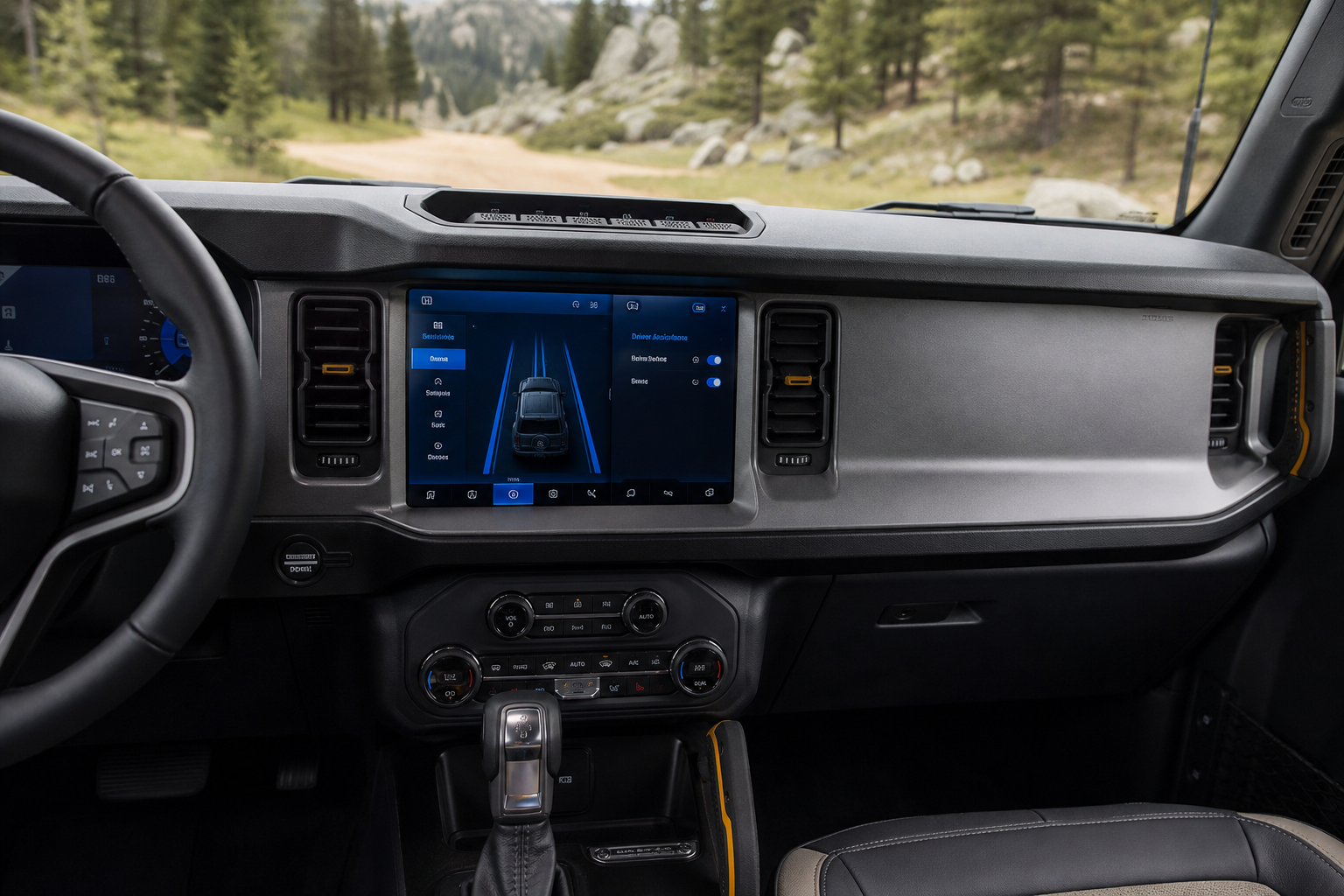
- Infotainment menu (2024+ models): On the redesigned Crosstrek with the larger center touchscreen, you’ll find a dedicated Driving Assist tab where Lane Keep Assist and Lane Departure Warning have separate on/off toggles, which is more granular than older model years offered.
A single press and hold of the physical button (usually about two to three seconds) is the fastest way to shut both functions off at once. A short tap just cycles through warning modes without fully disabling anything.
Does It Stay Off After You Restart the Car?
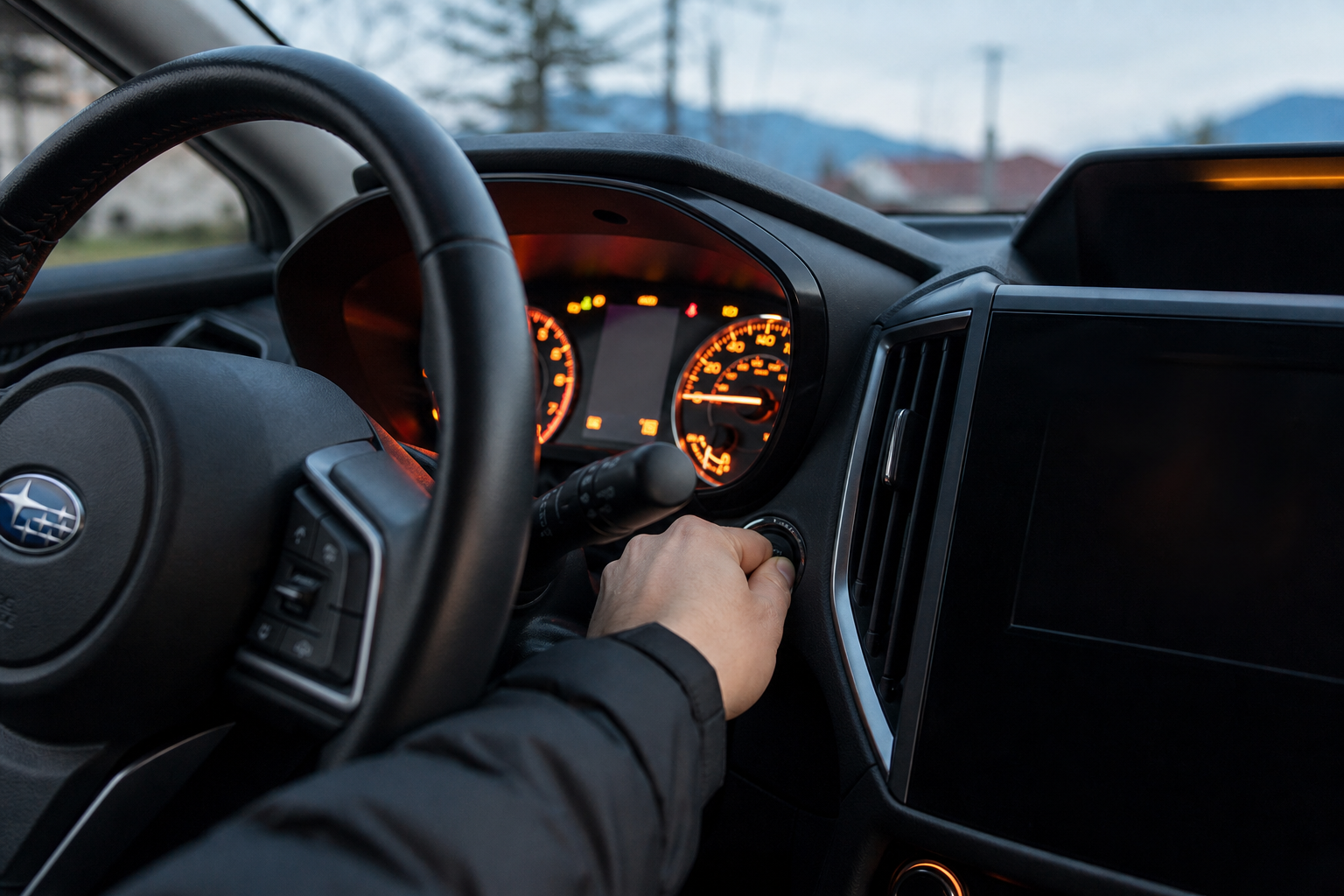
This is where a lot of Crosstrek owners get frustrated, and the honest answer is no, not on most model years. Subaru’s EyeSight system is designed as a safety default, meaning Lane Departure Warning and Lane Keep Assist reset themselves back to ON every time you start the engine, regardless of what you set the last time you drove.
This has been consistent behavior across the 2018 through 2023 Crosstrek generation. Turn it off before you leave your driveway, and it’ll be back on when you start the car again for your next trip, even if that’s five minutes later after grabbing coffee.
The 2024 and newer Crosstrek, built on Subaru’s updated EyeSight hardware, gives you more separation between the warning chime and the active steering nudge in the settings menu, but it still does not offer a true persistent-off memory setting in the way some competitors do. Subaru’s engineering position, stated in owner’s manuals across the lineup, is that these are safety systems intended to default to active use.
If you’re cross-shopping other Subaru models, the Outback shares much of this same EyeSight architecture, and our guide on using the Intersection Turning Assist feature on the Subaru Outback covers a related EyeSight function that behaves similarly in terms of resetting on restart.
The Fastest Way to Turn It Off Every Drive
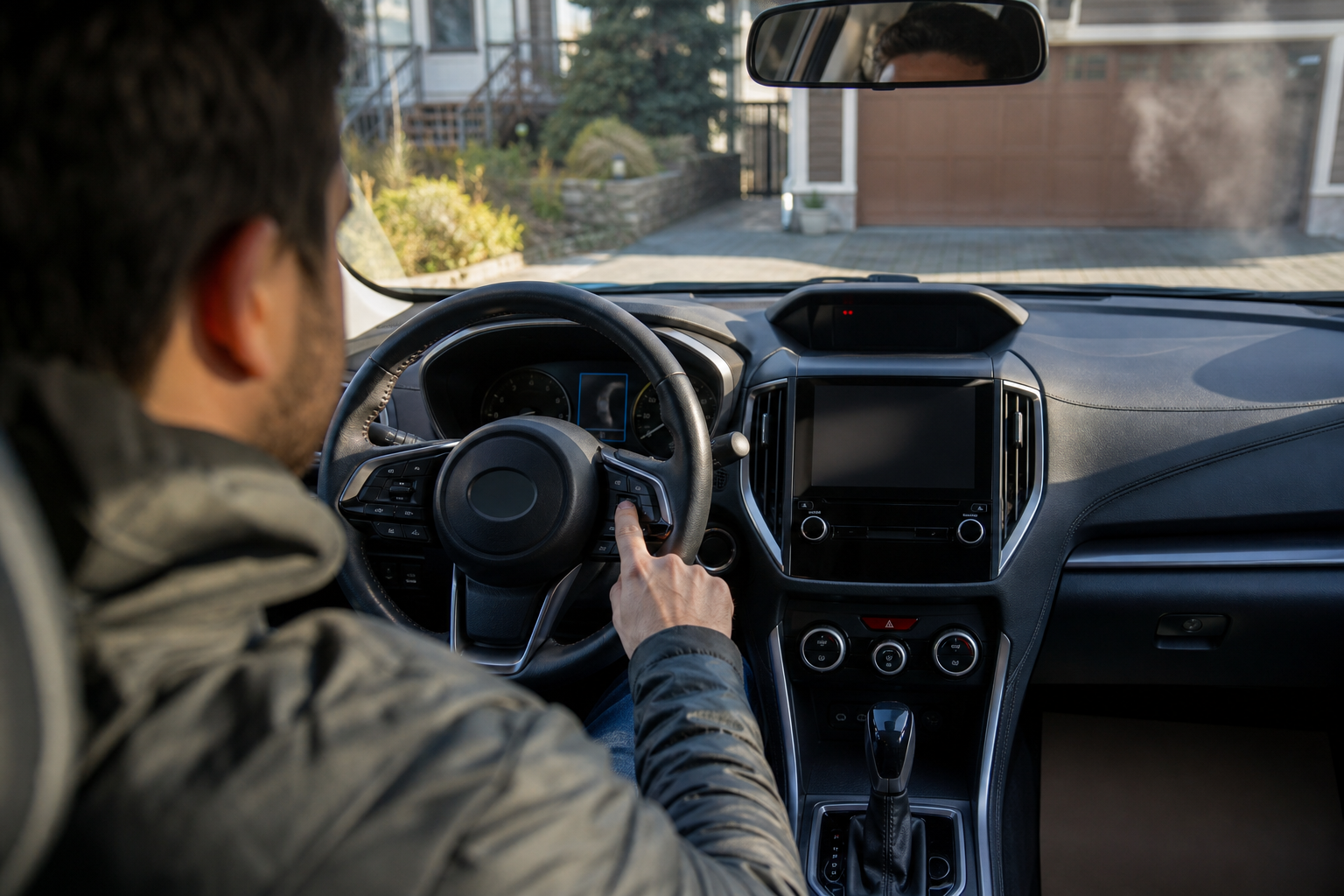
Since you’ll likely be doing this repeatedly, it pays to build the button press into your startup routine. Start the car, let the EyeSight system finish its brief camera calibration (you’ll see a small icon confirm it’s active), then hold the lane assist button for two to three seconds.
Some drivers find it faster to only disable Lane Keep Assist (the steering nudge) while leaving Lane Departure Warning (the chime) active, since the warning alone doesn’t interfere with your steering input and still gives you a useful heads up if you’re drifting due to distraction. You can usually set this split through the Driver Information Display menu rather than the single button, which controls both at once on most trims.
If you tow or haul frequently and want smoother highway manners overall, it’s worth also checking your tire pressures and alignment, since a Crosstrek pulling slightly to one side will trigger lane assist corrections more often than a properly aligned one. Persistent pulling combined with steering wheel vibration is also worth investigating separately, and our article on steering wheel shakes at high speed walks through common causes if that’s part of what you’re noticing.
Other EyeSight Features Worth Knowing About
Lane assist is just one piece of the EyeSight suite. Your Crosstrek likely also has adaptive cruise control, pre-collision braking, and depending on trim, a reverse automatic braking system. These typically have their own separate controls and don’t reset alongside lane assist, so don’t assume turning off lane keep also disables your cruise control radar.
If you’re getting familiar with the rest of your Crosstrek’s cabin tech, it’s worth also learning your way around features like the auto-dimming mirror and compass display, which Subaru uses across the Outback and Crosstrek lineup with mostly identical menu logic, as covered in our guide to the auto-dimming rearview mirror and compass on the Subaru Outback.
Frequently Asked Questions
Can I permanently disable EyeSight lane assist on a Crosstrek?
No, not through any factory setting on model years through 2024. Subaru does not offer a way to save an “off” preference that persists past an ignition cycle. Any aftermarket module claiming to permanently disable it will likely also disable other EyeSight safety functions and isn’t something we’d recommend.
Why does my Crosstrek’s lane assist feel more aggressive after a windshield replacement?
The EyeSight cameras are mounted at the top of the windshield and need to be recalibrated after any glass replacement. If this wasn’t done correctly, the system can misjudge lane position and intervene more than usual. Have the dealer or shop confirm a proper EyeSight calibration was completed.
Does turning off lane assist affect my adaptive cruise control?
No, these are controlled separately in the Crosstrek. Disabling Lane Keep Assist or Lane Departure Warning through the steering column button does not touch your adaptive cruise control settings, which have their own toggle on the steering wheel’s right-side control cluster.
Leave a Reply