

You’re cruising down the highway in your CR-V and the steering wheel gives a little tug every time you drift near the lane marking. Maybe it’s annoying on a long road trip. Maybe you just don’t trust a computer nudging your steering while you’re doing 70 mph. Either way, you want to know how to shut it off, and more importantly, whether it’ll stay off the next time you start the car.
Honda’s lane-keeping tech isn’t one single button you flip and forget. It’s actually two separate systems working together, and understanding that distinction is the key to controlling them the way you want.
What Honda Calls It: LKAS and Road Departure Mitigation
Honda doesn’t use the generic term “lane assist” in its owner’s manuals. On the CR-V, you’re dealing with two components bundled under the Honda Sensing suite:
- Lane Keeping Assist System (LKAS), which actively steers the car to keep it centered in its lane
- Road Departure Mitigation (RDM), which includes Lane Departure Warning and will apply steering correction or braking if you drift toward the edge of the road
These two systems overlap in what they’re trying to prevent, but they behave differently. LKAS is the one constantly making small steering corrections while you drive in a straight line. RDM is more of a safety net that kicks in when the car thinks you’re about to leave the road entirely.
The Steering Wheel Button: Fastest Way to Turn Off LKAS
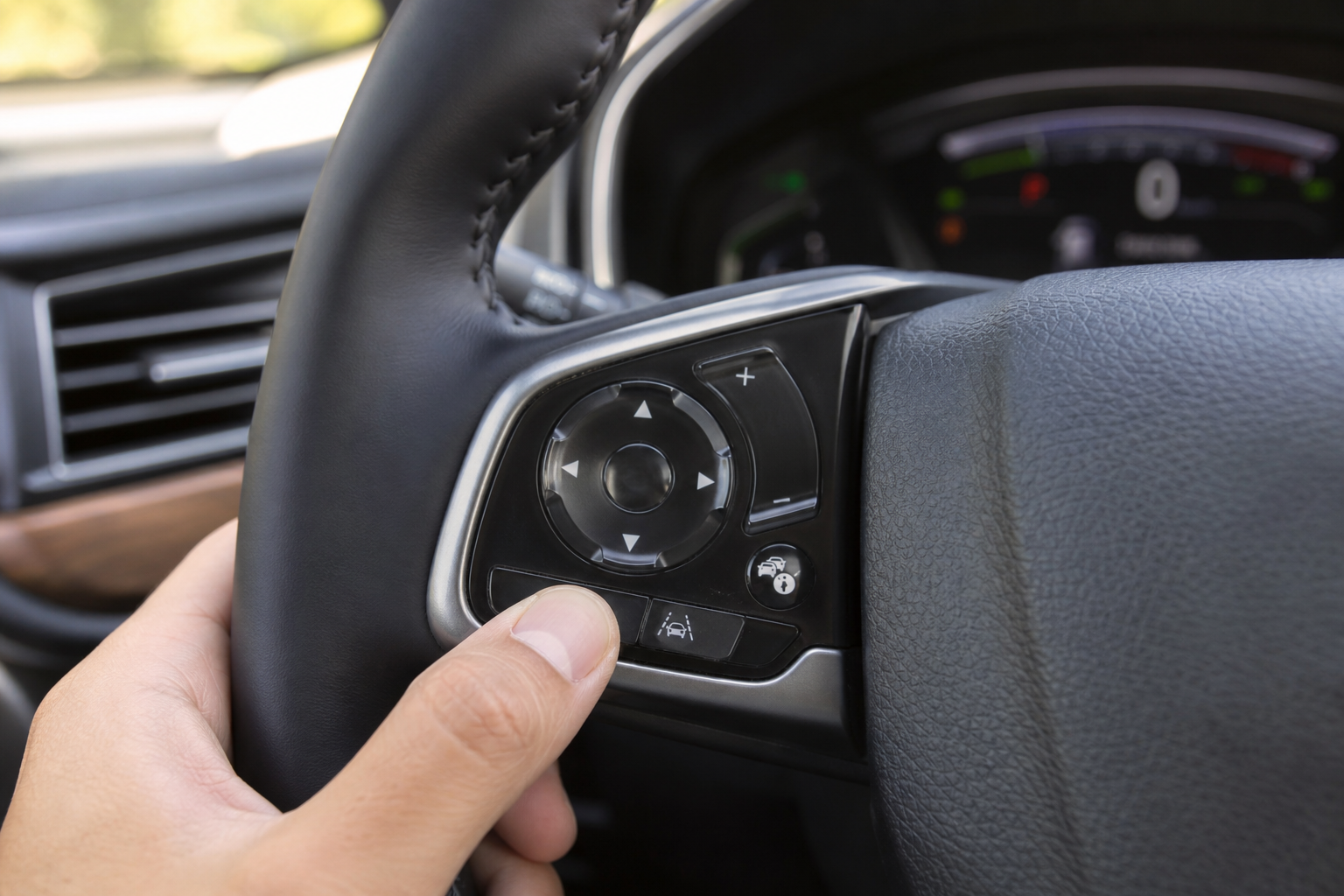
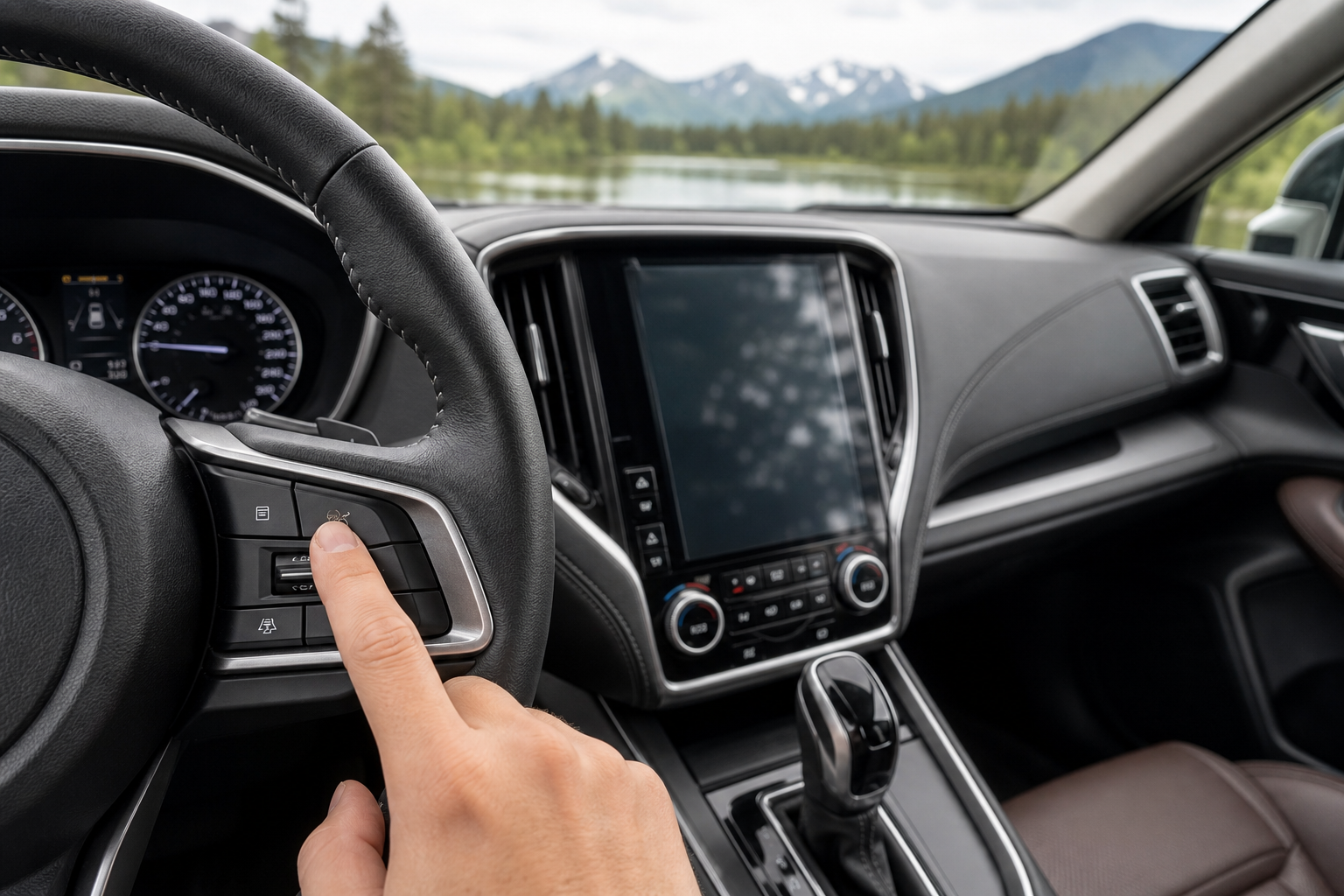
Every CR-V with Honda Sensing has a dedicated button on the left spoke of the steering wheel. It’s usually marked with an icon of a car between two curved lines. Press it once and LKAS shuts off immediately, no menus required.
You’ll see a message on the driver information display confirming Lane Keeping Assist is off, and the little green steering wheel icon on your dash will disappear or turn gray. This is by far the quickest method, and it’s the one Honda designed for drivers who want the option to disable it on the fly, like when you’re navigating a construction zone with faded lane markings that confuse the camera.
Press the same button again and LKAS reactivates. Simple, fast, no digging through settings.
Turning Off Road Departure Mitigation Through the Settings Menu
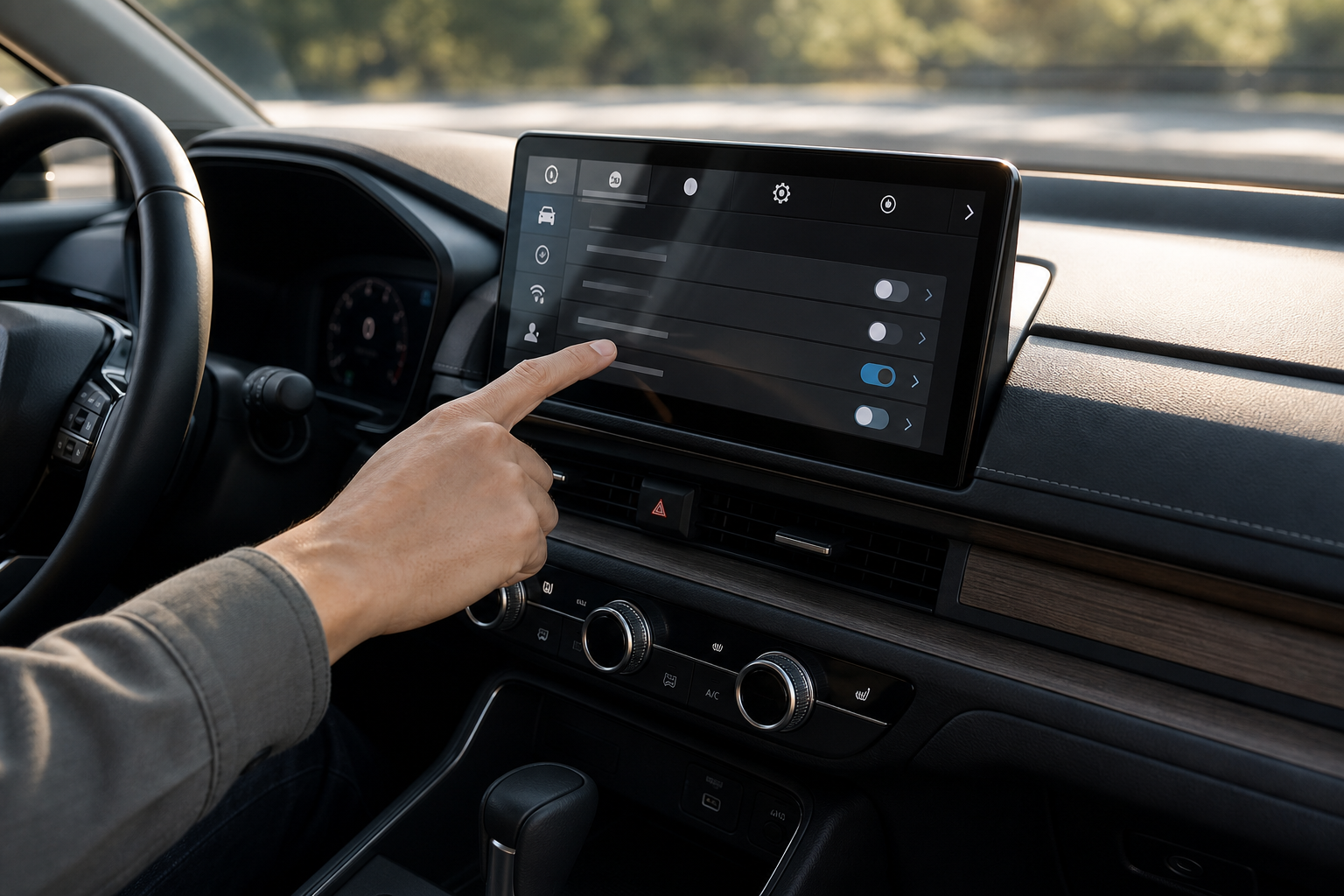
Disabling RDM takes a few more steps because Honda buried it in the infotainment settings rather than giving it a hardware button. On most 5th-generation CR-Vs (2017 to 2022), you’ll go to:
- Home screen on the touchscreen, then select the Settings gear icon
- Driver Assistance Systems (sometimes labeled Vehicle Settings on older software)
- Road Departure Mitigation, then toggle it off
On the redesigned 6th-generation CR-V (2023 and newer), the menu structure is slightly different, with the option usually living under Settings > Driving Assistance > Road Departure Mitigation System. The naming and exact submenu can shift depending on which infotainment software version your CR-V shipped with, so if you don’t see it in the first spot, poke around one menu level up.
Does It Stay Off? Here’s What Actually Happens
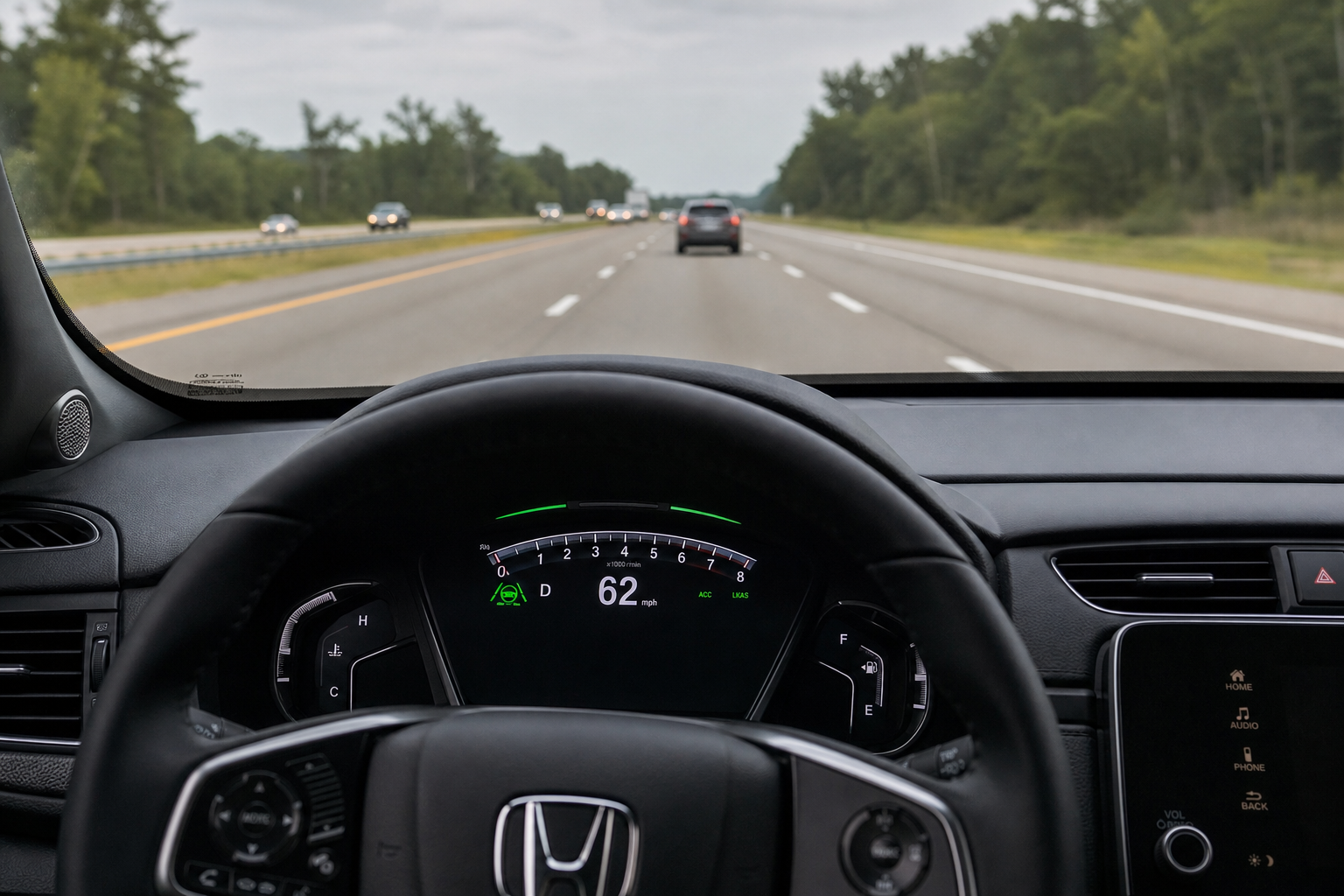
This is the part most CR-V owners really want answered, and the honest answer is that it depends on which system you’re turning off and, to a lesser degree, which model year you own.
The LKAS steering wheel button does not stay off between drives. Every time you turn the ignition off and back on, LKAS resets to active by default. If you turned it off yesterday afternoon, it’ll be back on this morning without you doing anything. This has been consistent across every CR-V generation with Honda Sensing that we’ve verified, from the 2017 model through the current 2024 and 2025 versions.
Road Departure Mitigation behaves the same way on the vast majority of CR-V model years. Even if you dig into the settings menu and switch it off, it typically reverts to on the next time you start the vehicle. Honda designed it this way intentionally, treating these systems as safety features that shouldn’t be permanently disabled by accident or by a previous driver who didn’t want them on.
There have been scattered owner reports, particularly with certain 2023 and 2024 software updates, where the RDM setting appeared to hold through a single restart before reverting on a subsequent one. Honda hasn’t published anything confirming a persistent-off mode as a standard feature, so treat any apparent persistence as inconsistent rather than something you can rely on. If you own a newer CR-V and want to know for certain, check your specific vehicle after a cold start rather than assuming based on what you read online.
The practical takeaway: don’t count on either system staying off. Get comfortable with the steering wheel button, since you’ll likely be using it every single drive if you don’t like the lane-centering nudges.
Lane Departure Warning vs. Active Steering Assistance
It’s worth separating these two concepts because a lot of owners conflate them and end up confused about what they actually turned off.
Lane Departure Warning is passive. It watches the lane markings through the front camera and alerts you with a sound or a visual cue if you cross a line without signaling. It doesn’t touch the steering wheel at all.
LKAS is active. It’s constantly reading the lane position and applying small, continuous steering torque to keep the car centered, even if you haven’t drifted anywhere near the line. That’s the system responsible for the “self-driving” feel some people love and others find intrusive on twisty roads.
When you press the steering wheel LKAS button, you’re only killing the active steering input. The warning chimes and RDM’s corrective braking can still function independently unless you also disable RDM through the settings menu. If your goal is to eliminate all lane-related intervention, you need to turn off both systems separately.
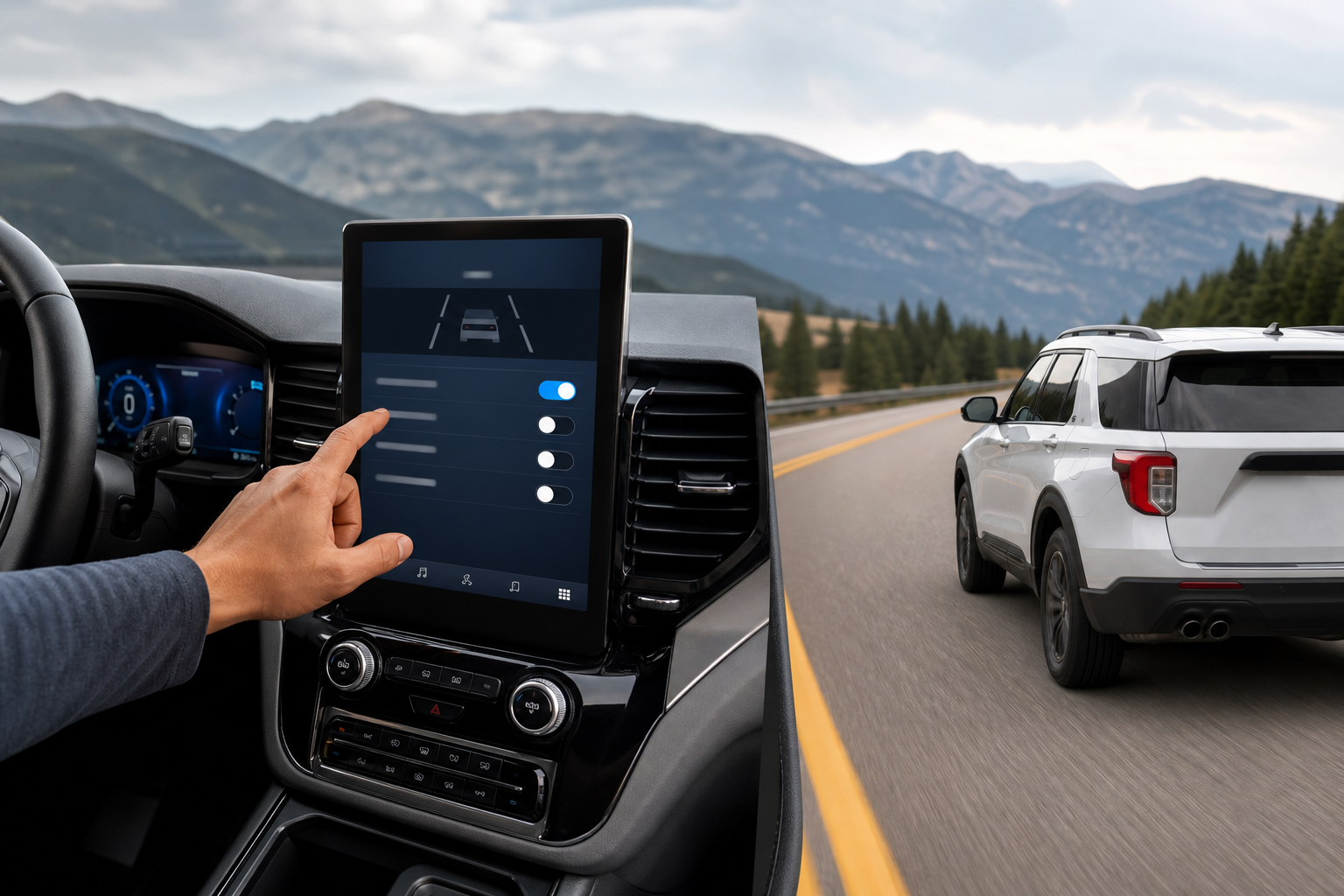
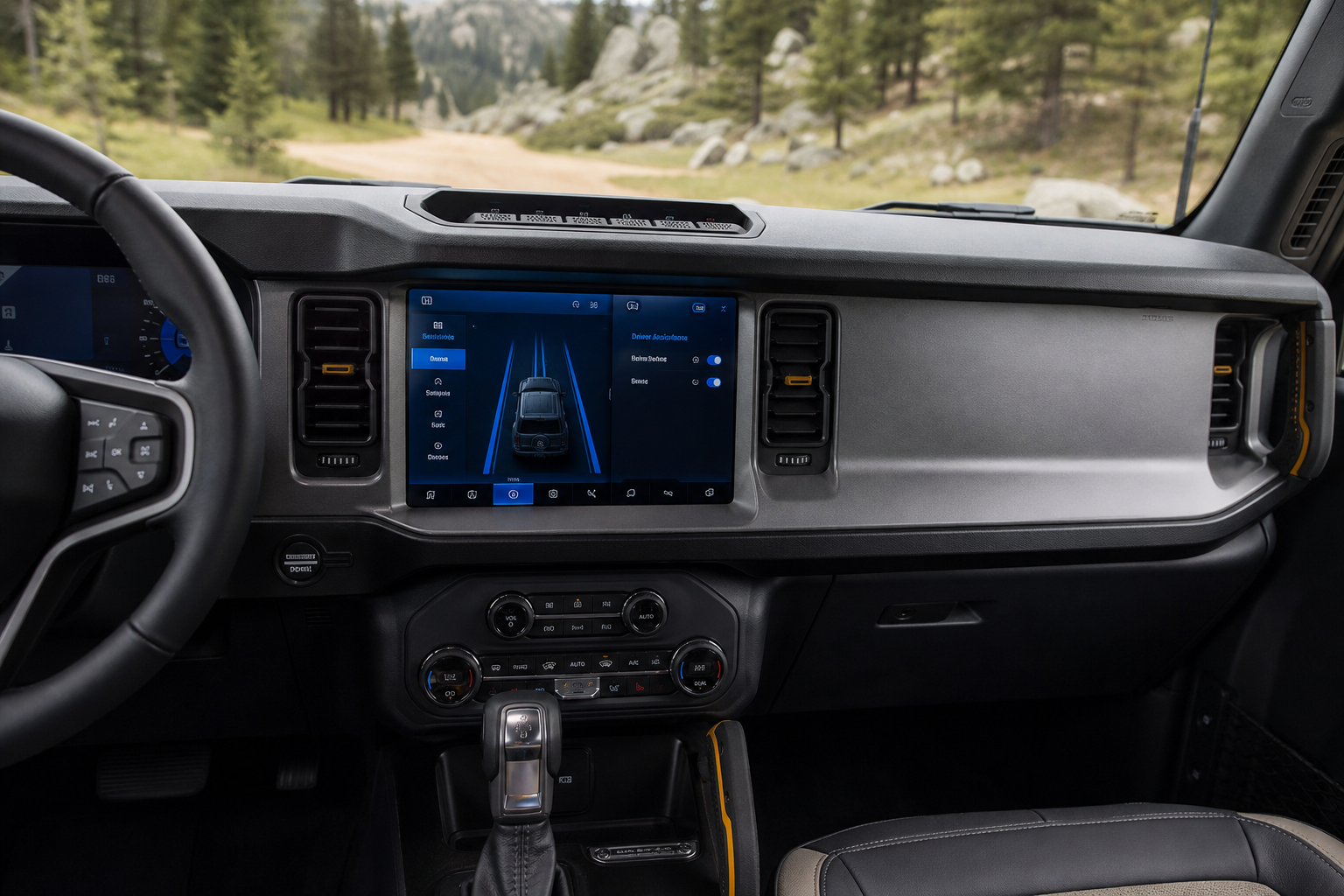
This two-system setup isn’t unique to Honda. Similar layered driver-assist features show up across the industry, like the intersection assist and evasive steering on the Ford Explorer or the intersection turning assist on the Subaru Outback, where warning and active-correction features are bundled but controlled through different menus. Toyota takes a comparable layered approach with its pre-collision system with pedestrian detection on the Corolla, pairing passive alerts with active braking intervention.
Frequently Asked Questions
Why does my CR-V’s Lane Keeping Assist turn back on every time I start the car?
Honda designed the system to default to active on every ignition cycle as a safety measure. This is standard behavior across CR-V model years with Honda Sensing, not a malfunction, and there’s no factory setting that makes the off state permanent.
Can I permanently disable Road Departure Mitigation with a dealer tool or aftermarket device?
Some independent shops and aftermarket modules claim to offer a permanent disable, but doing this can affect your CR-V’s crash safety ratings and may void portions of your warranty. Honda doesn’t offer an official permanent-off configuration through the dealer, so proceed cautiously if you go this route.
Will turning off LKAS affect Adaptive Cruise Control?
No, these are independent systems. You can drive with Adaptive Cruise Control active while LKAS is switched off, and the steering wheel button only affects the lane-centering function, not your cruise control settings.
If you’re already comfortable digging through your CR-V’s driver assistance menus, it’s worth getting familiar with your dashboard warning lights in general. Check out our guide on resetting the Honda CR-V TPMS light for another common CR-V dashboard task, and if you’re curious about other convenience features Honda buries in its settings, our walkthrough on the Walk-Away Auto Lock feature covers another one worth knowing about.
Leave a Reply