
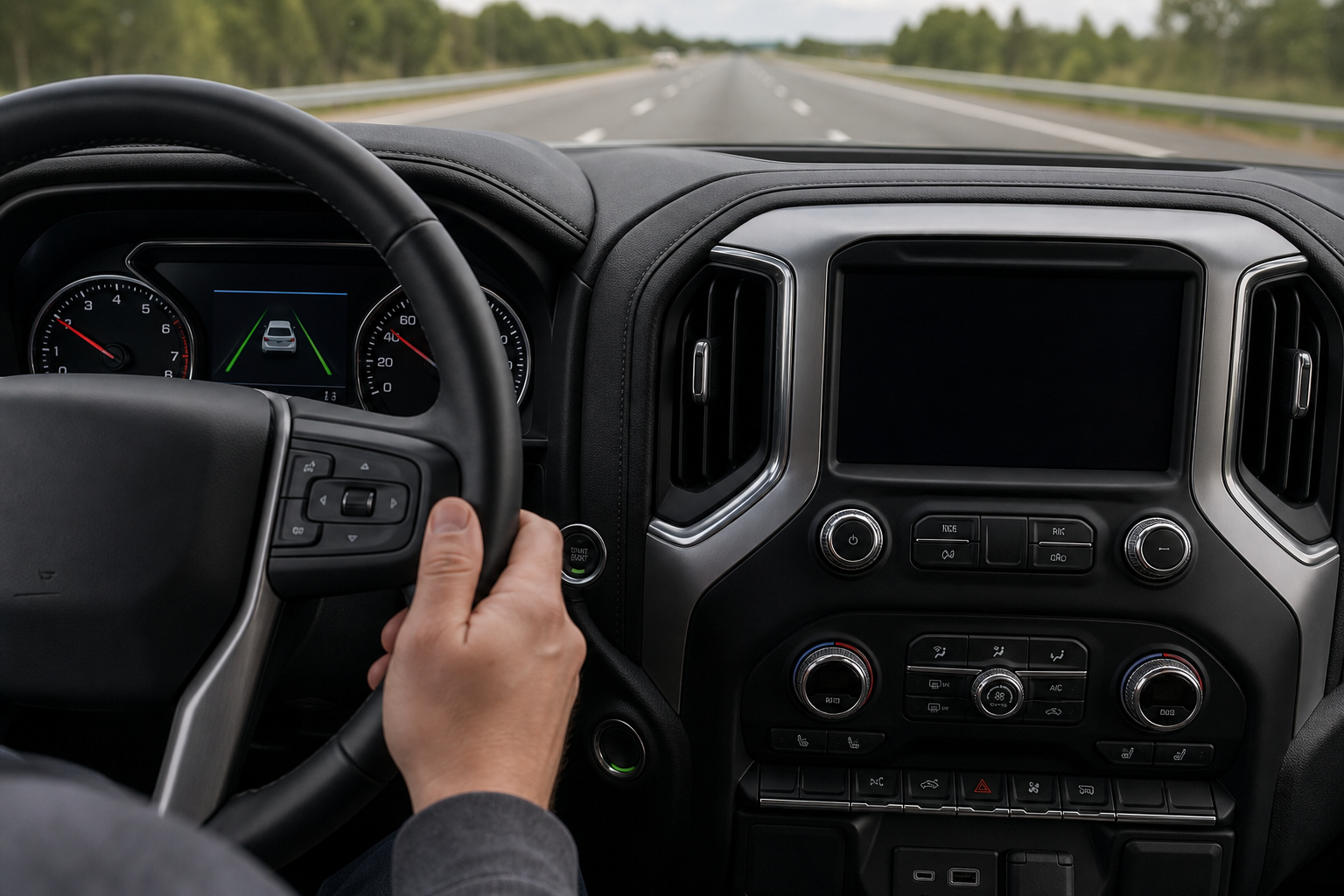
If you’ve ever felt your GMC Sierra 1500’s steering wheel tug back toward the center line on a curvy back road, or heard that chime when you drift without signaling, you’ve met the truck’s lane keeping tech firsthand. It’s a useful safety net on long highway hauls, but it can also feel intrusive on tight gravel roads, when you’re straddling a lane to avoid debris, or when you’re towing and the truck reads your trailer’s sway as drift.
The good part is that GMC makes it easy to shut off. The less convenient part is that on most model years, it doesn’t stay off once you restart the truck. Here’s exactly what the system is called, how to disable it, and what actually happens the next time you turn the key.
What GMC Calls This System
GMC bundles this technology under the name Lane Keep Assist with Lane Departure Warning. You’ll find it listed that way in the owner’s manual and in the touchscreen settings menu, and it typically comes bundled into the Driver Alert Package I or II option groups depending on trim and model year.
It’s standard or available on most Sierra 1500 trims from the SLE up through Denali and AT4, though the exact hardware (camera location, radar integration) has been updated over the truck’s generations. Since the Sierra shares a lot of its electrical architecture with the Chevy Silverado, the menu structure and behavior are nearly identical to what you’d find in a Silverado, including features like the available heads-up display that also lives in the same driver assistance ecosystem.
Lane Departure Warning vs. Lane Keep Assist: What’s the Difference
These two names get used interchangeably a lot, but they control two different behaviors, and GMC actually lets you toggle them separately in some model years.
- Lane Departure Warning (LDW): This is the passive half. It watches the lane markings with a forward camera and alerts you with a visual icon, an audible chime, or a seat vibration when you cross a line without signaling. It does not touch the steering.
- Lane Keep Assist (LKA): This is the active half. Once you drift far enough, the system applies gentle steering torque to nudge the truck back toward the center of the lane. This is the part that people usually mean when they say the steering wheel “fights” them.
If you only find the steering correction annoying but still want the warning chime, you can often turn off LKA while leaving LDW active. If the vibration and chime are what’s bothering you, both can be switched off together. Just don’t confuse this system’s seat vibration or wheel tug with an actual mechanical problem. If your wheel shakes on its own at highway speed with no lane markings involved, that’s a different issue worth reading up on in our guide on steering wheel shakes at high speed.
How to Turn Off Lane Assist on the Sierra 1500
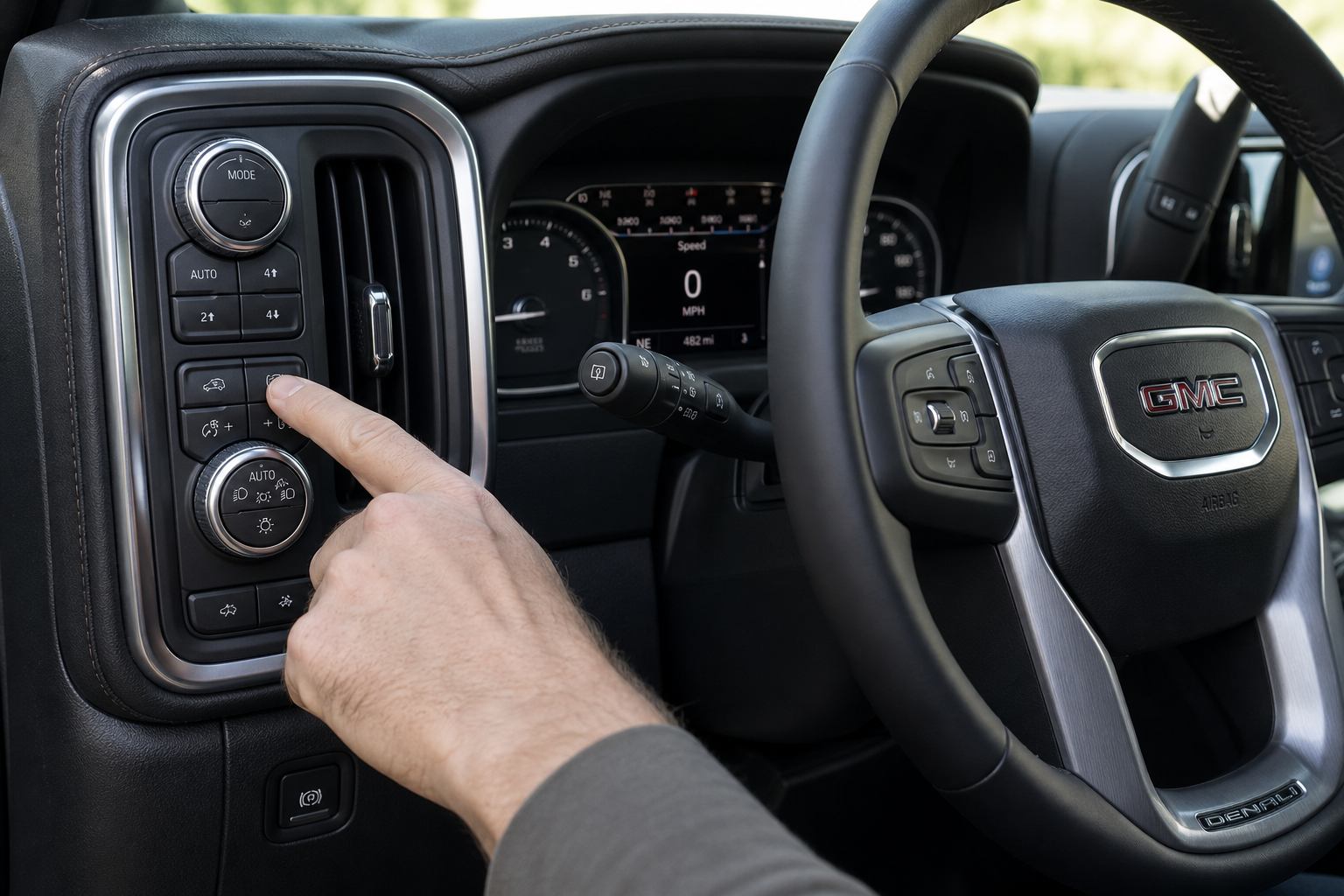
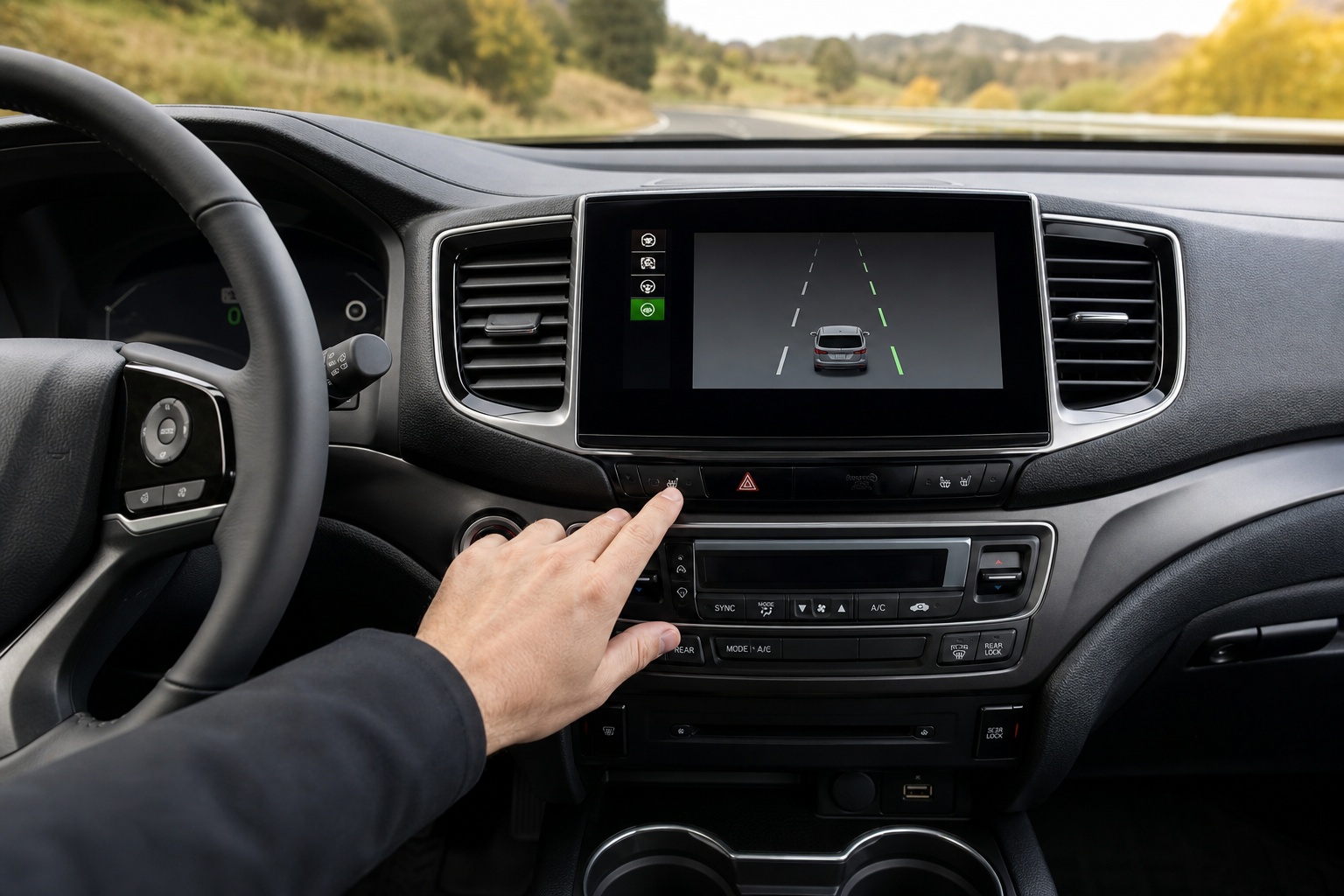
You won’t find a dedicated physical button for this on most Sierra 1500 trims. It lives inside the infotainment settings, and the path is the same whether you’re driving an 8-inch or 13.4-inch screen setup.
- With the truck running, tap the Settings gear icon on the touchscreen.
- Select Driver Assistance from the menu list.
- Look for Lane Keep Assist and Lane Departure Warning listed as separate toggles.
- Tap each toggle to switch it off, or set them to your preference (warning only, steering assist only, or both off).
Some Sierra AT4 and Denali trims with the larger diagonal screen also let you save these preferences under a driver profile, which is handy if more than one person drives the truck and you each have different comfort levels with the feature.
Does It Stay Off After You Restart the Truck?

No, and this is the part that trips up a lot of Sierra owners. On the vast majority of Sierra 1500 model years, including trucks built on the current generation platform, Lane Keep Assist and Lane Departure Warning default back to on every time you cycle the ignition. Turn the truck off, get back in later, and the system reactivates automatically whether you wanted it to or not.
This isn’t a GMC-specific quirk. Most manufacturers build these systems to reset to their factory default state on startup, largely because federal safety guidance treats lane keeping tech as something that should require an active decision to disable rather than staying off indefinitely. Toyota, Ford, and Hyundai all handle it the same way in their current lineups.
The behavior can vary slightly by model year and trim, so it’s worth confirming in your specific truck’s owner’s manual before assuming anything is permanent. If you’re shopping for a used Sierra and lane assist matters to you, ask the dealer or check the manual for that exact model year rather than going off what a different year’s truck does.
The Fastest Way to Turn It Off Every Drive
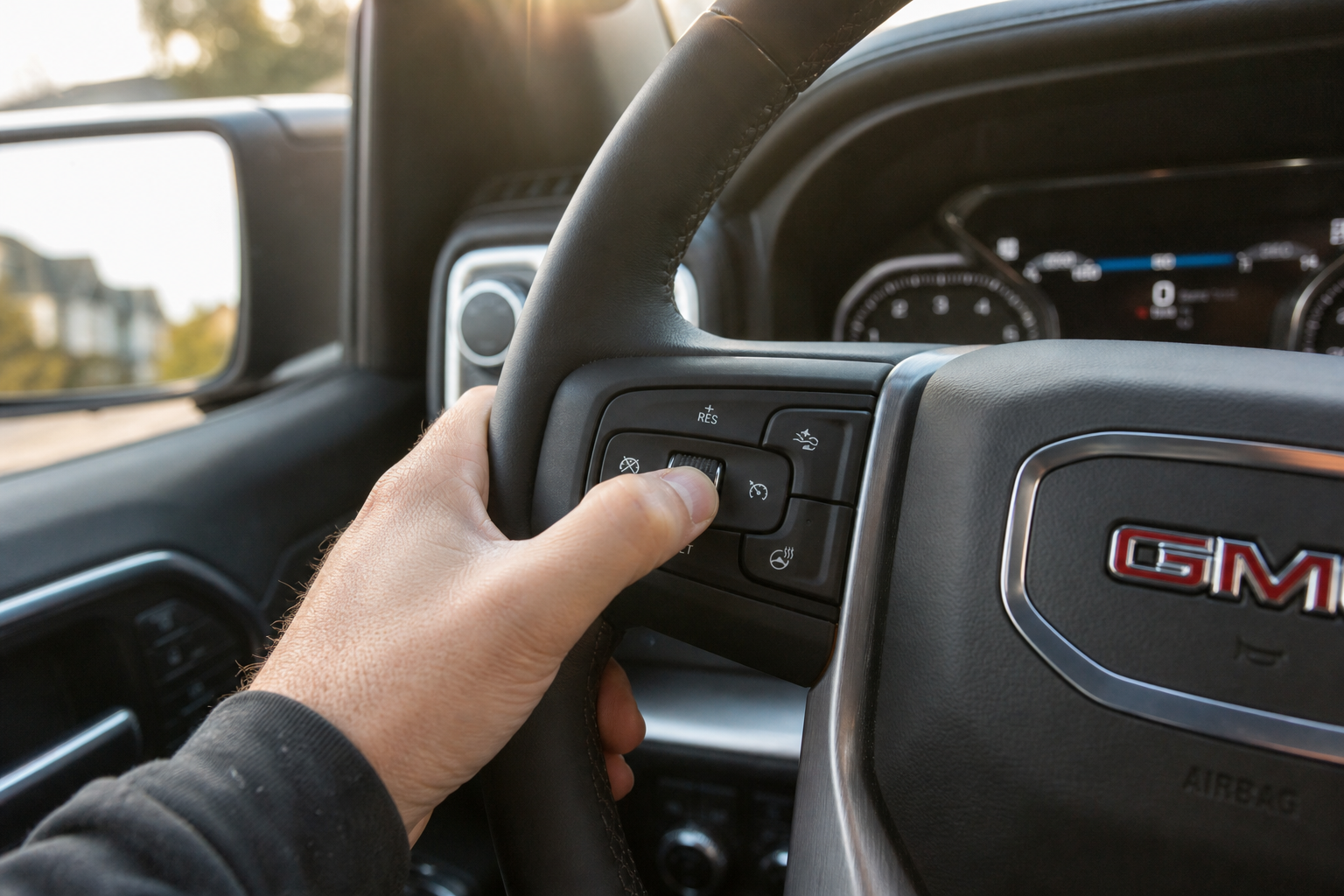
Since you’ll likely be repeating this process often, it pays to make it quick. A few tips that help:
- Pin the Driver Assistance menu. Many Sierra infotainment systems let you customize your home screen shortcuts. Add Driver Assistance settings to your main screen so you’re not digging through submenus every time.
- Do it before you shift into gear. The touchscreen is fully responsive as soon as the truck powers on, so you can knock this out while you’re still in park, before you even back out of the driveway.
- Use voice commands if your truck has Google built-in. On Sierras equipped with the Google-based infotainment system, you can try a voice prompt to jump straight to settings, which shaves a few seconds off compared to tapping through menus manually.
If you find yourself disabling this every single drive, it’s worth asking why. Lane departure warning in particular catches genuine drowsy or distracted driving moments that you might not notice yourself, so consider leaving at least the warning chime active even if you turn off the steering correction.
How This Compares to Other Trucks and SUVs
GMC’s approach here is pretty standard for the segment. Ford handles similar lane centering tech with its own reset-on-restart behavior, and you can see how that plays out alongside other active safety features in our writeup on intersection assist and evasive steering on the Ford Explorer. Subaru takes a similar layered approach with systems like the intersection turning assist on the Outback, where warning and active intervention are treated as separate settings just like on the Sierra.
If you own other GM trucks or SUVs alongside your Sierra, the menu logic carries over. That’s also true for smaller conveniences like the TPMS tire fill alert that honks on GM vehicles, another feature that lives in that same driver assistance ecosystem and is worth knowing about if you air up your tires often.
Frequently Asked Questions
Can I permanently disable Lane Keep Assist on my Sierra 1500?
Not through the factory settings menu on most model years. The system is designed to re-enable itself every time you start the truck. Some owners look into aftermarket modules or dealer-level programming to force a permanent disable, but that can affect other safety systems tied into the same camera and control module, and it may not be legal depending on your state. Turning it off manually each drive remains the safest and most reliable method.
Will turning off Lane Keep Assist affect my other safety features?
No. Lane Keep Assist and Lane Departure Warning operate independently from features like forward collision alert, automatic emergency braking, and adaptive cruise control. Disabling lane assist through the Driver Assistance menu won’t touch any of those other systems.
Why does my Sierra’s lane assist act strange while towing?
Trailers can confuse the forward camera and steering torque logic, especially with wide loads or trailers that sway slightly at highway speed. Many Sierra owners turn off Lane Keep Assist specifically while towing and leave it on for regular driving. If you’re setting up your truck for a tow, it’s also worth checking your ride height and suspension setup guidance for comparable trucks, since a leveled, properly loaded trailer reduces the kind of drift that triggers false lane departure alerts in the first place.

Leave a Reply