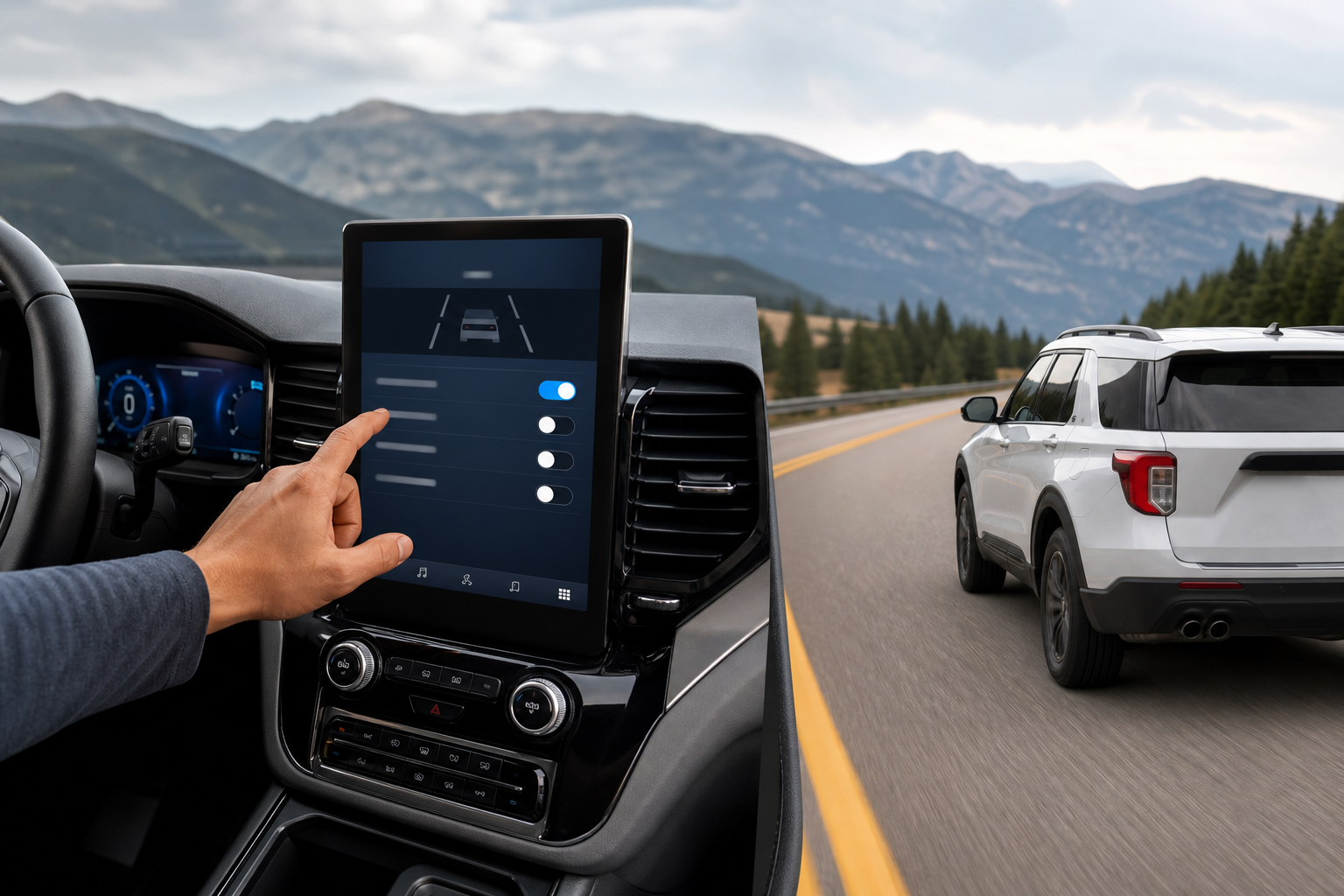
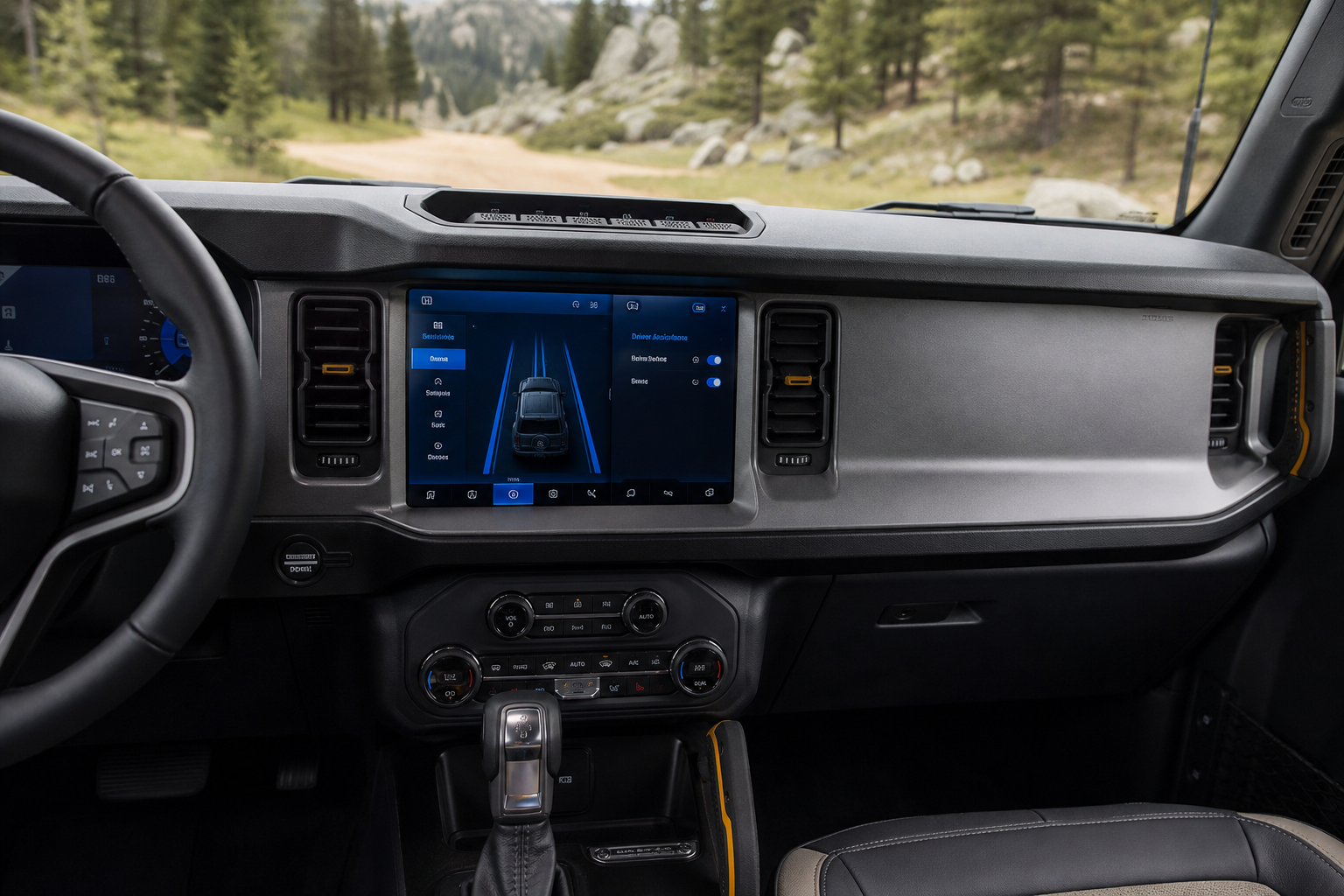
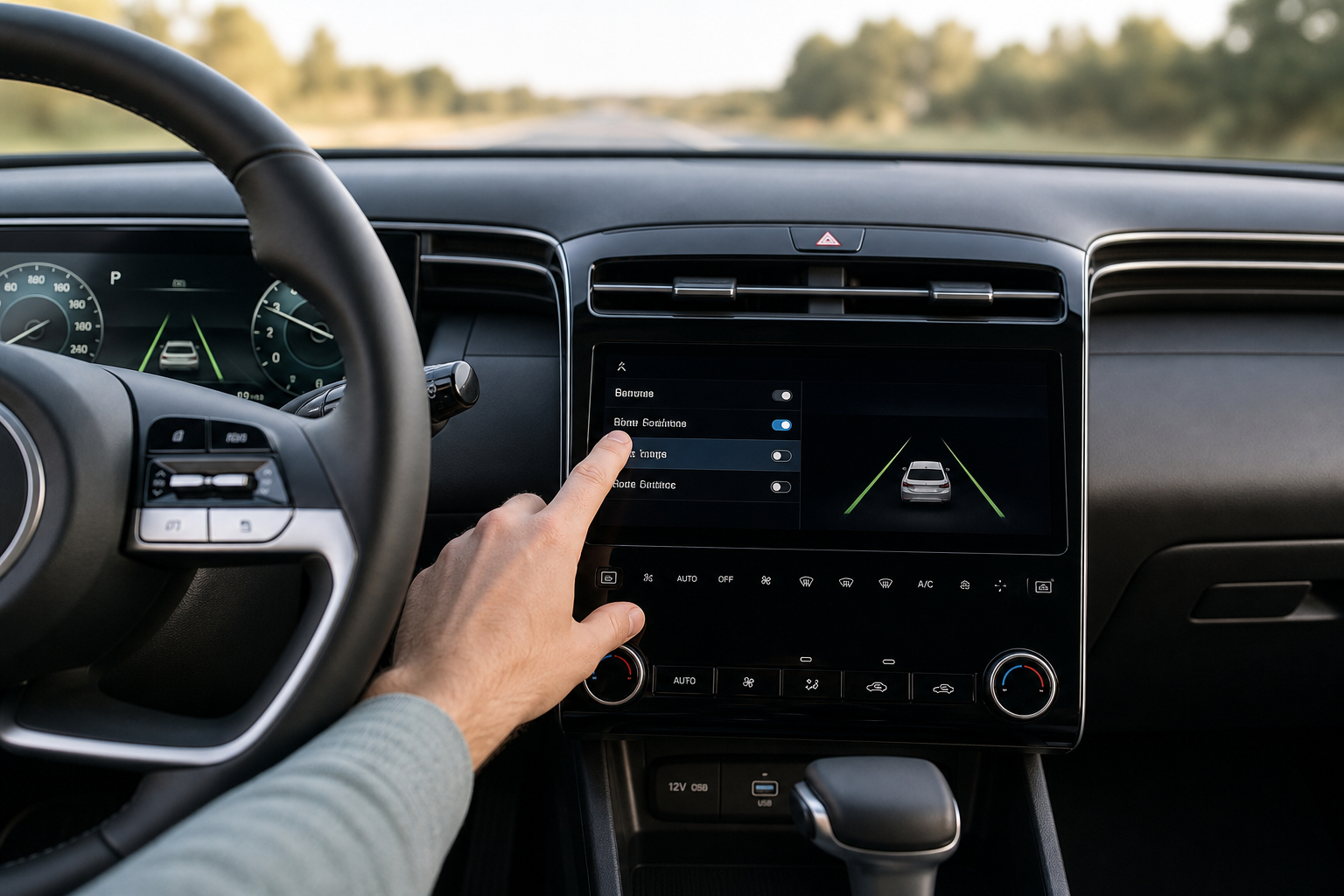
If you’ve ever felt your F-150 tug the wheel back toward the center of the lane when you drift a little too close to the line, that’s Ford’s Lane-Keeping System doing exactly what it’s designed to do. For a lot of truck owners, especially those hauling a trailer or driving on rough back roads, that steering nudge feels more like an annoyance than a safety feature. The good part is that Ford makes it easy to turn off, but whether it stays off is a different story depending on your model year.
This guide walks through exactly what Ford calls the system, how to shut it off from the dash or touchscreen, and what actually happens the next time you start the truck.
What Ford Actually Calls This System
Ford doesn’t use the generic term “lane assist” in its owner’s manuals. The feature is officially called the Lane-Keeping System, and it’s actually made up of two separate functions that people tend to lump together.
Lane-Keeping Alert is the passive part. It watches the lane markings using a forward-facing camera and warns you with a vibration in the steering wheel or a chime if you drift without signaling. It doesn’t touch the steering at all.
Lane-Keeping Aid is the active part. This is what actually applies steering torque to nudge the truck back toward the center of the lane. On F-150s equipped with Ford Co-Pilot360 and, on later trucks, BlueCruise for hands-free highway driving, this active steering input is more noticeable and can feel like the truck is fighting you on curvy roads or gravel shoulders.
Knowing which part is bothering you matters, because Ford’s menu lets you turn off just the alert, just the steering aid, or both at once.
How to Turn Off Lane-Keeping on the F-150
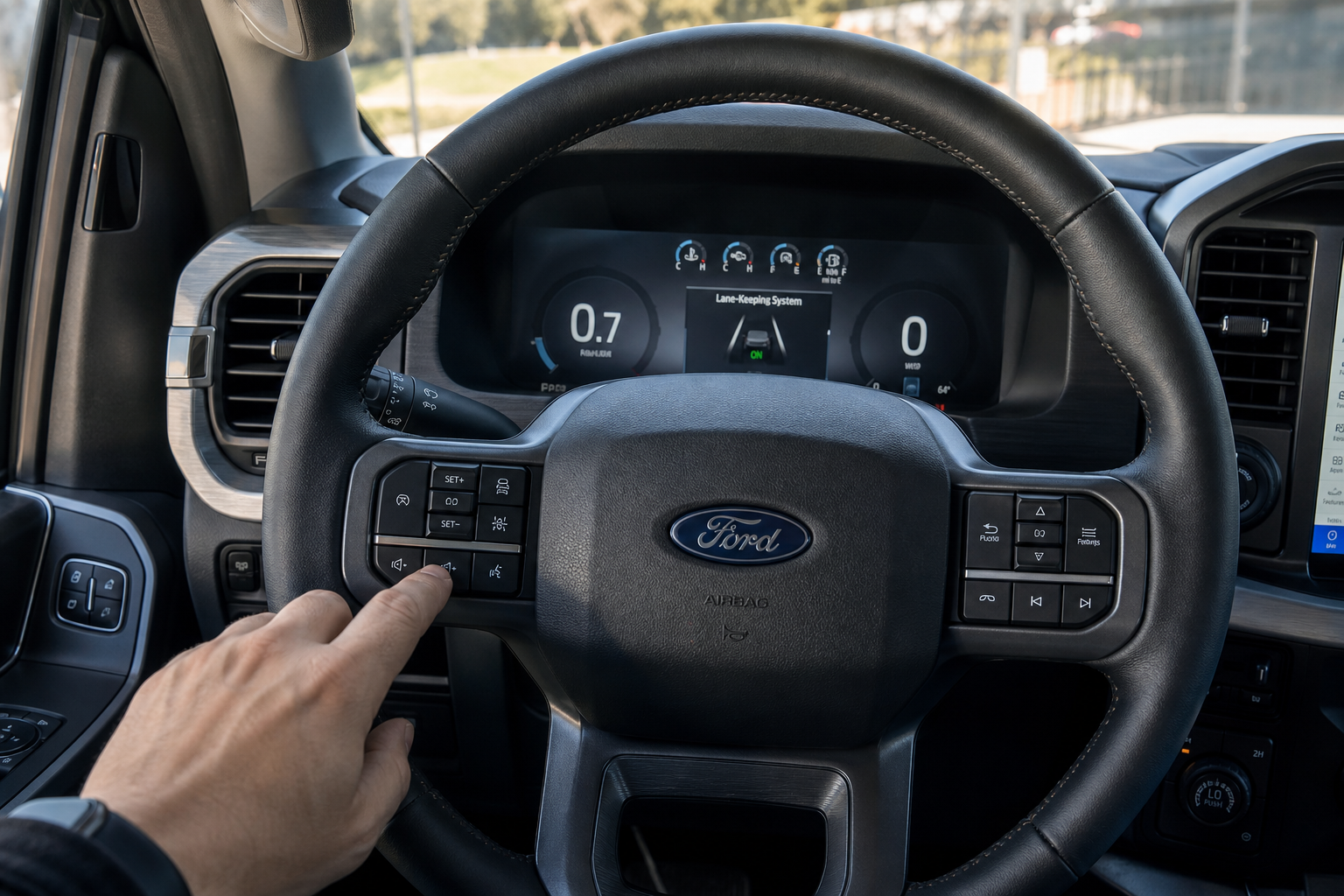
The exact steps vary slightly depending on whether your truck has the older instrument cluster with steering wheel arrow buttons or the newer SYNC 4 touchscreen setup found in the 2021 and later F-150.
Using the Instrument Cluster Menu (2015-2020 Models)
- Turn the ignition to the on position.
- Use the arrow buttons on the right side of the steering wheel to open the settings menu on the instrument cluster display.
- Scroll to Driver Assist Technologies or Lane-Keeping System.
- Select your preference: Alert Only, Alert and Aid, or Off.
Using the SYNC 4 Touchscreen (2021 and Later Models)
- Tap Settings on the touchscreen.
- Select Driver Assist Features.
- Find Lane-Keeping System and toggle it off, or adjust the sensitivity if you only want to reduce how aggressive the steering input feels.
Some higher trims also include a physical shortcut button near the headlight switch or on the steering wheel with a small road-and-lane icon. Pressing it once usually cycles through alert, aid, and off without needing to dig into a menu at all. If you’re not sure which button it is, check your specific F-150’s owner’s manual since button placement has shifted across model years and trim levels.
Does It Stay Off After You Restart the Truck?
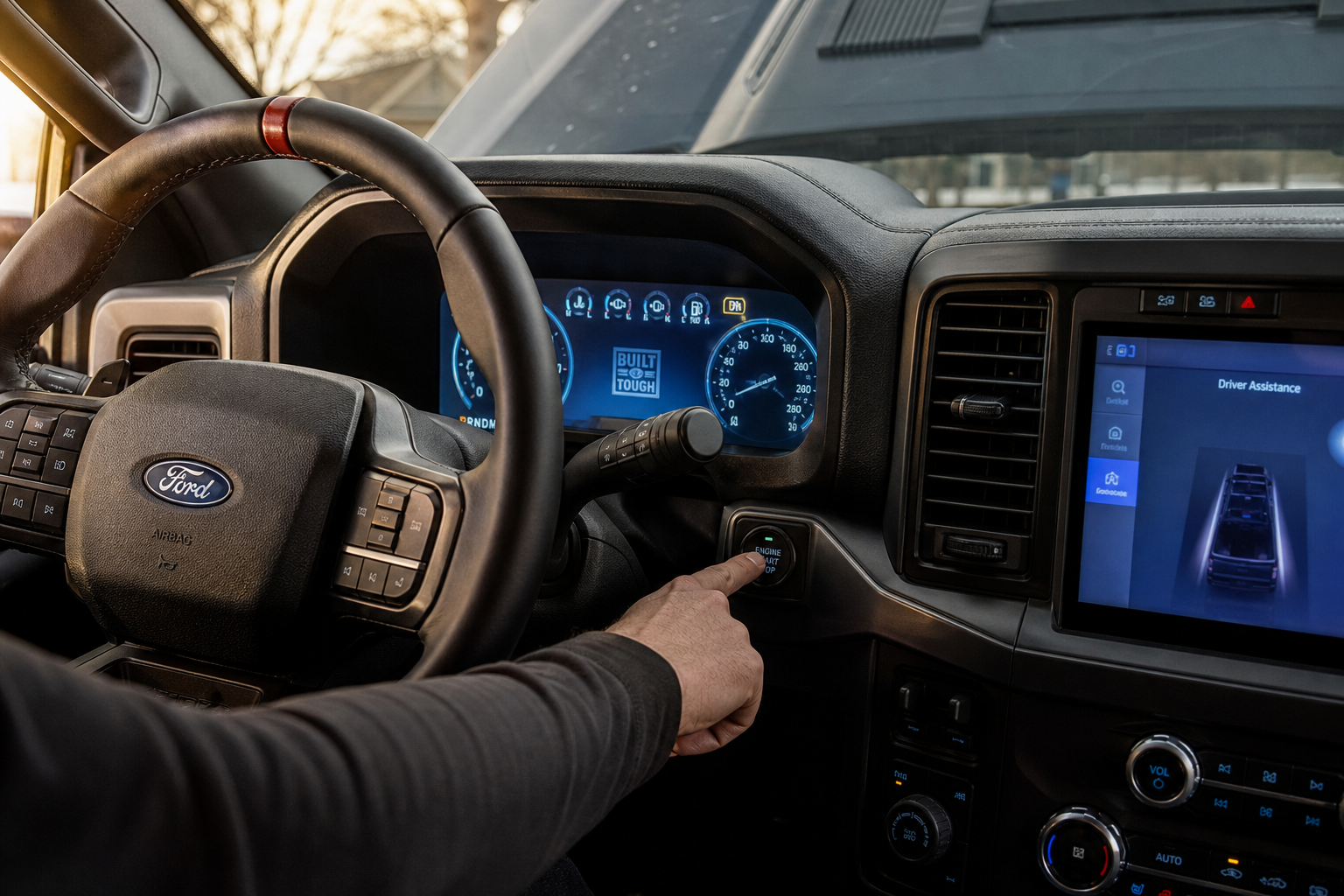
This is the part that catches most F-150 owners off guard. On the vast majority of model years, including the 2015-2020 trucks and the redesigned 2021-2024 models, Ford does not offer a true persistent off setting for Lane-Keeping Aid. Turn it off, shut the truck down, and start it again, and the active steering assist comes right back on by default.
This isn’t a glitch. Ford, like most manufacturers, defaults driver-assist safety systems back to on with every ignition cycle in line with federal safety guidance. The alert-only chime tends to follow the same pattern.
Because this behavior can shift slightly between model years and trim packages, especially once BlueCruise entered the picture, always double check your owner’s manual for your specific build year before assuming your truck matches what forums or older videos describe. Ford has made small software changes to these menus more than once.
The Fastest Way to Turn It Off Every Drive

Since you’ll likely be doing this at the start of most drives, the touchscreen shortcut button (if your trim has one) is worth memorizing over digging through the settings menu each time. It takes about two seconds once you know where it is.
If your F-150 doesn’t have that physical button, get comfortable with the SYNC 4 path since it only takes three taps. Some owners set up a custom shortcut on the home screen of the touchscreen specifically for Driver Assist Features to skip a layer of menus.