
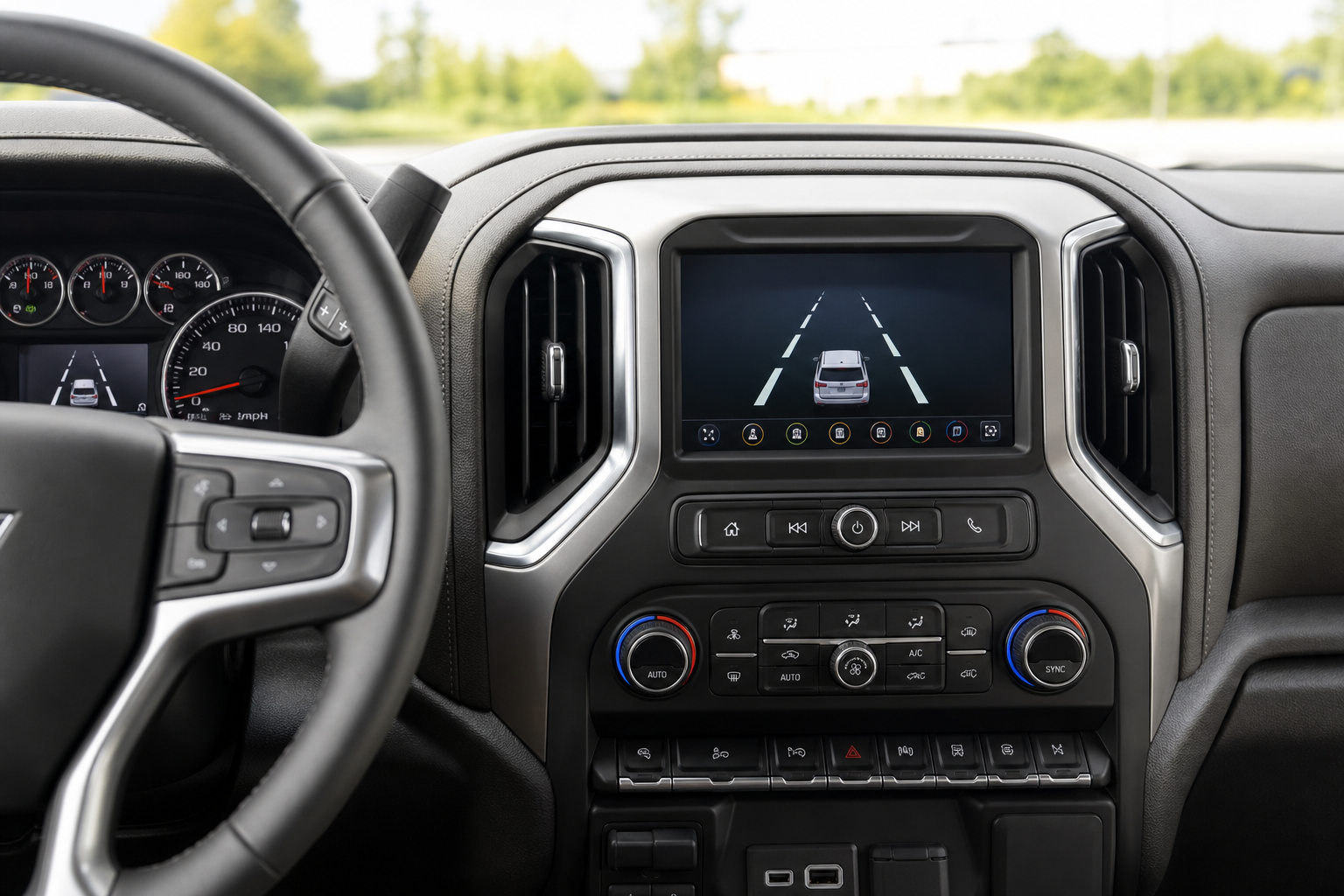
Lane Keep Assist is one of those features that either saves you from a drowsy drift into the next lane, or drives you nuts every time you hug a curve a little too close to the shoulder. On the Chevy Silverado 1500, GM’s steering intervention system can feel intrusive on backroads, in construction zones with faded lines, or when you’re towing and need a little extra room to work with. If you’ve been fighting the wheel every time it nudges you back into your lane, you’re not alone.
Here’s a quick video walkthrough showing where the controls live on the Silverado’s dash and touchscreen before we break down the exact steps and settings.
What Chevy Calls This System
GM doesn’t slap a flashy marketing name on this one like some brands do. On the Silverado 1500, you’ll find it listed as Lane Keep Assist with Lane Departure Warning, and it falls under the broader Chevy Safety Assist suite of driver aids. That’s the exact phrase you’ll see in your owner’s manual and in the vehicle settings menu, so it’s worth knowing going in rather than hunting for a term like “lane centering” that doesn’t exist in GM’s system.
Depending on your trim and model year, the feature comes bundled with adjacent systems like Forward Collision Alert and Automatic Emergency Braking, but those are separate toggles. You can turn off lane assist without touching your collision warnings.
Turning It Off With the Steering Wheel Button
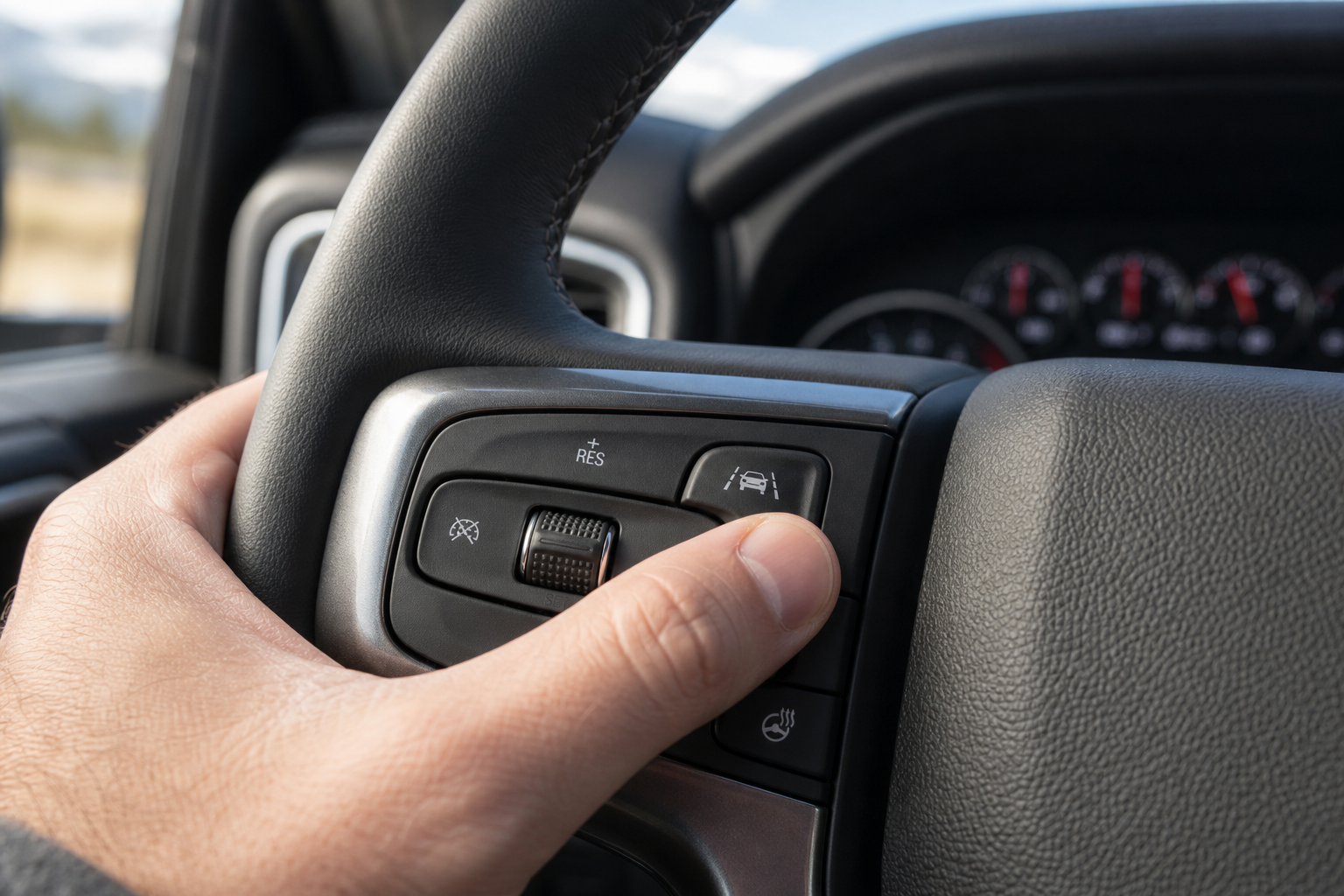
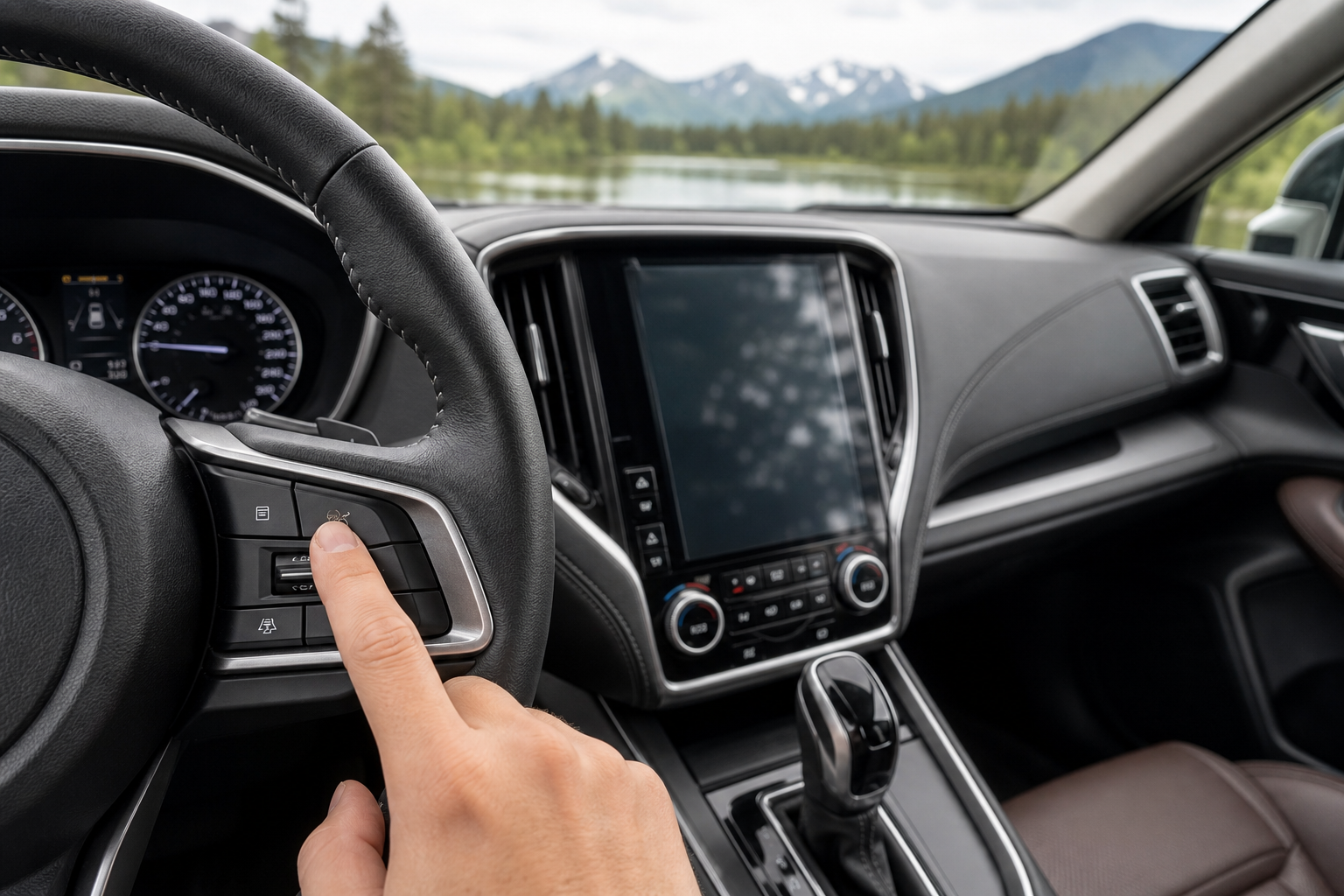
The fastest way to disable Lane Keep Assist on most Silverado 1500 model years is a physical button, not a menu dive. Look for an icon that looks like a car straddling two lane lines, usually located on the lower left of the dashboard near the headlight switch, or on the left steering wheel spoke on later trims.
- Press the lane assist button once to turn off both the warning and the active steering correction.
- A light on the button (or an icon in the driver information center) will illuminate to confirm it’s off.
- Press it again to turn the system back on.
This one button covers both halves of the system at once, which makes it the quickest option if you just want it gone for the drive and don’t care about separating the alert from the steering assist.
Turning It Off Through the Touchscreen Menu
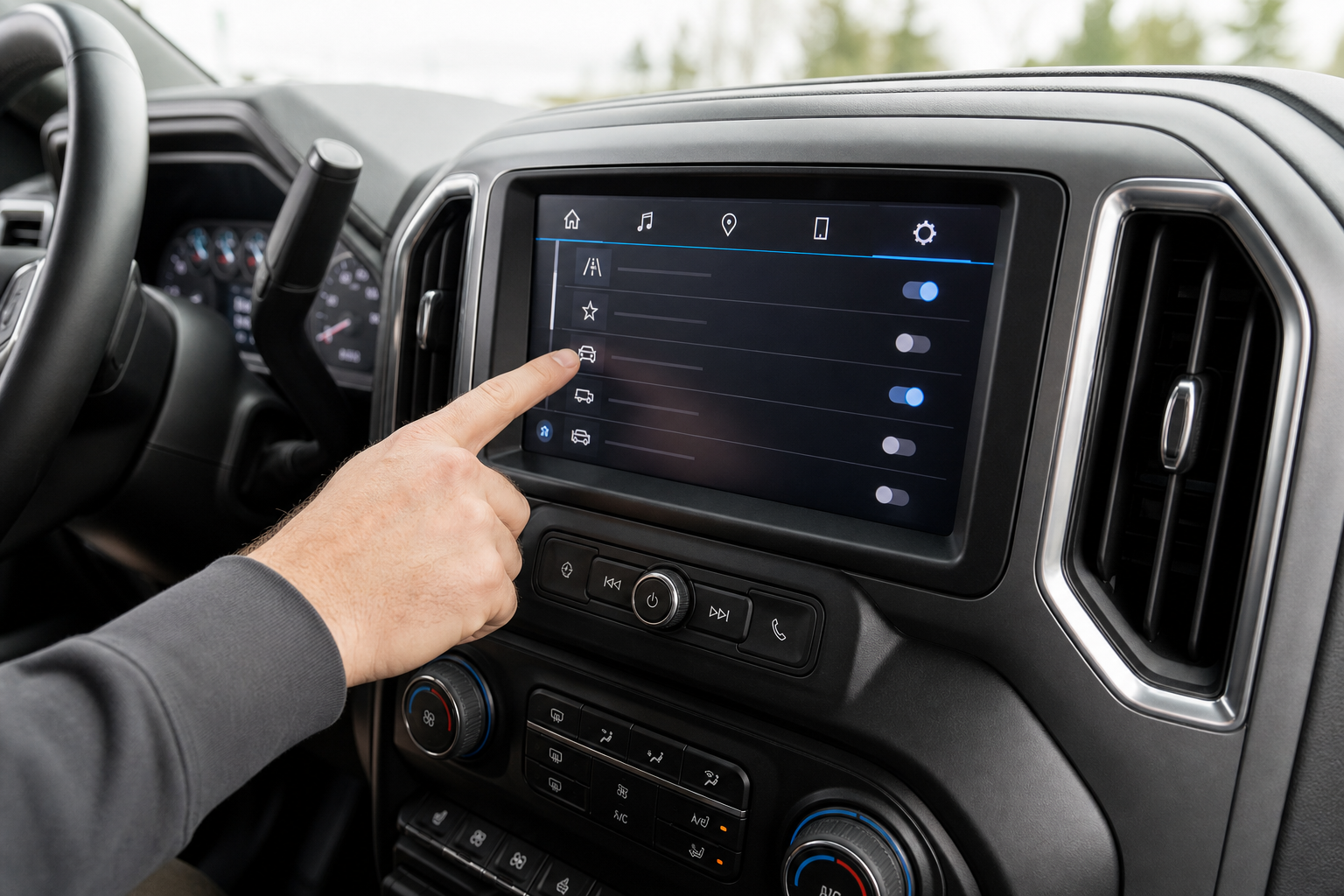
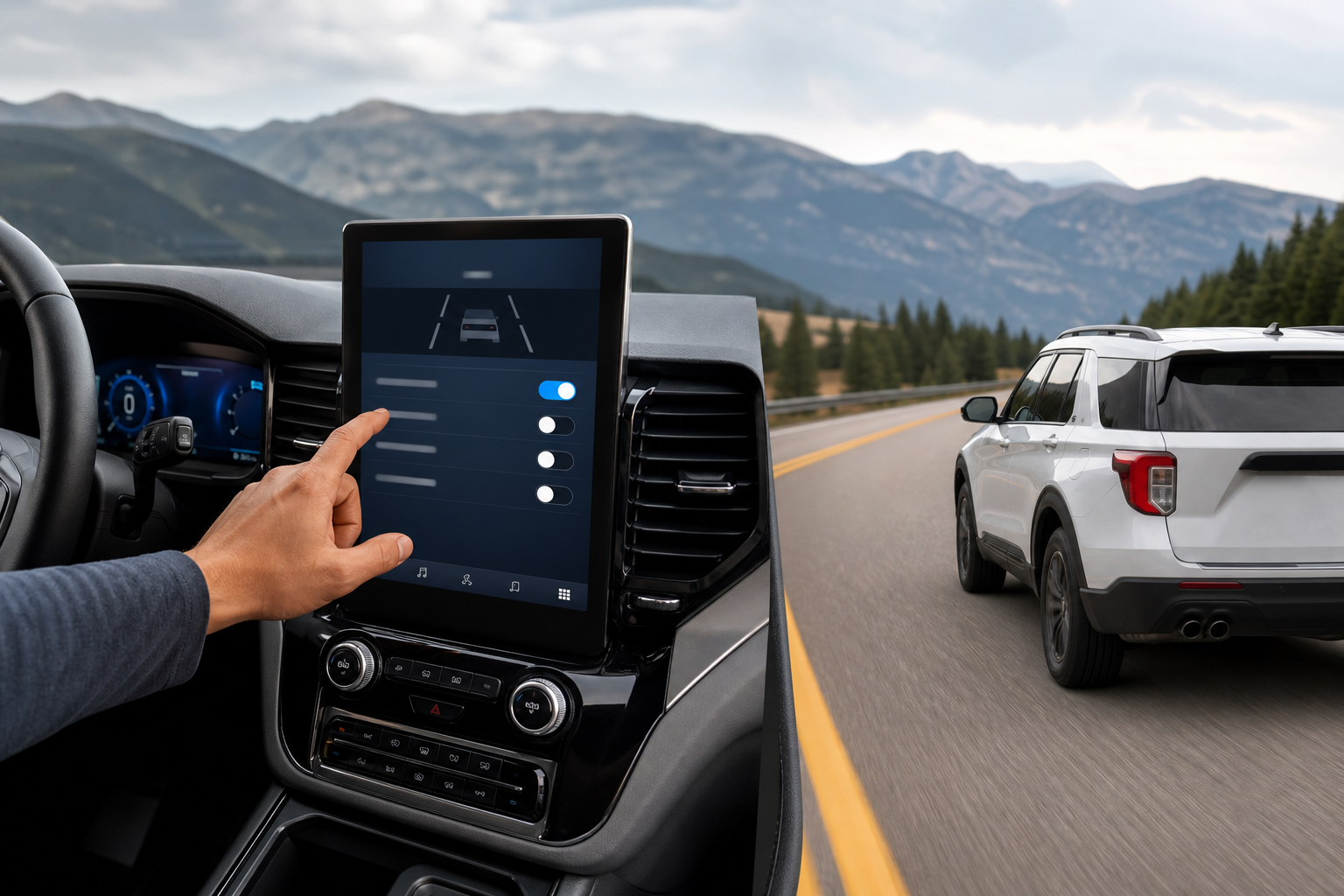
If your Silverado doesn’t have a dedicated button, or if you want more granular control, the settings menu on the infotainment screen gets you there.
- Tap the settings gear icon on the home screen.
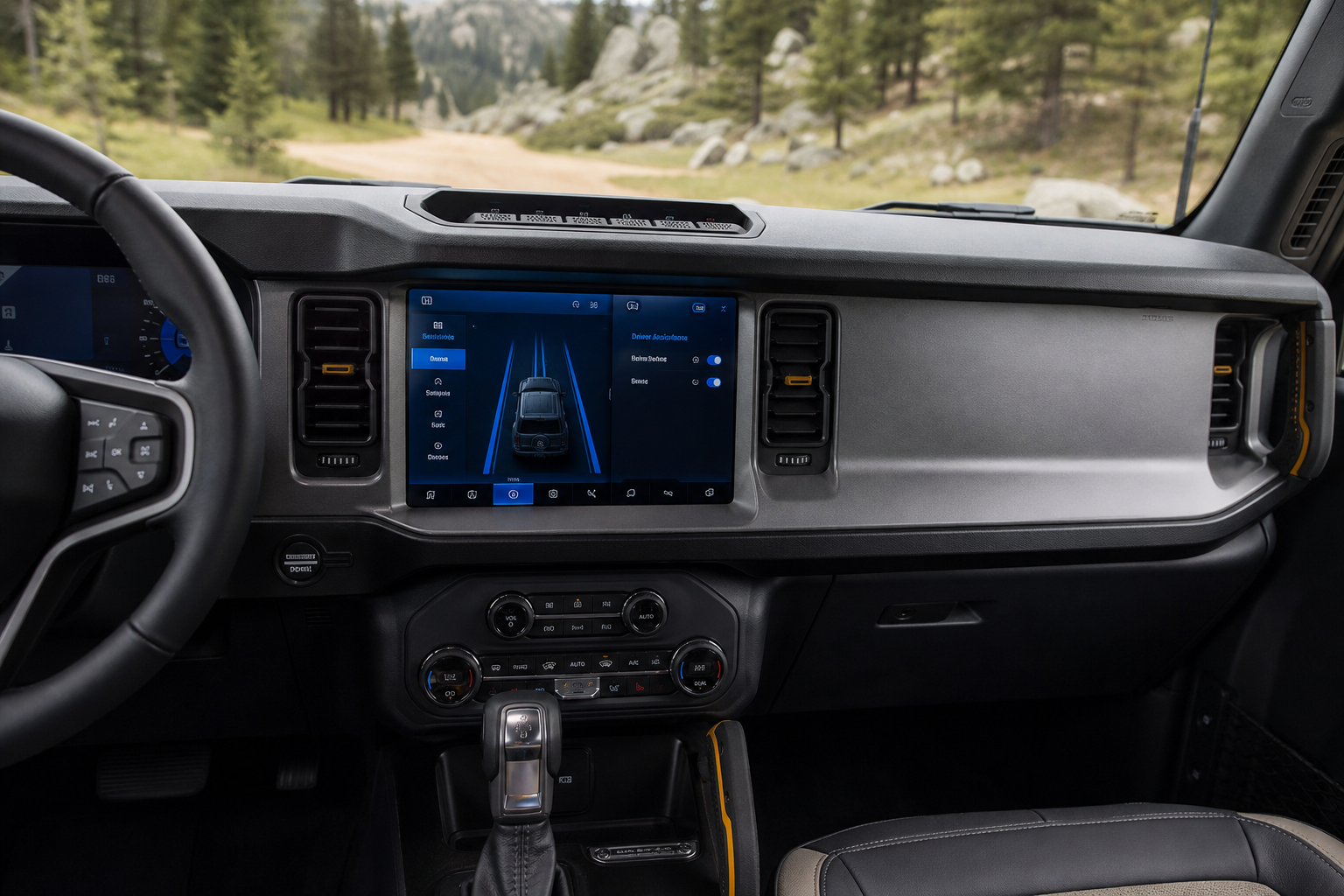
- Select Driver Assistance from the menu list.
- Find Lane Keep Assist and Lane Departure Warning listed as separate toggles.
- Switch off whichever one (or both) you want disabled.
This menu path is useful if you only want to kill the steering intervention but keep the audible or haptic warning active, since the touchscreen lets you split the two functions apart in a way the steering wheel button doesn’t.
Lane Departure Warning vs. Lane Keep Assist: They’re Not the Same Thing
A lot of Silverado owners assume this is one feature, but it’s actually two distinct systems working together, and understanding the difference changes how you’ll want to configure it.
Lane Departure Warning (LDW) is passive. It uses a forward-facing camera to watch the lane markings, and if you drift without signaling, it gives you a seat vibration, a chime, or a flashing icon. It doesn’t touch the steering wheel at all.
Lane Keep Assist (LKA) is active. When it detects you drifting toward a lane line, it applies gentle steering torque to nudge the truck back toward center. This is the part that feels like the wheel is fighting you, especially on winding roads or when you’re intentionally riding close to a shoulder to avoid an obstacle.
If you only find the steering correction annoying but like having the warning as a safety net, use the touchscreen menu to switch off just the Lane Keep Assist half and leave Lane Departure Warning running. That combination gives you a heads-up without the truck trying to drive for you.
Does It Stay Off After You Restart the Truck?
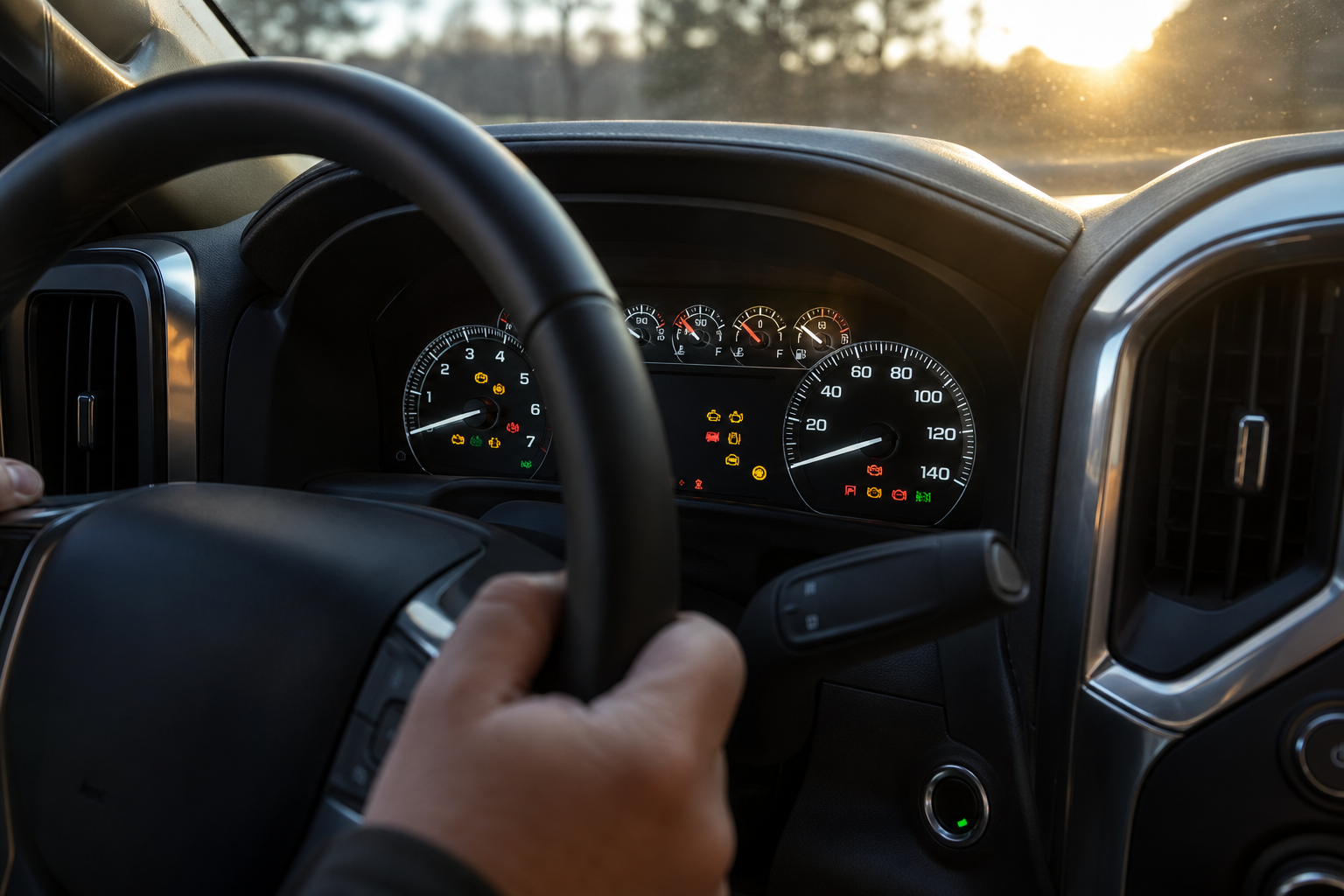
This is where a lot of owners get frustrated, and the answer isn’t great news. On the Silverado 1500 across the 2019 through 2024 model years, Lane Keep Assist and Lane Departure Warning reset to on every time you start the truck. GM does not currently offer a persistent-off setting for this feature the way some automakers do for adjacent systems.
That means if you turn it off before your commute today, it’ll be back on tomorrow morning without you doing anything. This has been consistent behavior through multiple model year refreshes and software updates, and there’s no hidden menu setting or dealer trick that makes it stick permanently on factory software.
If you drive a Silverado daily and find the system intrusive, the realistic routine is pressing that steering wheel button every time you start the truck. It takes about a second, and most owners fold it into their normal startup habit right alongside adjusting the mirrors or checking the heads-up display settings if they’ve got that option configured.
The Fastest Way to Turn It Off Every Drive
Since there’s no permanent fix built into the truck’s software, your best move is speed and consistency. Use the physical steering wheel or dash button rather than the touchscreen menu every single time. It’s a one-press action that kills both the warning and the steering correction simultaneously, and it takes less time than waiting for the touchscreen to load the Driver Assistance page.
If you specifically want to keep the warning chime active while ditching the steering nudge, that’s the one case where the touchscreen menu is worth the extra few seconds, since it’s the only way to separate the two functions.
Owners who’ve had electrical gremlins on other systems know how frustrating a setting that won’t stick can be. If you’re also chasing down unrelated electrical quirks, like a battery that won’t hold a charge overnight, that’s a completely separate issue worth checking out in our guide on why a car battery dies overnight even with a good alternator.
Frequently Asked Questions
Can I disable Lane Keep Assist permanently through a dealer or a software update?
No. As of the current production software across 2019-2024 Silverado 1500 model years, GM has not released a dealer setting or update that makes the off state persistent. It resets on every ignition cycle by design.
Will turning off Lane Keep Assist also disable Forward Collision Alert or Automatic Emergency Braking?
No. These are separate systems with their own toggles under the Driver Assistance menu. Turning off lane assist has no effect on your collision warning or automatic braking features, so you’re not losing that layer of protection when you switch this one off.
Why does my Silverado sometimes not detect lane markings at all?
The system relies on a forward camera reading painted lane lines, so faded paint, heavy rain, snow-covered roads, or construction zones with temporary markings can all cause it to disengage or fail to activate. This isn’t a malfunction, it’s the camera simply not having a clear line to track, and the system will typically resume working once conditions improve.
Leave a Reply