
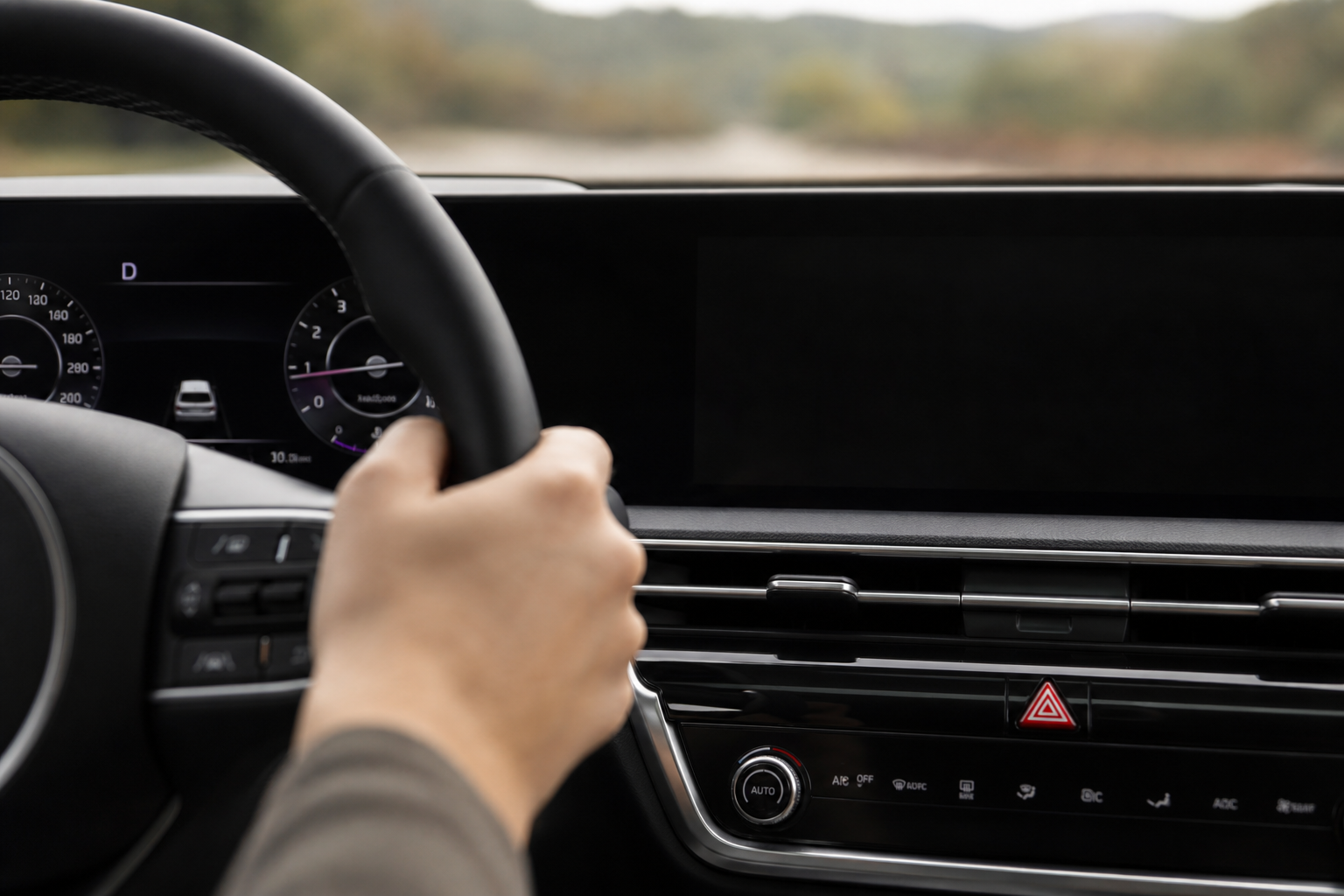
If you’ve ever been cruising down the highway in your Telluride and suddenly got a chime paired with a little coffee cup icon telling you to “Consider Taking a Break,” you already know exactly what Driver Attention Warning is. It’s Kia’s way of nudging you when it thinks your driving pattern looks like fatigue or distraction, and for a lot of owners, it shows up at the worst possible moments, like on a long straight stretch of interstate where your steering naturally gets a little less twitchy.
Before you go digging through menus, it helps to actually see the system in action and understand what Kia intends it to do. This video walks through the alert and where the controls live on the touchscreen:
How Driver Attention Warning Actually Works

Driver Attention Warning, or DAW, is part of the Telluride’s Highway Driving Assist and Forward Collision-Avoidance safety suite. It doesn’t watch your eyes or your face like some newer camera-based systems. Instead, it tracks steering wheel inputs, lane position, and how long you’ve been driving, then compares your current pattern against your own driving behavior from earlier in the trip.
When it detects a shift, drifting slightly within your lane, less frequent steering corrections, or long stretches without any input, it flags it as possible drowsiness. That’s when you get the audible chime and the “Consider Taking a Break” message on the cluster display, sometimes with a suggestion to find the nearest rest stop.
It’s a reasonable system in concept, but it’s known for false positives on long, boring highway drives where smooth steering is actually a sign of good driving, not fatigue. That’s the main reason so many Telluride owners go looking for a way to quiet it down.
Where the Settings Live
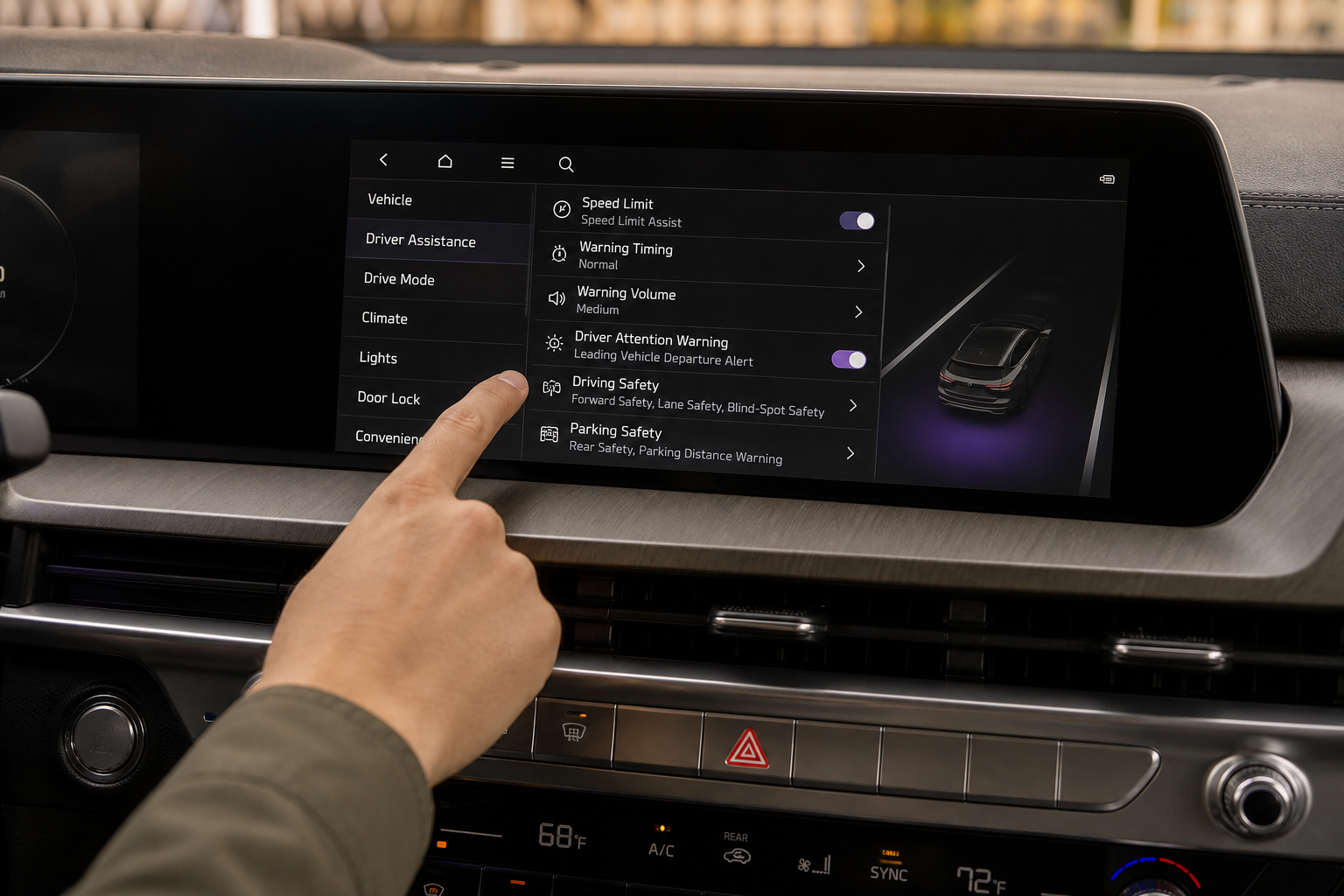
On most Telluride model years (2020 through the current redesign), you’ll find the controls through the center touchscreen rather than the steering wheel buttons. Head to Settings, then Vehicle, then look for Driver Assistance or a similarly labeled safety menu. From there you should see an entry for Driver Attention Warning.
Kia has shuffled menu labels a bit across model years and trims, so on some Tellurides you might see it grouped under “Safety” instead of “Driver Assistance.” If you can’t find it right away, check your owner’s manual for your specific model year, since Kia doesn’t always keep menu naming consistent between the pre-refresh and 2023-plus redesigned Telluride.
What You Can Actually Turn Off
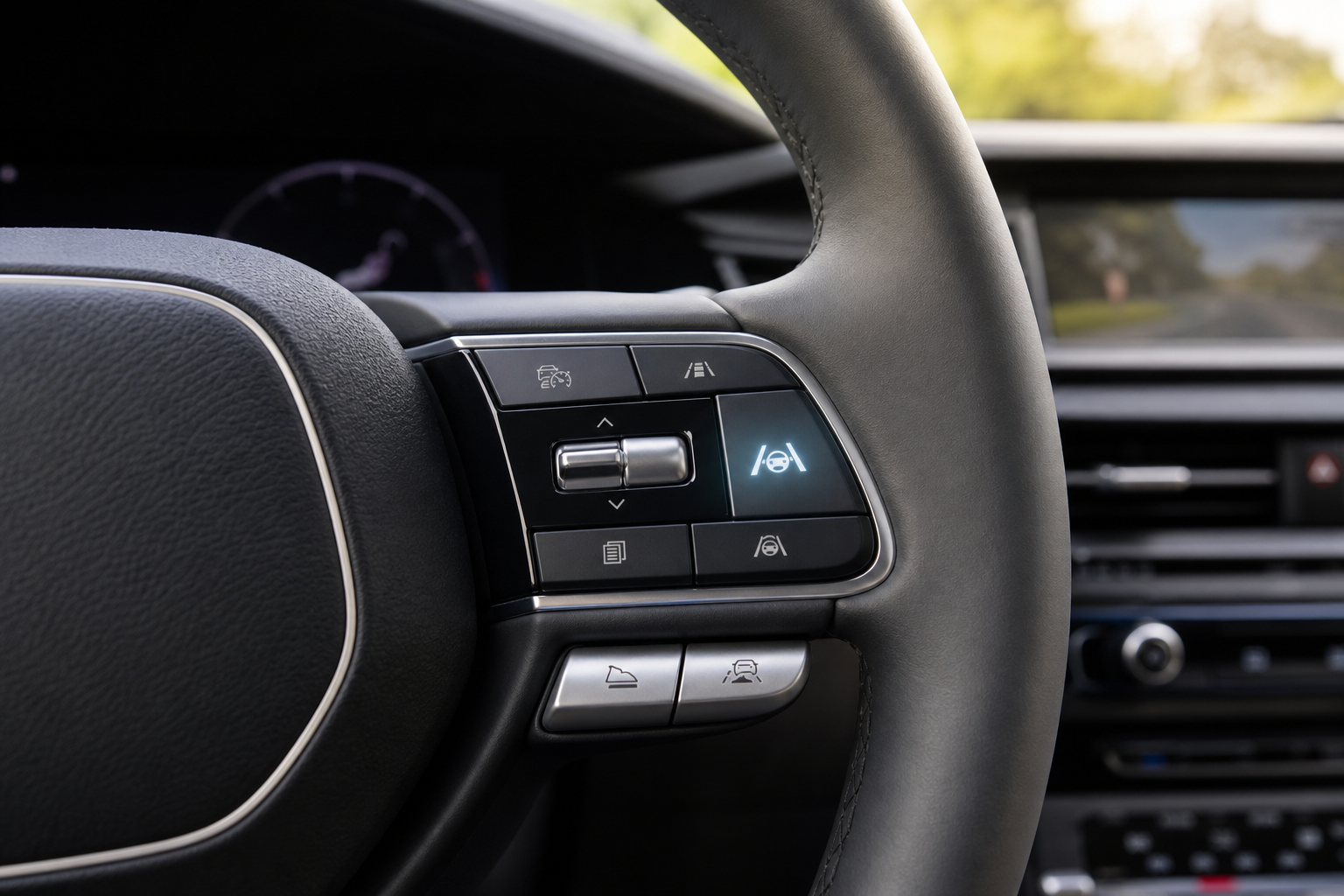
This is where it’s important to be precise, because there’s a real difference between muting an alert, adjusting how sensitive it is, and permanently disabling the underlying system.
- Temporary mute: On many trims, you can toggle the alert off from the menu for your current drive cycle. This stops the chime and pop-up message right away.
- Sensitivity adjustment: Some model years offer a setting to change how aggressively the system flags fatigue, sometimes labeled Normal versus a more relaxed option. This won’t eliminate the warning but can cut down on false alarms.
- Persistent off: This is the setting owners really want, one that stays off after you shut the car off and restart it. Kia has not consistently confirmed that DAW stays disabled across ignition cycles on every Telluride model year. On many vehicles in Kia’s lineup, driver assistance alerts reset to their factory default (on) each time you start the car, similar to lane keep assist and other ADAS features.
Because this behavior varies by model year and even by software update, don’t assume your Telluride will keep the setting off permanently just because you turned it off once. Check the setting each time you start a drive if you’re trying to keep it disabled, and don’t rely on a one-time toggle to solve it for good.
If you’re already spending time in the Telluride’s settings menus, it’s worth also checking out how the ventilated and heated seats are controlled, since a lot of owners don’t realize how many of these comfort and safety features share the same touchscreen paths.
A Note on Kia’s Broader ADAS Reliability
Driver assistance systems across the industry have had their share of hiccups, and Kia is no exception. If you keep an eye on recall news, you may have seen Kia mentioned alongside other automakers for safety-related issues in this recent recall roundup. It’s a good reminder to keep your Telluride’s software updated, since Kia does occasionally push fixes that change how sensitive DAW and similar features behave.
For comparison, other automakers handle similar fatigue and attention alerts differently. Hyundai’s Rear Occupant Alert system uses a different kind of sensor-based logic, and Toyota’s pre-collision and pedestrian detection setup on the Corolla takes a more camera-heavy approach. None of them are perfect, but it helps to know your Telluride isn’t unique in generating occasional false alerts.
Frequently Asked Questions
Can I permanently turn off Driver Attention Warning on the Kia Telluride?
Not reliably, based on current information across Telluride model years. You can typically mute the alert or adjust its sensitivity for your current drive, but many Kia vehicles reset driver assistance settings back to default each time you start the engine. Always check your specific model year’s owner’s manual, since Kia has made small changes to this behavior over recent updates.
Why does the “Consider Taking a Break” warning pop up even when I’m not tired?
The system judges fatigue based on steering patterns and driving consistency, not your actual alertness. Long highway drives with smooth, minimal steering corrections often trigger it because the system reads that as a sign you’re checked out, even if you’re wide awake and just driving well on an empty road.


Leave a Reply