
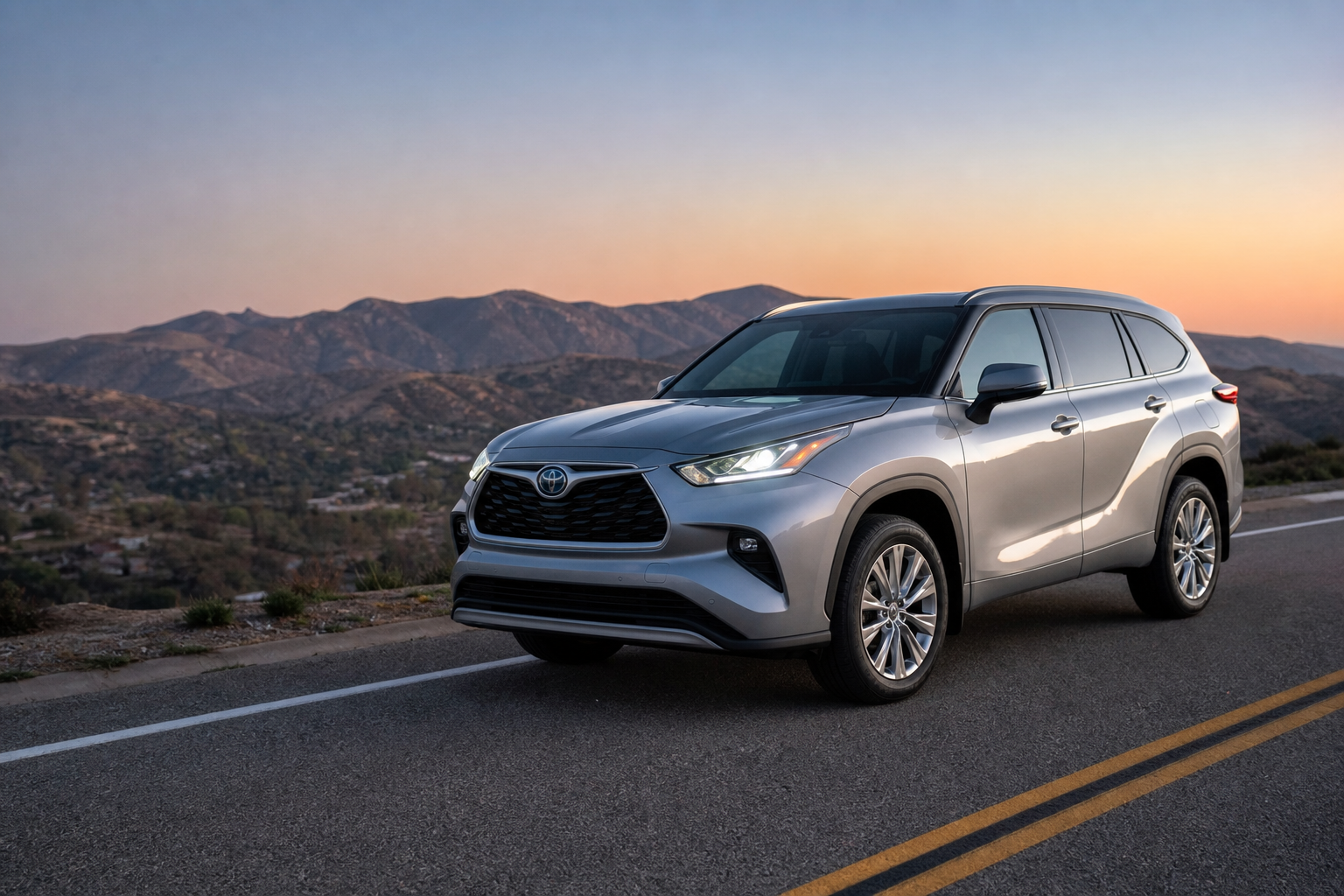
If your Toyota Highlander keeps flipping its high beams on and off every time another car appears on the road, you’re not imagining things. That’s the Automatic High Beam system doing its job, and while it’s a genuinely useful feature on dark rural roads, plenty of drivers find it fussy, laggy, or just plain annoying in stop-and-go traffic or on well-lit streets. The good news is you don’t have to live with it. You can turn off the automatic behavior entirely and still flip your high beams on and off manually whenever you want.
Automatic High Beams vs. Automatic Headlights
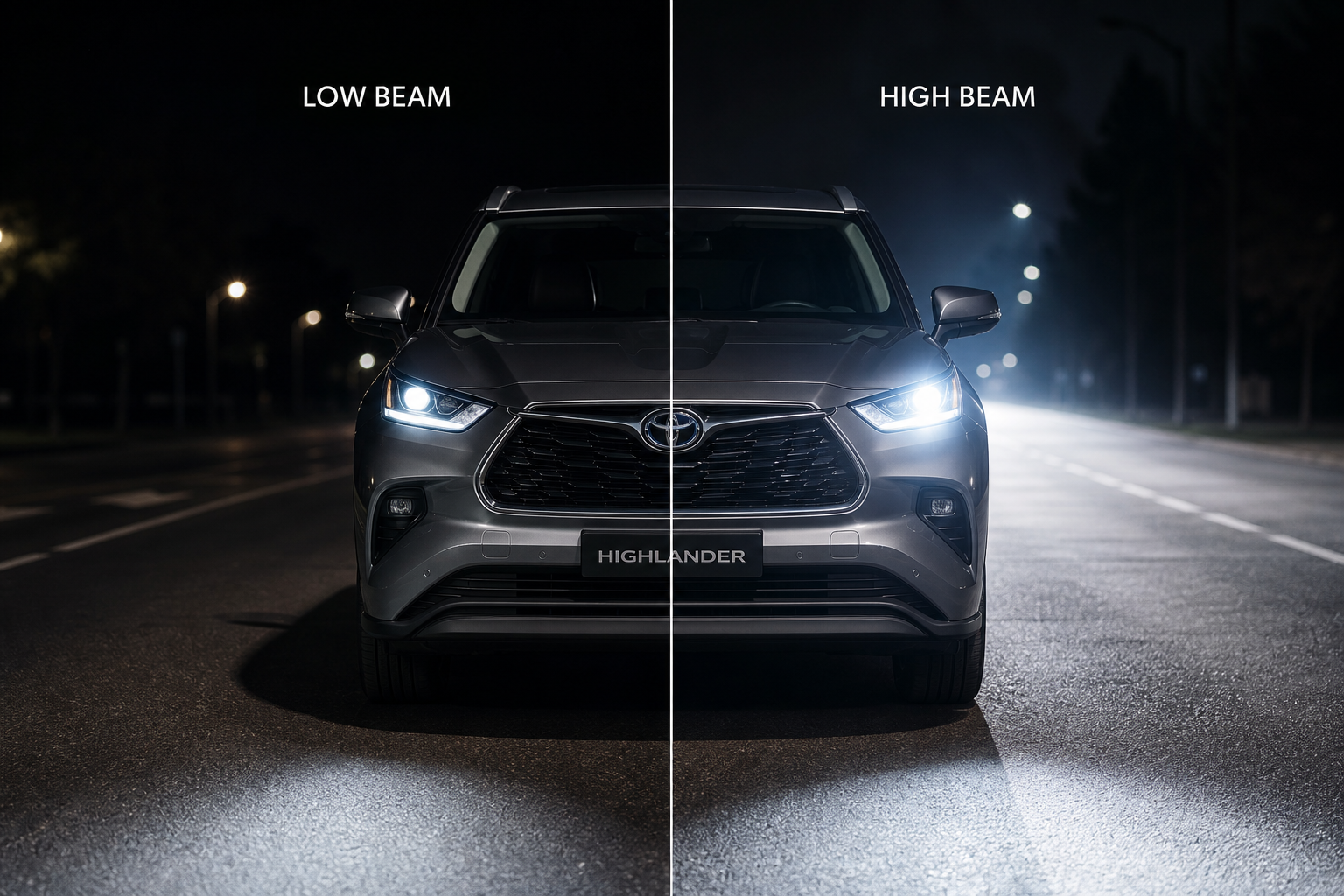
Before you go hunting through menus, it helps to know these are two completely different systems, even though Toyota’s naming makes it easy to mix them up.
Automatic Headlights use a light sensor to decide when your headlights should turn on and off based on ambient light, like at dusk or when you drive into a parking garage. This is controlled by the rotary dial on the dashboard, and turning it to the “AUTO” position is what activates it.
Automatic High Beam (AHB) is a completely separate system built into Toyota Safety Sense. It uses a forward-facing camera mounted near the rearview mirror to detect oncoming headlights or the taillights of a car ahead, then switches between high and low beams for you. This is the feature most owners want to disable, and it’s the one this guide focuses on.
If you’re curious how Toyota Safety Sense handles other detection tasks, the pre-collision system on the Corolla works off a similar camera and radar setup, and it’s a good example of how much these driver assist features rely on that forward camera.
How to Turn Off Automatic High Beams on the Highlander
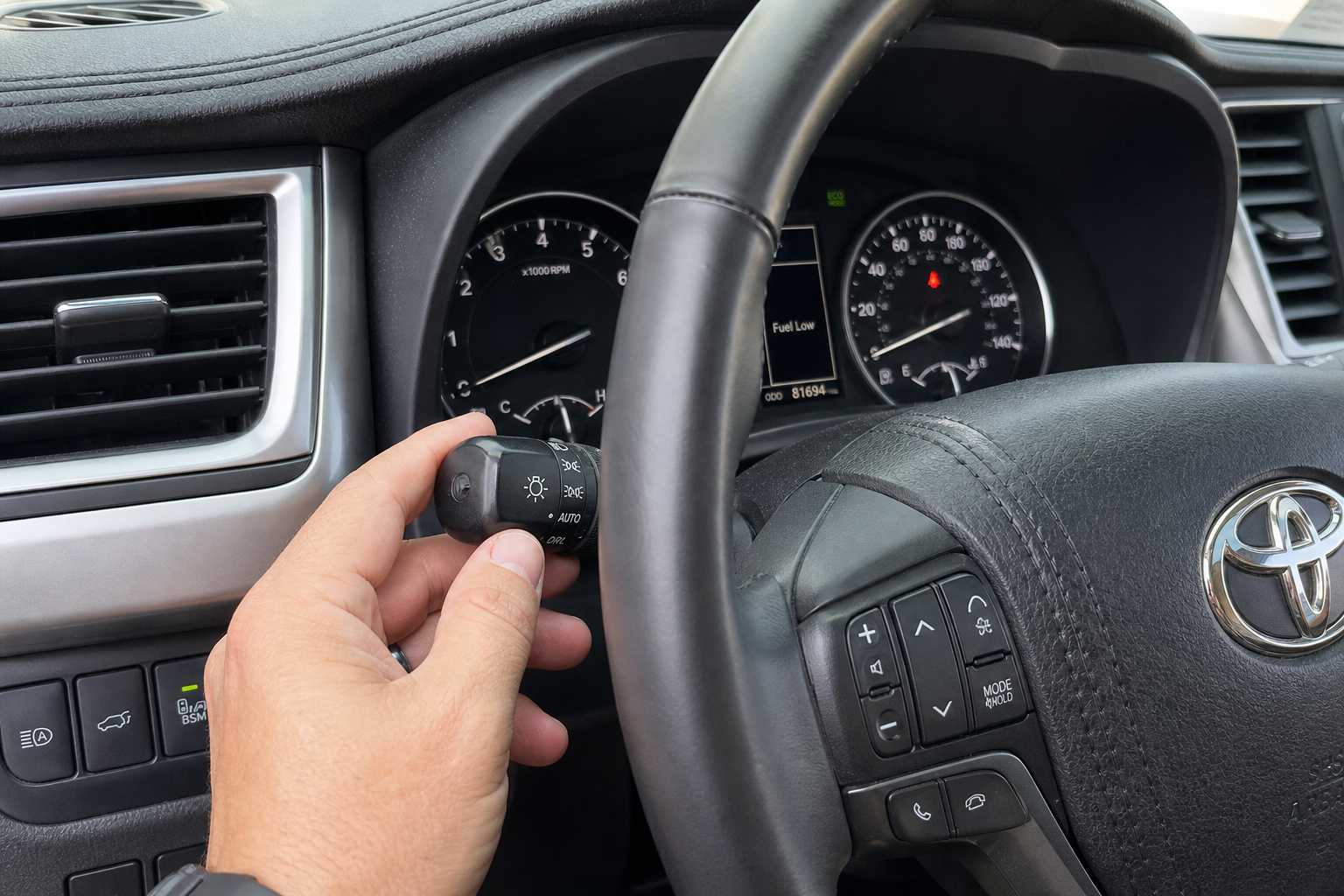
The exact method depends on your model year, since Toyota changed how this control is accessed as the Highlander moved through generations. Check your owner’s manual for your specific trim, since some lower trims skip certain menu options entirely.
2014 to 2019 Highlander (XU50 Generation)
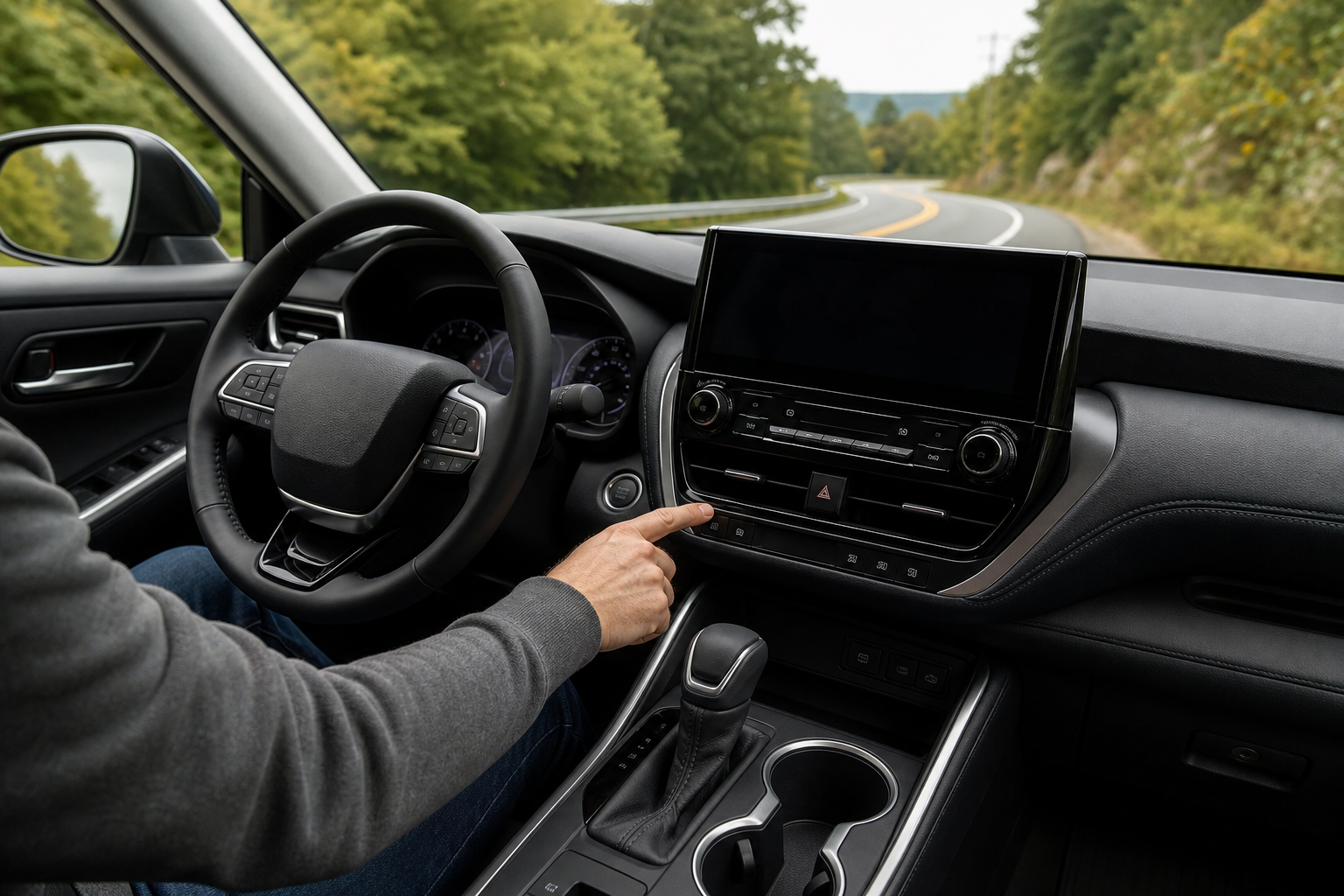
On these earlier models with Toyota Safety Sense-P, there’s usually a physical button on the dashboard to the left of the steering wheel, near the headlight switch. It’s marked with a high beam icon and the letters “AUTO.” Press it once to disable the automatic switching. Press it again to turn it back on. There’s no menu diving required here, which honestly makes this the easiest generation to work with if this is the one feature that bugs you.
2020 to 2023 Highlander (XU70 Generation)
Toyota moved this control into the digital settings on this generation. Use the steering wheel buttons to open the Multi-Information Display (MID) menu, then navigate to Settings, then Driving Support or Vehicle Settings, depending on your software version. Look for Automatic High Beam and toggle it off. It’s a couple extra steps compared to a dedicated button, but it only takes a few seconds once you know where to look.
2024 and Newer Highlander (Facelifted XU70)
Later models running Toyota Safety Sense 2.5 keep the same general menu structure, but the labeling sometimes shifts under a broader “Driving Assist” or “Safety” category in the settings screen. The toggle itself works the same way. If you’re not seeing it where you expect, check under any submenu labeled “Lighting” first.
If you own a Highlander Hybrid and you’re already digging through vehicle settings, it’s worth taking a look at how the predictive efficient drive feature works too, since it lives in a similar area of the menu and can genuinely improve your real-world fuel economy.
What Happens to Manual High Beam Control
Turning off AHB does not disable your high beams. It only stops the vehicle from switching between high and low beams on its own. Your turn signal stalk still works exactly the way it always has.
Pull the stalk toward you to turn on your high beams manually. Push it back to return to low beams. Flick it forward briefly for a quick high-beam flash to signal another driver, which still works with AHB either on or off. Basically, disabling the automatic system just puts you back in full control, the same way high beams worked on cars for decades before cameras got involved.
Indicator Light Behavior
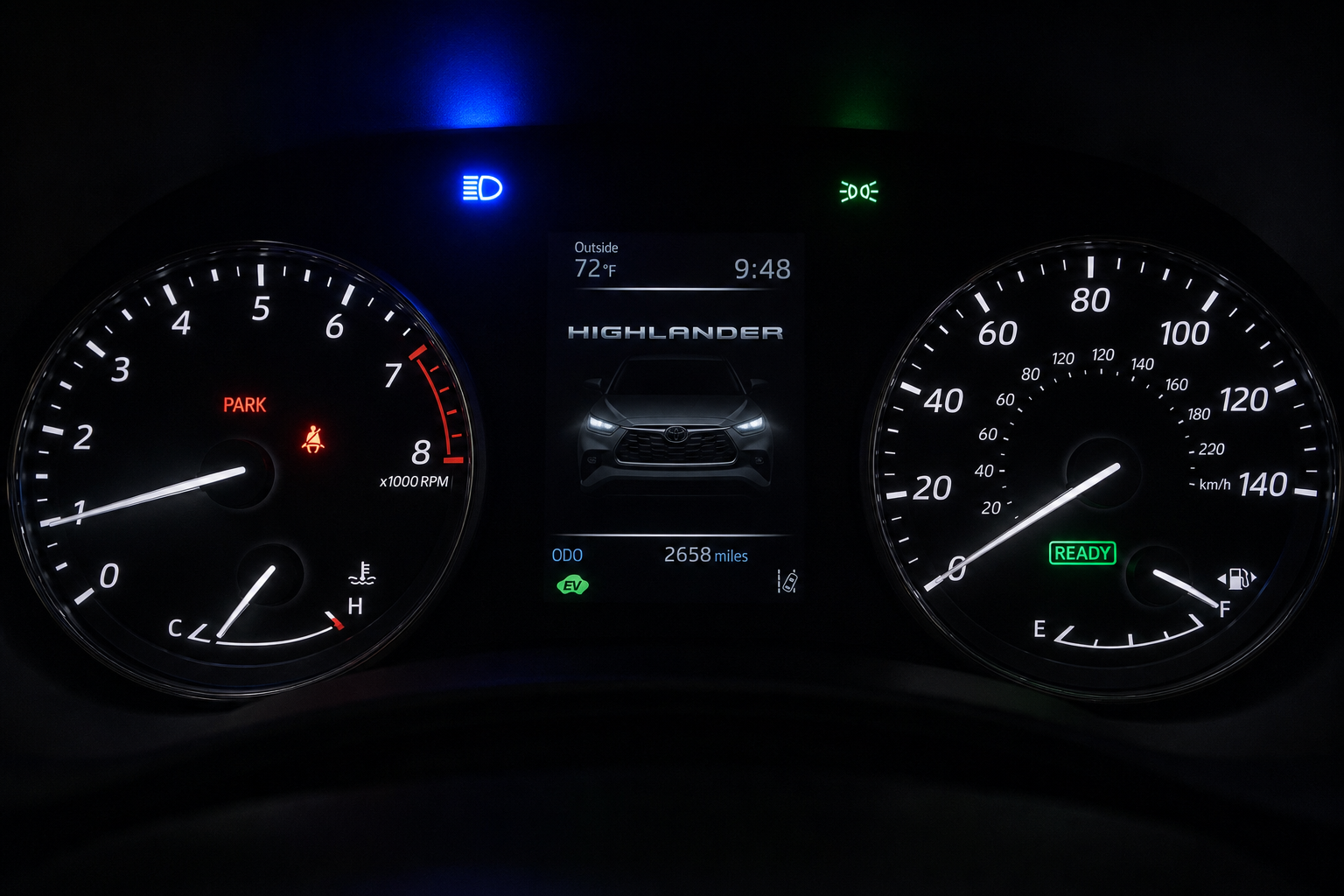
Your instrument cluster gives you a clear signal of what mode you’re in, which is handy for confirming the change actually took.
- When AHB is active and armed, you’ll see a small icon showing headlight beams with the word “AUTO” next to it.
- When AHB actually switches to high beams on its own, the regular blue high beam indicator (the one that looks like a headlight with horizontal lines) lights up, just like it would if you’d flipped the stalk yourself.
- Once you disable AHB through the button or settings menu, that “AUTO” icon disappears from the cluster entirely.
- The blue high beam indicator will still light up whenever you manually turn on your high beams, confirming they’re working normally.
If you ever glance at your dash and the blue high beam icon is on but you didn’t touch the stalk, that’s AHB working as intended, not a malfunction. If it never turns on even in a dark area with no traffic, double check that you haven’t accidentally left AHB disabled from a previous drive.
A Few Practical Tips
A lot of Highlander owners disable AHB specifically for city driving or areas with a lot of streetlights, since the camera sometimes reacts to reflections or bright storefronts as if they were oncoming headlights. Then they re-enable it for long highway trips where it genuinely earns its keep.
Since the toggle only takes a few seconds either way, there’s no reason to leave it stuck in one mode. Get comfortable finding the setting on your specific model year and switch it based on where you’re actually driving that day.
If your Highlander is due for other routine electronics checks, it’s a good time to glance at your tire pressure system too. The process for Toyota’s TPMS reset on the Camry is nearly identical across the Highlander lineup and worth bookmarking if you rotate your own tires.
Frequently Asked Questions
Does turning off Automatic High Beam affect my Automatic Headlights?
No. These are separate systems. Disabling AHB only stops the camera-based high/low beam switching. Your headlights will still turn on and off automatically if your headlight dial is set to “AUTO.”
Will my Highlander remember that I turned off AHB after I restart the car?
On most model years, yes, the setting persists between drives. Some software versions reset AHB to “on” after every ignition cycle though, so if you notice it’s back on the next time you start the car, that’s a known quirk rather than something broken.
Why does my Automatic High Beam not seem to work at all?
AHB typically needs a minimum speed, usually around 25 mph, and enough ambient darkness to activate. It also requires a clean windshield near the camera housing, since dirt, fog, or a cracked windshield can block the sensor and disable the feature automatically until it’s fixed.


Leave a Reply