
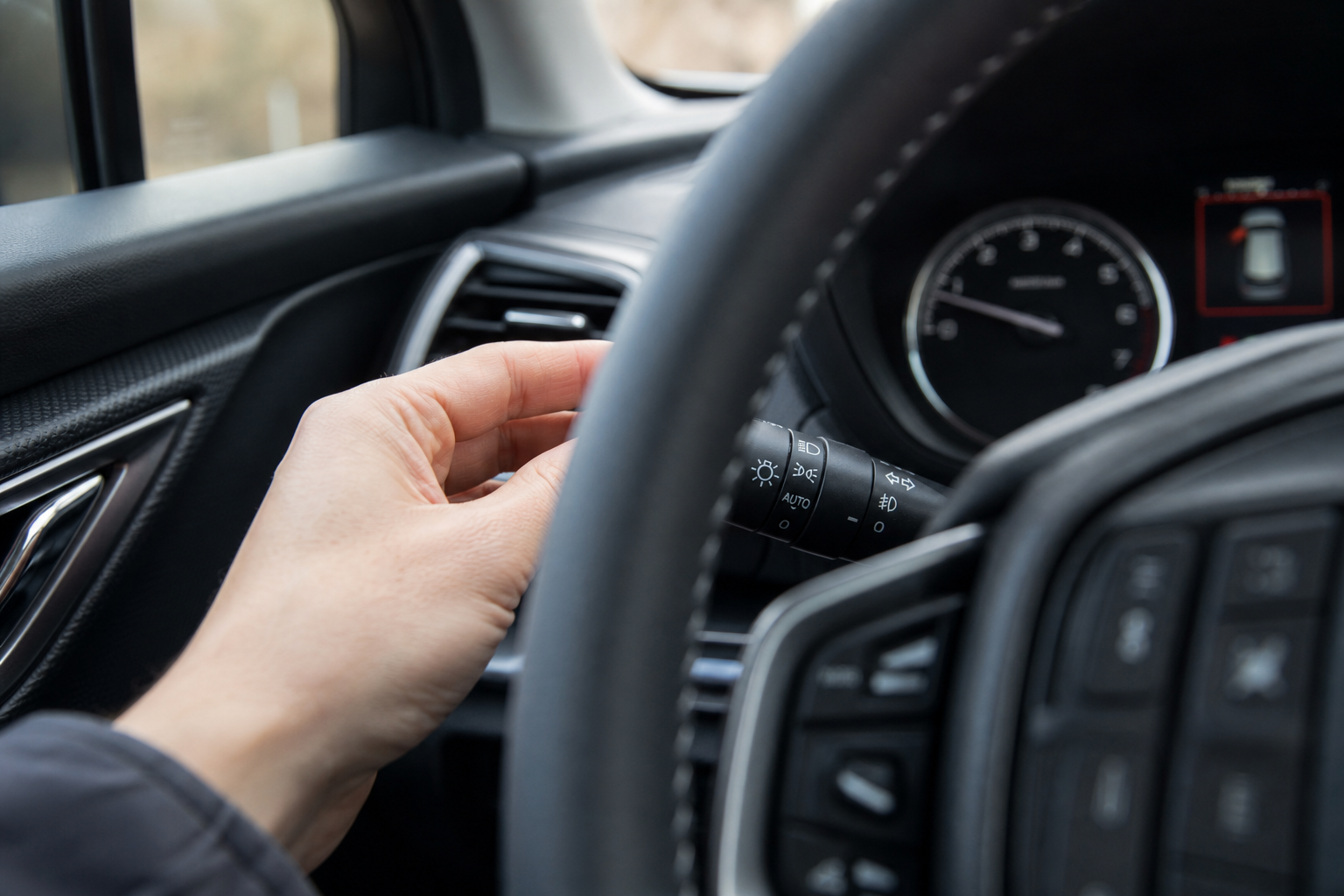
If your Forester keeps flicking its high beams on and off every time a car passes on a dark road, you’re not imagining things and you’re not stuck with it. Subaru’s Automatic High Beam Assist is a genuinely useful feature on open highways, but it can be twitchy in stop-and-go traffic, on winding backroads, or in areas with a lot of reflective signage. The good part is you can shut off the automatic function without losing your normal manual high beams entirely.
Auto High Beam Assist vs. Fully Automatic Headlights
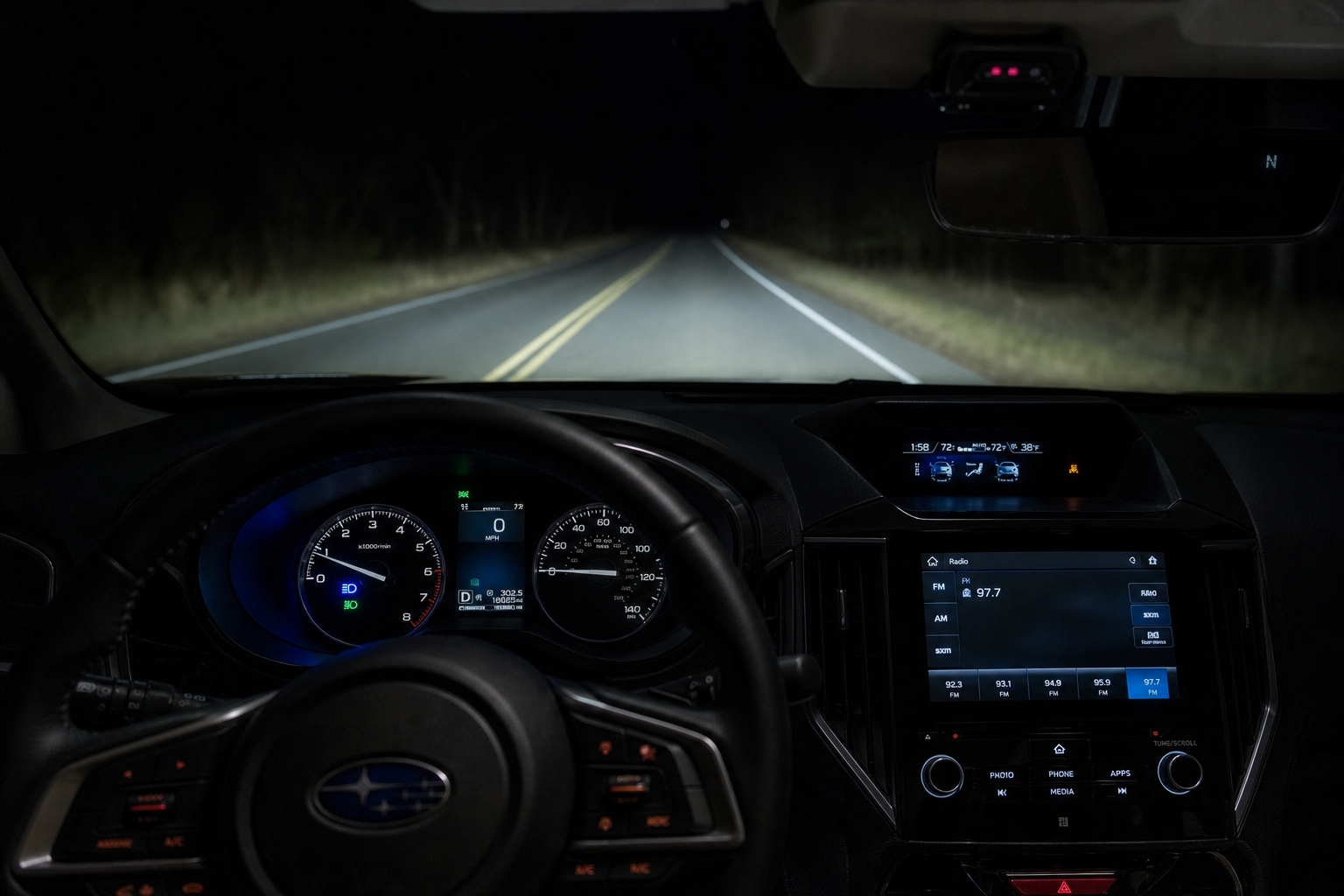
Before you start flipping switches, it helps to know what you’re actually dealing with. Subaru builds two separate light-related systems into most Foresters, and people often mix them up.
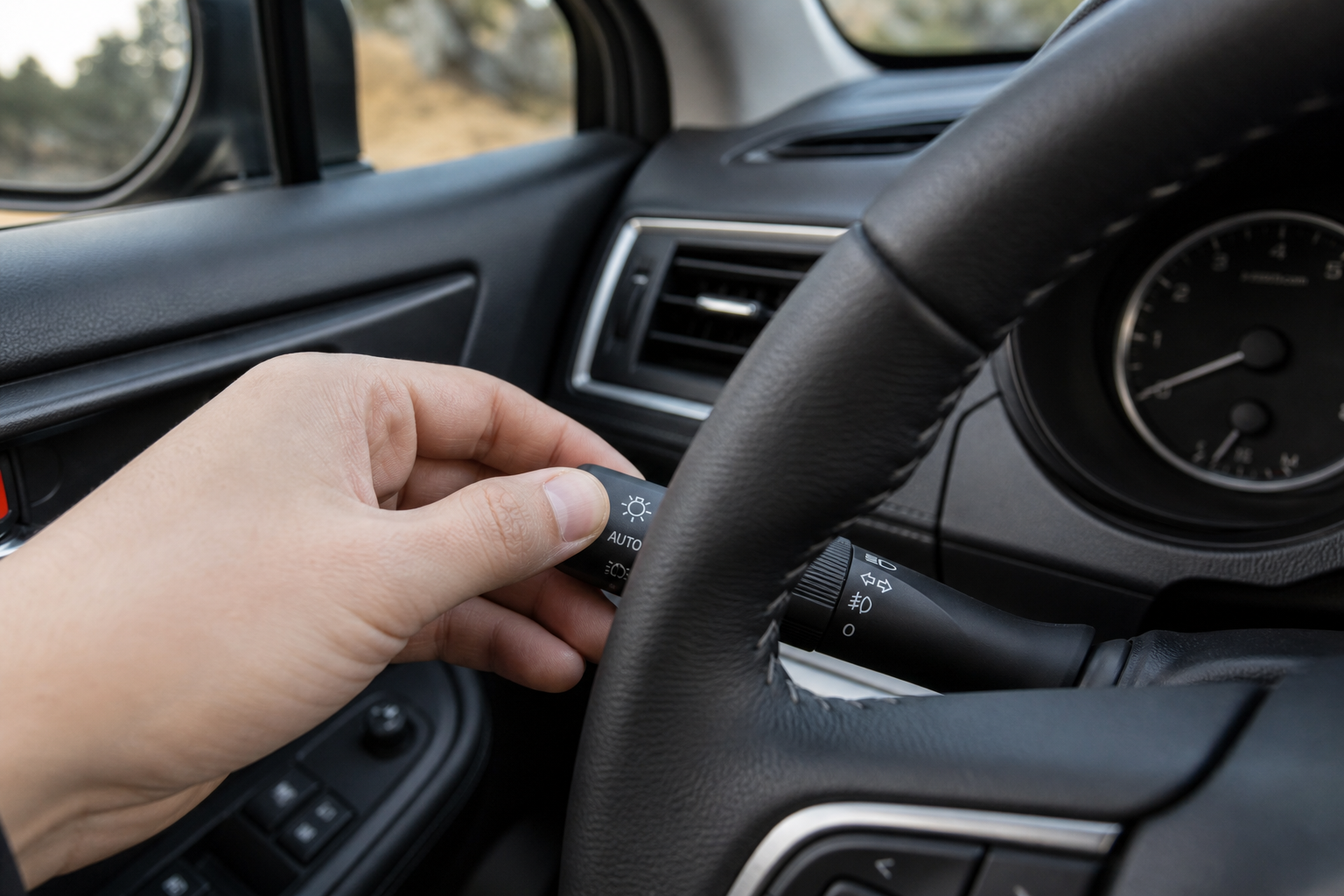
Automatic Headlights use a light sensor to turn your low beams on and off based on ambient brightness, like when you drive into a tunnel or a parking garage at dusk. This is the “AUTO” position on the headlight knob, and it has nothing to do with high beams.
Automatic High Beam Assist is part of the EyeSight suite. It uses the windshield-mounted stereo camera to detect oncoming headlights and taillights, then automatically switches between high and low beams for you. This is the feature that most owners want to turn off, since it relies on the EyeSight camera and is tied more closely to Subaru’s driver-assist tech, similar in spirit to how the Intersection Turning Assist system on the Outback leans on cameras and sensors to make decisions for you.
Turning off Auto High Beam Assist won’t affect your automatic headlights, and it won’t disable manual high beams. You’ll still flick the stalk forward to flash or hold it for manual high beams, just like in any other car.
How to Turn Off Automatic High Beams on the Forester
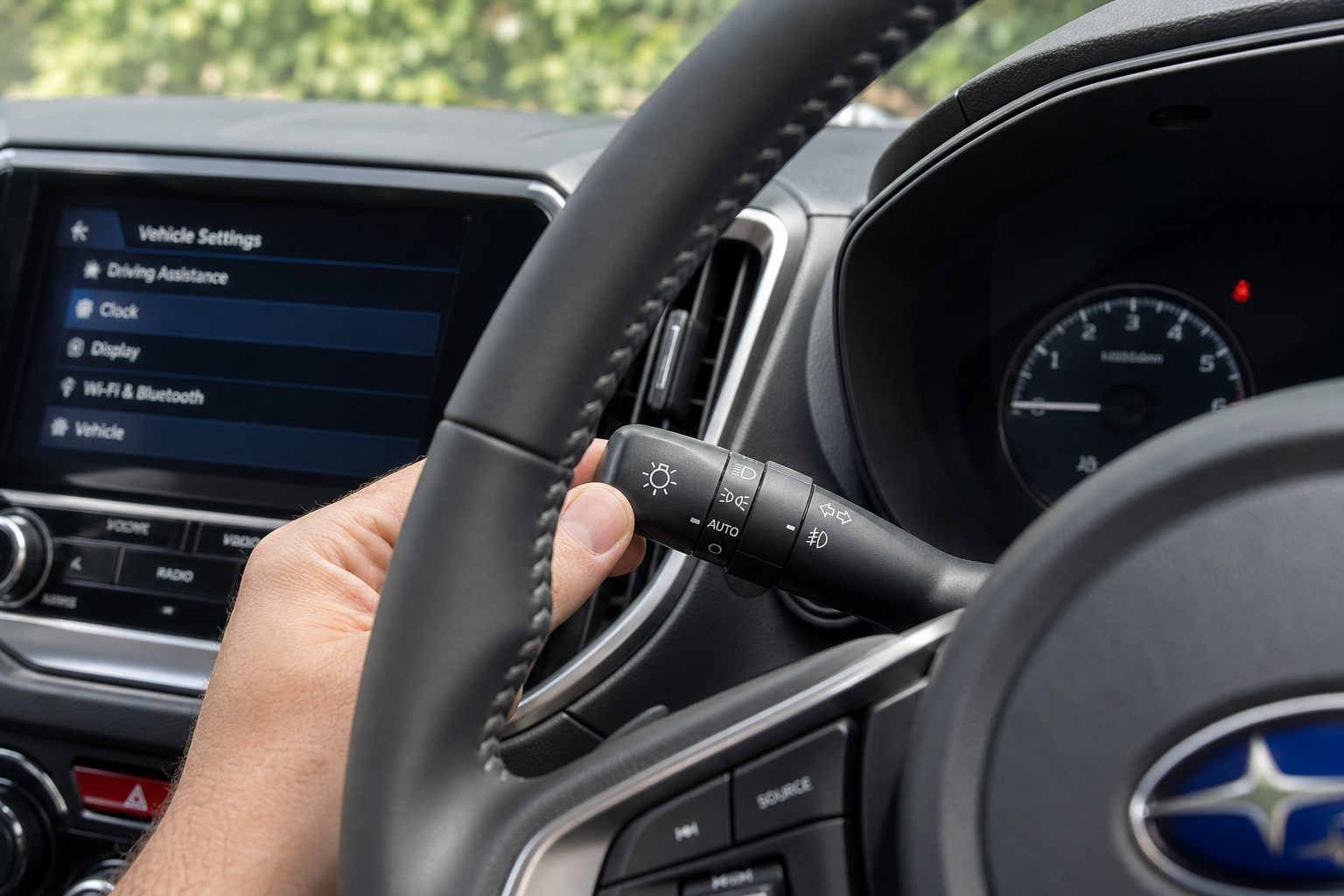
On most Forester model years with EyeSight (roughly 2016 through current models), the toggle lives right on the turn signal stalk, not buried in a menu. Here’s the process:
- Start the car and make sure EyeSight is active (you’ll usually see the EyeSight indicator light up on startup).
- Pull the turn signal stalk toward you slightly, past the momentary flash-to-pass point, until you feel it click into place. This engages Auto High Beam Assist, and you’ll see an indicator on the instrument cluster, typically labeled something like “AUTO” next to a high-beam icon, or a distinct high-beam symbol with a small “A.”
- To turn it off, pull the stalk toward you again the same way. It will click back out of the auto position, and that dashboard indicator will disappear.
Once it’s off, your high beams go back to fully manual control. Push the stalk forward for a momentary flash, or push and hold it forward until it locks for standard high beams. Nothing about that manual function changes.
On newer Forester models with the larger touchscreen and updated instrument cluster (2022 and later), some trims also let you check or adjust EyeSight-related settings through the Multi-Function Display using the steering wheel arrows. Scroll to the vehicle settings or EyeSight menu and look for a high beam assist toggle there. It’s a secondary way to confirm the feature’s status, but the stalk is still the quickest way to turn it on or off on the fly.
Model Year Differences to Know

Not every Forester has this feature, and the exact controls have shifted a bit over the generations.
- Pre-2016 Foresters (SJ generation, early years): Many of these don’t have EyeSight at all, or only have the basic version without Auto High Beam Assist. If your dash doesn’t show a high-beam auto indicator, you likely don’t have this feature to disable.
- 2016-2018 SJ Forester with EyeSight: Auto High Beam Assist is standard on EyeSight-equipped trims, controlled through the stalk as described above.
- 2019-2024 SK Forester: Same stalk-based control, though the dashboard indicator icon design changed slightly with the redesigned instrument cluster.
If you’re not sure which system your Forester has, check your owner’s manual under the EyeSight or lighting section. It’ll confirm whether Auto High Beam Assist is included on your trim and show you exactly what the dashboard indicator looks like on your specific model year.
Frequently Asked Questions
Will turning off Auto High Beam Assist disable EyeSight entirely?
No. Auto High Beam Assist is just one function within the EyeSight system. Turning it off leaves adaptive cruise control, pre-collision braking, and lane departure warnings fully active. You’re only disabling the camera’s control over your high beams.
Why does my Forester keep re-enabling automatic high beams after I turn it off?
On most Foresters, the setting doesn’t persist between drives unless your specific trim saves it through the vehicle settings menu. If you’re pulling the stalk to disable it but it’s back on next time you start the car, check the Multi-Function Display settings menu for a permanent toggle, since some model years reset to the last-used stalk position instead of remembering a saved preference.
Once you’ve got the auto function switched off, your Forester behaves exactly like any car with standard high beams. If you’re also digging into other Subaru convenience features, it’s worth checking out how the auto-dimming rearview mirror works on the Outback, since the logic behind it is similar to what’s happening with your headlights. And if you own an Outback alongside your Forester, our guide on resetting the TPMS light on Subaru Outback models covers another common Subaru dashboard quirk worth knowing.

Leave a Reply