
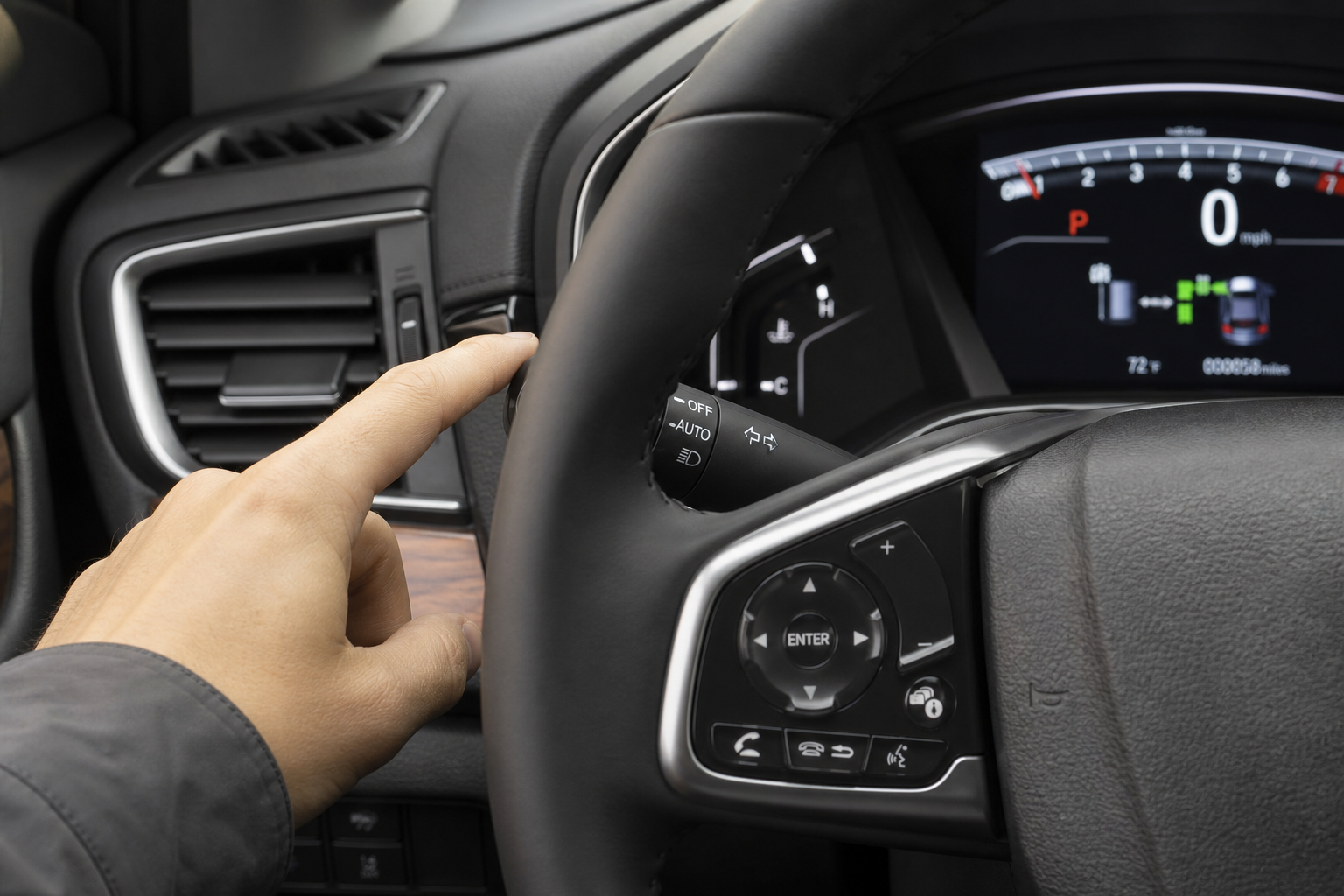
Your Honda Pilot’s automatic high beams are supposed to make night driving easier, but plenty of owners find them switching at the wrong moments, dimming too late for oncoming traffic or flickering on and off in stop-and-go city driving. If you’d rather take full manual control of your high beams while still keeping the option to use them normally, you’re not stuck with the system’s judgment. Honda gives you a simple way to turn off the automatic feature without losing high beam function altogether.
Automatic High Beams vs. Automatic Headlights: Know the Difference
Before you start hunting through menus, it helps to understand what you’re actually dealing with. The Honda Pilot has two separate automatic lighting systems, and confusing them will send you looking in the wrong place.
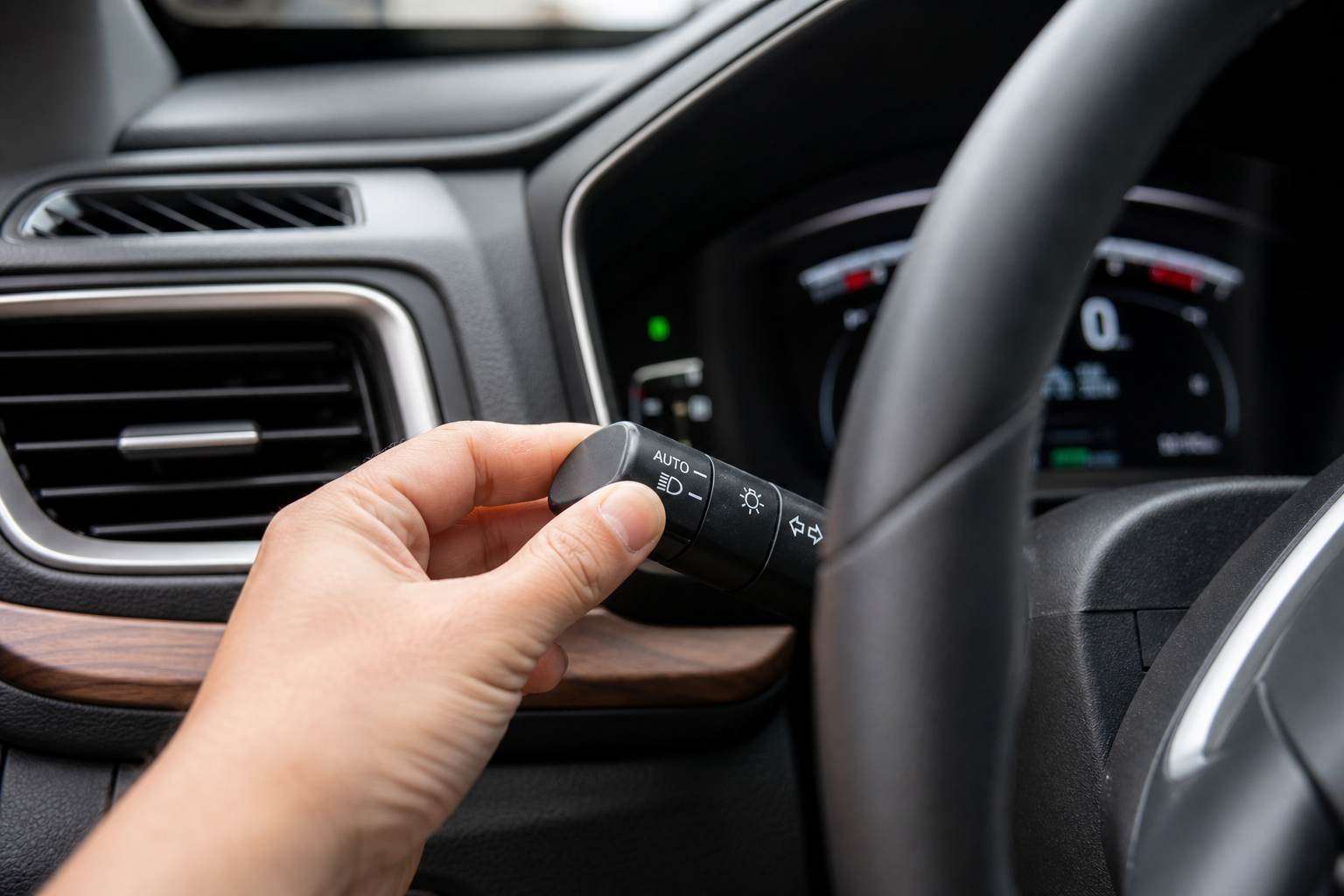
Automatic headlights control whether your headlights turn on and off based on ambient light. This is the setting most drivers leave alone since it just handles daytime versus nighttime switching.
Automatic High Beam (also called High Beam Support System or HBSS on Honda’s official terminology) is a separate feature that uses a forward-facing camera to detect oncoming headlights and taillights, then automatically switches between high and low beams for you. This is the system you want to disable if it’s been overcorrecting or flashing other drivers.
These two systems are controlled differently in most Pilot model years, so don’t assume shutting off one affects the other.
How to Turn Off Automatic High Beams on the Honda Pilot
The exact steps vary slightly depending on your model year, but the process follows the same basic pattern across the third-generation Pilot (2016-2022) and the redesigned 2023-2025 models.
2016-2022 Honda Pilot
- Start the vehicle and make sure the headlights are on (either in Auto or manual on position).
- Locate the turn signal stalk on the left side of the steering column. The automatic high beam toggle is usually a small button on the end of the stalk or a switch built into the stalk itself, depending on trim.
- Push the stalk forward toward the dashboard to manually engage high beams, which will show a blue high beam indicator on the instrument cluster.
- To disable the automatic system specifically, look for an “AUTO” indicator light near the high beam icon in the gauge cluster. If your trim has a dedicated Auto High Beam button (often located near the headlight switch or on the steering wheel), press it once to toggle the system off.
- On trims without a dedicated button, you may need to go through the Driver Assistance settings in the Display Audio touchscreen. Tap the Settings icon, select “Vehicle,” then look for “Driving Assist” or “Lighting” and toggle off the High Beam Support System.
2023-2025 Honda Pilot
The redesigned Pilot moved several controls into the digital driver information interface. On these newer models:
- Press the Home button on the steering wheel to bring up the driver information display menu.
- Scroll to “Vehicle Settings” using the steering wheel toggle.
- Select “Driving Assist Settings” or “Lighting Settings” depending on your trim.
- Find “Auto High-Beam” and switch it to Off.
Once disabled, the AUTO indicator near the high beam symbol in your cluster will disappear, confirming the system is off. Your high beams still work exactly like they always have. Push the stalk forward for high beams, pull back toward you to cancel, just like a car without any automatic assist system.
What the Indicator Lights Mean
Honda’s cluster uses a few different icons that are easy to mix up if you’re not paying attention.
- Blue high beam icon (steady): High beams are currently on, whether triggered manually or by the automatic system.
- Green “AUTO” text near the high beam icon: The automatic high beam system is active and monitoring traffic.
- No AUTO indicator, blue icon only when engaged: The system is disabled and you’re in full manual control.
If you turn the automatic system off and still see flickering behavior between high and low beams, double check that you actually disabled HBSS and didn’t just toggle the auto headlight setting instead. That’s the most common mix-up owners run into.
Why You Might Want Manual Control
Automatic high beam systems rely on a camera behind the rearview mirror to detect light sources ahead. In theory, this is a smart way to reduce glare for other drivers. In practice, the system can react a beat too late on curvy roads, get confused by streetlights or reflective signs, and misjudge distances in rain or fog.
A lot of Pilot owners driving frequently on rural roads or in areas with inconsistent street lighting prefer flipping the automatic feature off and handling high beams themselves. It takes a bit more attention, but you get instant, predictable control instead of waiting on a camera to make the call.
If you’re the type of driver who likes fine-tuning how your vehicle’s tech behaves rather than accepting the factory default, you might also enjoy learning how intersection turning assist works on the Subaru Outback or how Ford’s intersection assist and evasive steering features operate on the Explorer. Manufacturers approach driver assist tech very differently, and knowing what’s adjustable versus fixed helps you get the most out of whatever you’re driving.
Troubleshooting: Setting Won’t Save or Toggle Won’t Appear
A few Pilot owners run into a situation where the Auto High Beam toggle either doesn’t stick between drives or doesn’t show up in the menu at all. Here’s what typically causes that:
- Trim level limitations: Base LX and some Sport trims on earlier model years didn’t come with HBSS at all, so there’s nothing to toggle off because it was never installed.
- Software glitch: If the setting resets every time you restart the vehicle, a dealership software update usually resolves it. This has been a known minor issue on early 2023 model year Pilots.
- Camera obstruction: A cracked windshield near the camera housing or a poorly installed windshield replacement can throw error codes that disable access to the high beam settings menu entirely.
If you’ve gone through the menu steps correctly and the system still won’t stay off, that’s a sign worth mentioning to your Honda dealer, especially if you’ve had recent windshield work done.
Frequently Asked Questions
Does turning off automatic high beams affect my regular headlights?
No. Disabling the High Beam Support System only stops the automatic switching between high and low beams. Your regular headlights, whether set to Auto or manual on, continue working exactly as before.
Can I turn automatic high beams back on later without redoing all the settings?
Yes. The toggle works both ways, so you can switch the automatic system back on anytime through the same menu or button you used to turn it off. Nothing is permanently disabled unless there’s a hardware issue with the camera.
Why do my automatic high beams turn off on their own even though I didn’t disable them?
This usually happens when the camera detects heavy rain, fog, or a dirty windshield area near the sensor housing. The system automatically defers to low beams when it can’t get a clear read on approaching traffic, which is a safety default rather than a malfunction.


Leave a Reply