
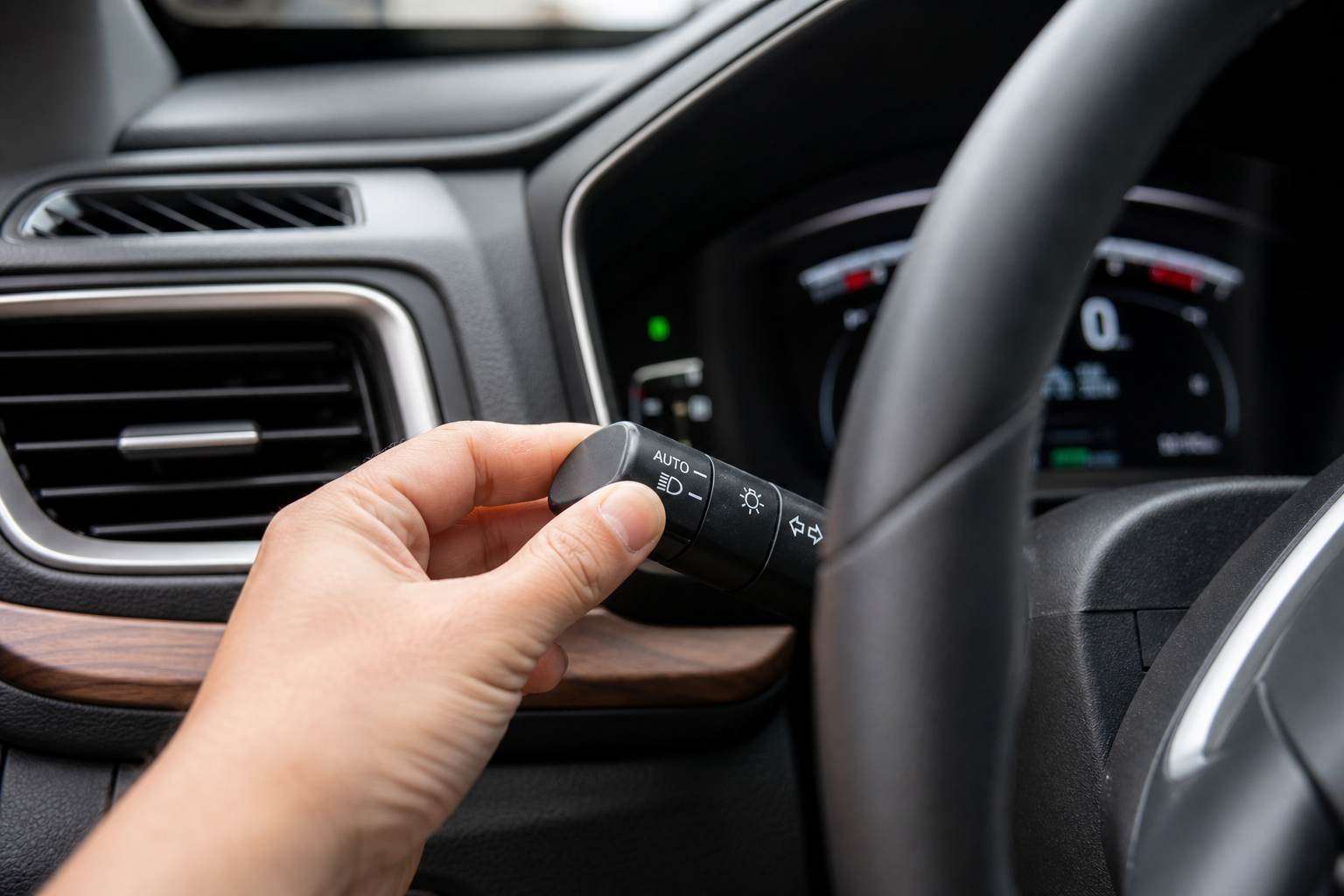
If your Honda CR-V keeps flipping between high beams and low beams on its own, especially on curvy roads or when trees line the shoulder, you’re not imagining things. Automatic High Beams (AHB) can be a great feature on open highways, but it gets twitchy in mixed traffic or residential areas. The good part is you can shut it off in seconds without losing your ability to flip on the high beams manually whenever you want them.
Automatic High Beams vs. Automatic Headlights
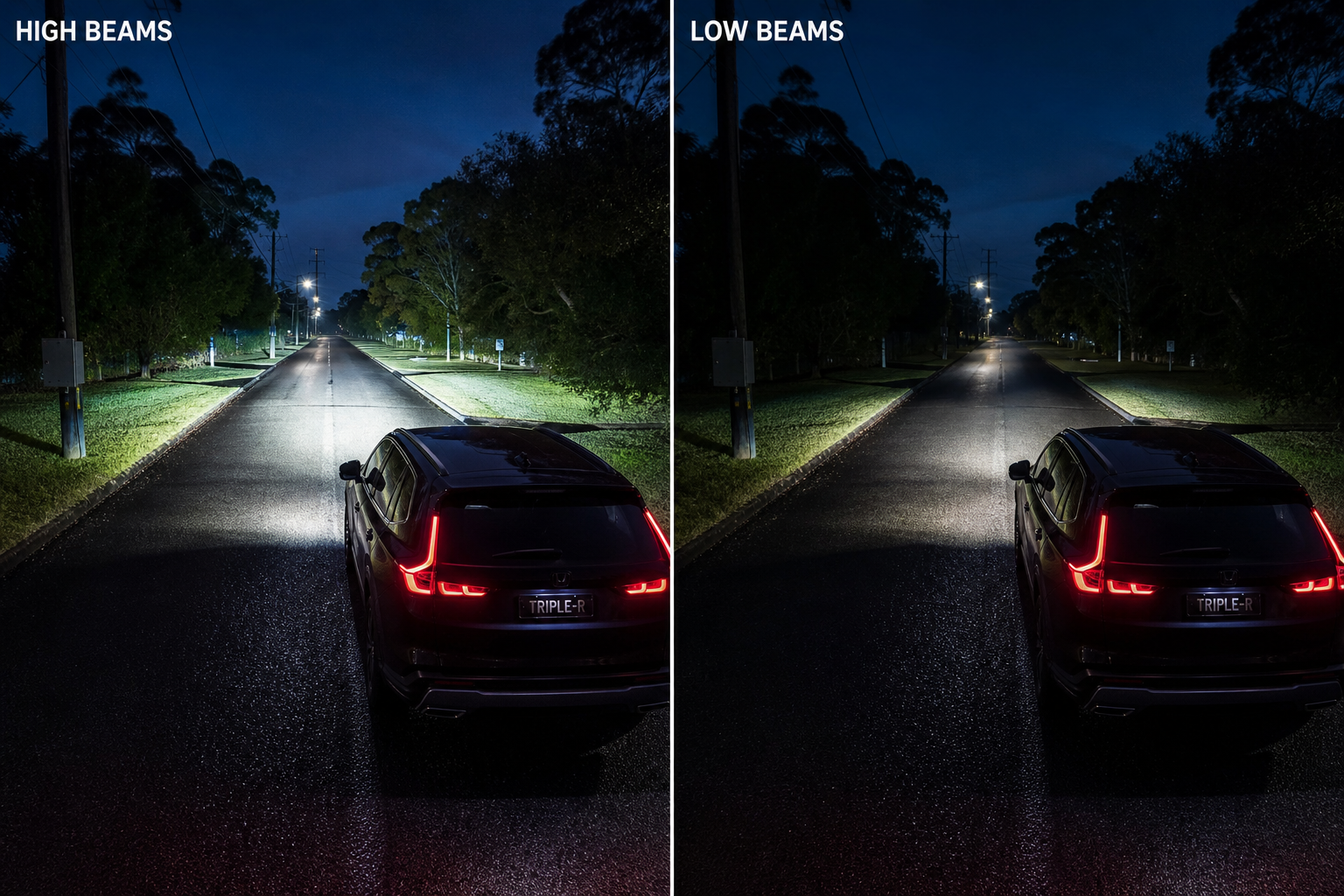
Before you go hunting through menus, it helps to know these are two different systems. Automatic headlights turn your headlights on and off based on ambient light, and that feature stays active regardless of what you do with the high beam assist. Automatic High Beams only controls whether the system switches between high and low beam automatically based on oncoming traffic and lead vehicles.
Turning off AHB does not turn off your automatic headlights, and it does not disable your ability to use high beams manually. You’re only telling the CR-V to stop deciding for you when to use them.
How to Turn Off Automatic High Beams on the Honda CR-V
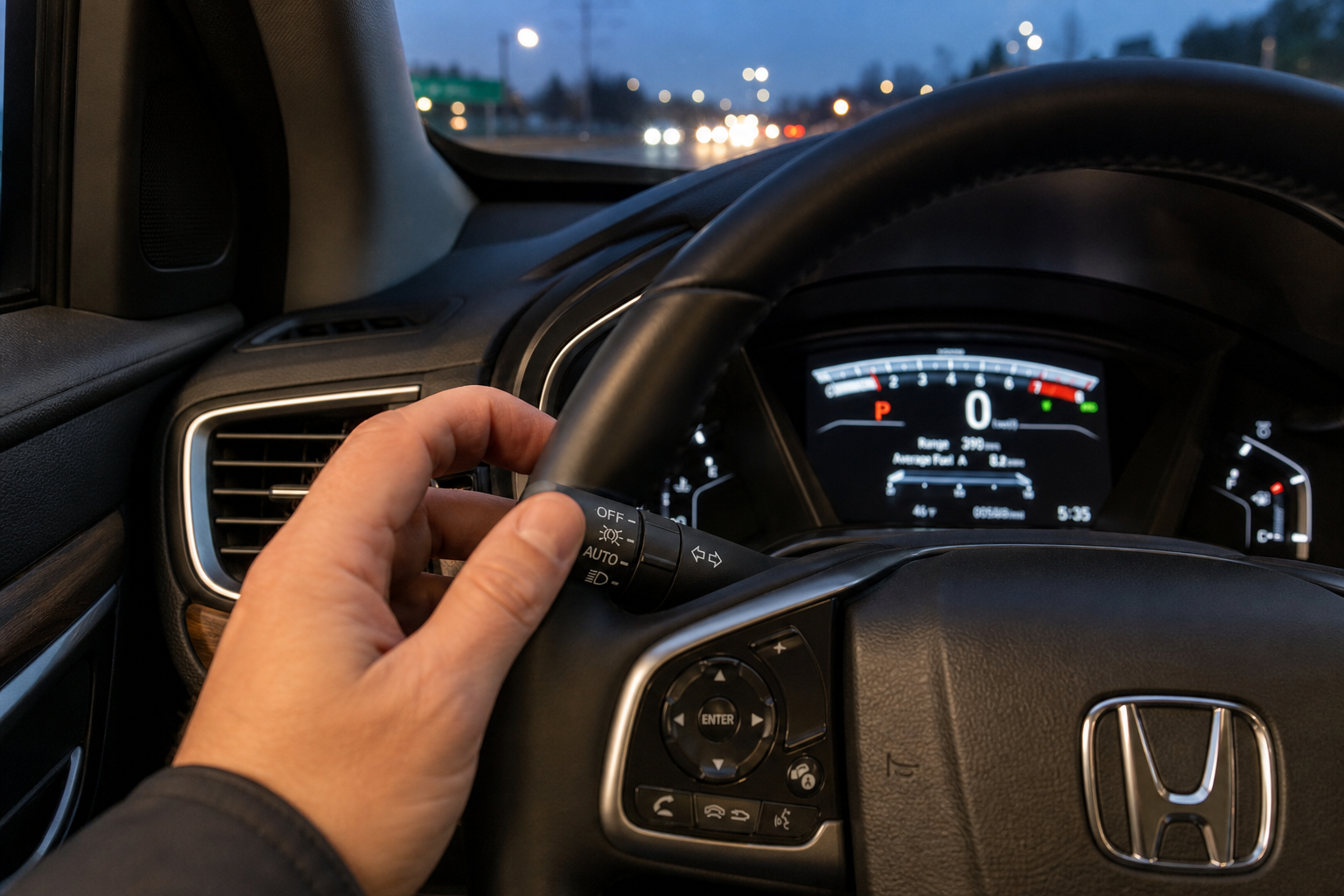
The exact steps vary slightly depending on your model year, since Honda moved this setting around a couple of times between the fourth-generation CR-V (2017-2022) and the current sixth-generation model. Here’s how to find it on each.
2017-2022 Honda CR-V
- Push the turn signal stalk forward slightly until the high beams engage, then look for the “AUTO” indicator on the instrument cluster next to the high beam icon.
- To disable Auto mode, pull the stalk toward you once (this typically toggles high beams off) and confirm the “AUTO” indicator has disappeared from the cluster.
- On some trims, you’ll find a dedicated Auto High Beam toggle inside the Driver Assist settings menu, accessible through the steering wheel controls and the instrument cluster display. Scroll to “Driving Assist” and look for “Auto High Beam” to switch it off there instead.
2023-Present Honda CR-V (Sixth Generation)
- Honda moved most of this control into the digital instrument cluster and the Driver Assistance settings menu on the newer CR-V.
- Use the steering wheel arrow buttons to pull up the vehicle settings screen, then navigate to “Driver Assistance” or “Lights.”
- Find “Auto High Beam” and toggle it off. The stalk will still let you flip between high and low beam manually with a simple push or pull.
Once it’s off, the dashboard indicator confirms your current mode. A blue high beam icon with no “AUTO” label means you’re in full manual control. If you see “AUTO” next to the icon, the system is still deciding for you.
If you’re still getting used to how your CR-V’s dash icons and driver assist menus behave, it’s a similar layout logic to what Honda uses across other models. For comparison, the way Honda handles convenience features through vehicle settings menus is also covered in our guide on the Walk-Away Auto Lock feature on Honda vehicles, which uses the same settings interface.
Why You Might Want AHB Off
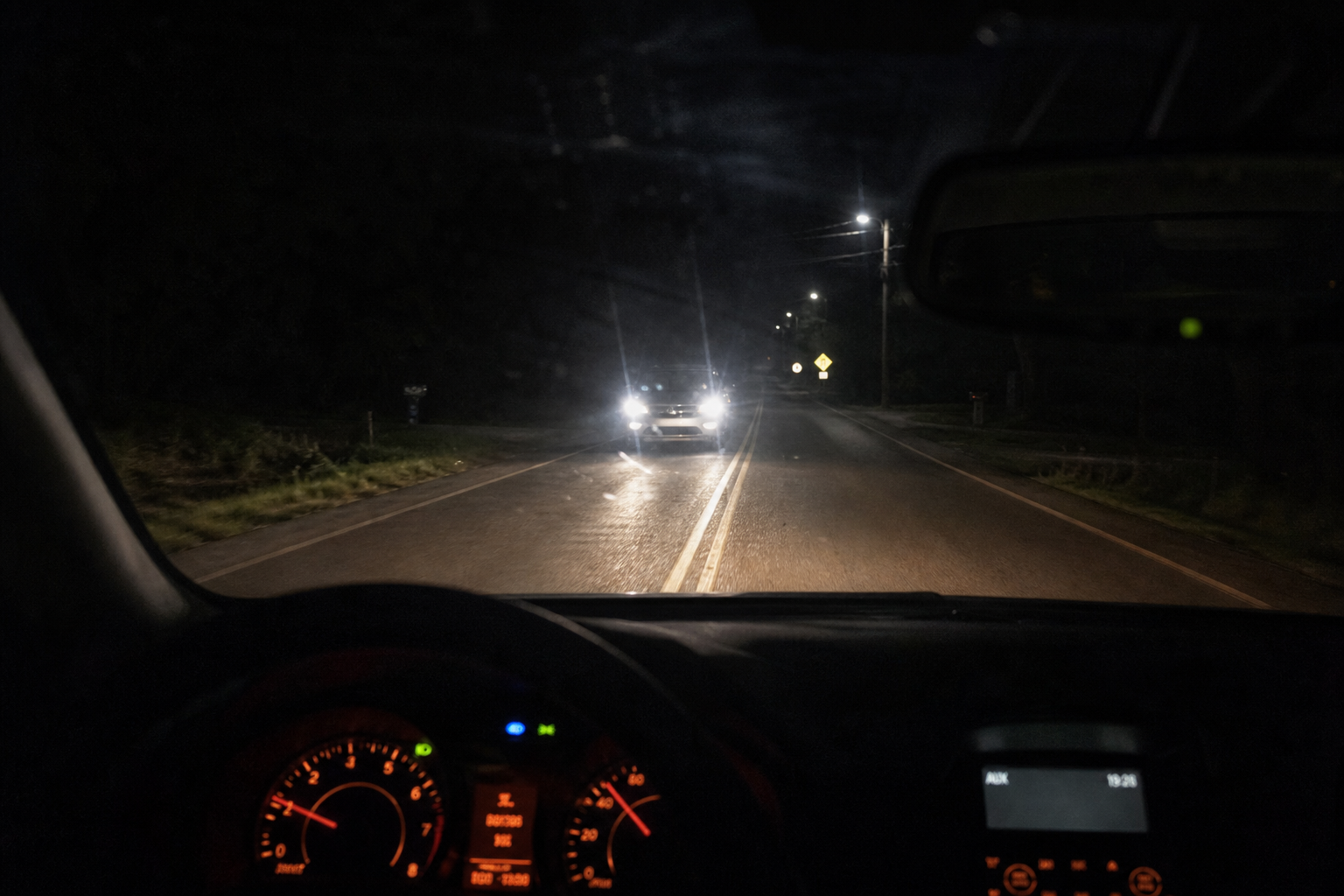
Automatic High Beams work by using a forward-facing camera near the rearview mirror to detect oncoming headlights and taillights ahead of you. In theory, it dims automatically when it senses another vehicle and switches back to high beam once the road clears.
In practice, plenty of CR-V drivers find it slow to react on winding roads, or it gets confused by streetlights, reflective signs, or cyclists with bright headlamps. If you drive mostly in town or through neighborhoods with lots of ambient light, manual control usually feels more predictable and less distracting for other drivers.
Turning it off doesn’t hurt your night visibility. You just take back the decision of when to flash your high beams, the same way drivers did before this feature existed.
Frequently Asked Questions
Will turning off Auto High Beam also disable my automatic headlights?
No. Automatic headlights and Automatic High Beam Assist are controlled separately in the Honda CR-V. Disabling AHB only stops the automatic switching between high and low beam. Your headlights will still turn on and off automatically based on ambient light if that feature is enabled.
Does the setting reset every time I start the car?
On most CR-V model years, Automatic High Beam defaults back to “on” each time you start the vehicle, since it’s tied to the headlight stalk rather than a saved preference. If you want it off permanently, check whether your trim has the option inside the Driver Assistance settings menu, since some settings there do save between drives.
If your CR-V’s dashboard lights are giving you other headaches, like a tire pressure warning that won’t clear after a tire change, our Honda CR-V TPMS reset guide walks through that process for every model year from 2012 to 2024.

Leave a Reply