
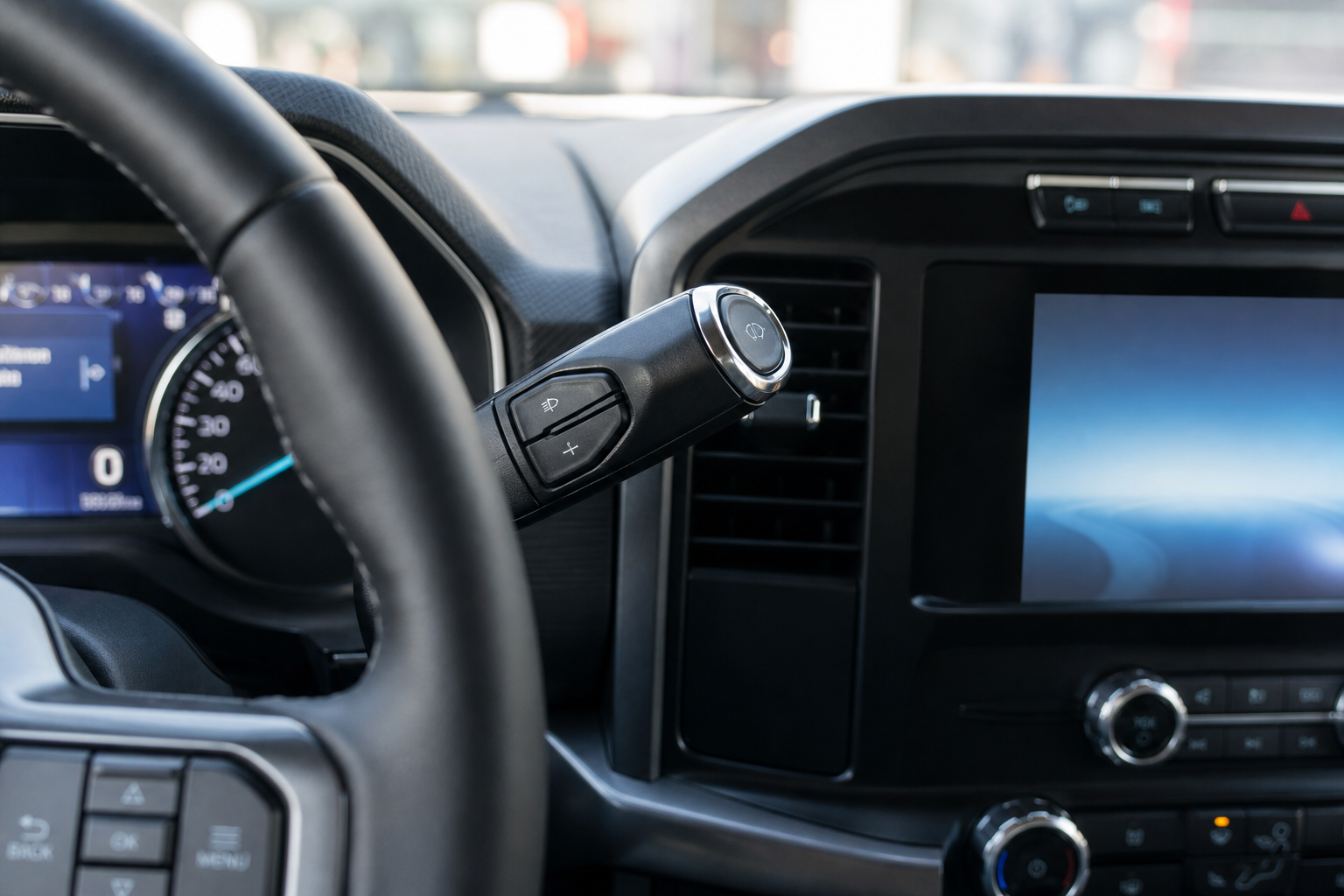
If your Ford F-150 keeps flipping to high beams every time the road ahead clears up, even when you’d rather control it yourself, you’re not stuck with it. Ford’s Auto High-Beam system is convenient for a lot of drivers, but plenty of people find it flickers on and off at the wrong moments or reacts late to oncoming traffic. The good part is that turning it off takes about ten seconds once you know where to look.
Auto High-Beam Assist vs. Fully Automatic Headlights
Before you go hunting through menus, it helps to understand what you’re actually turning off. Ford’s Auto High-Beam is a driver-assist feature that uses a forward-facing camera behind the windshield to detect oncoming headlights or the taillights of the vehicle ahead. When the road is clear, it switches your headlights to high beam automatically, and it dims back to low beam when it senses other traffic.
This is separate from the automatic headlight function that turns your headlights on and off based on ambient light. Turning off Auto High-Beam Assist does not affect that setting. Your headlights will still switch on automatically at dusk or in a tunnel, you’re just taking back manual control over when high beams engage.
Where to Find the Auto High-Beam Setting on the F-150
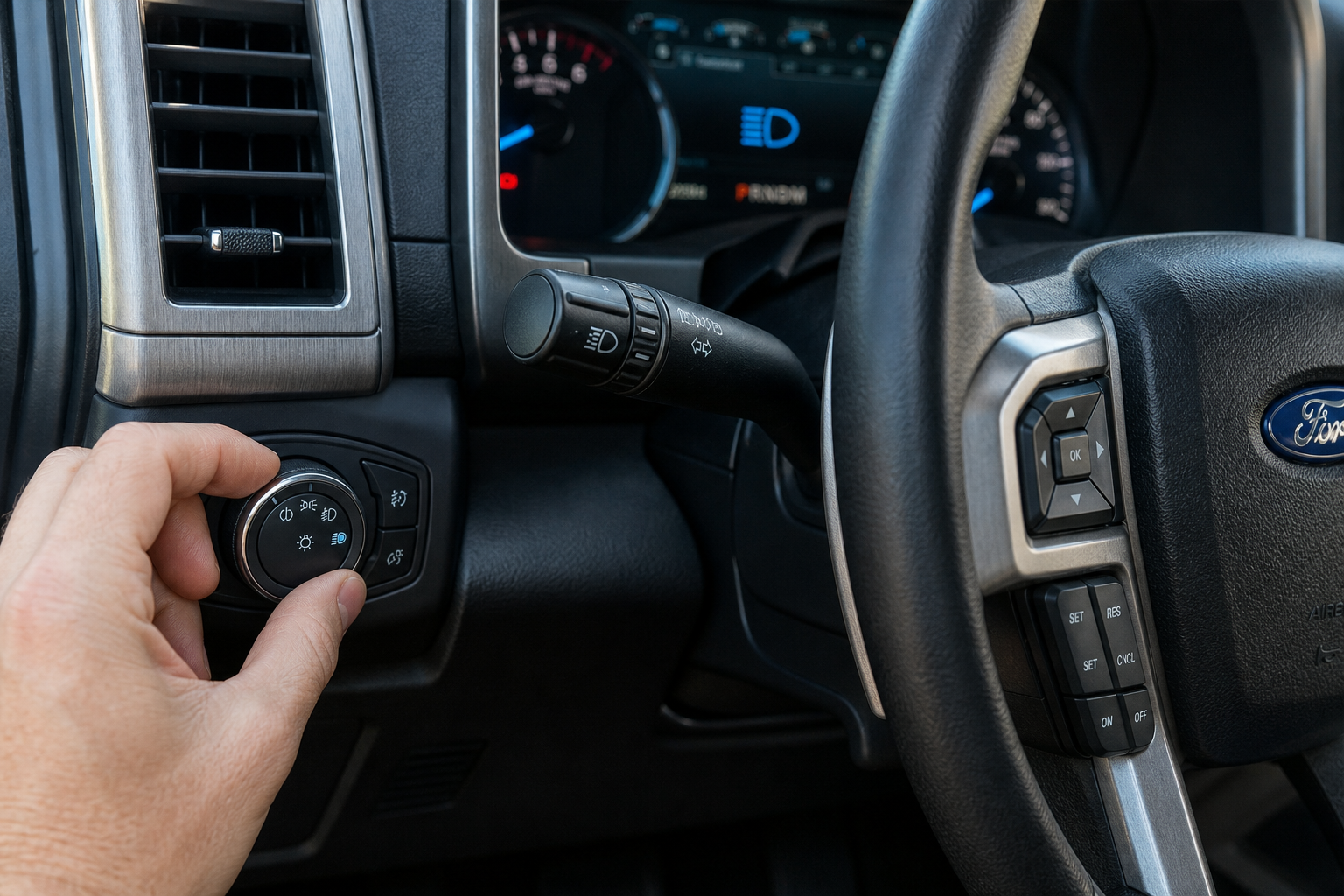
On most F-150 model years from 2015 through the current 14th-generation trucks, the setting lives in one of two places, depending on your trim and infotainment system.
Turn Signal Stalk Method
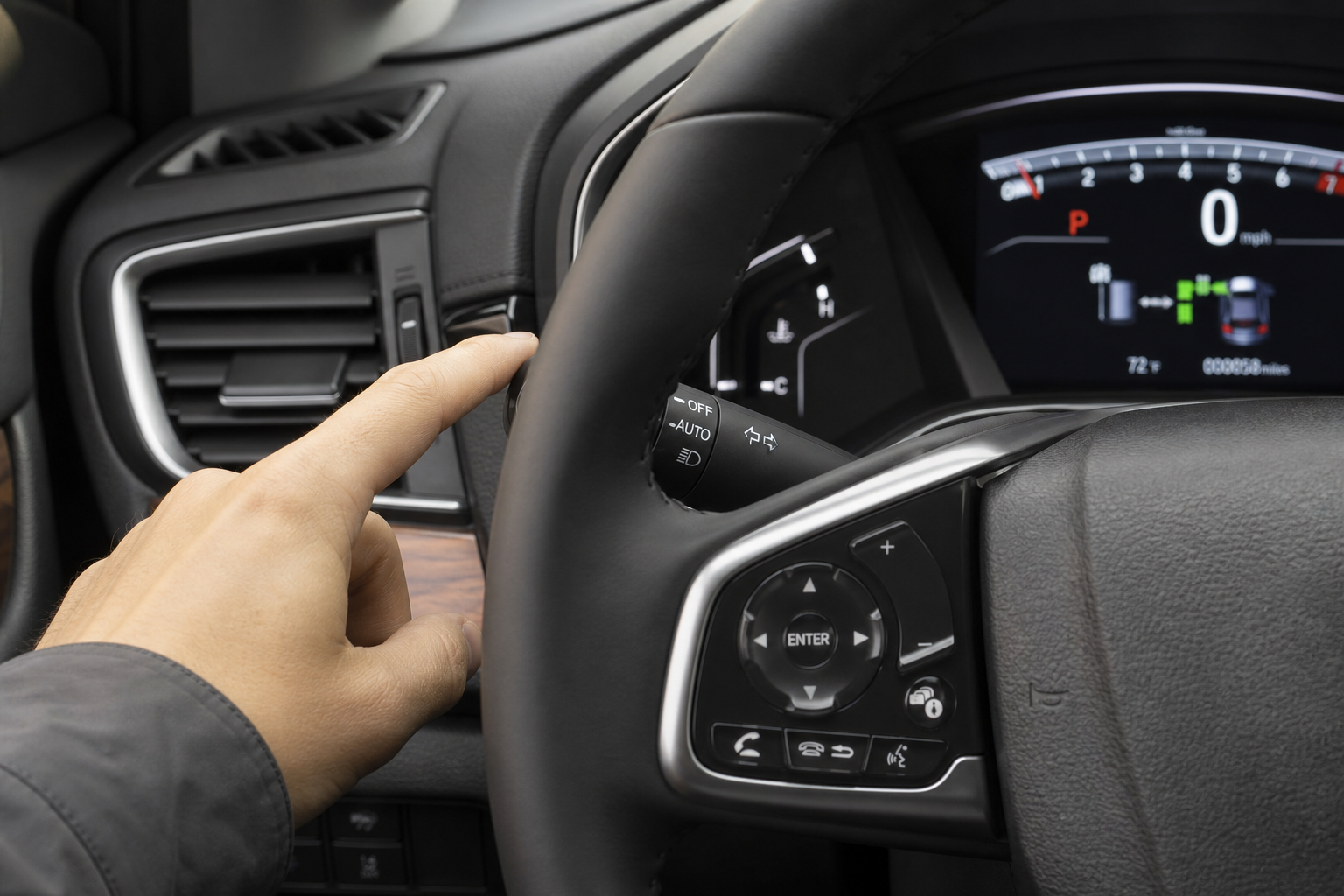
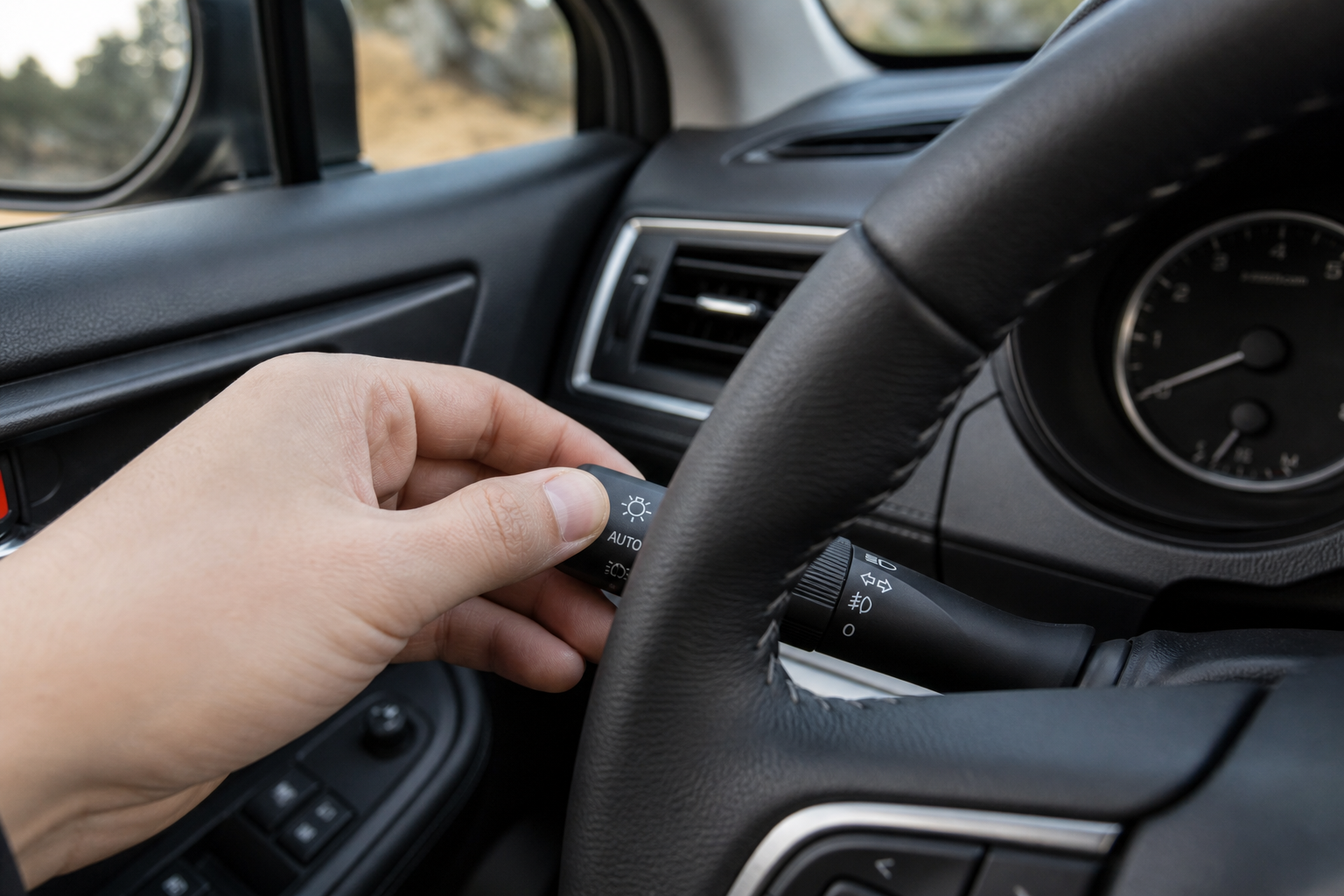
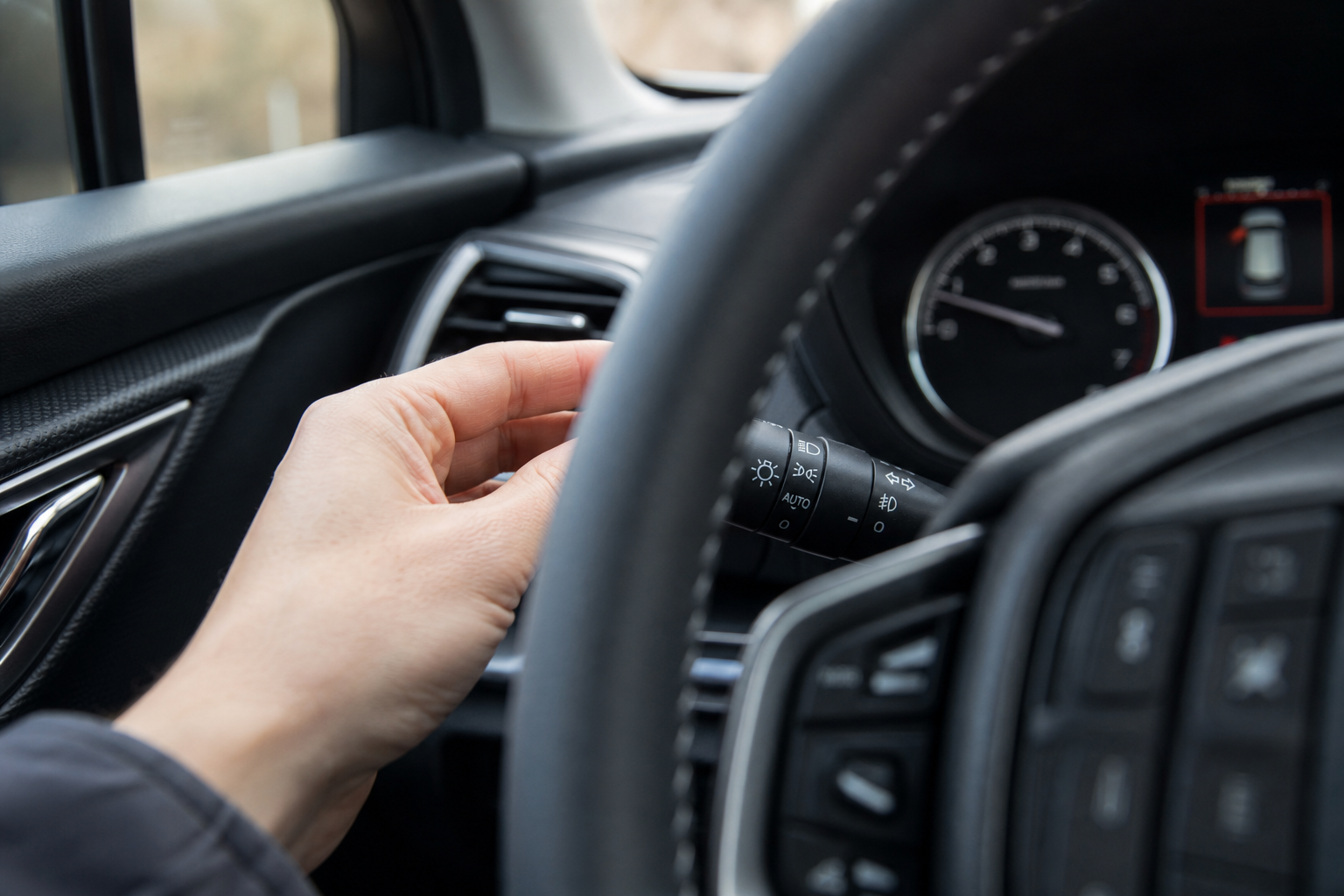
On trucks equipped with the feature, pull the turn signal stalk toward you slightly, past the point where it flashes the headlights, until it clicks into the “AUTO” position. This activates Auto High-Beam. Pushing the stalk back to the neutral position, or pulling it fully toward you for a manual high-beam flash, disengages the automatic function for that drive. The problem with this method is it doesn’t stick between ignition cycles on every model year, so you may need to do it every time you start the truck.
SYNC Settings Menu Method
For a setting that actually stays off, go through the truck’s touchscreen. On SYNC 3 and SYNC 4 equipped F-150s, tap Settings, then Vehicle, then look for Lighting or Headlamps. You should see a toggle labeled Auto High-Beam or Automatic High Beam. Switch it off and it will remain off until you go back in and re-enable it, regardless of how many times you shut off the truck.
On 2021 and newer F-150s running SYNC 4 with the 12-inch touchscreen, the menu path is nearly identical but sometimes falls under Vehicle > Driver Assist instead of Lighting. If you can’t find it under one tab, check the other. Ford has shuffled this menu around across software updates, which is worth keeping in mind if your truck received an over-the-air or dealer update recently.
Manual High-Beam Control After Disabling Auto Mode
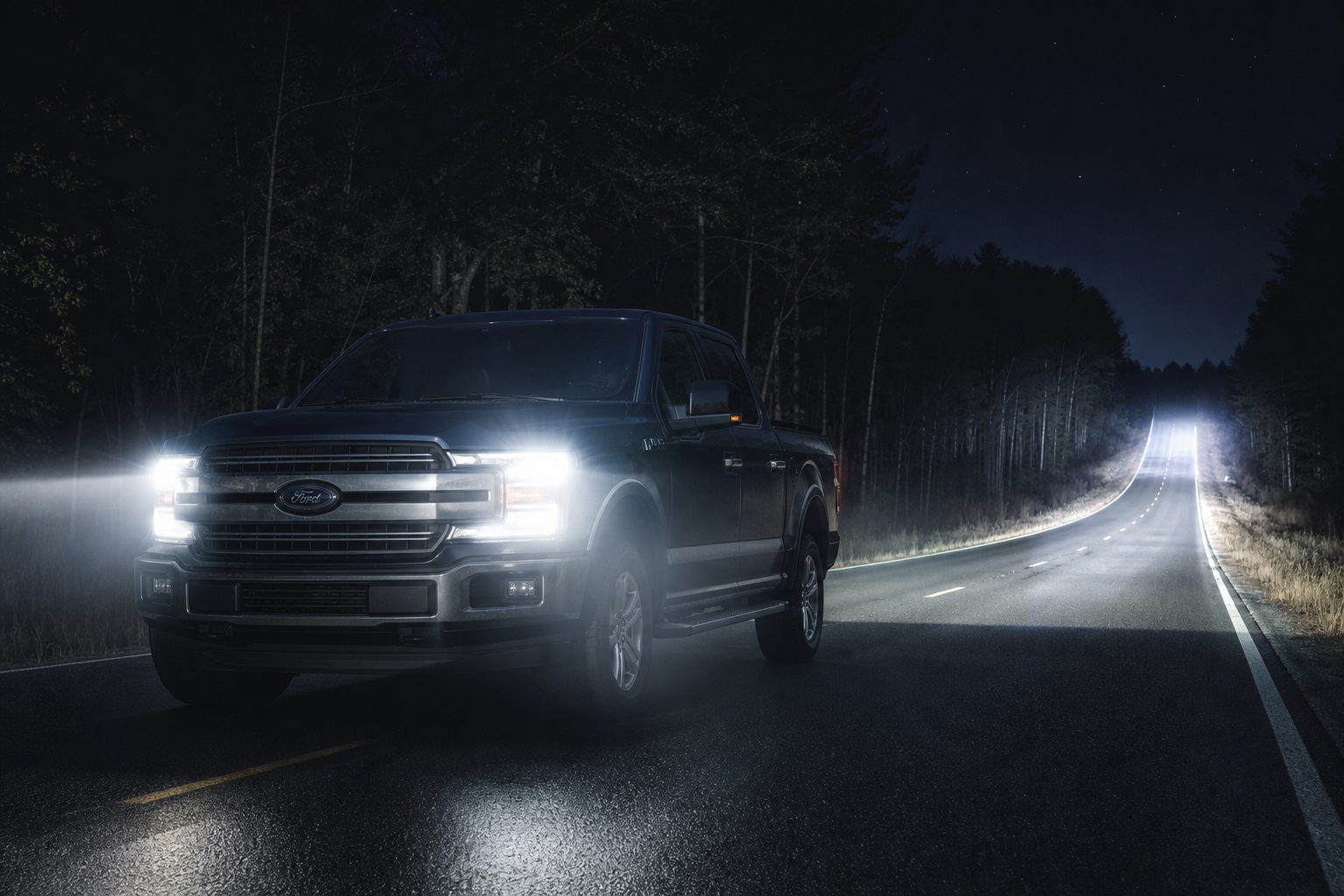
Once Auto High-Beam is off, your high beams work exactly the way they have on every F-150 for decades. Push the turn signal stalk forward, away from you, to turn on the high beams manually. Pull it back toward you for a momentary flash to signal another driver. Push it forward again to shut the high beams off.
The dashboard indicator is your confirmation that everything is working as expected. A solid blue high-beam icon on the instrument cluster means your high beams are on manually. If you see the icon blink or activate on its own while Auto High-Beam is disabled, that’s a sign the setting didn’t fully save, so it’s worth going back into the SYNC menu to double check the toggle.
Model Year Differences Worth Knowing
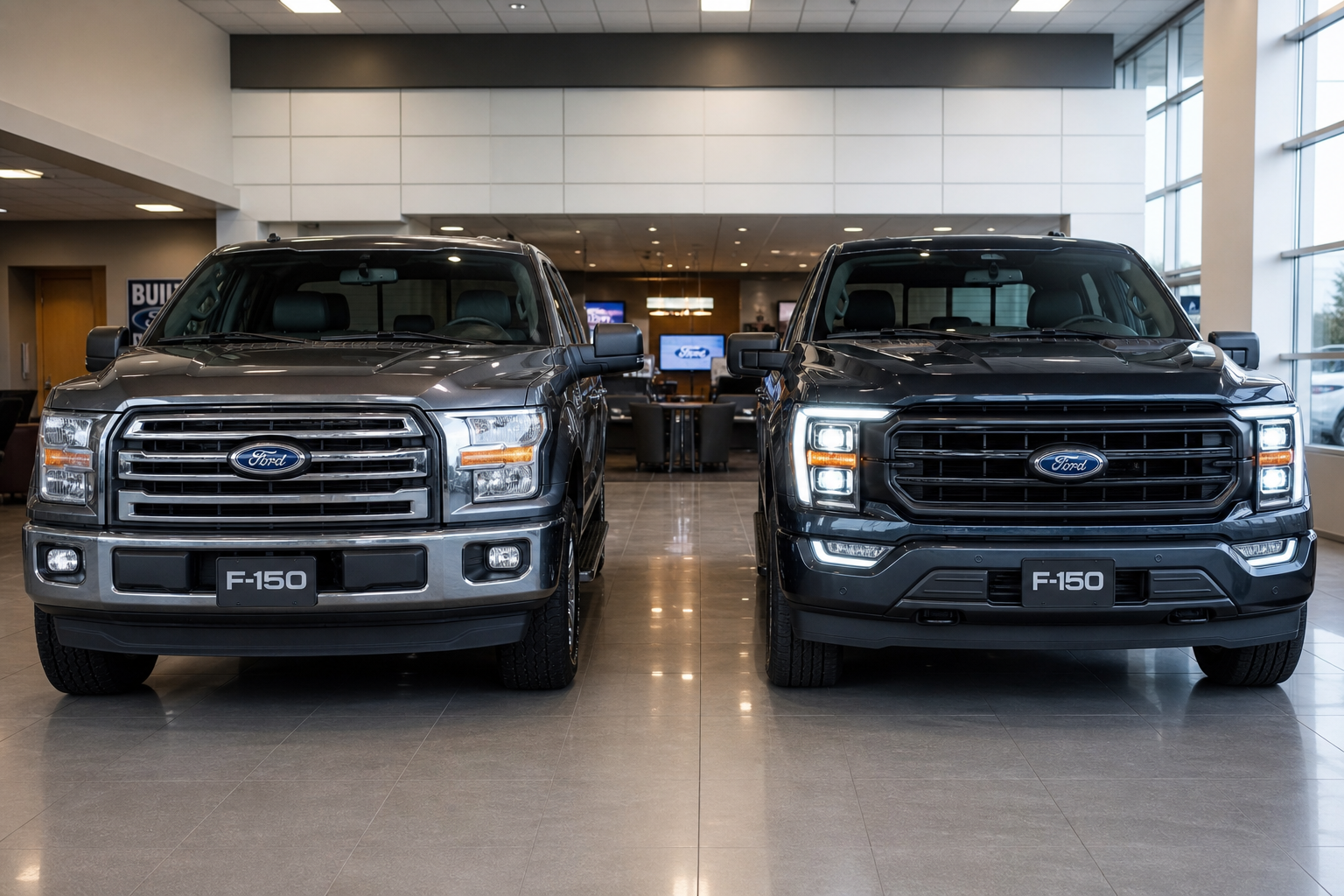
Not every F-150 has this feature, and the way it’s controlled has changed over the years.
- 2015-2017 F-150: Auto High-Beam was optional on higher trims like Platinum and King Ranch. Control is stalk-only on these years, there’s no menu toggle since SYNC 3 hadn’t fully rolled out the setting yet.
- 2018-2020 F-150: Available more broadly across trims, including with the Co-Pilot360 package. Both the stalk and SYNC 3 menu toggle are usually present.
- 2021-present F-150: Standard or available with Co-Pilot360 on most trims. SYNC 4 gives you the most reliable persistent toggle, and it’s the version most owners should use if they want the setting to stick.
If you’ve got an F-150 Lightning, the process is the same since it shares the SYNC 4 architecture with the gas trucks. Ford has talked about expanding its truck lineup with lower-cost electric models down the road, including reports around the competitively priced Fathom electric truck, so expect similar driver-assist menus to carry over to future models too.
Why Some Drivers Turn Auto High-Beam Off
Auto High-Beam works fine in a lot of situations, but it has some real limitations. The camera can be slow to react on winding rural roads, it sometimes stays on low beam longer than necessary when there’s no actual oncoming traffic, and it can get confused by streetlights, reflective signs, or wet pavement reflecting glare back at the sensor.
If you drive mostly on backroads at night, or you just prefer deciding for yourself when to use high beams, switching to manual control gives you more predictable lighting. It’s a small thing, but it makes a real difference on truck-heavy roads or in areas with a lot of curves where the system tends to lag behind what you’re actually seeing.
While you’re in the settings menu adjusting lighting preferences, it’s also a good time to check out other driver-assist features on your F-150, like the Surround View and Transparent Trailer feature, which can be genuinely useful when you’re towing or backing into tight spots.
FAQ
Does turning off Auto High-Beam affect my automatic headlights?
No. Automatic headlights and Auto High-Beam are controlled separately. Your headlights will still turn on automatically based on light conditions even after you disable the high-beam assist function.
Why did my Auto High-Beam setting turn itself back on?
This usually happens when the setting was only changed at the stalk rather than in the SYNC menu, or after a software update reset some vehicle preferences. Check the SYNC Settings menu under Vehicle and Lighting to make sure the toggle is set to off, not just the stalk position.
Can I still flash my high beams to signal another driver with Auto High-Beam disabled?
Yes. Pulling the turn signal stalk toward you gives you a momentary high-beam flash regardless of whether Auto High-Beam is enabled or disabled. That function is tied to manual stalk operation, not the automatic system.

Leave a Reply