
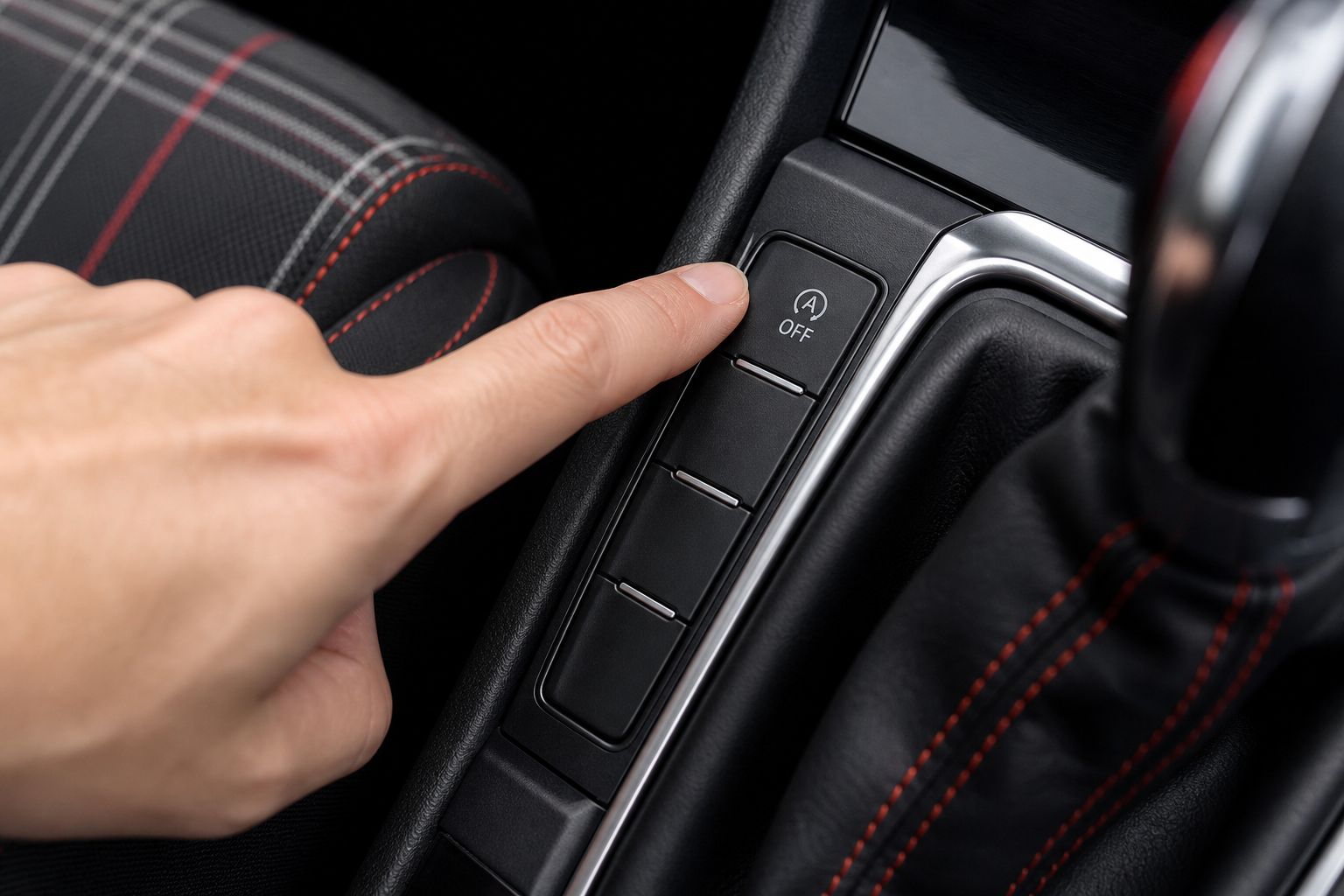
The auto start/stop system on the Volkswagen Golf GTI is one of those features that sounds great on paper but drives a lot of GTI owners absolutely crazy in practice. Every time you stop at a red light, the engine cuts out. Then it cranks back up when you release the brake. For some people, that’s fine. For others, especially those who care about throttle response and the feel of their car, it’s an unwanted interruption every single time they drive.
The Bottom Line
A plug-and-play module can make your Volkswagen Golf GTI remember your preference to keep Auto Start/Stop off, so you don’t have to press the button every time you start the vehicle.
The bigger frustration is that there’s a button on the dashboard to disable it, but Volkswagen resets the system to “on” every single time you restart the engine. So you’re pressing that button on every single drive, without exception. This guide covers exactly how the factory button works, why it resets, and what you can do to make the off setting stick permanently without touching any software or taking the car to a dealer.
How the Factory Auto Start/Stop Button Works
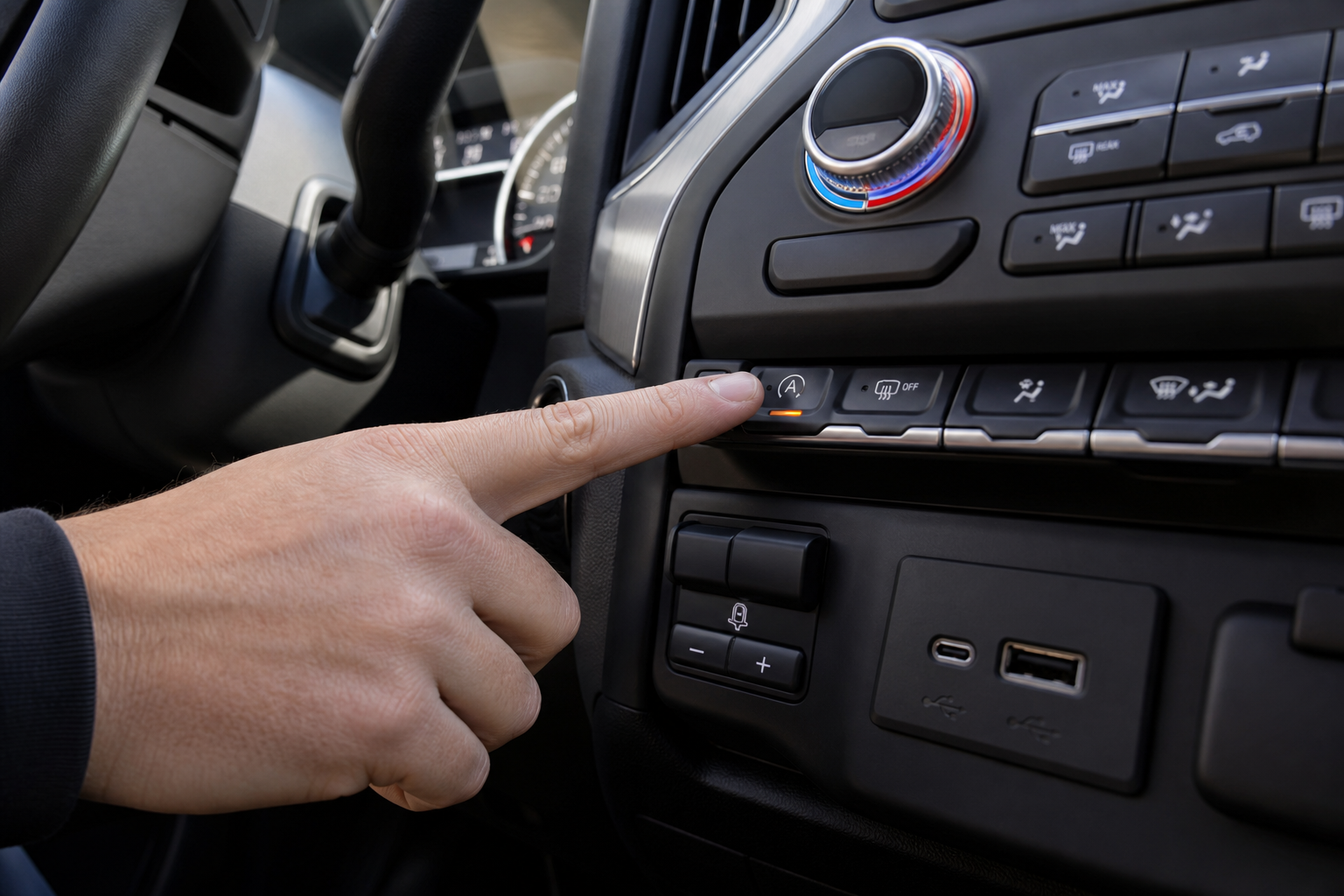
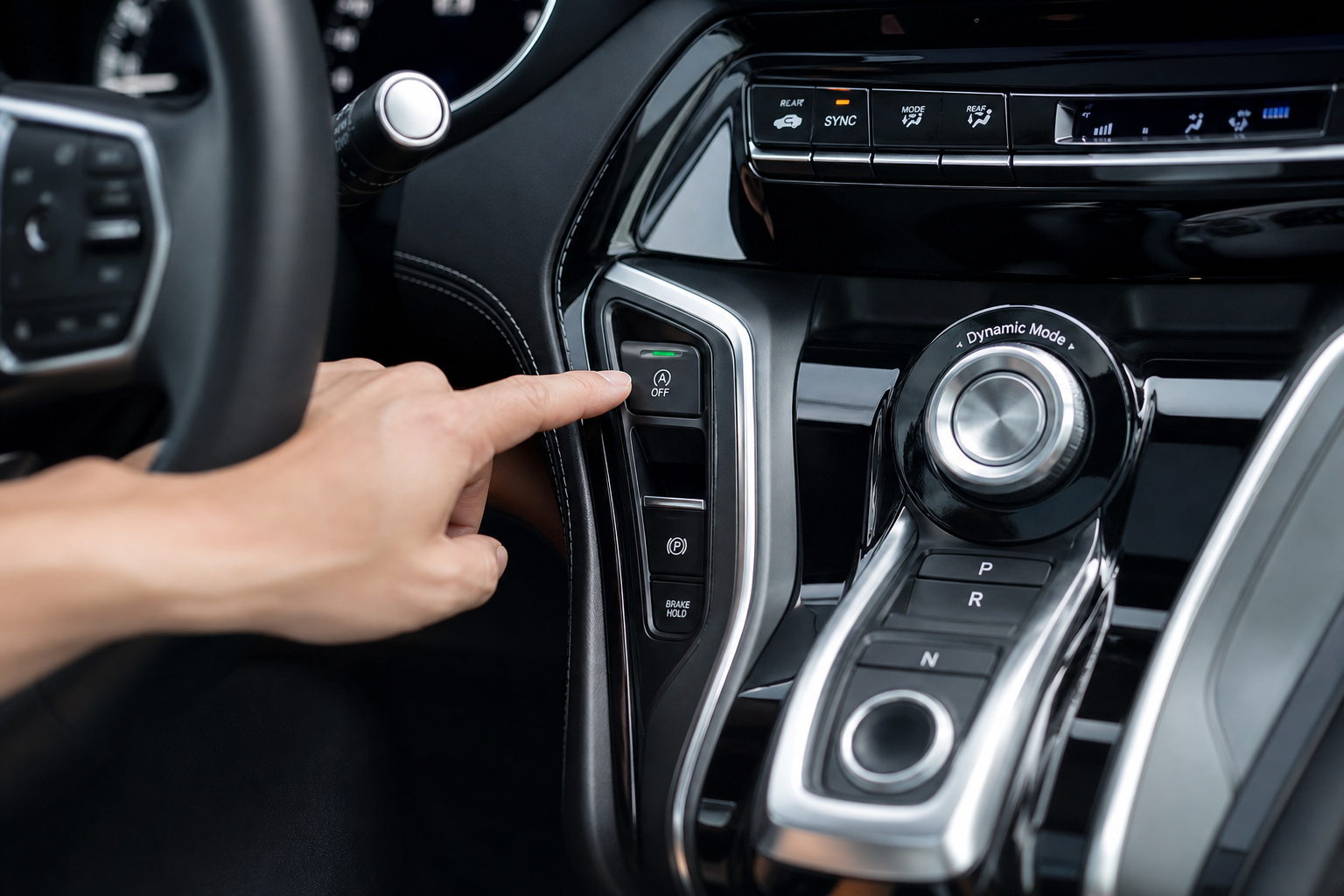
On the Golf GTI, the auto start/stop button is located in the center console area near the gear selector. It has a small “A” with a circular arrow icon on it. Pressing it once disables the system for the current drive cycle. A small amber indicator light confirms it’s off.
The system works by monitoring your braking, battery charge level, climate control load, and engine temperature. When conditions are right, it shuts the engine off at a full stop to save fuel, then restarts it when you lift off the brake pedal. Volkswagen designed this primarily to meet emissions and fuel economy regulations, not because GTI drivers asked for it.
The button genuinely does disable the system while it’s active. The issue is that VW programs the car to default back to “on” every time you turn the ignition off and back on. You can’t change this behavior through the infotainment system or the standard menus. It’s hardwired into the factory default settings at the ECU level.
Which Model Years Are Affected
The auto start/stop system has been standard equipment on the Golf GTI since the Mk7 generation, which launched in the U.S. for the 2015 model year. It carried over through the Mk7.5 refresh in 2018 and continued with the Mk8 GTI that arrived stateside in 2022.
The Mk8 GTI actually made the situation a little more complicated. The newer generation integrated auto start/stop more tightly with the car’s driving mode settings, so it behaves slightly differently depending on which drive profile you’re in. But the core issue is the same: the system resets to on every time you start the car.
If you’re unsure which generation your GTI is, the Mk7 and Mk7.5 share the same body style with a more traditional gauge cluster, while the Mk8 has a digital cockpit and a touch-based HVAC panel. The fix described below works on both generations.
Permanently Disabling It with a Start/Stop Eliminator Module
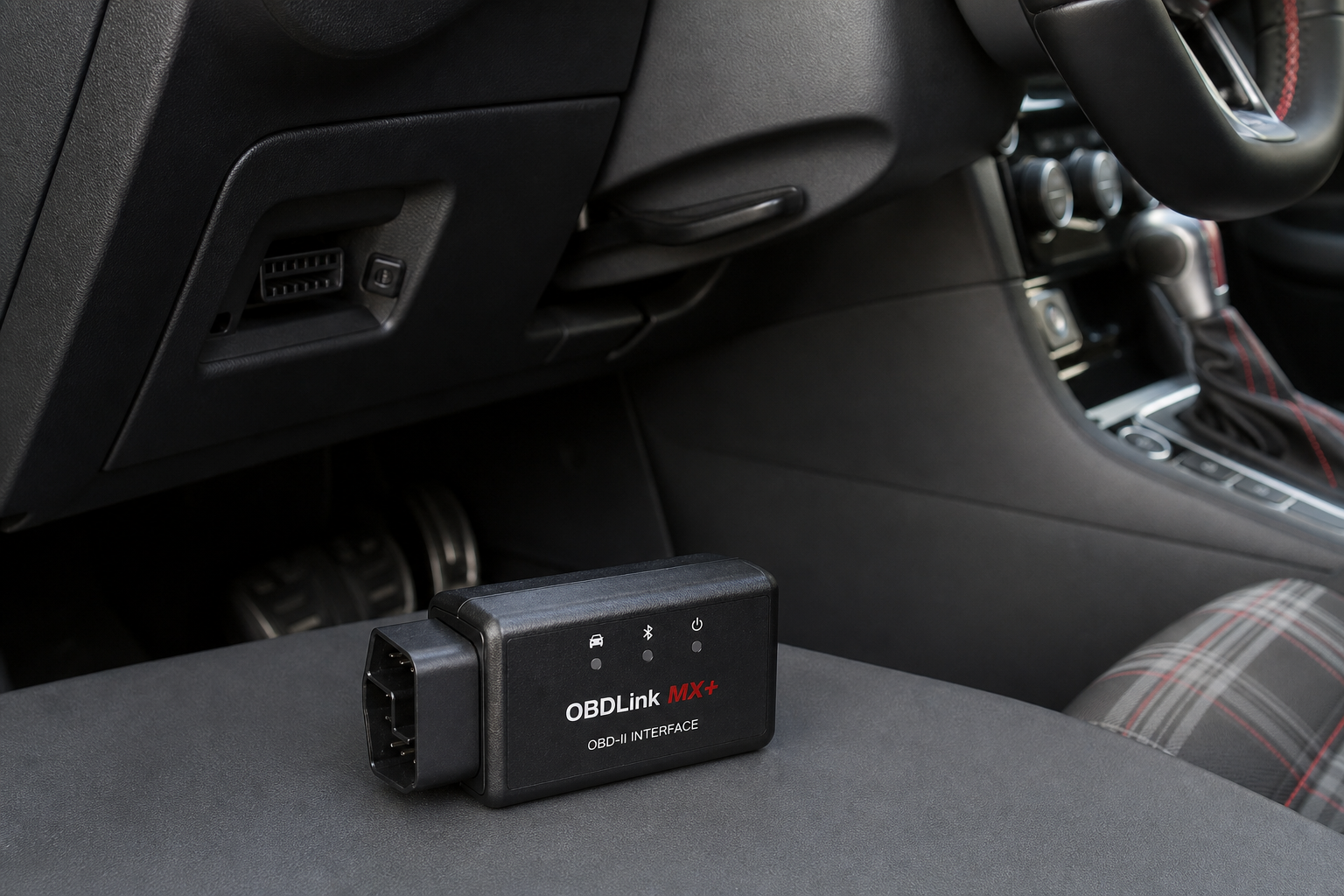
The cleanest solution for most GTI owners is a plug-and-play start/stop eliminator module. These small devices tap into the vehicle’s OBD port or a connector behind the dashboard button itself and automatically send the “disable” signal every time the car starts. You never have to press the button again.
They don’t void your warranty in most cases because they don’t flash or modify your ECU. They work by mimicking the button press electronically, which means the system still exists and functions normally. You can remove the module at any time and everything goes back to factory behavior.
Installation typically takes about five to fifteen minutes depending on the specific module and your GTI’s generation. Most require no tools at all for the button-type modules, while OBD-based versions are even simpler to set up.

Volkswagen Golf GTI Start Stop Eliminator
A plug-and-play module that automatically disables auto start/stop every time you start your GTI, so you never have to press the button again.
When shopping for one, make sure the listing specifically mentions compatibility with your GTI’s generation (Mk7, Mk7.5, or Mk8). Some modules are generation-specific because the wiring connectors differ between the Mk7 and Mk8 platforms. Buying the wrong one won’t damage anything, but it won’t fit either.
How to Install a Start/Stop Eliminator on the Golf GTI
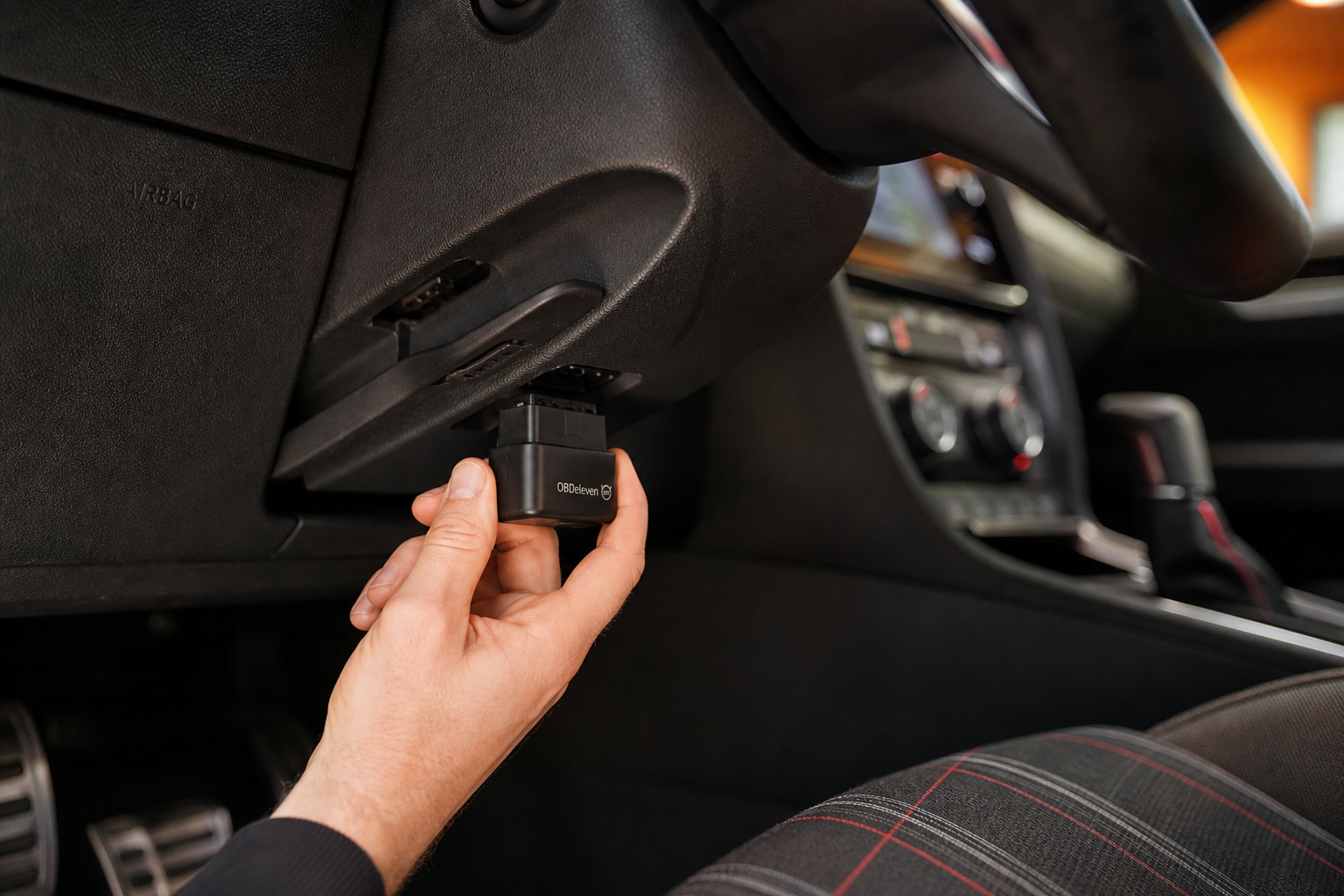
The installation process varies slightly between module types, but here’s the general approach for the most common button-harness style modules on the Mk7 and Mk7.5 GTI:
- Turn the car off and make sure the ignition is fully off before you start.
- Locate the auto start/stop button in the center console. On most Mk7 and Mk7.5 models, it’s part of a button cluster near the hazard lights or traction control button.
- Use a plastic trim pry tool to gently pop the button cluster panel out. It’s typically held in by clips and doesn’t require unscrewing anything.
- With the panel loose, you’ll see a wiring harness connector plugged into the back of the button. Unplug it.
- Plug the eliminator module’s connector into the button’s harness socket, then plug the button itself back into the module’s other end. It’s a pass-through design.
- Tuck the module behind the panel, snap the panel back into place, and you’re done.
On the Mk8 GTI, the button location and panel design are different, so check the specific instructions that come with your module before you start pulling panels. Some Mk8-compatible modules use a different installation method that accesses the wiring from a different location entirely.
If you’re comfortable doing basic electrical work on your car and want to confirm everything is working correctly before and after installation, a good OBD2 scanner can be useful for checking for any stored fault codes, though most owners install these modules without any codes appearing at all.
Other Options Worth Knowing About
Some GTI owners choose to go the coding route using VCDS (VAG-COM Diagnostic System) or OBDeleven. Both of these tools can access Volkswagen’s module parameters and change the default start/stop behavior at the software level. This is a more permanent solution in the sense that it doesn’t require any physical hardware, but it does require a subscription, some technical comfort with module coding, and carries a slightly higher risk if you make a mistake in the settings.
VCDS is the gold standard for VW/Audi coding among enthusiasts and has been around for years. OBDeleven is a newer Bluetooth-based option that pairs with a smartphone app and is generally easier for beginners. Either one can disable auto start/stop permanently through a single parameter change. If you’re already into modifying your GTI’s settings or want to tweak other things like lighting behavior or DRL intensity, the coding route makes a lot of sense since you’ll get use out of the tool for other jobs too.
Coding tools like these are also handy for other VW models in your driveway. If you have a VW Atlas as well, you might find our guide on how to use the Traffic Jam Assist feature on the Volkswagen Atlas useful for getting the most out of VW’s driver assistance tech.
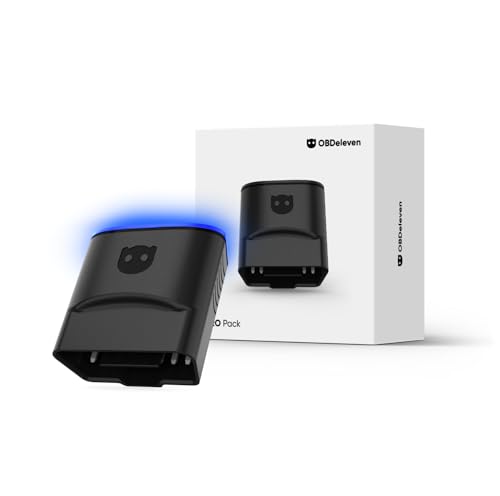
OBDeleven VW Audi OBD2 Adapter
A Bluetooth OBD tool built specifically for VW and Audi vehicles that lets you change factory settings like auto start/stop defaults through a smartphone app.
The plug-and-play eliminator module is still the better choice for most owners who just want the problem solved quickly without learning vehicle coding. The OBD coding route is better if you’re already into digging into your car’s settings or plan to make multiple modifications over time.
Frequently Asked Questions
Will disabling auto start/stop hurt my GTI’s engine or transmission?
No. In fact, many enthusiasts argue the opposite. The starter motor and ring gear on cars with auto start/stop are built to handle more frequent starts than a standard engine, but that still adds wear over time compared to not cycling the engine at every stop. Disabling it doesn’t cause any harm, and Volkswagen’s own engineers designed the dashboard button specifically to let drivers turn it off whenever they want.
Does the start/stop eliminator module affect fuel economy?
Technically, yes. The auto start/stop system is designed to reduce fuel consumption at idle. With the system disabled, your fuel economy may decrease slightly in stop-and-go city traffic. In practice, most owners see no meaningful difference in their real-world fuel costs, especially on a car like the GTI that’s typically driven more for enjoyment than maximum efficiency.
Can I use a start/stop eliminator on both the Mk7 and Mk8 GTI?
Yes, but make sure you buy a module that specifies compatibility with your exact generation. The Mk7 and Mk7.5 (2015 to 2021) use one connector type, and the Mk8 (2022 and newer) uses a different one. Some sellers offer generation-specific kits, and a few offer universal kits with multiple adapters included. Double-check the product listing before you buy.
The Bottom Line
Pressing the auto start/stop button every single time you start your GTI gets old fast. A plug-and-play eliminator module is the simplest way to make the off setting permanent without touching any software or making any modifications that can’t be reversed. Installation takes under fifteen minutes, there’s no coding involved, and the car goes right back to factory behavior the moment you unplug it.
If you’d rather go the software route and are comfortable using a coding tool, OBDeleven or VCDS are solid options that give you more flexibility across multiple settings. Either way, you’ll stop fighting your own car on every drive, which is really the whole point of owning a GTI in the first place.
While you’re making quality-of-life upgrades to your GTI, it’s also worth picking up a quality dash cam for front and rear coverage, or checking out some LED headlight upgrades if your car is still running factory halogens.

Leave a Reply