
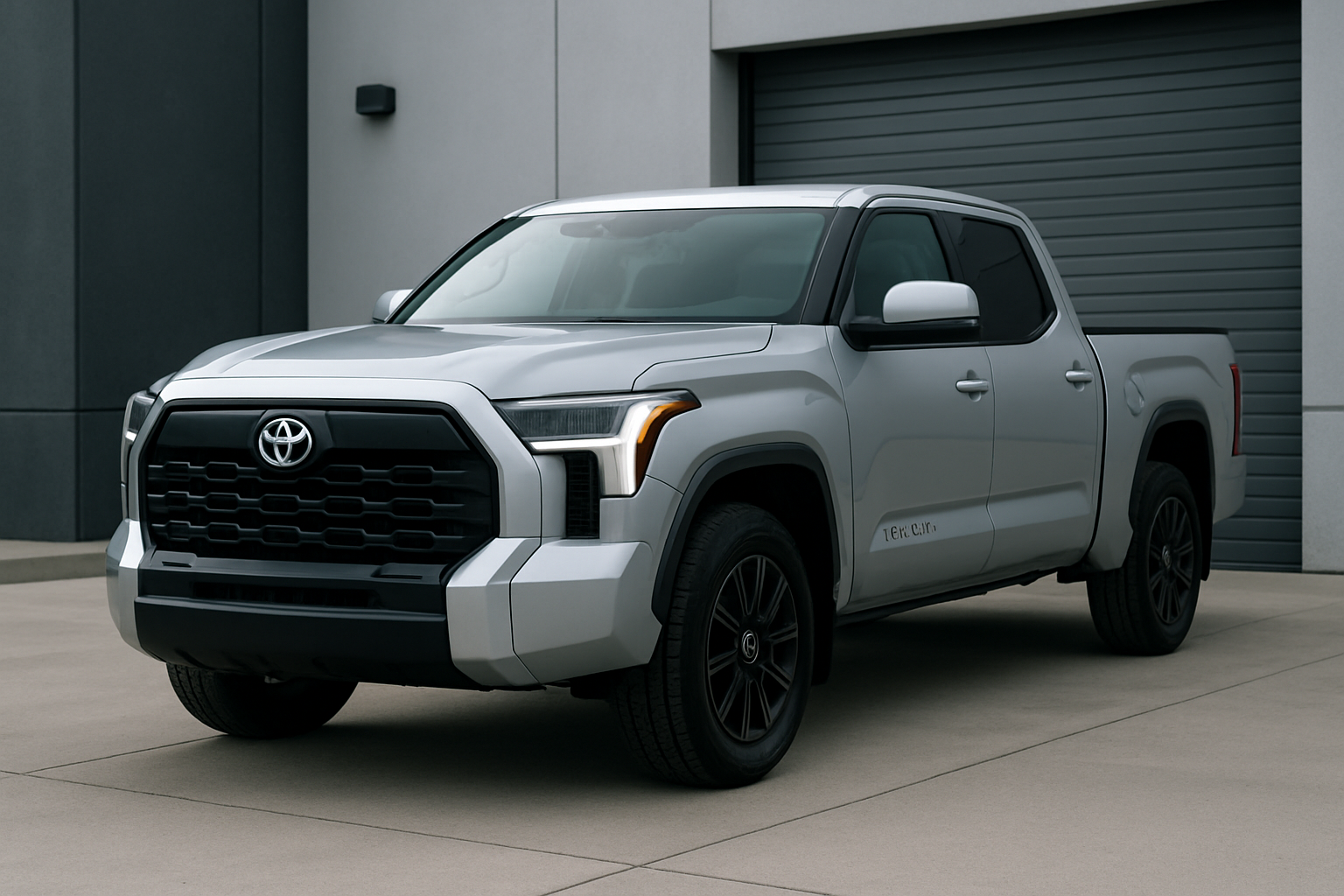
Toyota’s auto start/stop system can be incredibly frustrating, especially in stop-and-go traffic or during long idle periods. Many Tundra owners find the constant engine cycling annoying and want a permanent solution to disable this feature.
Understanding Toyota Tundra’s Auto Start/Stop System
The 2022 redesigned Toyota Tundra introduced an automatic start/stop system that shuts off the engine when you come to a complete stop. The system automatically restarts the engine when you release the brake pedal or press the accelerator.
While this feature aims to improve fuel economy and reduce emissions, many drivers find it intrusive. The system can cause delays when you need to accelerate quickly from a stop, creates vibrations during restart, and can be particularly annoying in heavy traffic situations.
The Tundra’s implementation tends to be more aggressive than some other vehicles, engaging even during brief stops. This makes the feature feel more noticeable and potentially irritating during daily driving.
The Temporary Solution: Dashboard Button Method
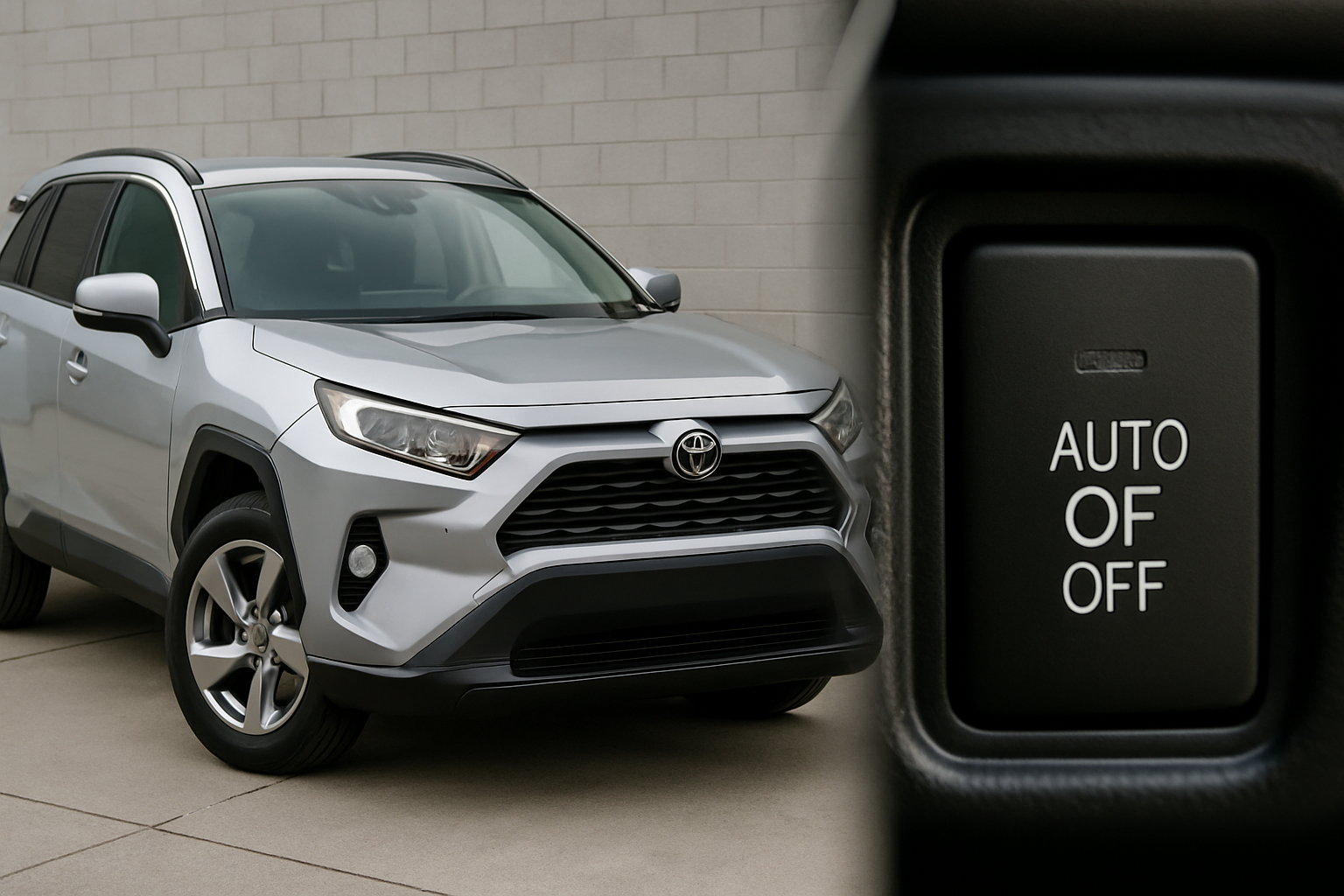
Your Tundra comes with a manual override button located on the dashboard. You’ll find the auto start/stop disable button on the center console, typically near the drive mode selector or other vehicle control buttons.
The button features an “A” with a circular arrow around it, often with “OFF” indicated when pressed. Press this button once after starting your vehicle, and the system will remain disabled for that drive cycle.
When the system is disabled, you’ll see an indicator light on your dashboard showing the auto start/stop function is turned off. The engine will continue running normally at stops until you turn off the vehicle.
Why the Temporary Fix Gets Old Fast
The major drawback of using the dashboard button is that it resets every time you turn off your Tundra. This means you’ll need to remember to press the button every single time you start the vehicle.
For daily drivers, this becomes a repetitive task that’s easy to forget. You might find yourself sitting at a red light, engine shutting off unexpectedly because you forgot to disable the system that morning.
Toyota designed the system this way to ensure maximum fuel economy benefits, but it doesn’t account for driver preference. Many owners want a way to permanently disable the feature without daily button pressing.
Permanent Solutions for Toyota Tundra Auto Start/Stop
Several aftermarket solutions can permanently disable your Tundra’s auto start/stop system. These methods range from simple plug-and-play devices to more advanced OBD2-based solutions.
OBD2 Port Eliminators
OBD2-based eliminator devices plug directly into your vehicle’s diagnostic port, usually located under the dashboard near the driver’s left knee. These devices intercept the signals between your vehicle’s computer and the start/stop system.
The main advantage of OBD2 eliminators is their ease of installation. You simply plug the device into the port, and it automatically disables the start/stop function every time you start the vehicle.
Behind-the-Switch Devices
Some eliminator devices install behind the actual dashboard button. These devices essentially simulate pressing the disable button automatically each time you start the vehicle.
This method requires more installation work since you’ll need to access the wiring behind the dashboard panel. However, it keeps your OBD2 port free for other diagnostic tools or accessories.
Professional Programming Solutions
Advanced users might consider professional-grade diagnostic tools that can modify vehicle settings through the OBD2 port. These tools can sometimes permanently disable start/stop functionality at the software level.
This method typically requires more technical knowledge and access to dealer-level diagnostic equipment. Most average owners will find plug-and-play devices more practical.
Recommended Auto Start/Stop Eliminators
Several companies manufacture auto start/stop eliminator devices specifically designed for Toyota vehicles. These plug-and-play solutions offer the most practical approach for most Tundra owners.
Popular brands include Autostop Eliminator, Start-X, and ISG Defeat devices. Each offers slightly different features, but most function by intercepting the start/stop system signals and keeping the engine running continuously.
When shopping for an eliminator device, verify compatibility with your specific Tundra year and trim level. Some devices work universally across Toyota models, while others are vehicle-specific.
Installation Overview: OBD2 Eliminator Device
Installing an OBD2-based eliminator device is typically the simplest approach. Here’s what the process involves:
- Locate your vehicle’s OBD2 port under the dashboard on the driver’s side
- Turn off your vehicle and remove the keys from the ignition
- Plug the eliminator device firmly into the OBD2 port until it clicks
- Start your vehicle and verify the device is working properly
- Test by coming to a complete stop to confirm the engine stays running
Most quality devices will have LED indicator lights showing they’re functioning correctly. Some devices may require a brief initialization period during the first startup.
The entire installation process typically takes less than five minutes. You don’t need any tools or technical experience to complete the installation.
Important Considerations Before Disabling
Warranty Implications
Installing an eliminator device shouldn’t void your Tundra’s warranty since these devices don’t permanently modify vehicle systems. However, you may want to remove the device before warranty service visits to avoid potential complications.
Most eliminator devices are completely reversible. Simply unplugging the device will restore normal start/stop functionality immediately.
Fuel Economy Impact
Disabling auto start/stop will slightly reduce your vehicle’s fuel economy, particularly in city driving conditions. The impact varies depending on your driving habits and typical traffic conditions.
For most drivers, the fuel economy difference is minimal compared to the improved driving experience. You might see a decrease of 1-2 MPG in heavy stop-and-go traffic situations.
Emissions and Inspection Considerations
Auto start/stop systems help reduce emissions during idle periods. Disabling this feature may slightly increase your vehicle’s emissions output, though it shouldn’t affect emissions testing in most states.
If you live in an area with strict emissions requirements, check local regulations before permanently disabling the system.
Resale Value
Permanently disabling auto start/stop is unlikely to significantly impact your Tundra’s resale value. Many buyers actually prefer vehicles without aggressive start/stop systems.
If you’re concerned about resale impact, choose a completely reversible solution like an OBD2 eliminator device that you can easily remove before selling.
Frequently Asked Questions
Will disabling auto start/stop hurt my engine?
Disabling auto start/stop won’t harm your engine. In fact, some mechanics believe constant starting and stopping creates more wear than letting the engine run continuously. Your Tundra’s engine is designed to handle both operating modes without issues.
Can I still use my OBD2 port with an eliminator device installed?
Most OBD2 eliminator devices include a pass-through port that allows you to connect other diagnostic tools when needed. You can typically stack multiple OBD2 devices or remove the eliminator temporarily for diagnostic work.
Do eliminator devices work in all weather conditions?
Quality eliminator devices function reliably in all weather conditions your Tundra can handle. The devices are designed to operate in the same temperature and humidity ranges as your vehicle’s other electronic systems.
What happens if the eliminator device fails?
If an eliminator device fails, your Tundra’s auto start/stop system will typically return to normal operation. The vehicle won’t be damaged or experience any drivability issues. You can simply replace the device or remove it entirely if needed.
This article contains affiliate links. If you purchase through these links, we may earn a small commission at no extra cost to you.


Leave a Reply