

Toyota’s auto start/stop system might help fuel economy, but many Highlander owners find it more annoying than useful. The engine constantly shutting off at red lights creates vibrations, delayed acceleration, and an overall jerky driving experience that takes the smoothness out of your ride.
What Auto Start/Stop Does in Your 2020-2026 Highlander
The auto start/stop system in non-hybrid Toyota Highlanders automatically shuts off your engine when you come to a complete stop and the brake pedal is pressed. The system restarts the engine as soon as you lift your foot off the brake or press the accelerator.
While Toyota designed this feature to improve fuel economy by reducing idle time, many drivers find it creates more problems than benefits. The system can cause hesitation during acceleration from stops, uncomfortable cabin vibrations when restarting, and premature wear on the starter motor and battery.
Unlike some luxury vehicles that execute start/stop seamlessly, the Highlander’s system feels clunky and intrusive during normal driving. This becomes particularly frustrating in stop-and-go traffic where the engine cycles on and off constantly.
The Temporary Fix: Using the Dashboard Button
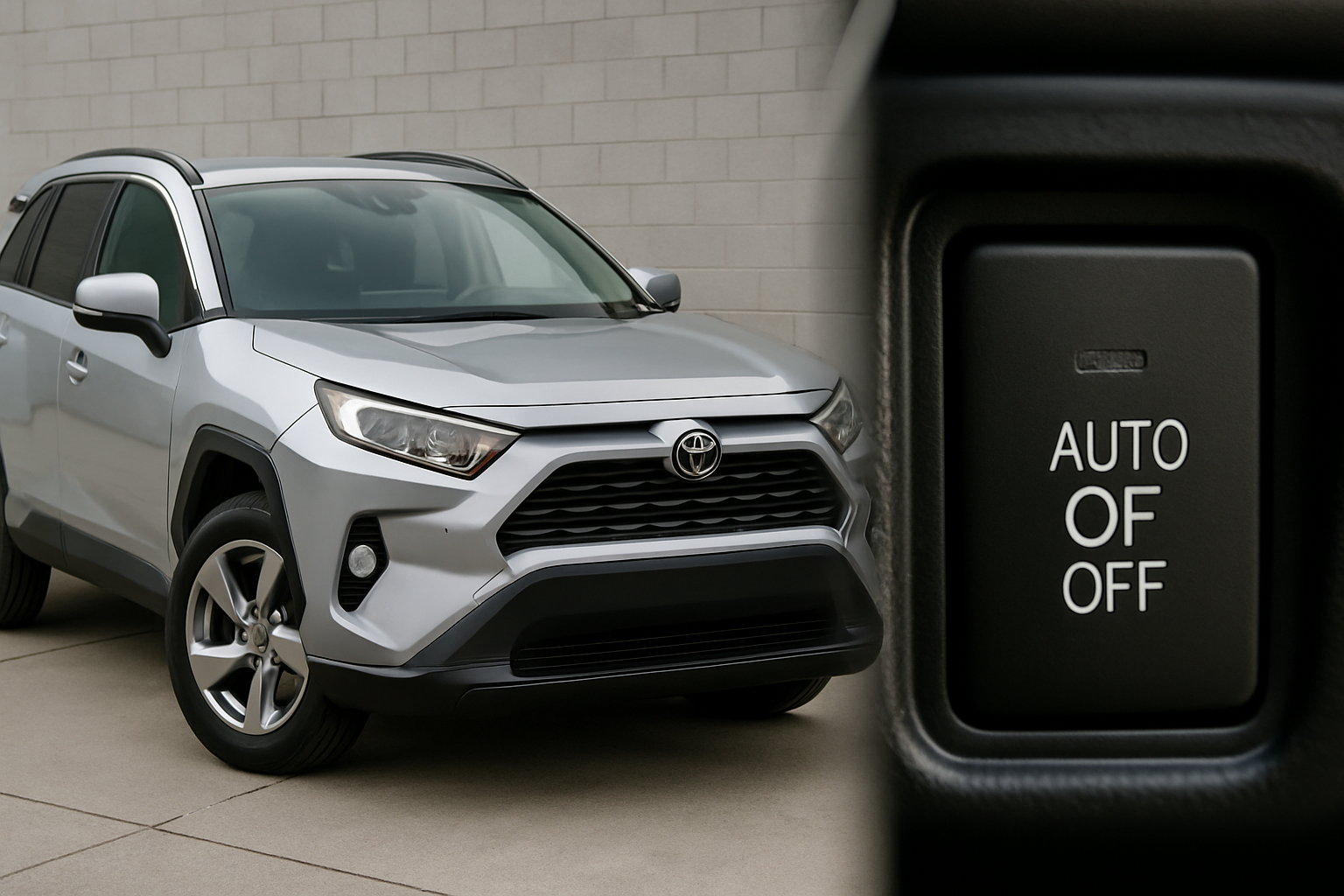
Every 2020-2026 Toyota Highlander comes with a manual override button for the auto start/stop system. You’ll find this button on the center console, typically located near the electronic parking brake and drive mode selectors.
The button shows an “A” with a circular arrow around it, and when the system is active, there’s usually an indicator light. Press this button once to disable auto start/stop for your current driving session. The button will illuminate when the system is turned off.
You can press the button at any time while driving or when parked. The system will remain disabled until you turn off the ignition and restart the vehicle.
Why the Temporary Fix Gets Frustrating
Toyota designed the auto start/stop system to reset every single time you start your Highlander. This means you’ll need to press that button every time you get in your vehicle if you want the system disabled.
For drivers who never want auto start/stop engaged, this becomes a daily annoyance. You have to remember to press the button each time, and if you forget, you’ll deal with the jarring engine shutoffs until you remember to disable it.
This design choice stems from emissions regulations and fuel economy standards that encourage automakers to default these systems to “on.” Unfortunately, there’s no factory setting in the Highlander’s menus to change this behavior permanently.
Permanent Solutions: Aftermarket Eliminator Devices
Several companies now manufacture plug-and-play devices specifically designed to permanently disable auto start/stop in Toyota vehicles. These devices work by either intercepting the signal to the start/stop button or plugging into your vehicle’s OBD2 diagnostic port.
The two main types of eliminators work differently but achieve the same result. Button-based eliminators install behind the existing start/stop switch and automatically send the “off” signal every time you start the vehicle. OBD2 port devices plug into the diagnostic port under your dashboard and communicate with the vehicle’s computer system.
Button-Based Eliminators require some disassembly of the center console to access the wiring behind the start/stop button. These devices are small modules that connect inline with the existing wiring harness. Once installed, they’re completely invisible and automatically disable the system every startup.
OBD2 Port Eliminators are easier to install since they simply plug into the diagnostic port. However, they occupy your OBD2 port permanently, which could interfere with diagnostic tools or other accessories that need port access.
Popular Eliminator Device Options
Several reliable manufacturers produce auto start/stop eliminator devices for Toyota Highlander models. These plug-and-play solutions can permanently disable the start/stop system without any permanent modifications to your vehicle.
The most popular options include devices from Autostop Eliminator, which makes both OBD2 and button-style eliminators specifically for Toyota vehicles. Their devices are programmed for Toyota’s particular start/stop system protocols and have proven reliable across thousands of installations.
Start/Stop Eliminator also produces devices for the Highlander, with both wired and wireless options available. Their OBD2 units often include smartphone apps that let you toggle the eliminator on or off remotely.
When choosing an eliminator, consider whether you prefer the invisible installation of a button-style device or the easier installation of an OBD2 unit. Both types work effectively, but your comfort level with vehicle disassembly might influence your choice.
Installation Overview: OBD2 Port Method
Installing an OBD2 auto start/stop eliminator is the easiest permanent solution for most Highlander owners. The process takes about five minutes and requires no tools or technical knowledge.
First, locate your vehicle’s OBD2 port, which is typically under the dashboard on the driver’s side. In most 2020-2026 Highlanders, you’ll find it to the left of the steering column, near your left knee when sitting in the driver’s seat.
Remove the eliminator device from its packaging and check that it’s designed specifically for Toyota vehicles. Generic eliminators may not work properly with Toyota’s start/stop system protocols.
Plug the eliminator firmly into the OBD2 port until it clicks into place. Start your vehicle and verify that the auto start/stop system doesn’t engage when you come to a stop with the brake pedal pressed. The start/stop indicator light on your dashboard should remain off or show the disabled status.
Some eliminator devices have LED indicators that show their operational status. Consult your device’s instructions to understand what the different light patterns mean.
Installation Overview: Button-Style Method
Button-style eliminators require more involved installation but result in a completely invisible modification. This process typically takes 30-60 minutes and requires basic tools like trim removal tools and possibly a screwdriver.
You’ll need to remove trim panels around the center console to access the wiring behind the start/stop button. The exact disassembly process varies slightly between model years, but generally involves removing the center console trim and accessing the back of the button assembly.
The eliminator device connects inline with the existing wiring harness using plug-and-play connectors. Most devices include detailed instructions with photos showing exactly where connections go for your specific model year.
After connecting the eliminator, reassemble the console trim and test the system. The start/stop button should still function normally if you ever want to manually enable the system, but it will default to disabled every startup.
Important Considerations Before Disabling
Disabling your auto start/stop system could potentially affect your vehicle warranty, depending on how your Toyota dealer interprets warranty terms. While aftermarket eliminators don’t permanently modify the vehicle and can be removed, some dealers might consider any modification grounds for warranty denial.
The system does provide a small fuel economy benefit, typically 2-5% in city driving conditions. Disabling it will likely result in slightly higher fuel consumption, though most drivers find the improved driving experience worth the trade-off.
Auto start/stop systems contribute to a vehicle’s EPA emissions rating. While disabling the system won’t affect your vehicle’s ability to pass emissions tests, it does technically increase your overall emissions output during normal driving.
Consider the impact on resale value as well. Future buyers might appreciate having the option to use auto start/stop, even if they choose to disable it. Eliminator devices can be removed before selling, restoring the system to factory operation.
Alternative Methods: Software Solutions
Some Toyota models can have their auto start/stop default setting changed through software modifications, but the 2020-2026 Highlander has limited options in this area. Tools like Techstream (Toyota’s professional diagnostic software) can access some start/stop parameters, but changing the default state isn’t typically available.
Third-party diagnostic tools like OBDeleven or similar generic OBD2 scanners may offer some coding options, but these vary significantly by model year and software version. The success rate for software-based solutions is much lower than physical eliminator devices.
If you’re interested in exploring software options, research specifically whether your model year and VIN range support start/stop coding changes. Many online Toyota forums have detailed information about which diagnostic tools work with specific Highlander configurations.
Frequently Asked Questions
Will disabling auto start/stop void my Toyota warranty?
Toyota cannot void your entire warranty for installing a removable eliminator device, but they could potentially deny coverage for issues they claim are related to the modification. The Magnuson-Moss Warranty Act protects consumers from blanket warranty denials, but dealers might still refuse coverage for start/stop system repairs or related components like the starter motor or battery.
Can I remove the eliminator device if I change my mind?
Yes, both OBD2 and button-style eliminators can be completely removed, returning your vehicle to factory operation. OBD2 units simply unplug, while button-style eliminators require disassembling the console again to disconnect the inline module. No permanent modifications are made to your vehicle’s wiring or computer systems.
Do eliminator devices work on hybrid Highlanders?
Hybrid Toyota Highlanders use a different start/stop system integrated with their hybrid powertrain. Most aftermarket eliminators designed for conventional engines won’t work on hybrid models. The hybrid system’s start/stop function is more complex and tied into the battery management and electric motor systems.
How much fuel economy will I lose by disabling the system?
Most drivers see a 1-3% decrease in overall fuel economy after disabling auto start/stop. The impact is most noticeable in city driving with frequent stops. Highway fuel economy remains essentially unchanged since the system doesn’t operate at highway speeds. For most Highlander owners, this represents about 0.5-1 MPG difference in real-world driving conditions.
This article contains affiliate links. If you purchase through these links, we may earn a small commission at no extra cost to you.



Leave a Reply