
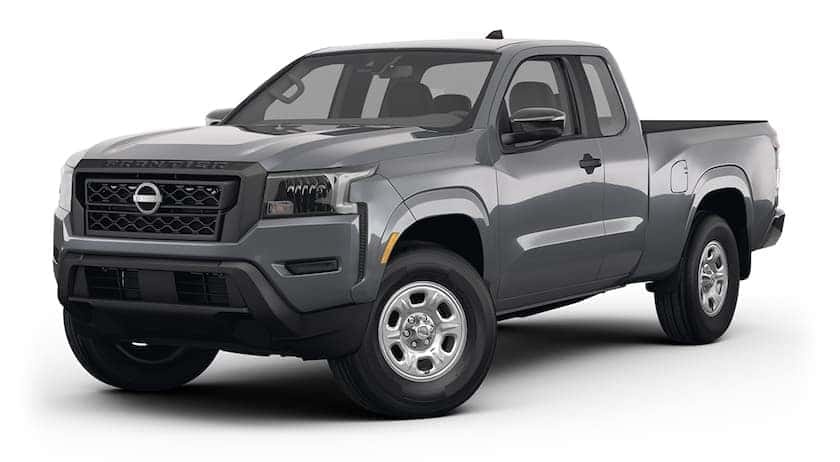
If you drive a Nissan Frontier with the auto start/stop feature, you already know the routine. You pull up to a red light, the engine cuts off, and the truck shudders back to life the moment you lift your foot off the brake. Every single time. It’s not dangerous, but it is annoying, and plenty of Frontier owners want it gone for good.
The Bottom Line
Choose your exact model year and powertrain below. Check the fitment notes before ordering; these modules can use different connectors.
There are two ways to deal with it. You can press the button on the dash every time you start the truck, which works but gets old fast. Or you can install a plug-and-play eliminator module that handles it automatically so you never think about it again. This guide covers both options, explains why the factory button doesn’t stick, and walks you through the permanent fix step by step.
Which Nissan Frontiers Have Auto Start/Stop?
The auto start/stop system (Nissan calls it Automatic Engine Stop/Start or ESS) was introduced on the fourth-generation Frontier. If your truck is a 2022 or newer model, you have it. The 2021 and older third-generation Frontiers did not include this feature, so if you’re driving one of those, you’re already in the clear.
The system works with the 3.8L V6 engine across all trim levels: S, SV, Pro-X, Pro-4X, and SL. It doesn’t matter if you have 4×2 or 4×4. If it’s a 2022+ Frontier, ESS is active by default every time you start the engine.
For general context on how Nissan’s vehicle systems can create unexpected quirks, our breakdown of Nissan Rogue CVT problems by model year shows how the brand’s engineering decisions can affect real-world ownership in ways the brochure never mentions.
Using the Factory Dashboard Button
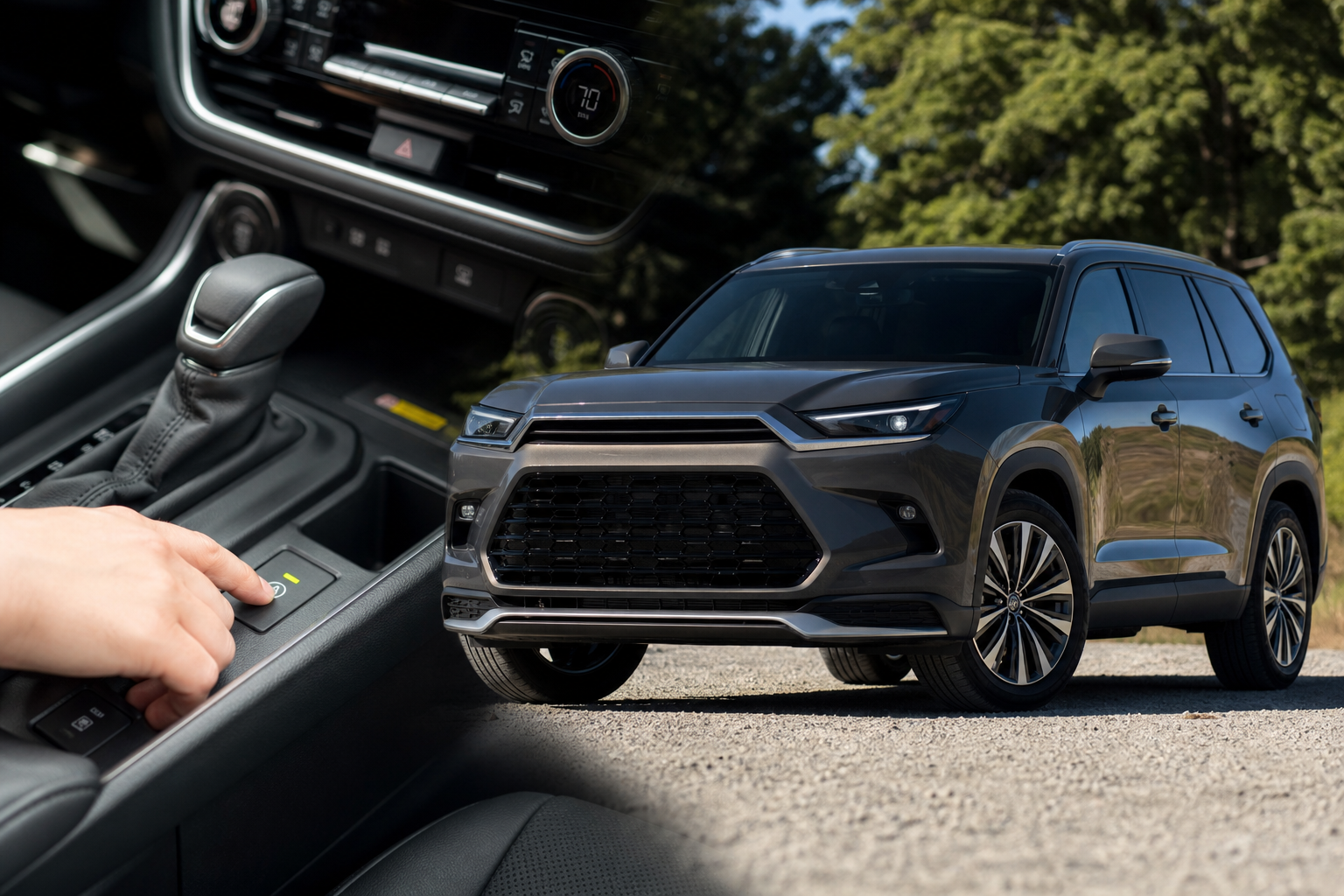
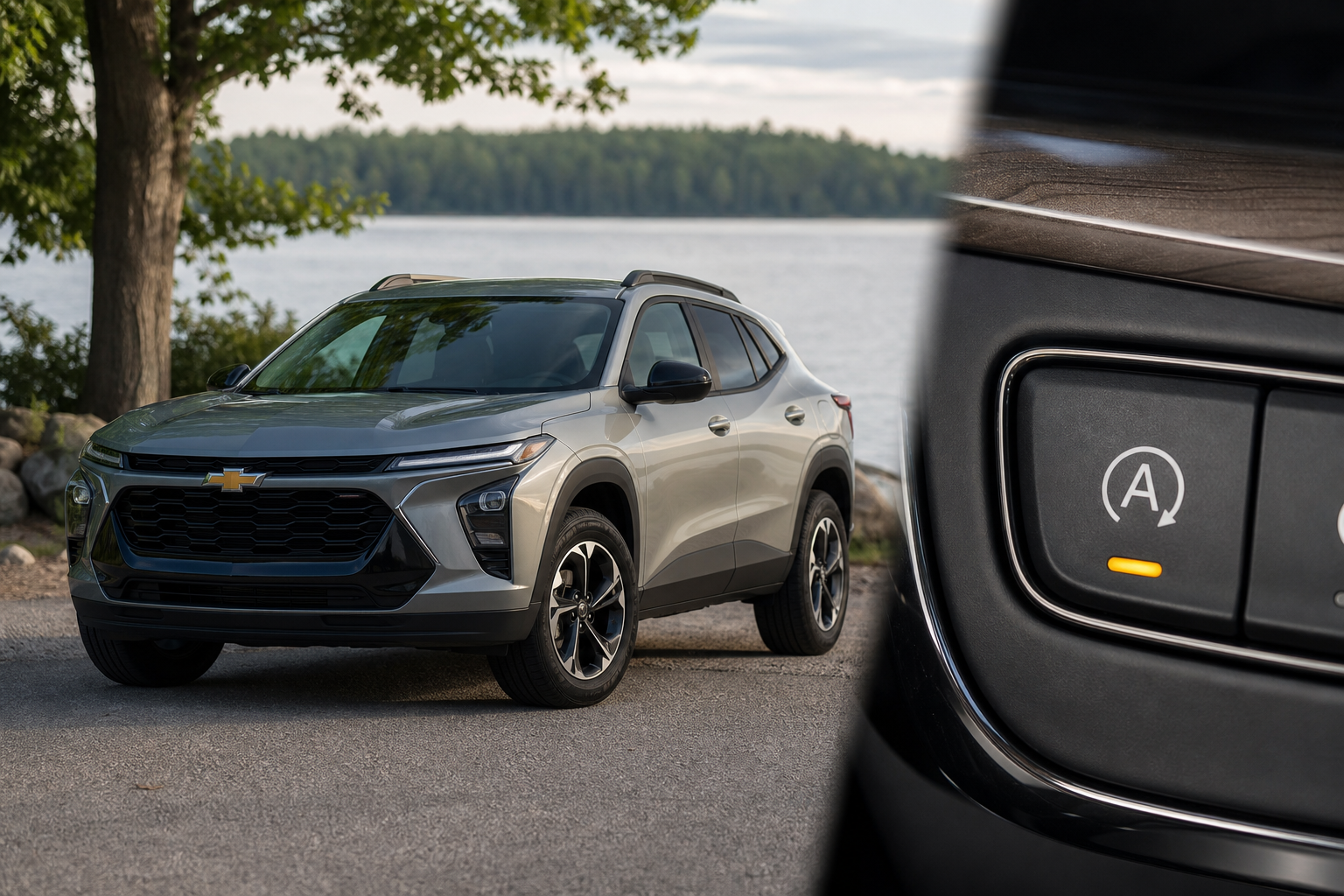
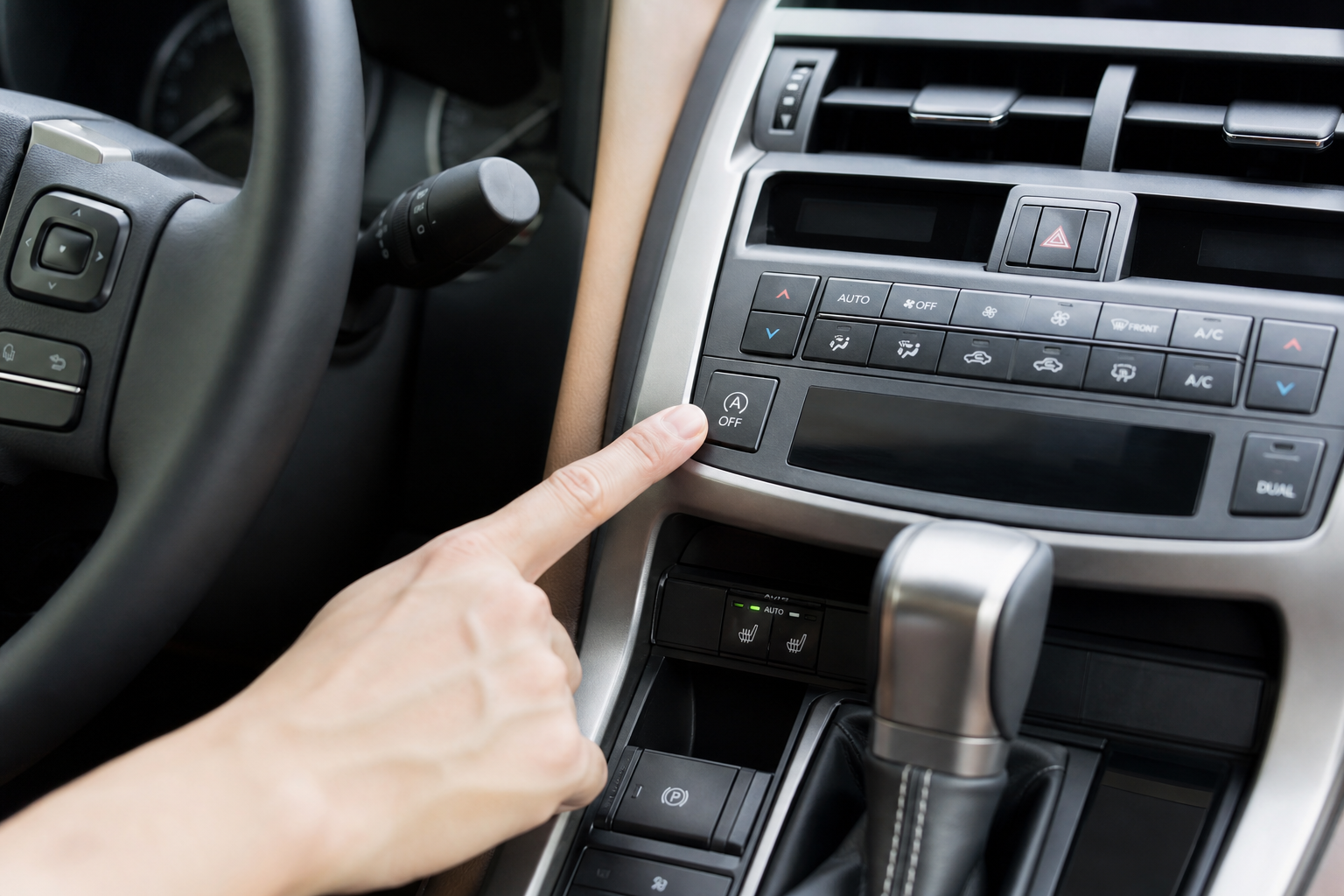
Every 2022+ Frontier has a dedicated button to disable ESS on demand. It’s located on the center console switch panel, usually near the traction control and 4WD buttons. The icon looks like an “A” with a circular arrow around it.
Here’s how to use it:
- Start the engine as normal.
- Press the ESS button once. A light on the button or a dash indicator will confirm it’s off.
- Drive as usual. The engine will no longer shut off at stops for the rest of that drive.
Simple enough. The problem is that the system resets itself every single time you turn the truck off and back on. Nissan engineered it this way intentionally because ESS is tied to EPA fuel economy ratings. The automaker has to demonstrate the system is active during standardized testing cycles, so they designed it to default back to “on” with every ignition cycle. Your preference isn’t saved anywhere in the ECU.
This means if you want it off, you’re pressing that button every morning, every time you stop for gas, and every time a passenger starts the truck. For a lot of owners, that’s reason enough to look for a better solution.
The Permanent Fix: Start/Stop Eliminator Module
The vehicle must actually have factory Idling Stop and the matching AUTO OFF control. The 2022–2024 module remembers the selected setting; the newer listing describes OFF at startup and reactivation for the current drive using the factory button. Connect at the Idling Stop controls, not the engine ignition button. A generic module for the same brand is not an established substitute. Different products may remember the previous setting or switch the system off at startup; verify that behavior and any factory-button, remote-start or other feature limitations in the selected device’s guide.
How to Install a Start/Stop Eliminator on the Nissan Frontier
The vehicle must actually have factory Idling Stop and the matching AUTO OFF control. The 2022–2024 module remembers the selected setting; the newer listing describes OFF at startup and reactivation for the current drive using the factory button. Connect at the Idling Stop controls, not the engine ignition button. Use the current installation instructions for the exact linked device and vehicle configuration. Do not substitute a generic OBD2 procedure. Confirm the connector before removing trim, keep the original harness intact, and check the factory control and warning lights after installation. If the connector or guide does not match, stop and ask the manufacturer or an installer.
Related resources: diagnostic scanner.

Plastic Trim Removal Tool Set
A basic trim panel removal kit makes the install clean and prevents any scratching on your interior panels.
Will This Void Your Warranty?
Do not assume an accessory is undetectable or that removing it guarantees warranty coverage. Review the vehicle and accessory warranty terms, keep the installation instructions, and tell the technician about the device when diagnosing a concern. We do not promise a particular service or warranty outcome.
Related resources: a quality OBD2 scanner.
Is Disabling Auto Start/Stop Bad for the Engine?
This is a legitimate concern, and the honest answer is no. The ESS system was designed to reduce fuel consumption and emissions at idle. It puts extra demand on the starter motor and battery, which is why vehicles with ESS use reinforced AGM batteries and heavy-duty starters. Disabling ESS actually reduces wear on those components, not the other way around.
You might see a small decrease in fuel economy, typically less than one mile per gallon in real-world driving, depending on how much stop-and-go traffic you encounter. For most Frontier owners, that tradeoff is completely acceptable in exchange for smoother, more predictable stops.
If you’ve noticed any rough idle or vibration at stops that you’re attributing to the ESS shutting off, that’s worth investigating separately. Our article on diagnosing idle vibration covers some diagnostic approaches that apply broadly to trucks as well.
Frequently Asked Questions
Does the eliminator module affect any other truck systems?
The vehicle must actually have factory Idling Stop and the matching AUTO OFF control. The 2022–2024 module remembers the selected setting; the newer listing describes OFF at startup and reactivation for the current drive using the factory button. Connect at the Idling Stop controls, not the engine ignition button. Check the selected device’s current guide for factory-button operation, remote start, diagnostic-port access and other feature limitations. No compatibility with an unlisted configuration is implied.
Can I use a Nissan Altima or Rogue start/stop eliminator on my Frontier?
You shouldn’t mix and match without confirming connector compatibility. Even within Nissan’s lineup, connector types and ESS logic can vary by platform and model year. The 2022+ Frontier rides on a unique body-on-frame platform, so look for a module that explicitly lists Frontier compatibility. If you’re curious about Nissan’s broader reliability patterns across models, our Nissan Altima CVT problems guide shows how different platforms can behave very differently.
What if the ESS button light still comes on after install?
The vehicle must actually have factory Idling Stop and the matching AUTO OFF control. The 2022–2024 module remembers the selected setting; the newer listing describes OFF at startup and reactivation for the current drive using the factory button. Connect at the Idling Stop controls, not the engine ignition button. If it does not behave as the selected guide describes, stop and consult the manufacturer or a qualified installer. Do not assume that every module has the same reset, warning-light or fail-safe behavior.
Bottom Line
Pressing the ESS button every time you start your Frontier is a minor annoyance, but it adds up. A plug-and-play eliminator module solves it permanently without touching your wiring, without voiding your warranty in any meaningful way, and without affecting any other system on the truck. The install takes five minutes and the result is a truck that behaves the way you want from the first stop sign onward.
Use the model-year product choices and fitment notes above to select the correct version. A year or model name alone does not establish compatibility.
Leave a Reply