
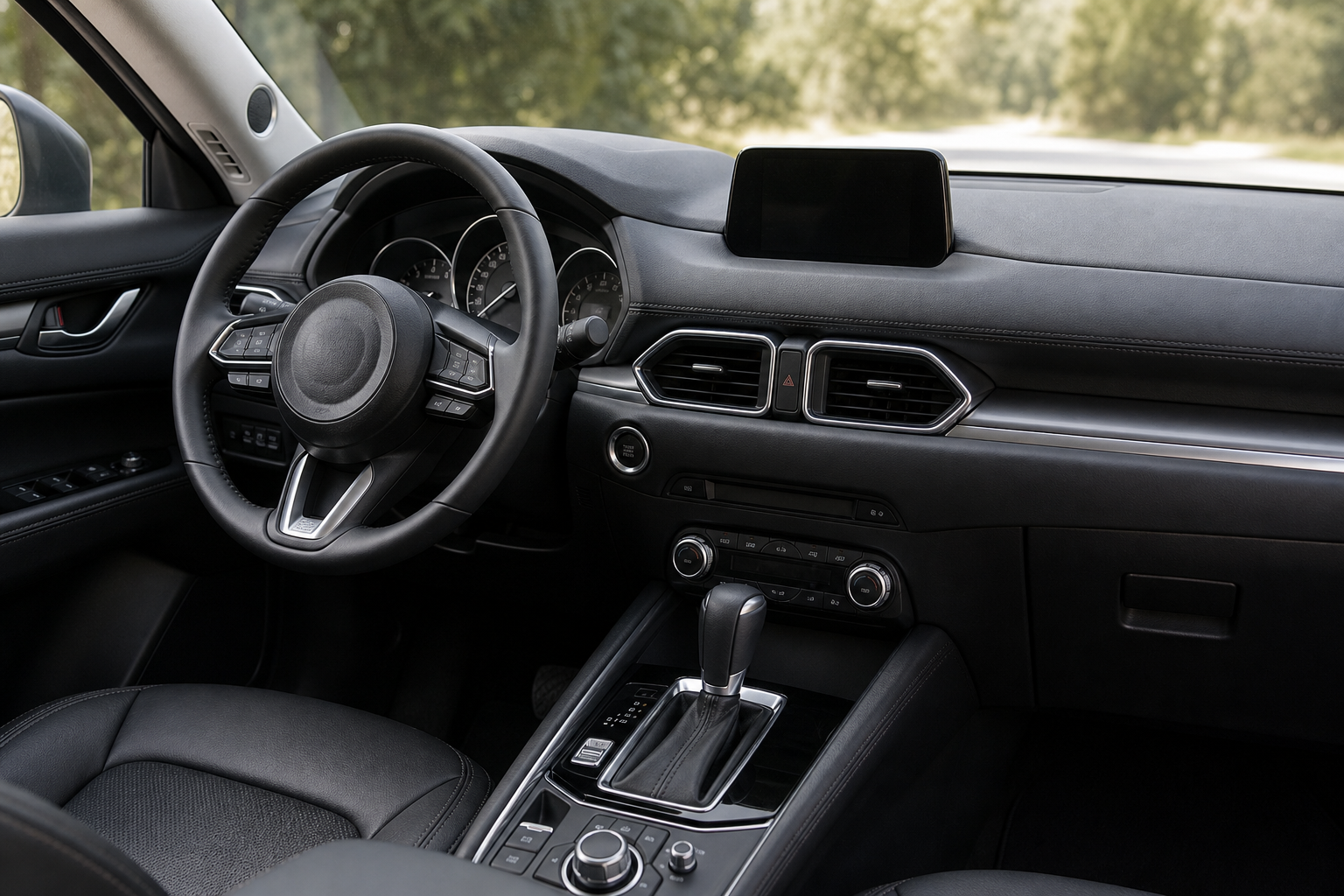
If you own a Mazda CX-5 with Mazda’s i-stop system, you already know the routine. You press the i-stop off button on the dashboard, enjoy a smooth drive without the engine cutting out at every red light, and then start the car the next morning only to find the system has reset itself back on. Every single time. It’s one of those small annoyances that adds up fast, especially if you’re someone who finds the constant engine cycling disruptive or rough on your starter and battery.
The Bottom Line
A plug-and-play module can make your Mazda CX-5 remember your preference to keep Auto Start/Stop off, so you don’t have to press the button every time you start the vehicle.
This guide walks you through every option available to permanently disable auto start/stop on your Mazda CX-5, from the stock dashboard button to the plug-and-play eliminator modules that actually remember your preference between drives.
What Is Mazda’s i-stop System and Why Does It Reset?
Mazda calls its auto start/stop feature “i-stop.” It’s designed to shut the engine off when you come to a complete stop and restart it automatically when you release the brake. The goal is fuel economy and reduced emissions. In theory, it sounds efficient. In practice, many CX-5 owners find it causes noticeable shudder, faster starter wear, and general annoyance during city driving.
The system resets to “on” every time you cycle the ignition because Mazda programmed it that way intentionally. The i-stop off button on the dashboard is a temporary override for that session only, not a setting you can save. This is true across virtually all CX-5 model years from 2013 through the current generation. The behavior hasn’t changed regardless of software updates or trim level.
If you’re also dealing with other Mazda-specific quirks, our article on how to fix Mazda 3 automatic emergency braking false activation covers a similar situation where factory defaults work against everyday driving comfort.
Using the Dashboard Button: The Temporary Fix
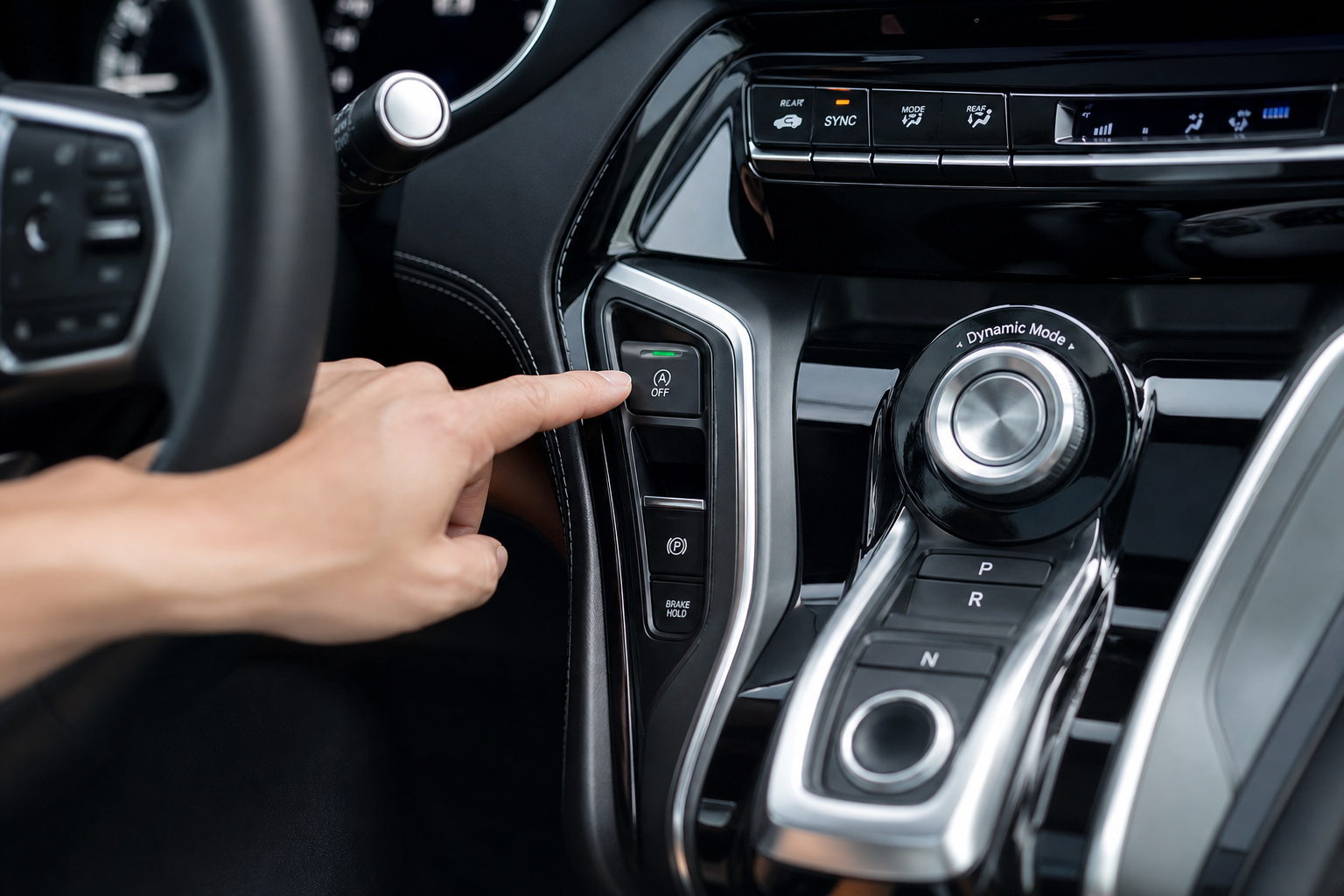
The simplest option is the one you probably already know about. There’s a dedicated i-stop button on the center console or dashboard cluster depending on your model year. Pressing it disables the system for the current drive session. You’ll see an indicator light confirm it’s off.
Where to Find the i-stop Button by Model Year
- 2013-2016 CX-5: Located on the lower center console near the gear selector
- 2017-2021 CX-5 (second generation): On the dashboard to the left of the steering column or in the instrument cluster switch row
- 2022-present CX-5: Same general area, often grouped with the traction control and other driver assist switches
The button works reliably for what it does. If you only occasionally want to disable i-stop, pressing it once per drive might be all you need. But if you want it off every single time without thinking about it, you need a better solution.
The Permanent Fix: i-stop Eliminator Module
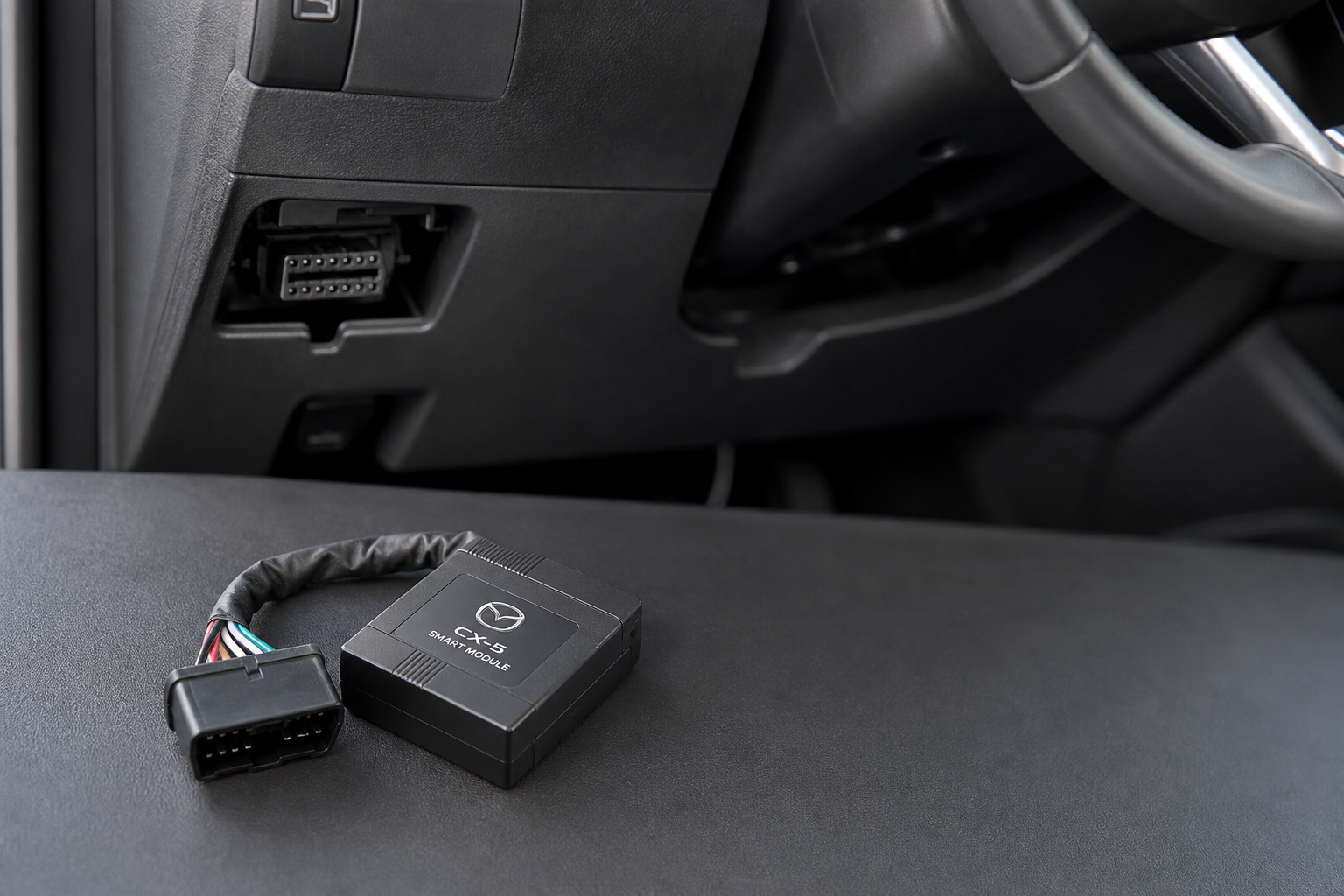
The most effective way to permanently disable i-stop on the Mazda CX-5 is to install a dedicated start/stop eliminator module. These devices plug directly into an existing connector in your vehicle, usually the OBD2 port or a connector behind the dash, and they automatically press the virtual “off” button every time you start the car. No button press needed, no reset, no hassle on your end.
These modules are plug-and-play by design. Installation typically takes five minutes or less with no tools required. They don’t modify your ECU, don’t void your warranty (though always confirm with your specific dealer), and are reversible. If you ever want i-stop back, you just unplug the module.

Mazda CX-5 i-stop Eliminator Module
A plug-and-play module that automatically disables Mazda’s i-stop system every time you start the engine, so you never have to press the dashboard button again.
When shopping for one of these modules, make sure you’re buying one specifically listed as compatible with your CX-5’s model year. The 2013-2016 first-gen and the 2017+ second-gen CX-5 can have slightly different connector locations. Most reputable sellers list compatibility clearly. If you’re unsure about a product listing, check the question and answer section on Amazon or contact the seller directly before buying.
How to Install a Start/Stop Eliminator on the Mazda CX-5
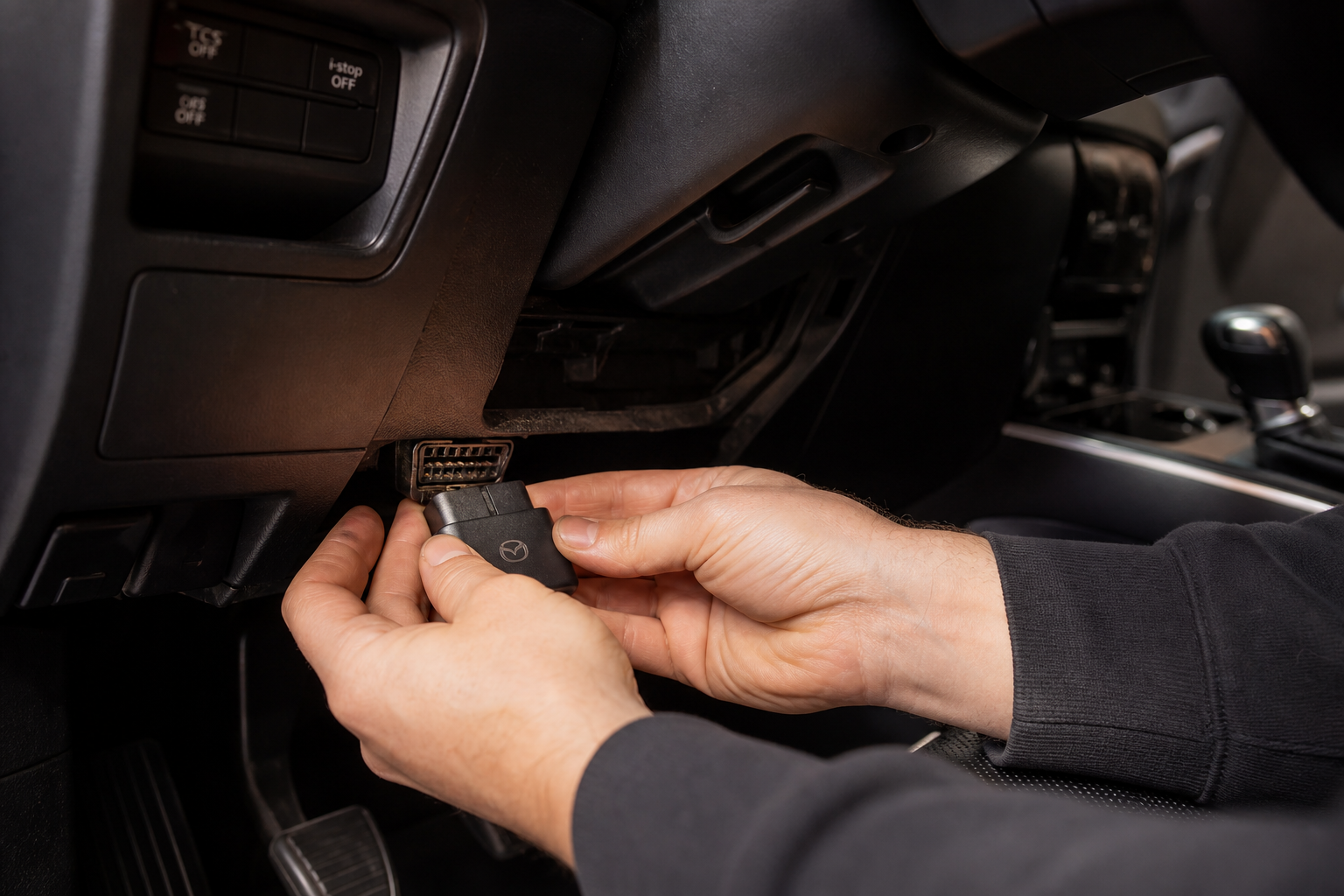
Installation is genuinely simple for most of these modules. Here’s what the process looks like for the most common type that plugs into the OBD2 port:
- Make sure your car is off and the key is out of the ignition
- Locate your OBD2 port, which is typically under the driver’s side dashboard near the steering column
- Plug the eliminator module into the OBD2 port
- Start the engine and verify that the i-stop indicator light shows as disabled without you touching the button
Some modules include a small pass-through connector so you can still use an OBD2 scanner for DIY diagnostics while the module is installed. That’s a useful feature worth looking for, especially if you like to keep an eye on your vehicle’s live data or pull codes yourself.
For eliminator modules that plug into a connector behind the instrument panel instead of the OBD2 port, you may need to remove a small trim panel. That usually requires nothing more than a trim removal tool or a flathead screwdriver wrapped in tape to avoid scratching anything.

OBD2 Port Auto Start Stop Eliminator
A universal-style OBD2 plug-in eliminator that works with multiple makes and models, useful as a backup option if you want to compare fitment across CX-5 model years.
Model Year Notes and Compatibility Details
Not every eliminator module works with every CX-5. Here’s what you need to know before buying:
- 2013-2016 (first generation): i-stop was available on select trims, not standard on all. Check your trim level first. Eliminator modules exist for this generation but are less common.
- 2017-2021 (second generation): i-stop became more widespread. This is the most heavily supported generation for third-party eliminator products.
- 2022-present: Compatible modules are available but confirm year-specific fitment before purchasing. The 2022 refresh brought some interior changes that can affect connector placement.
If you’re not sure whether your specific CX-5 trim has i-stop, the easiest check is to look for the dedicated button on the dashboard. If it’s there, the system is present. If there’s no button, your trim may not have i-stop equipped.
It’s also worth mentioning that if the i-stop system has any active faults or your battery is below a certain charge threshold, i-stop will disable itself automatically. If you’re seeing this happen more than expected, a weak 12V battery is often the cause. A situation like this is similar to the kind of idle-related issues covered in our article on fixing Acura MDX vibration at idle in drive, where the root cause turns out to be something electrical rather than mechanical.
Frequently Asked Questions
Will disabling i-stop void my Mazda CX-5 warranty?
Using the factory dashboard button to disable i-stop absolutely won’t void anything. For plug-in eliminator modules, the Magnuson-Moss Warranty Act in the US generally protects consumers from having warranties voided by aftermarket accessories alone, unless the dealer can prove the accessory caused the issue in question. Since these modules are completely reversible, the risk is minimal. If you’re concerned, unplug the module before any dealer visit.
Does turning off i-stop really save your starter motor and battery?
There’s genuine debate about this. Mazda’s i-stop system uses a different restart method than a traditional start, relying on direct fuel injection into the cylinder to restart the engine rather than spinning the starter motor every time. So the starter wear argument is less clear-cut than it is on some other vehicles. That said, many owners report that their CX-5 feels smoother and more responsive without i-stop active, particularly in stop-and-go traffic.
Can I permanently disable i-stop through the Mazda infotainment system or a software setting?
No. There’s no hidden menu option in Mazda Connect or the infotainment system that lets you save an i-stop off preference. Some third-party tuning tools claim to modify ECU settings to disable i-stop permanently, but these carry more risk than a simple plug-in module and are harder to reverse. If you’ve explored Mazda’s software quirks before, you know the brand keeps most settings locked down tightly. For a look at how another Mazda model handles persistent system quirks, see our article on fixing rust on the Mazda 6 rear wheel arches for context on how DIY solutions often outperform waiting for an official fix.
The Bottom Line
If pressing the i-stop button every morning is something you’re willing to live with, the factory button is all you need. It’s there, it works, and it’s free. But if you want to never think about it again, a plug-in Mazda CX-5 i-stop eliminator module is the cleanest solution available. Installation takes minutes, it’s reversible, and your car will behave exactly the way you want it to from the first drive onward.
Just make sure you match the module to your exact model year, and you’ll be set.

Leave a Reply