
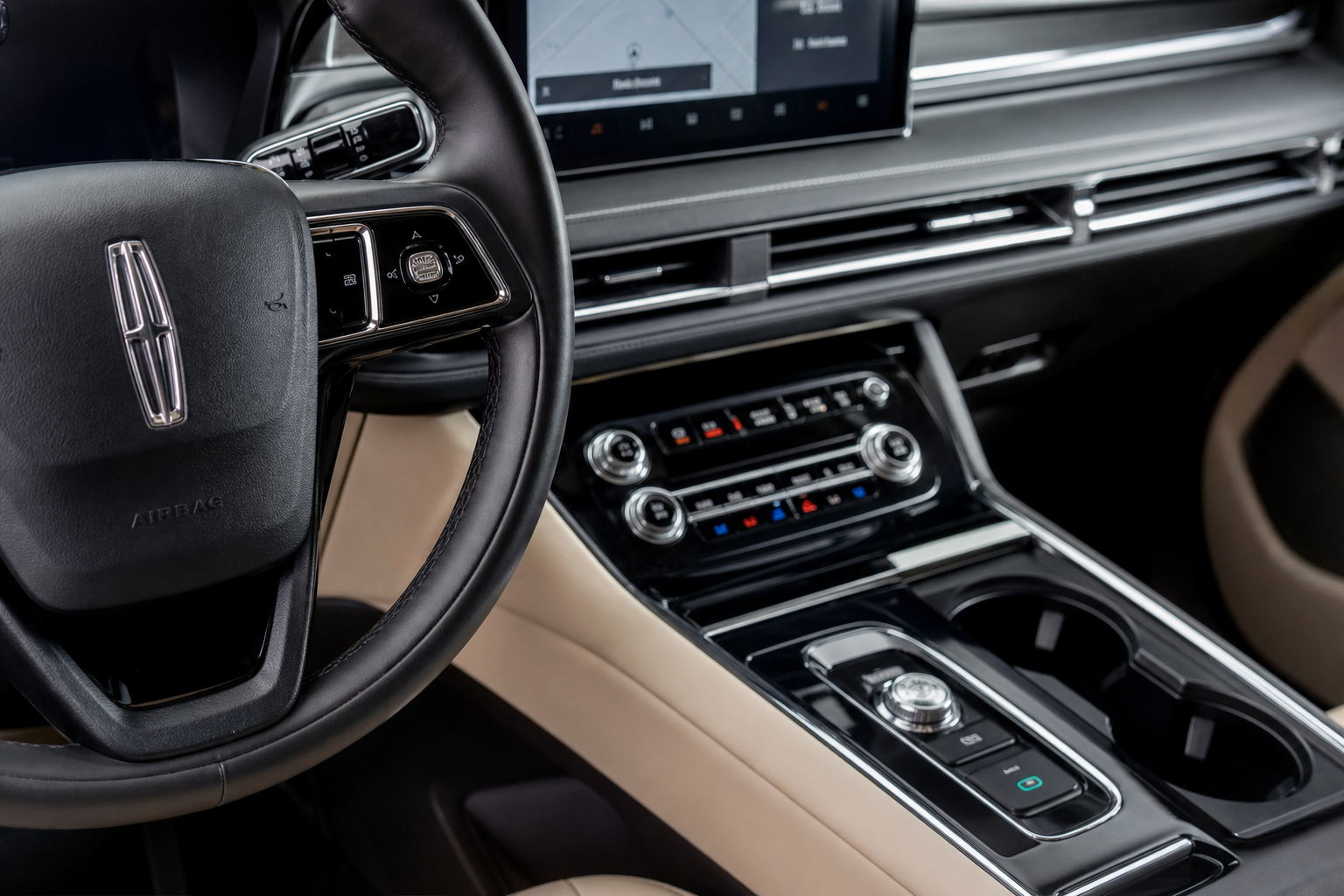
If you own a Lincoln Corsair, you already know the drill. You shut off the engine, restart it the next morning, and the auto start/stop system is back on again like nothing happened. It doesn’t matter how many times you hit that “A” button with the circle arrow. Every single drive, it resets to enabled. For a lot of Corsair owners, this is one of the most frustrating quirks of an otherwise excellent luxury crossover.
The Bottom Line
A plug-and-play module can make your Lincoln Corsair remember your preference to keep Auto Start/Stop off, so you don’t have to press the button every time you start the vehicle.
This guide covers exactly how to handle it, from the factory button to the plug-and-play module that actually solves the problem for good.
Why the Button Alone Doesn’t Work
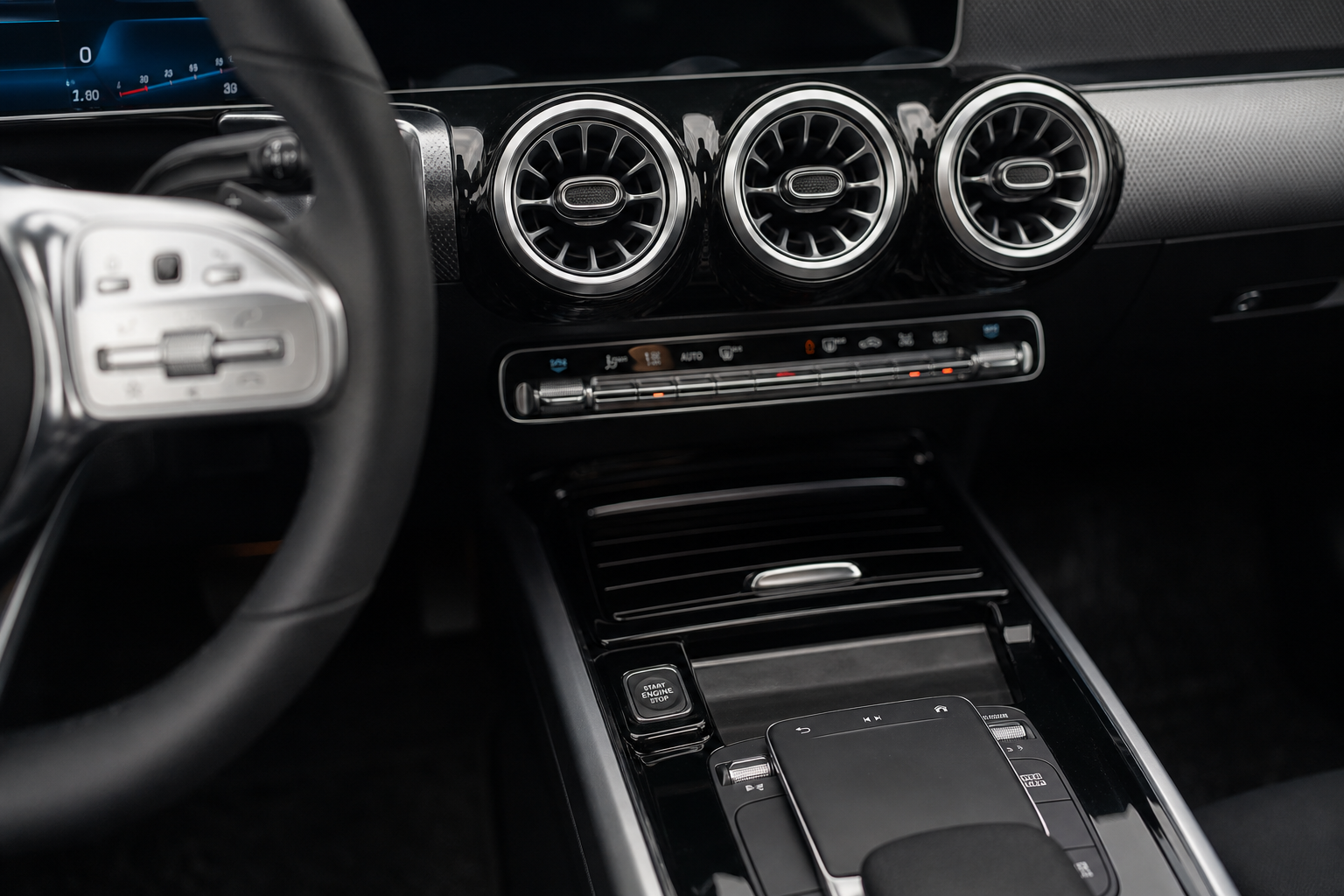
The Lincoln Corsair has a dedicated auto start/stop disable button on the center console. Press it once and the system shuts off for your current drive. It works fine. The problem is that Ford and Lincoln program these systems to re-enable every time you cycle the ignition. It’s intentional, not a bug. Automakers do this to meet fuel economy targets and emissions standards.
So the button gives you a temporary workaround, not a permanent fix. If you’re tired of pressing it before every drive, you’ve got two real options: live with it, or install a start/stop eliminator module.
It’s also worth mentioning that if your Corsair’s engine is shutting off and causing noticeable vibration or rough idling, that’s a slightly different issue. A post like this one on Acura MDX vibration at idle covers why stop/start-related roughness happens in general, and the same principles apply to most luxury crossovers with the feature.
How to Disable Auto Start/Stop on the Lincoln Corsair
Step 1: Use the Factory Button (Temporary)
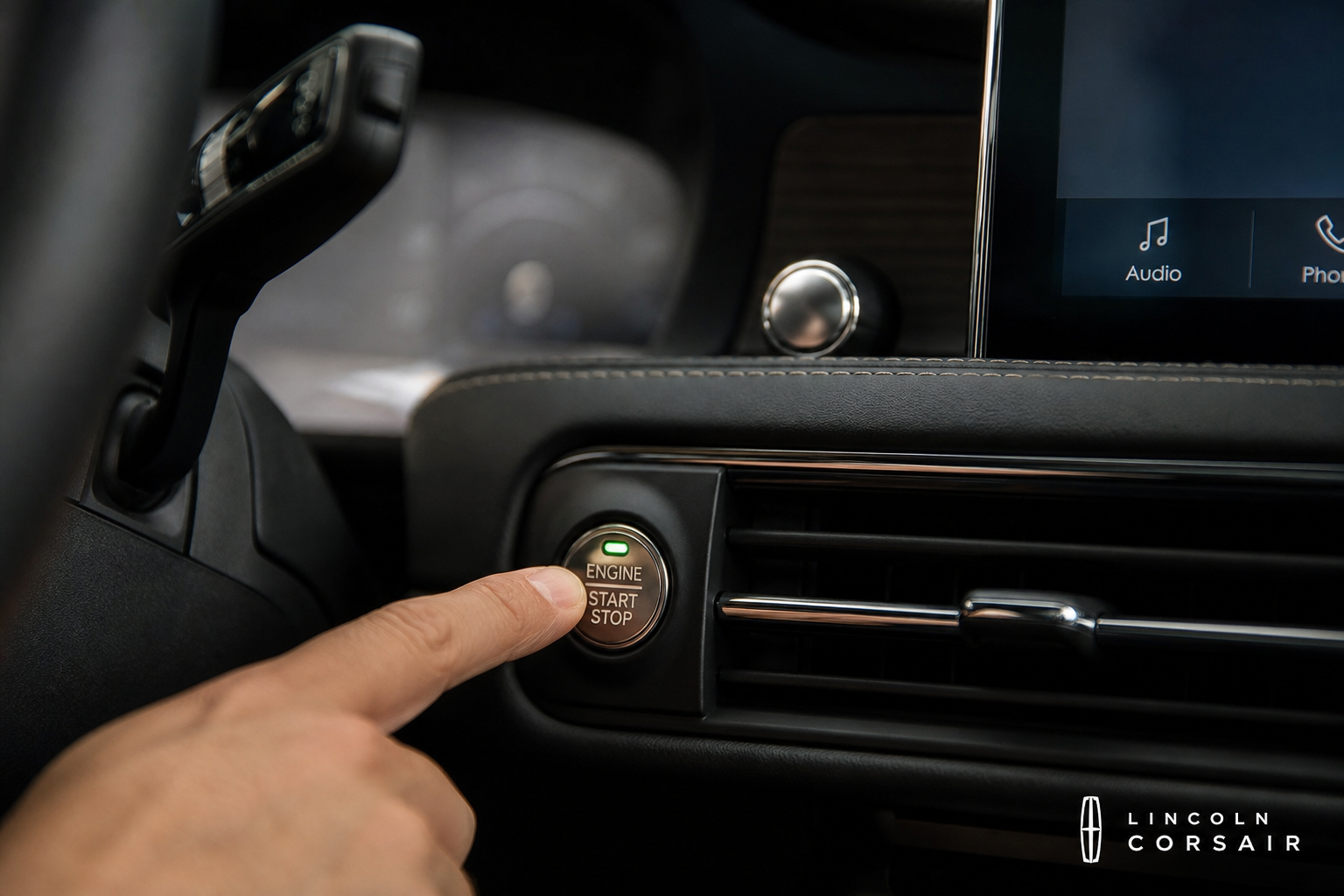
Every time you start the Corsair, press the auto start/stop button on the center console before you pull out of your driveway. It has a small “A” with a circular arrow. One press disables it for that drive. This is the factory method, and it works, but it requires you to remember every single time.
Step 2: Check Your Driver Profile Settings
Some 2020 and newer Lincoln Corsair models let you save certain preferences to a driver profile. Go into your SYNC infotainment screen and navigate to your driver profile settings. Look for any option related to start/stop preference. On most Corsair trims, this preference is not saved to the profile, but it’s worth checking your specific model year before spending money on a module.
If you drive a Ford vehicle as well and are familiar with saving settings through connected apps, this guide on the FordPass app for the F-150 gives you a good sense of how Ford’s connected ecosystem works across its lineup.
Step 3: Install a Start/Stop Eliminator Module (Permanent Fix)
A start/stop eliminator is a small plug-and-play device that connects to your OBD-II port or taps into the vehicle’s existing wiring harness. Once it’s installed, it automatically sends the disable signal every time you start the car. You don’t have to touch anything. The system stays off every drive, permanently, until you remove the module.
For the Lincoln Corsair specifically, look for a module that lists explicit Corsair compatibility. Generic Ford-compatible modules often work since the Corsair shares Ford’s platform and wiring architecture, but confirm compatibility before buying.

Lincoln Corsair Start Stop Eliminator
A plug-and-play module that automatically disables auto start/stop every time you start your Corsair, so you never have to press the button again.
Installation takes about five minutes on most models. You plug the module in, tuck the cable out of sight, and you’re done. There are no tools required, no wiring to cut, and no permanent modifications to the vehicle. If you ever want to sell the car or restore the system, just unplug it.
If you’re comfortable doing light DIY work on your vehicle, you might also find our guide on the best OBD2 scanners for DIY auto repair useful for diagnosing other minor issues while you’re under the dash area anyway.
Model Year Notes for the Lincoln Corsair

- 2020-2021 Corsair: Auto start/stop is standard and always resets to on. No profile save option. A hardware module is your only permanent solution.
- 2022-2023 Corsair: Same behavior. Ford did not add a persistent off setting during this generation.
- 2024+ Corsair: Check your owner’s manual for any updates to the driver profile system. As of the 2024 model year, the reset behavior has not been changed, but Lincoln has been updating SYNC software periodically.
If you drive a plug-in hybrid version of the Corsair (the Grand Touring PHEV trim), note that start/stop behavior is slightly different since the electric motor handles low-speed operation. An eliminator module still works on the PHEV, but the felt difference may be less noticeable than on the standard turbocharged model.
Frequently Asked Questions
Will a start/stop eliminator void my Lincoln Corsair’s warranty?
A plug-and-play module that connects to the OBD-II port or a factory connector generally does not void your warranty under the Magnuson-Moss Warranty Act. The dealer would need to prove the device caused a specific problem to deny a warranty claim. That said, if you have concerns, remove the module before any dealer visits.
Does disabling auto start/stop hurt my Corsair’s engine or fuel economy?
Keeping the engine running at stops does use slightly more fuel than the start/stop system saves, but the real-world difference is minimal, typically less than one mile per gallon in mixed driving. As for engine wear, many mechanics argue that repeated hot starts from the start/stop system are actually harder on starter components and the battery over time than simply letting the engine idle. Disabling it is unlikely to hurt your Corsair’s engine health.
This article contains affiliate links. We may earn a small commission at no extra cost to you.

Leave a Reply