
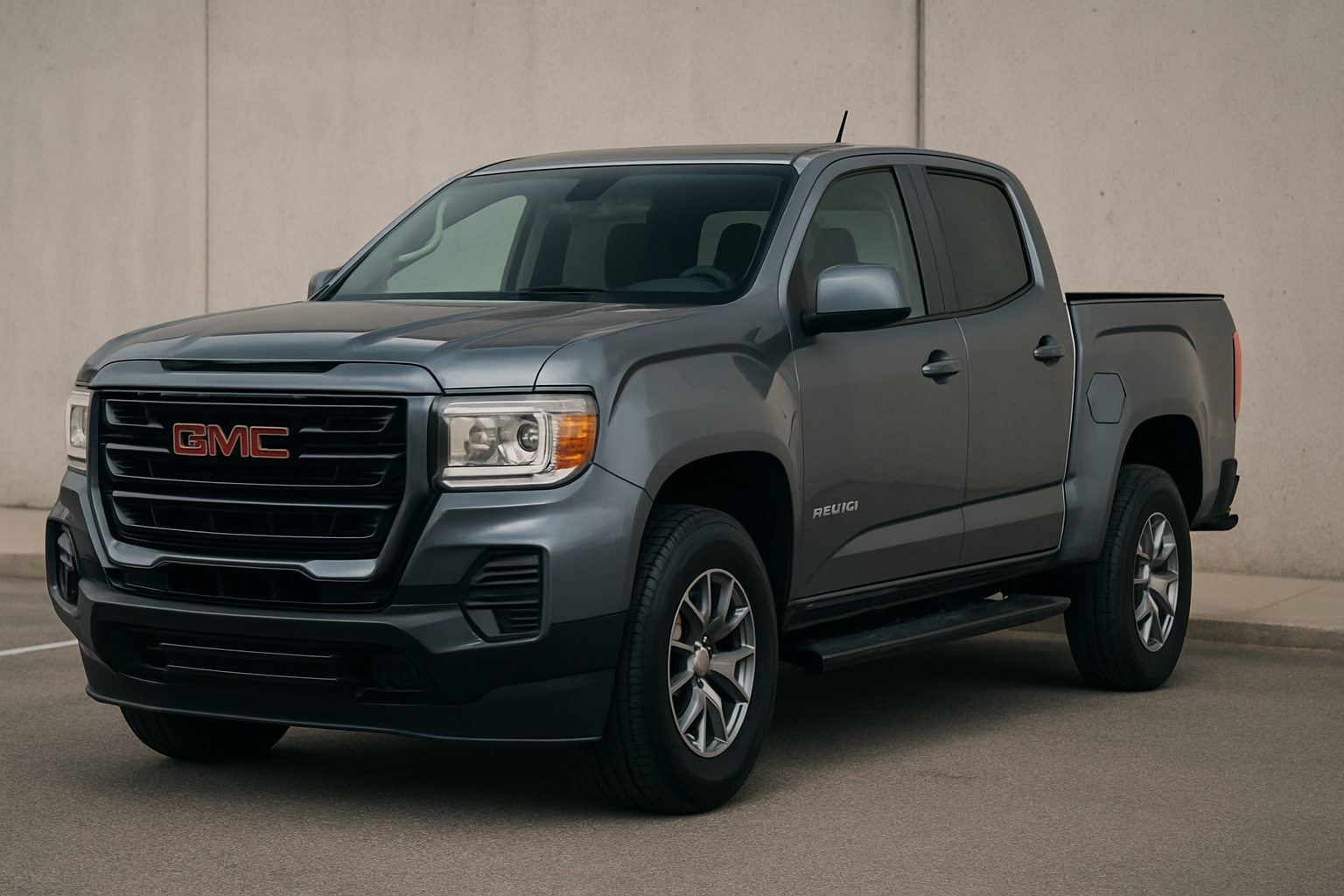
The auto start/stop system on the 2023-2026 GMC Canyon automatically shuts off your engine at red lights and restarts it when you lift your foot off the brake. While this feature aims to improve fuel economy, many drivers find it annoying due to the rough restarts, delayed acceleration, and overall impact on the driving experience.
Understanding Auto Start/Stop on the GMC Canyon
The auto start/stop system in your GMC Canyon is designed to shut off the engine when you come to a complete stop, such as at traffic lights or in heavy traffic. When you release the brake pedal, the engine automatically restarts to resume driving.
On the Canyon, this system can be particularly jarring. The engine restart isn’t as smooth as some luxury vehicles, and there’s often a noticeable delay between releasing the brake and getting power back to the wheels. This creates an uncomfortable driving experience, especially in stop-and-go traffic or when making quick turns at intersections.
Many Canyon owners also report that the system activates too frequently, even during brief stops that don’t warrant shutting off the engine. The constant stopping and starting can feel unnatural and make the truck feel less responsive than it should.
The Temporary Fix: Using the Dashboard Button
Your GMC Canyon comes with a manual override button that allows you to disable the auto start/stop system temporarily. You’ll find this button on the center console area, typically located near other drive mode controls.
The button features an “A” with a circular arrow around it, often with “OFF” underneath when the system is disabled. Press this button once after starting your truck, and you’ll see the indicator light up on your dashboard, confirming that auto start/stop is turned off for that drive cycle.
When the system is disabled, your engine will run continuously at stops instead of shutting off. You’ll notice immediately that your truck feels more responsive and ready to go when traffic starts moving again.
Why the Temporary Fix Gets Old Fast
The major frustration with the dashboard button method is that it resets every single time you turn off your truck. Every time you start the Canyon, the auto start/stop system defaults back to “on,” and you have to remember to press that button again.
This becomes a daily annoyance that many owners forget to do, especially during the first few minutes of driving when you’re focused on backing out of the driveway or navigating traffic. You’ll find yourself stuck at a red light when the engine suddenly shuts off, reminding you that you forgot to disable the system.
For truck owners who never want to use auto start/stop, having to disable it manually every single drive gets old very quickly. This is why many Canyon owners look for permanent solutions.
Permanent Solutions: Aftermarket Devices and Methods
Several aftermarket solutions can permanently disable the auto start/stop system on your 2023-2026 GMC Canyon. Since the Canyon shares the same platform as the Colorado, devices designed for either truck will typically work on both models.
Plug-and-Play Eliminator Devices
The most popular permanent solution involves small electronic devices that plug into your truck’s systems. These devices trick the system into thinking you’ve pressed the disable button every time you start the truck.
There are two main types of eliminator devices. OBD2 port devices plug directly into your truck’s diagnostic port, usually located under the dashboard near your left knee. These are the easiest to install but take up your OBD2 port permanently.
Behind-the-button devices connect directly to the wiring behind your auto start/stop switch. These require removing some trim panels but don’t block your OBD2 port, which is important if you use diagnostic tools or have other devices that need that connection.
Software Coding Methods
Some Canyon owners have had success using automotive coding software to disable the auto start/stop system through the truck’s computer. Tools like FORScan, AlfaOBD, or specialized GM software can sometimes access the relevant control modules.
However, software coding success varies significantly by model year and software version. The 2023-2026 Canyon models have newer security protocols that make software changes more difficult than older trucks.
Software coding also carries more risk of causing other system issues if not done correctly. For most owners, plug-and-play hardware devices offer a safer and more reliable solution.
Recommended Auto Start/Stop Eliminator Devices
Several companies manufacture reliable auto start/stop eliminator devices for the GMC Canyon. These plug-and-play solutions are designed specifically for GM trucks and work with both the Canyon and Colorado platforms.
The most popular options include devices from AutoStop Eliminator, Start-X, and similar manufacturers. These companies specifically design their products for GM’s auto start/stop systems and regularly update their devices for new model years.
When shopping for an eliminator device, make sure it’s specifically compatible with your model year Canyon. While most devices work across the 2023-2026 range, some manufacturers create year-specific versions for optimal compatibility.
Installation Overview: OBD2 Port Device
Installing an OBD2 port eliminator device is the simplest permanent solution for most Canyon owners. Here’s the basic process:
- Locate your OBD2 port under the dashboard on the driver’s side
- Turn off your truck and remove the keys
- Plug the eliminator device firmly into the OBD2 port
- Start your truck and verify the device is working
- Test by coming to a complete stop to confirm the engine stays running
Most OBD2 devices have LED indicators that show they’re functioning correctly. A solid light typically means the device is working and has disabled the auto start/stop system.
The entire installation takes less than five minutes and requires no tools or mechanical knowledge. The device stays connected permanently and will disable auto start/stop every time you drive your truck.
Behind-the-Switch Installation
Installing a behind-the-switch device requires more work but leaves your OBD2 port free for other uses. This installation typically involves:
- Removing trim panels around the center console
- Locating the wiring harness behind the auto start/stop button
- Connecting the eliminator device to specific wires
- Securing the device and reinstalling trim panels
This installation is more complex and usually takes 30-60 minutes depending on your mechanical experience. Most devices come with detailed instructions and wire diagrams specific to your Canyon’s model year.
If you’re not comfortable working with automotive electrical systems, many shops can install these devices quickly and affordably.
Important Considerations Before Disabling Auto Start/Stop
Before permanently disabling your Canyon’s auto start/stop system, consider a few important factors that could affect your ownership experience.
Warranty Implications
Installing aftermarket devices to disable factory systems could potentially affect your warranty coverage. While most eliminator devices are designed to be completely reversible, some dealers might view them as modifications that void certain warranty protections.
The devices themselves rarely cause any damage to your truck’s systems, but it’s worth understanding your dealer’s policies before installation. Most Canyon owners find that the improved driving experience outweighs any potential warranty concerns.
Fuel Economy Impact
Disabling auto start/stop will have some impact on your truck’s fuel economy, particularly in city driving with frequent stops. The system was designed to save fuel during idling, so you’ll use slightly more gas with it disabled.
For most drivers, the fuel economy difference is minimal and worth the improved driving experience. Highway driving won’t be affected at all since auto start/stop only operates when stopped.
Resale Considerations
Future buyers of your Canyon might expect the auto start/stop system to function normally. Most eliminator devices can be easily removed to restore original functionality before selling your truck.
Keep the original packaging and instructions for your eliminator device so you can reverse the installation if needed. This ensures your truck returns to factory specification for resale.
Frequently Asked Questions
Will disabling auto start/stop hurt my engine?
Disabling the auto start/stop system won’t harm your engine in any way. Your truck will simply operate like vehicles did before this technology existed. The engine will run continuously at stops instead of shutting off and restarting repeatedly.
Can I still use my OBD2 port with an eliminator device installed?
OBD2 port eliminator devices do block access to your diagnostic port. If you need to use the port for diagnostics or other devices, consider a behind-the-switch device instead, or temporarily remove the eliminator when needed.
Do these devices work on other GM trucks?
Many eliminator devices designed for the Canyon also work on other GM trucks with similar auto start/stop systems, including the Colorado, Silverado, and Sierra. Always verify compatibility with your specific model and year before purchasing.
What happens if the eliminator device fails?
If an eliminator device stops working, your auto start/stop system will typically return to its normal operation. The devices are designed to fail in a way that doesn’t affect your truck’s normal operation, so you can still drive safely while troubleshooting or replacing the device.
This article contains affiliate links. If you purchase through these links, we may earn a small commission at no extra cost to you.

Leave a Reply