
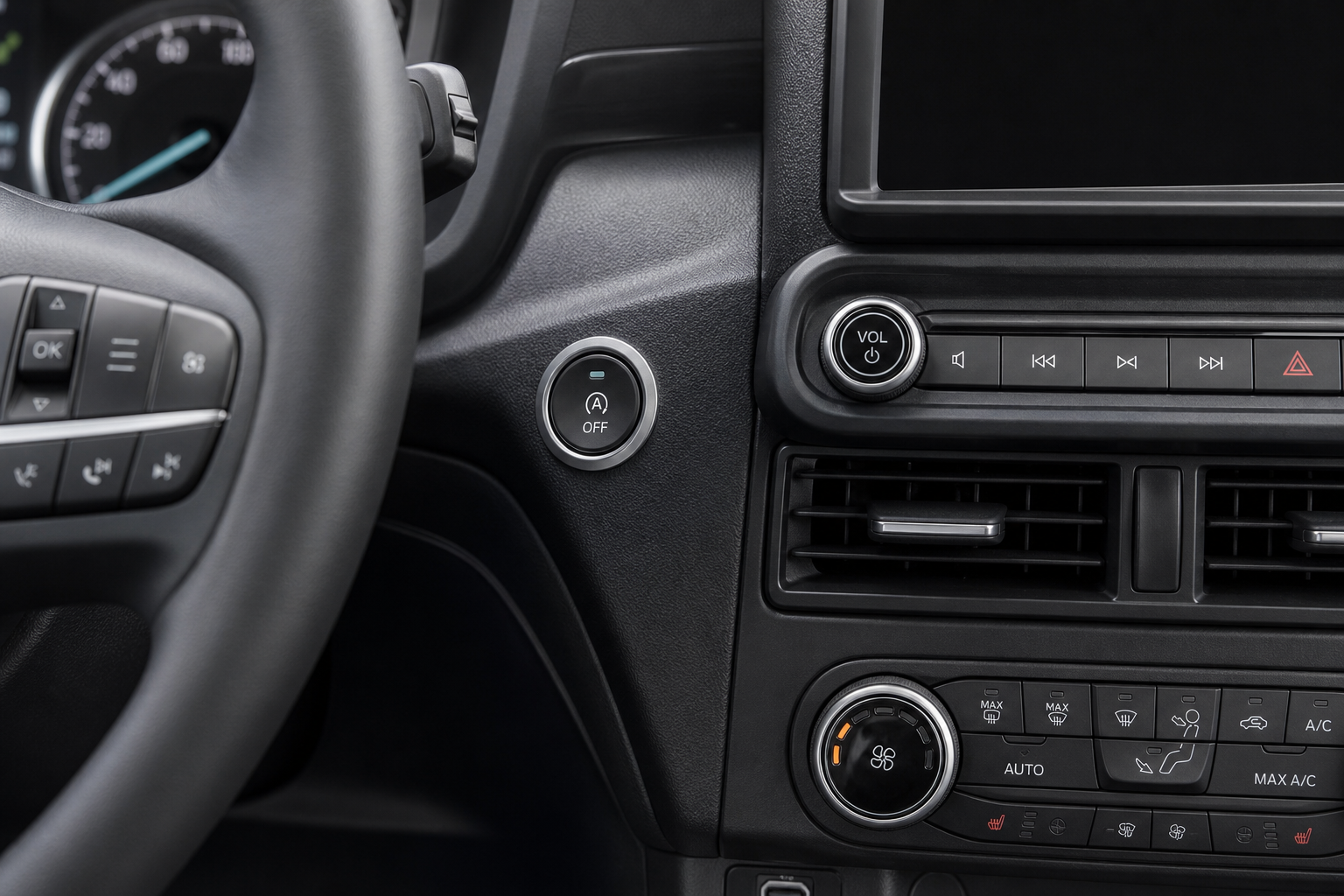
The Ford Maverick’s auto start/stop system cuts the engine every time you stop at a red light, then restarts it when you lift off the brake. Ford says it saves fuel. Most Maverick owners say it’s annoying. The hesitation when the engine restarts, the vibration, the clunk you feel through the seat — it adds up fast on a daily commute.
The Bottom Line
A plug-and-play module can make your Ford Maverick remember your preference to keep Auto Start/Stop off, so you don’t have to press the button every time you start the vehicle.
You can press the A/Off button on the dashboard to disable it, but here’s the problem: the Maverick resets that setting every single time you start the engine. So you’re pressing that button every morning, every time you get back in after lunch, every time anyone else drives the truck. This guide covers how to disable it properly so it actually stays off.
Using the Dashboard Button (The Temporary Fix)
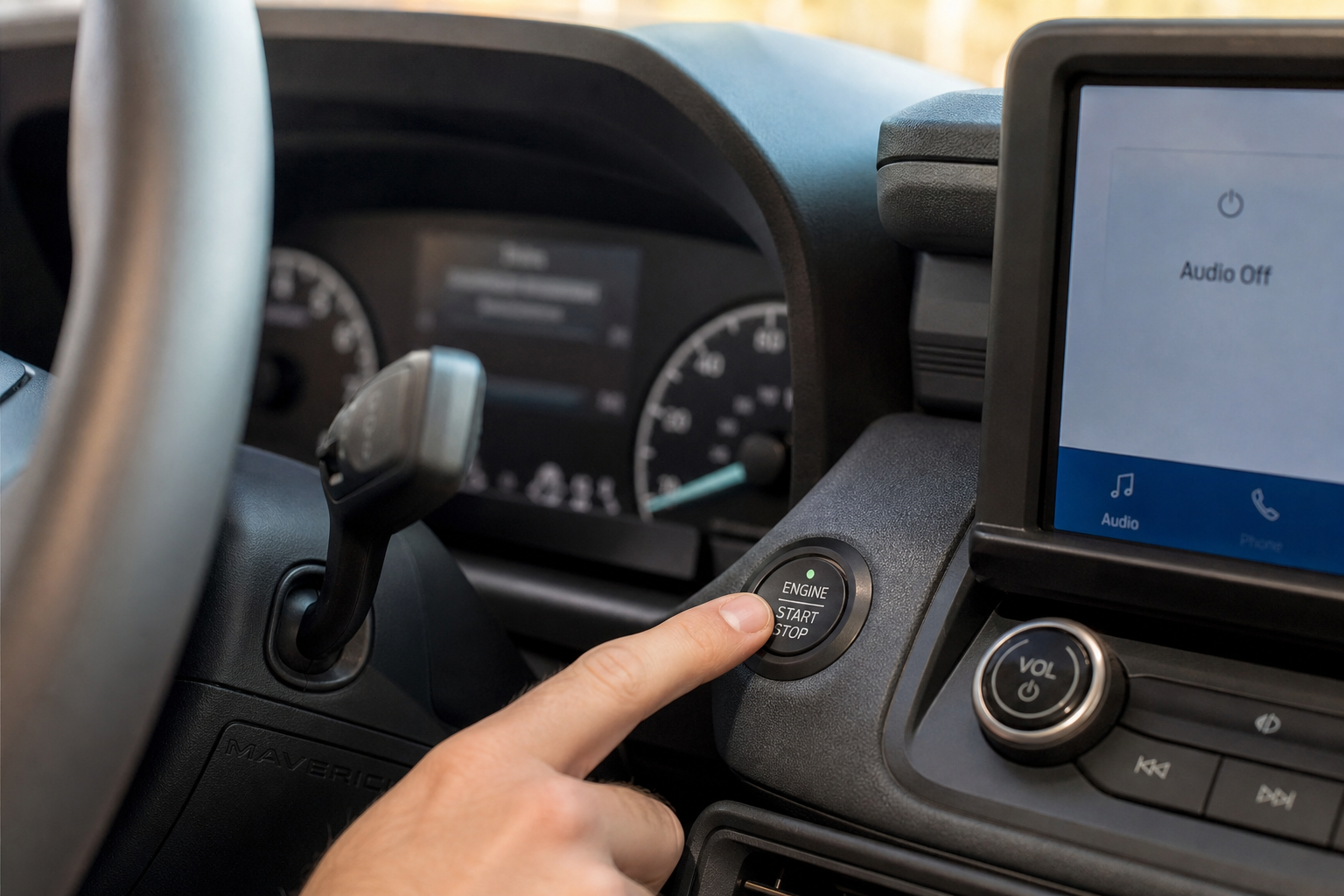
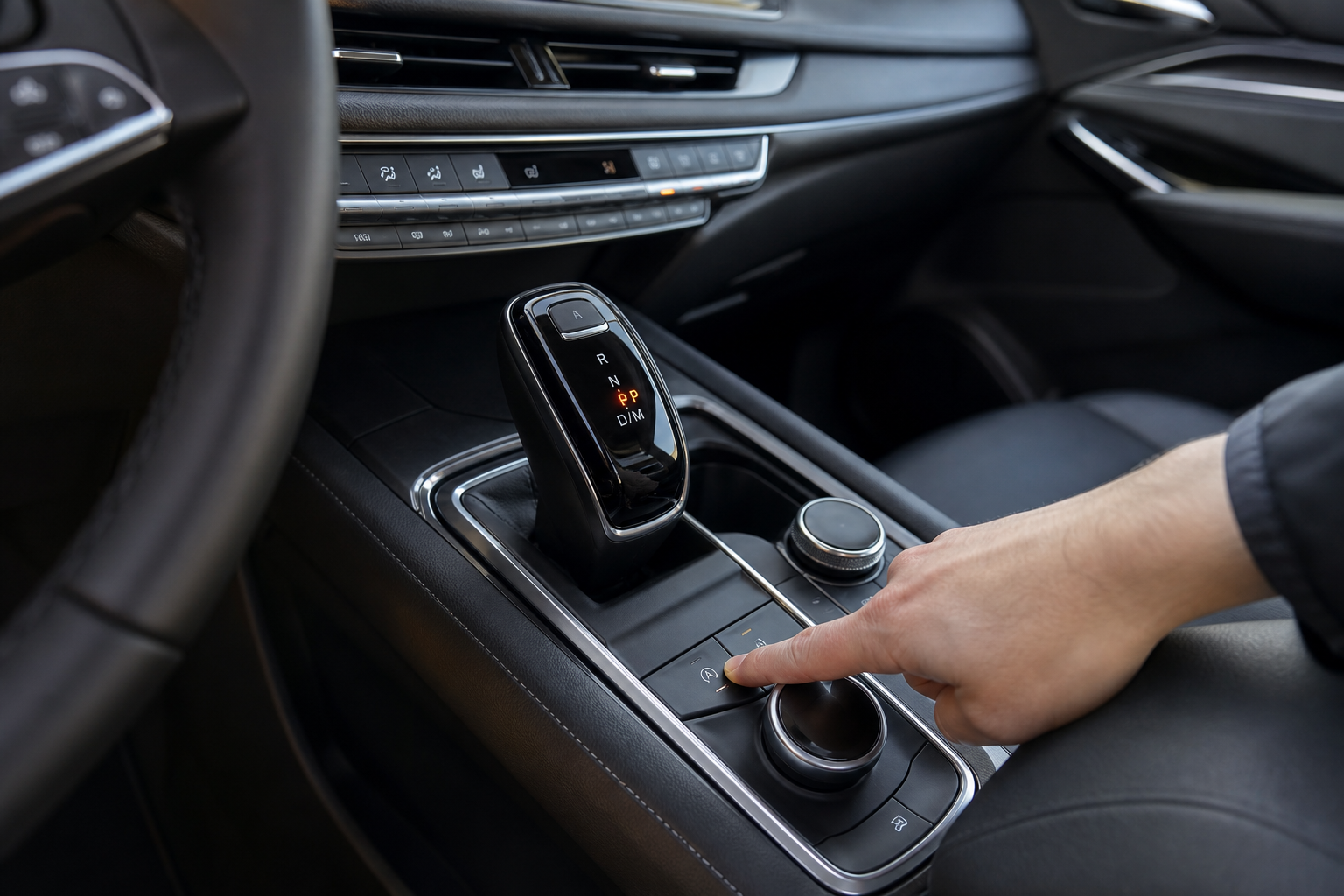
The factory method is simple. On the center console or instrument cluster, look for a button with an A with a circle and a slash through it. Press it once after starting the engine and the start/stop system will stay off for that drive.
The catch is that Ford’s software defaults the system back to on every time you turn the key. There’s no menu setting in SYNC to make your preference permanent. Ford designed it this way to meet EPA fuel economy testing standards, not as a convenience to you.
If you only rarely find it bothersome, the button is fine. For most Maverick owners who want it off permanently, you need a different solution. If you’re also interested in exploring other Ford-specific tech features, our guide on how to set up Amazon Alexa built-in on your Ford vehicle covers another area where SYNC settings can trip people up.
The Permanent Fix: A Start/Stop Eliminator Module
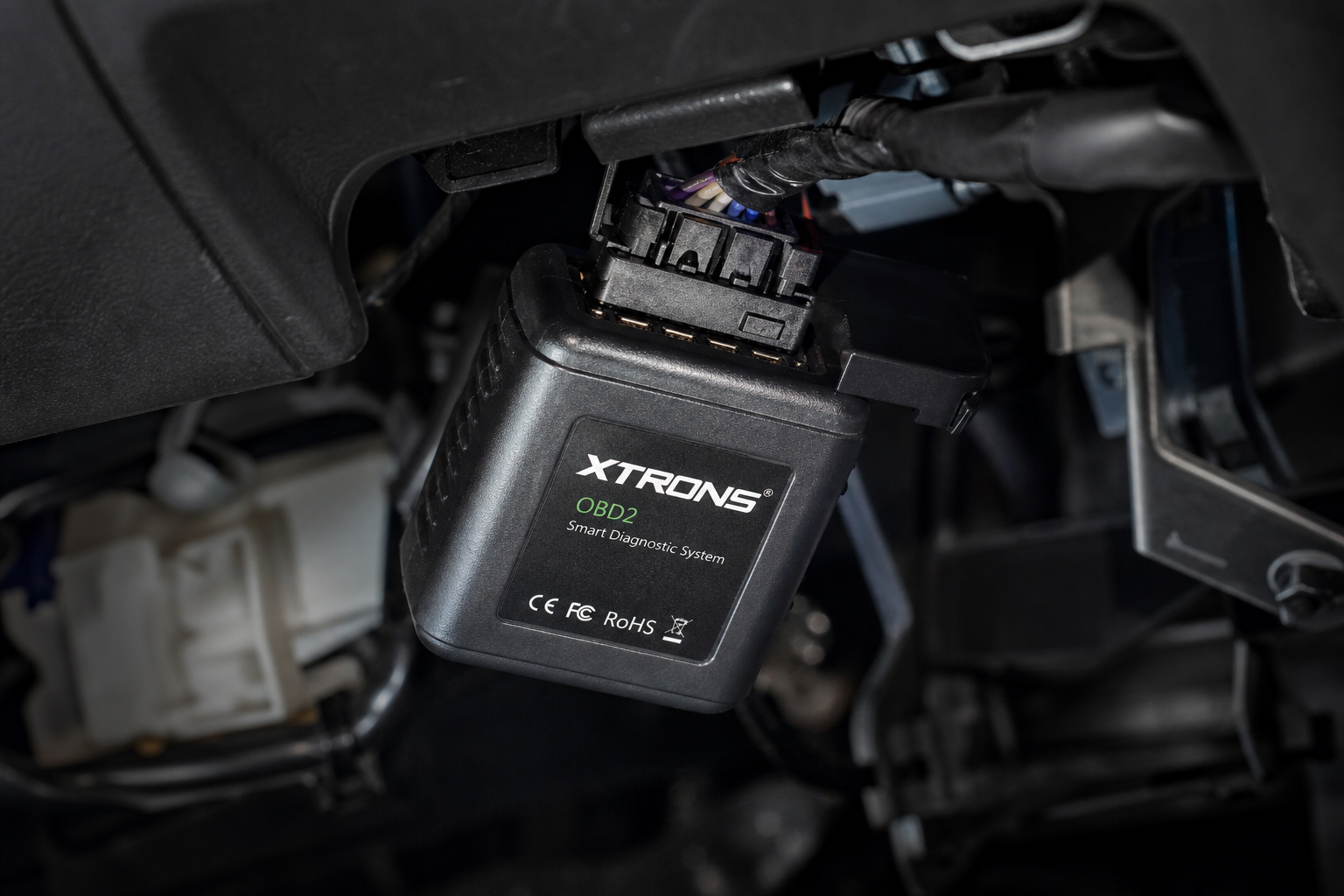
A start/stop eliminator is a small plug-and-play module that connects directly to the OBD2 port under your dashboard. Once plugged in, it automatically sends the “disable” command every time you start the engine, so the system switches off without you touching anything.
You don’t need to pull any fuses, splice any wires, or mess with the ECU. The module does one thing and it does it reliably. Installation takes about 60 seconds.

Ford Maverick Start Stop Eliminator
A plug-and-play OBD2 module that automatically disables the auto start/stop system on every drive without any wiring or programming required.
When shopping for one, confirm it’s specifically compatible with the Ford Maverick (2022 and newer). Some universal stop/start eliminators work across multiple Ford platforms including the F-150 and Bronco, but always verify Maverick compatibility before ordering. For reference, the Ford Bronco uses a similar start/stop architecture, so Bronco-compatible modules often cross over to the Maverick as well.
How to Install It
- Locate the OBD2 port under the driver’s side dashboard (just left of the steering column).
- Plug the eliminator module directly into the OBD2 port.
- Start the engine. The module activates automatically within a few seconds.
- The A/Off indicator on your dash will light up, confirming start/stop is disabled.
That’s the entire process. The module draws minimal power and doesn’t interfere with other OBD2 functions. You can still use a dedicated OBD2 scanner for diagnostics by unplugging the eliminator temporarily if needed.
Model Year Notes
The Ford Maverick launched for the 2022 model year, and auto start/stop has been standard on every trim since launch, including the base XL, XLT, Lariat, and the hybrid variant. The hybrid’s start/stop behavior is slightly different from the EcoBoost version since the electric motor assists restarts, but it still resets to on every drive.
Eliminator modules designed for the 2022-2024 Maverick generally work across all non-hybrid trims. If you drive the hybrid, double-check compatibility with the manufacturer before purchasing, as the hybrid uses a different powertrain control strategy.
Ford has not added a permanent disable option through any SYNC update as of the 2024 model year, so the OBD2 module remains the most reliable fix available without dealer intervention.
Frequently Asked Questions
Will disabling auto start/stop void my Ford Maverick warranty?
Using an OBD2 plug-in eliminator module is generally considered non-invasive since it doesn’t modify any hardware or permanently alter the ECU. Under the Magnuson-Moss Warranty Act, Ford would need to prove the device caused a specific failure to deny a warranty claim. That said, removing the module before any dealer service visit is a reasonable precaution and takes about five seconds.
Does the start/stop eliminator affect fuel economy on the Maverick?
You may see a slight reduction in city fuel economy since start/stop was designed to save fuel during idling stops. In real-world Maverick driving, most owners report the difference is negligible, often less than 1 MPG depending on driving conditions. Many owners consider the improved drivability a worthwhile trade.
Bottom Line
Pressing the A/Off button every morning is the kind of small annoyance that becomes genuinely irritating over time. A start/stop eliminator solves it permanently with no tools and no risk. Plug it in once and forget about it.
Ford Maverick Start Stop Eliminator OBD2
Keeps your Maverick’s auto start/stop system off on every drive automatically, with zero installation effort and no permanent modifications.
If you find yourself doing other small upgrades to the Maverick, it’s also worth having a good dash cam installed while you’re under the dash anyway. Two birds, one stone.

Leave a Reply