
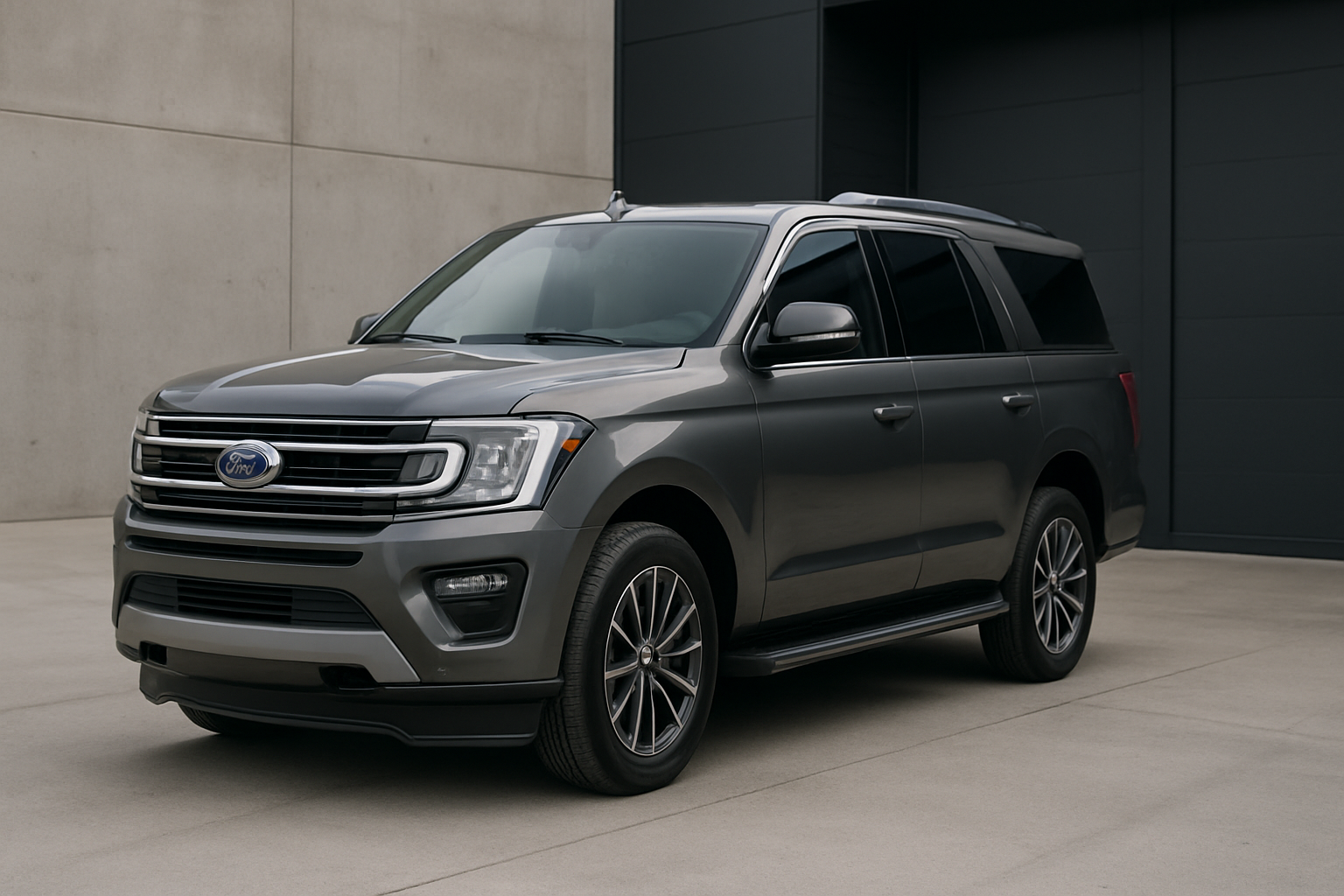
The auto start/stop system in your Ford Expedition cuts the engine every time you come to a complete stop, which can be incredibly annoying for daily driving. Many drivers find this feature intrusive and want to disable it permanently rather than pressing the button every single time they start the truck.
Understanding Ford Expedition’s Auto Start/Stop System
Ford introduced the auto start/stop feature on the Expedition starting with the 2018 model year refresh. The system automatically shuts off your engine when you come to a complete stop at traffic lights, drive-throughs, or in heavy traffic. When you lift your foot off the brake pedal, the engine restarts almost instantly.
While Ford designed this system to improve fuel economy and reduce emissions, many Expedition owners find it more annoying than helpful. The engine shutdown can feel abrupt, especially in a large SUV like the Expedition. You’ll also notice the air conditioning loses its cooling power during stops, and the frequent restarting can feel rough compared to a traditional idle.
The system works similarly to the one found in the F-150, sharing much of the same underlying technology and control modules. This means solutions that work for F-150 owners typically work perfectly for Expedition owners as well.
The Temporary Fix: Dashboard Button Method
Every Ford Expedition from 2018 to 2026 comes with a manual override button for the auto start/stop system. You’ll find this button on the center console, usually located near the electronic parking brake or drive mode controls. The button features a circular arrow icon with an “A” in the center and the word “AUTO” underneath.
Pressing this button once will disable the auto start/stop system for your current drive. When the system is off, the button’s LED light will illuminate, and you’ll see a message in your instrument cluster confirming the system is deactivated. Your engine will then idle normally at stops instead of shutting off.
The button is easy to reach and responds immediately when pressed. You don’t need to hold it down or press it multiple times. A single press toggles the system on or off for that driving session.
Why the Temporary Fix Gets Frustrating
The major problem with using the dashboard button is that it resets every single time you turn off your Expedition. Ford programmed the system this way to ensure maximum fuel efficiency, but it means you have to remember to press that button every time you start your truck.
For daily drivers, this becomes incredibly tedious. You’ll find yourself getting a few blocks from home before realizing you forgot to disable the system when the engine shuts off at the first red light. Many owners report pressing the button becomes such a habit that they continue reaching for it even after permanently disabling the system.
The constant need to remember this step is what drives most Expedition owners to seek a permanent solution.
Permanent Solutions for Auto Start/Stop Elimination
Fortunately, you have two main options for permanently disabling auto start/stop on your Ford Expedition: plug-and-play hardware devices or software programming methods.
Plug-and-Play Eliminator Devices
The most popular permanent solution involves installing a small electronic device that tricks your Expedition’s computer into thinking you’ve manually disabled the system. These devices come in two main varieties: those that install behind the dashboard button and those that plug into your OBD2 diagnostic port.
Behind-the-switch devices require removing the center console panel to access the wiring harness behind the auto start/stop button. You’ll disconnect the factory harness and plug the device inline. This method provides a completely invisible installation that looks factory original.
OBD2 port devices simply plug into your truck’s diagnostic port, which you’ll find under the dashboard on the driver’s side near your left knee. These install in seconds but remain visible unless you route the device behind the dashboard panels.
Both types work by sending the same electrical signal that the dashboard button sends, but they do it automatically every time you start the truck. Your Expedition’s computer receives this signal and keeps the auto start/stop system disabled permanently.
Software Programming Methods
Advanced DIYers can also use software tools like FORScan to modify the settings in your Expedition’s computer modules. FORScan connects to your truck through an OBD2 adapter and allows you to change various factory settings that aren’t accessible through normal menus.
This method requires purchasing a compatible OBD2 adapter (usually around $20-30) and downloading the FORScan software to your laptop. You’ll need to locate the correct module and setting code for auto start/stop, then change the value to disable it permanently.
While this approach costs less than hardware devices, it requires more technical knowledge and carries a small risk of changing incorrect settings if you’re not careful.
Step-by-Step Installation: OBD2 Eliminator Device
The easiest permanent solution for most Expedition owners is an OBD2-based eliminator device. Here’s how to install one:
- Locate your OBD2 port under the dashboard on the driver’s side
- Remove any dust cover or protective cap from the port
- Firmly plug the eliminator device into the port until it clicks into place
- Start your Expedition and verify the auto start/stop button shows as “off” automatically
- Test the system by coming to a complete stop (the engine should continue idling)
- Optionally, route the device behind dashboard panels for a cleaner look
The entire installation takes less than five minutes. Most devices begin working immediately without any programming or setup required.
For behind-the-switch installations, you’ll need to remove several dashboard panels to access the button’s wiring harness. This process takes 30-60 minutes and requires basic hand tools, but results in a completely invisible installation.
Recommended Auto Start/Stop Eliminator Devices
Several companies manufacture reliable auto start/stop eliminator devices for Ford Expedition models. These plug-and-play solutions offer the most convenient way to permanently disable the system without any technical expertise required.
Most eliminators designed for Ford vehicles work across multiple models, including both the Expedition and F-150. When shopping for a device, verify that it specifically lists compatibility with your Expedition’s model year.
OBD2-based eliminators typically cost between $50-80 and install in minutes. Behind-the-switch versions usually run $80-120 but provide a completely factory appearance once installed.
Important Considerations Before Disabling
Before permanently disabling your auto start/stop system, consider these important factors:
Warranty Impact: Most eliminator devices and software modifications won’t void your Ford warranty since they don’t physically damage any components. However, if a dealership traces an unrelated problem to your modification, they might refuse warranty coverage for that specific issue.
Fuel Economy: Disabling auto start/stop will slightly reduce your fuel efficiency, particularly in heavy stop-and-go traffic. Ford estimates the system can improve fuel economy by 3-5% under ideal conditions, though real-world benefits vary significantly.
Emissions Testing: The system helps reduce emissions during idle periods. In most areas, eliminator devices won’t affect your ability to pass emissions testing since they don’t modify exhaust components or engine calibration.
Resale Value: Some future buyers might prefer having the auto start/stop system available. Fortunately, most eliminator devices can be easily removed to restore factory operation if needed.
Alternative Methods and Workarounds
Beyond eliminators and software programming, some Expedition owners discover creative workarounds for the auto start/stop system. These methods can reduce how often the system activates without permanently disabling it.
The system won’t engage if your engine hasn’t reached full operating temperature, if the battery charge is low, or if you have the steering wheel turned significantly. Some owners exploit these conditions by slightly turning the wheel at stops or using accessories that draw more electrical power.
However, these workarounds require conscious effort and don’t work consistently. They’re generally not practical for long-term daily driving compared to proper elimination methods.
Troubleshooting Common Issues
If your eliminator device stops working or the auto start/stop system begins activating again, try these troubleshooting steps:
First, check that your device remains properly seated in the OBD2 port or wiring harness. Vibration and temperature changes can sometimes loosen connections over time.
Verify that your Expedition’s battery maintains good voltage. Some eliminators depend on stable electrical power to function correctly, and weak batteries can cause intermittent operation.
For software-based solutions, Ford software updates during dealer service might occasionally reset modified settings. You may need to reapply your FORScan changes after major software updates.
Frequently Asked Questions
Will disabling auto start/stop hurt my engine?
Disabling the system won’t damage your engine. Traditional engines idle safely for extended periods, and eliminating the frequent start/stop cycles may actually reduce wear on your starter motor and battery over time.
Can I still use the dashboard button after installing an eliminator?
Most eliminator devices override the dashboard button, so pressing it won’t have any effect. The system remains permanently disabled regardless of the button position. Some advanced eliminators allow you to retain button functionality if desired.
Do eliminator devices work on all Expedition trim levels?
Eliminators work on all Ford Expedition trim levels from 2018-2026, including XL, XLT, Limited, King Ranch, and Platinum models. The auto start/stop system uses identical components across all trim levels.
What happens if I need to remove the eliminator device?
Simply unplugging an eliminator device immediately restores factory auto start/stop operation. Your Expedition’s computer will resume normal system behavior within one or two ignition cycles after removal.
This article contains affiliate links. If you purchase through these links, we may earn a small commission at no extra cost to you.




Leave a Reply