
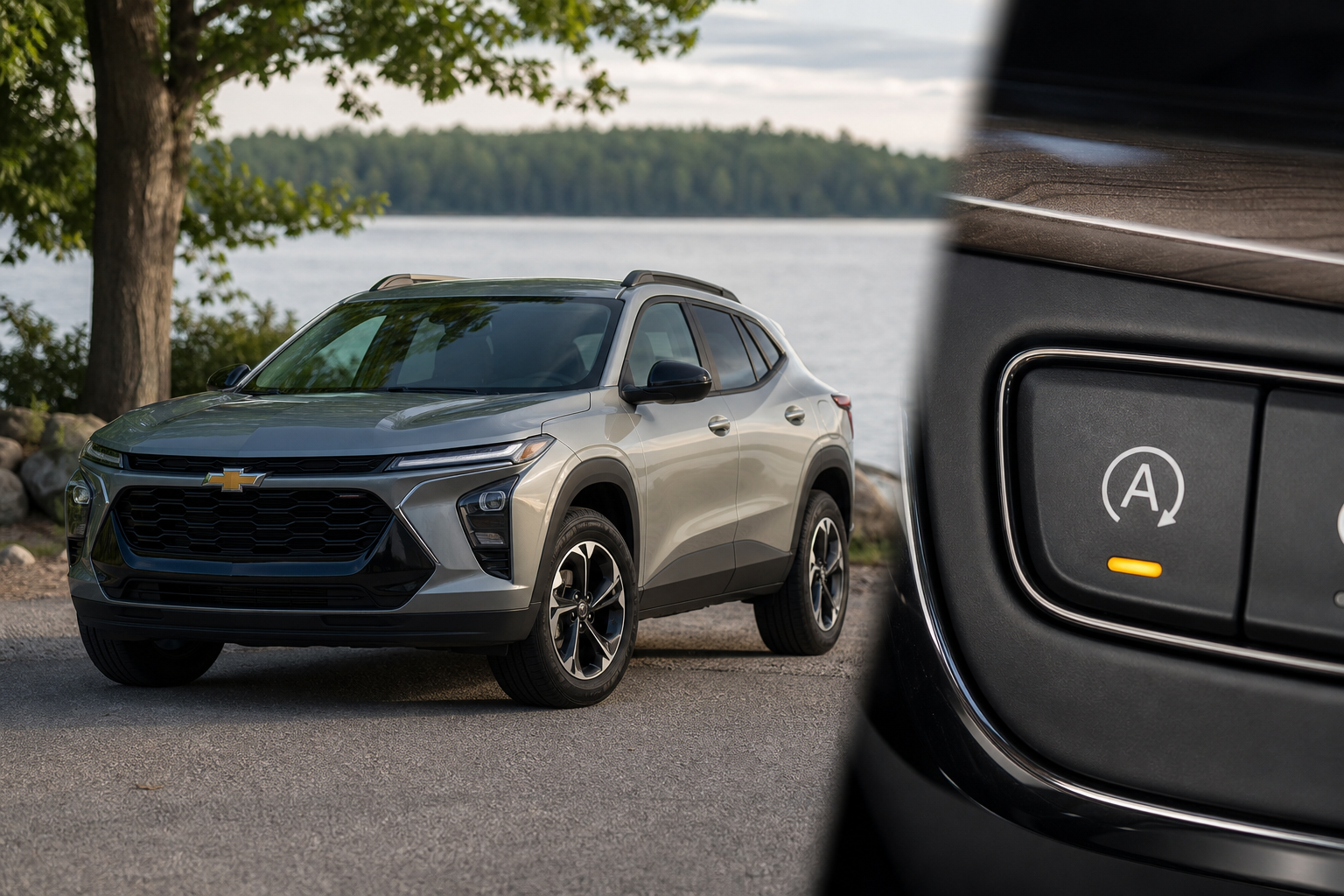
If you drive a Chevy Trax, you’ve probably already noticed that the auto start/stop system shuts the engine off every time you come to a red light, then fires it back up the moment you lift your foot off the brake. For some drivers it’s barely noticeable. For others, the constant shutting down and restarting gets old fast, especially in stop-and-go traffic where it happens dozens of times on a single commute.
There’s a button on the dashboard to turn it off, but here’s the frustrating part: it doesn’t stay off. Every time you start the engine, the system resets itself and you’re right back to square one. This guide walks you through exactly what’s happening, how to disable it manually each time, and how to make the change permanent without touching a button again.
How the Chevy Trax Auto Start/Stop System Works
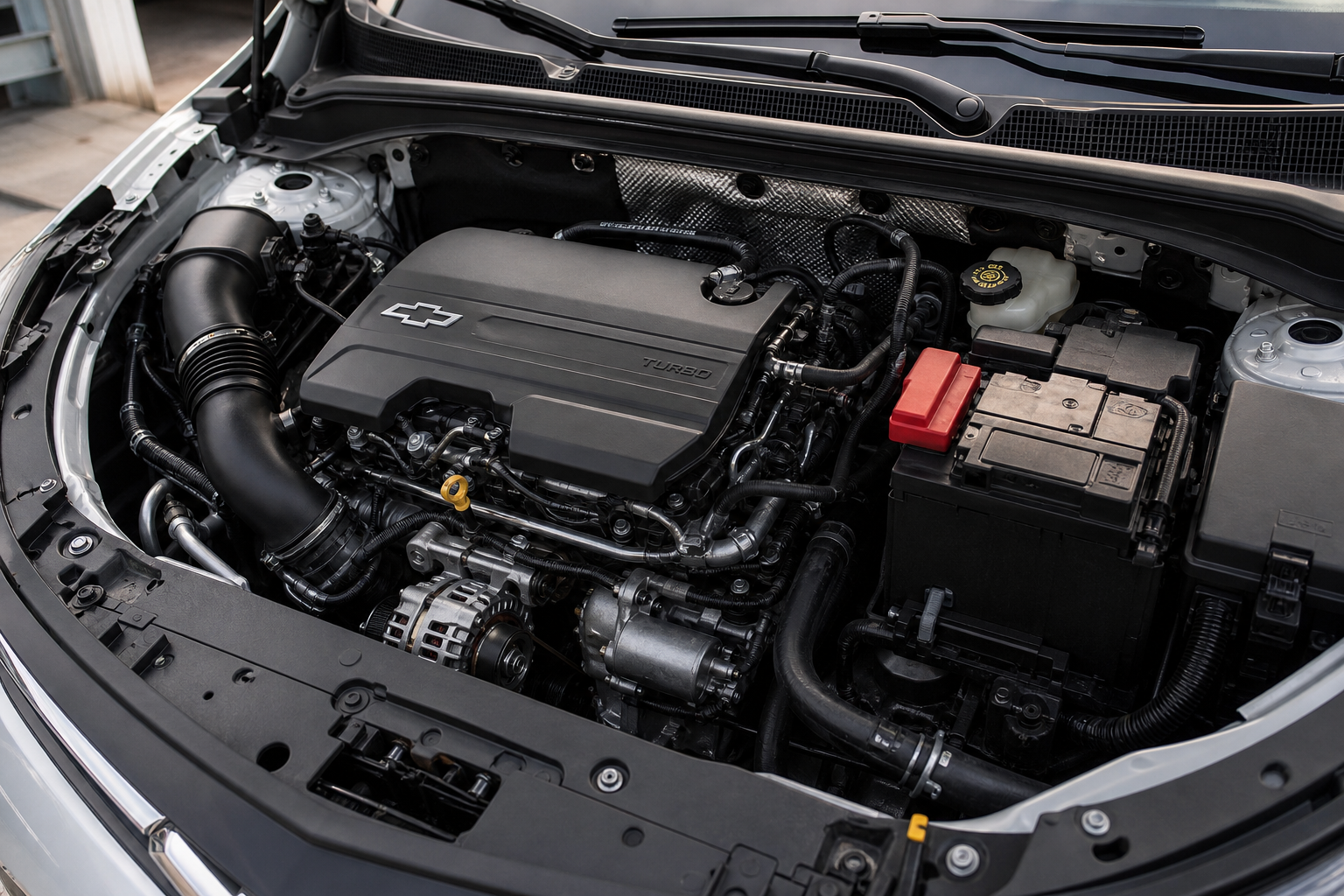
The auto start/stop feature on the Chevy Trax is designed to reduce fuel consumption and emissions by shutting off the engine when the vehicle is stationary and the conditions are right. It’s an EPA-friendly feature, and that’s exactly why GM made it default to “on” every time you start the car.
The system is active across the current generation Trax, including the 2024 and 2025 model years with the 1.2L turbocharged three-cylinder engine. Earlier Trax models (2013 to 2022) used a different powertrain setup and did not have this feature, so this guide applies specifically to the redesigned 2024+ Trax.
Some drivers report a slight jerkiness or vibration during the restart cycle, which is common with these systems. If your Trax has a rougher-than-expected restart or idle behavior unrelated to start/stop, it might be worth looking at other causes. Our guide on how to fix Acura MDX vibration at idle in drive covers some diagnostic thinking that applies across brands when engine behavior feels off at a stop.
Using the Dashboard Button to Disable Auto Start/Stop
The built-in method is simple. Look for a button on your center console or lower dashboard area that shows a circular arrow with the letter “A” in the middle. On the 2024 Trax, it’s typically located near the drive mode controls.
- Start your Trax and let the system fully initialize.
- Press the auto start/stop button once. The indicator light will turn off or change color to show the system is disabled.
- Drive normally. The engine will stay running at every stop for the rest of that drive.
That’s all it takes to disable it for a single trip. The problem is that every time you turn the vehicle off and back on, the system automatically re-enables itself. GM coded it this way intentionally, so there’s no menu setting or hidden configuration in the infotainment system that lets you change the default. You’d have to press that button on every single drive, forever, unless you use a module to handle it automatically.
Why the Setting Resets Every Time You Start the Car
This isn’t a bug. GM intentionally programmed the Trax (and most of its other vehicles) to reset the auto start/stop preference each time the ignition cycles. The reason comes down to regulatory compliance. The system contributes to the vehicle’s official fuel economy and emissions figures, and GM needs it active by default to meet those standards.
There’s no software update or dealer reprogramming that changes this behavior on the standard Trax. Some GM vehicles can have the default changed through a subscription to GM’s factory programming software, but that’s not commonly available for the Trax and typically requires a dealership with the right tools and authorization. For most owners, the plug-and-play eliminator module is the most practical solution.
If you’re interested in the broader Chevrolet tech ecosystem and how GM handles driver preferences across its lineup, our article on how to use the Teen Driver feature on Chevrolet vehicles gives a good look at how GM structures driver-facing settings.
The Permanent Fix: Start/Stop Eliminator Module
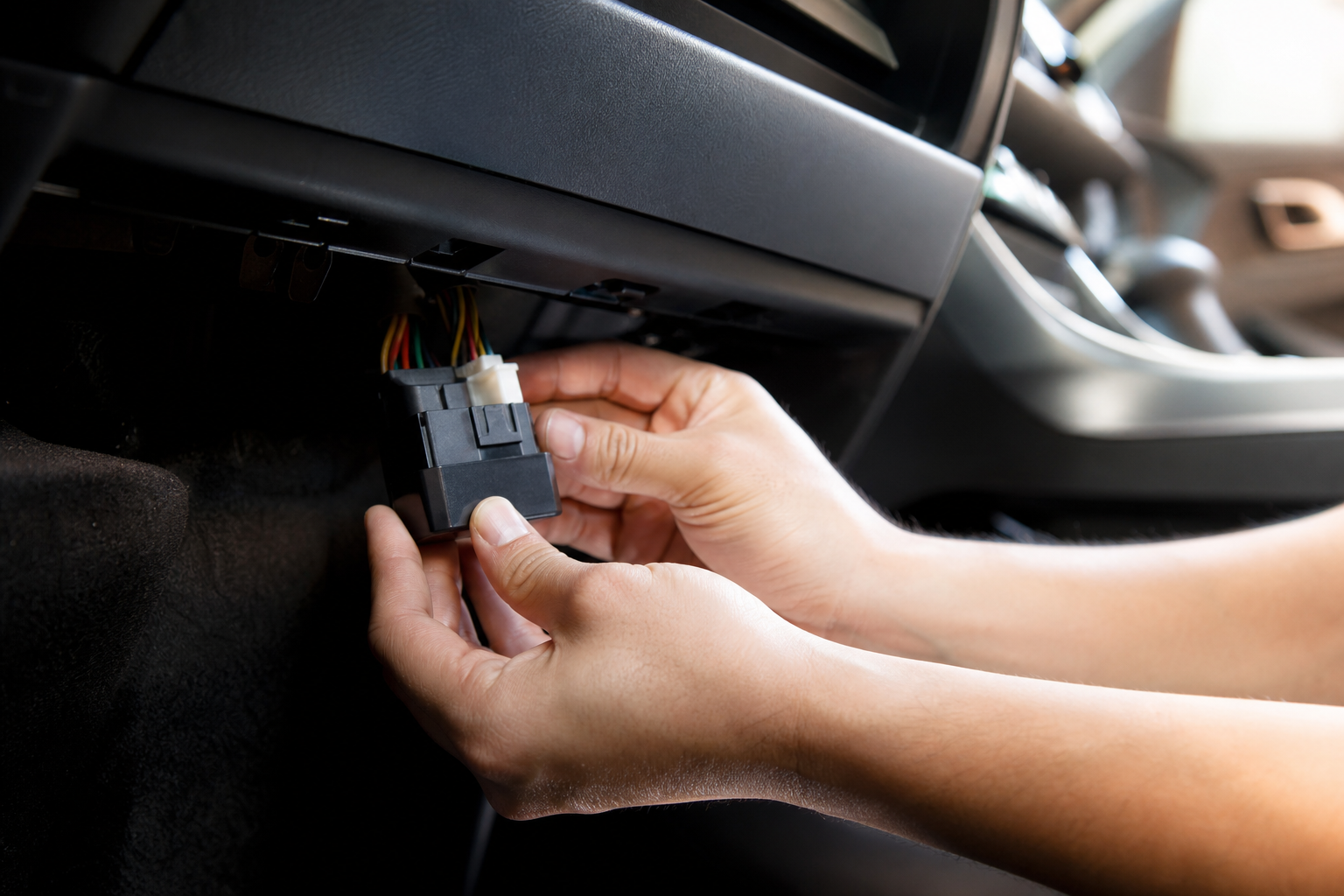
A start/stop eliminator is a small plug-and-play module that connects to your vehicle’s OBD2 port or a harness near the start/stop button. Once installed, it automatically sends the “disable” signal every time you start the car, so the system turns off on its own without you pressing anything.
These modules don’t reprogram your ECU, delete any fault codes, or interfere with other vehicle systems. They simply mimic what you’d do manually, just automatically and every single time. Your warranty is generally unaffected since no permanent modifications are made.

Chevy Trax Start Stop Eliminator
A plug-and-play module that automatically disables the auto start/stop system every time you start your Trax, so you never have to press the button again.
Installation takes about five minutes. Most modules designed for the 2024 Trax connect directly to a port under the dashboard or tap into the start/stop button harness. No tools are required for the basic versions. Once it’s plugged in, you can forget it’s there.
When shopping for one, make sure the listing specifically mentions compatibility with the 2024 or 2025 Chevy Trax. The Trax shares some underpinnings with the Trailblazer, but the connectors and harness layouts aren’t always identical, so don’t assume a Trailblazer module will work without confirming fitment first.
What to Check Before You Buy
A few things worth confirming before you order a module:
- Model year compatibility: The redesigned Trax launched for 2024. Modules made for pre-2022 Trax models won’t fit.
- Connection type: Some modules use OBD2 ports, others tap into the button harness. Both work, but the OBD2 type is easier to remove if you ever sell the vehicle.
- Return policy: If fitment is wrong, you want to be able to return it without hassle.
- Customer reviews mentioning your specific trim: The Trax comes in LS, LT, and RS trims. Most eliminators work across all trims, but confirming in reviews is worth the two minutes.
If you want to do a deeper dive on your Trax’s electrical health or diagnose any related warning lights, picking up a good OBD2 scanner is useful. Our roundup of the best OBD2 scanners for DIY auto repair covers options from budget-friendly to professional-grade.
Also, since you’ll be working near the OBD2 port and under the dash, this is a good time to think about adding a dash cam if you don’t have one already. Check our guide to the best dash cams under competitively priced for front and rear coverage for solid picks that won’t break the bank.
Frequently Asked Questions
Will disabling auto start/stop hurt my engine or void my warranty?
Pressing the dashboard button to disable it won’t affect your warranty at all. Using a plug-and-play eliminator module is also generally considered safe since you’re not modifying any software or hardware permanently. Many mechanics actually argue that fewer cold restarts per trip is gentler on starter motors and engine internals over time, not harder on them.
Does turning off auto start/stop noticeably reduce my fuel economy?
In real-world driving, the difference is small. EPA testing shows auto start/stop systems contribute roughly 3 to 5 percent in fuel savings under ideal conditions. In everyday driving with varied stop durations and temperatures, the actual difference is often closer to 1 to 3 percent. You’ll notice it at the gas pump if you track your fill-ups carefully, but most drivers don’t find it significant enough to outweigh the annoyance of constant engine cycling.
Can I have a dealer reprogram the Trax so start/stop is off by default?
On most Trax configurations, no. Dealers would need access to GM’s calibration tools and the specific tuning file to change the default behavior, and GM doesn’t typically authorize that change for the standard Trax lineup. Some specialty tuning shops with access to HP Tuners or similar software can sometimes make this modification, but it’s not a common service and may affect your factory warranty on powertrain-related items. The plug-and-play module is the more practical route for most owners.
Bottom Line
The Chevy Trax auto start/stop system is one of those features that works exactly as designed but still manages to frustrate a lot of drivers. Pressing the button every drive is a minor annoyance that adds up quickly. A start/stop eliminator module solves it cleanly, takes minutes to install, and doesn’t require you to touch anything again after that.
If you want to check current pricing and compatible options for the 2024 and 2025 Trax, search for Chevy Trax start/stop eliminators on Amazon and filter by model year to confirm fitment. It’s one of the quickest quality-of-life upgrades you can make to the vehicle.
While you’re at it, the Trax’s other Chevrolet tech features are worth exploring. GM has put a lot into the driver experience side of things, including tools like driver profiles on other Chevy models that let you save personalized settings. Features like that make you wish start/stop preferences were saved the same way.




Leave a Reply