
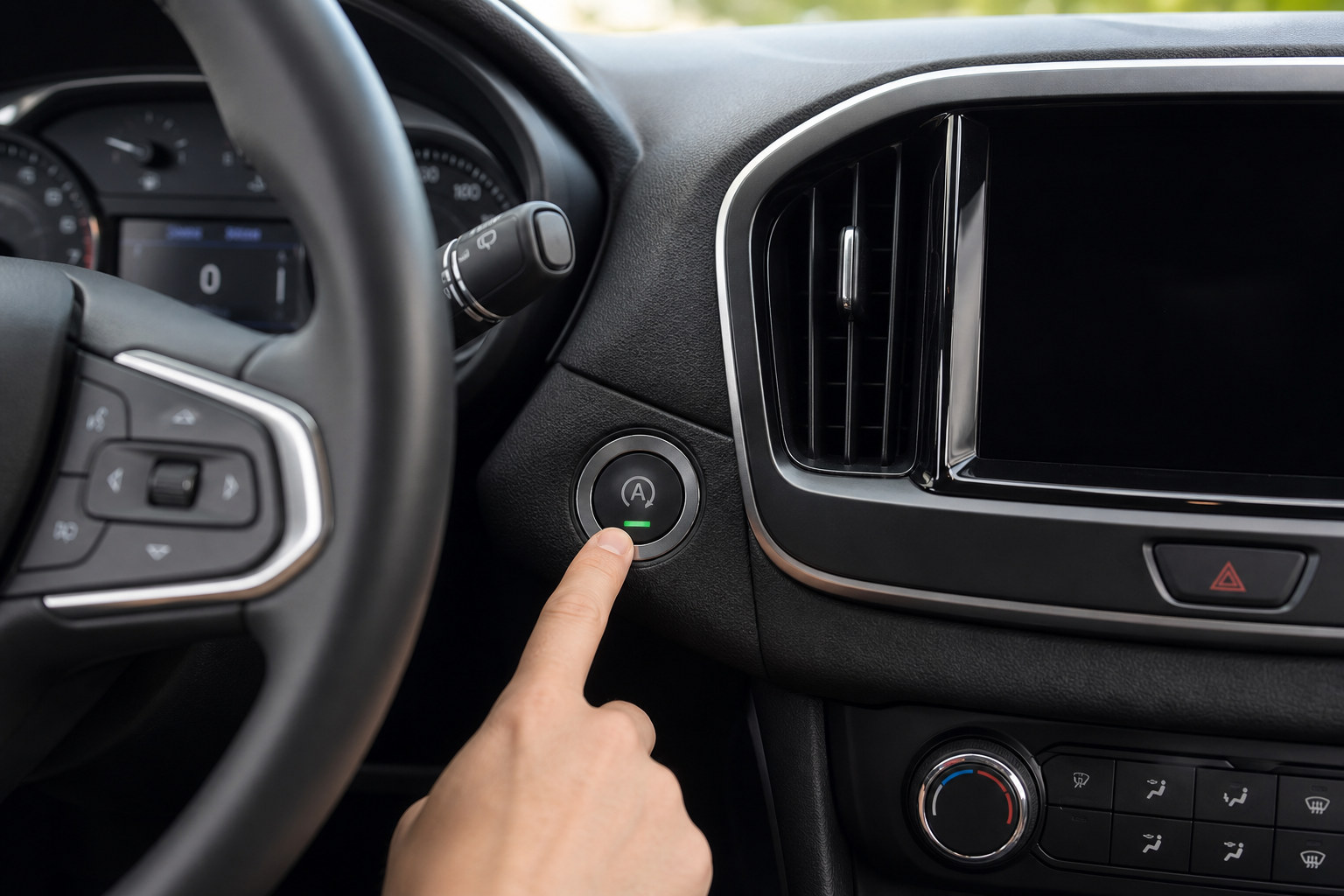
Every time you start your Chevy Trailblazer, the auto start/stop system turns itself back on. You press the button to disable it, drive for a while, and the next time you fire up the engine it’s enabled again. It doesn’t matter how many times you turn it off, the system never remembers your preference. If you find that annoying, you’re not alone, and there are real solutions that go beyond pressing that button every single morning.
The Bottom Line
A plug-and-play module can make your Chevy Trailblazer remember your preference to keep Auto Start/Stop off, so you don’t have to press the button every time you start the vehicle.
This guide covers everything you need to know: how the factory button works, why it resets, which model years are affected, and how to use a plug-and-play eliminator module to make the Trailblazer remember your preference automatically on every drive.
How the Factory Auto Start/Stop Button Works
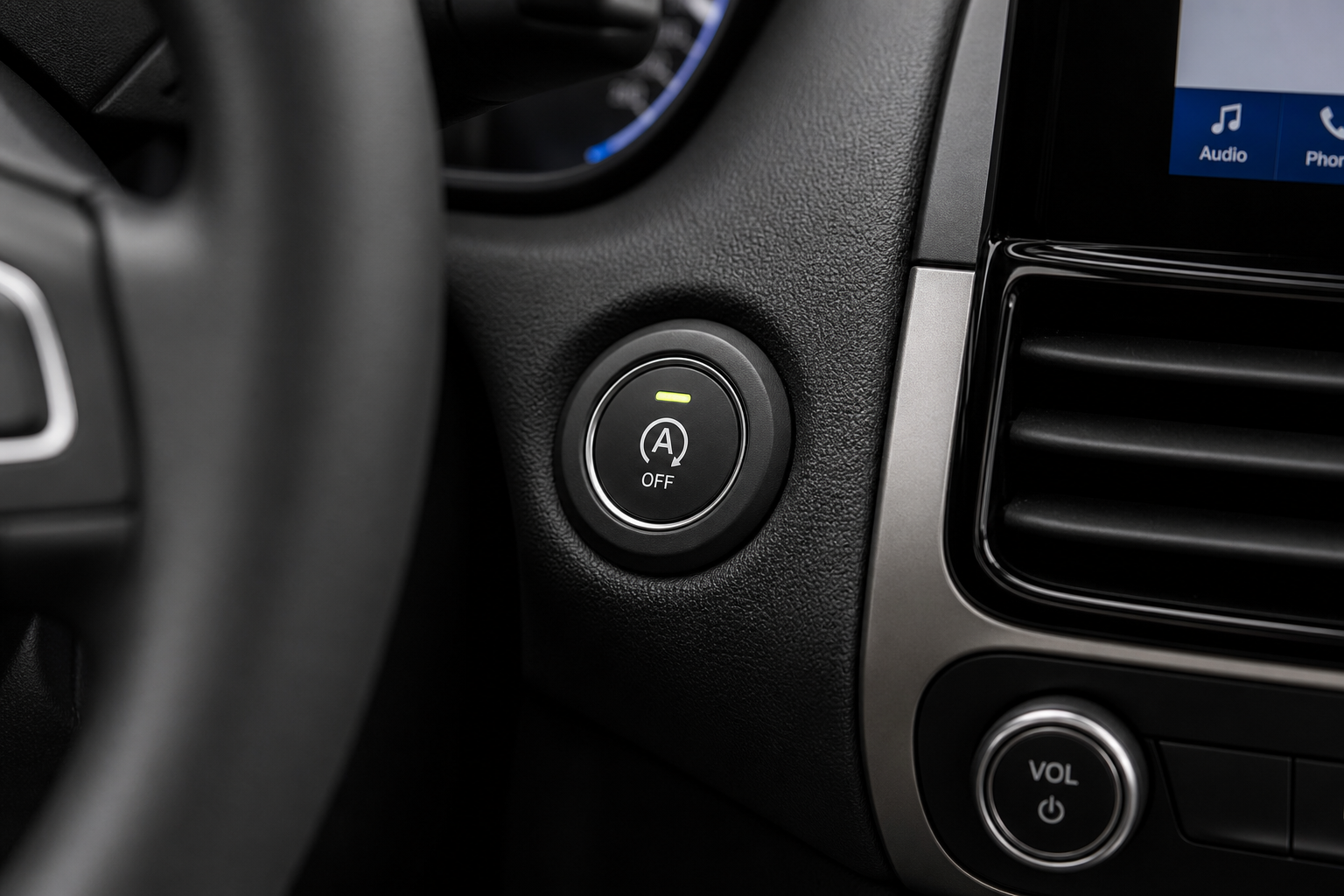
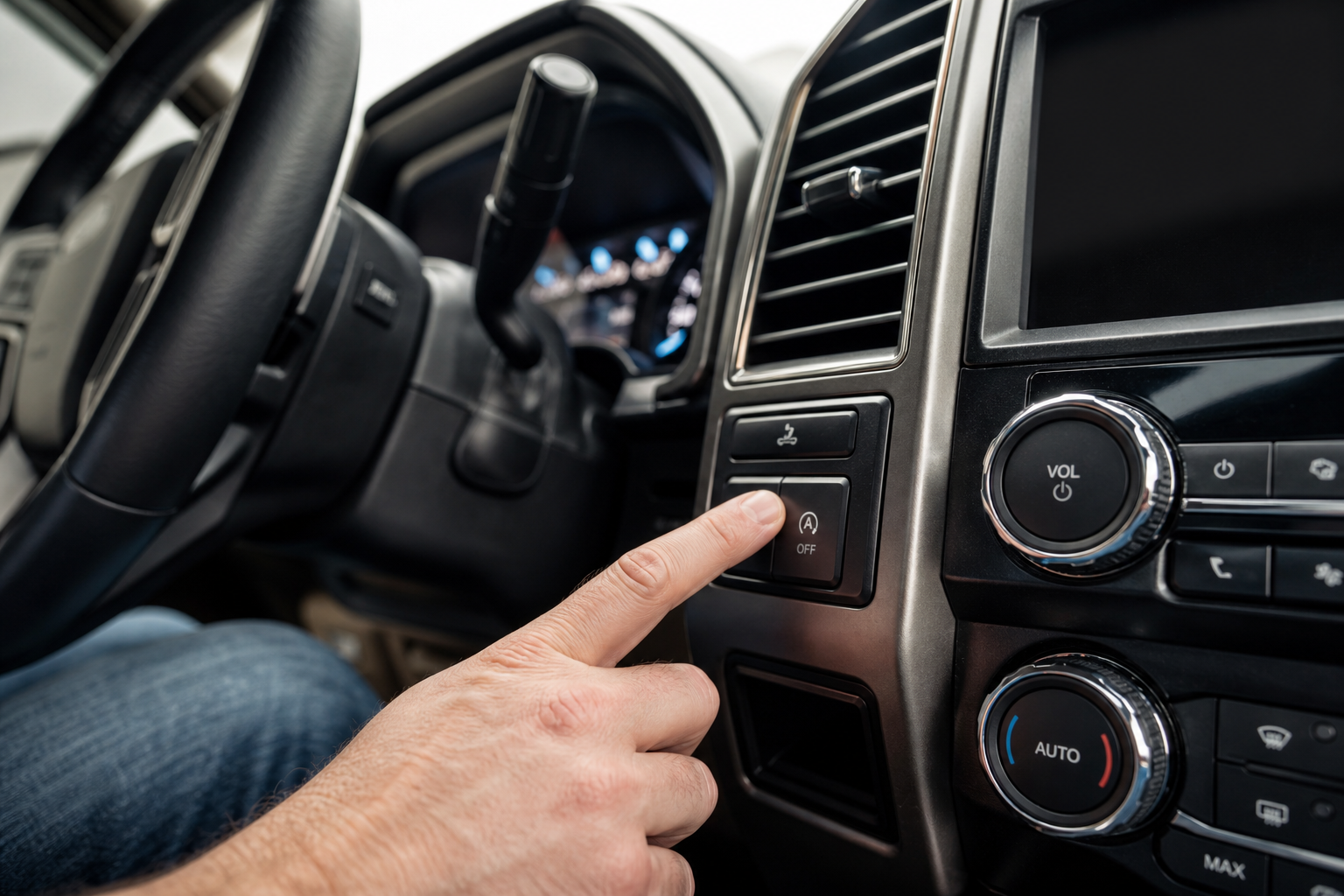
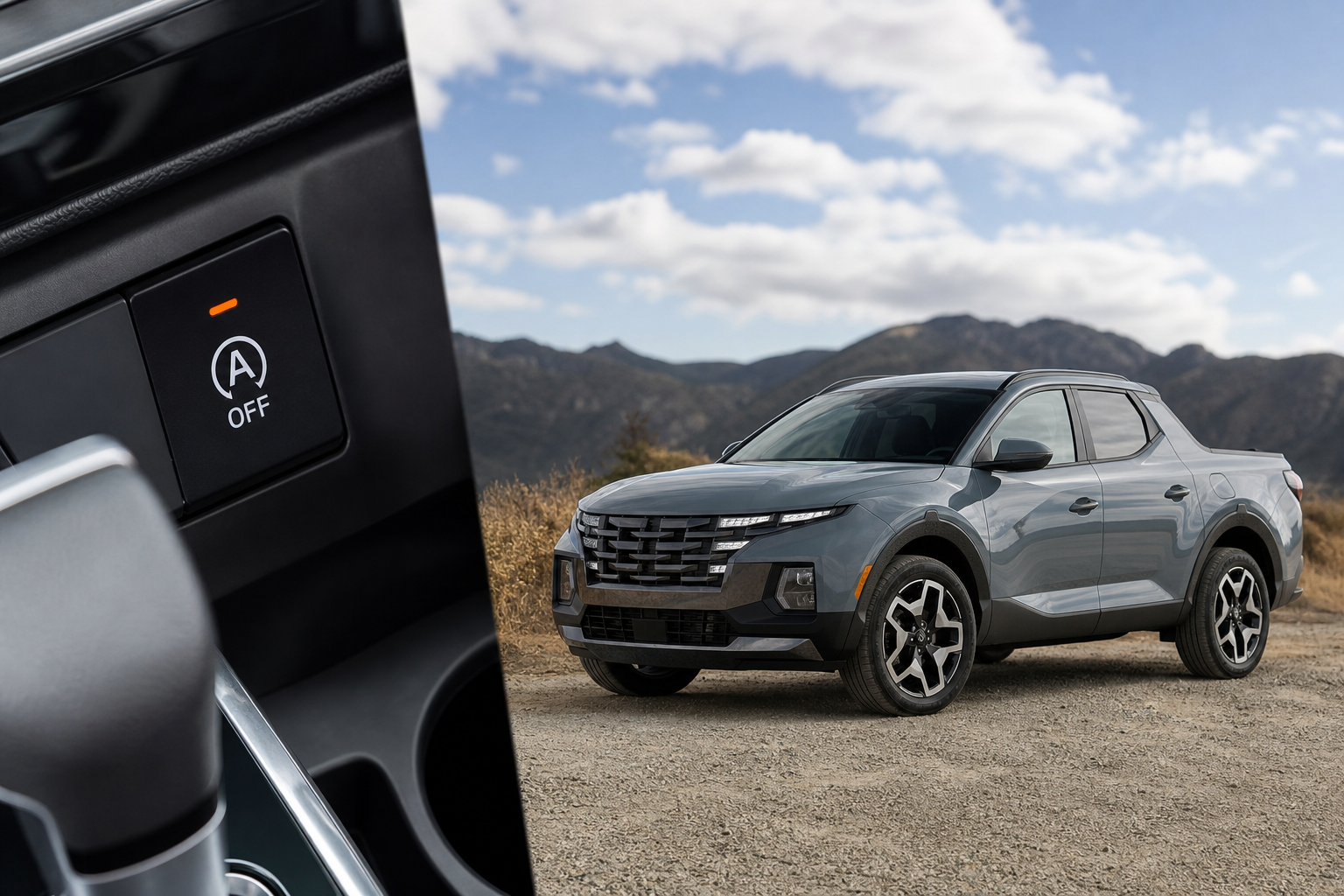
The Chevy Trailblazer has a dedicated Auto Stop/Start Disable button on the center console or instrument panel cluster, depending on your trim level. It’s usually labeled with an “A” inside a circular arrow with a small “X” or slash through it. Pressing it once disables the system for your current drive cycle.
The operative phrase there is “current drive cycle.” Once you shut the engine off and restart it, the system resets to its default state, which is on. GM programs it this way because auto start/stop is a federal fuel economy feature that helps manufacturers meet CAFE (Corporate Average Fuel Economy) standards. Disabling it permanently by default would affect their compliance numbers, so they make the default “on” and give you a manual override instead.
This behavior is consistent across most modern GM vehicles. If you’ve dealt with similar quirks on other Chevy products, you may have already run into the same reset issue when exploring features like the ones covered in the Teen Driver feature on Chevrolet vehicles.
Which Trailblazer Model Years Are Affected
The second-generation Chevy Trailblazer returned to the U.S. market for the 2021 model year, and auto start/stop has been standard equipment on all trims since launch. That includes the LS, LT, ACTIV, and RS trims. The system is paired with the 1.2L turbocharged three-cylinder and 1.3L turbocharged three-cylinder engines depending on your configuration.
All 2021, 2022, 2023, and 2024 Trailblazers have this system and share the same reset behavior. There’s no trim or package that disables it permanently from the factory.
If your Trailblazer has the 1.3L engine with the 9-speed automatic, the start/stop cycling can sometimes feel more pronounced during stop-and-go traffic, which is one of the main reasons owners want it gone for good. For reference, persistent vibration from frequent engine restarts is worth monitoring, and if you notice unusual sensations at idle, it’s helpful to understand what normal idle behavior looks like versus a mechanical concern, similar to what’s discussed in this guide on fixing idle vibration on other vehicles.
Method 1: Using the Dashboard Button Every Time
The simplest approach is pressing the Auto Stop/Start Disable button every time you start the car. It’s a single press, and the system stays off for that entire drive. The indicator light on the button will illuminate to confirm it’s disabled.
This works reliably and costs nothing. The downside is obvious: you have to remember to do it every single time, without fail. If you forget even once and end up in stop-and-go traffic, the engine is cycling on and off whether you want it to or not.
For most daily commuters, this gets old quickly. It’s a minor but consistent annoyance, and the whole point of owning a modern vehicle is not having to manually override your own settings on repeat.
Method 2: Using a Start/Stop Eliminator Module
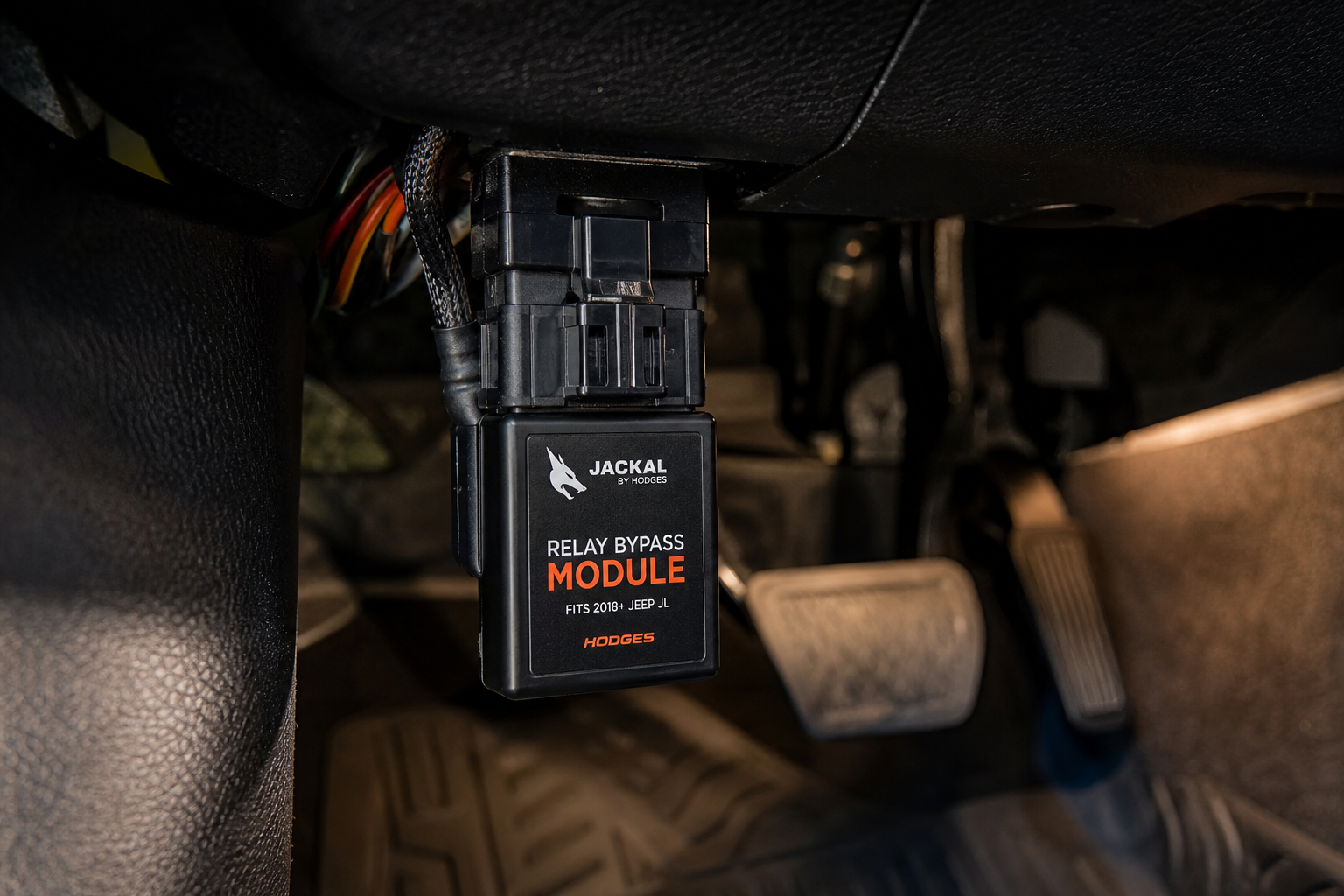
A start/stop eliminator module (also called a start/stop disable device or auto stop canceler) is a small plug-and-play unit that connects to your vehicle’s OBD2 port or a specific connector in the fuse box area. It automatically sends the same signal as if you pressed the disable button the moment the car starts.
You install it once, forget about it, and the system behaves as if you manually disabled start/stop on every single drive. No app needed, no programming required, no modifications to your vehicle’s software.
How It Works
Most Trailblazer-compatible eliminators tap into the vehicle’s CAN bus network through a designated connector, usually near the fuse box under the hood or inside the cabin. The module reads the vehicle startup signal and sends the disable command automatically, mimicking the button press before you’ve even put the car in gear.
Unlike an OBD2 diagnostic scanner, these modules don’t read fault codes or pull vehicle data for display. They’re purpose-built for one task: telling the start/stop system to stay off.
Installation: What to Expect
Installation takes about five minutes for most people. Here’s the general process for the Trailblazer:
- Turn off the ignition and locate the specific connector that the module is designed for. Most Trailblazer eliminators include a labeled harness with a clear diagram.
- Plug the module’s connector into the vehicle’s existing connector, which typically involves disconnecting a factory plug and inserting the module inline.
- Tuck the module out of sight, usually in the fuse box area or behind the dash panel.
- Start the car and confirm the Auto Stop/Start indicator shows as disabled without pressing the button.
No drilling, no splicing, and no permanent alterations. If you ever want to remove it, you simply unplug it and reconnect the factory connector.
Recommended Eliminator for the Chevy Trailblazer
When shopping for a Trailblazer-compatible unit, make sure the listing specifically mentions 2021-2024 Chevy Trailblazer compatibility. Some generic OBD2-style eliminators are hit-or-miss with GM’s specific CAN bus implementation, so a vehicle-specific harness design is worth the extra attention.

Chevy Trailblazer Start Stop Eliminator
A plug-and-play module that automatically disables auto start/stop on every drive without any button presses or programming.
Look for a module that includes a vehicle-specific wiring diagram in the package and has verified reviews from Trailblazer owners. Units that work by OBD2 port alone are convenient but sometimes less reliable than ones with a dedicated harness connector, so read product listings carefully before ordering.
Will Disabling Auto Start/Stop Hurt Your Engine or Warranty?
Using the factory button to disable the system doesn’t affect your warranty at all since it’s a built-in feature. A plug-and-play eliminator module that simply mimics that button press is also generally considered safe from a warranty standpoint, since it isn’t modifying any software or making permanent changes.
From an engine health perspective, there’s actually a reasonable argument that disabling frequent cold start/stop cycling reduces wear on the starter motor, battery, and engine internals over time. GM’s system uses a reinforced starter and absorbed glass mat (AGM) battery to handle the extra cycling, but eliminating unnecessary wear cycles isn’t a bad thing on a daily driver.
If you ever want to check your vehicle’s overall health or pull any stored codes related to the start/stop system, a quality scan tool is a useful thing to have in your garage. Check out our picks for the best OBD2 scanners for DIY auto repair if you want to cover that base.
Frequently Asked Questions
Why does my Trailblazer’s auto start/stop keep turning back on even after I disable it?
This is intentional behavior from GM. The auto start/stop system is programmed to default to “on” every time you start the engine, regardless of what you selected on the previous drive. The factory disable button only suppresses the system for one drive cycle. A start/stop eliminator module fixes this by automatically sending the disable signal at startup every time.
Is a start/stop eliminator module safe to use on the Chevy Trailblazer?
Yes, when you use a plug-and-play module designed for your specific vehicle. These modules don’t alter the vehicle’s programming or tune. They simply replicate the same input as pressing the factory disable button. They’re fully reversible and don’t leave any trace on the vehicle’s computer when removed.
Does disabling auto start/stop affect fuel economy on the Trailblazer?
Technically, yes, but the real-world impact is minimal for most drivers. GM estimates the system improves fuel economy by roughly 3-5% in stop-and-go conditions. In mixed driving or highway use, you’d barely notice a difference. If you do most of your driving on open roads rather than in heavy urban traffic, the fuel economy effect of disabling it is negligible.
The Bottom Line
If you only occasionally find the start/stop annoying, pressing the factory button before each drive gets the job done. But if you want it off permanently without thinking about it, a Chevy Trailblazer start/stop eliminator module is the practical solution. Install it once, and you’re done. Your preferences stay your preferences on every drive, automatically.
It’s also worth pairing this kind of attention to your Trailblazer’s settings with other Chevy-specific knowledge. For example, if you also own a Silverado and want to stay on top of routine maintenance resets, our guide on resetting the oil life on the Chevy Silverado is worth bookmarking.
Leave a Reply