
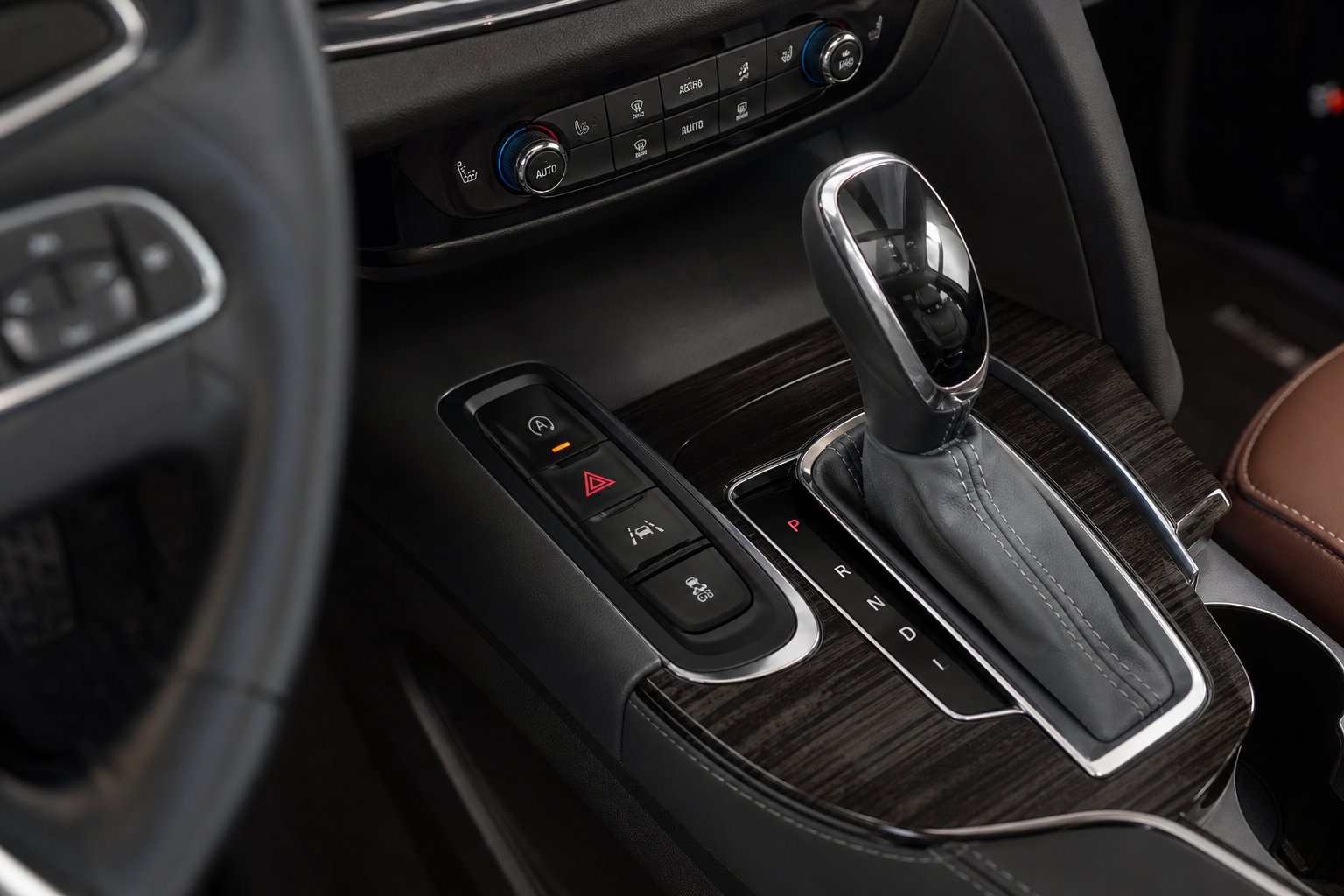
If you drive a Buick Enclave with the auto start/stop feature, you already know the drill. You pull up to a red light, the engine shuts off, you feel that slight shudder, and then it fires back up the moment you lift your foot off the brake. GM designed it to save fuel and reduce emissions, and in theory that’s fine. In practice, a lot of Enclave owners find it annoying, rough-feeling, and hard on the starter and battery over time.
The Bottom Line
A plug-and-play module can make your Buick Enclave remember your preference to keep Auto Start/Stop off, so you don’t have to press the button every time you start the vehicle.
The good part is that you have real options for dealing with it. You can use the dashboard button every single drive, or you can go the permanent route with an eliminator module that handles it for you automatically. This guide covers both approaches, explains why the built-in button doesn’t actually save your preference, and walks you through the best long-term fix.
Understanding the Auto Start/Stop System on the Buick Enclave
The Buick Enclave has used the Auto Stop/Start system since the second-generation model launched in 2018. It appears on all trim levels, from the base Preferred to the Avenir, and it’s active by default every time you start the engine. The system cuts the engine at stops to reduce fuel consumption and restarts it automatically when you release the brake pedal.
GM’s system is designed to be transparent, but many drivers notice vibration, a hesitation on restart, or an overall feeling that something is off. If you’ve also felt a shudder at idle on your GM vehicle, you’re not imagining things. Some of those complaints overlap with what’s described in our look at how engine shutdown and restart cycles can affect idle smoothness on similar vehicles.
Model year notes to keep in mind:
- 2013-2017 Enclave (first generation): No auto start/stop system. This feature was not included in the first-gen platform.
- 2018-present Enclave (second generation): Auto start/stop is standard on all trims and resets to enabled every time you cycle the ignition.
Using the Factory Dashboard Button to Disable It
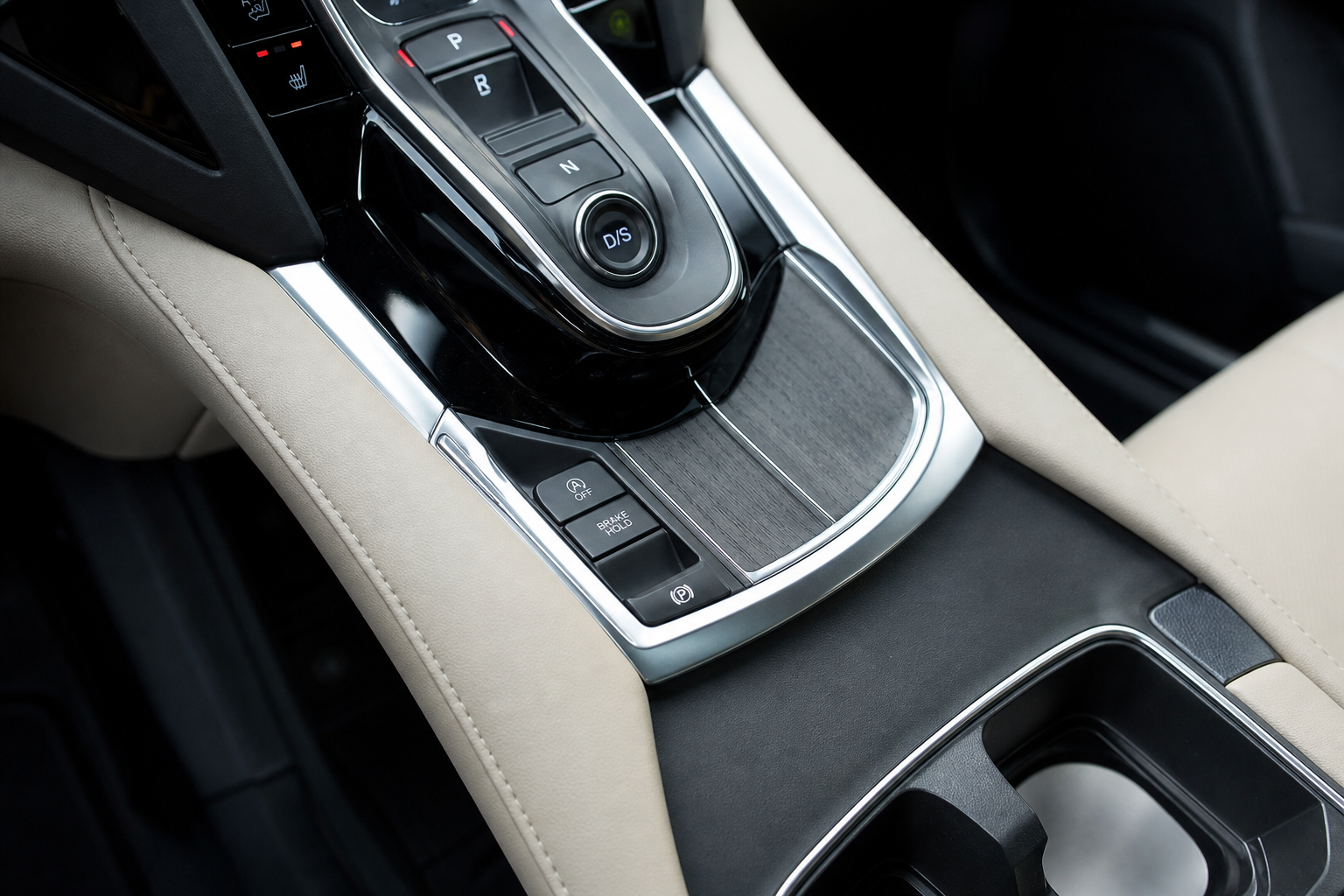
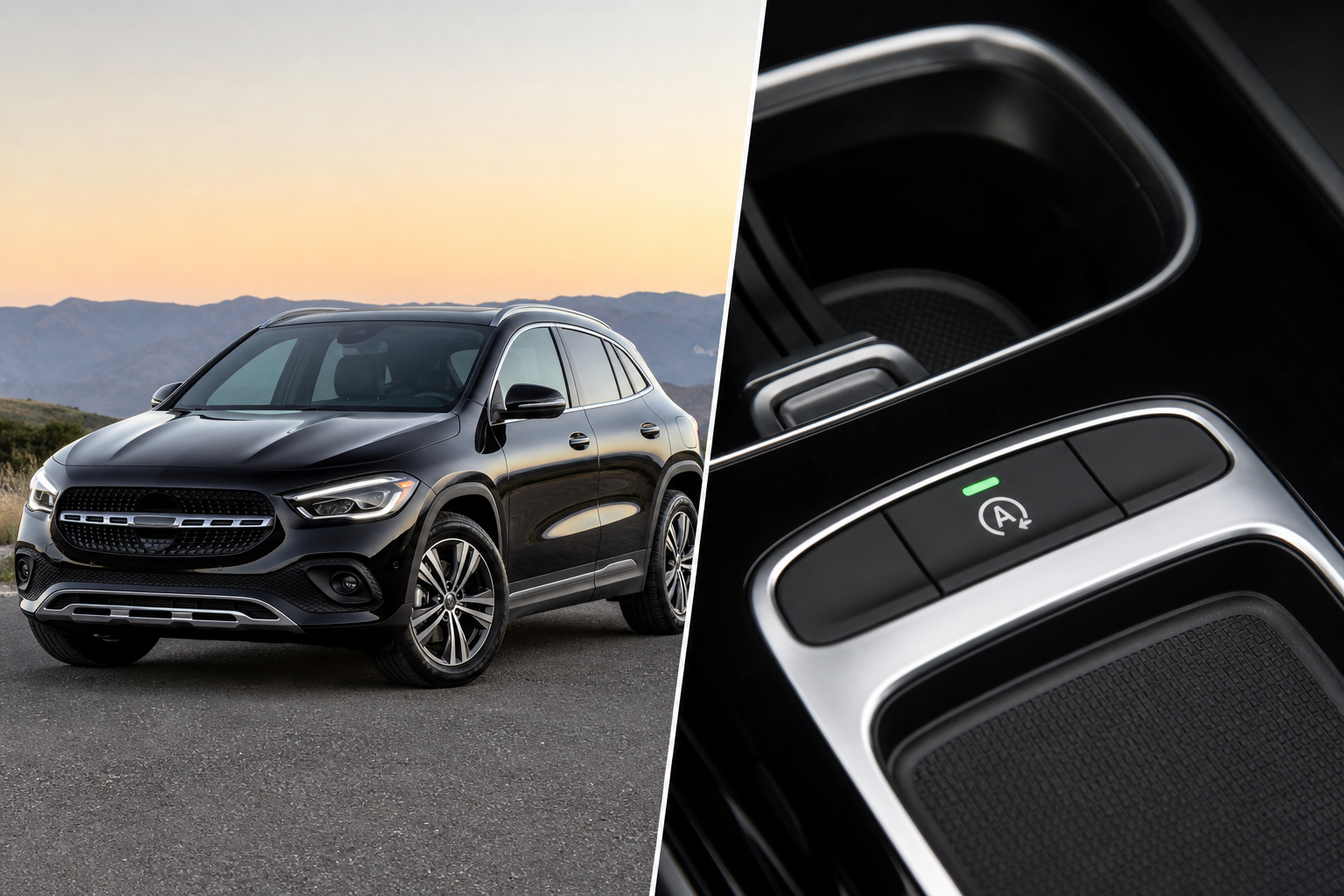
Every 2018 and newer Buick Enclave has a physical button on the center console or dashboard labeled with a circular arrow and the letter “A” with a line through it. Pressing it disables the auto start/stop system for that driving session.
Here’s how to use it:
- Start your Enclave as normal.
- Look for the “A” with a circular arrow icon on your center console button cluster.
- Press the button once. A light on the button or an indicator in the instrument cluster will confirm the system is off.
- Drive normally. The engine will no longer shut off at stops for the rest of that trip.
The problem is the word “session.” Every time you turn the ignition off and restart the vehicle, the system resets itself back to enabled. GM programmed it this way intentionally, likely to meet fuel economy and emissions targets. So if you want start/stop off, you have to press that button every single time you get in the car. For some people that’s fine. For others, it gets old fast.
There’s no way to permanently disable it through the infotainment system, driver settings menu, or any GM dealer software update. Even if you set up personalized driver profiles on a related GM platform, the start/stop preference doesn’t stick across ignition cycles on the Enclave. It’s a hard system default, not a customizable preference.
The Permanent Fix: A Start/Stop Eliminator Module
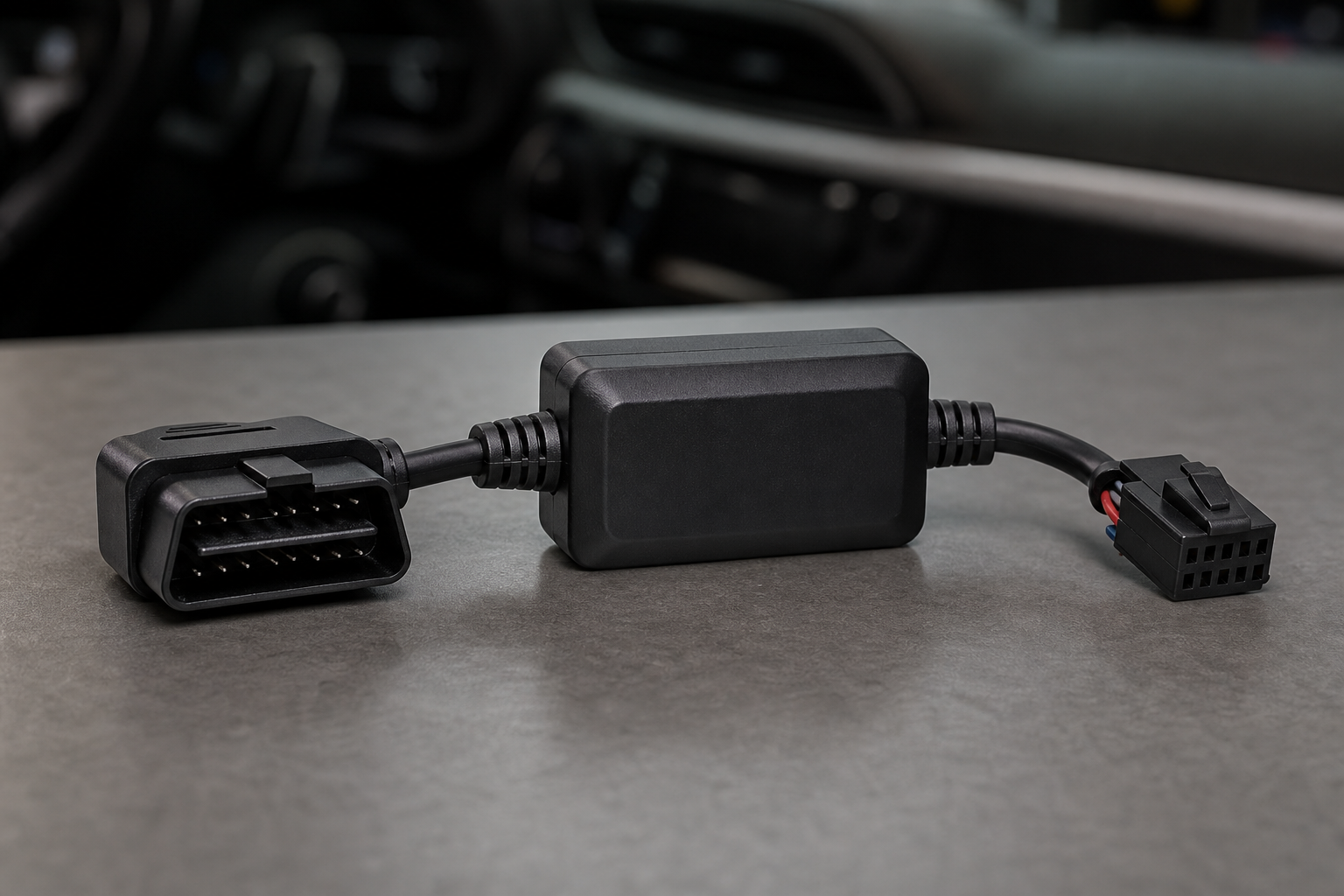
If pressing a button every morning sounds tedious, a plug-and-play start/stop eliminator module is the most practical solution. These devices plug directly into the OBD2 port or a specific vehicle harness connector under the hood or dash, and they trick the vehicle’s system into thinking the button has already been pressed, every time, automatically.
You don’t have to touch anything once it’s installed. Start the car, and start/stop is already disabled before you even shift into drive.

Buick Enclave Start Stop Eliminator
A plug-and-play module that automatically disables the auto start/stop system on the Buick Enclave every time you start the engine, with no button pressing required.
Most eliminator modules for the Enclave are designed specifically for GM’s second-generation platform and require no tools, no splicing of wires, and no programming. Installation typically takes under five minutes. The module sits out of sight once installed, and because it works by sending the same signal as the factory button, it doesn’t interfere with any other vehicle systems or void your warranty under normal circumstances.
When shopping for one, make sure the product listing specifically mentions compatibility with the 2018 or newer Buick Enclave. Some GM-compatible modules cover a wide range of vehicles including the Chevrolet Traverse and Cadillac XT5, which share the same platform. That’s usually a good sign of broad compatibility, but always verify your exact model year before purchasing.
How to Install a Start/Stop Eliminator on the Buick Enclave
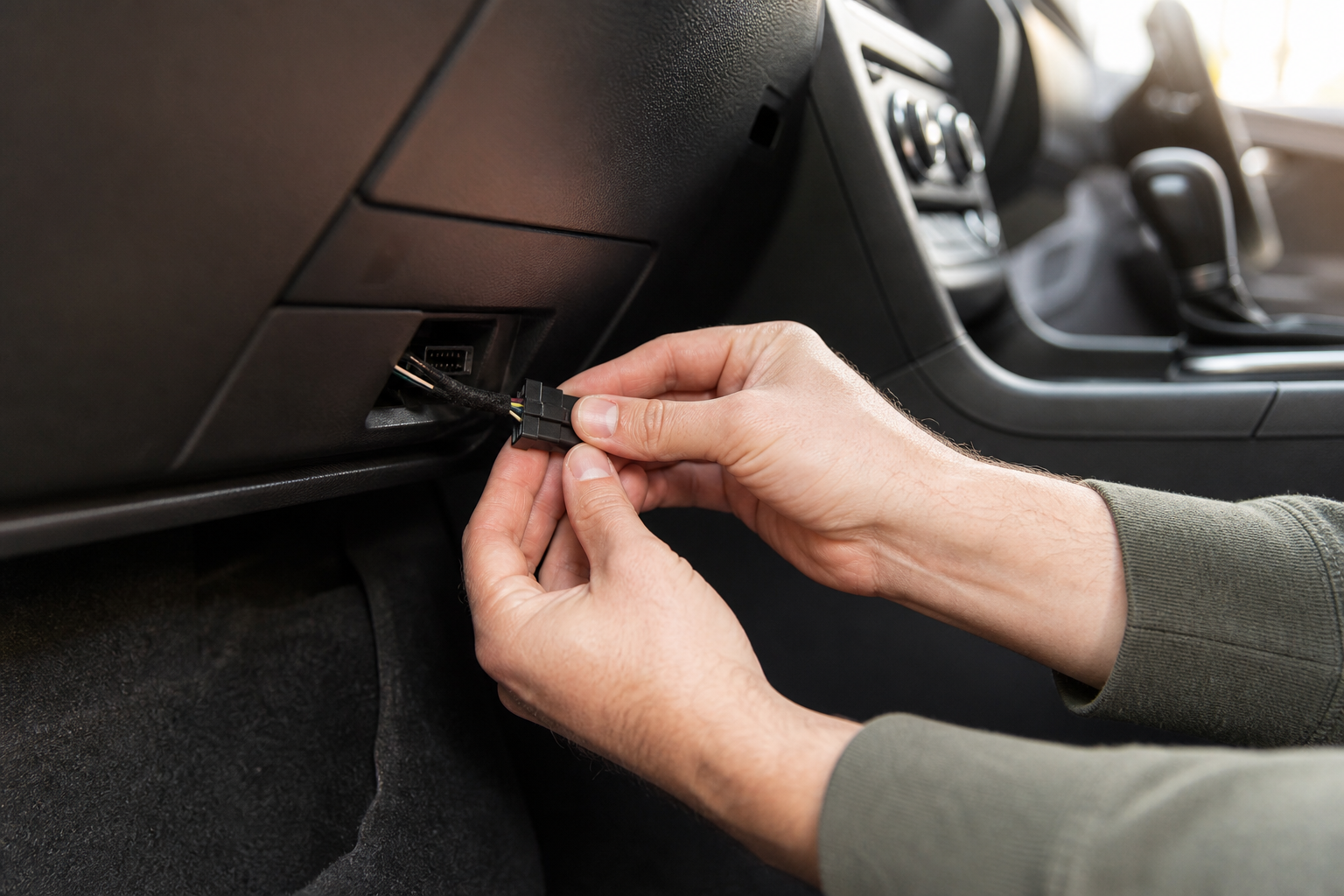
Installation varies slightly by brand and module type, but the general process for the most common plug-and-play style looks like this:
- Turn off the vehicle and remove the key or ensure the ignition is fully off.
- Locate the OBD2 port or the specific harness connector the module uses. The OBD2 port on the Enclave is typically under the dash on the driver’s side, near the steering column. Some modules instead tap into a connector near the auto start/stop button itself.
- Plug in the module according to the included instructions. No tools needed for most designs.
- Start the vehicle and confirm that the auto start/stop indicator light in the cluster shows the system is already off without you pressing anything.
- Tuck the module out of sight if needed and you’re done.
If you ever want to sell the vehicle or return the system to factory behavior, just unplug the module. The Enclave returns to its default start/stop-enabled state immediately.
If you run into any electrical questions during the process or want to check for stored codes before or after installation, a quality OBD2 scanner is useful to have on hand. Our guide to the best OBD2 scanners for DIY auto repair covers solid options from budget picks to professional-grade tools.

OBD2 Scanner for GM Vehicles
Handy to have when installing accessories or diagnosing any electrical questions on your Enclave.
Is It Bad for Your Engine to Keep Auto Start/Stop Disabled?
Many Enclave owners worry that disabling the system will affect fuel economy or cause some warning light to appear. Neither is likely to be a real concern in practice.
Fuel economy will drop slightly, since the system was designed to eliminate engine-off time at stoplights. In real-world driving, the difference is usually small, often just a fraction of a mile per gallon depending on how much city driving you do. On the highway, where stop/start doesn’t activate anyway, you’ll notice no change at all.
As for engine wear, there’s actually a reasonable argument that reducing frequent cold restart cycles is easier on your starter motor and engine oil. Modern engines are built to handle start/stop cycles, but eliminating extra restarts is unlikely to hurt anything.
No warning lights or fault codes are triggered by using an eliminator module, since the module mimics a legitimate driver input. Your Enclave won’t know the difference between you pressing the button manually and the module pressing it for you.
Frequently Asked Questions
Why does the auto start/stop reset every time I restart my Buick Enclave?
GM programs the system to default to enabled after every ignition cycle. This is a deliberate design choice tied to fuel economy compliance and emissions standards. There’s no setting in the infotainment menu or through a GM dealer tool that changes this default behavior on current Enclave models.
Will a start/stop eliminator void my Buick Enclave’s warranty?
In most cases, no. A plug-and-play module that simulates a button press doesn’t modify the vehicle’s software or hardware. Under the Magnuson-Moss Warranty Act, a dealer would need to prove the module caused a specific problem before denying a warranty claim. Since the module is removable and leaves no trace, it’s a low-risk addition. When in doubt, consult your dealer or a qualified mechanic.
Does the auto start/stop eliminator work on all second-generation Buick Enclave trims?
Yes, as long as the module is confirmed compatible with 2018 and newer Enclave models, it should work across all trims including Preferred, Essence, Premium, and Avenir. The underlying auto start/stop hardware and software is the same across trim levels. Always double-check the compatibility list on the product listing before buying.
Final Thoughts
If you only occasionally find auto start/stop annoying, pressing the dashboard button each drive is a free and perfectly valid solution. But if you’re done with it entirely and want to forget it exists, a Buick Enclave start/stop eliminator module is the cleanest option available. It installs in minutes, requires no technical knowledge, and works silently every time you start the car.
It’s one of those small upgrades that makes a daily driver feel more like your vehicle and less like it’s running on someone else’s preferences. And if you’re looking for other ways to get more out of your Enclave ownership experience, check out our guide on resetting maintenance reminders on GM platforms and our overview of Chevrolet and GM driver management features worth knowing about.

Leave a Reply