
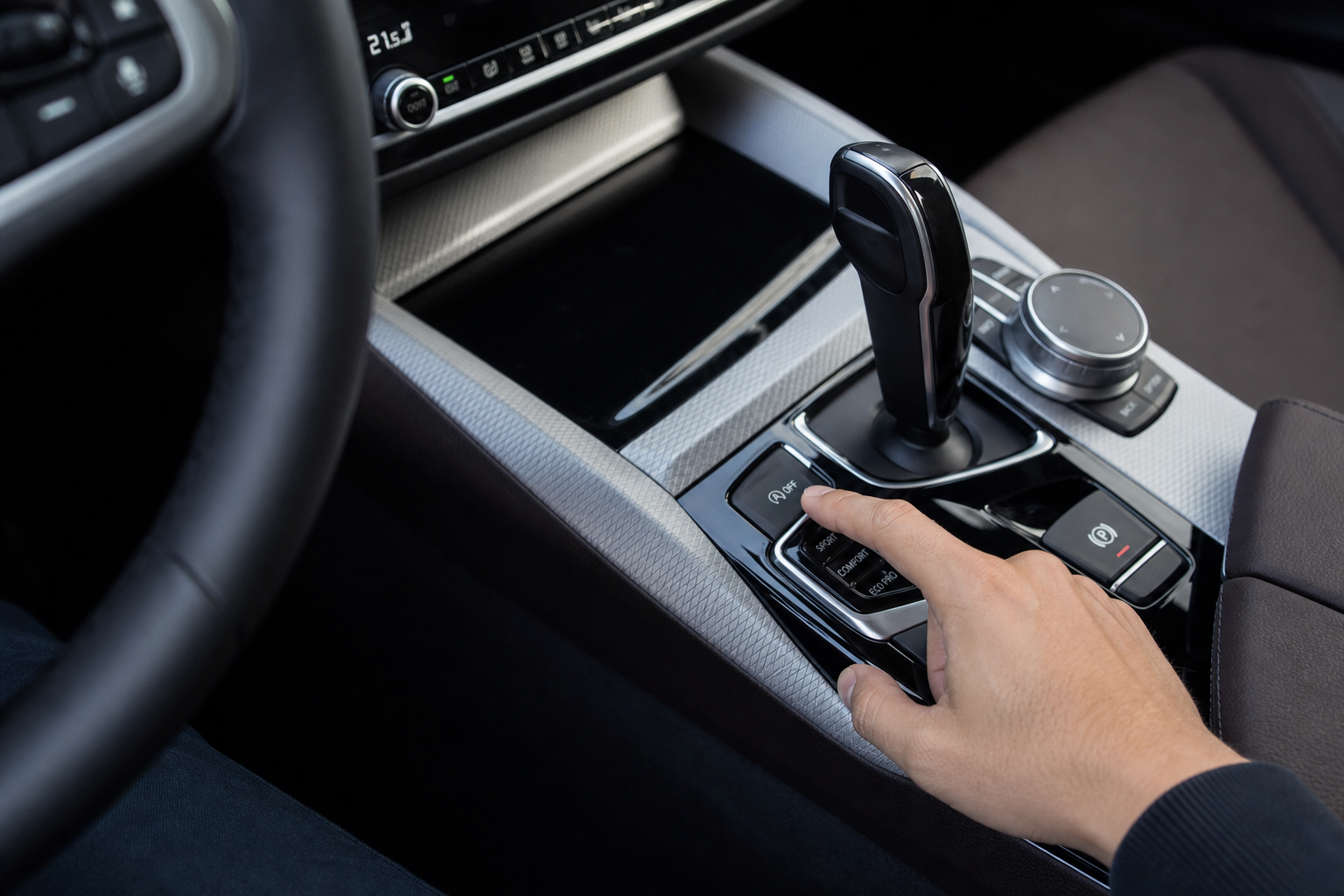
Every time you start your BMW 5 Series, the auto start/stop system turns itself back on. You press the button to disable it, drive somewhere, park, come back, and the whole cycle starts over. For a lot of 5 Series owners, this becomes one of the most irritating quirks of an otherwise excellent car.
The Bottom Line
A plug-and-play module can make your BMW 5 Series remember your preference to keep Auto Start/Stop off, so you don’t have to press the button every time you start the vehicle.
This guide covers exactly how to deal with it, from the factory button method to a plug-and-play module that handles it automatically so you never have to think about it again.
Why the Auto Start/Stop System Resets Every Time
BMW designed the auto start/stop system to default to “on” every time the engine starts. This is intentional. BMW and other manufacturers include these systems to meet fuel economy and emissions targets, and European regulations in particular push automakers to keep these systems active by default.
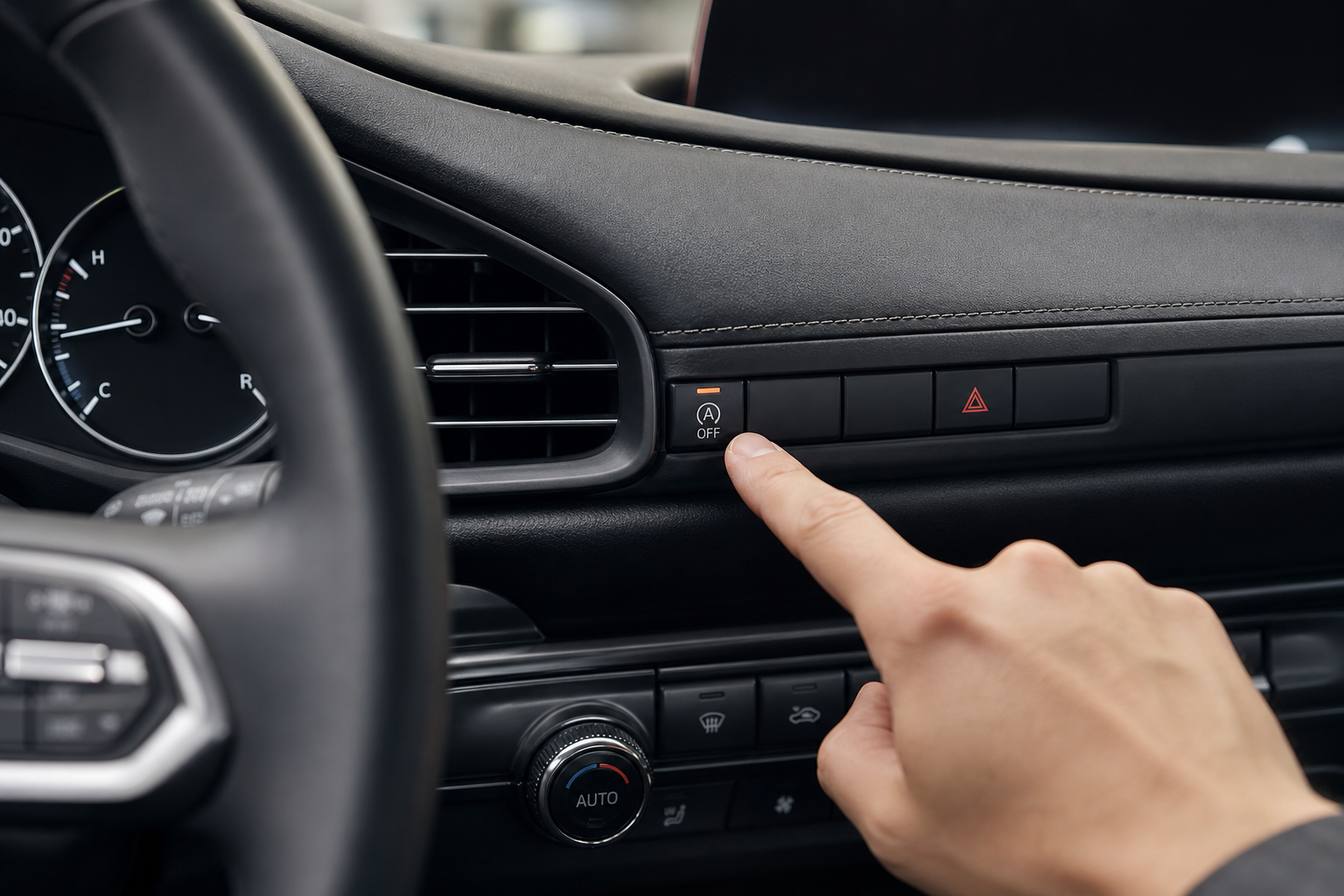
The button on your center console with the “A” and a circular arrow icon does work, but it only disables the system for that ignition cycle. The moment you shut the car off and restart it, the system comes back on automatically. There’s no way to change this behavior through the iDrive menu on most 5 Series models without using additional hardware or coding.
If you’re experiencing engine vibration or roughness that you initially thought was start/stop related, it may be worth reading about common idle vibration causes to rule out other issues before assuming the system is the culprit.
Method 1: Using the Factory Button (Works, But Resets)
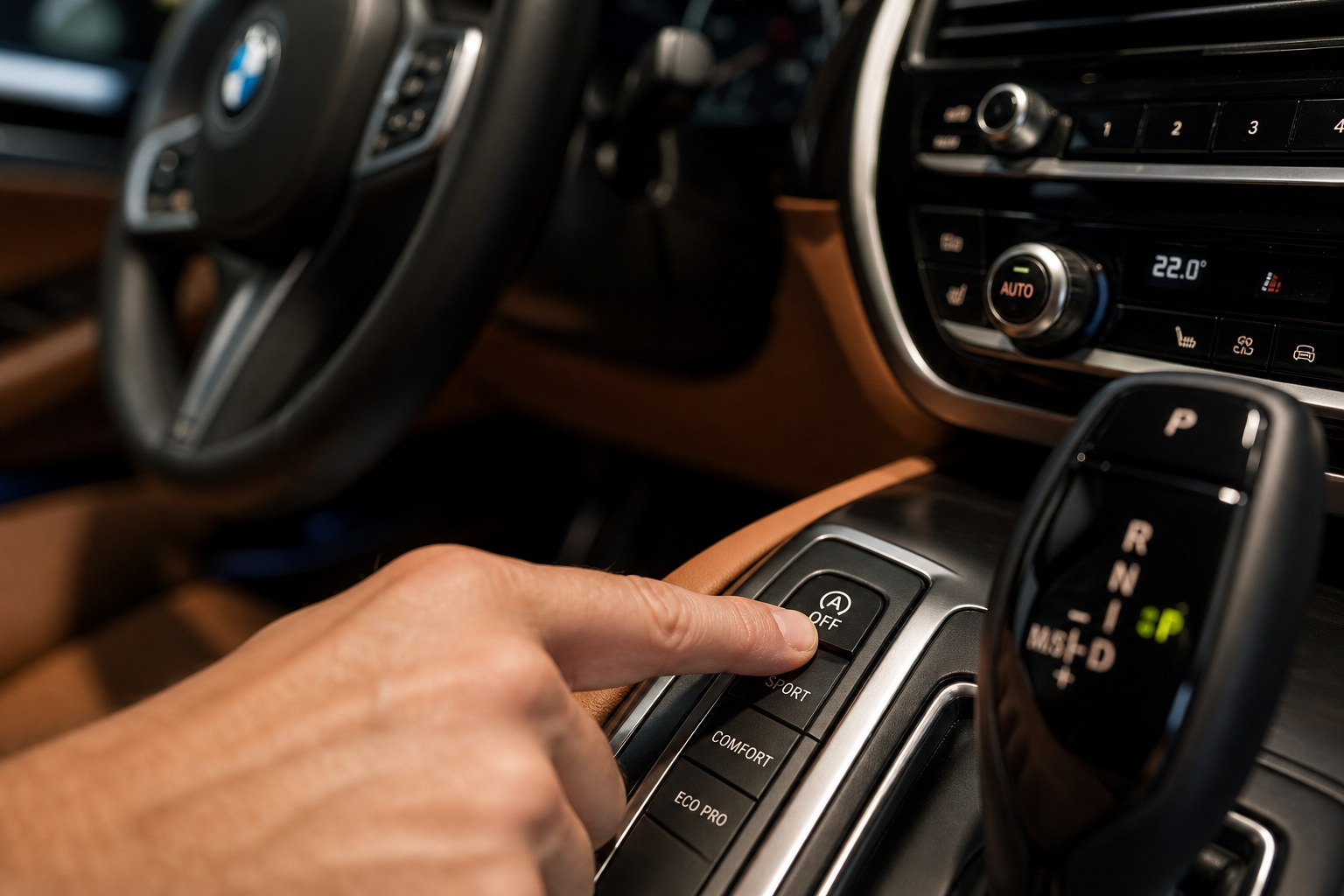
The built-in button is fine if you only occasionally want the system off. Here’s how to use it:
- Start the engine and let it fully initialize.
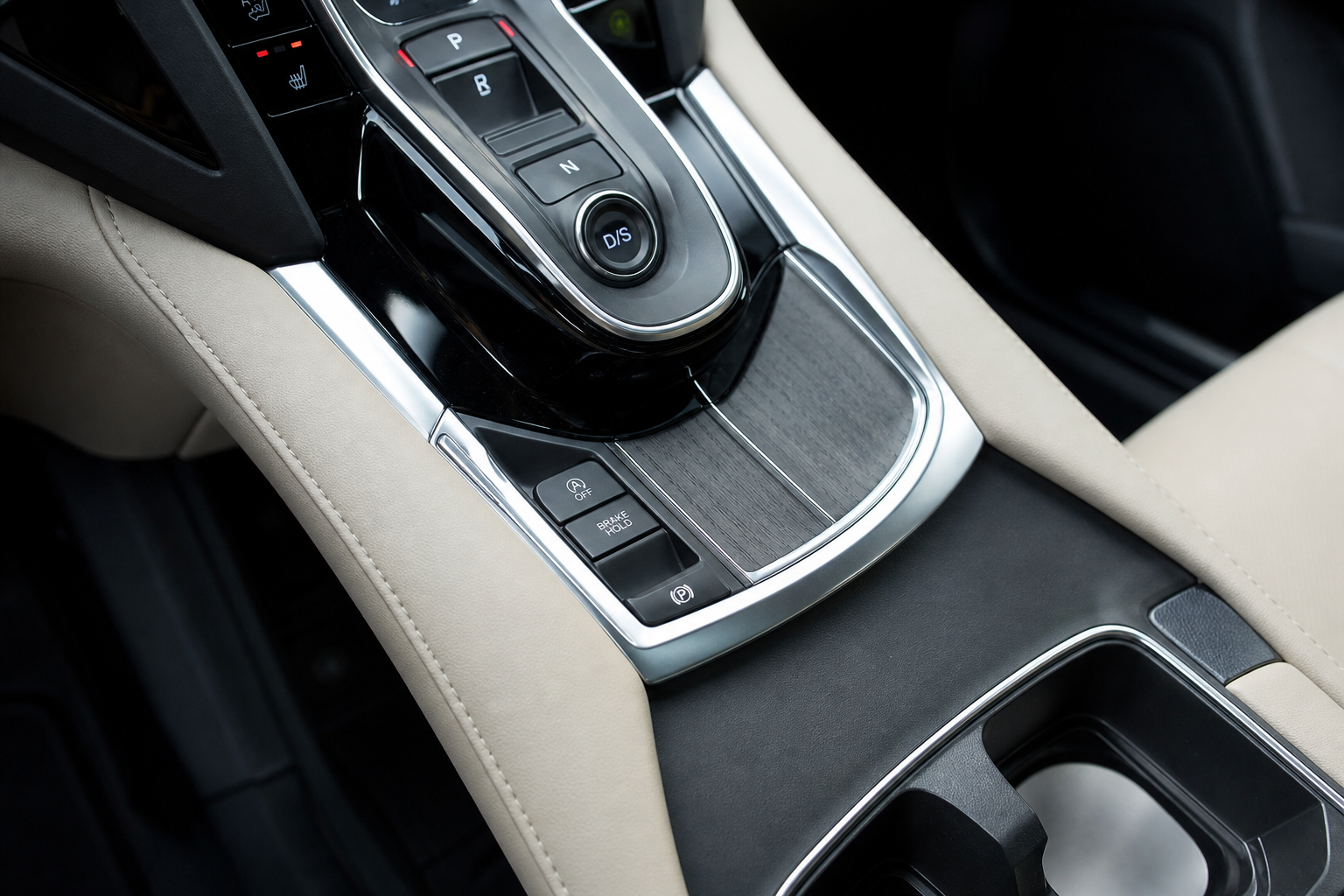
- Look for the button labeled with a capital “A” inside a circular arrow. On most G30 and G31 5 Series models (2017 and newer), it’s located on the center console near the gear selector.
- Press the button once. A small LED on the button will illuminate to confirm the system is disabled.
- The system will stay off for the current drive only.
On F10 and F11 5 Series models (2010 to 2016), the button placement is similar but may vary slightly by trim level. The function is identical.
This method works, but if you want the system permanently off without pressing the button every single time you get in the car, you need the next approach.
Method 2: Start/Stop Eliminator Module (Set It and Forget It)
A start/stop eliminator module is a small plug-and-play device that plugs into the connector behind your factory start/stop button. Once installed, it automatically sends the “off” signal every time the car starts, so the system is always disabled without any input from you.
Installation takes about five minutes. You don’t need any tools, coding, or technical knowledge. The module sits behind the button panel and is completely hidden once installed.
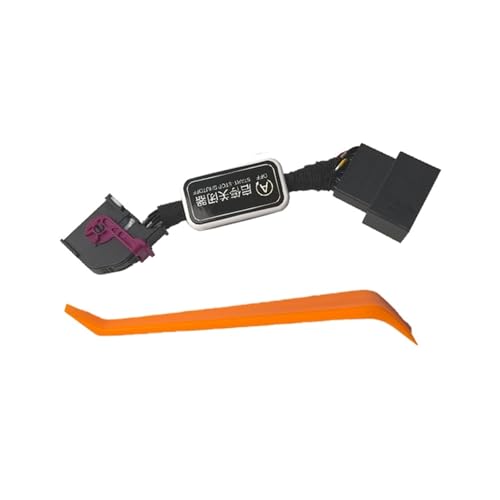
BMW 5 Series Start Stop Eliminator
A plug-and-play eliminator that automatically cancels auto start/stop on every startup, so you never have to press the button again.
These modules are available for both the G30 generation (2017 and up) and the F10 generation (2010 to 2016). When shopping, confirm the module is listed as compatible with your specific model year and body style, since the connector type can differ between generations. Most reputable listings will clearly state G30 or F10 compatibility.
The eliminator doesn’t affect any other vehicle systems. Your battery, alternator, and fuel economy features all continue working normally. The only change is that the start/stop system stays off every drive, automatically.
If you’re the type who likes to diagnose and monitor your car’s systems, pairing this with one of the best OBD2 scanners for DIY use is a smart move. You can confirm no fault codes are triggered after installing the module and keep tabs on your engine over time.
Model Year Notes for BMW 5 Series
Here’s a quick breakdown of what applies to which generation:
- F10 / F11 (2010 to 2016): Auto start/stop was available but not always standard. Check your specific build. Eliminator modules exist for this generation but make sure the connector matches.
- G30 / G31 (2017 to 2023): Start/stop is standard across all trims. This is the most common generation where owners look for a permanent fix. Eliminator modules are widely available and straightforward to install.
- G60 (2024 and newer): The new 5 Series uses an updated electrical architecture. Module compatibility is still catching up, so double-check before buying.
Frequently Asked Questions
Will disabling auto start/stop hurt my BMW’s battery or charging system?
No. The BMW 5 Series uses an AGM battery specifically designed to handle the repeated charge and discharge cycles that start/stop creates. Keeping the system off actually puts less stress on the battery and starter motor, not more. Your alternator and battery management system continue to function normally.
Can I permanently disable auto start/stop through BMW coding instead of a module?
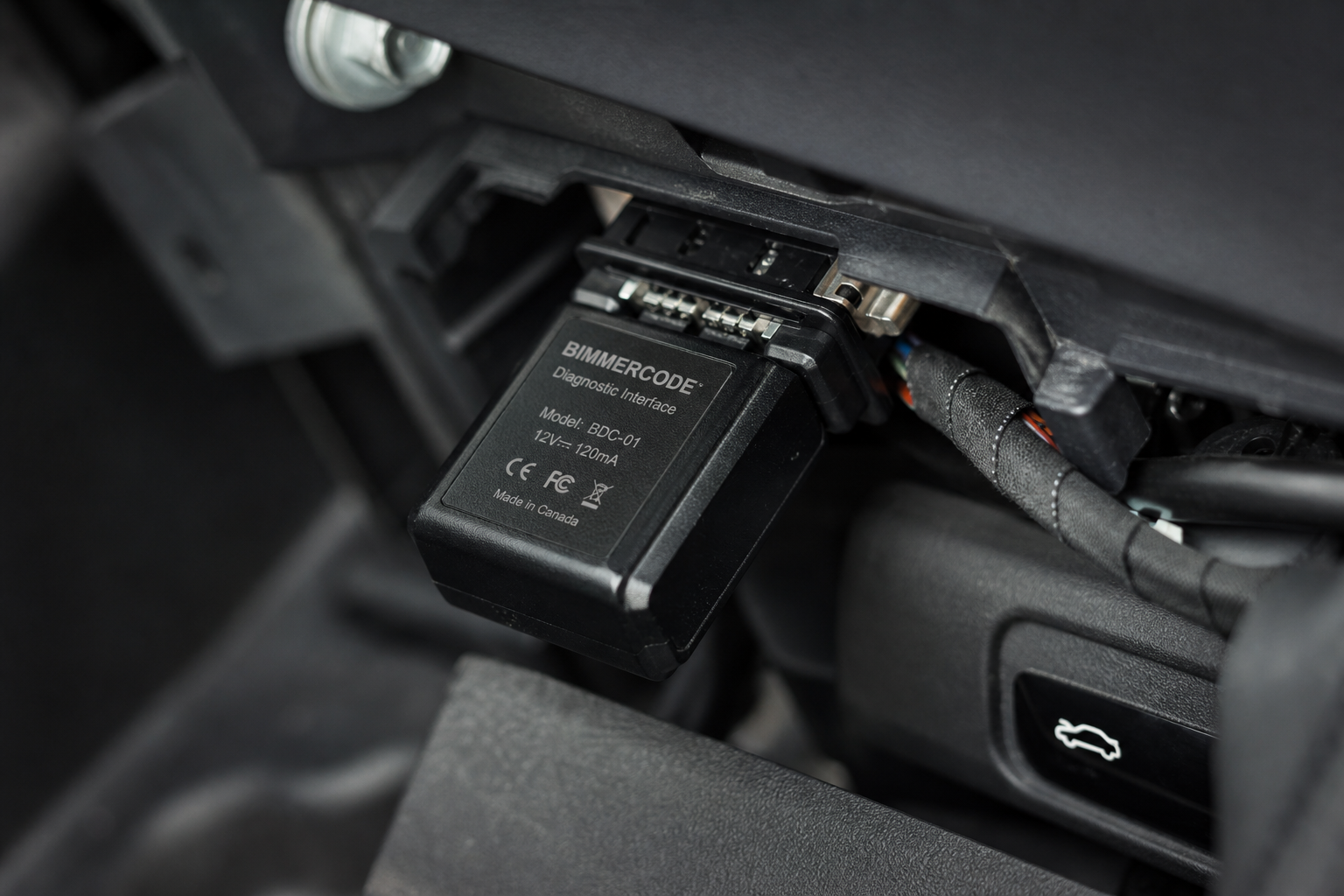
Yes, but it requires a coding tool like BimmerCode or BIMMERLINK and some familiarity with BMW’s coding interface. You can code the default state of the start/stop system to “off” so it behaves the same way a module does. If you’re comfortable with software tools, this is a clean solution. If you’d rather not deal with coding, the plug-and-play module gets you the same result with no software involved. Either way, the end result is the same: the system stays off every time you start the car.

Leave a Reply