
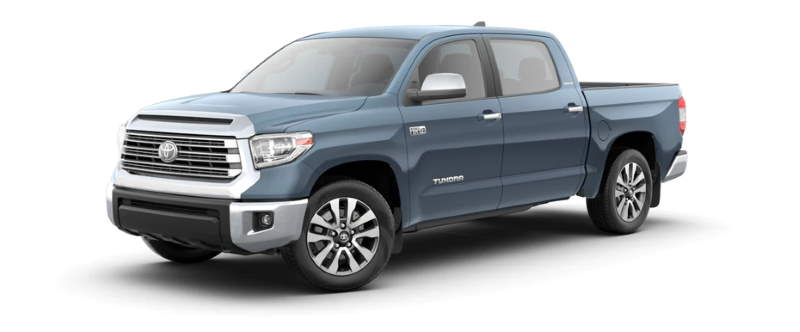
After 5,000 miles, the Toyota Tundra will let you know when it is due for an oil change by displaying a Maintenance Required message on the instrument panel. After getting an oil change, this notification will need to be reset manually using these steps.
2022 – 2023 Models
- If you have the Push Start, turn on the vehicle.
- Press the back button to clear the Maintenance Required message or Not Ready to Drive.
- Press the left or right arrow on the right side of the steering wheel to scroll to the Settings menu (image of a gear).
- Press OK.
- Scroll down to Scheduled Maintenance.
- Press OK.
- Scroll up to Yes and press OK.
- Press the back button.
- Scroll down to Oil Maintenance and press OK.
- Scroll up to Yes and press OK.
2018-2021 Models
- Use the Up and Down arrows to select ⚙️ “Settings“, then press ⦿.
- Select “Vehicle Settings” then press ⦿.
- Use the arrows to select “Maintenance Reset“, then press ⦿.
- Select “Yes“, then press ⦿.
2007-2017 Models
- Turn the ignition to the “On” position. Do not start the engine. For push button models, press “Start” and do not touch the brake pedal.
- Press the “Trip” button or display change button to switch the display to “Trip A“.
- Turn the vehicle completely off.
- Press and hold the “Trip” button.
- Continue to hold the “Trip” button while switching the ignition to “On” without starting the engine. Release the “Trip” button until the trip meter is set to all zeros.
2000-2006 Models
- Turn the ignition to the “On” position. Do not start the engine. For push button models, press “Start” and do not touch the brake pedal.
- Press the “Trip” button to switch the display to the odometer mileage reading.
- Turn the vehicle completely off.
- Press and hold the “Trip” button.
- Continue to hold the “Trip” button while switching the ignition to “On” without starting the engine. Release the “Trip” button until the trip meter is set to all zeros.
I hope this post has helped you reset the oil light on your Toyota Tundra!
Leave a Reply