
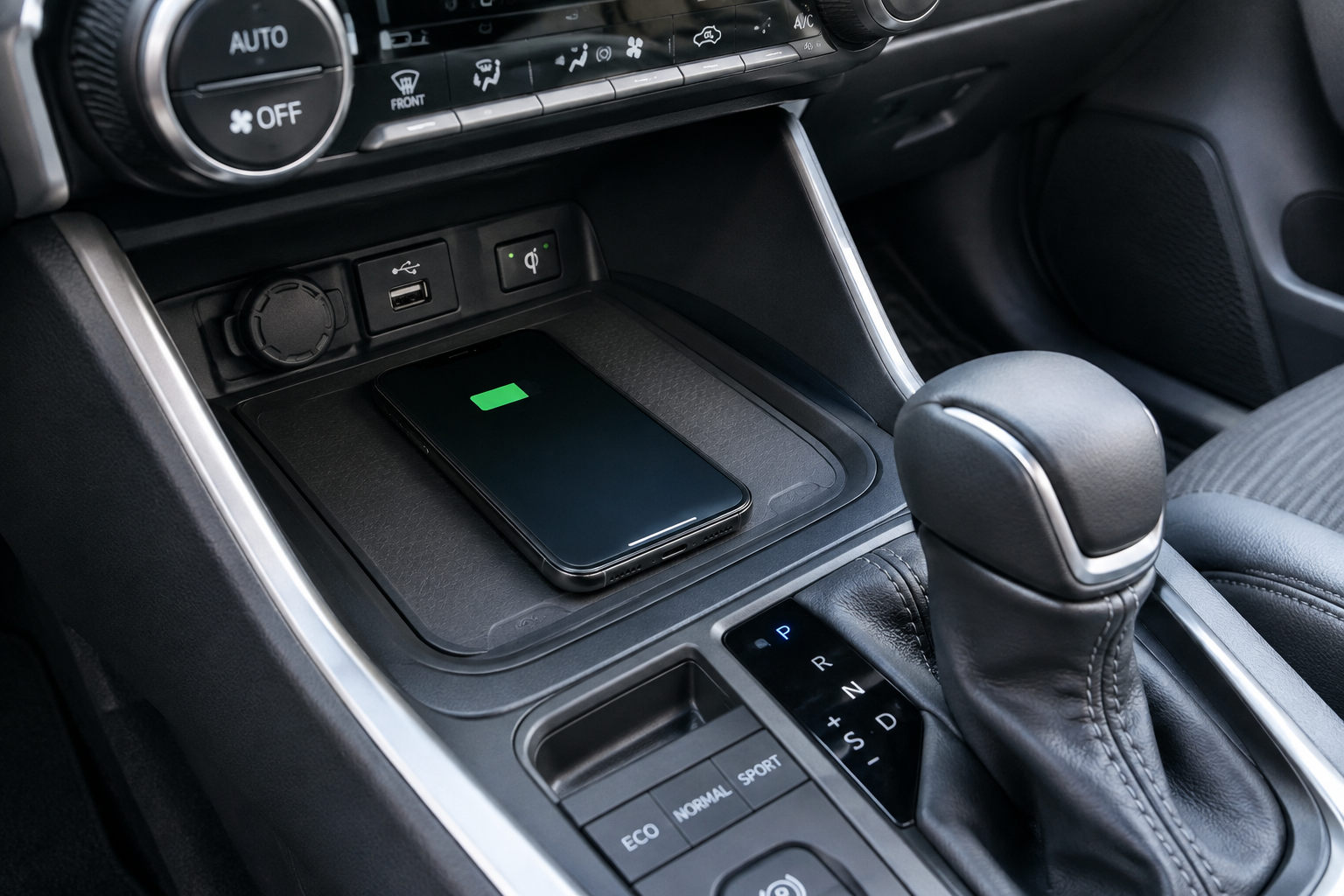
You set your phone on the charging pad, pull out of the driveway, and glance down five minutes later to see the battery percentage hasn’t moved. Or worse, your phone is chirping with connect and disconnect sounds every time you hit a pothole. The RAV4’s wireless charging pad is a genuinely useful feature when it works, but it’s also one of the pickier accessories in the cabin, and small things throw it off more often than people expect.
Before you assume the pad itself is broken, there’s a whole checklist worth running through. Most of the time the fix is free and takes about thirty seconds.
Confirm Your RAV4 Actually Has It, and Where It Sits
Wireless charging showed up on the RAV4 starting with certain 2019 trims and became more widely available across XLE Premium, Adventure, Limited, and TRD Off-Road trims in later model years. Not every trim gets it, and base LE models often skip it entirely, so double check your trim’s original equipment list if you’re not sure it was ever included.
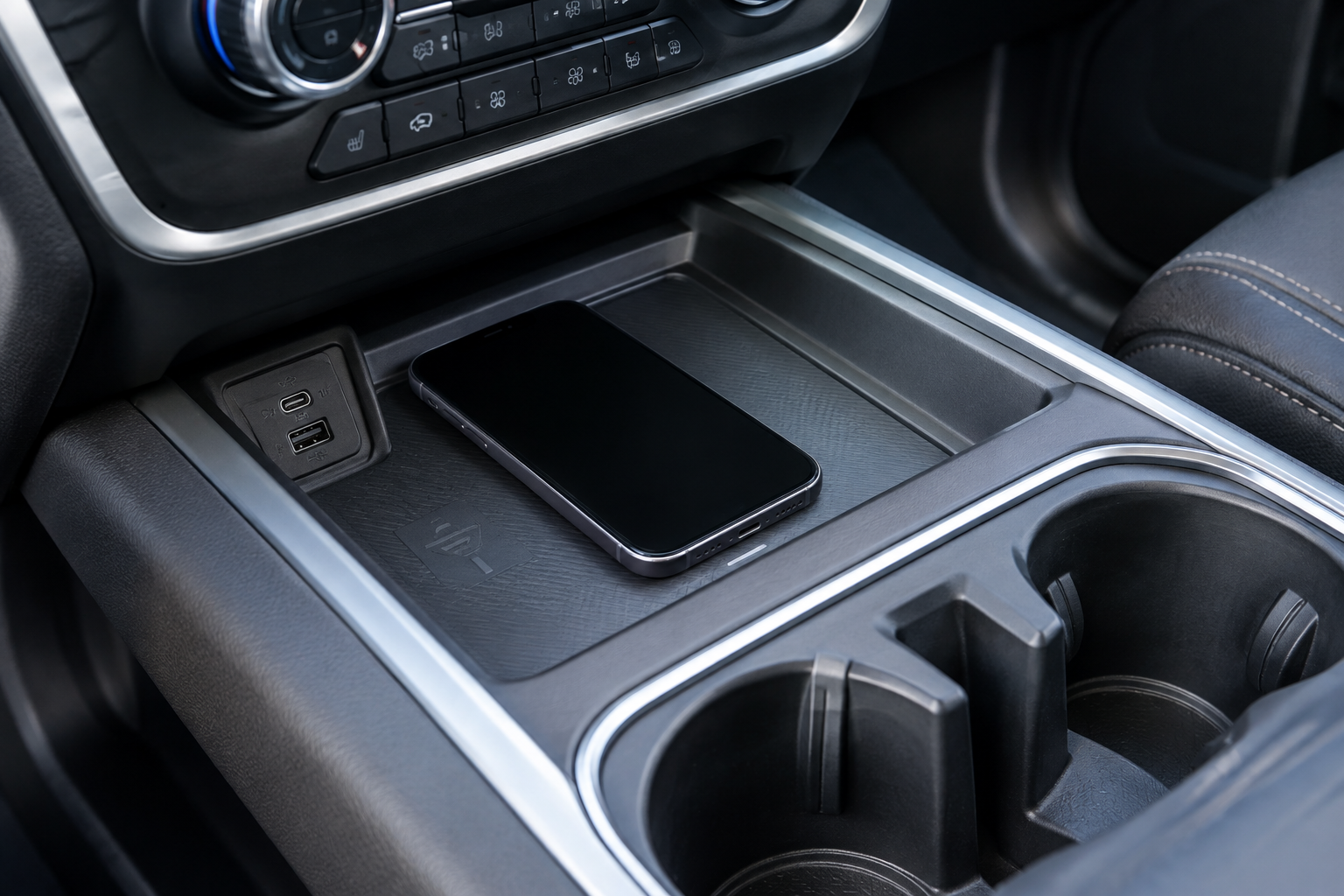
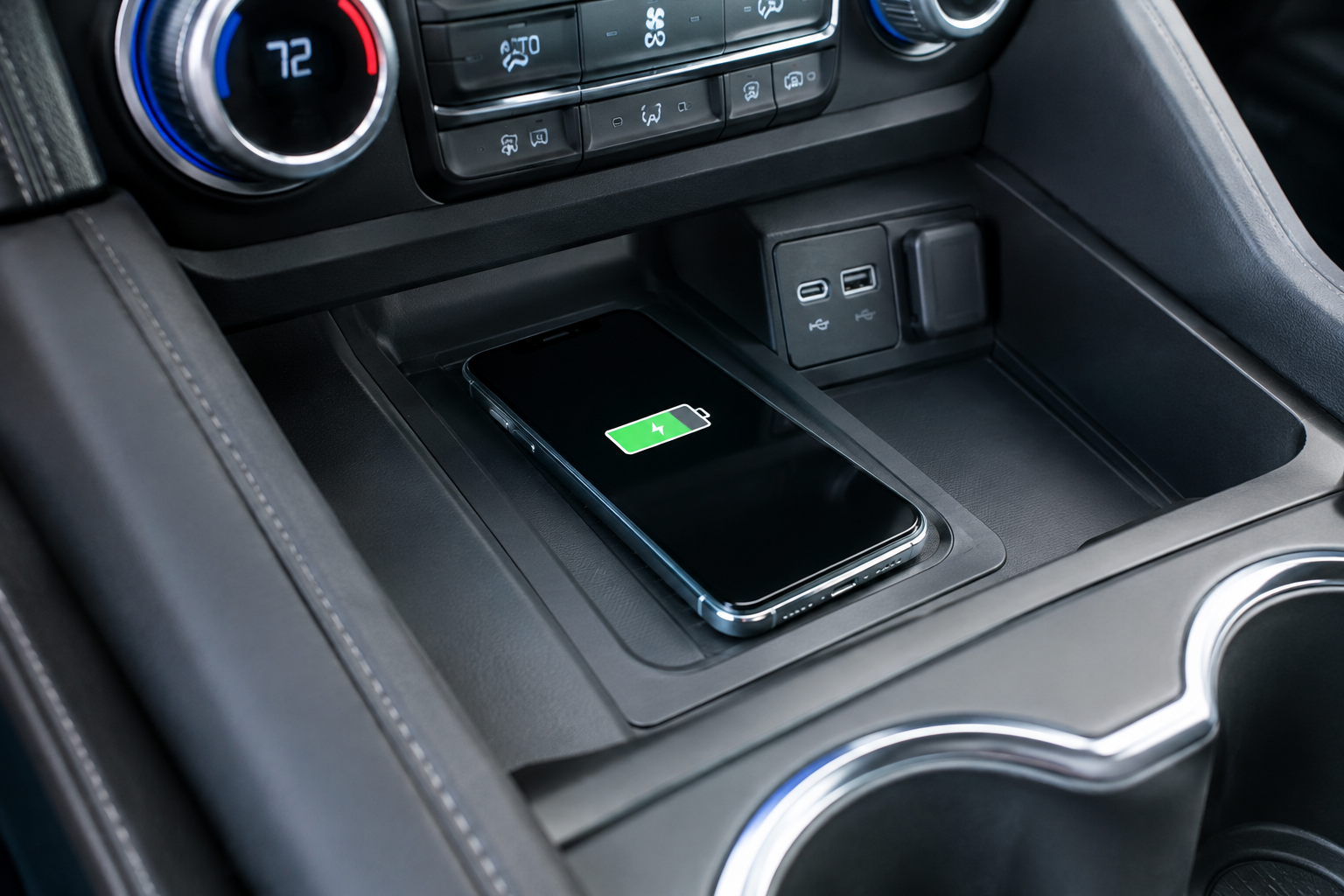
The pad itself lives at the bottom of the center console, usually in a small rubber-lined tray just ahead of the cupholders or below the climate controls, depending on the generation. It’s a Qi-standard charger, which means it works with any Qi-certified phone, but the coil placement inside that tray is smaller than the tray itself. That’s the root of most complaints right there.
Check Phone Placement First

Qi charging only works when your phone’s internal coil lines up with the coil built into the pad. On the RAV4, that sweet spot is usually centered but slightly toward the rear of the tray, not dead center like you’d expect. If your phone is charging on and off, or barely charging at all, try nudging it a half inch in different directions while the vehicle is parked and the screen is on so you can watch the charging icon respond.
Larger phones, especially the bigger Pro Max or Ultra sized models, sometimes hang off the edge of the tray. Even a slight overhang can shift the coil alignment enough to cause intermittent charging. Chargers built into the RAV4 also have a maximum device size, and if your phone exceeds it, you may get a warning light or no charging at all.
Cases, Magnets, and Metal Are the Usual Culprits
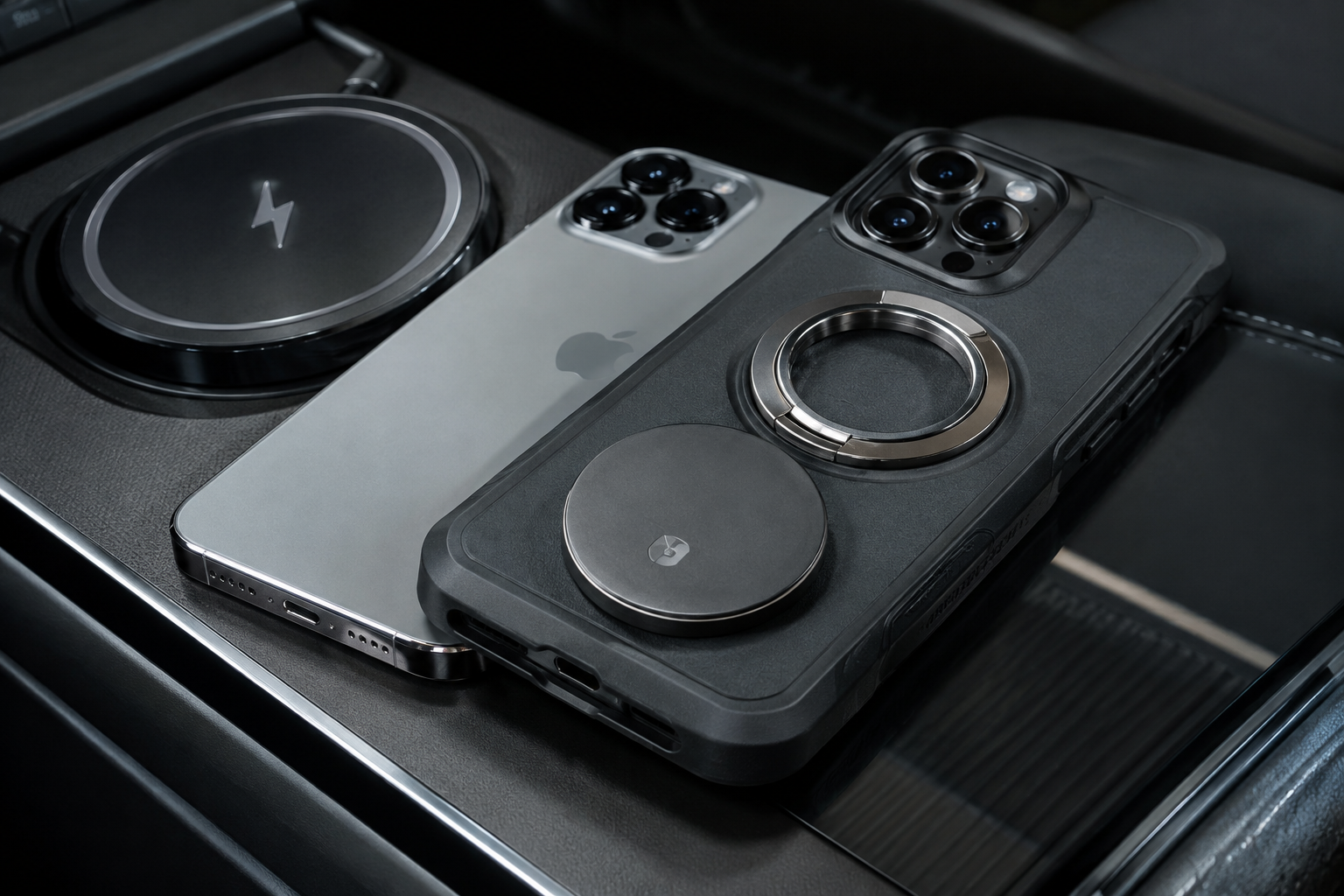
This is where most charging complaints actually get solved. Qi charging pads are sensitive to what’s between the phone and the coil.
- Thick cases: Anything much thicker than about 3mm, including rugged or battery cases, can push your phone too far from the coil to charge reliably.
- Cases with metal components: Kickstands, credit card holders with metal plates, and some rugged case frames block or distort the charging field entirely.
- MagSafe cases and magnetic mounts: Magnets can interfere with coil alignment and, in some cases, trigger the vehicle’s foreign object detection, which shuts the pad off as a safety measure.
- PopSockets or grip attachments: These add thickness and often sit right where the coil needs contact.
If you’re troubleshooting, pull your phone out of its case completely and set it on the pad. If it charges normally without the case, you’ve found your answer. From there you can decide whether to charge without the case, switch to a thinner case, or look at a MagSafe car charger mount instead, which sidesteps alignment issues since the magnets hold the phone in the correct spot every time.
Debris, Heat, and Foreign Object Detection

Wireless charging pads use foreign object detection to keep coins, keys, or other metal objects from heating up dangerously between the phone and the coil. Crumbs, sand, or a stray coin in that tray can trigger the same protection and stop charging, or cause it to cycle on and off repeatedly. Pull everything out of the tray and wipe it down with a dry microfiber cloth before you test again.
Heat is the other big factor. Wireless charging is less efficient than a cable, and it generates more heat as a byproduct. On a hot day, or if your phone is already warm from sitting in direct sun, the phone’s own battery management system will throttle or pause charging to protect itself. This isn’t a RAV4 problem, it’s a physics problem that applies to every Qi pad on the market. If you’re driving in summer heat, cracking a window or running the AC before you start a long drive helps the pad keep up.
Software also plays a small role here. Both iPhones and Android phones have battery optimization settings that can slow or pause charging once the battery reaches a certain percentage, or when the phone detects it’s already warm. Check your phone’s battery settings if charging seems to stall out specifically once you hit the 80 to 90 percent range, since that’s often intentional longevity behavior rather than a pad malfunction.
Vehicle Power State and Indicator Behavior
The pad on most RAV4 model years only powers up once the vehicle is in ACC or ON, not just when a door is unlocked. If you’re setting your phone down before starting the car, don’t be surprised if nothing happens until you actually turn the ignition over. Some trims also disable the pad automatically when the vehicle is off to save battery drain, which is expected behavior, not a fault.
Look for a small indicator light near the pad. Toyota’s system typically shows a solid light when charging is active and no light, or a blinking light, when there’s an issue with alignment, object detection, or overheating. If the light behaves erratically even with a bare phone, clean tray, and correct placement, that points toward a hardware issue with the pad or its wiring rather than something you’re doing wrong.
It’s also worth ruling out basic electrical issues elsewhere in the vehicle before assuming the charging pad is the problem. If you’ve noticed other electrical quirks, a failing alternator or bad ground connection can sometimes cause inconsistent power delivery to accessories like this.
When to Consider a Backup Charging Option
If you’ve gone through every step above, tested with a bare phone in the correct spot, cleaned the tray, and confirmed the vehicle is powered on, and it’s still not charging reliably, the pad itself may be at fault. This does happen, particularly on higher mileage RAV4s where the tray’s contacts or internal wiring have degraded.
Anker MagGo Wireless Car Charger
A magnetic mount charger that solves alignment problems entirely by locking your phone into position with magnets.
A dedicated wired cable is still the most reliable fallback if you need guaranteed fast charging on a road trip, since it isn’t affected by heat throttling or coil alignment the way Qi charging is. A simple USB-C or Lightning cable running to one of the RAV4’s USB ports will always outperform a struggling wireless pad.
For drivers who want a permanent, hassle-avoiding solution rather than relying on the factory tray, a magnetic mount charger that attaches to the dash or vent solves most of these problems at once, since it holds the phone in a fixed, correct position every time.
ESR HaloLock Magnetic Car Mount Charger
A budget-friendly alternative that pairs a secure magnetic mount with steady wireless charging output.
Frequently Asked Questions
Why does my phone charge in my house but not in my RAV4?
Home chargers often have looser alignment tolerances and better heat dissipation than the compact tray built into the RAV4’s console. A case, magnet, or slight misalignment that your home charger tolerates may be enough to stop charging in the vehicle’s tighter coil setup.
Does the RAV4 wireless charger work with all phone brands?
Yes, as long as your phone supports the Qi wireless charging standard, which covers the vast majority of iPhones since the iPhone 8 and most Android flagships from Samsung, Google, and others released in the last several years. Budget phones without Qi support won’t charge on the pad at all, regardless of placement.
Can I fix a broken wireless charging pad myself?
Cleaning the tray and testing with a bare phone solves the vast majority of cases, but a truly failed coil or wiring fault usually requires a dealer or qualified technician to diagnose, since it involves pulling apart the center console. If your pad tests as genuinely dead after all the basic checks, it’s worth having it looked at under warranty if your RAV4 is still covered.
Leave a Reply