
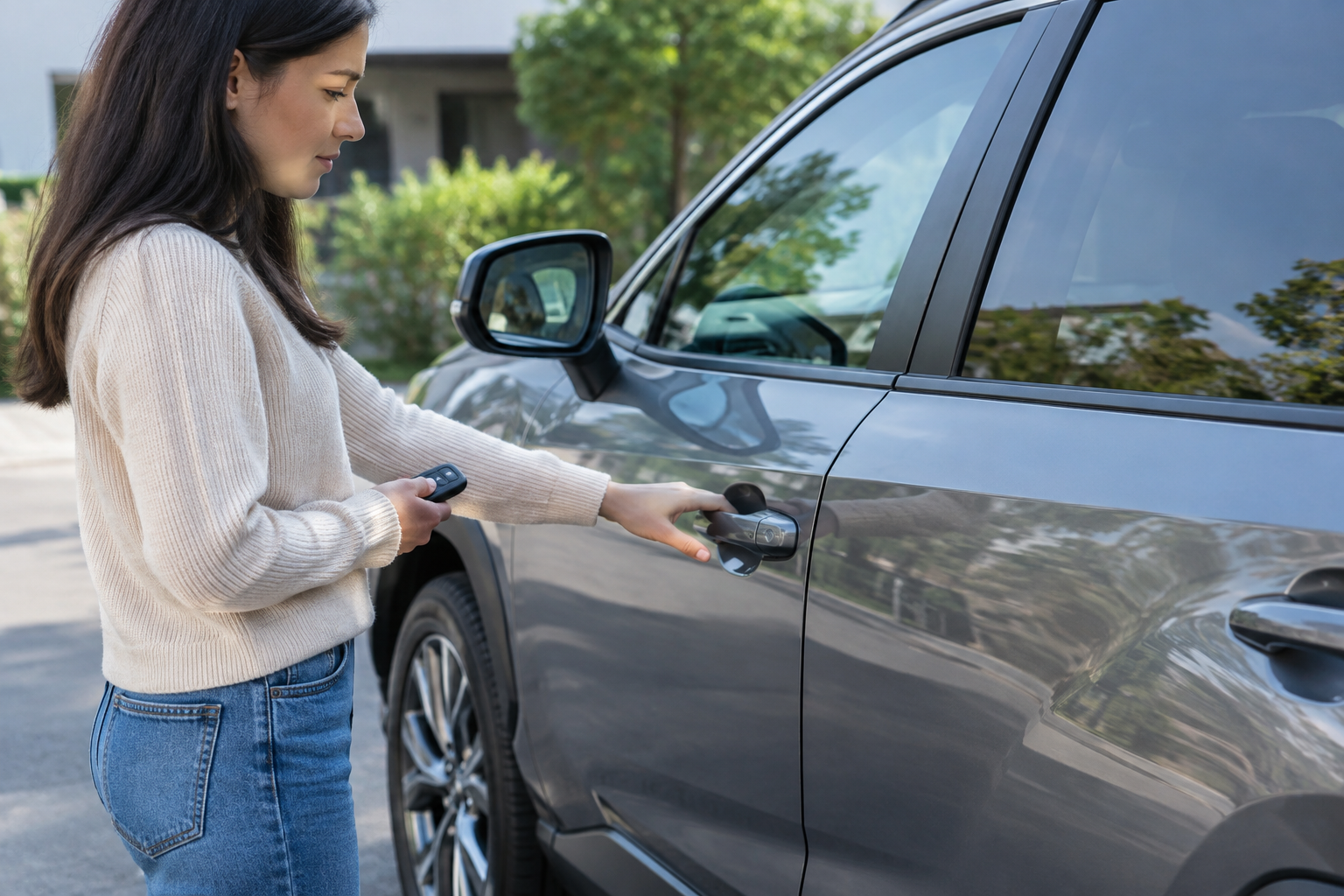
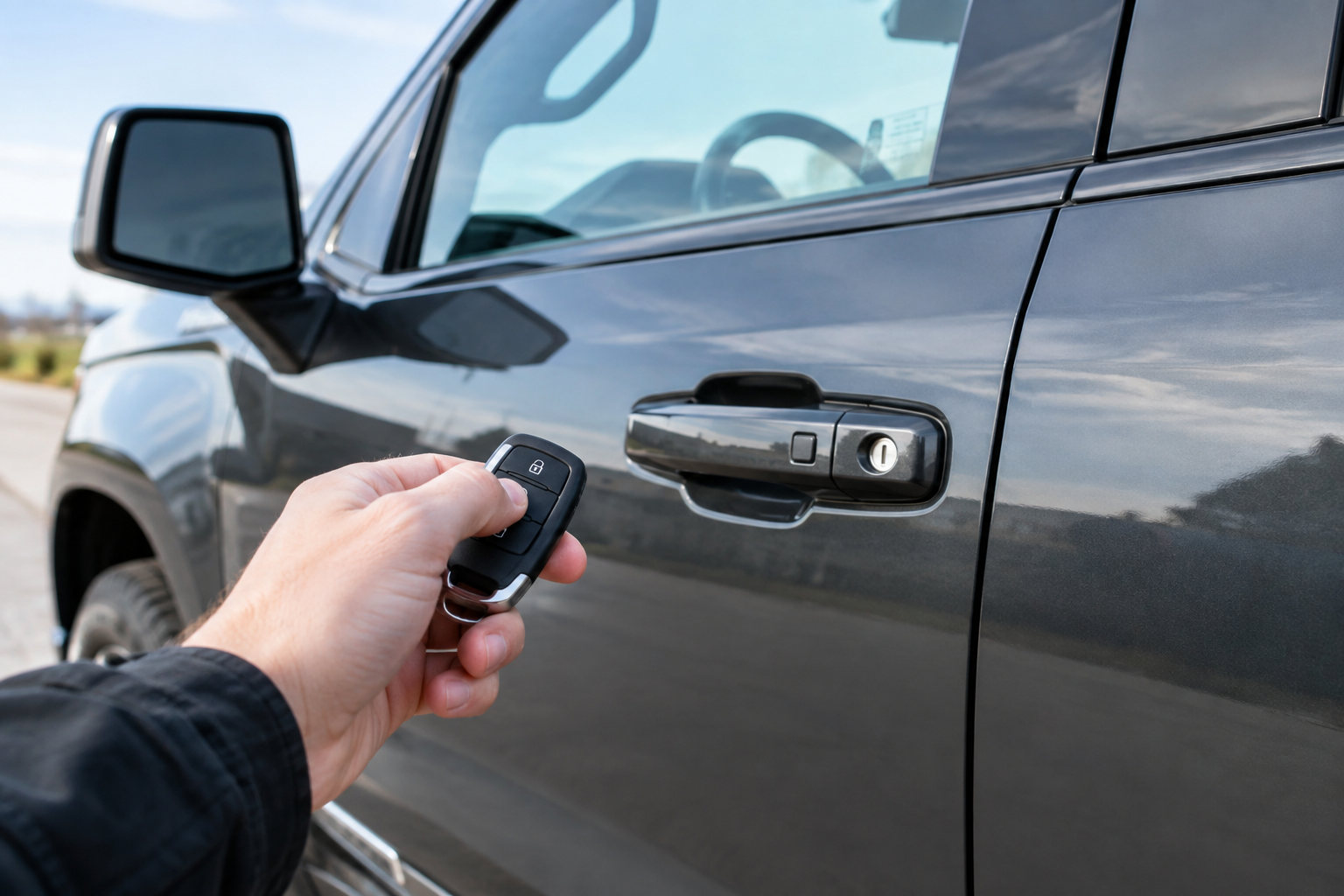
You walk up to your RAV4 with your hands full of groceries, touch the door handle like you always do, and nothing happens. No click, no unlock, nothing. Your key fob is right there in your pocket, and it worked fine yesterday. Toyota calls this feature “Smart Key System with Push Button Start,” and when the passive entry portion stops responding to your touch, it’s usually one of a handful of predictable culprits rather than a mystery.
Before you assume the worst, it helps to understand how this system actually works. The RAV4 constantly sends out a low-power signal from antennas inside the door handles and body, checking for a fob nearby. When it finds one, touching the sensor pad on the handle triggers the lock or unlock. If any piece of that chain is weak, this whole process falls apart.
Start With the Fob Battery
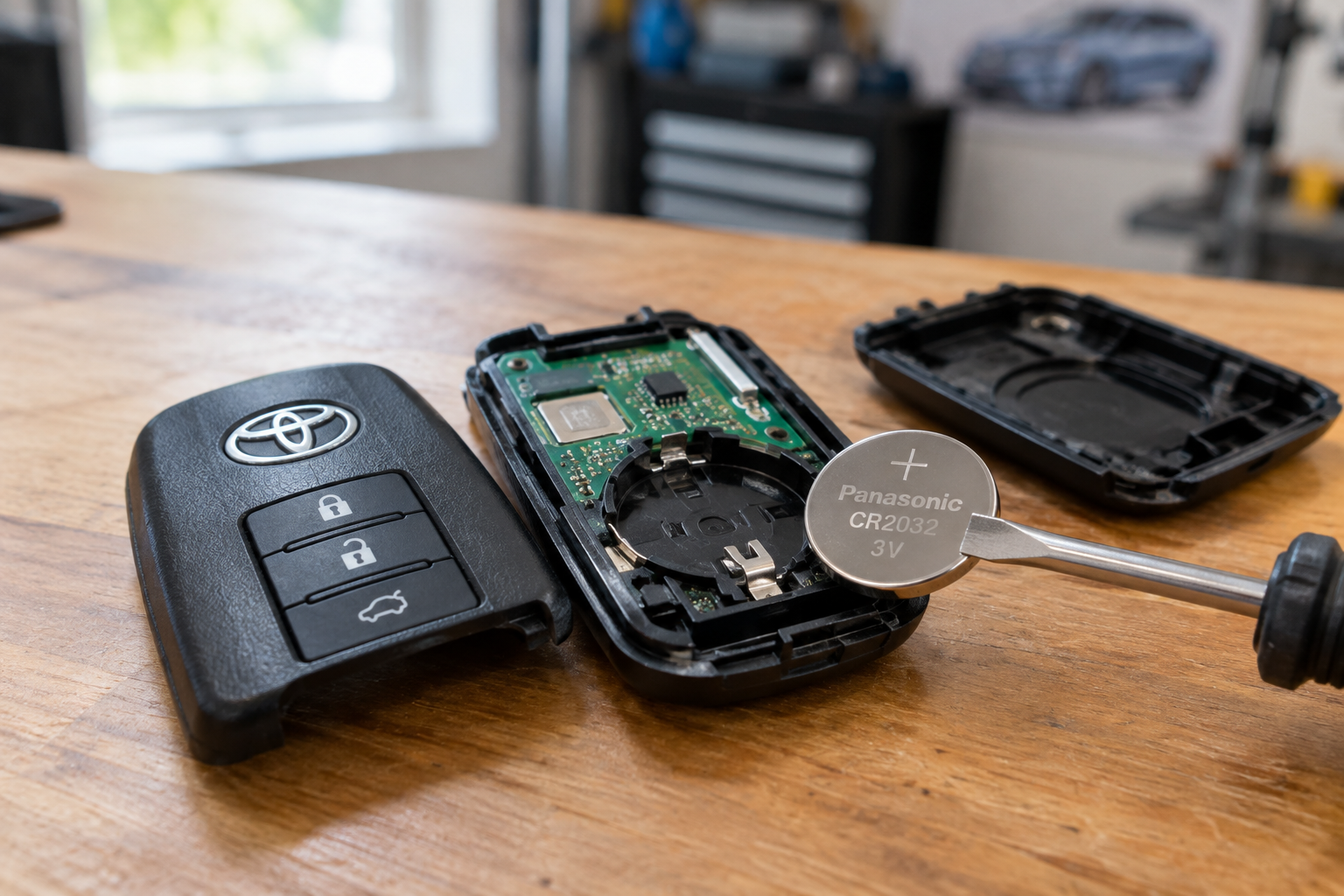
The single most common reason passive entry stops working is a weak coin cell battery inside the fob. Most RAV4 key fobs use a CR2032 battery, and Toyota rates them for roughly one to two years of daily use, though real-world life varies a lot depending on how often you’re near the vehicle.
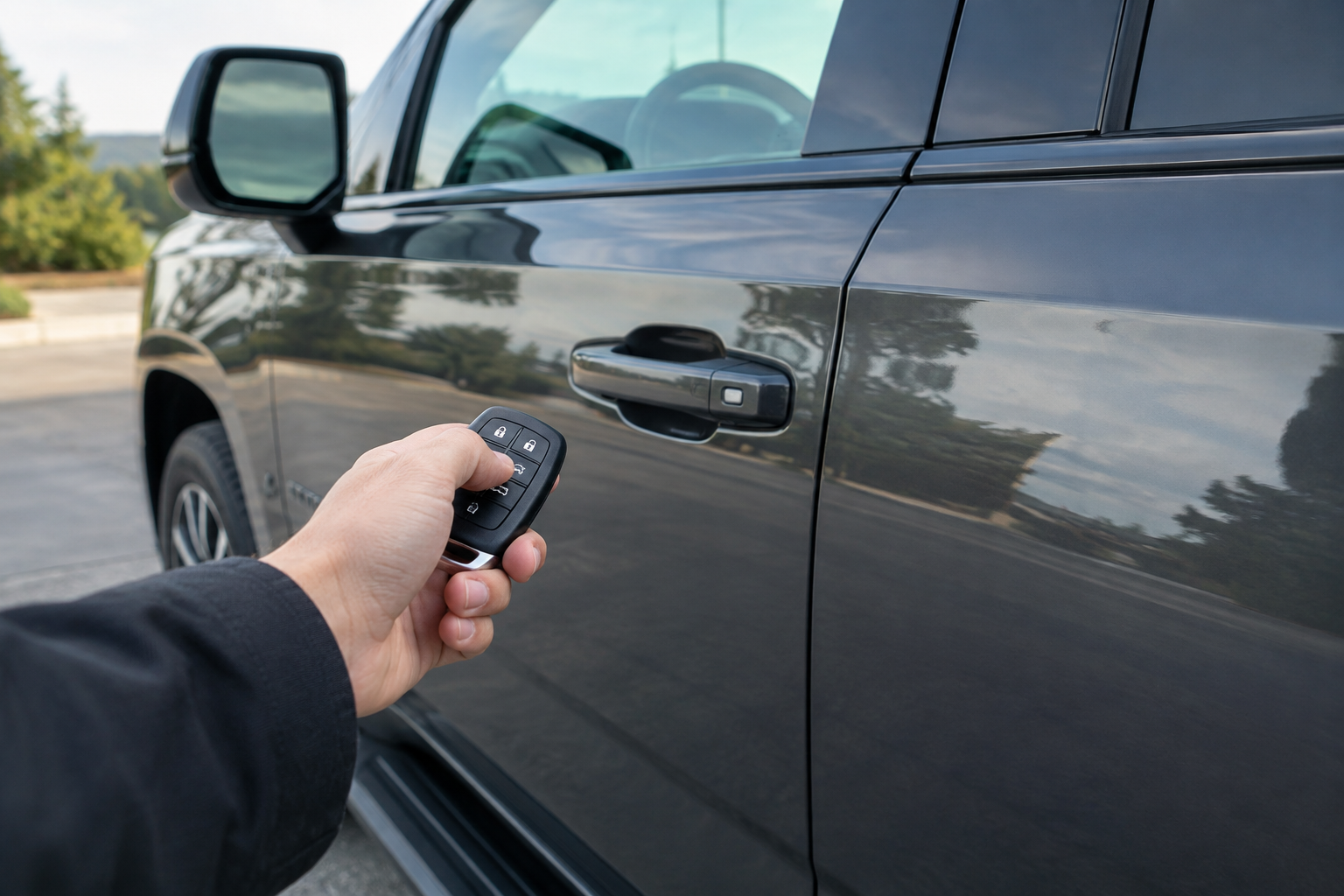
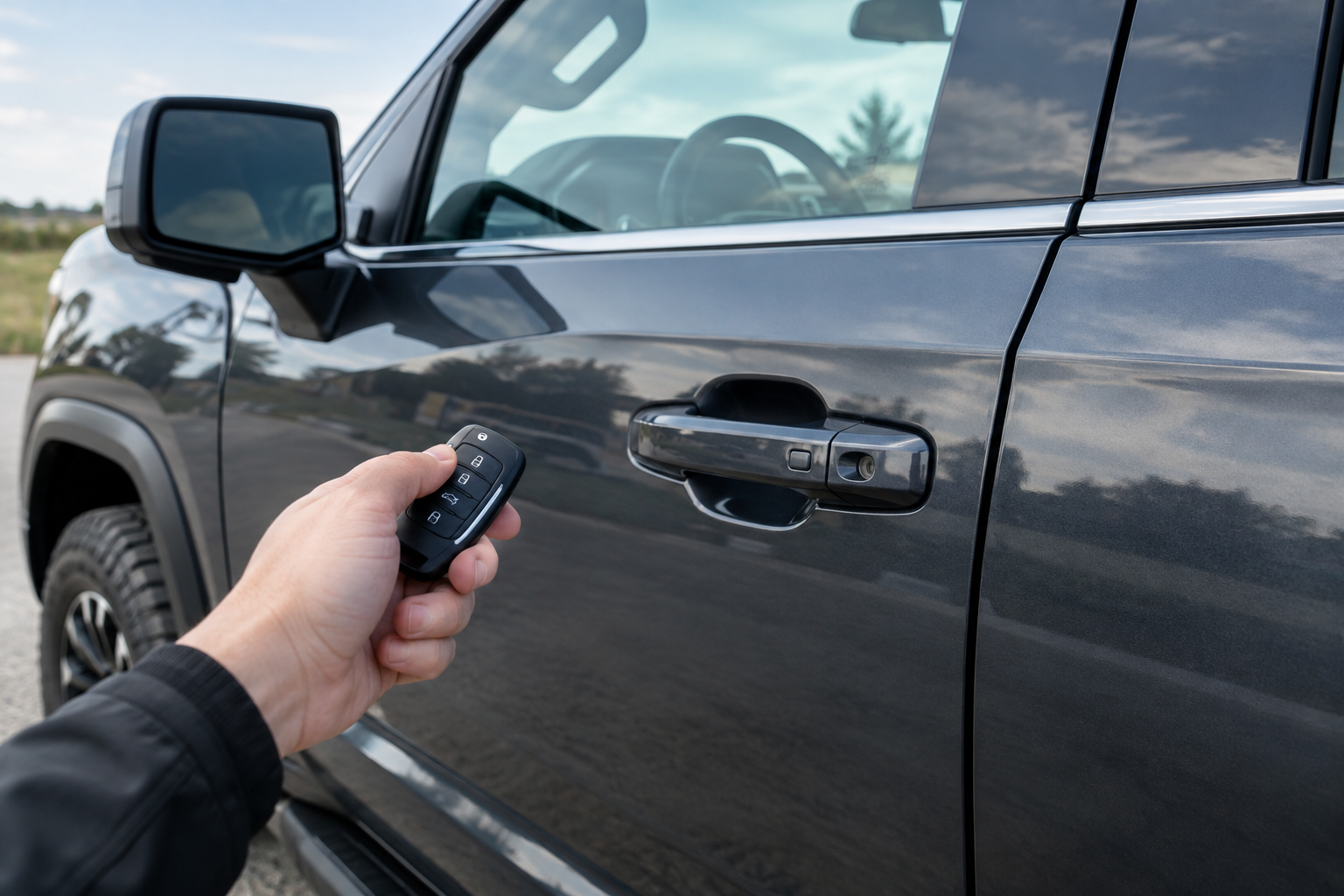
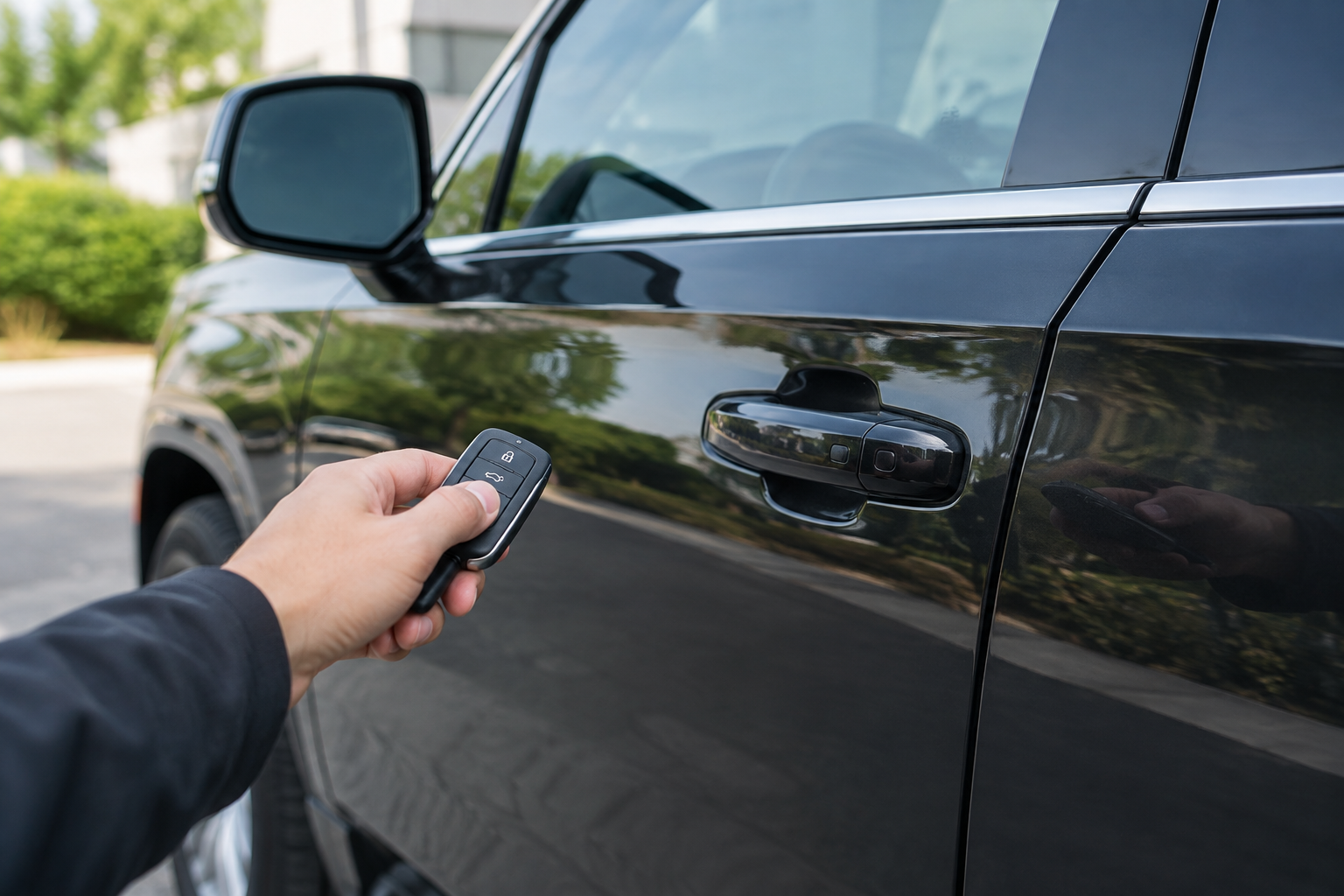
Here’s the part that trips people up: your fob can still start the car and unlock the doors when you press the physical buttons, even when it’s too weak to power passive entry. The buttons on the fob transmit a stronger, more deliberate RF signal, while passive entry relies on a much weaker constant broadcast that needs more battery voltage to work reliably. So if pressing the unlock button on the fob still works but touching the handle doesn’t, a dying battery is almost always the answer.
Swap the battery before you do anything else. It’s cheap, it takes two minutes, and it fixes this problem more often than any other troubleshooting step on this list.
Toyota RAV4 Key Fob Battery CR2032
A fresh CR2032 is the cheapest and most likely fix for passive entry that suddenly stops working.
When you replace the battery, pop the fob open carefully with a small flathead screwdriver (there’s usually a hidden slot near the metal key blade), and note the battery’s polarity before you remove the old one. Installing it backward is a common mistake that leaves you thinking the fix didn’t work.
Check for Sleep Mode or RF Interference
Toyota fobs go into a low-power sleep mode if they sit motionless for an extended period, which happens if you leave your keys sitting on a shelf near where you park, or if the fob has been sitting untouched in a bag or purse for days. Walking around with the fob or pressing a button once usually wakes it back up within a few seconds.
Interference is another sneaky cause. Phones, other key fobs, metal water bottles, and even some wireless chargers can interfere with the fob’s signal if you’re carrying them all clipped together on a keyring or stacked in a bag. Try isolating the fob by itself and standing closer to the handle to see if that changes anything.
Where you park matters too. Parking near power lines, large metal structures, or other vehicles with active RF systems can occasionally create enough interference to disrupt passive entry, especially on RAV4 models where the antenna is tuned fairly tight.
Confirm the Feature Isn’t Disabled in Settings
This gets overlooked constantly. On many RAV4 trims, particularly 2019 and newer models with the touchscreen multimedia system, you can actually turn passive entry on or off through the vehicle settings menu. If someone else drives your car, or if a dealership reset settings during service, this feature may have been switched off without you realizing it.
To check, go into the touchscreen settings, look for “Vehicle” or “Doors & Lock” settings, and find the entry labeled something like “Smart Key” or “Entry/Start System.” From there you can usually toggle passive entry independently from passive start, and even set it so only certain doors respond to touch.
Some higher trims also allow you to enable or disable the driver’s door handle separately from the passenger doors, which explains why some owners report only one handle failing while the rest work fine.
Test Each Door Handle Individually
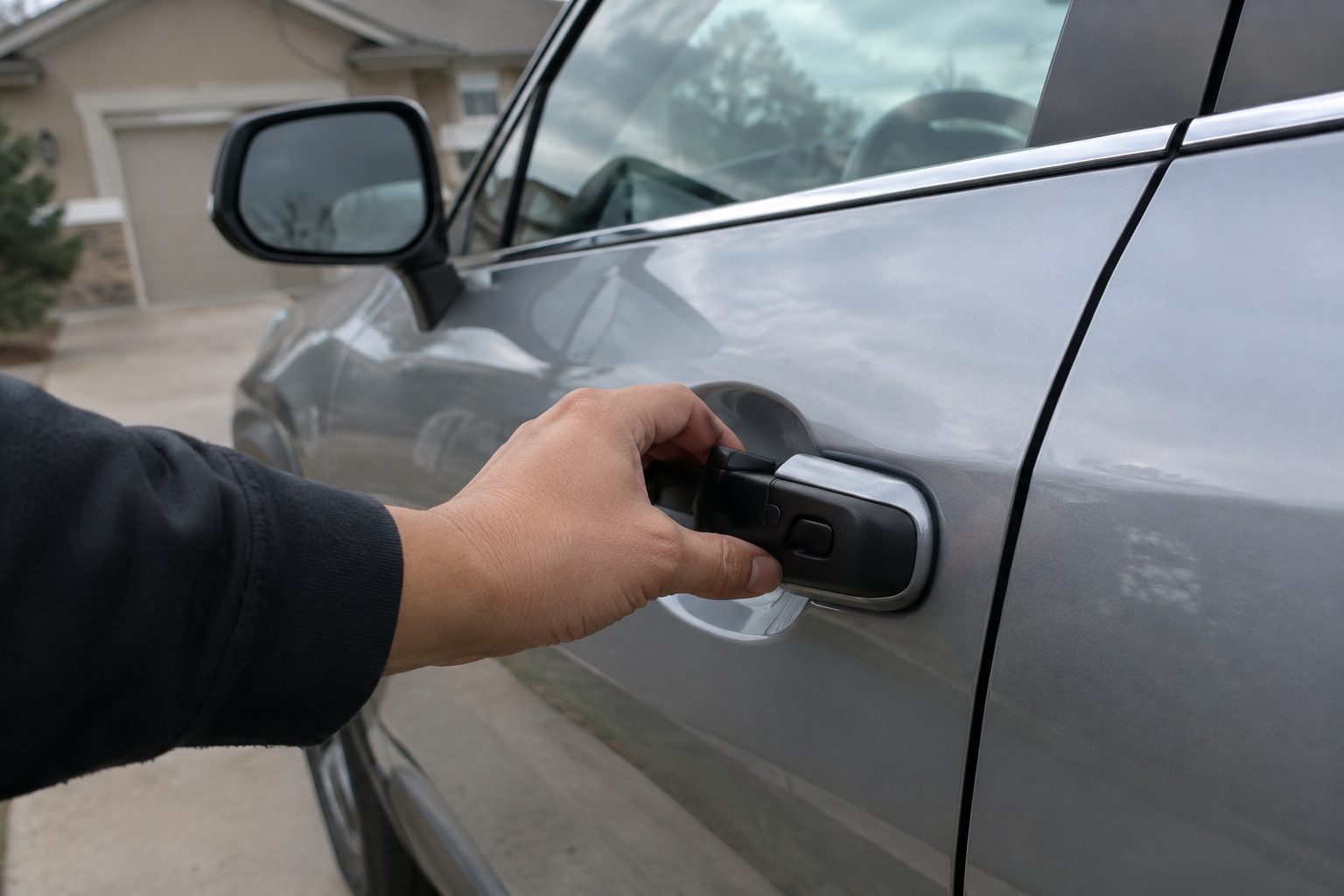
If one specific door won’t unlock via touch but the others work, and the fob buttons unlock everything normally, you’re looking at a handle-side problem rather than a fob issue. Each RAV4 door handle has its own capacitive touch sensor and small wiring harness, and either one can fail independently.
Common causes of a single failed handle include:
- A cracked or corroded touch sensor pad from water intrusion, especially on RAV4s that see a lot of rain or car washes
- A loose or damaged wiring connector behind the door panel, often from age or a previous repair
- A failed door handle antenna, which is a separate small module from the touch sensor itself
- Physical handle damage from an impact or aggressive door-to-door contact in tight parking spots
Test this by trying every door with the fob in your pocket. If only the driver’s door fails, the fob is fine and the fault is local to that handle’s sensor or wiring. This kind of diagnostic process by elimination is the same approach we recommend for other electrical gremlins, similar to how we walk through isolating causes in our guide on a loud humming noise from the rear of a car that only shows up under certain conditions.
Rule Out a Weak 12V Battery
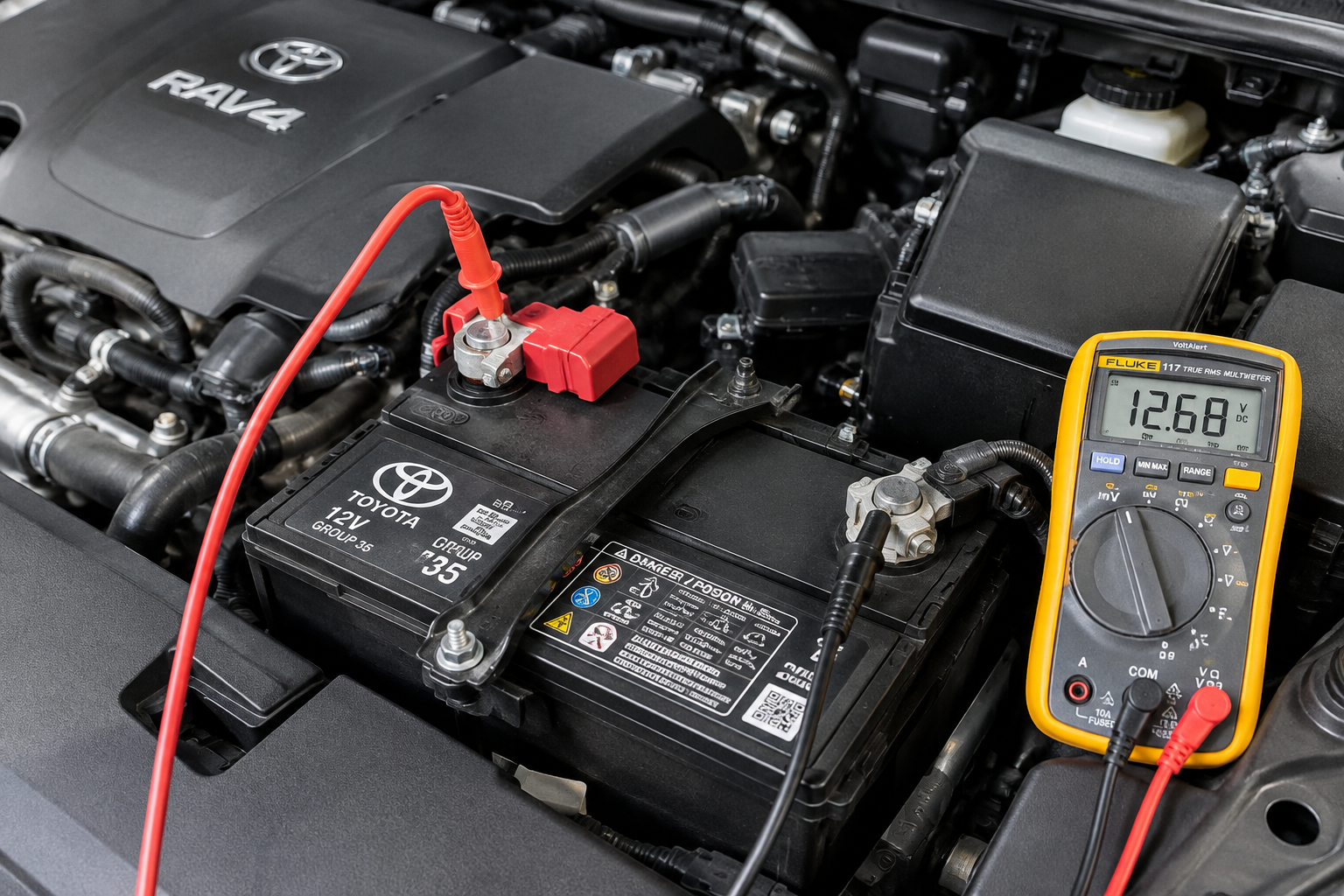
The passive entry system draws its power from the RAV4’s 12-volt battery, not the hybrid battery pack on hybrid models. If that 12V battery is weak, undercharged, or nearing the end of its life, the antenna system may not have enough consistent voltage to reliably detect the fob, even if everything else is functioning normally.
This shows up more often in colder weather, since low temperatures reduce a battery’s effective output. If your RAV4 has been sitting for several days, if you’ve noticed slow cranking on startup, or if the battery is more than four years old, get it load tested before replacing any other components.
A quick way to rule this out yourself is to check dashboard warning lights and clock/radio settings for resets, which often signal voltage drops. If you notice similar drivability oddities alongside the keyless entry issue, it’s worth reading up on related low-voltage symptoms, the same way weak batteries can cause unrelated issues like the ones described in our brake pedal going soft after sitting overnight article, where a slow electrical drain masquerades as a completely different problem.
Know the Trim and Model-Year Differences
Not every RAV4 handles passive entry the same way. Base LE trims on many model years don’t include passive entry at all, only remote keyless entry via the fob buttons, so if you’re expecting touch-to-unlock on an LE and it’s never worked, that may simply be the trim limitation rather than a fault.
XLE, XLE Premium, Adventure, Limited, and TRD trims typically include full passive entry with push-button start starting around the 2019 redesign onward. Some earlier RAV4 generations (2013-2018) offered it only as part of an optional package, so it’s worth confirming your exact configuration in the owner’s manual before assuming something’s broken.
If you’re troubleshooting other electronics-related quirks on your RAV4, it’s also worth checking whether related driver assistance settings got changed at the same time, similar to what we cover in our guide on turning off Driver Monitor on the Toyota RAV4, since a dealership visit or software update can sometimes reset multiple settings at once.
Fob Problem or Vehicle Problem: How to Tell Them Apart
The fastest diagnostic test is comparing behavior across multiple doors and multiple fobs if you have a spare. If a second fob also fails to unlock the same door, the problem is on the vehicle side, likely that door’s handle or antenna. If the second fob works fine at the same door, your original fob’s battery or internal transmitter is the issue.
If every door fails with every fob, but the buttons still work, look at the 12V battery and the passive entry setting in the touchscreen menu first. If buttons also stop working entirely, that points toward a dead fob battery or a much larger electrical issue that needs a shop visit.
A quick two-fob comparison test takes thirty seconds and eliminates half the guesswork before you spend a dime on parts.
Frequently Asked Questions
Why does my RAV4 key fob work up close but not from far away?
This is almost always a weak battery. As the CR2032 loses voltage, its effective transmission range shrinks noticeably before it stops working altogether, so a shorter range is often the earliest warning sign of a battery on its way out.
Can I still start my RAV4 if the fob battery is completely dead?
Yes. Toyota builds in a backup method where you hold the fob directly against the push-button start (or against a designated spot near it, depending on model year) to start the car even with a fully dead battery. Check your owner’s manual for the exact location, since it varies by model year.
Is it normal for only the driver’s door to have keyless entry?
On some trims, Toyota allows passive entry to be limited to the driver’s door only through the settings menu, and a few base configurations only ever included it on that one door from the factory. Check your settings menu before assuming the passenger side handles are broken.
Leave a Reply